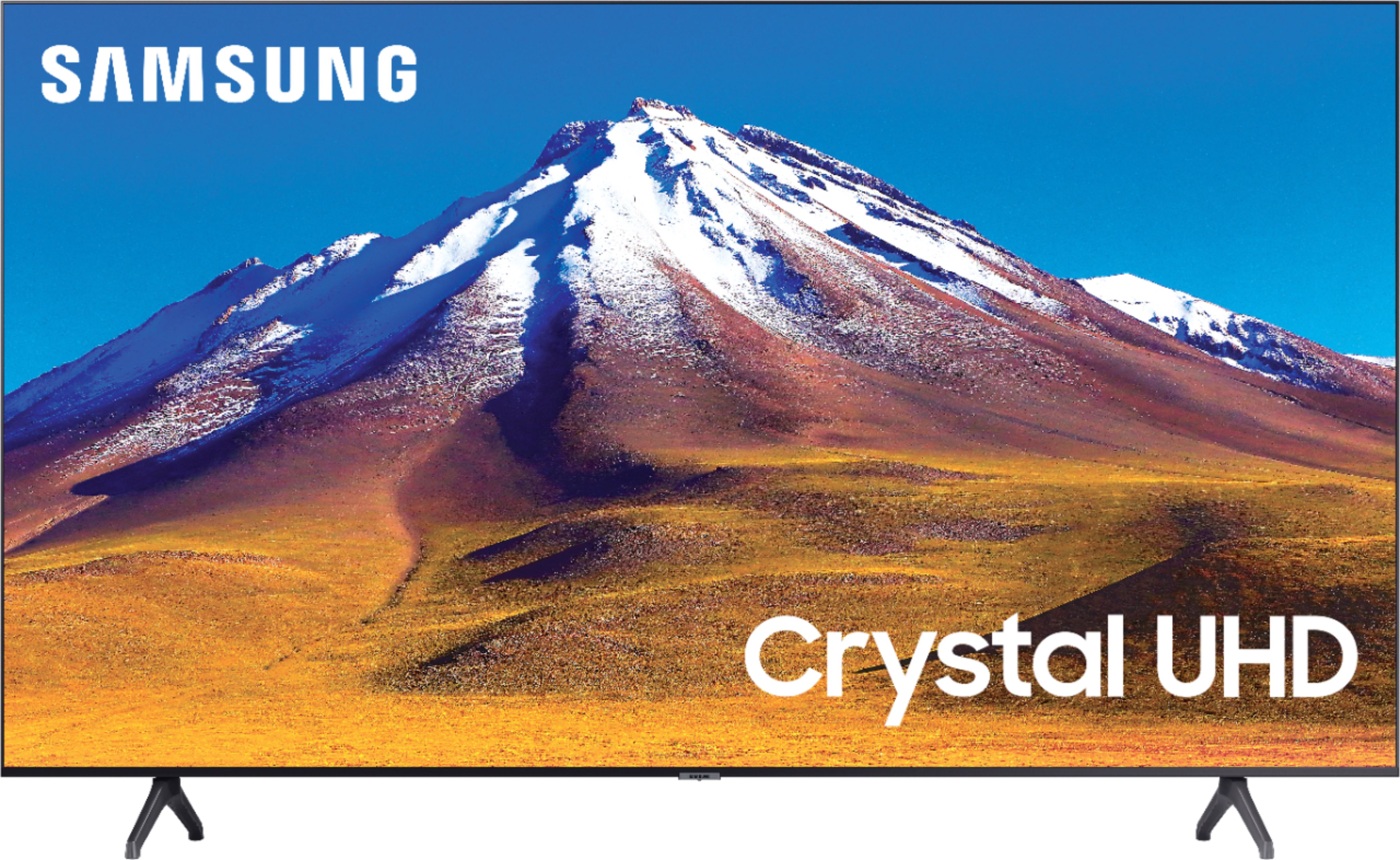
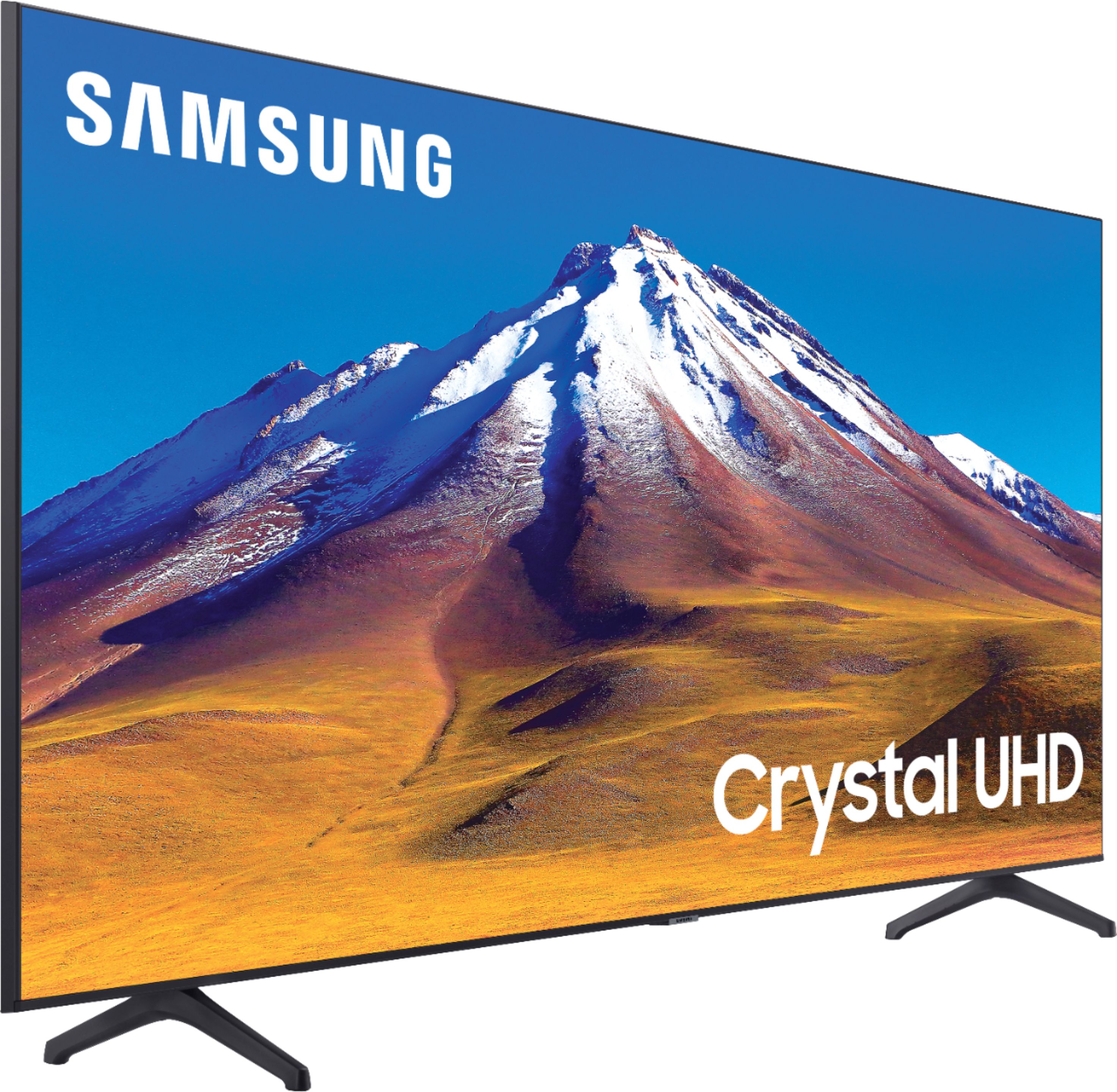
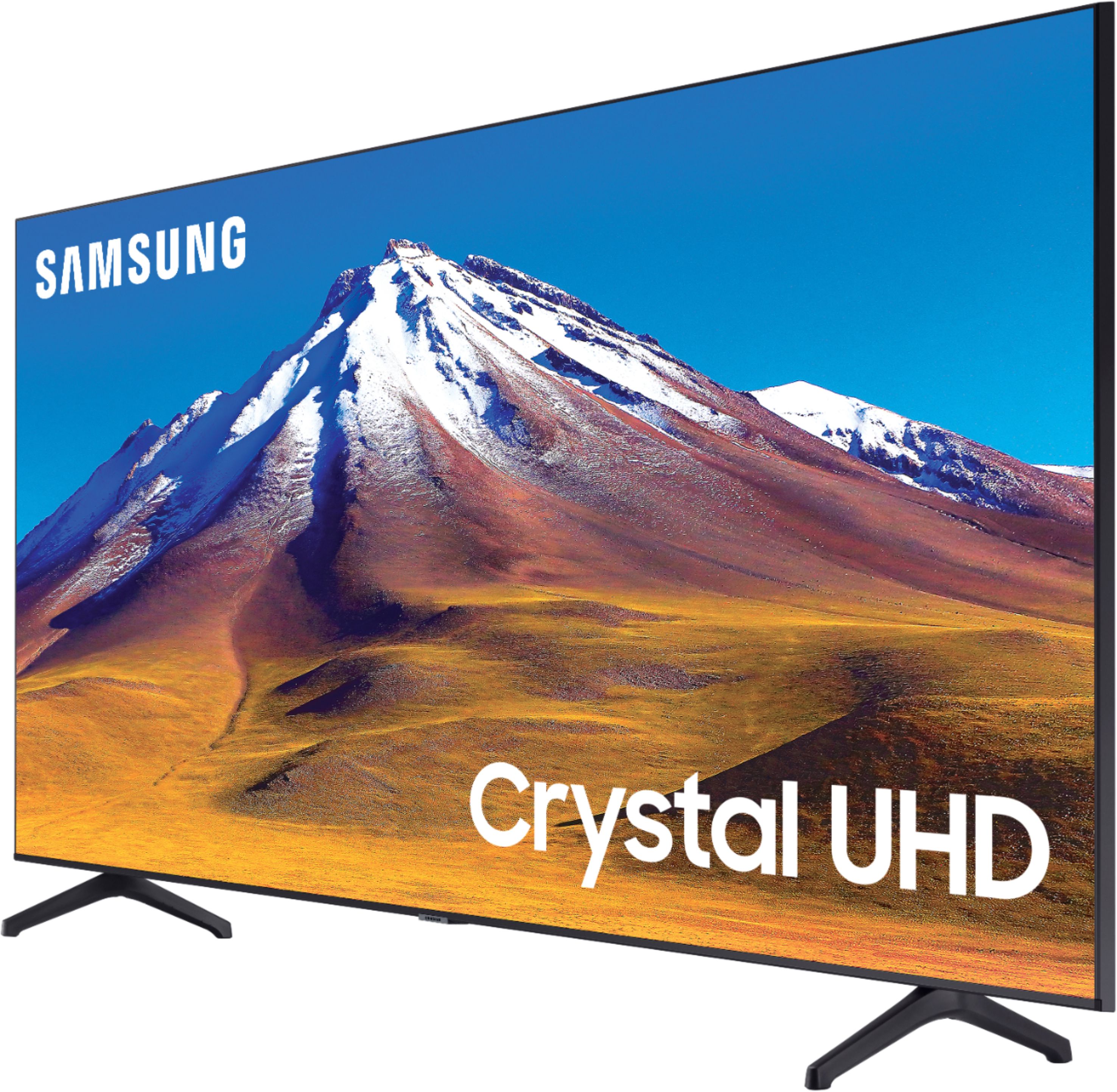
A:AnswerHi MikeAustin! Yes, the TU6980 features a built in channel list and guide feature. You can access this feature by pressing the home button on your remote, and navigating to the Live-TV icon. From there select guide to pull up the channel lineup and schedule. ^Tim
A:AnswerHi Mano, great question. The Samsung - 70" Class 6 Series LED 4K UHD Smart Tizen TV with legs is around 55 lbs, without it is around 54. Cheers! ^Scott
A:AnswerHi Raiabright! The TU6980 includes the Hulu app, which will be installed in your TV upon setup. Through the Hulu app, you will be able to access Hulu Live. ^Gina
A:AnswerTo be clear the manual says an M8 screw. It says the length of the part that goes into the TV (NOT the whole screw) should be 20mm to 22mm. So the screw itself needs to be longer to accommodate the bracket being used, as well as any applicable spacers and washers.
My washer and bracket were about 4mm, so I used a 25mm screw. 25mm minus 4mm equals 21mm, which falls in the range of 20mm to 22mm that is listed in the manual.
Hope that helps!
A:AnswerI don’t use voice activated options and full voice controls, but to the best of my knowledge, it’s only available thru Comcast as an upcharge and is located on the remote. I don’t know if this is available thru Spectrum.
Re Netflix, the simplest way is to select it on your Samsung remote. Another simple way to access other “Smart tv” apps quickly is to program Autorun Smart Hub ( on tv remote, go to Settings, on left side select General, then go down to Smart Features. Options on right side are Autorun Smart Hub which makes smart apps automatically visible when you turn on the tv).
There is a Voice Guide in Settings, General and then select Accessibility. You’ll see it on right side, but I don’t think this is what your question references.
If you have Alexa-type devices, they can be programmed to control your tv. The Samsung app on your smart phone (if you downloaded it to set up tv) might have a voice activated control.
A:AnswerHi Bruce! The TU6980 does not have a built-in camera; you can connect or cast from a laptop display to your TV if you would like to utilize your TV as a bigger monitor. ^Gina
A:AnswerWe was informed by best buy that laying flat is nit recommend, due it may brike the screen and they will not replace it. However he did suggest not to lay it on the screen sise to transport it. We used my Chevy Traverse , laid the 2nd and 3rd row seat down and it fit perfectly with a couple inches to spare.
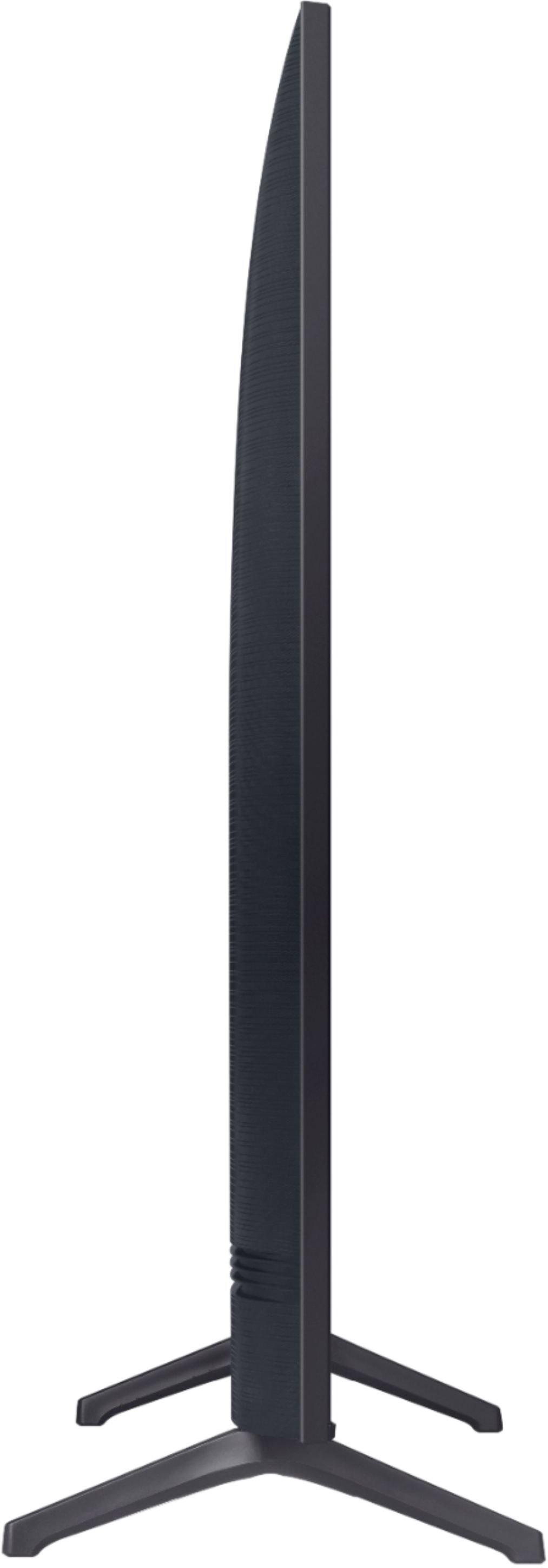
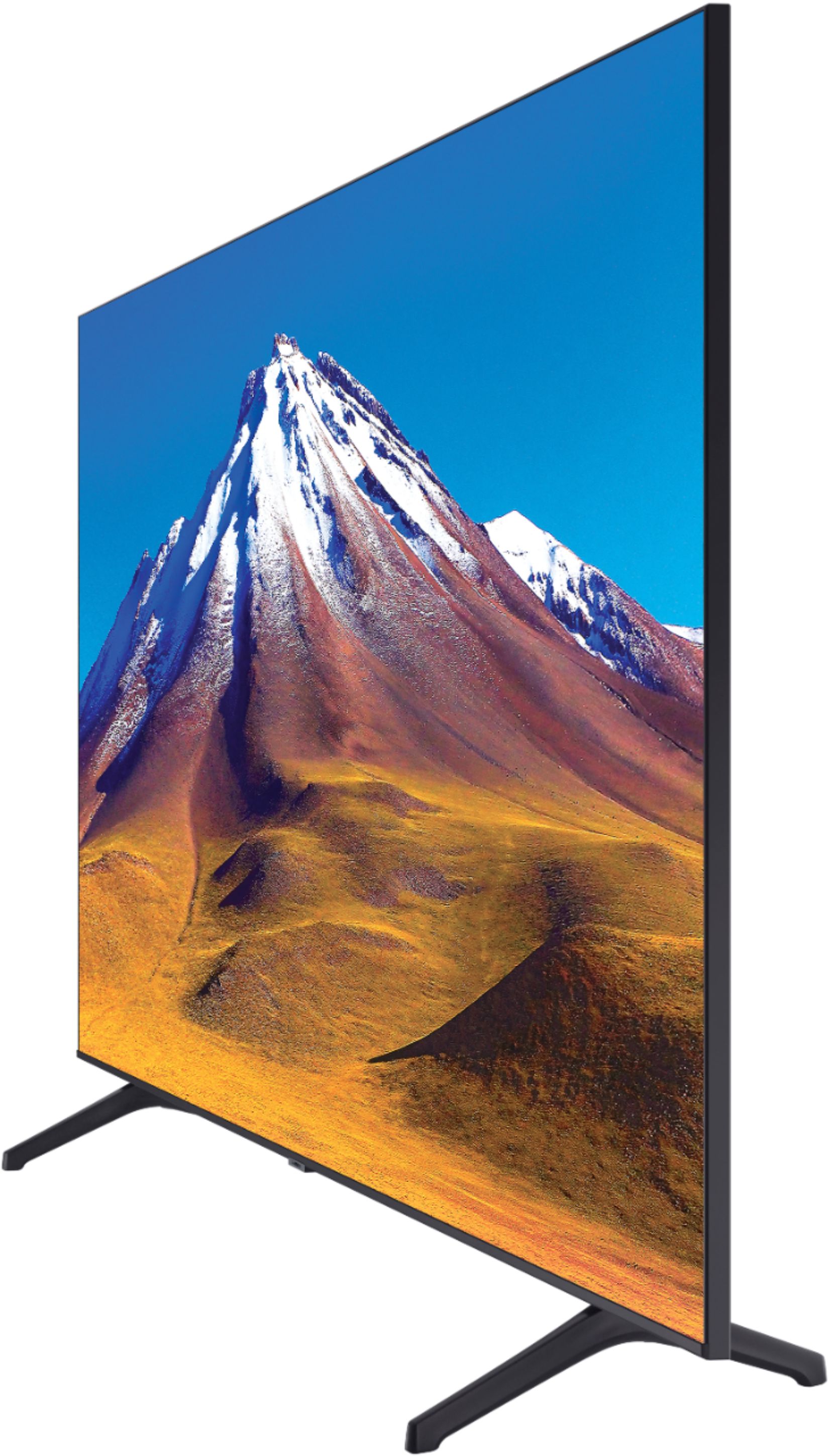
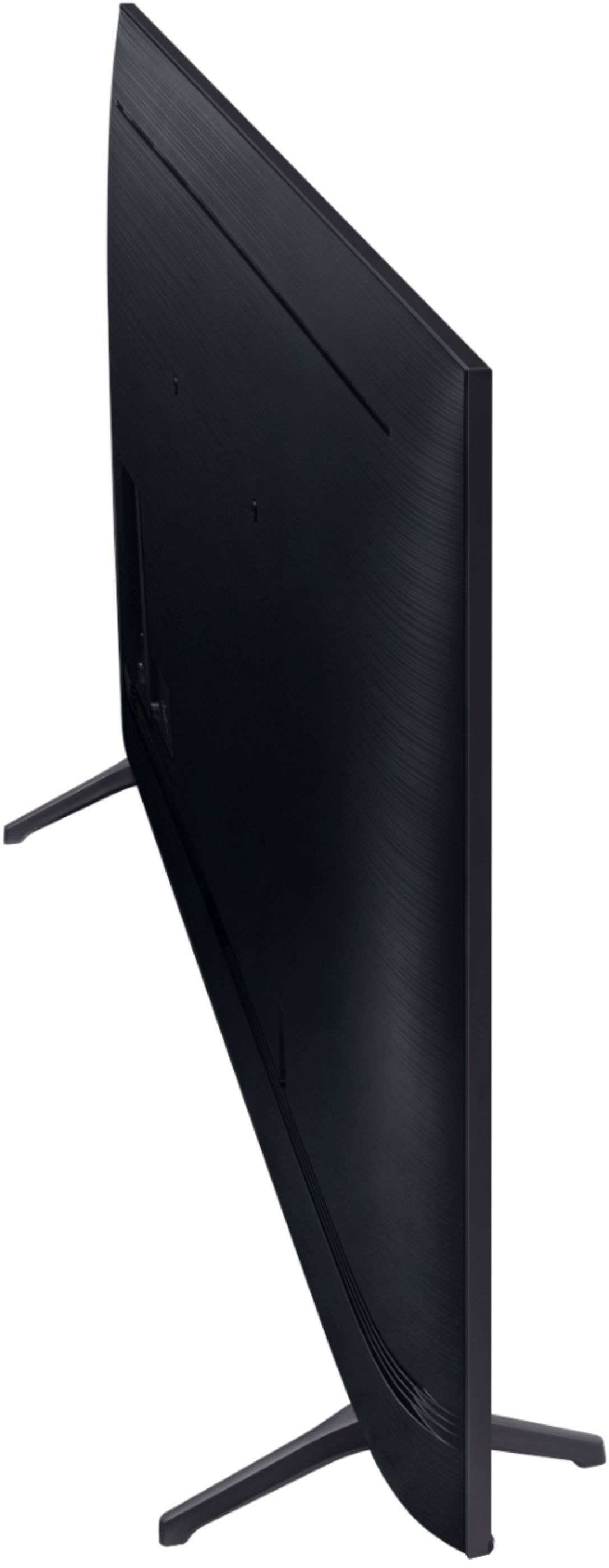
A:AnswerHi Tim! The back of the TU6980 is flat with a slight curve. The mounting holes will be centered, but more towards the top of the TV. The top mounting holes will be approximately 11" from the top of your TV, and the bottom mounting holes will be approximately 12" from the bottom of your TV. ^Gina
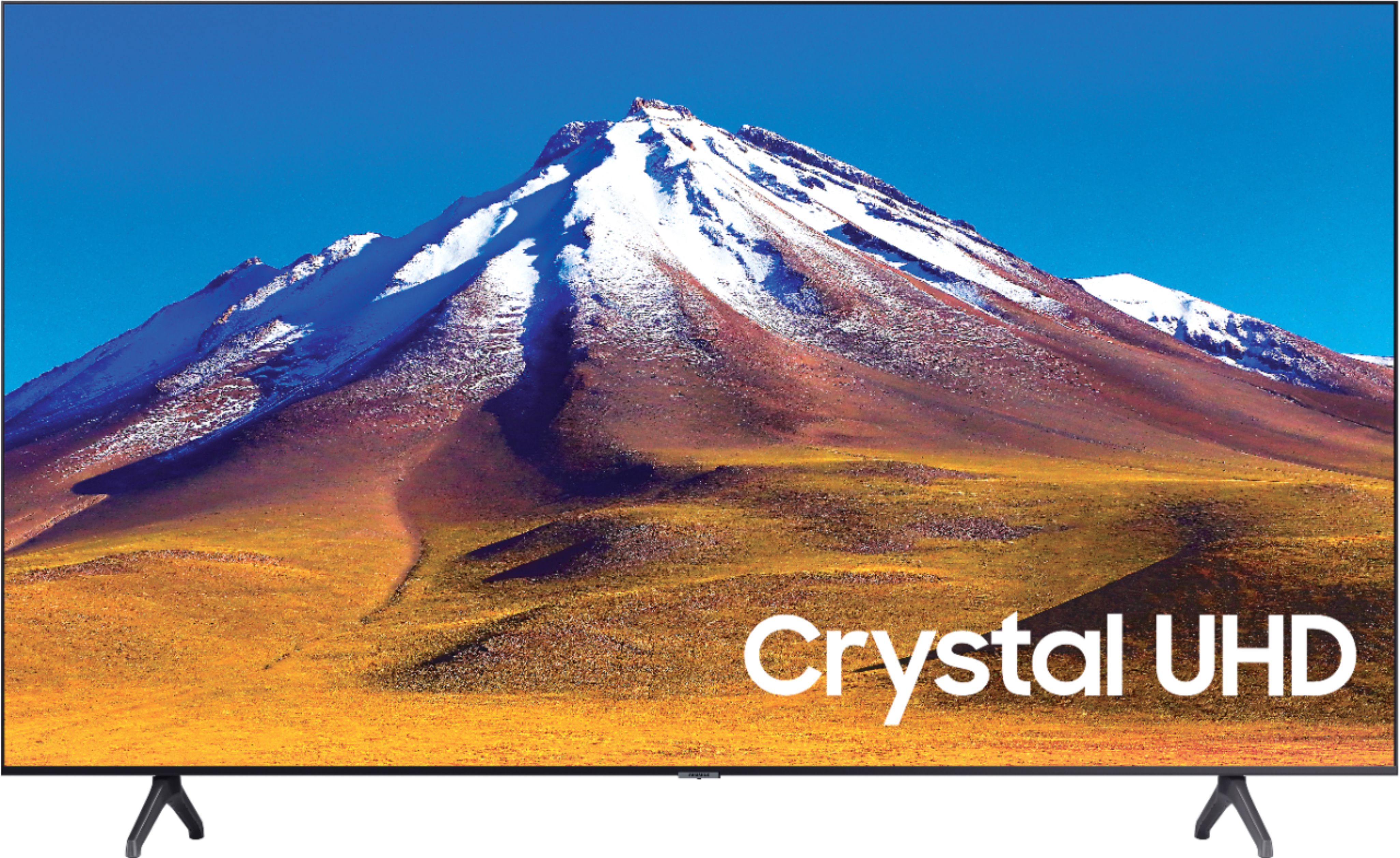
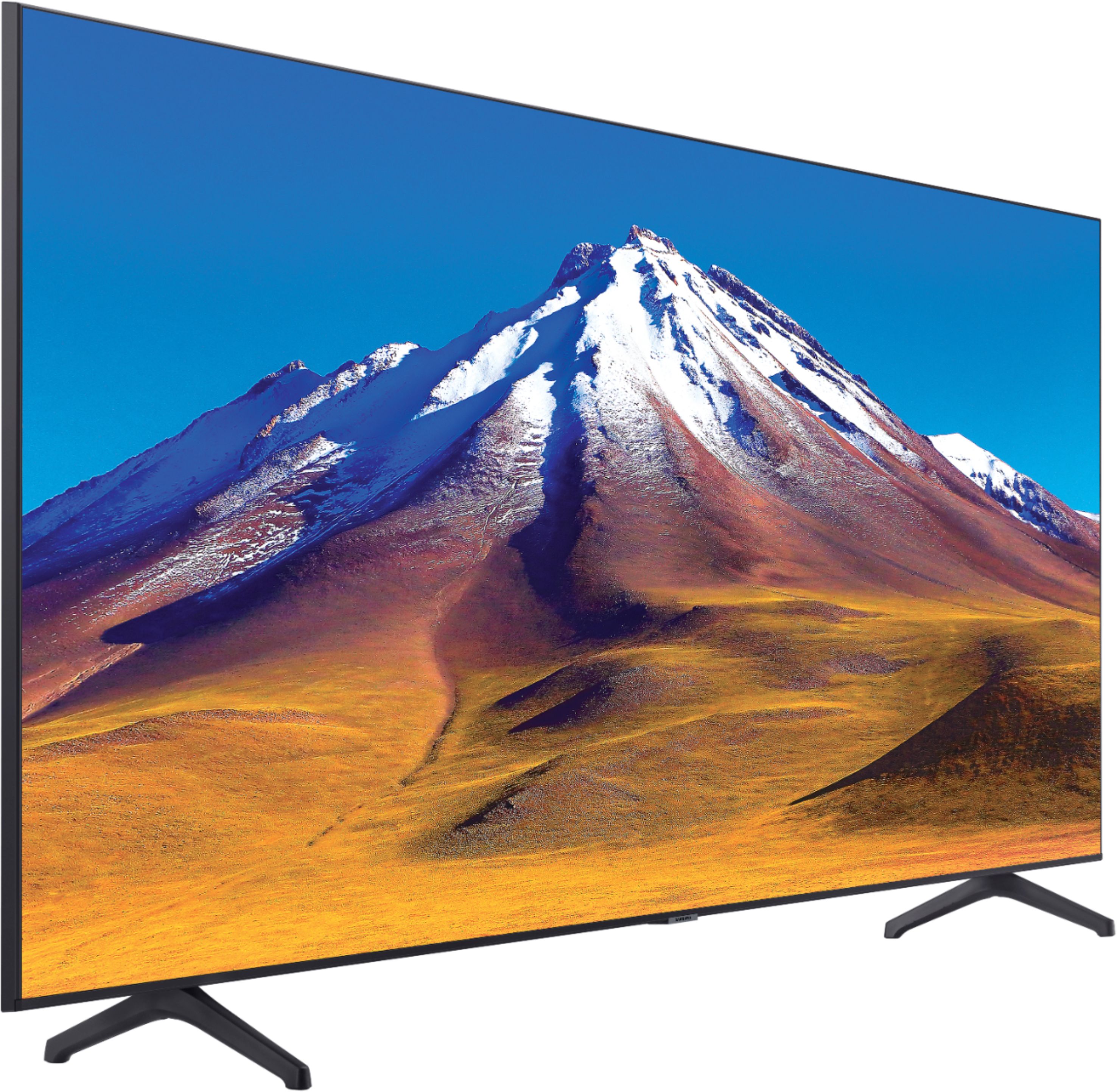
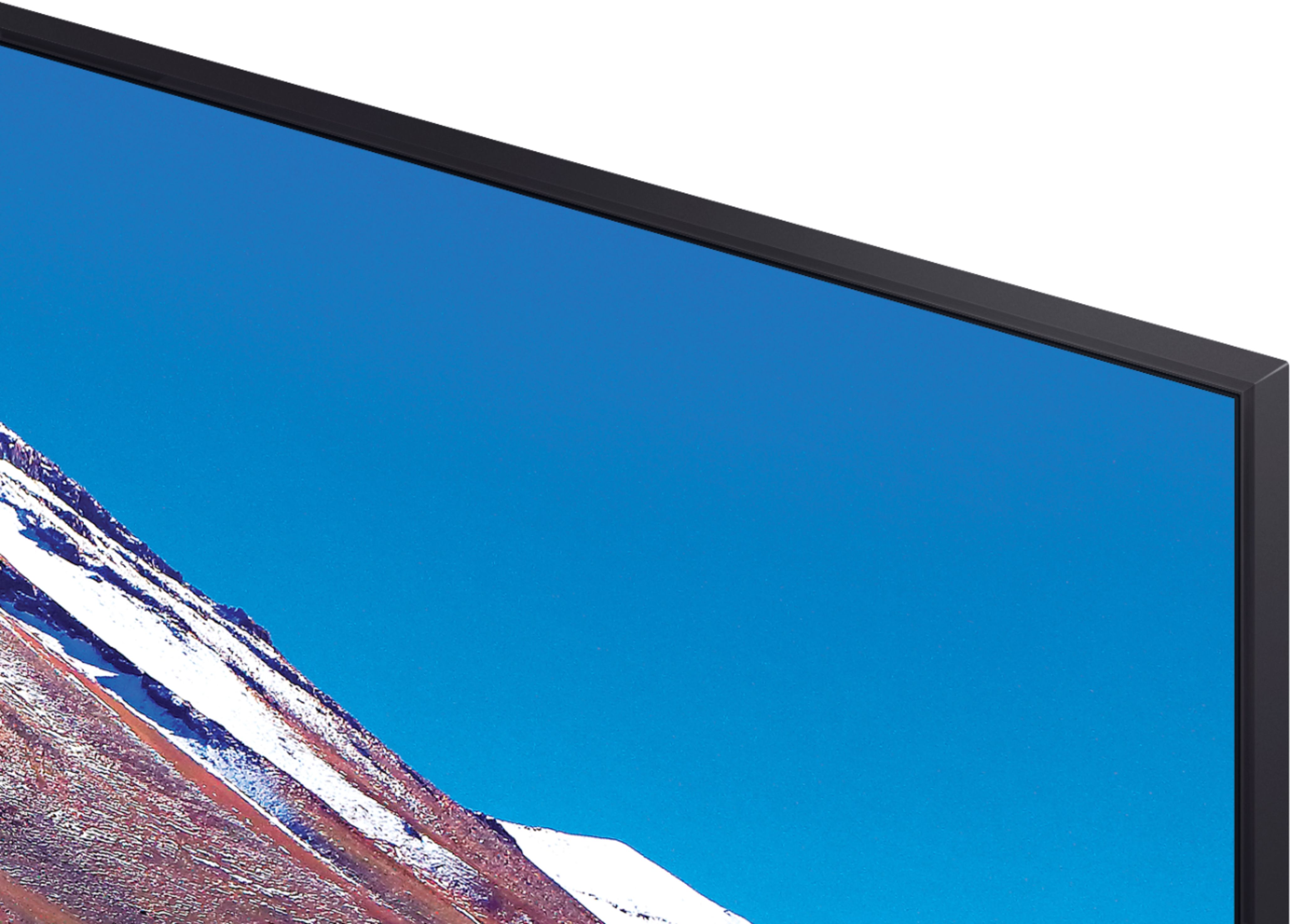
A:AnswerHi CheriKaye! The TU6980 features a Titan Grey bezel, which is a darker grey color. The bezel is approximately 9.3mm thin on each side of the TV, and 40.6mm (1.6") on the top and bottom of the TV. ^Gina
A:AnswerHi Michigander36! Yes, you can use both TV and Bluetooth device audio simultaneously on the TU7000. When this function is active, you can set the volume of the Bluetooth headphones higher than the volume of the TV speaker. First, make sure your Bluetooth headphones are paired. Press HOME on your TU7000 remote. Then go to Settings > General > Accessibility > Multi-output Audio. Find the device you'd like to pair.
If you need assistance or have questions, please call us at 1-800-SAMSUNG, available 8AM - 12AM EST, 7 days a week.
^Tim