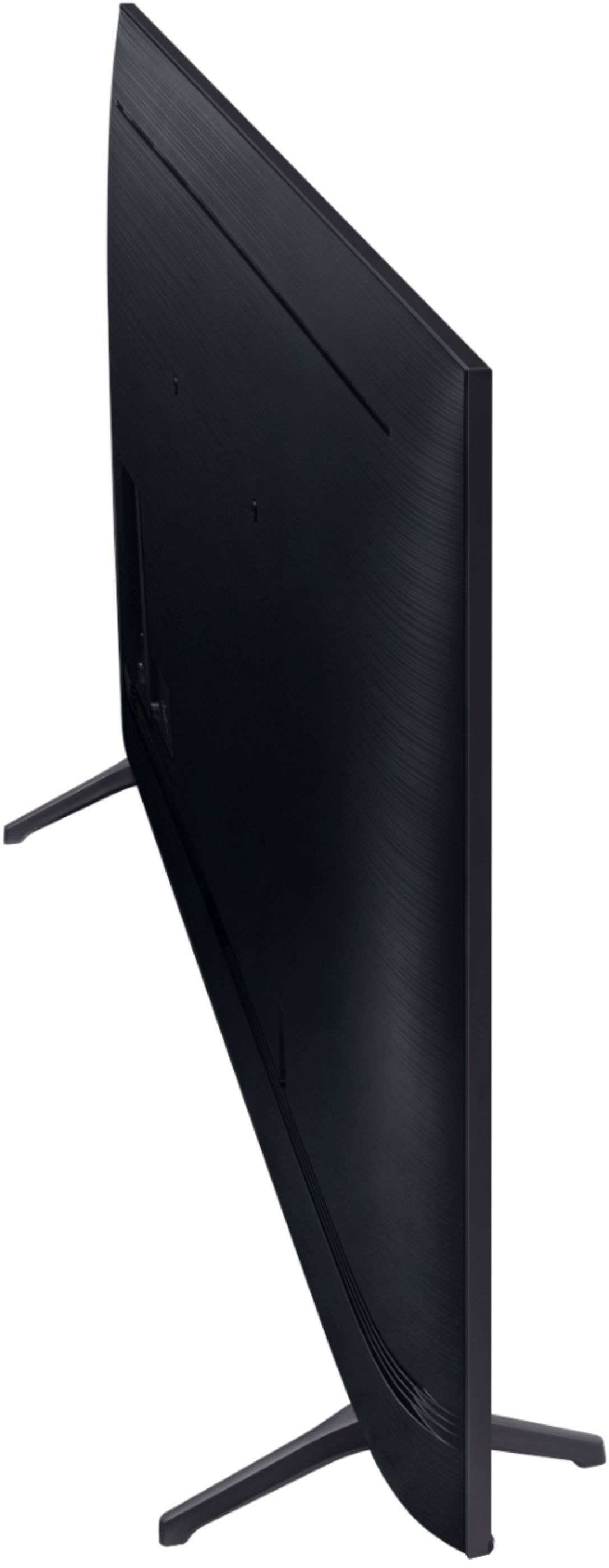
A:AnswerHi Jane,,, We have had no issues with it leaning one way or the other. Not sure how to address this issue but triple check the legs anyhow. Maybe where the stand sits is'nt quite level?? Hope this helps somehow..
A:AnswerI switched format on the TV from Dolby to PCM, monkied with the delay on the TV and the soundbar and it's much better- but still not what you would expect from a supposedly competent manufacturer like Samsung. If you are in the video and audio business this should never be up to the customer to resolve
Why Best Buy doesn't yet have a simple solution for this .....? Do they even care?
A:AnswerHi there! So that we can better assist you, please reach out to Samsung Support at:
― Phone: 1-800-SAMSUNG / Available 8AM - 12AM EST, 7 days a week
― LiveChat or Email: https://www.samsung.com/us/support/#contact_us_for_support
We look forward to hearing from you. ^Gina
A:AnswerHello 139Radcliff,
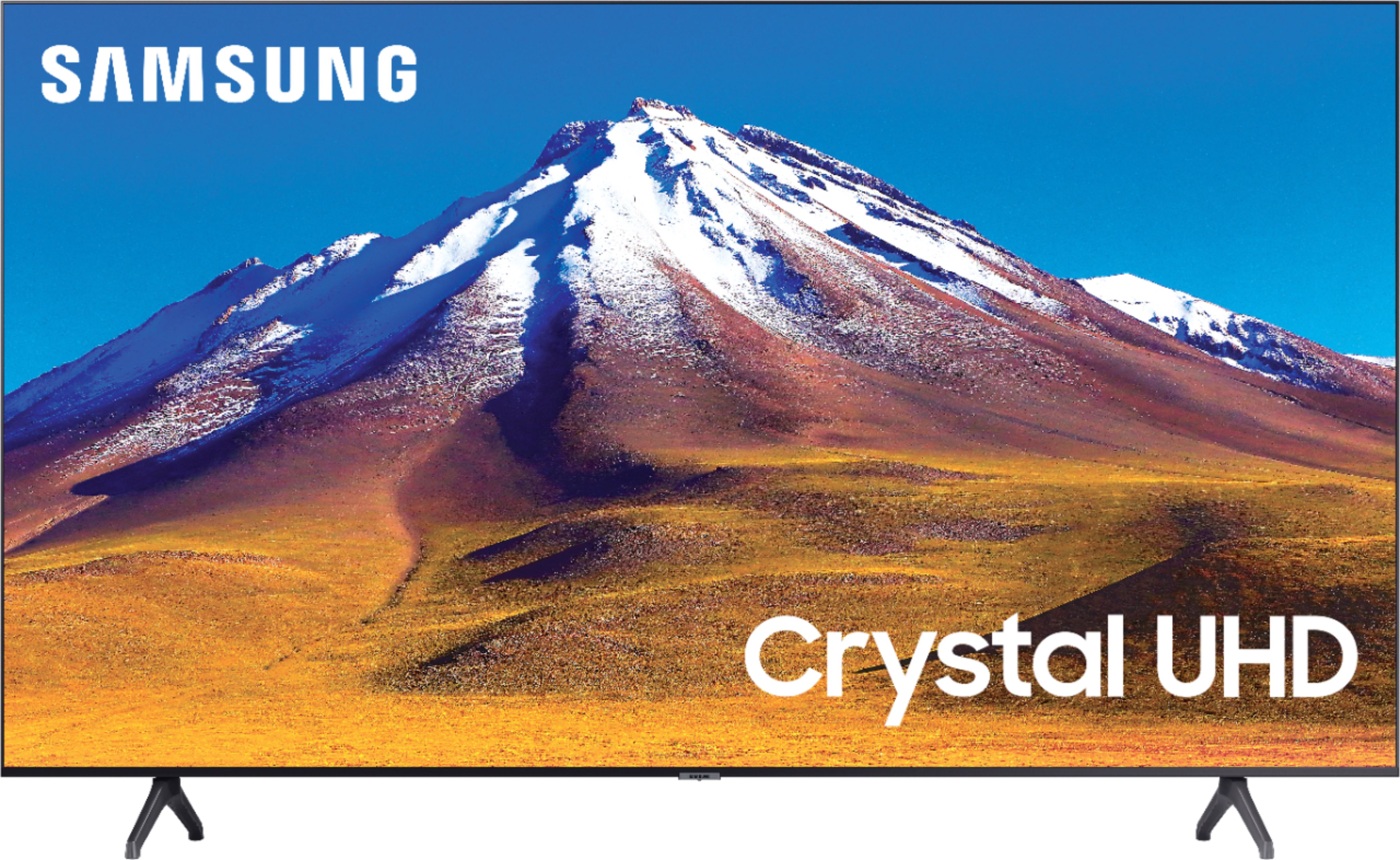
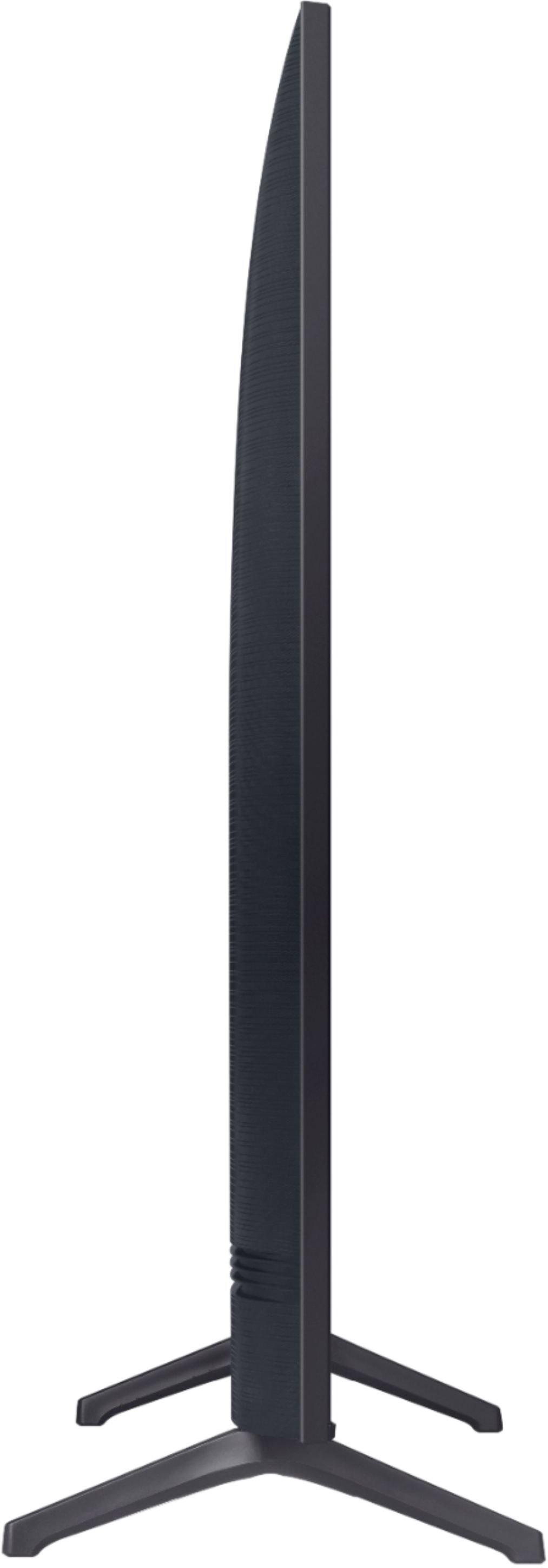
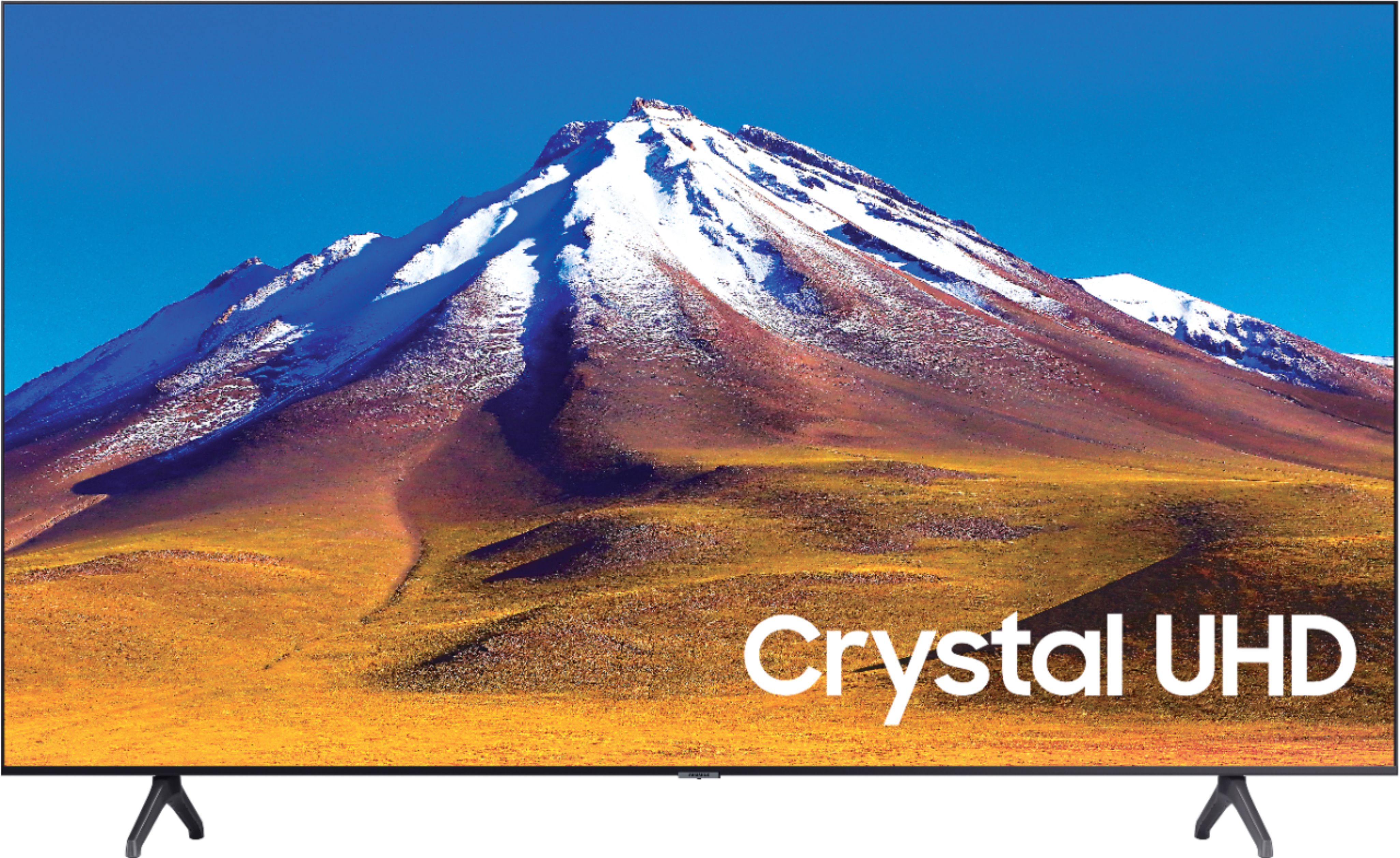
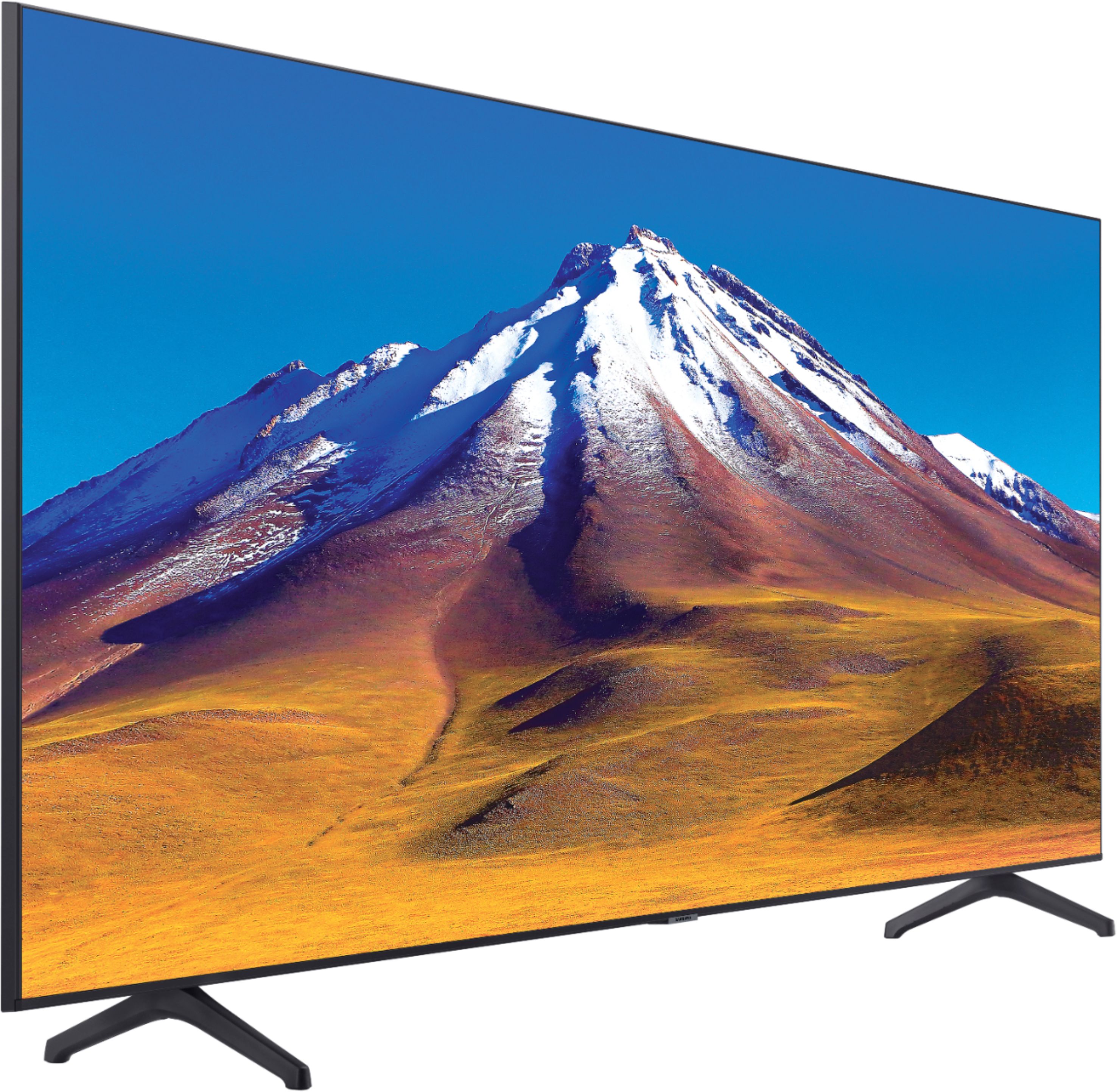
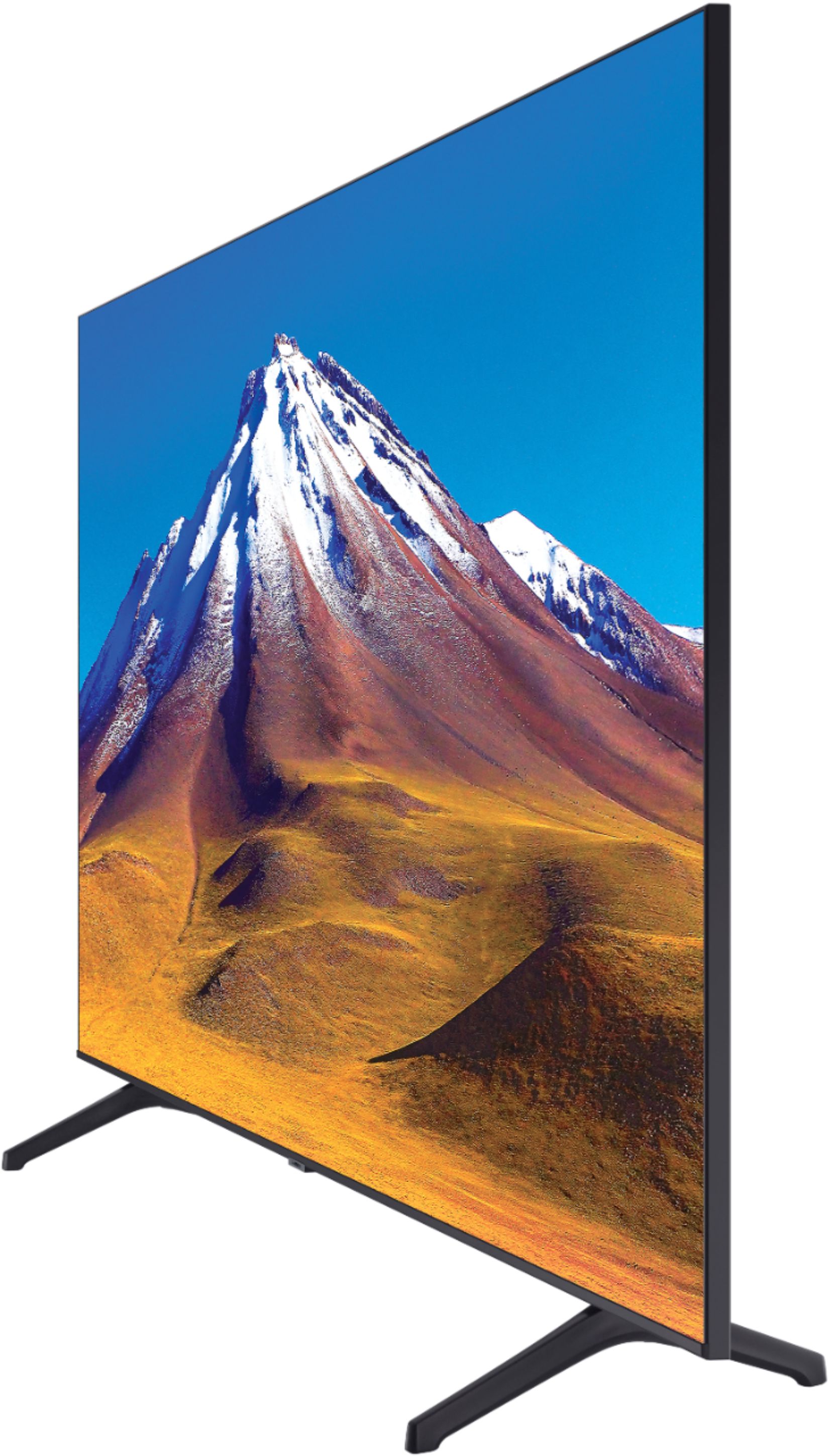
Yes, here are the full dimensions of the 70TU6980 DIMENSIONS (INCHES W x H x D):
• TV WITHOUT STAND: 61.9 x 34.4 x 2.4
• TV WITH STAND: 61.9 x 37.8 x 13.4
^Cristian
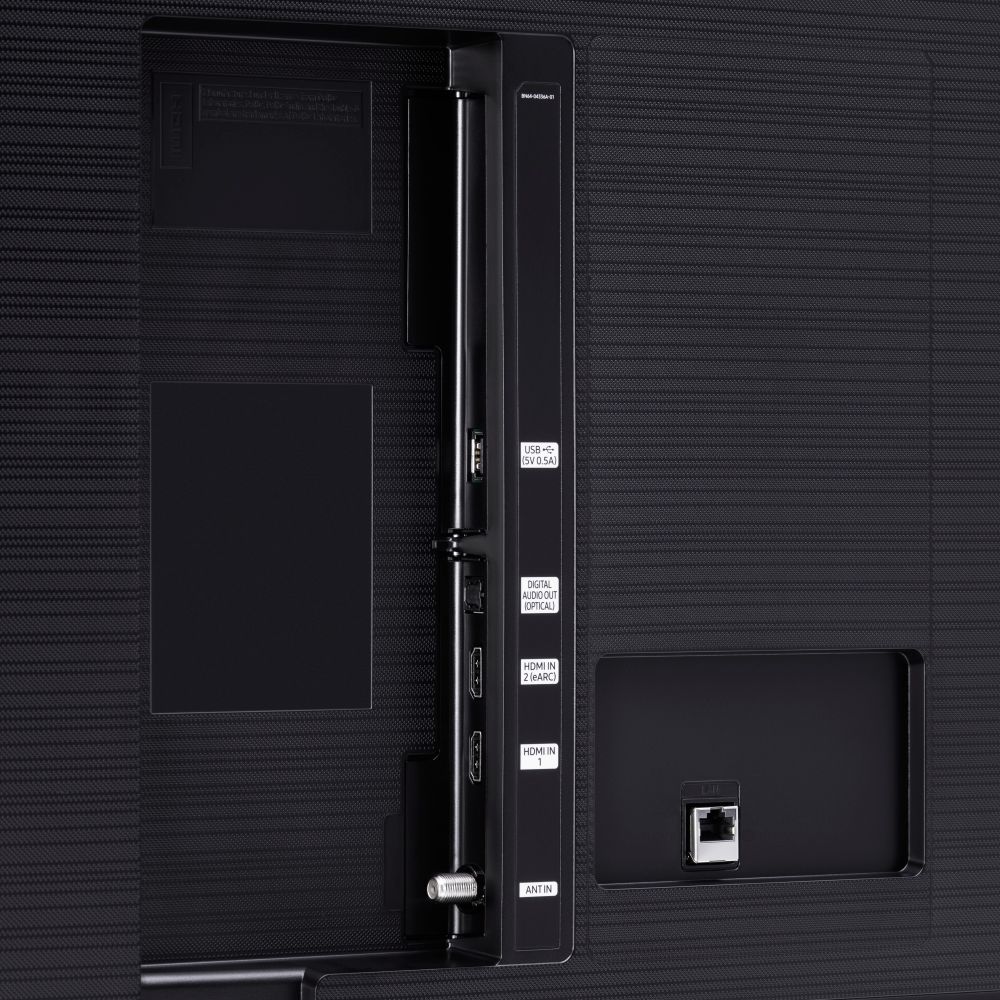
A:AnswerHi Liam, HDMI 2.1 is a complicated matter. The TU6980 has eArc functionality in HDMI port 2, which is part of the HDMI 2.1 feature set. Those looking for ALLM, 4K @ 120fps, and other video game oriented HDMI 2.1 standards would be better suited with the Q70T shown here: https://www.bestbuy.com/site/samsung-75-class-q70t-series-qled-4k-uhd-smart-tizen-tv/6402404.p?skuId=6402404 Thanks, ^Scott
A:AnswerHi Lizzy! The TU6980 does not feature the Philo application at this time. For content not supported through the built in app store you can take advantage of the built in screen mirror and cast functionality from Android or Apple mobile devices. This allows you to put the content on your phone on the big screen for everyone to watch. ^Tim
A:AnswerHi Curbyv, this is a "works with" Alexa TV. Alexa lets you use your voice to control Works with Alexa products by speaking commands through an Alexa device. You can control your channel selection, volume, and more with just your voice. Thanks, Scott