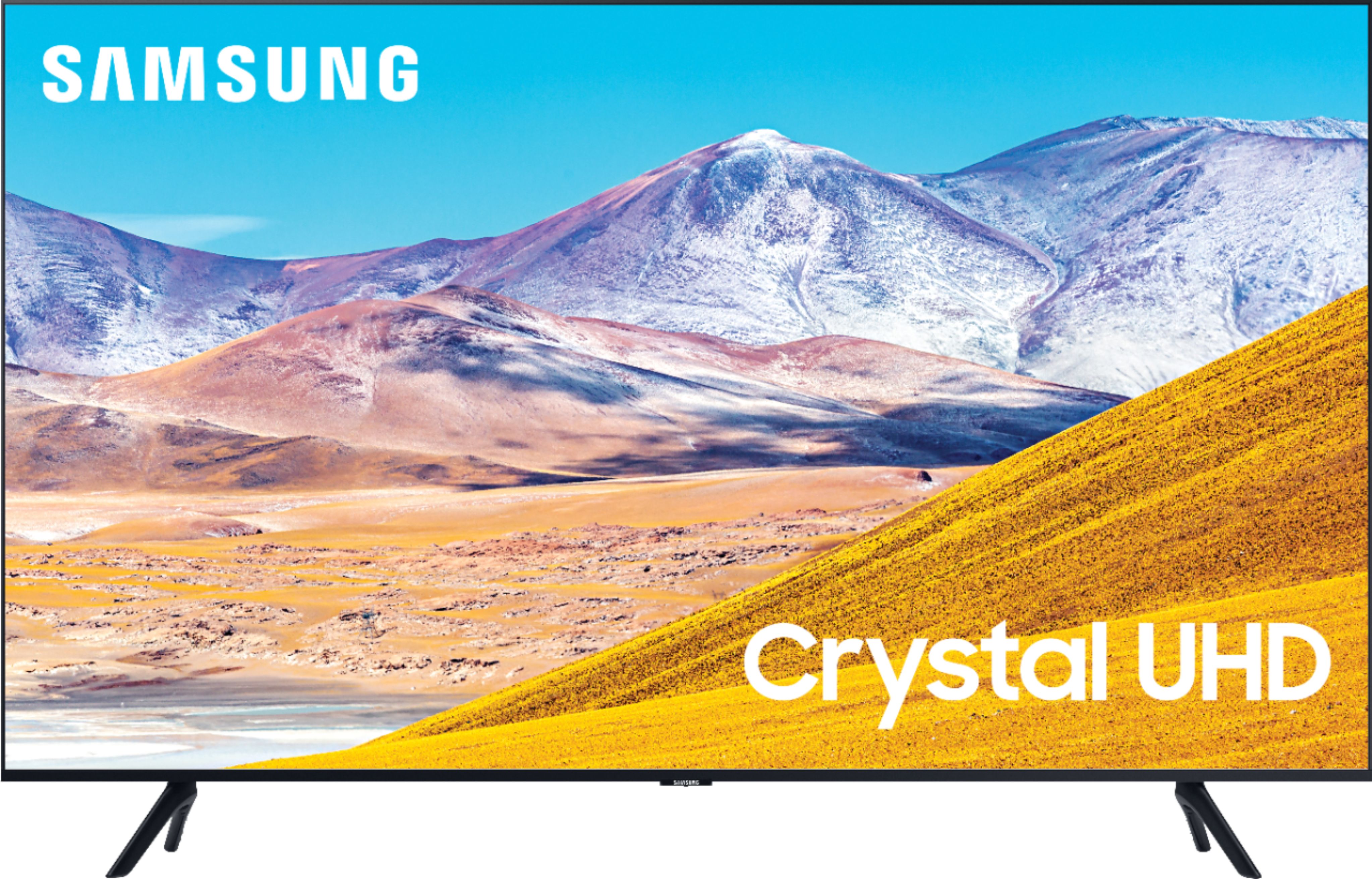
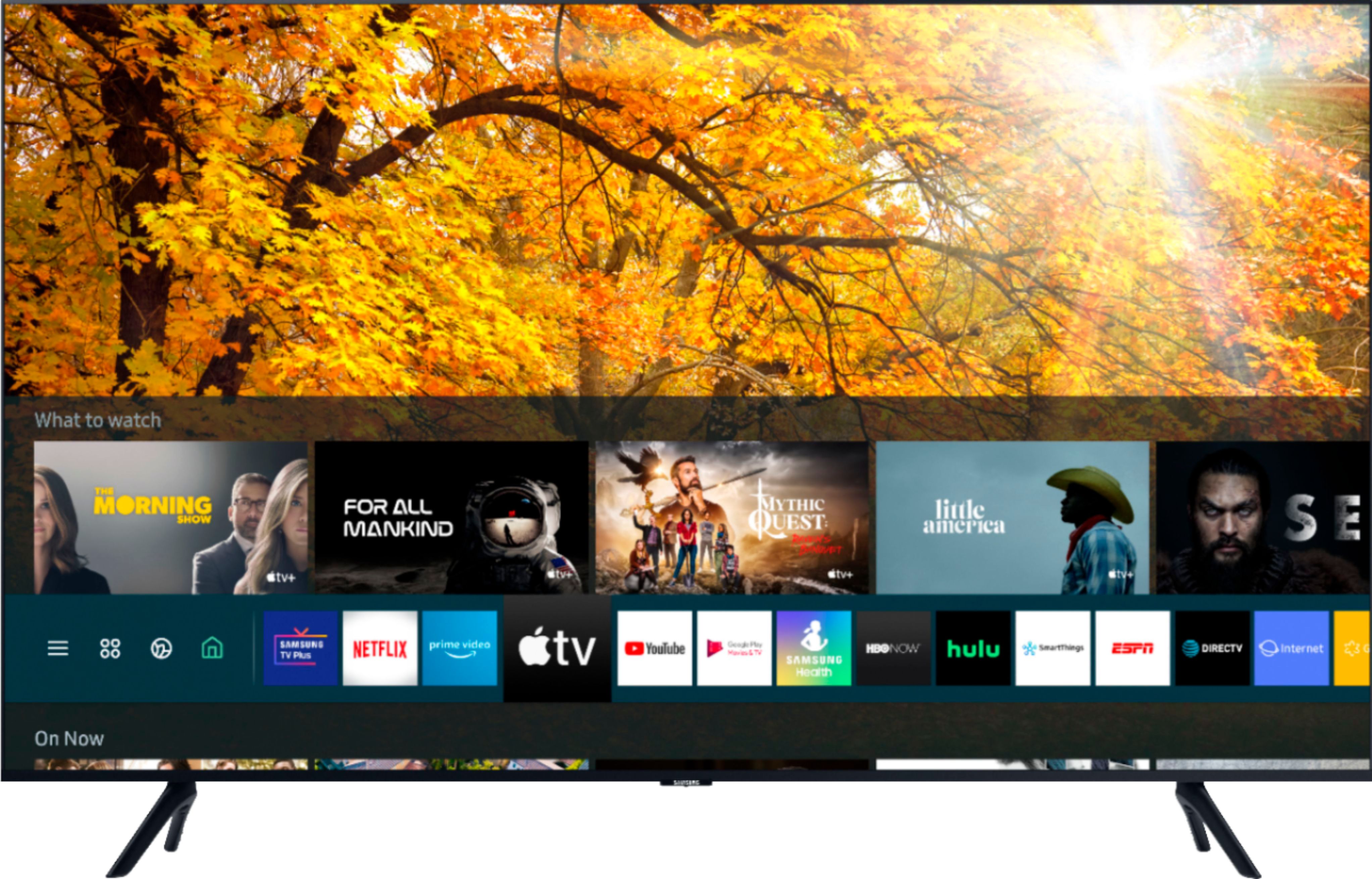
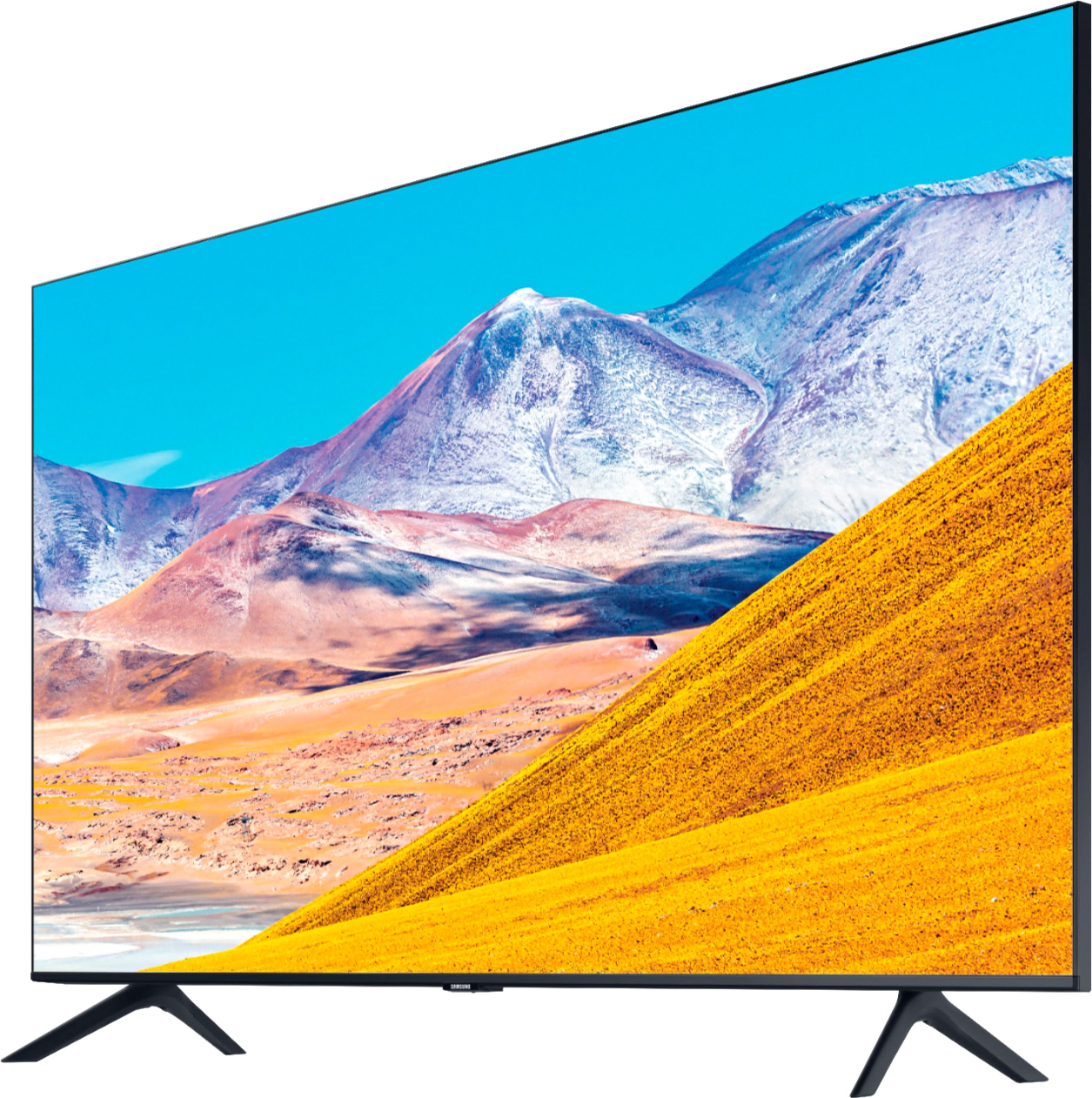
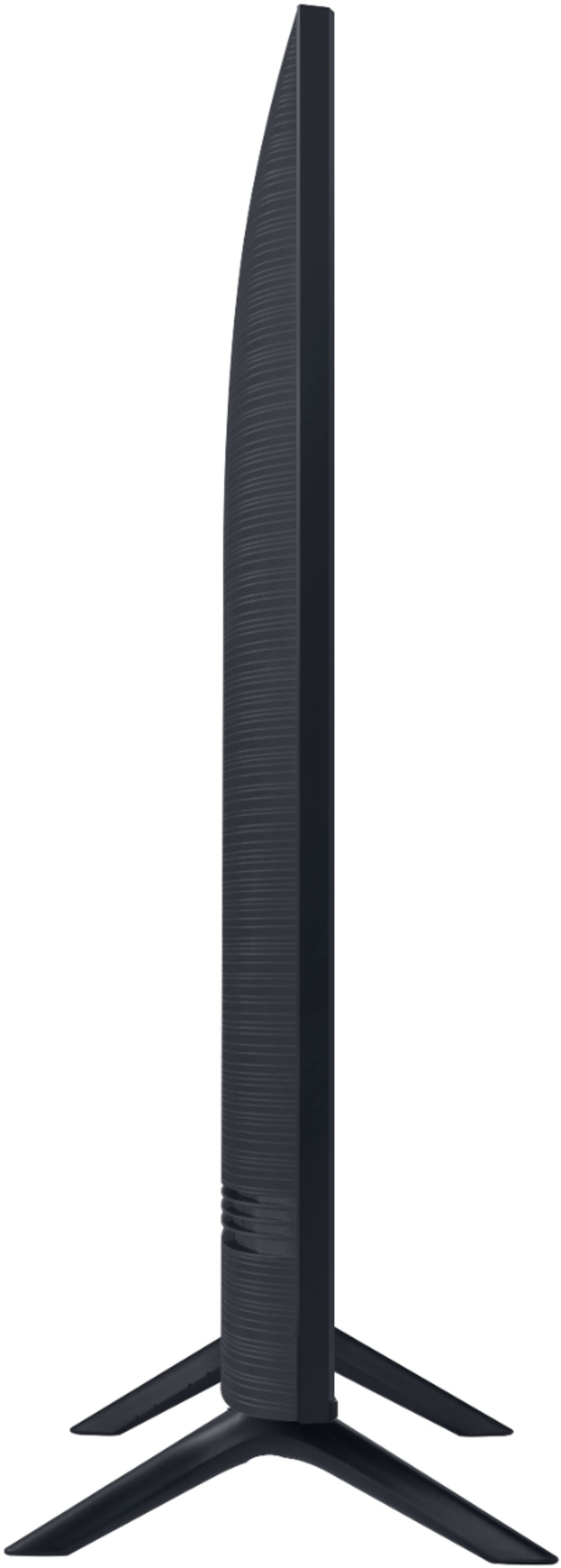
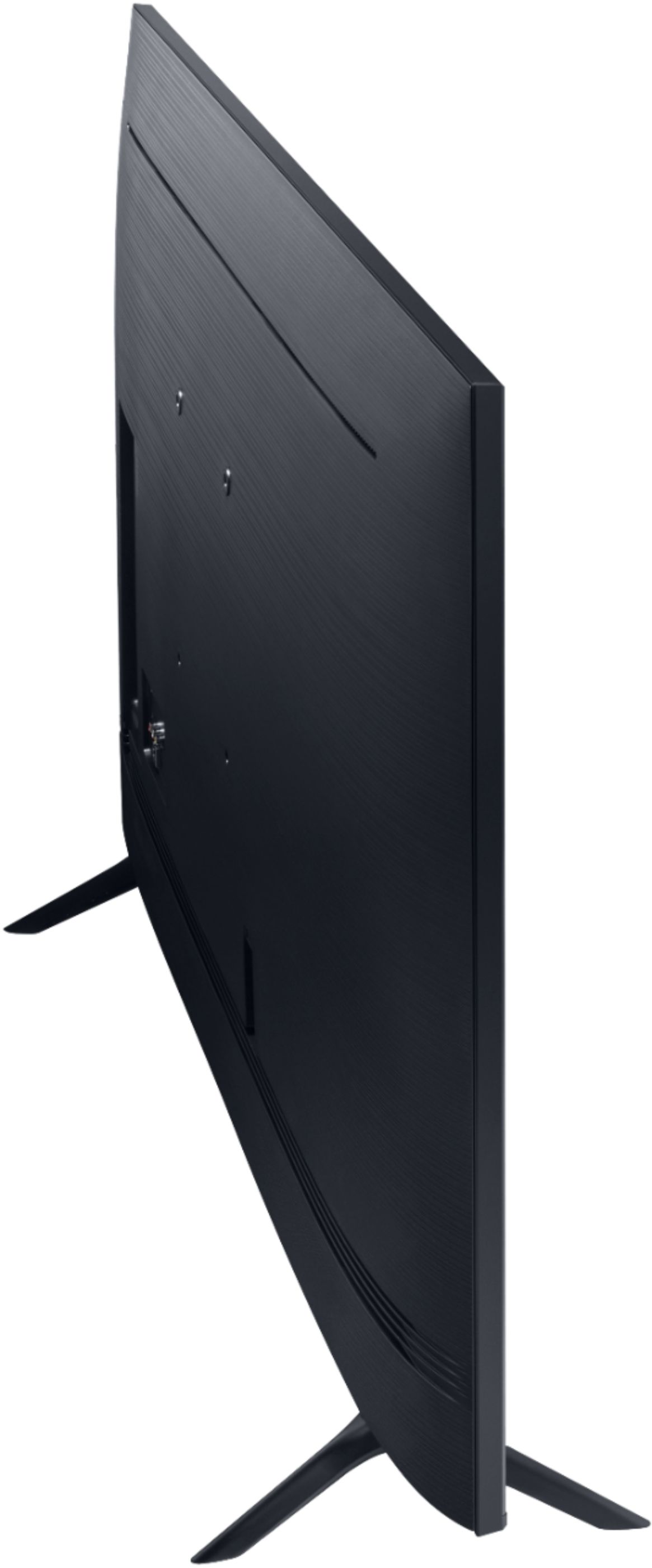
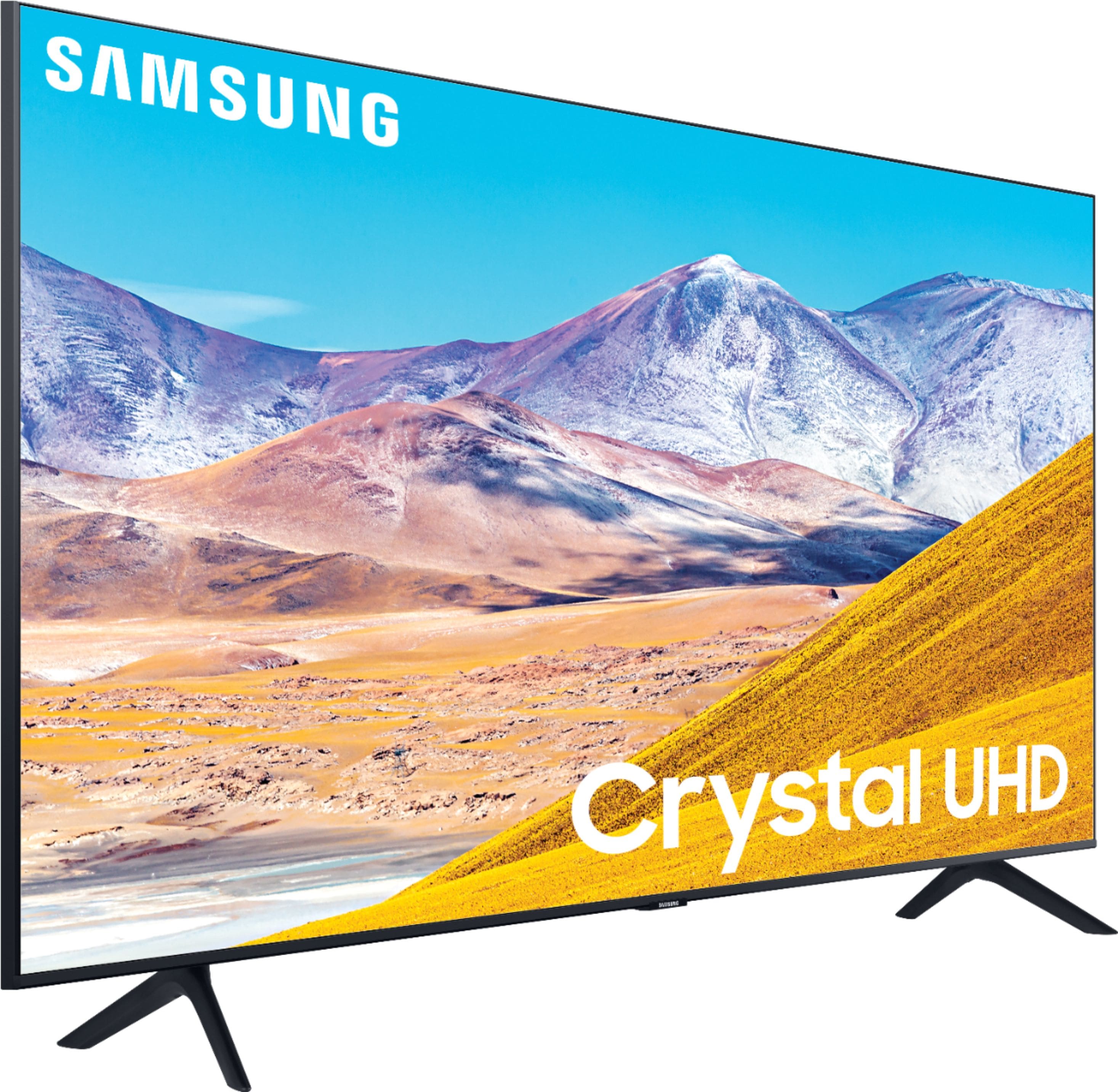
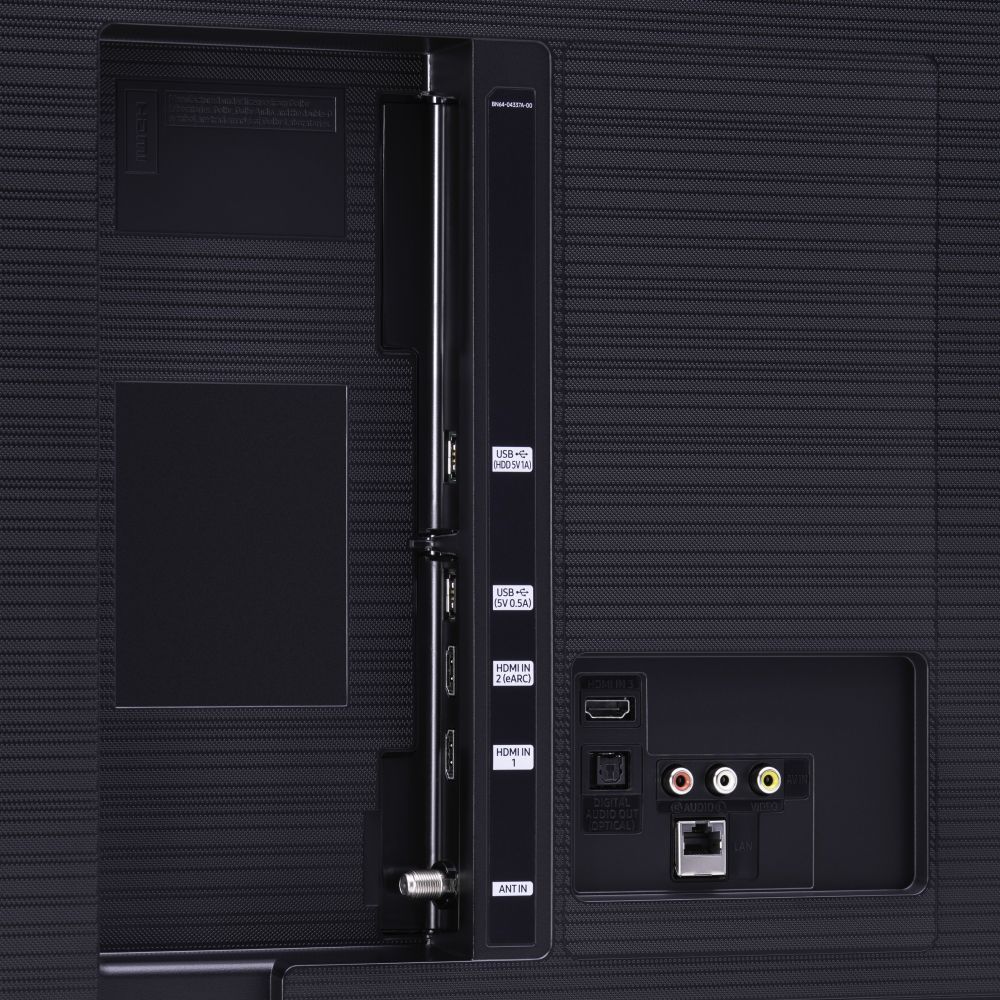
A:AnswerHi Mario! You absolutely can mount the 75TU8000. You would need a wall mount with a VESA Standard of 400mm x 400mm. Check out some compatible wall mounts here: https://www.bestbuy.com/site/searchpage.jsp?_dyncharset=UTF-8&id=pcat17071&iht=y&keys=keys&ks=960&list=n&qp=tvmountsize_facet%3DTV%20Size%20Compatibility~65%22%20or%20More&sc=Global&st=wall%20mounts&type=page&usc=All%20Categories. For more information on Installations, please contact your local Best Buy or visit https://www.bestbuy.com/site/electronics/services/pcmcat1528819595254.c?id=pcmcat1528819595254 ^Gina
A:AnswerSolomon - yes you can, as long as your house speakers are Bluetooth Capable. Refer to your Bluetooth device's manual for how to pair. Once paired to the TV, press HOME on your TU8000 remote. Then go to Settings > Sound > Sound Output > Bluetooth Speaker List. Choose the device you wish to use for sound output. ^Gina
A:AnswerHey Frank you can utilize the optical audio out put on the TU8000 witch will output 5.1. How ever you would need a DSP with optical input to get your 5.1 analog to use on your integrated amp. Here is a link to Magnolia at Best Buy witch may have a solution for you. https://www.bestbuy.com/site/electronics/magnolia/pcmcat1529524080138.c?id=pcmcat1529524080138 ^Jason
A:AnswerAll of our TVs support 802.11AC WiFi, which is great for streaming Apps; however, the quality of streaming and buffering will depend on the Internet speed you have in your home. The Samsung Q70T and above offer 240 Motion Rate (120Hz). Check out the Q70T here: https://www.bestbuy.com/site/samsung-75-class-qled-q70-series-4k-uhd-tv-smart-led-with-hdr/6402404.p?skuId=6402404 ^Gina
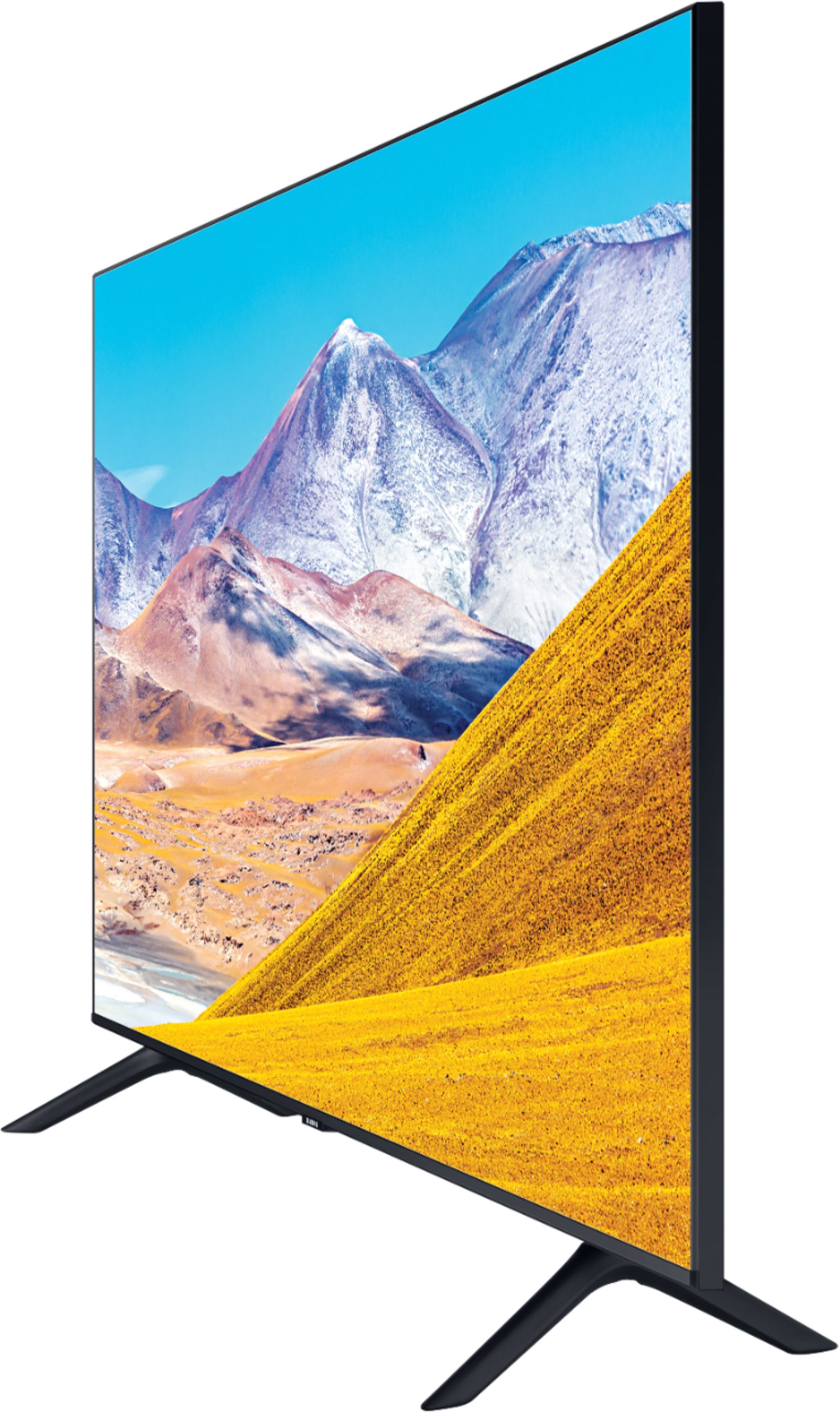
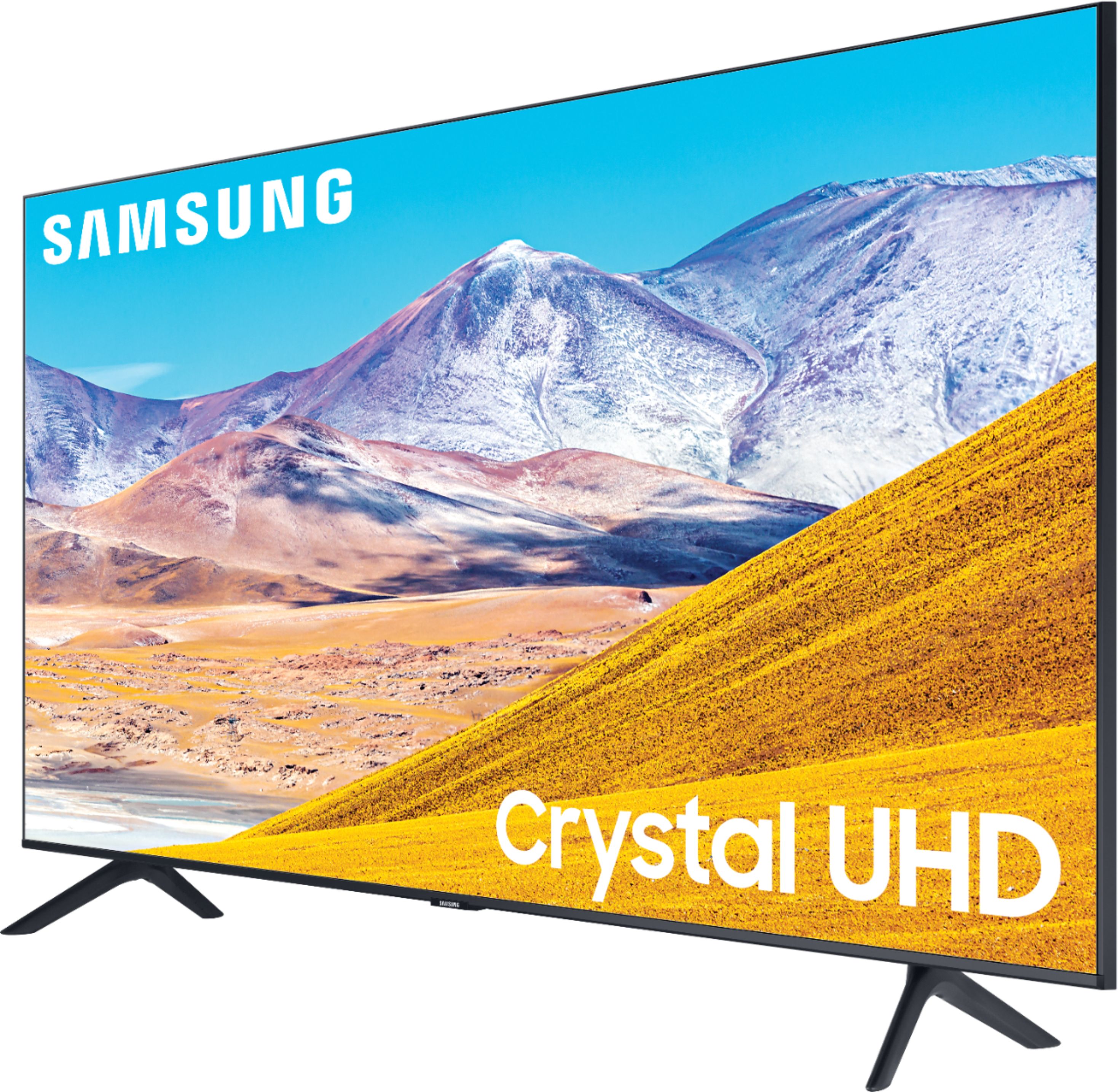
A:AnswerCurious, here are the full dimensions of the 75TU8000: DIMENSIONS (INCHES W x H x D): • TV WITHOUT STAND: 65.9 x 37.7 x 2.4 • TV WITH STAND: 65.9 x 41.3 x 13.4 ^Gina
A:AnswerHey daveed - The 75TU8000 has a 2.0 speaker setup built-in , how ever it cannot be utilized as a center channel in a multi speaker set up. ^Jason
A:AnswerJoe1, the TU8000 gains additional features such as Crystal Processor 4K, Digital Clean View, Contrast Enhancer, PurColor, Game Enhancer, LED Clear Motion, Ambient Mode, and Built-in Voice Assistants (Amazon Alexa, Bixby, Google Assistant). For further comparisons, please visit https://www.bestbuy.com/site/compare?skus=6401717,6331776 ^Gina
A:AnswerLeo, please contact your local Best Buy for in-store availability. The 75TU8000 is available online now: https://www.bestbuy.com/site/samsung-75-8-series-4k-uhd-tv-smart-led-with-hdr/6401717.p?skuId=6401717 ^Gina
A:AnswerElijah, please contact your local Best Buy for in-store availability. This TV is available online now: https://www.bestbuy.com/site/samsung-75-8-series-4k-uhd-tv-smart-led-with-hdr/6401717.p?skuId=6401717 ^Gina
A:AnswerTeddy, HDMI 2.1 starts at our Q70T model. Check it out at Best Buy: https://www.bestbuy.com/site/samsung-75-class-qled-q70-series-4k-uhd-tv-smart-led-with-hdr/6402404.p?skuId=6402404 ^Gina
A:AnswerThat Samsung answer seems misleading. The question is about picture-in-picture, and Samsung says "Split-screen capability to view two different content side-by-side is available". I don't believe Multi View allows you to view two HDMI sources. Instead, it allows you to mirror "your phone to the smaller screen". Mirroring a phone is not anything like picture-in-picture or picture-by-picture that was asked about, but the Samsung answer tries to make it sound like it is available. I contacted Samsung to see if two HDMI sources were possible and was told no. I don't own the TV so I cannot test it myself.