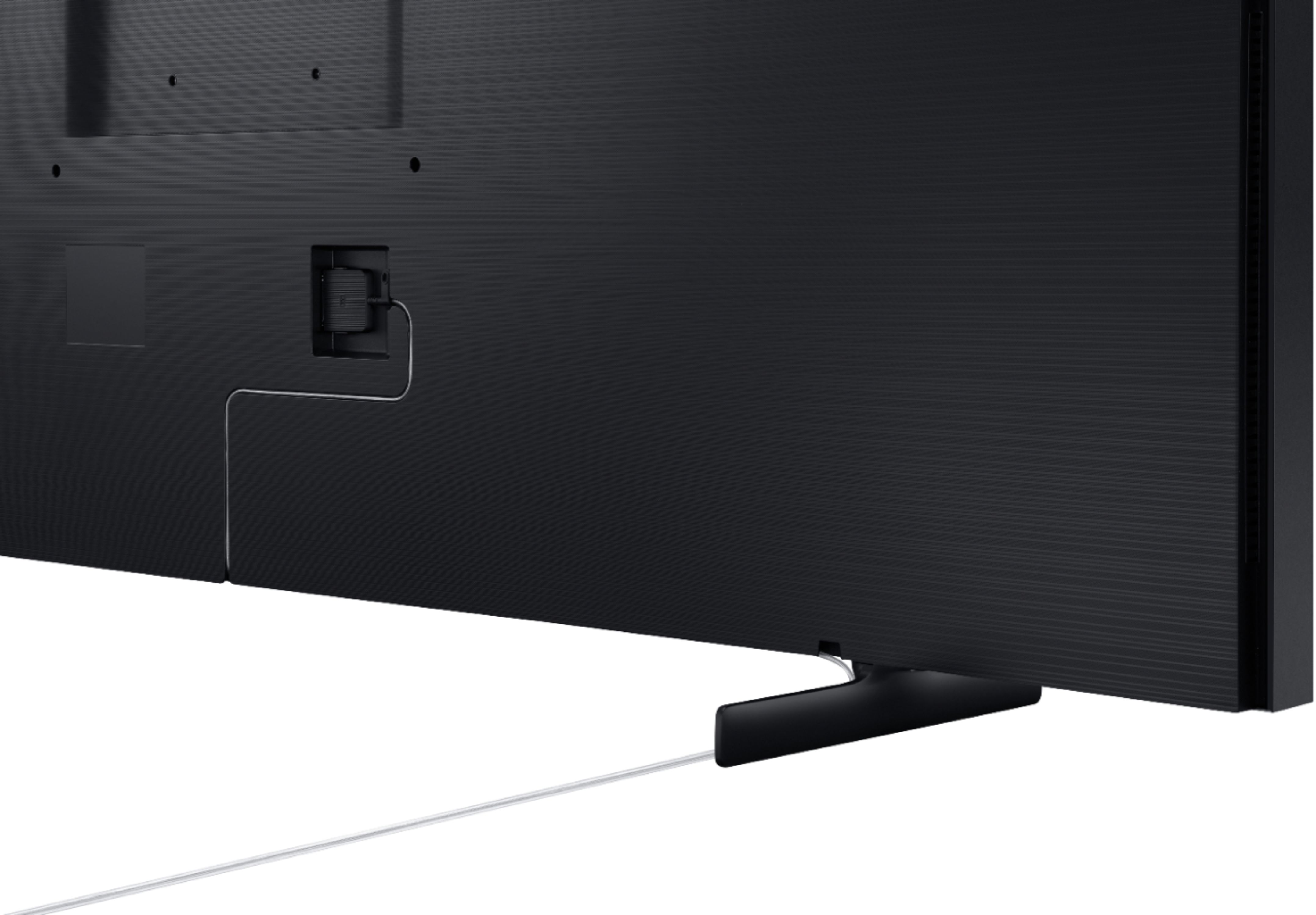
A:AnswerHi Jonny, the One Connect cable included with the Frame TV is not intended to be in-wall, and the cable management channel leads to the bottom center of the TV. If you are planning on using an in-wall rated cable, the measurements of the connection well are as follows:
- 168.5 mm from bottom of well to bottom of TV
- 247.2 mm from top of well to bottom of TV
- 665.4 mm from left edge of well to left edge of TV (when facing TV screen)
- 747.1 mm from right edge of well to left edge of TV (when facing TV screen)
^Val
A:AnswerSnooge, The Frame TV comes with the Samsung collection of exclusive artwork. You can purchase individual pieces of artwork from the Art Store or subscribe to receive full access to all the available artwork. ^Val
A:AnswerHi jcschneder06! The Frame TV does not feature the ability to shrink the screen without utilizing the zoom or aspect ratio adjustments within the expert settings menu. ^Tim
A:AnswerHi CradyB! To provide you with the information you require, we recommend visiting or contacting your local Best Buy to set up a free In Home Consultation with an Advisor, who will be able to assist you in mounting and installation solutions. ^Gina
A:AnswerHi Rick! You may see frequent price changes as we are getting closer to holiday promotions. Please contact or visit your local Best Buy for further pricing information! ^Gina
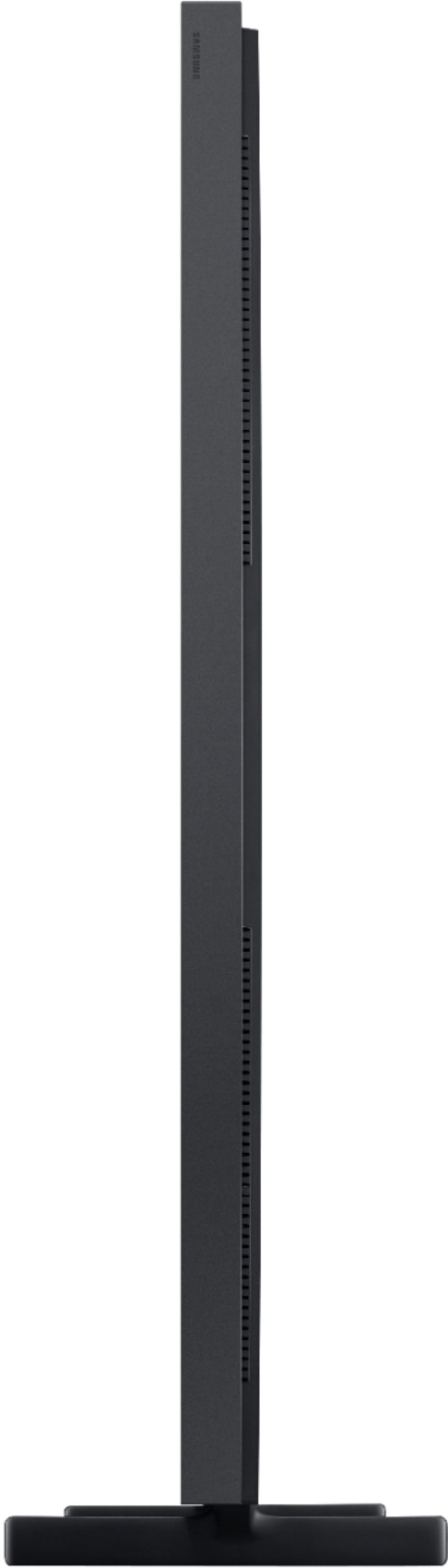
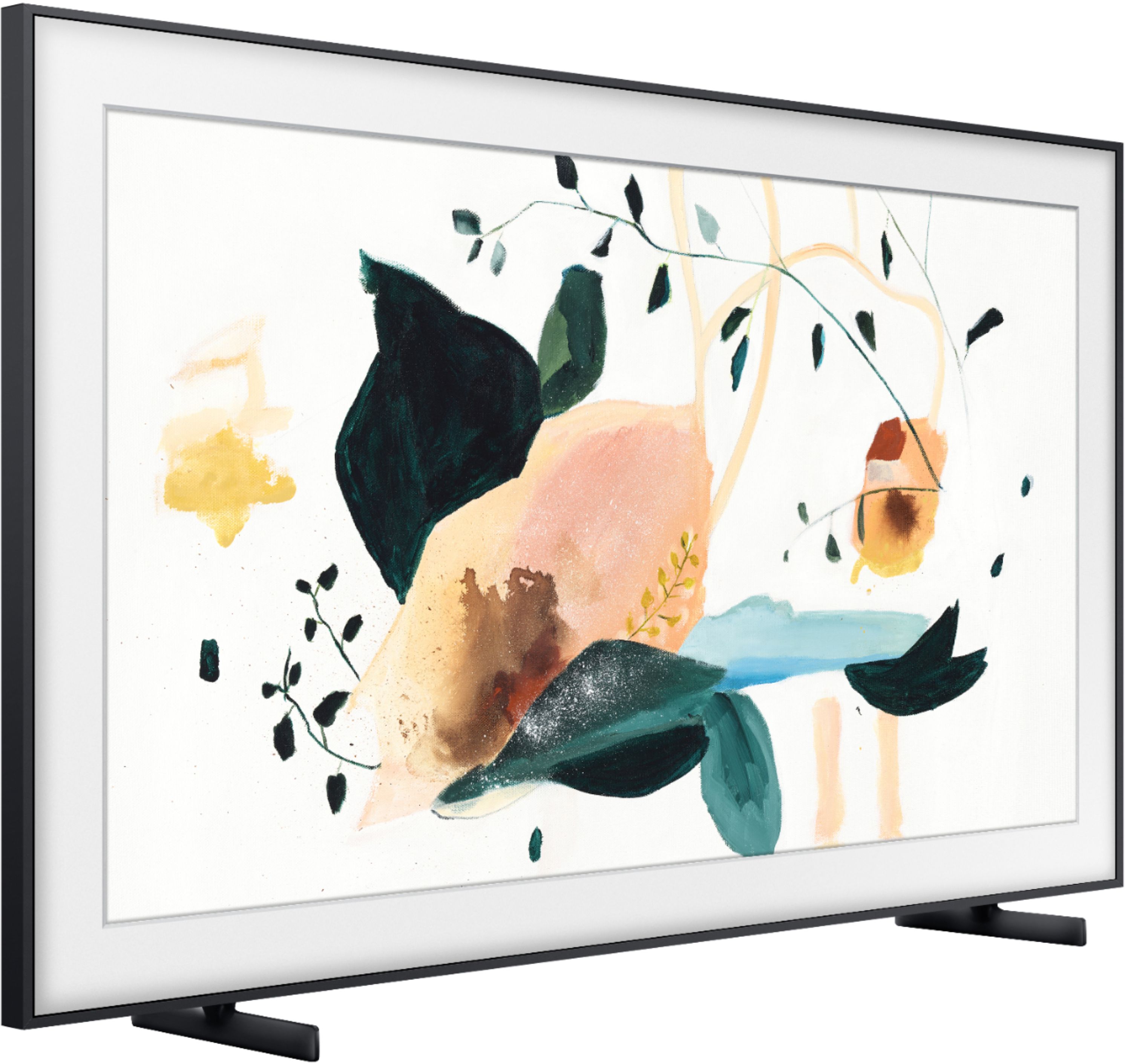
A:AnswerHello! The dimensions for the Samsung - 75" Class The Frame Series are ( INCHES W x H x D) TV Without Stand 66.1 x 37.8 x 2, TV With Stand 66.1 x 39.6 x 12. ^Celina
A:AnswerHi there, The Samsung - 75" Class The Frame Series QLED 4K UHD Smart Tizen TV will show HDR10 and HDR10+ content. If you are watching content with a different HDR format you will be able to watch the content, it just will not display the additional HDR metadata. -Scott
A:Answerhello Gonzalo - The in wall rated One Connect Cable is model number VG-SOCR86U/ZA. It is sold at Best Buy. Here is a link on bestbuy.com ww.bestbuy.com/site/searchpage.jsp?st=VG-SOCR86U%2FZA&_dyncharset=UTF-8&_dynSessConf=&id=pcat17071&type=page&sc=Global&cp=1&nrp=&sp=&qp=&list=n&af=true&iht=y&usc=All+Categories&ks=960&keys=keys ^Cris
A:AnswerHi there! Please ensure your TV is updated to the newest Firmware Update, as this will resolve the issue you are experiencing. Using your TV's remote, navigate to Settings, and select Support. Select Software Update, and then select Update Now. New updates will be downloaded and installed on your TV. Updates usually take a few minutes; please do not turn off the TV until the update is complete. ^Gina
A:AnswerHi there, I would suggest you consult with your local Best Buy for suggestions as they might ne able to advise you what to do with your local regulations. -Scott