A:AnswerHi,
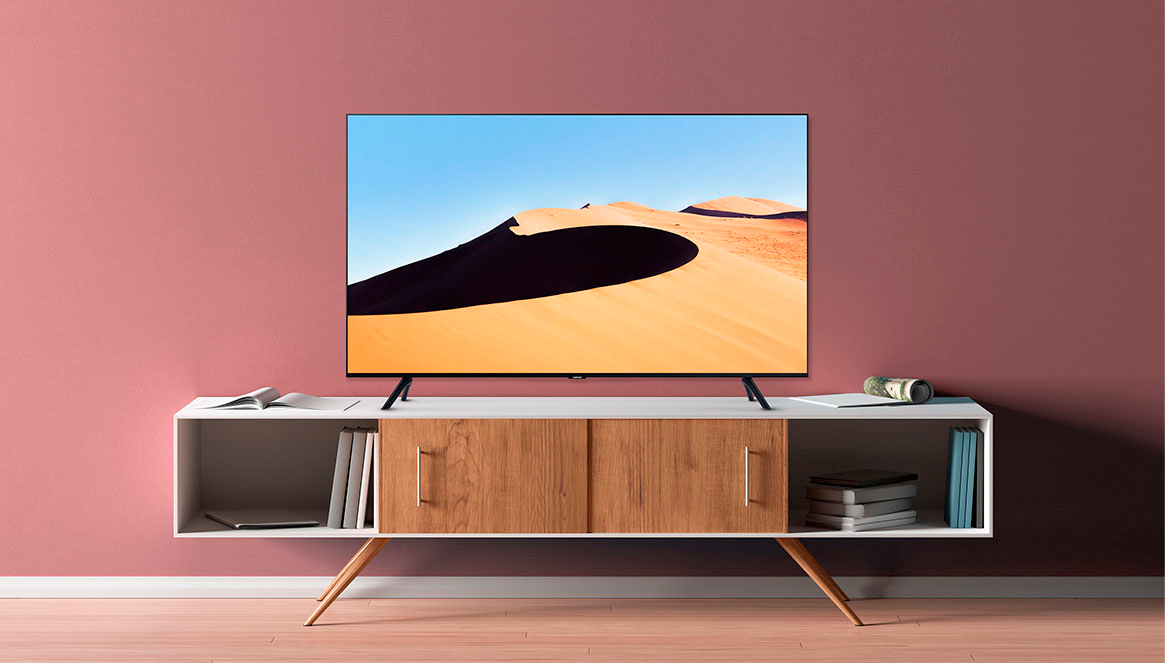
The 75" TU690T measures 65.9" wide and would not fit in an enclosed 60" cabinet. If the cabinet is not enclosed, then the stand would fit on it as it is about 54" wide.
~Samsung Advisor
A:AnswerHi,
The TU690T Series TV does not have PIP (or split-screen). Split-screen capability to view two different content side-by-side is available starting from our QLED Q60T Series and up using our Multi View feature. For example, you can view media from different sources, such as an app, Blu-ray player, or game console, on the main left screen while also mirroring your phone to the smaller screen. Multi-View provides you with endless possibilities for splitting screens and viewing several types of content at the same time.
~Samsung Advisor
A:AnswerHi RoryMF,
The Xbox App, which is available through the Samsung Gaming Hub, is not available on the TU690T TV. It is available on the QN900B, QN800B, QN95B, QN90B, and the Q60B series TVs.
~Samsung Advisor
A:AnswerHi Gabriel,
Yes, you can purchase the TV and pick it up at a nearby store. Go to the right side of the main page for the TU690T; after you choose your Series and Screen Size Class, scroll down until you see "Delivery in X days," and then select "See All Pickup Locations" to change your store.
I hope this helps!
~Samsung Advisor
A:AnswerHi glazer0001,
We appreciate you sharing the issues you’re experiencing when connecting your TU690T TV to your cable box. Please go to the Connection Guide for details: Source > Connection Guide.
Make sure that your external device is connected securely and turned on. Move to Sources to switch to other input sources: Source > Sources.
Using HDMI Troubleshooting, you can check the connection to HDMI cable and external devices (takes approx. 2 minutes). Source > Connection Guide > Video Device > HDMI Troubleshooting,
If you continue to have issues, please call us at 1-800-SAMSUNG, 8 AM - 12 AM EST, seven days a week. Our LiveChat agents are also available by clicking on the ‘Support’ link on our website.
~ Samsung Advisor
A:AnswerHi Boomer,
The 75" TU690T requires four screws sized M8 20-22mm and 1.25mm pitch.
If you need more help, Samsung is here for you. Please call us at 1-800-SAMSUNG, 8 AM - 12 AM EST, seven days a week. Our LiveChat agents are also available by clicking on the ‘Support’ link on our website.
~ Samsung Advisor
A:AnswerHi Glazer0001,
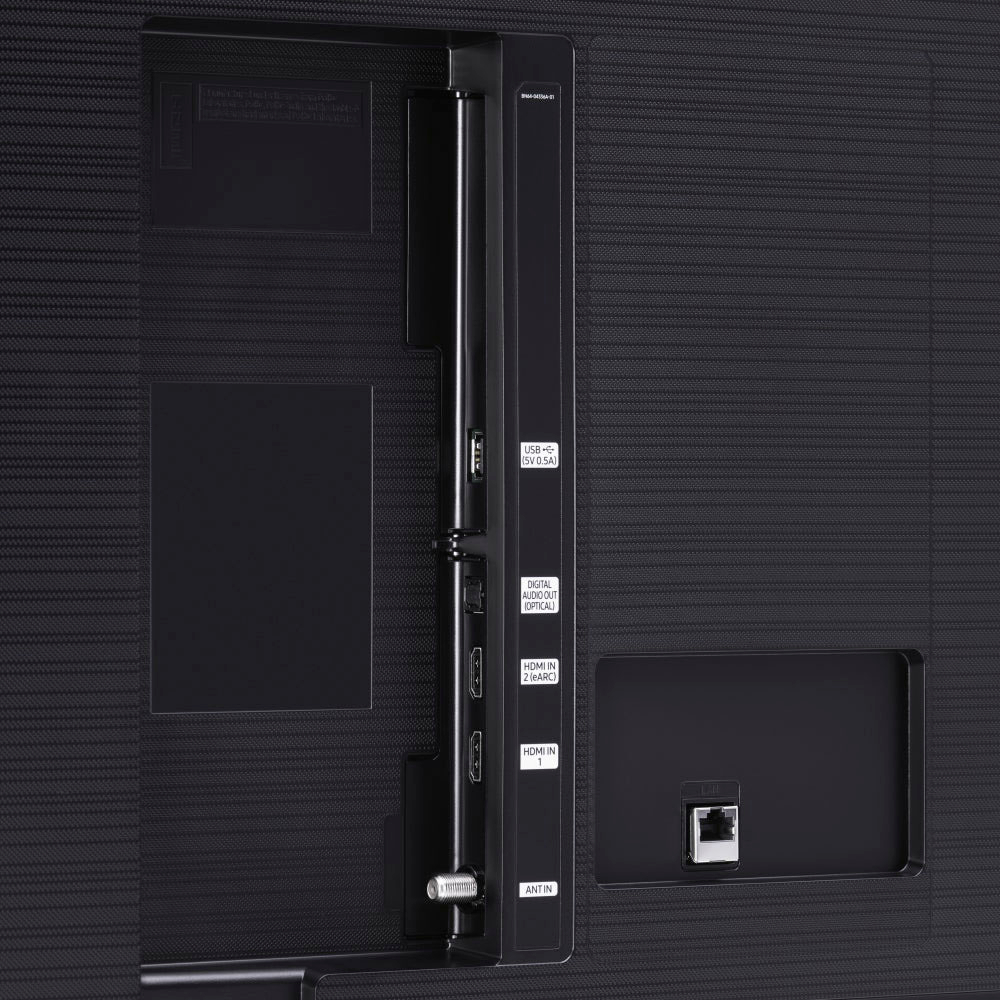
Please ensure you have your VS2 connected to the HDMI in Port 2, as it has eARC capabilities. Next, ensure you are properly using Anynet+, which allows you to control external devices connected to your TV with HDMI using your TV remote.
To turn on Anynet+ (HDMI-CEC), go to Settings > General > External Device Manager > Anynet+ (HDMI-CEC). If your cable box does not support HDMI-CEC, you will not be able to use Anynet+.
If you continue to have issues, please call us at 1-800-SAMSUNG, 8 AM - 12 AM EST, seven days a week. Our LiveChat agents are also available by clicking on the ‘Support’ link on our website.
~ Samsung Advisor
A:AnswerHi Fred,
The Samsung TU690T TV has a built-in App Store, which allows you to choose from and download hundreds of apps such as discovery+, HBO Max, Disney+, and many more. We are continuously adding more premium content and new services to our Smart TV platform. Some apps will require that you have a separate subscription.
~Samsung Advisor
A:AnswerHi MrJeff,
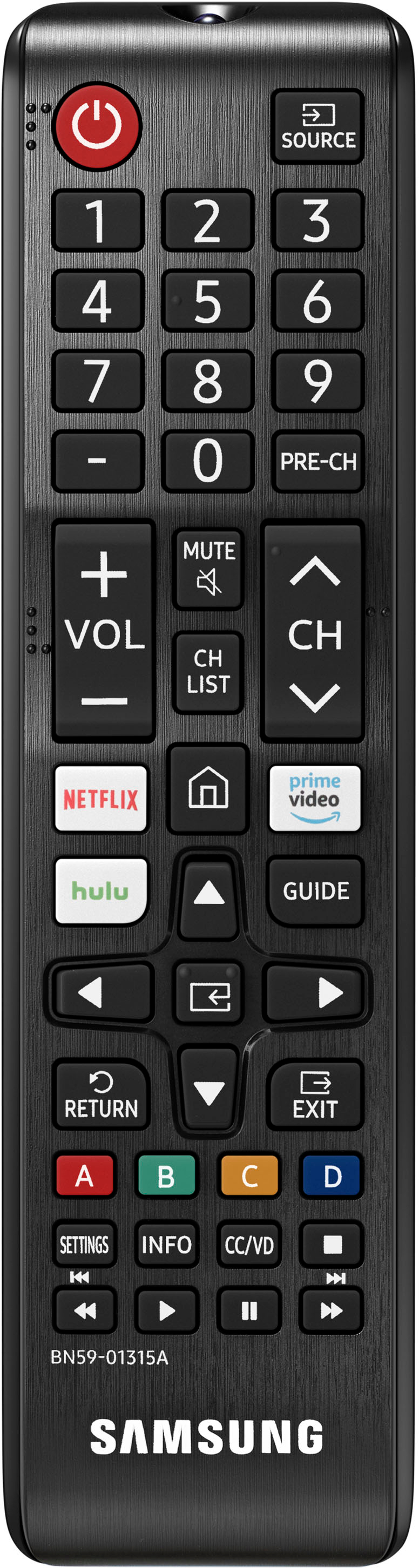
I wouldn't recommend upgrading as it will only have limited functions. You can however utilize other third-party IR-style remotes.
~Samsung Advisor