A:AnswerHi KIKEF,
You are correct, the U7900 TV does not feature an Optical audio port. This input is available on our Q8F Series and higher.
~Samsung Advisor
A:AnswerHi Deb,
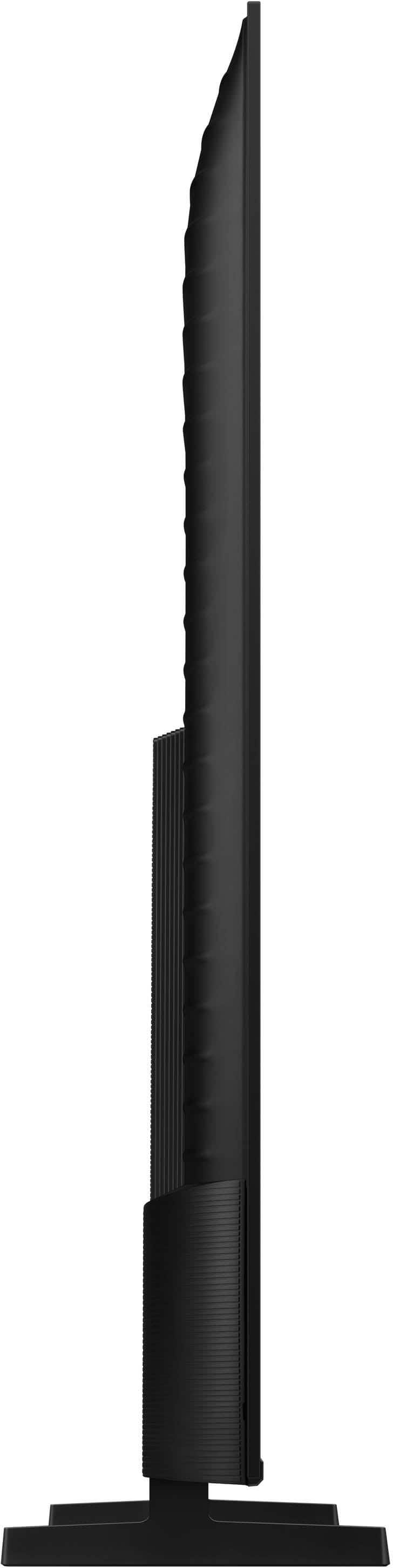
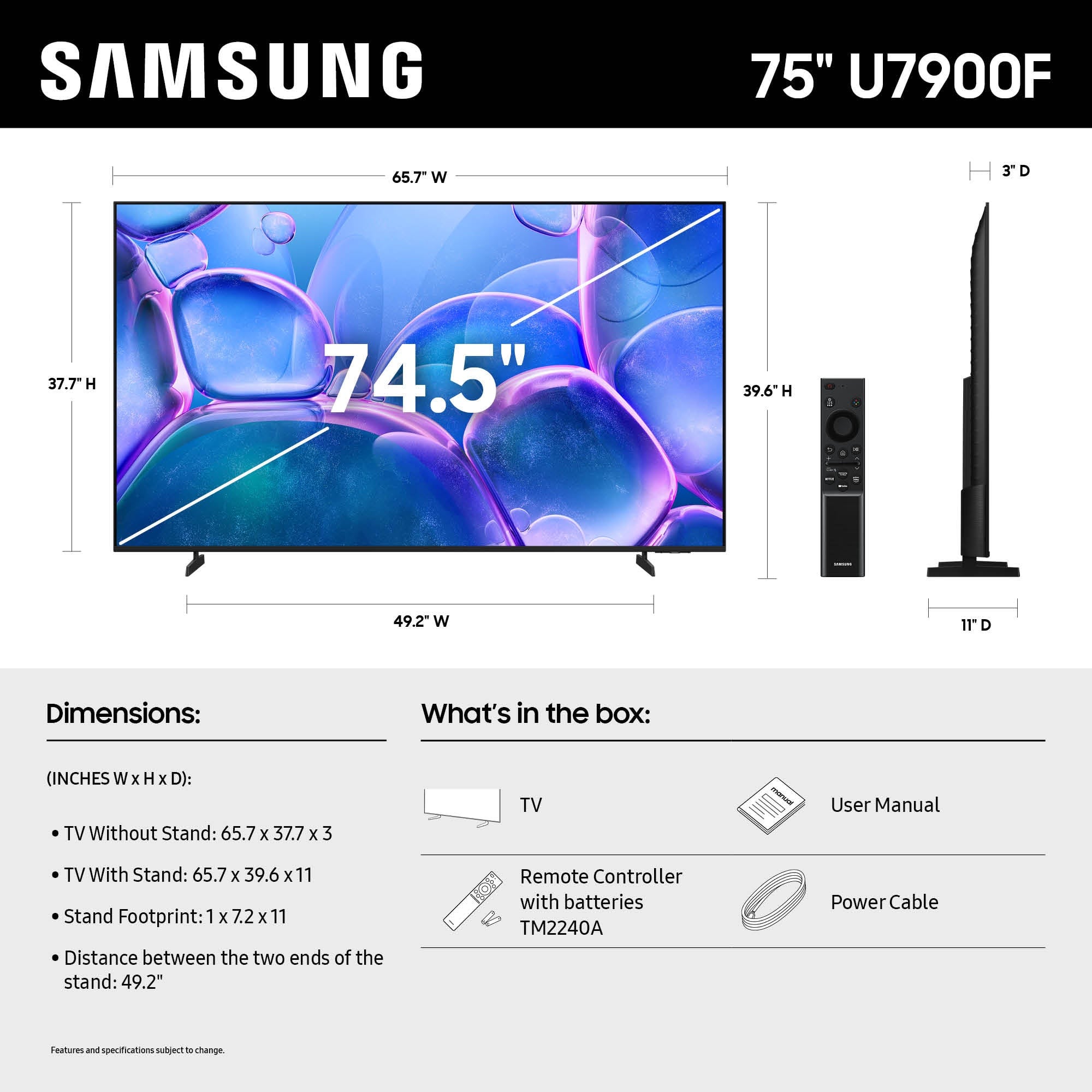
The feet on the 75" U7900 TV are adjustable between two positions: 49.4” or 31.2”, so the feet would fit on your stand.
~Samsung Advisor
A:AnswerNot sure if they are still available, but a couple years ago I was seeing a small box where you'd plug the RCA cables in one side and the other has 1 or 2 HDMI ports. Try searching for an "RCA to HDMI converter",
A:AnswerIf your TV powers on but you’re experiencing intermittent or no picture, it may be caused by incorrect source selection or a software-related issue.
Start with these steps:
• Press Home to confirm the TV is receiving power and capable of displaying a menu.
• Check the input source. Even if no device is connected, selecting the correct input can reset the display.
• Cold boot the TV: Hold the power button on your remote for 5 seconds until the TV restarts.
• Update firmware if possible: Home > Settings > Support > Software Update
If no image appears at all or issues continue, please reach out to Samsung Support for additional troubleshooting or service. You can call us at 1-800-SAMSUNG, 8AM – 12AM EST, 7 days a week, or visit the ‘Support’ section on our website to chat live with an agent.
~ Samsung Advisor
A:AnswerHi ToshibaSmartTV,
For information about Best Buy's delivery options, including scheduling and availability in your area, please contact your local store or visit: https://www.bestbuy.com/site/help-topics/home-and-businessdelivery/pcmcat204400050032.c?id=pcmcat204400050032
~ Samsung Advisor
A:AnswerHi Kody - You can find these measurements on this model’s product page – just click Specifications and scroll down to Box Dimension: https://www.bestbuy.com/product/samsung-75-class-u7900-series-uhd-4k-smart-tizen-tv-2025/J3ZYG2VFJX
~ Samsung Specialist