Samsung - 75" Class U7900 Series UHD 4K Smart Tizen TV (2025)
Customers are saying
Customers are satisfied with the excellent picture quality, which is the most frequently praised feature of this product. Users also appreciate the ease of setup, the ideal size for their rooms, and the overall sleek design. While the display brightness and lightweight build receive positive feedback, some users have noted minor concerns regarding the limited number of input connections and occasional sluggishness in the operating system and app performance.
Highlights
Crystal Processor 4K
Immerse yourself in colorful, lifelike entertainment and catch every shade of color as it was meant to be seen in dazzling 4K resolution. Plus, enhance the clarity of your content with powerful 4K upscaling, ensuring that everything you watch—movies, TV shows, games and sports—looks sharp and clear, bringing every detail to life.
MetalStream Design
Enhance the look of your space with a sleek TV made from a single sheet of metal. Inspired by aircraft design, it showcases clean lines that beautifully balance form and function. With a slim bezel and elegant look, this TV not only enhances your décor but also minimizes distractions and expands your viewing.
Samsung Knox Security
Your TV experiences are secured. Samsung Knox Security protects you from harmful attacks by automatically blocking unauthorized apps and phishing websites. It also safeguards your IoT devices connected to your TV, plus your sensitive information, including your PIN codes and passwords. With regular updates, your TV is always kept safe.¹
Endless Free Content
Watch 2,700+ free channels, including over 400 premium Samsung TV Plus channels and on free streaming apps with just an internet connection. With Samsung TV Plus, get live national and local news, sports, movies, music, kids' shows, K-Content and reality TV - all for free. Plus, discover a diverse lineup of channels from free streaming TV services like Pluto TV and Freevee. There’s content for every occasion or mood.²
4K Upscaling
Get up to 4K resolution on all the content you love to watch. See amazing details come to life in every scene of shows or that classic film you love. Even if your content's source quality is lower resolution, our powerful processing upgrades to near 4K to unlock never-before-seen elements in whatever you're watching.
Motion Xcelerator
Play your favorite video games and enjoy sports with fast motion clarity. This technology automatically estimates the motion between individual frames and then uses it to predict subsequent frames to improve the smoothness of the motion. It provides fast performance for your favorite games.
HDR
Get expanded contrast between the lightest and darkest parts of a scene, so you can enjoy a wide spectrum of colors, enhanced detail and depth. See your content with added realism — from the reflective highlights in a dark, moody alleyway to the deep shadows cast on a bright and sunny afternoon. In HDR10+ content, each scene is dynamically tone mapped for optimal contrast and enhanced HDR performance.
Color Booster
Reimagine the vibrancy of color—set the tone for the scene with richer hues that burst with purity and intensity. With just a few clicks on the remote, you can enhance the saturation of your content and make every single color stand out. Watch as warm reds and oranges radiate with a fiery glow, while cool blues and greens glow like precious gems.
Object Tracking Sound Lite
Feel like you're in the middle of the action with sound that follows objects on screen. Featuring a virtual top channel, every sound is placed in space and moves with the action, enhancing your sense of immersion. Whether it's a car chase, an intense shootout, or a romantic dinner conversation, you’ll feel like you're right in the middle of it all.
Q-Symphony
Unlock more robust, nuanced sound when your Samsung TV and soundbar speakers work together as one. Most soundbars mute the TV speakers when activated. Why choose between your TV and soundbar to play sound, when you can have them both work together? Enjoy optimized surround sound, hear clear dialogue, and dive into a cinematic sound experience.³
- Display TypeLEDResolution4K (2160p)Screen Size Class75 inchesHigh Dynamic Range (HDR)YesHigh Dynamic Range FormatHDR 10+
Reviews
Rating 4.7 out of 5 stars with 1290 reviews
- Picture Quality (800)
- Setup Ease (78)
- Size (51)
- Design (17)
- Brightness (14)
- Connectivity (25)
- Performance (9)
- App Performance (4)
- N/A (3)
Customer Images
The vast majority of our reviews come from verified purchases. Reviews from customers may include My Best Buy members, employees, and Tech Insider Network members (as tagged). Select reviewers may receive discounted products, promotional considerations or entries into drawings for honest, helpful reviews.




Compare similar products

Upgrade your home theater with this stylish 4K TV featuring vibrant colors, rich contrast and an advanced 4K processor. Stay endlessly entertained with thousands of on demand shows and movies for free and enjoy peace of mind as watch thanks to our proprietary triple layer security that protects your personal data across all connected devices at once.

Discover a new level of visual and auditory brilliance with our next level smart TV. Powered by Pantone certified color accuracy, witness over one billion authentic hues burst forth in beautiful detail. Quantum HDR takes things further, elevating contrast for lifelike imagery. Add to that our advanced 3D audio system syncing flawlessly with on screen motion, all intelligently powered by Samsung Vision AI. And rest assured, Knox keeps your private info safe and secure.
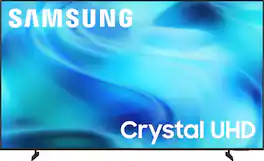
Watch all your content in crisp 4K resolution, with rich contrast, amazing color and clear picture. Discover thousands of subscription-free channels, including 700+ premium channels with Samsung TV Plus. Also, play thousands of video games without a console thanks to Samsung Gaming Hub. Enjoy peace of mind for years to come with the TV brand rated #1 in durability.
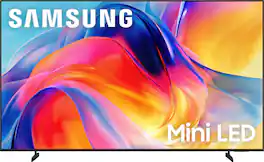
Bright, detailed colors pair together with deep, cinematic contrast in your favorite smart apps and video games thanks to precise control with Mini LEDs, delivering a realistic picture no matter what you watch. Get thousands of subscription free channels, including 700+ premium channels with Samsung TV Plus. Rest assured your personal data is secured with Knox Security.
| Pros for Samsung - 75" Class U7900 Series UHD 4K Smart Tizen TV (2025) | |||
|---|---|---|---|
| Picture Quality, Size, Brightness, Setup Ease, Design | Picture Quality, Size, Brightness, Ease of Use, Setup | Picture Quality | Picture Quality, Ease of Setup |
| Cons for Samsung - 75" Class U7900 Series UHD 4K Smart Tizen TV (2025) | |||
| Connectivity, Performance, App Performance, N/A | Motion Handling | There were no cons for this product— | There were no cons for this product— |
Specs
How wide is the stand
Answered by SamsungHi T, The 75" U7900 TV legs can be placed at 49.2" or 31.2" apart. ~Samsung Advisor
How far apart are the legs?
Answered by SamsungHi Tmoore, The leg width of the 75” U7900 is adjustable between two positions: 49.4” or 31.2”. ~Samsung Advisor
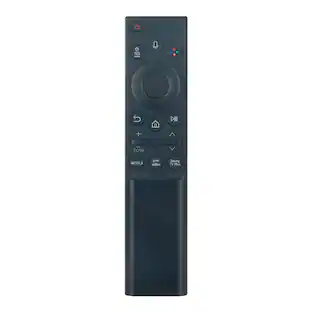
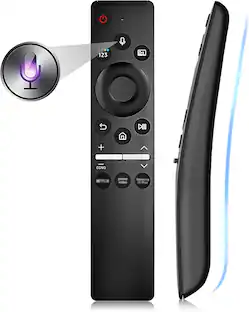
I bought a Samsung voice remote. Will it work with this tv and if so, how would I program it? Thank you
Answered by SamsungHi Matmom04, You can use the SmartThings app on your phone to control the U7900 TV via voice, or you can connect an external Alexa or Bixby Voice Assistant device. ~Samsung Advisor
What kind of processor does this TV use?
This TV uses a crystal processor 4K.
This question and answer was generated by AI based on customer and product data.What is the model year for this Samsung TV?
The model year for this Samsung TV is 2025.
This question and answer was generated by AI based on customer and product data.

Customers often buy these together
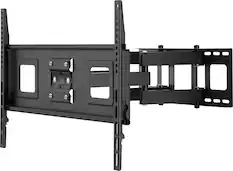
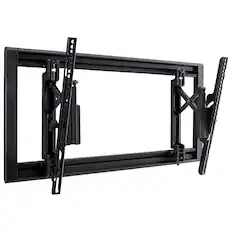
Monitor and Television Mounts

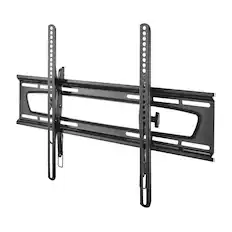
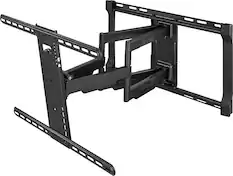
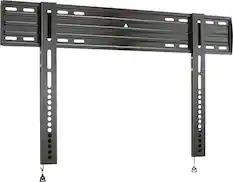
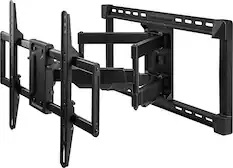
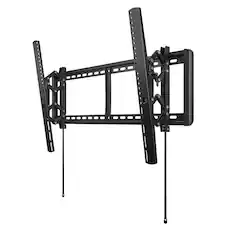
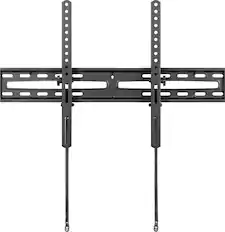
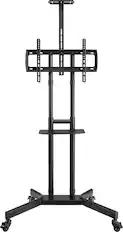
Soundbars
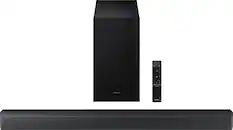





More recommended items
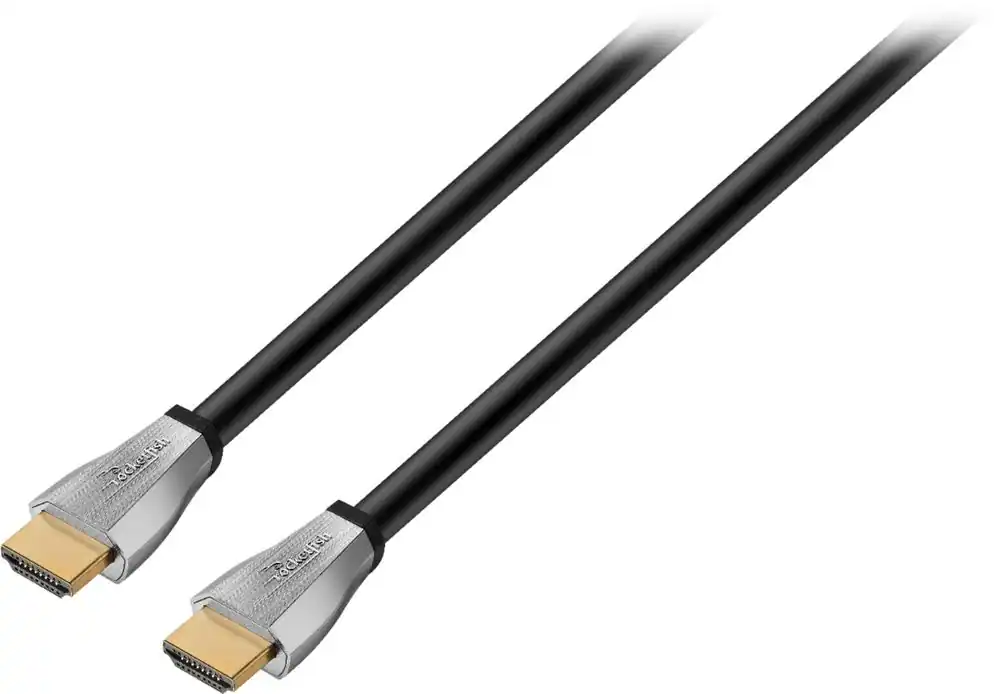 4K HDMI (2.0) Cables
 Surge Protectors
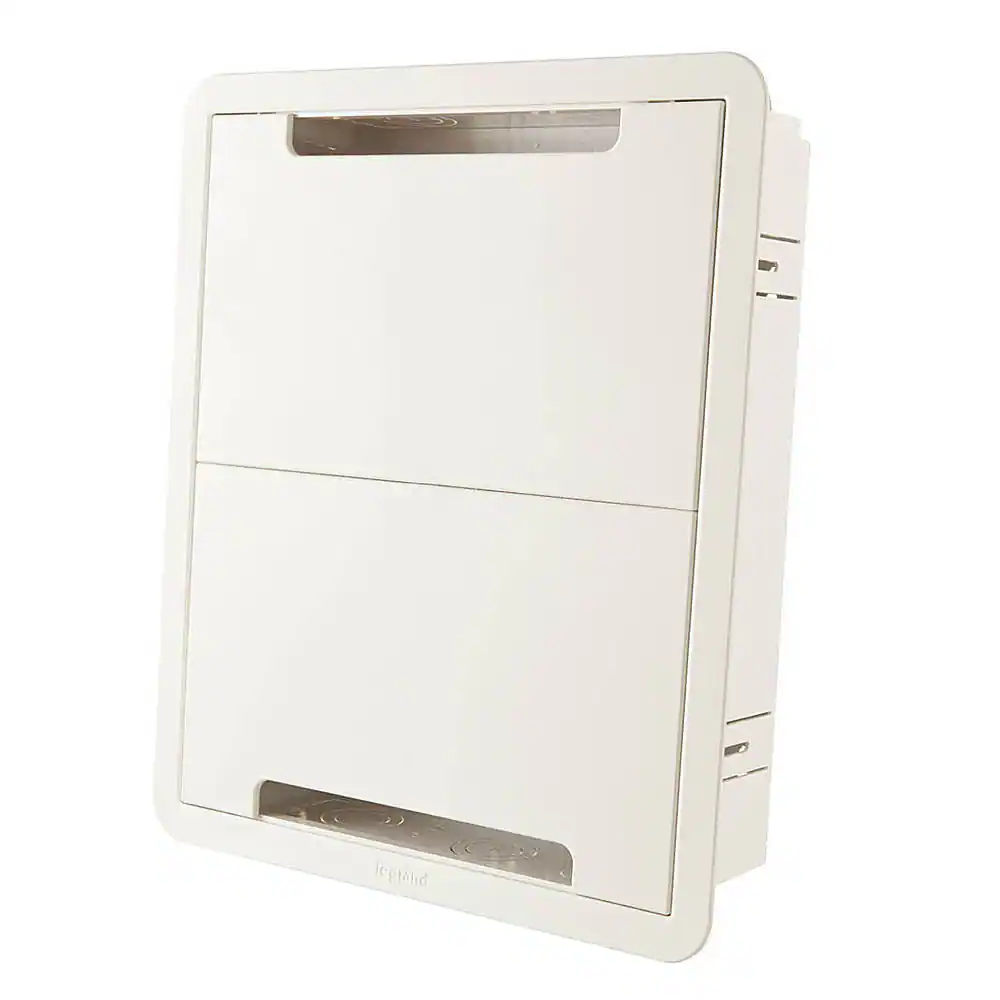 Cable Concealers
More to consider
 Top Deal$529.99The price was $599.99
 $549.99The price was $729.99
 Clearance$664.99The price was $699.99
 Top Deal$529.99The price was $649.99
 $1,027.42The price was $1,075.00
- Top Deal$429.99The price was $529.99
 Top Deal$899.99The price was $1,199.99
- Top Deal$999.99The price was $1,199.99


Elevate your entertainment Sponsored
 $1,799.99The price was $1,999.99
 $2,499.99The price was $2,799.99
 $3,799.99The price was $3,999.99
 $847.99The price was $1,499.99
 $3,349.00The price was $3,399.00
- Top Deal$1,799.99The price was $1,999.99
 $3,648.00The price was $3,898.00

Discover related products
 $299.99The price was $365.99
 $165.99The price was $174.99
 $179.99The price was $189.99



Keep exploring
 $3,498.00The price was $5,267.92
 $1,199.99The price was $3,376.89
 $279.99The price was $349.99
 $389.99The price was $489.99