A:AnswerFULL DISCLOSURE:
I bought this particular chrome book for my daughter, but I used a similar specked chrome book for work a year or two ago.
With that said, chrome books can access other computers with an app (see the link below). Additionally, the dragging and dropping of files into Google Drive is pretty simple.
Again, I have not used my daughter’s chrome book for more than five minutes, but it SHOULD transfer data quickly (unless you are accustomed to thunderbolt 3/4 speeds).
According to the specs, it says that the USB-C speed is up to 5Gbps.
Hope this information helps.
https://support.google.com/chromebook/answer/1649523?co=GENIE.Platform%3DDesktop&hl=en
A:AnswerYou can upgrade the M2 NVME SSD in this model! I actually upgraded my SSD to a 512 GB! You would need an M2 NVME 2230 SSD which is the size that’s in this model! But if you are not a technical skilled person it is best to use a Micro SD Card to expand your storage for music, videos, pictures etc.
A:AnswerI have this machine and love it! I'm not sure what that person means by not offering 4K playback, not sure I have checked this on mine. I play Netflix, Hulu, Prime and many others and can tell you that you will not find a better resolution screen on a laptop/Chromebook. The screen on this Chromebook will blow you away, super clear and colorful. I've been very pleased
A:AnswerWhile that's an incredibly ignorant statement because it shows you lack a total understanding of COVID-19, how it works, and how it's spread, yes, according to the bottom of the laptop, it is indeed manufactured in China.
A:AnswerI don’t have specifics, but I tested a ton of laptop audio in the store and this one was by far better than all the ones I played with. It was loud and clear and the quality and clarity of the screen just added to it. Hope this helps
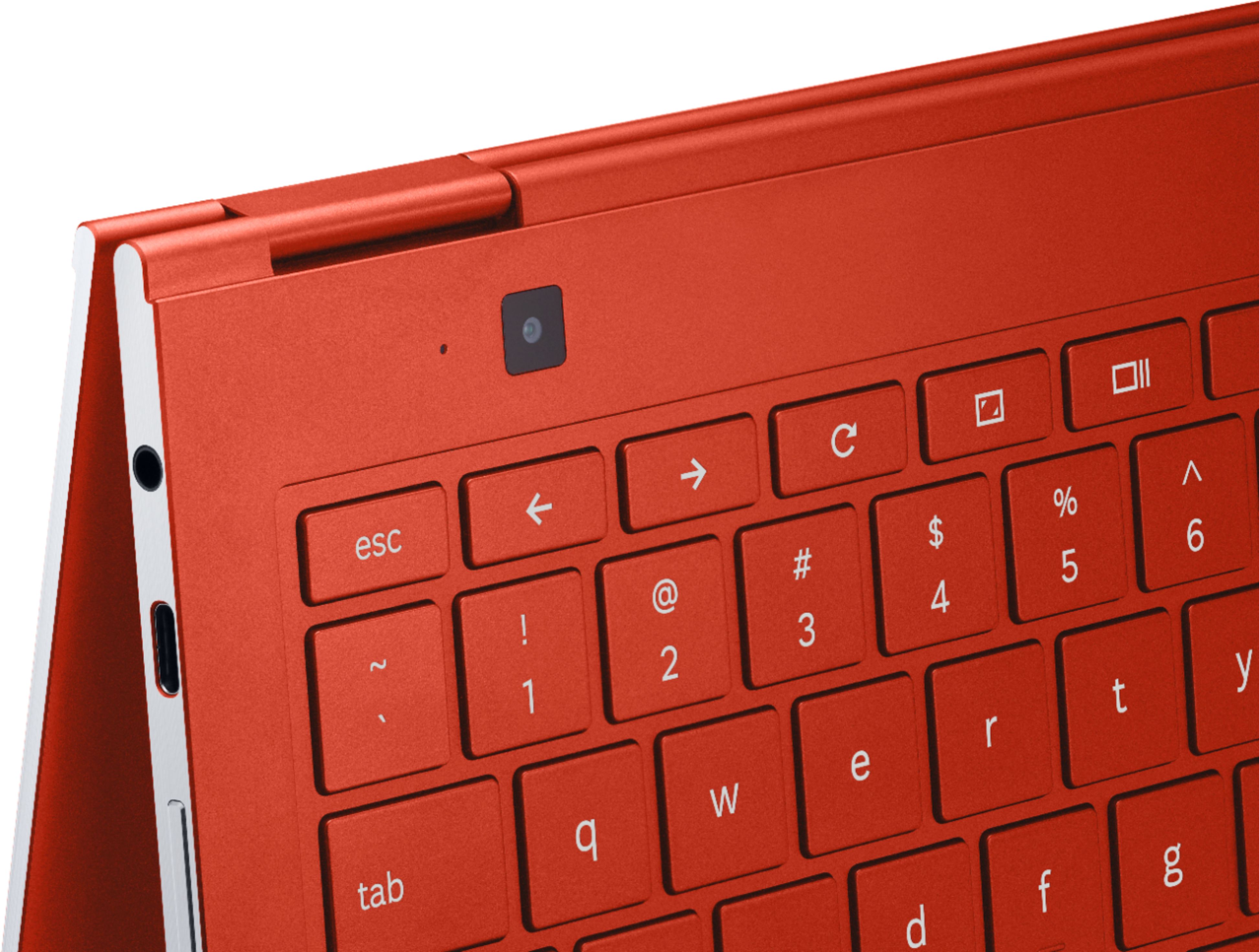
A:AnswerNope - and quite the oversight I think, since the very tiny bezel makes it difficult to mount an external one that doesn't block part of the screen. Be aware that for extra fun there's also a 2nd camera on the keyboard deck (presumably to have a rear facing camera in tent mode?).
A:AnswerI use a HP Envy 4520 and have never had any problems or issues. This Chromebook should work well with any printer or your choice though printers that work well with the Cloud are a good choice.
A:AnswerNo. Unless you want to pay for office 365 .
You can install office libre in linux partition but its hard to use it and feel content that you used Microsoft word.
My advice, forget chromebook and you will get a better laptop for the same price.
A:AnswerFortunately I had all of the necessary connection cables and I did not have to purchase any additional ones. If one has to purchase them, the sales personnel have them readily available in the store or available to purchase online.
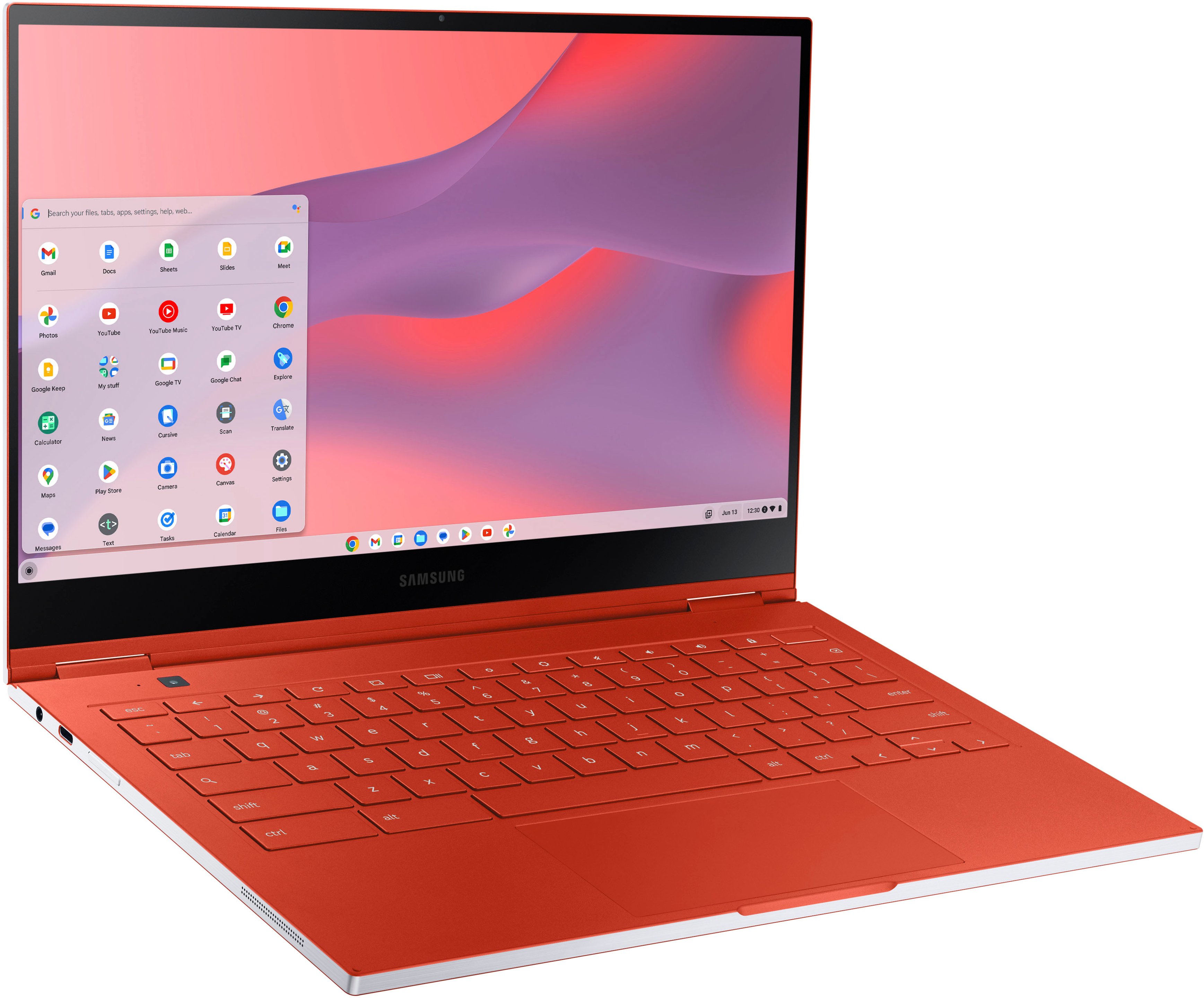
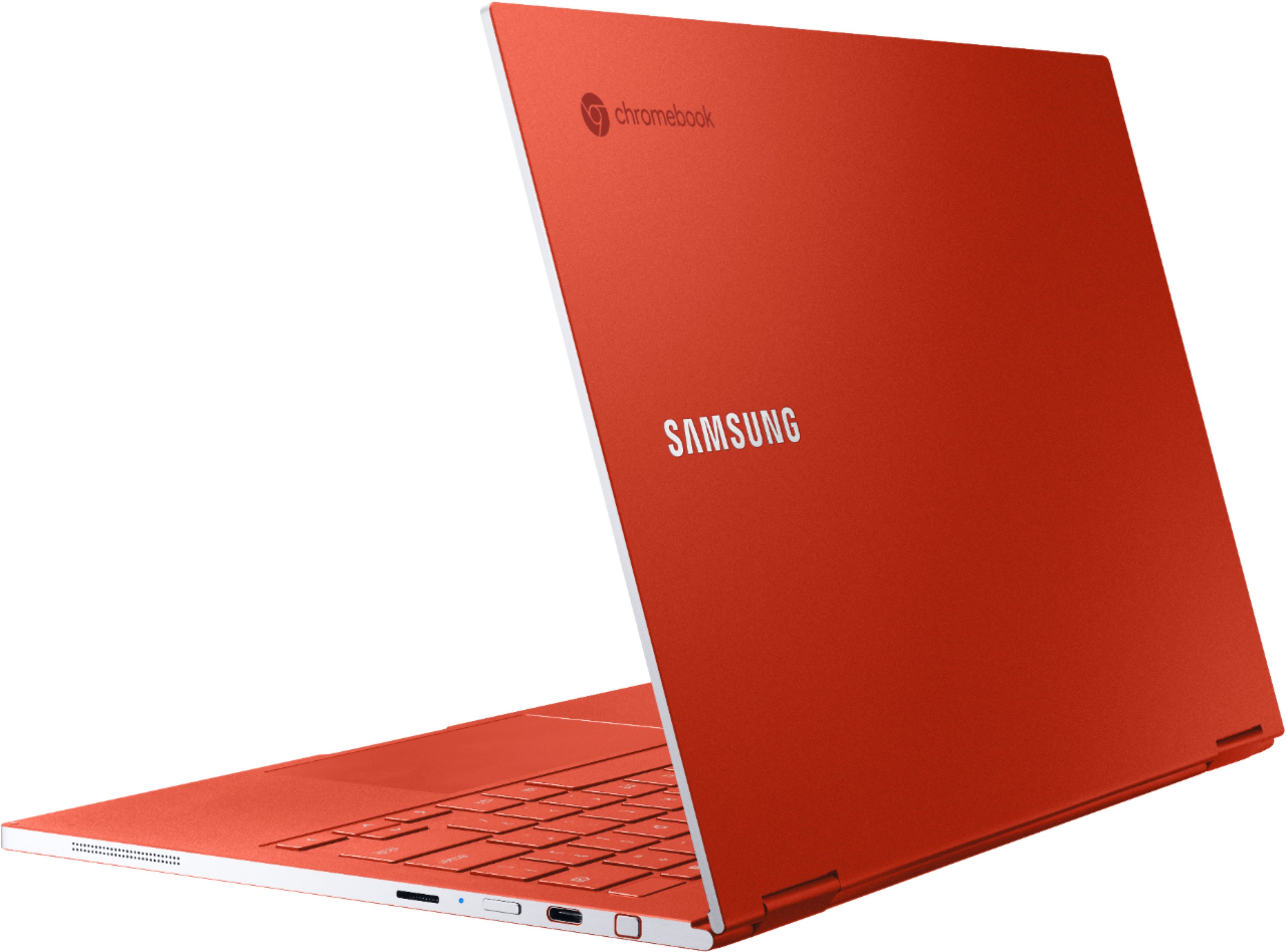
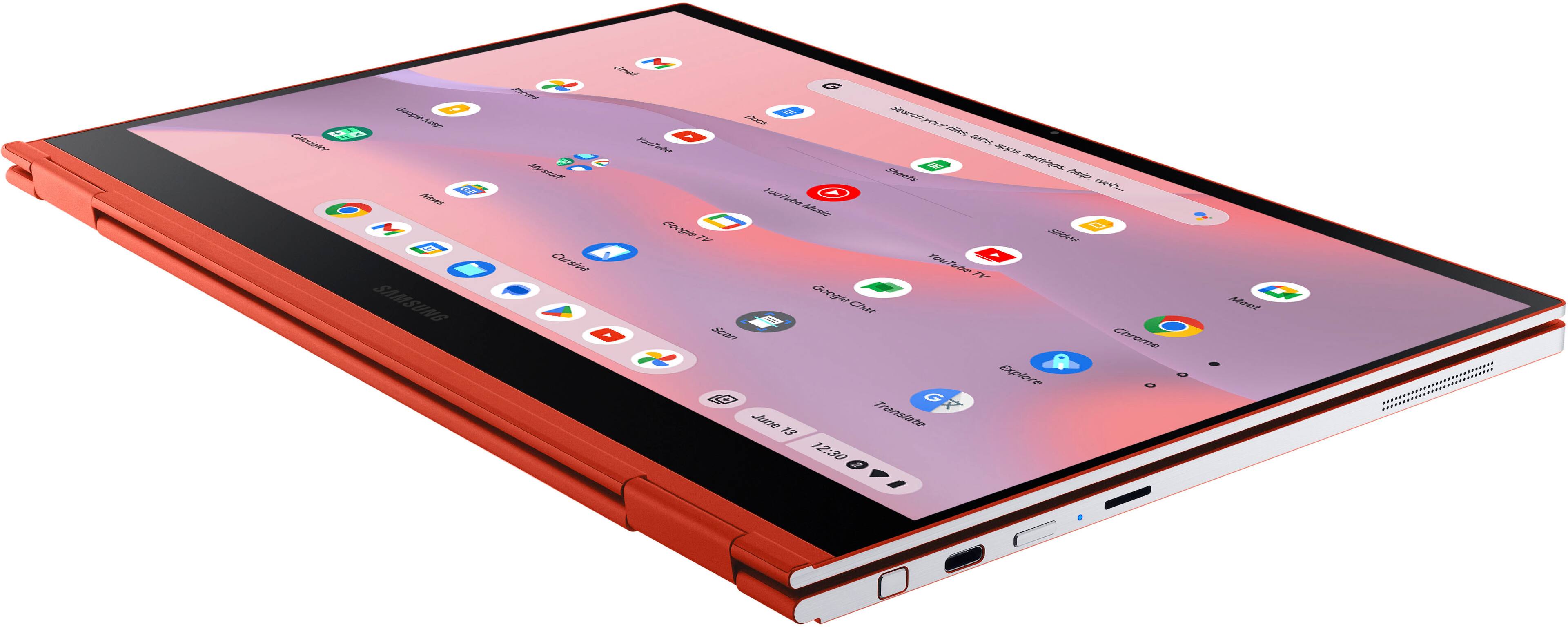
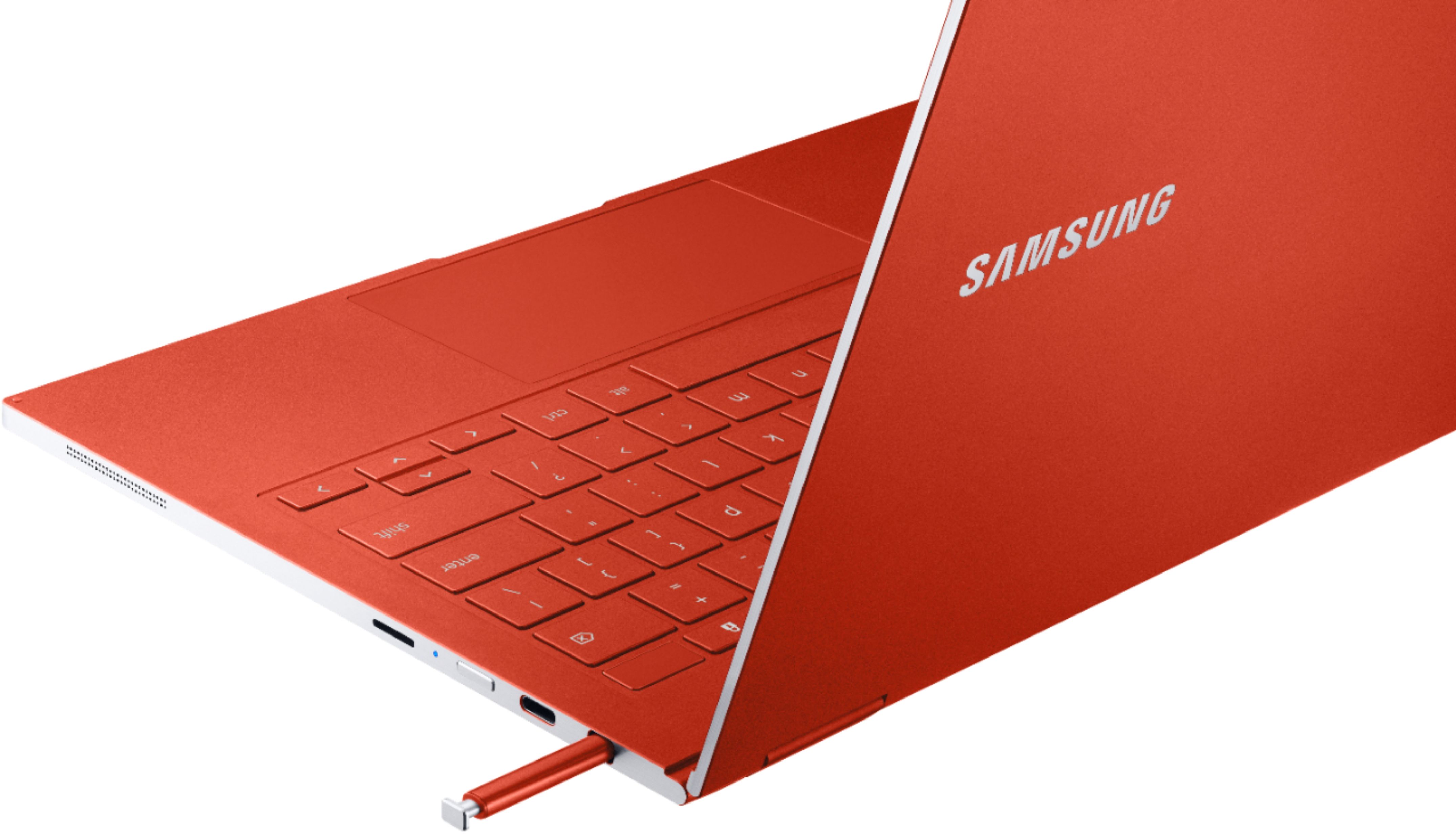
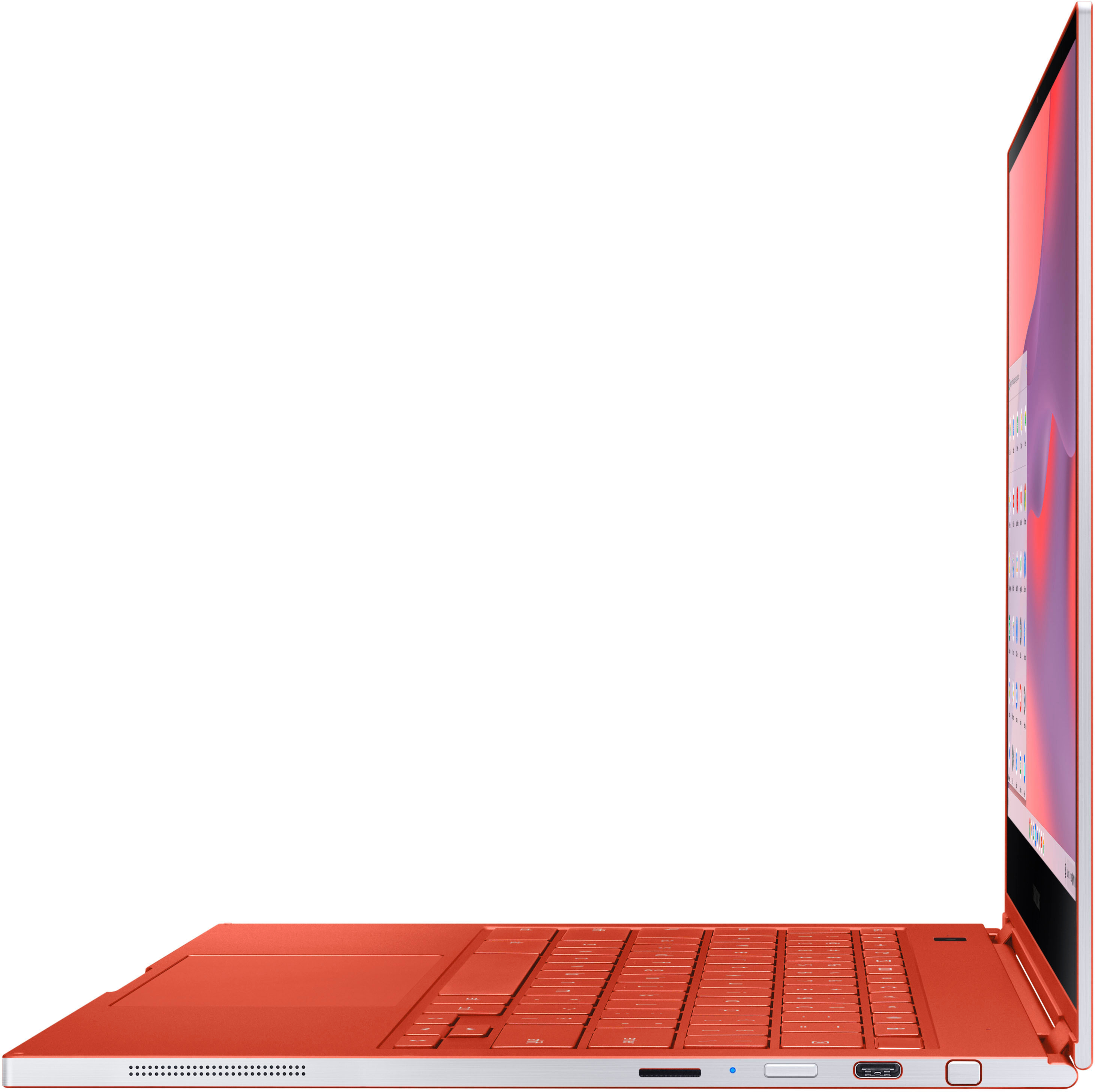
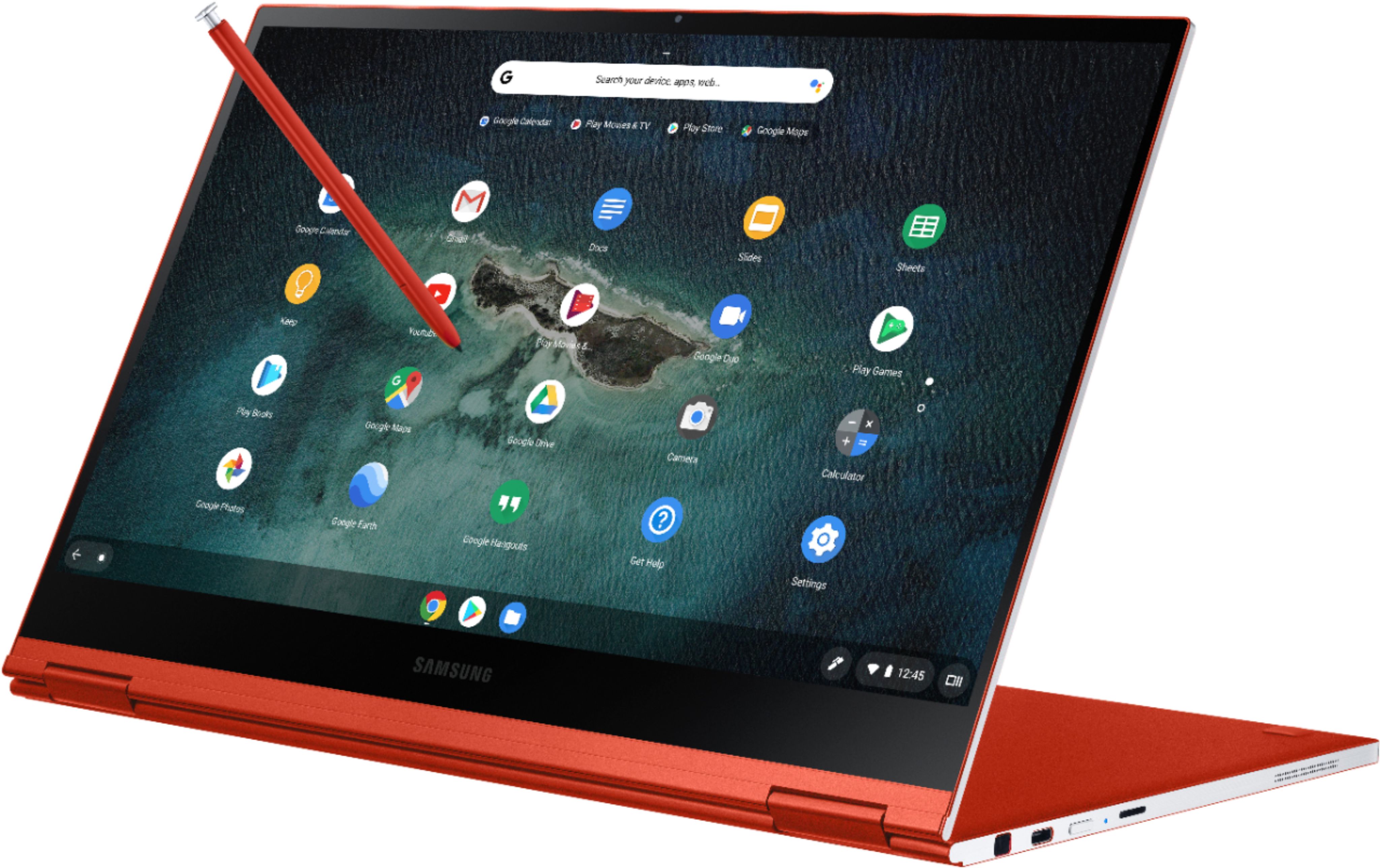
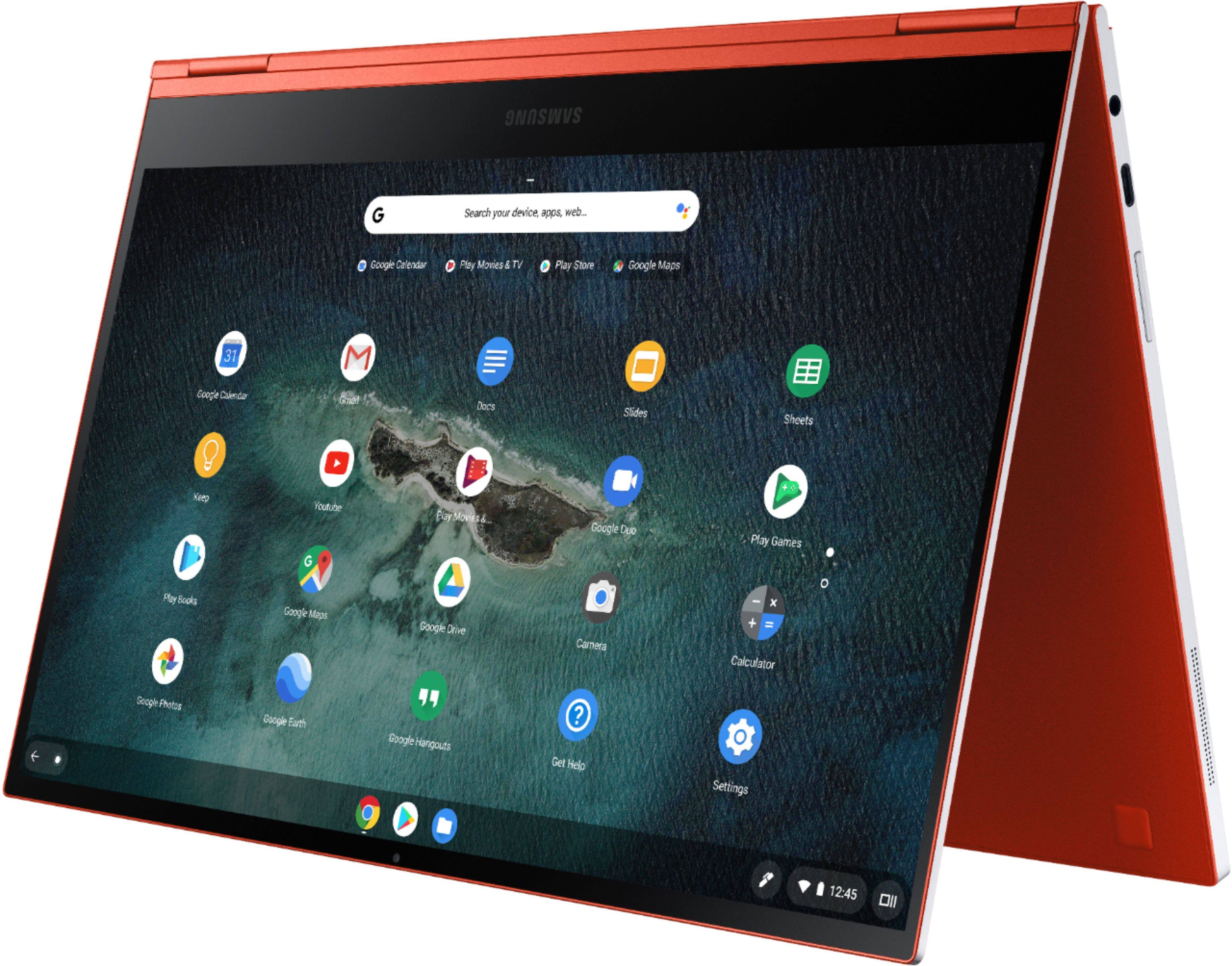
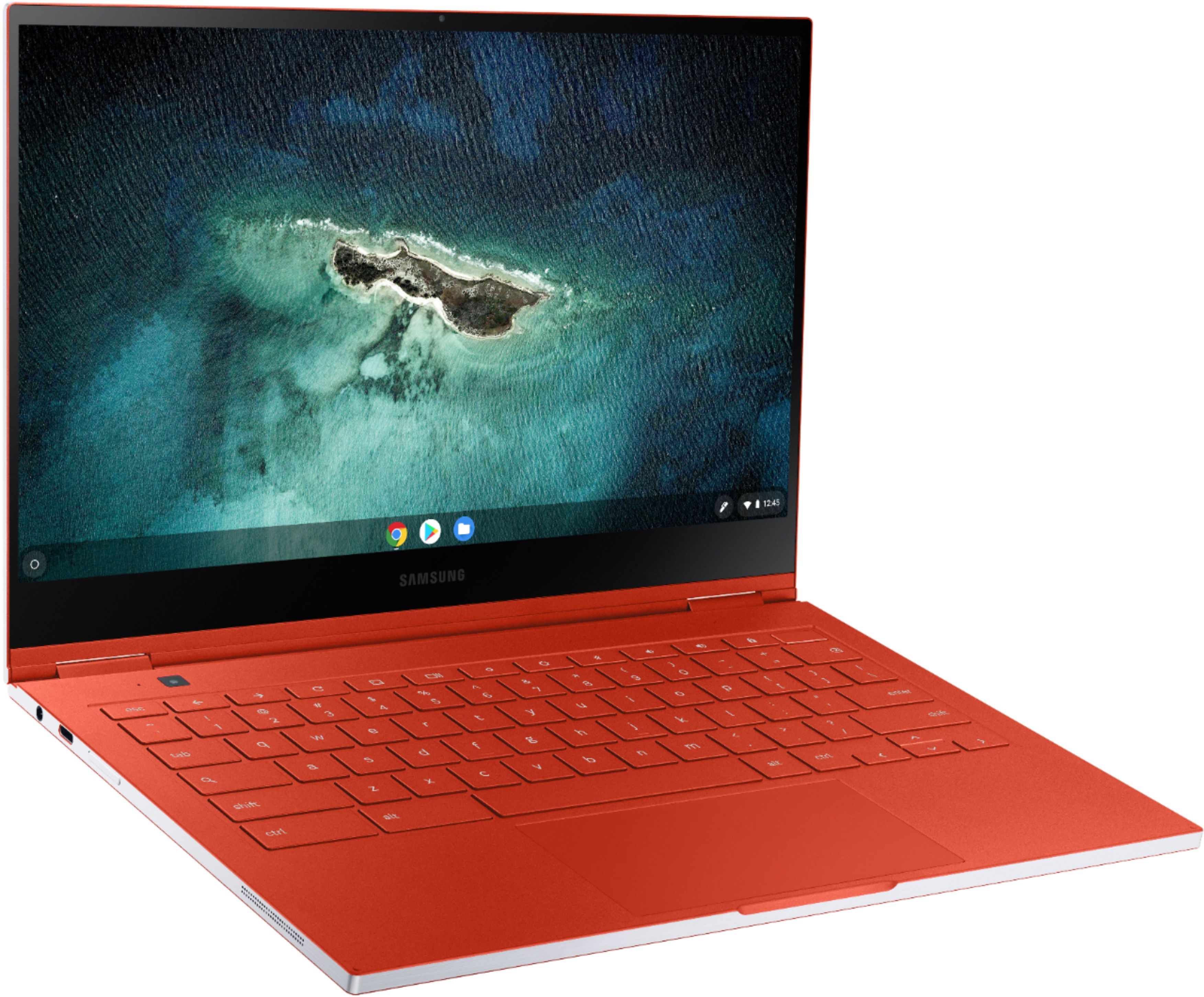
A:AnswerIt has 2 USB-C Ports available that can both be used for charging or for accessories. There is what seems to be a headphone jack on the left side of the Chromebook.
A:AnswerThere are TWO USB-c ports. You can charge and run an additional monitor at the same time. Same as the Samsung Chromebook Pro that I'm using right now.