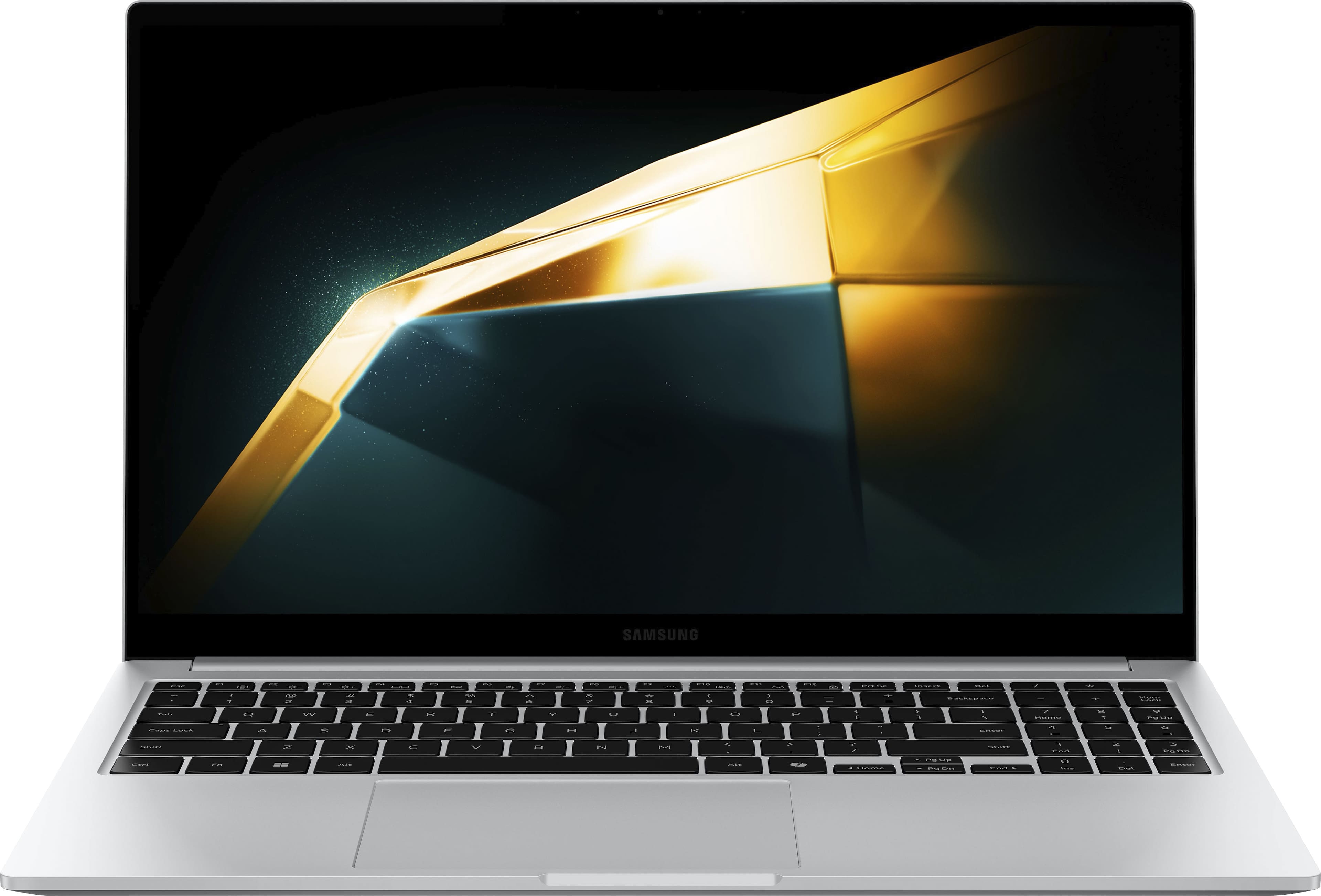
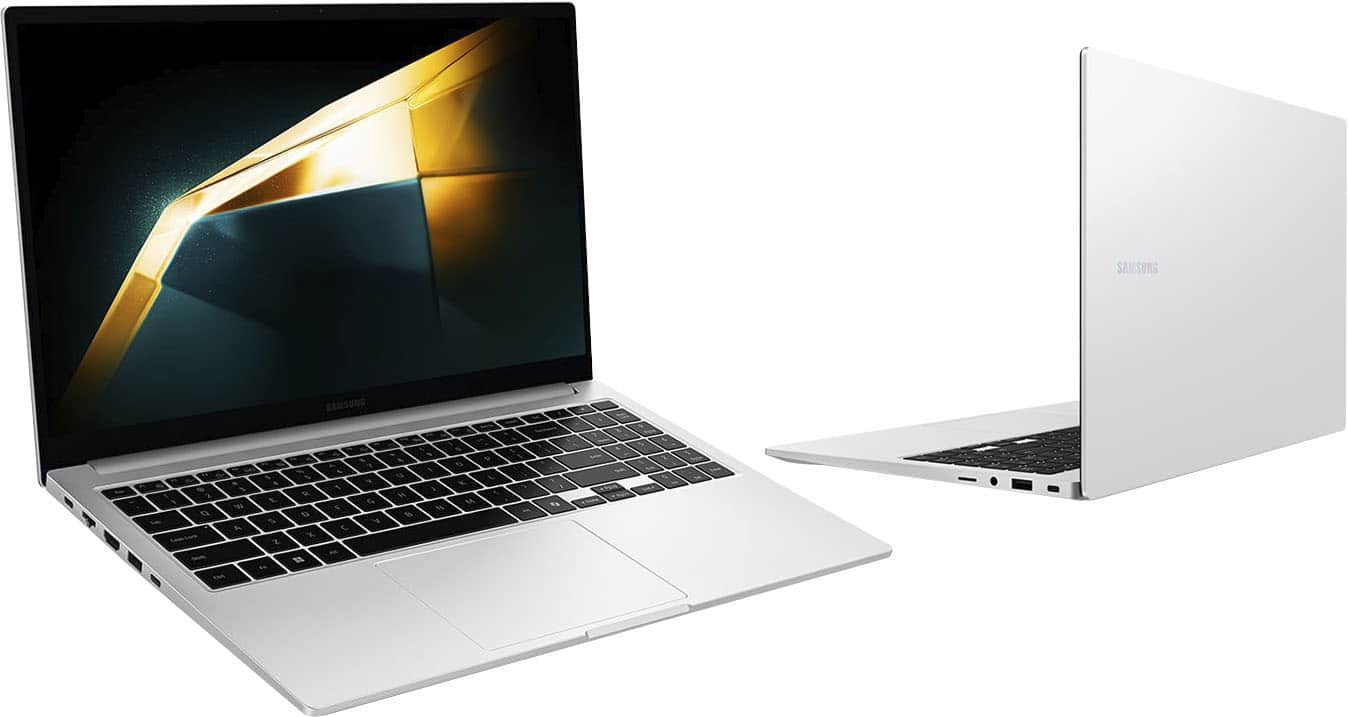
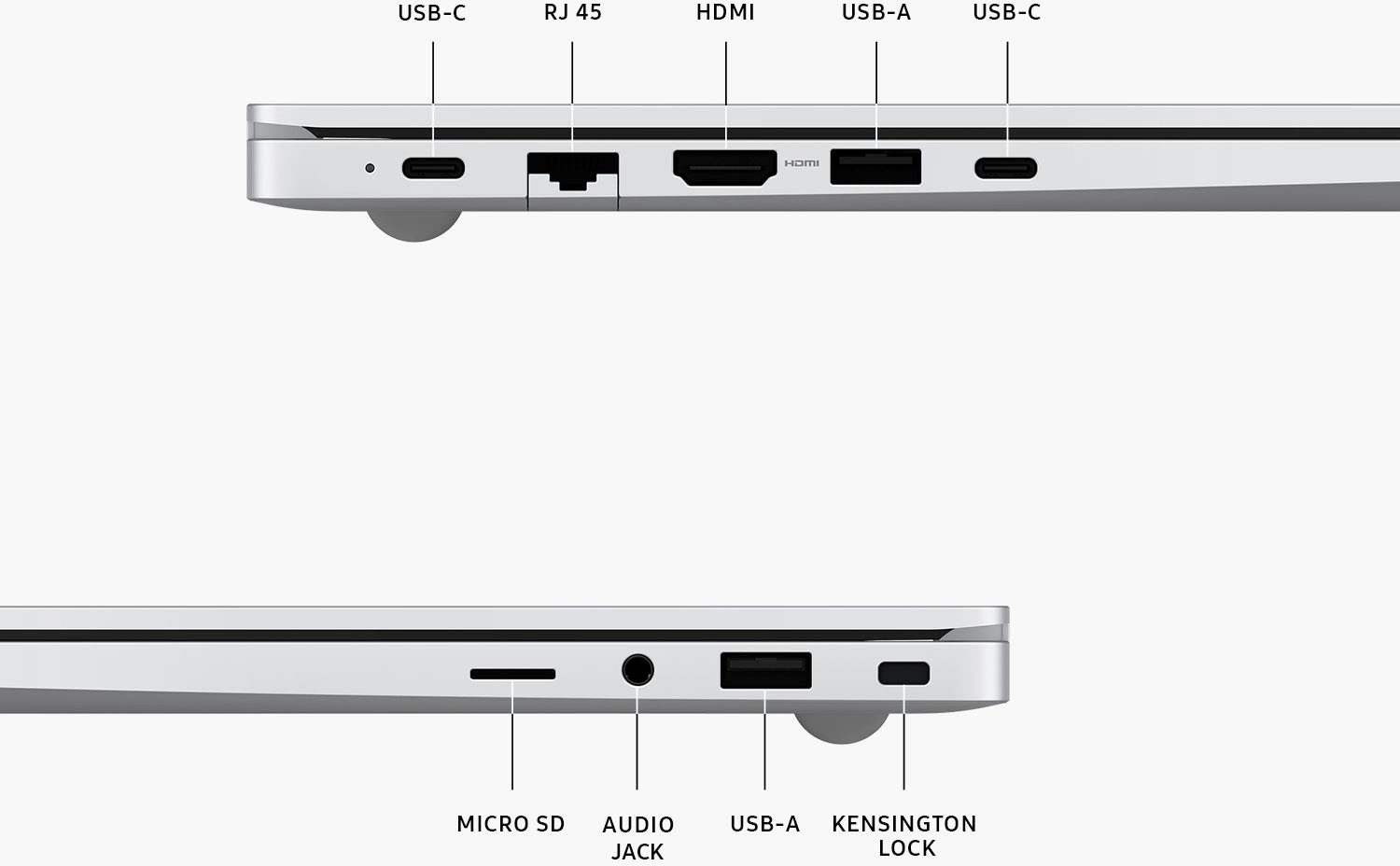
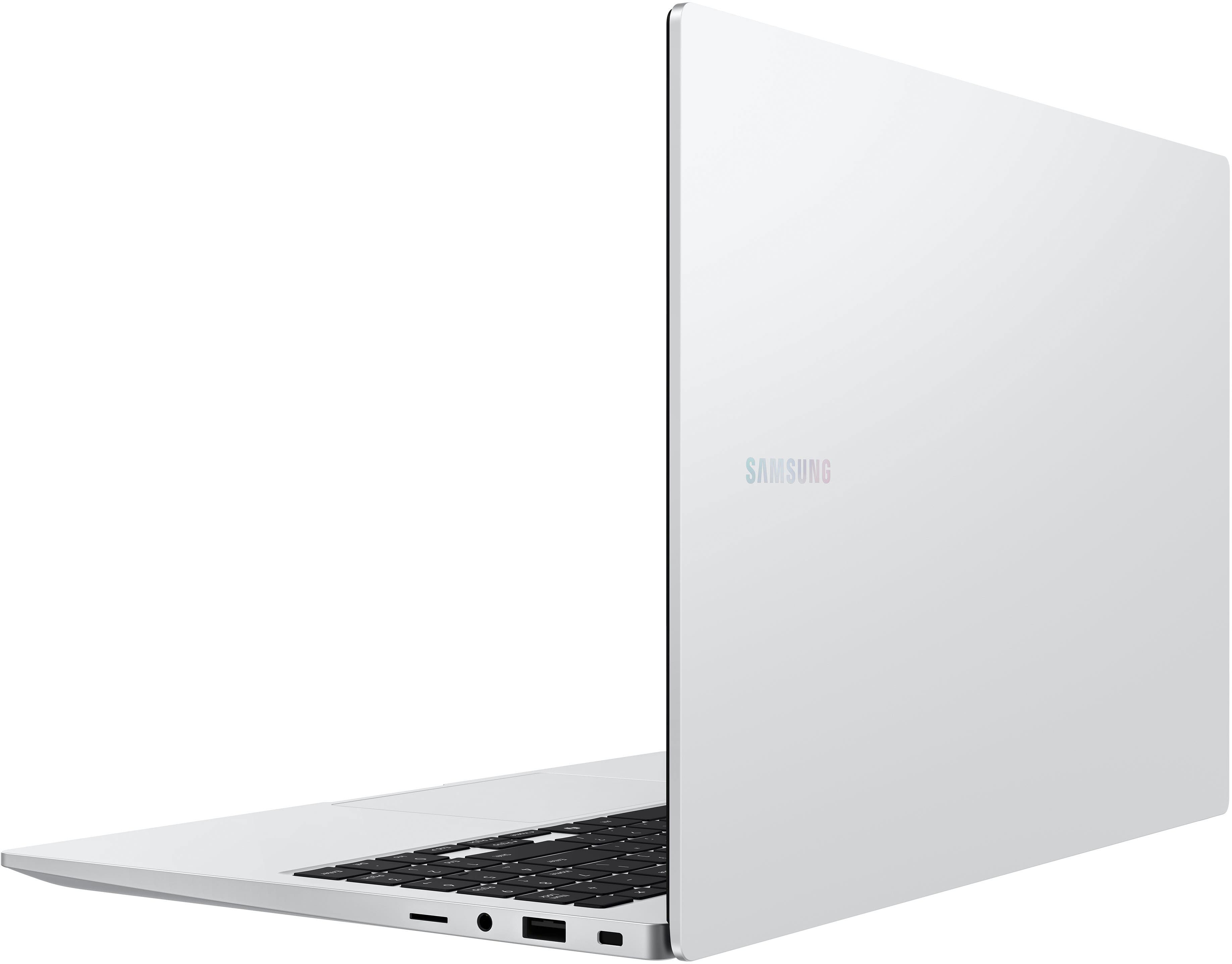
A:AnswerHi there, thank you for taking the opportunity to ask us your questions about the Samsung Galaxy Book4. The advertised Galaxy Book4 offers 1 HDMI, 2 USB Type-C, 2 USB3.2, MicroSD Multi-media Card Reader, 1 Headphone out/Mic-in Combo, and 1 RJ45 (LAN). If you have additional questions for us, please feel free to reach out to Support. Thank you for being a faithful Samsung customer. - Debra
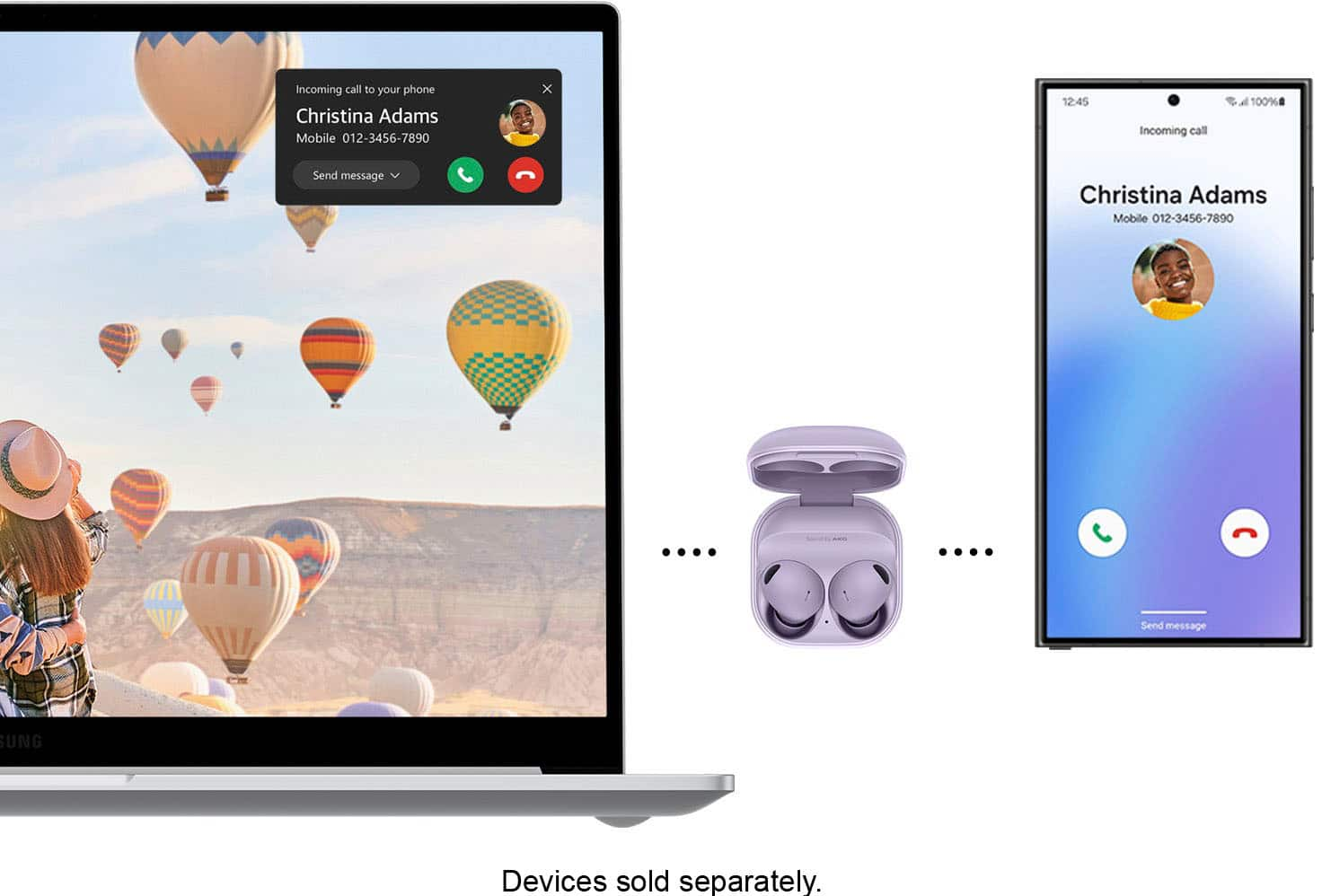
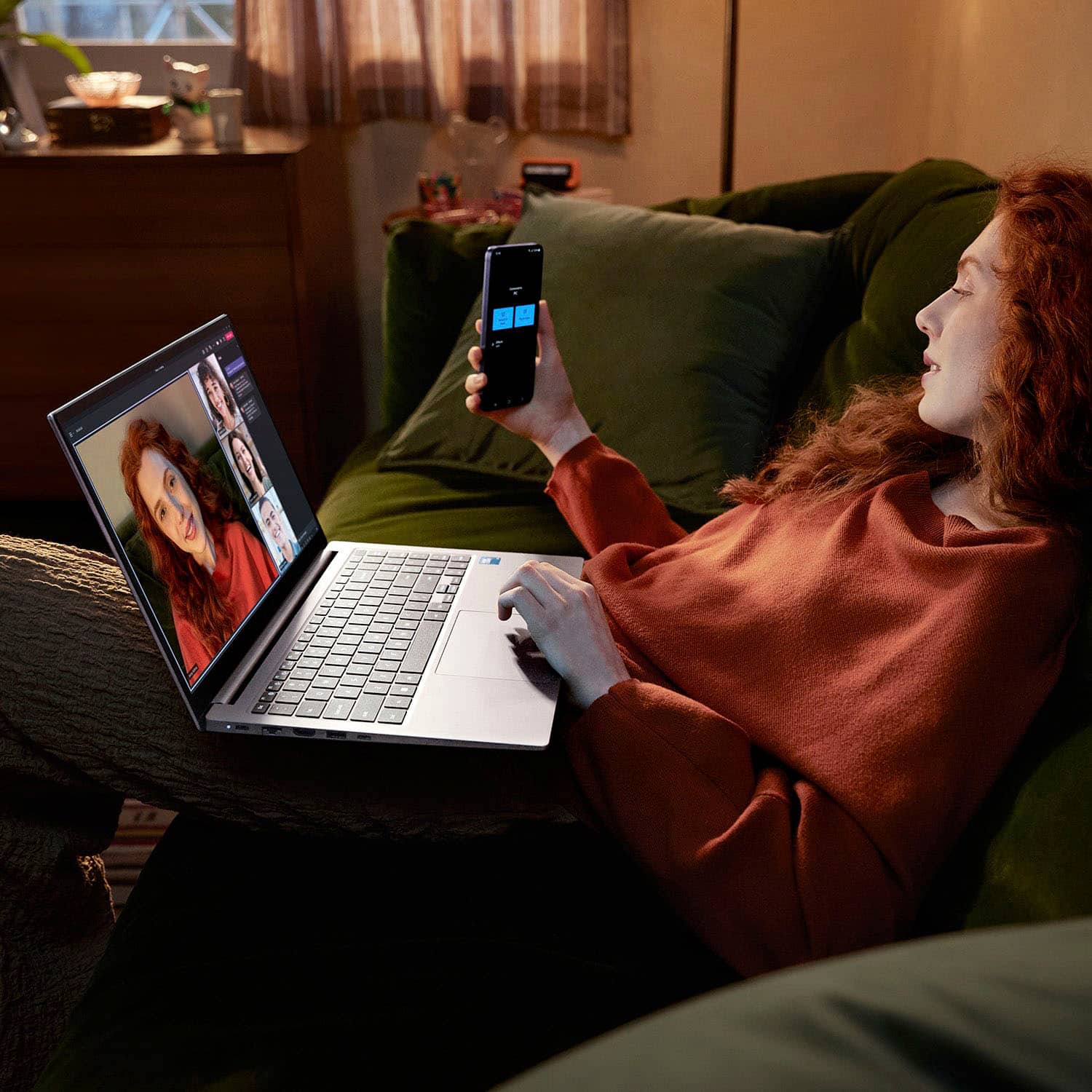
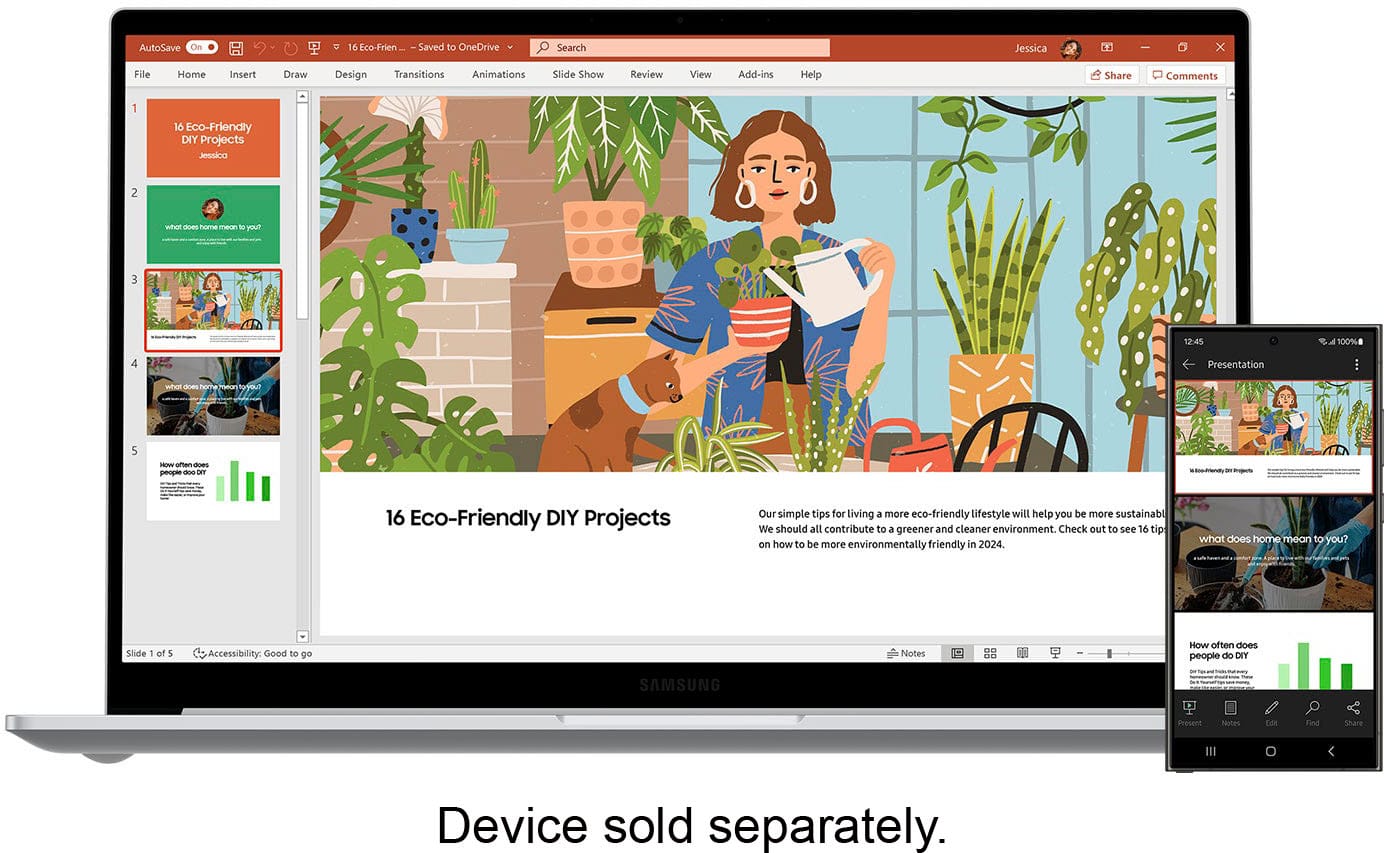
A:AnswerHowdy, thanks for taking the time to ask us your question about the Samsung Galaxy Book4. The advertised Galaxy Book4 offers a unique feature where you can use your paired Samsung Galaxy phone's camera as a webcam. If you have any other questions, do not hesitate to reach out to Support Thanks for being a dedicated Samsung customer. - Debra
A:AnswerSalutations Me, thanks for asking us your question about the Samsung Galaxy Book4. No, the Galaxy Book4 does not need to be plugged in at all times. Feel free to check out, "Charge your Galaxy Book" if you would like to learn more about charging your device. Let us know if you have any questions or if you would like further assistance afterward by reaching out to Support. Thank you for being a valued Samsung customer. - Debra
A:AnswerHowdy Lilsoso, thanks for taking the time out of your hectic day to ask us your question about the Samsung Galaxy Book4. You can stay connected, productive and entertained with the long-lasting 54Wh battery whether you're working or watching a movie marathon, up to 15 hours of video runtime has you covered. Feel free to reach out to Samsung Support if you have any other questions for us. Thank you for being a devoted Samsung customer. - Debra
A:AnswerThanks for reaching out to us! We appreciate you taking the time to reach out with your inquiry. We see that you are interested in the Galaxy Book4 and want to know if this device has HDMI capabilities. The Galaxy Book4 comes with the following ports: 1 x HDMI 1.4b, 2 x USB-C, 2 x USB-A 3.2, 1 X RJ45, 1 x MicroSD, and 1 x Security Slot. If you have any further questions or concerns, be sure to reach out to us at Support. -Kelvin
A:AnswerThanks for reaching out to inquire about the Galaxy Book4, Cam. The Galaxy Book4 PCs, powered by the latest Intel Core processors, are designed to handle demanding applications effectively. The base model features up to 512GB of built-in storage, with the option for expansion up to 2TB through a microSD card. Additionally, these devices ensure seamless connectivity with various other devices in an employee's digital workspace, thanks to multiple available ports on both the Galaxy Book4 and Galaxy Book Pro 360 models. We recommend reaching out to the application's developers for compatibility information. If you have any other questions or concerns, please do not hesitate to reach out to us at Support. -Kelvin
A:AnswerHey Deisy, it's great to hear from you. To answer your question, of course! You can connect seamlessly to your Galaxy Book4, switch between front and rear cameras to find your best angle and enjoy a high-quality picture with enhanced video effects in video applications. If you have any further questions, feel free to reach out to us at Support. -Kelvin
A:AnswerThanks for reaching out to inquire about the Galaxy Book4. The Book4 does have a replaceable SSD card. An SSD(Solid-State Drive) is a fast and reliable storage device that can efficiently expand the storage capacity of a laptop, PC, or gaming console. Unlike HDDs (hard disk drives), which use physical disks, SSDs are more durable and quiet, creating a smoother experience. The memory card on the other hand would not be replacable. For any further questions or concerns, please be sure to reach out to us at Support. -Kelvin
A:AnswerI believe other sites have this model listed as the 7 150u. So given the generation absolutely matters, as is not listed... I _think_ it's the 15th gen.
A:AnswerHello there, thank you for finding the available time out of your lively day to ask us your question about the Samsung Galaxy Book4. The first thing to do when you are having difficulty connecting to the internet is make sure your modem and router are working properly. Reset your modem and router according to the manufacturer's recommendations. Take a moment to review, "Cannot connect Samsung PC to internet" to help resolve what you have described to be experiencing with your PC. Please feel free to reach out to Samsung Support after reviewing the resource provided if you have any questions or if you would like any further assistance. Thank you for being a steadfast Samsung customer. - Debra
A:AnswerIt's great to hear from you, Bobb! The Galaxy Book4 features Bluetooth version 5.2 and includes the following ports: one HDMI port, one Type-C 3.2 port, a MicroSD card reader, one headphone out/mic-in combo, and one RJ45 (LAN) port. In terms of design, it has a 15.6" FHD LED display with a resolution of 1920 x 1080 and an anti-glare finish. The overall size of the display is 15.6 inches. For any other questions, do not hesitate to reach out to us at Support. -Kelvin
A:AnswerAloha Vini, thank you for finding the opportunity to ask us your question about the Samsung Galaxy Book4. That's a good question! Yes, it is possible to connect multiple monitors to your Galaxy Book4 by utilizing a docking station to plug in your additional monitors then plugging the docking station into your Galaxy Book4. If you have any other questions for us or if you would like any further assistance, do not hesitate to reach out to Samsung Support. Thank you for being a staunch Samsung customer. - Debra
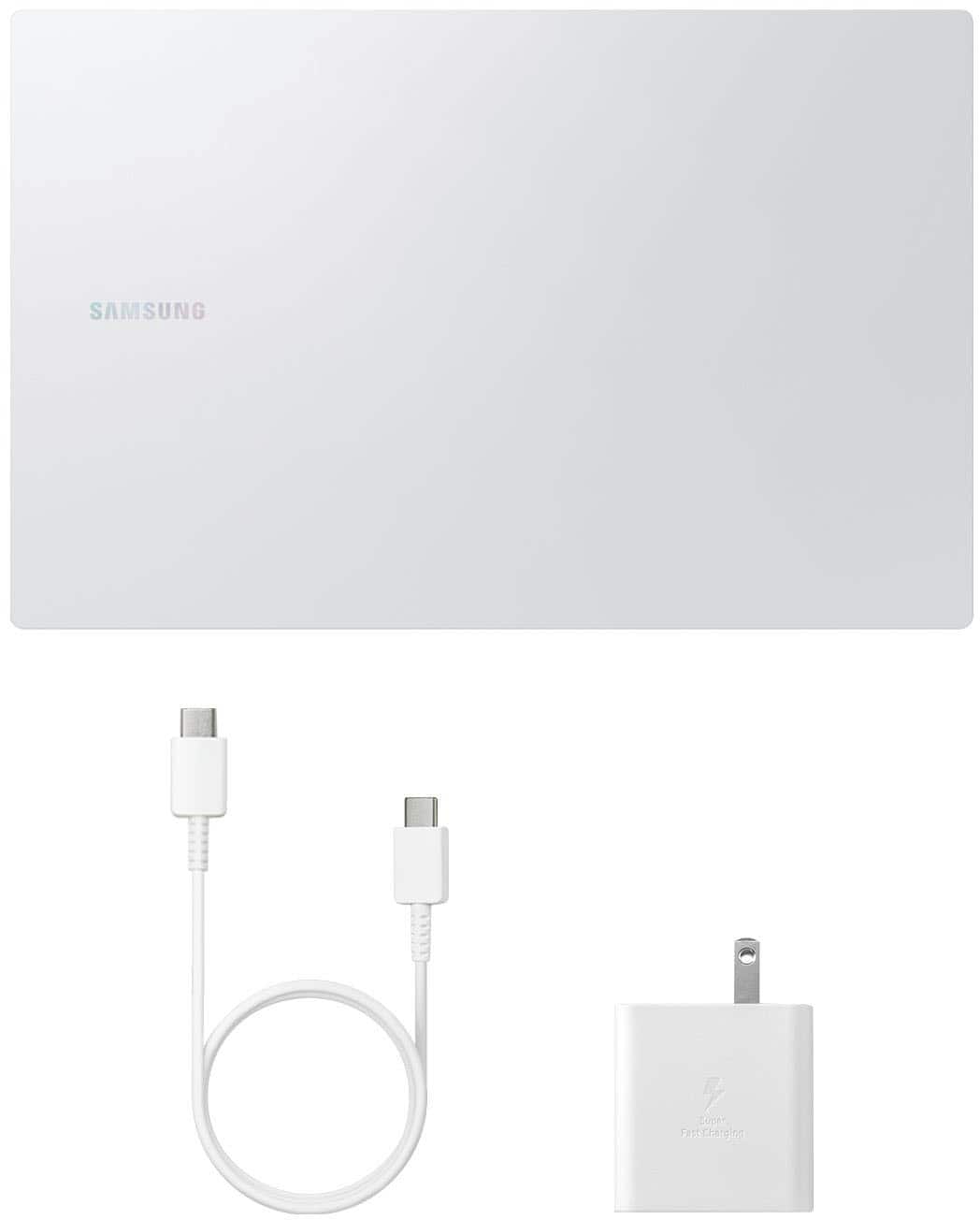
A:AnswerThank you for reaching out, James. We received your inquiry about the Galaxy Book4. The answer to your question is yes! To charge your device, simply connect the charger's USB cable to the power adapter, and then insert the cable into the Galaxy Book's charging port. Next, plug the adapter into a wall socket. When the battery is fully charged, the Power LED will change color. Remember to disconnect your Galaxy Book from the charger once it's fully charged. If you have any further questions, feel free to contact us at Support. - Kelvin
A:AnswerHey Rudra, thank you for finding the time out of your bustling day to ask us your question about the Samsung Galaxy Book4 Edge. The Galaxy Book4 Edge offers the Qualcomm Snapdragon X Elite X1E-80-100 processor with a speed of 3.4GHz and Turbo Boost of 4.0GHz. If you have any other questions for us, feel free to contact Samsung Support. Thank you for being a trustworthy Samsung customer. - Debra
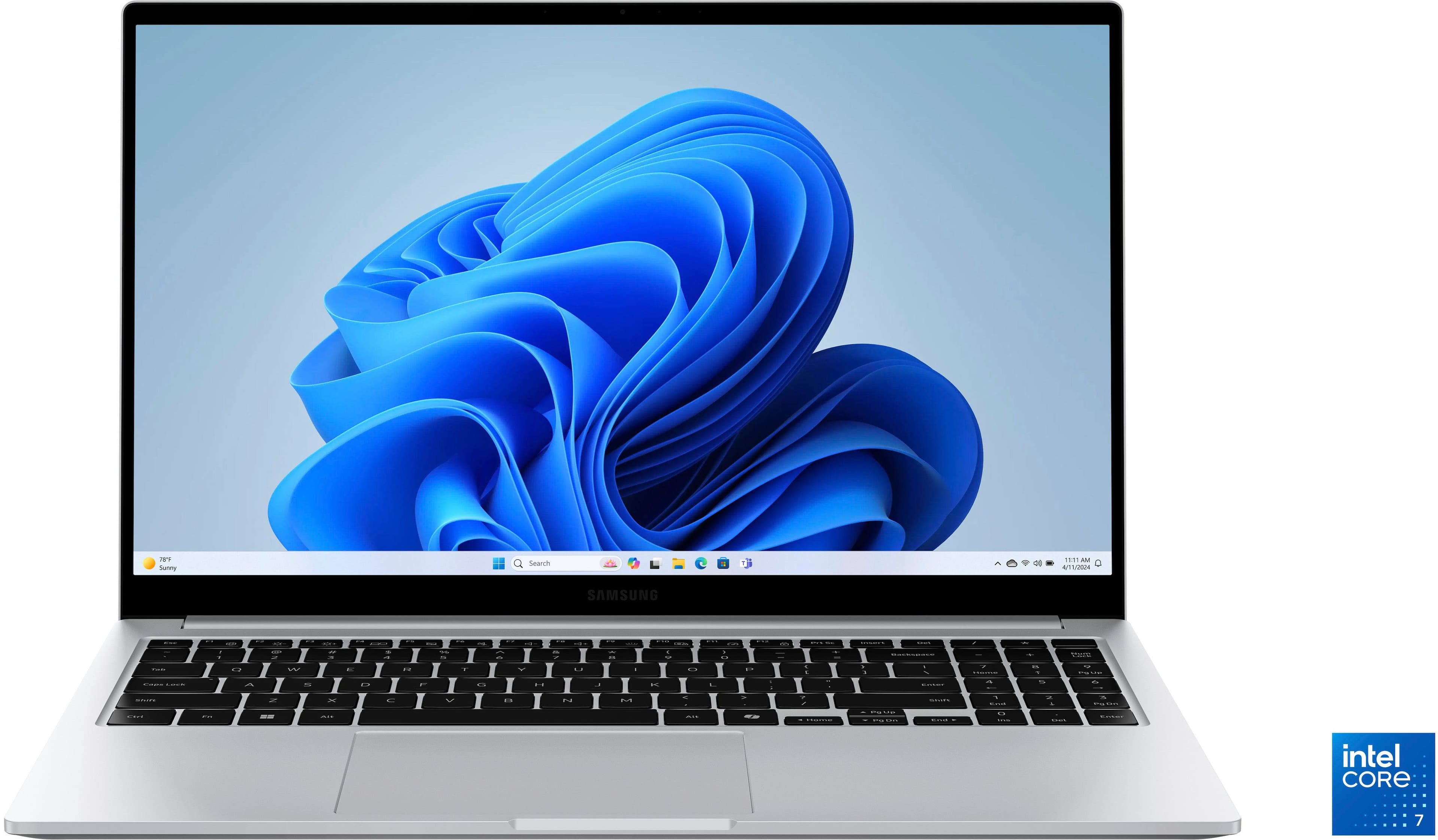
A:AnswerWe appreciate you taking the time to come to us with your questions. We always look forward to assisting! To answer your question, the Galaxy Book4 comes equipped with an Intel Core 7 processor. For any further questions, please contact us at Support and we'll be more than happy to answer any questions. -Kelvin