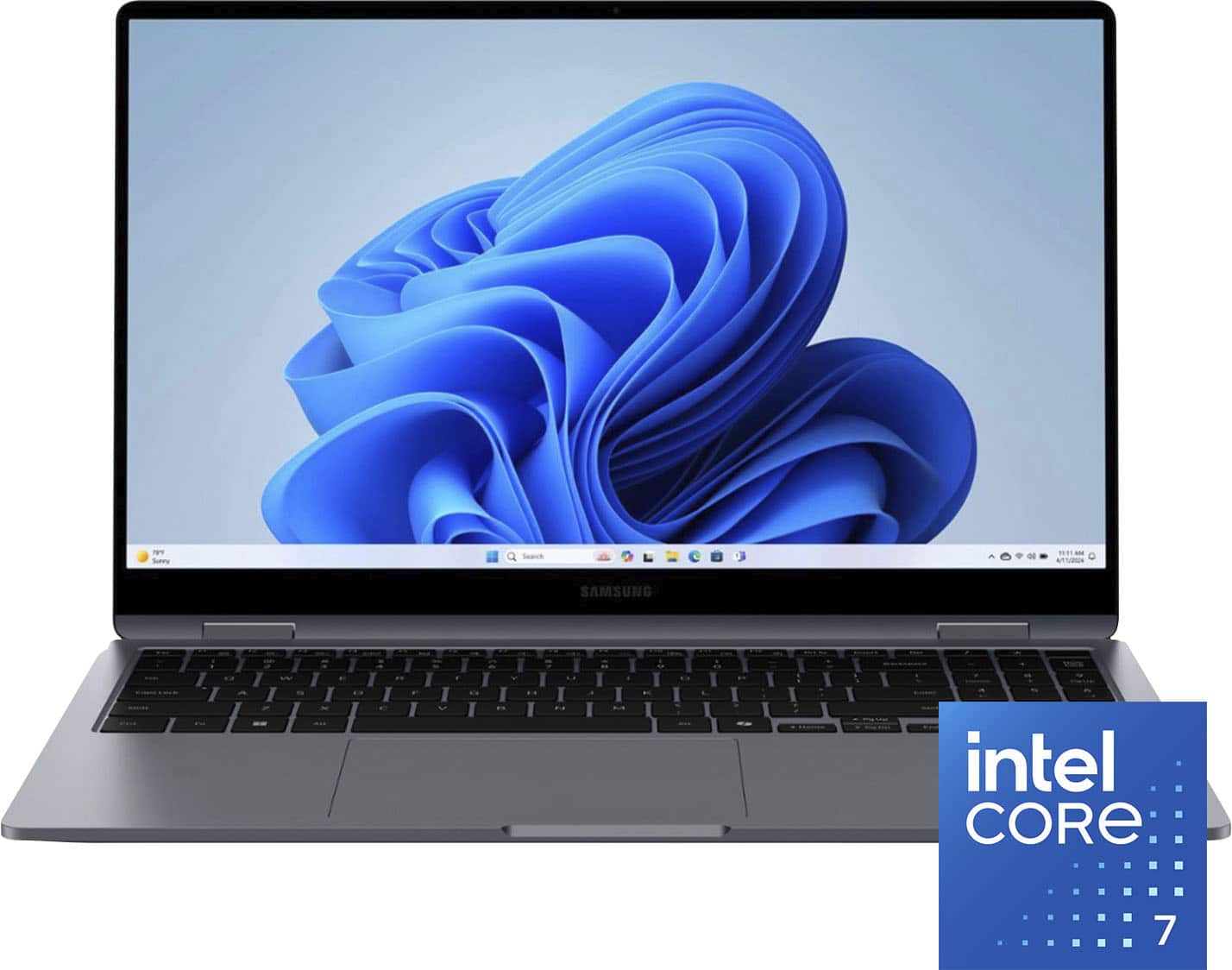
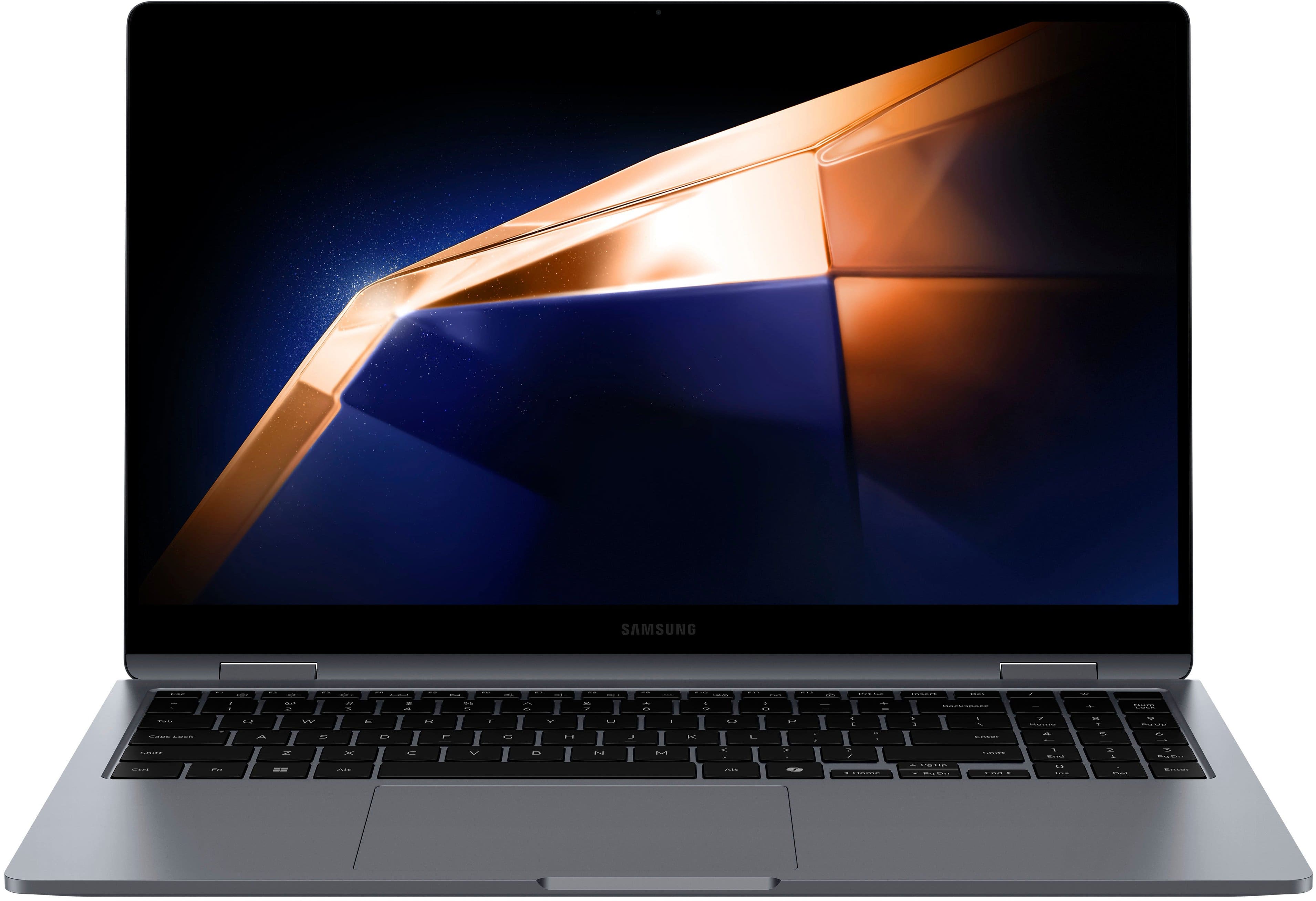
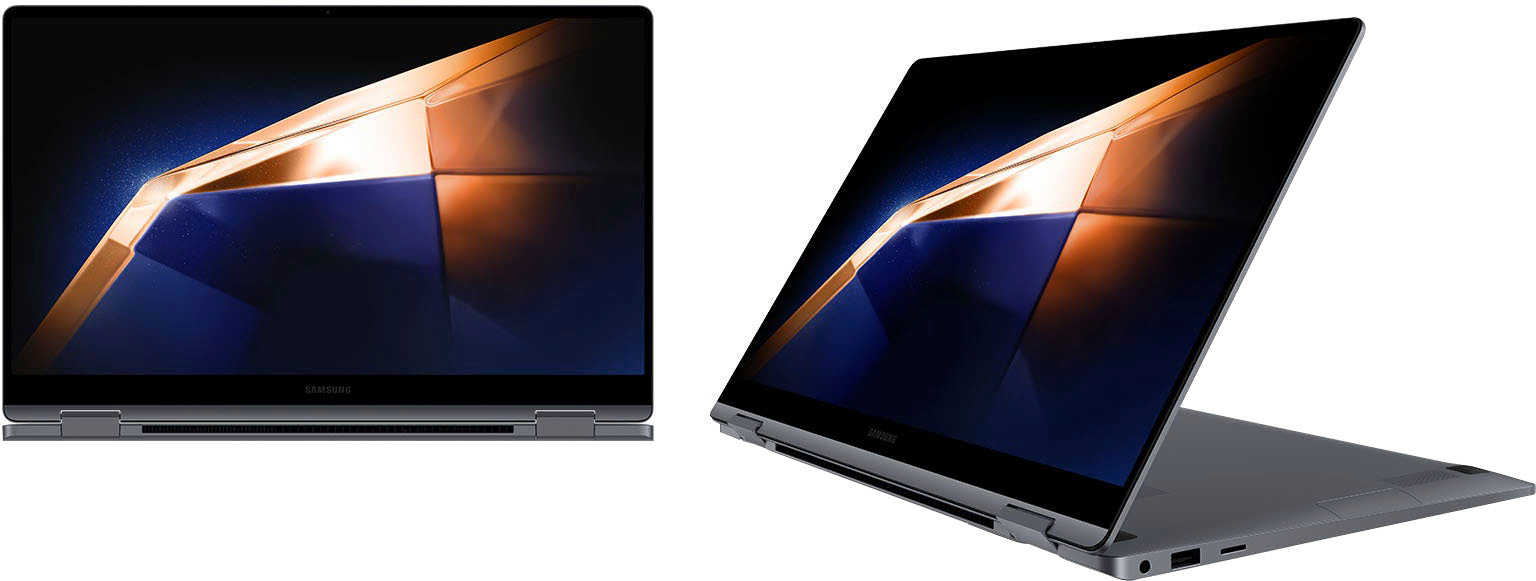
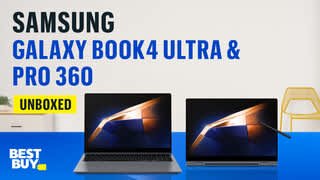
A:AnswerAloha Hello, thanks for asking us your question about the Samsung Galaxy Book4 360. The advertised Galaxy Book4 360 offers Windows 11 Home. If Microsoft Word and Excel are not pre-installed on your PC, you can install them easily. Let us know if you have any other questions for us by contacting Support. Thank you for being a valued Samsung customer. - Debra
A:AnswerGreetings Dadclark, thank you for taking the time to ask us your question about the Samsung Galaxy Book4 360. To turn off Smart Charging (or Battery Protection) on your Galaxy Book4 360, please open Samsung Settings, then go to Battery and performance, and then turn Smart Battery Power Off. If you have any other questions, feel free to reach back out. Thanks for being a loyal Samsung customer. - Debra
A:AnswerThank you for reaching out to us, Tyler. We understand you have questions about the Galaxy Book4. To fully utilize all of Microsoft’s programs and features, simply log into your Microsoft account on your Galaxy Book. If you don’t have an account yet, you can easily create one directly on your device in just a few minutes. For any further questions or concerns, please be sure to reach out to us at Support. -Kelvin
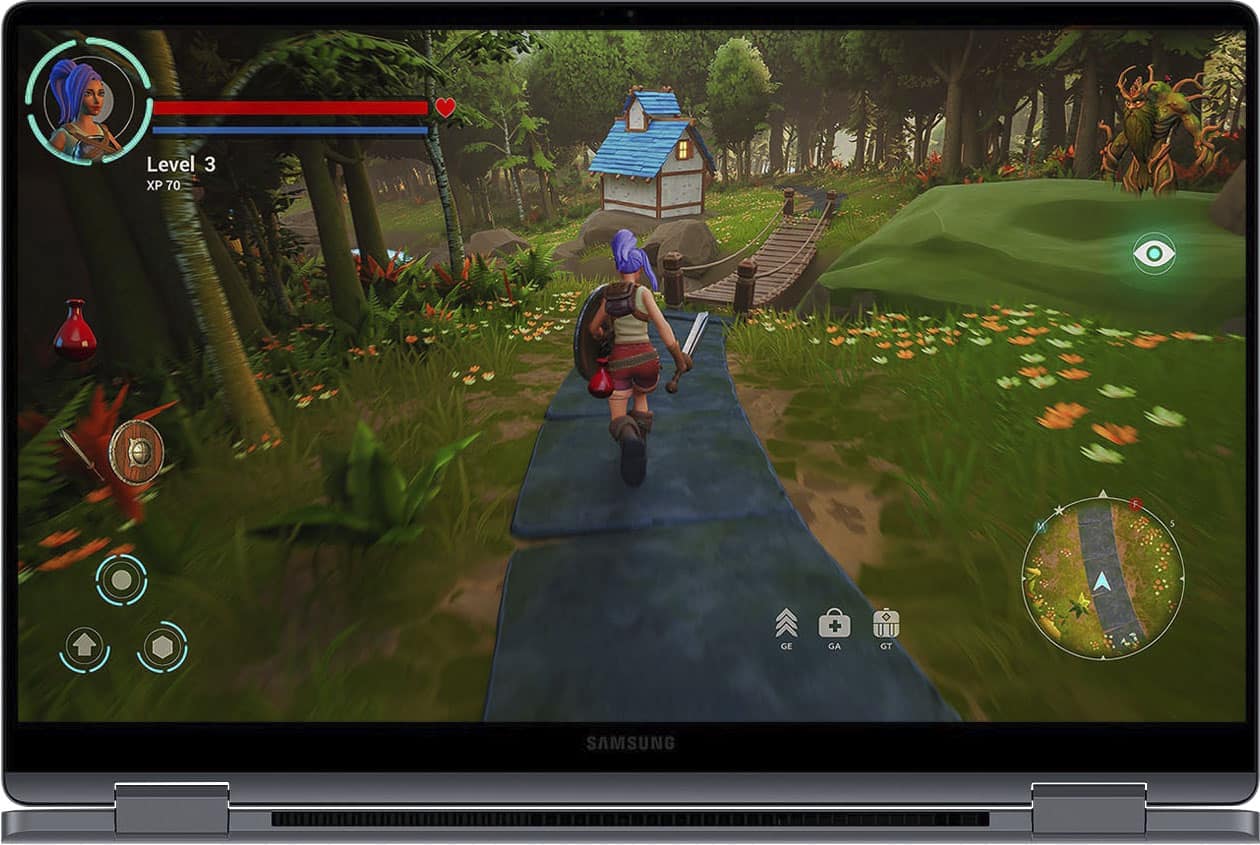
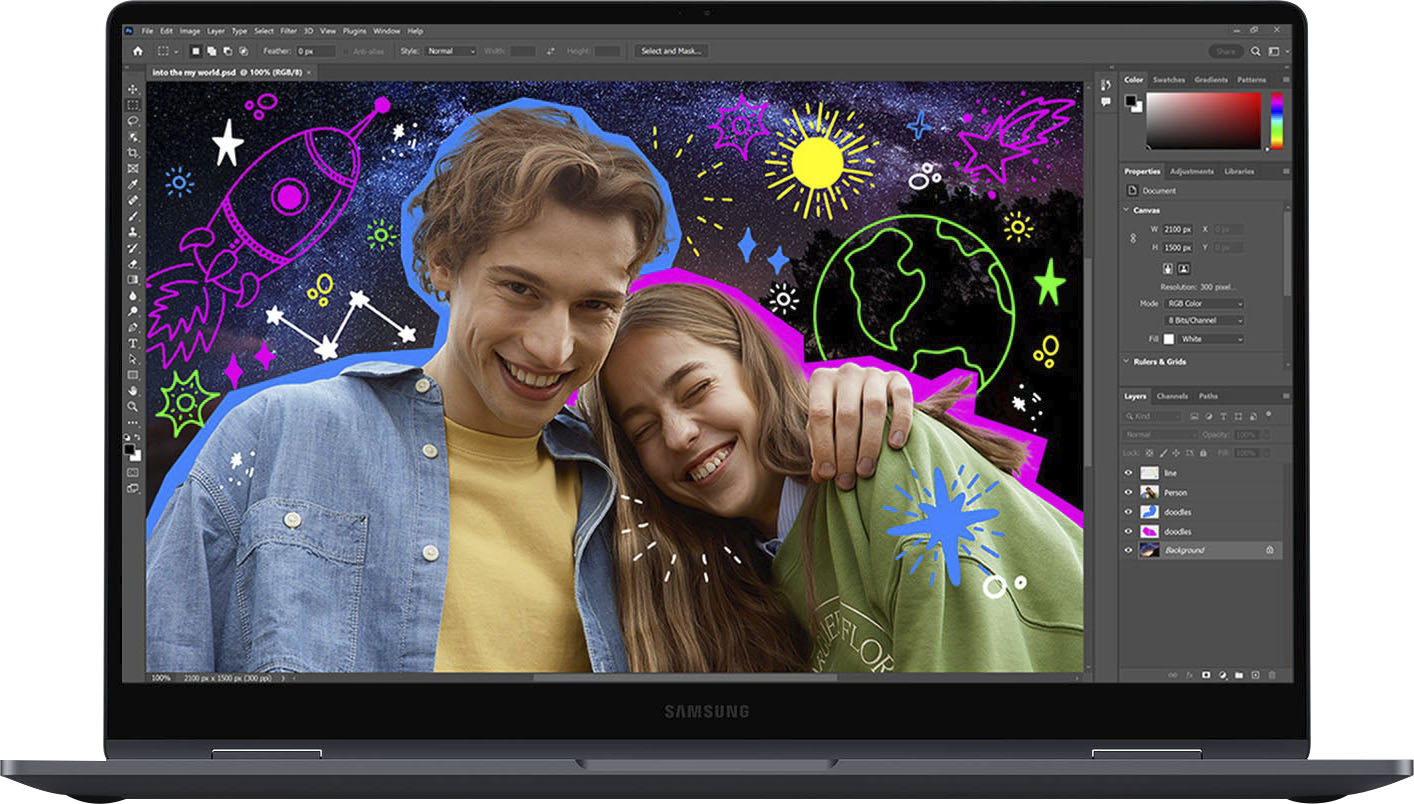
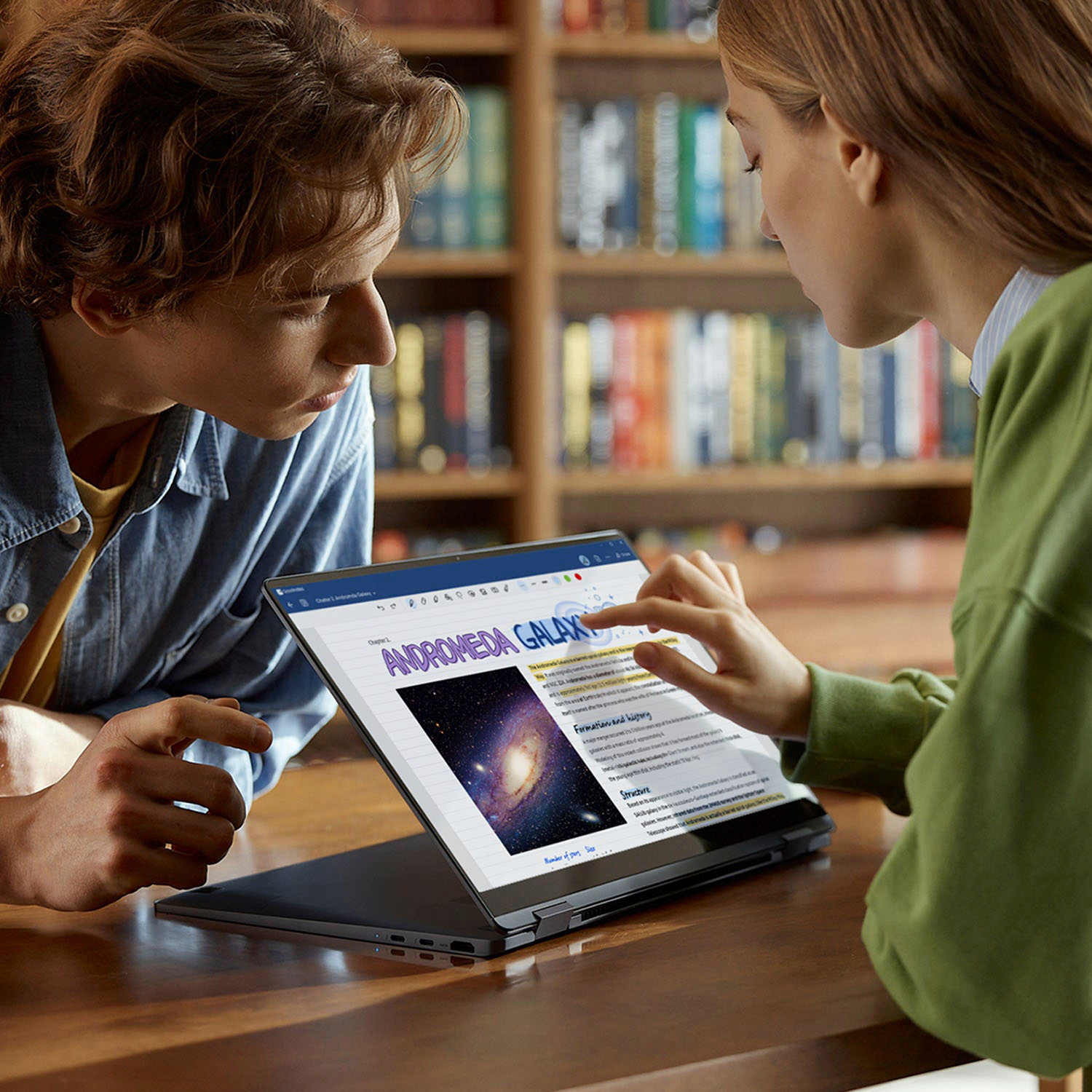
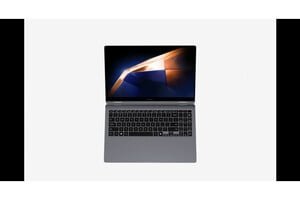
A:AnswerAloha Akumar, thank you for finding the opportunity to ask us your question about the Samsung Galaxy Book4 360. The Galaxy Book4 360 offers a 15.6” Vivid FHD (1920 x 1080) AMOLED display with touchscreen. Let us know if you have any other questions for us by reaching out directly to Samsung Support. Thank you for being a staunch Samsung customer. - Debra
A:AnswerThank you for reaching out to us, Curious. We appreciate you reaching out to us regarding the SSD on the Book4 360. This version only allows up to 512GB of external storage. The Book4 Pro, Book4 Pro 360, and Book4 Ultra does allow up to 1 TB of external storage. If you have any further questions, please be sure to reach out to us at support. -Kelvin