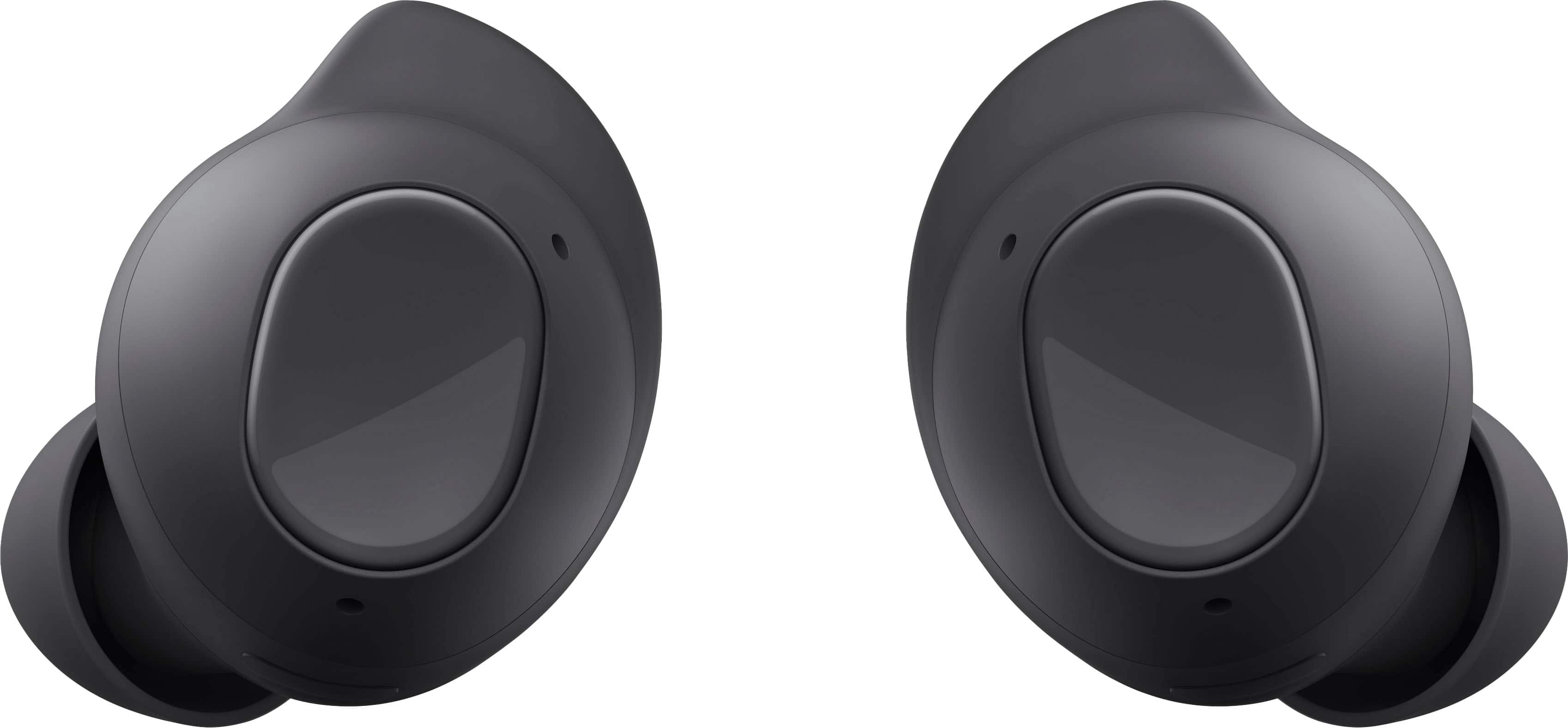
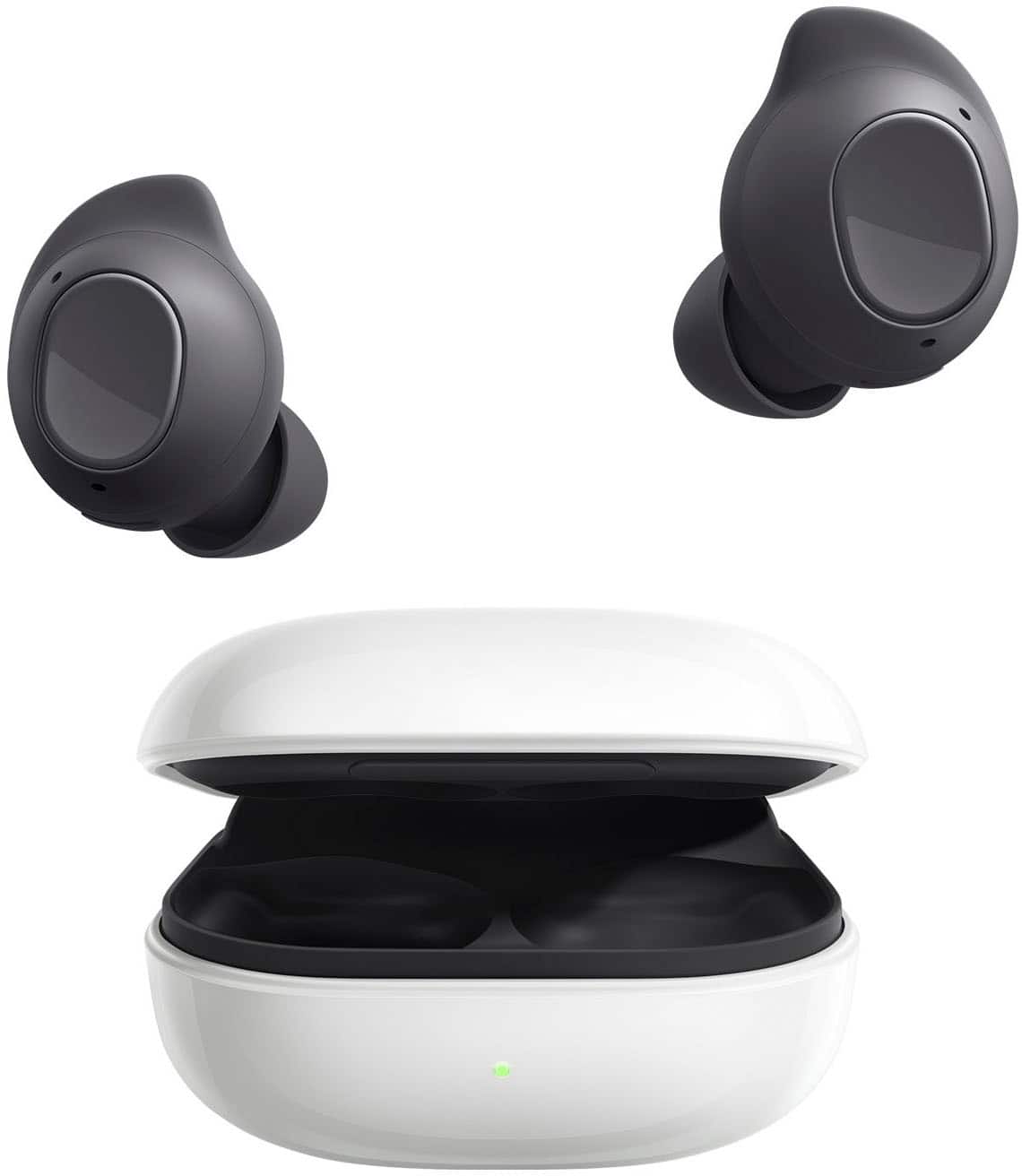
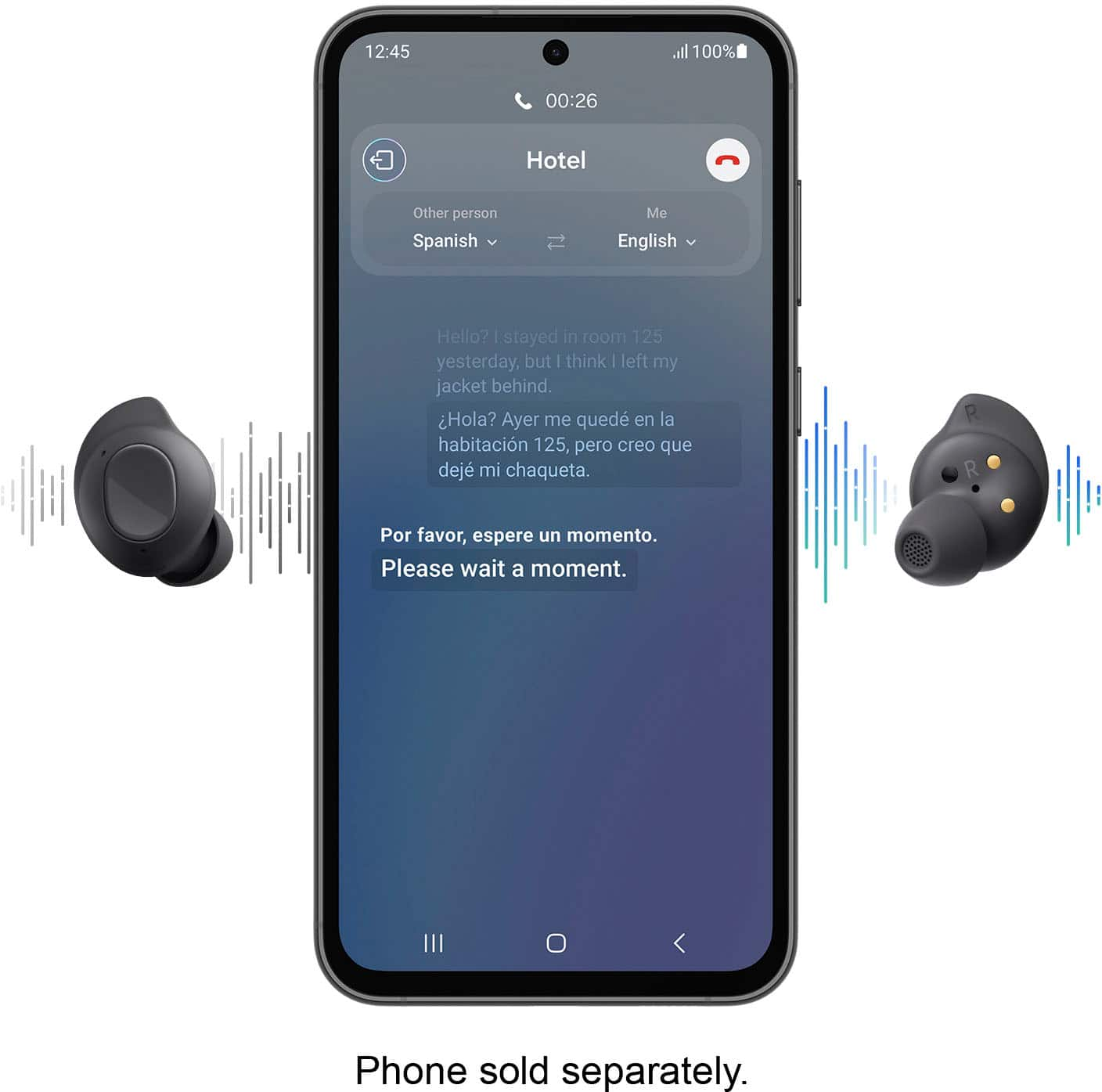
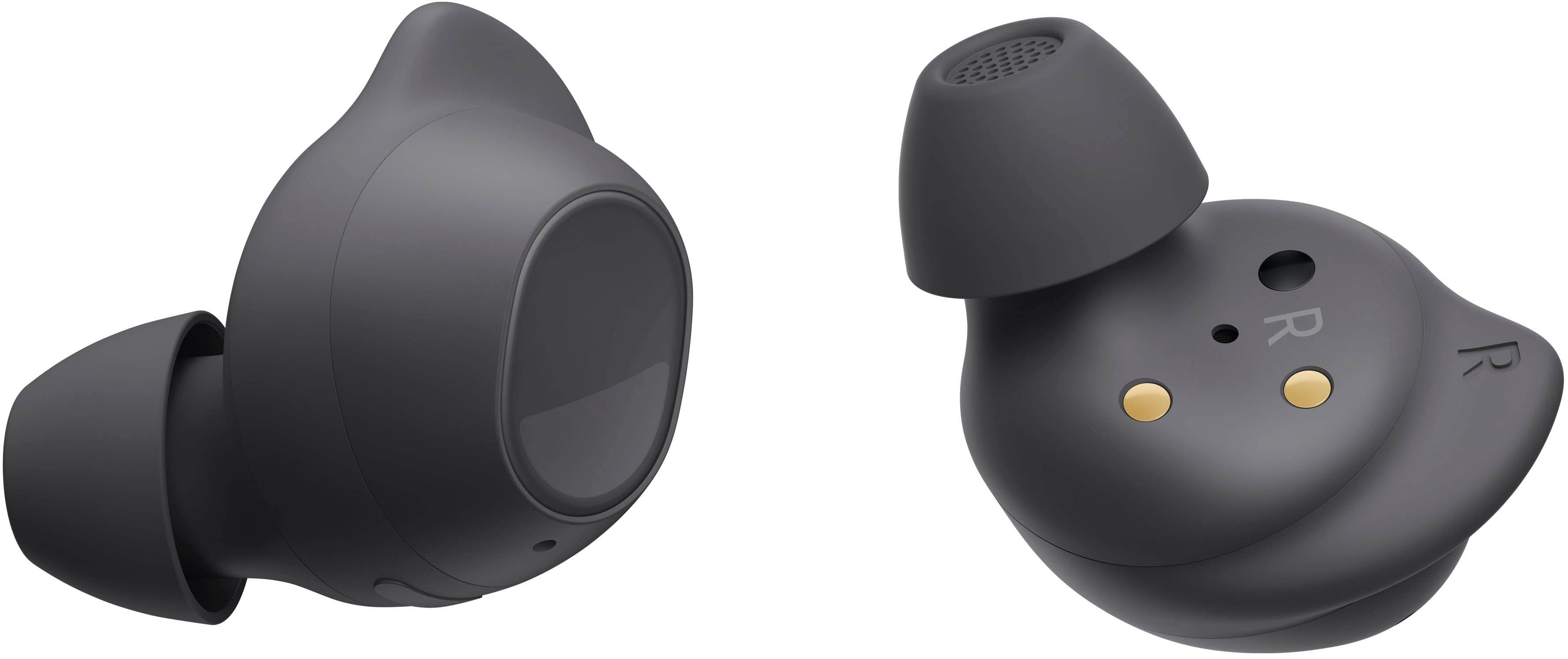
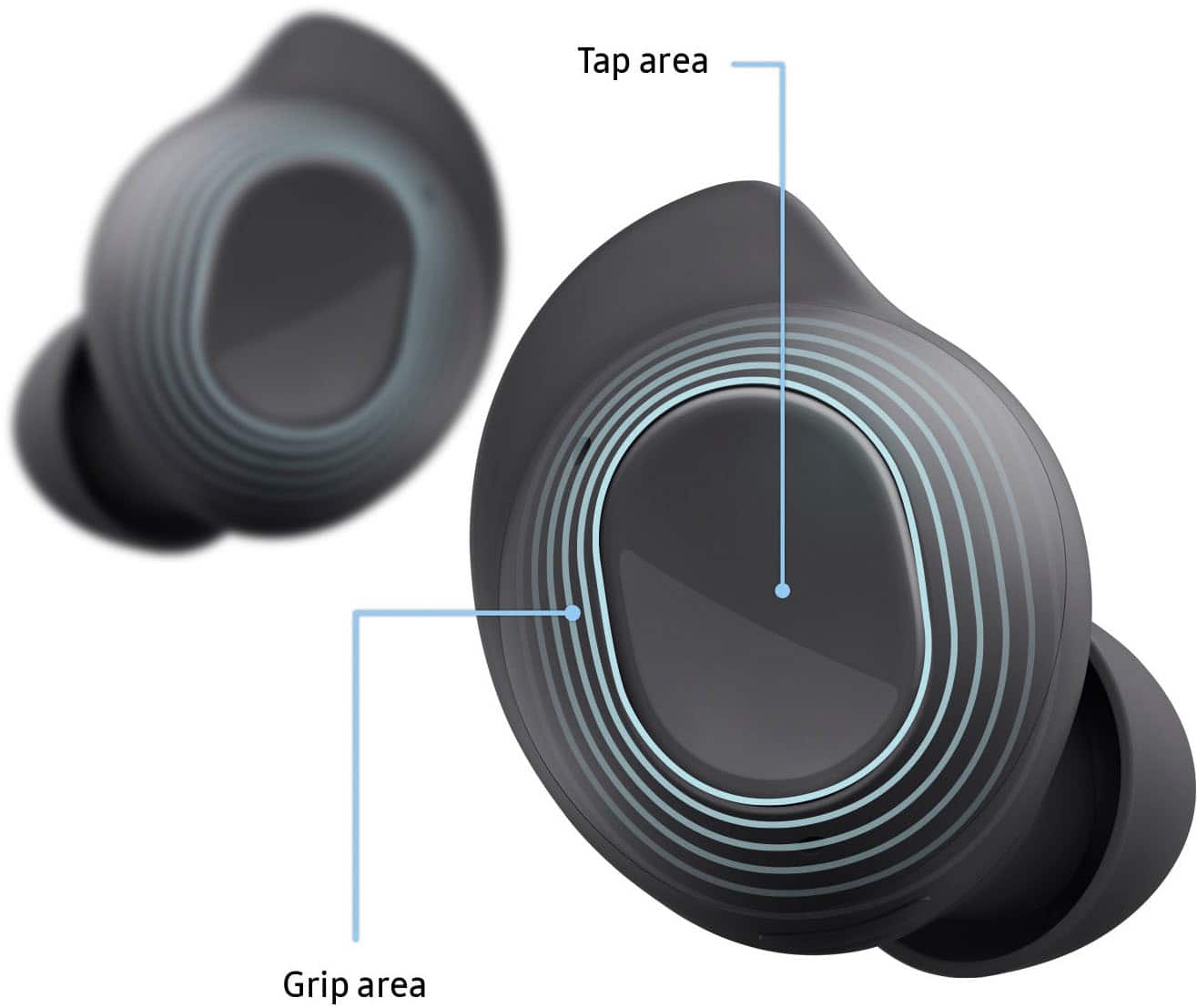
A:AnswerThe Samsung Wearable app allows you to see battery percentage for each bud as well as the case, change settings, customize touch controls, and more.
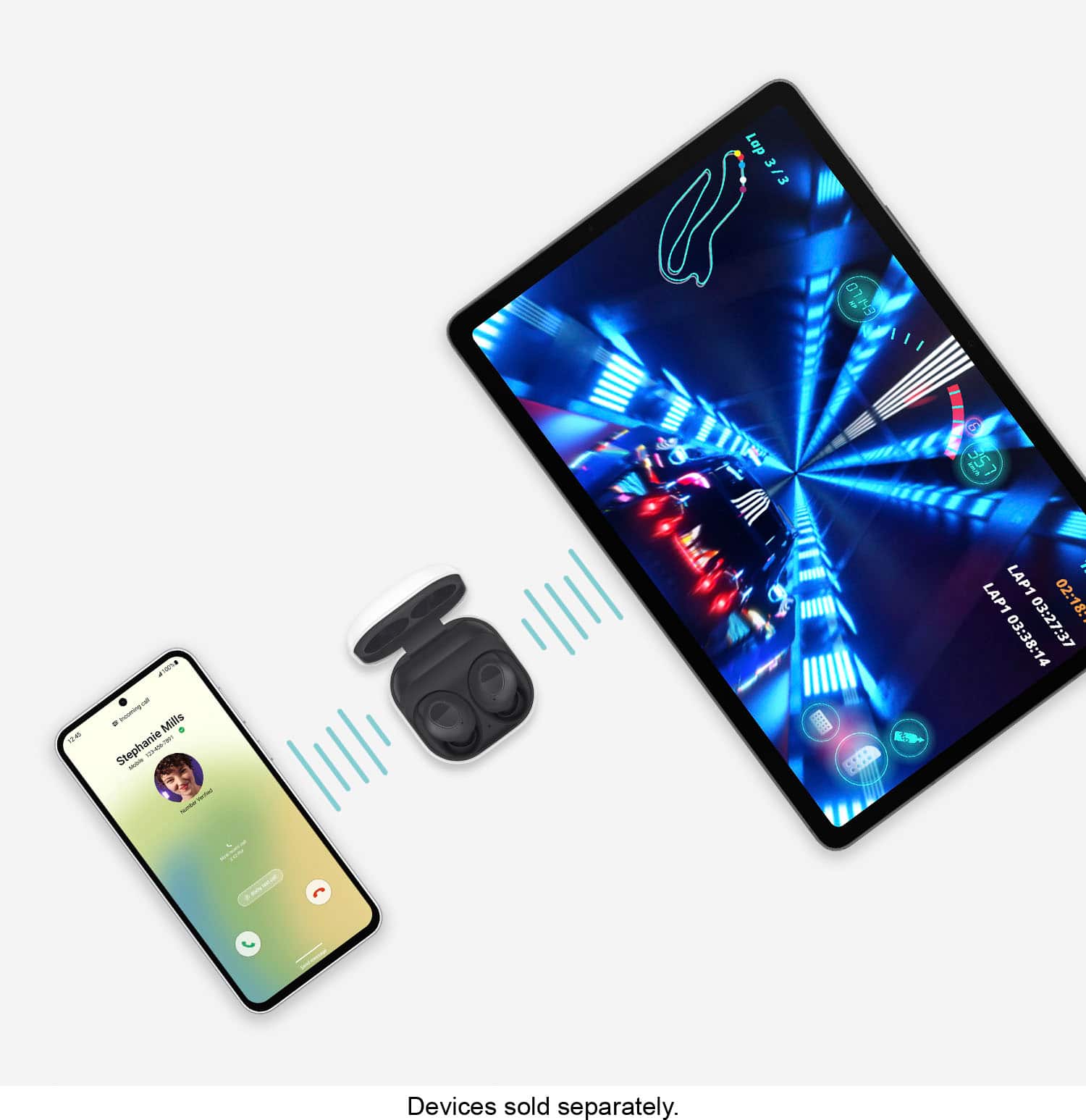
A:AnswerWe appreciate you reaching out with your question. We see that you are asking about the compatibility of the Buds FE with your S10. Galaxy Buds FE are compatible with Galaxy smartphones and tablets running Android 8.0 or later and with more than 1.5GB of memory. Your sound follows you seamlessly as you pair with other Samsung Galaxy devices using Auto Switch, or connect with a touch or Bixby. Your sound even stays with you as you switch the playback device from your smartphone to your TV via Smart View, so you can continue watching your show on the bigger screen without missing a beat. If you have any other inquiries, be sure to reach out to us at Support. -Kelvin
A:AnswerThank you for contacting us! We see that you're inquiring about the compatibility of the Buds FE with your Samsung TV. If your TV supports SmartThings, you should be able to use these buds with it. You can easily check if your Smart TV supports SmartThings using the SmartThings app. If you have any further questions, please feel free to contact us at Support. - Kelvin
A:AnswerIt helps with ruids, but does not really block the sound. It fits well in most ears due to the different attachments it comes with, but it isn't a headphone with all the cushions.
A:AnswerAloha Jl921, thank you for finding the opportunity to ask us your question about the Samsung Galaxy Buds FE. You can easily pair the Galaxy Buds FE with your device via Bluetooth to stream music, make calls, and use touchpad controls. Take a moment to review, "How to connect your Galaxy Buds" if you would like more information on our Buds compatibility or pairing your devices in the future. If you think of any other questions for us or if you would like any further assistance, let us know by reaching out to Samsung Support. Thank you for being a staunch Samsung customer. - Debra