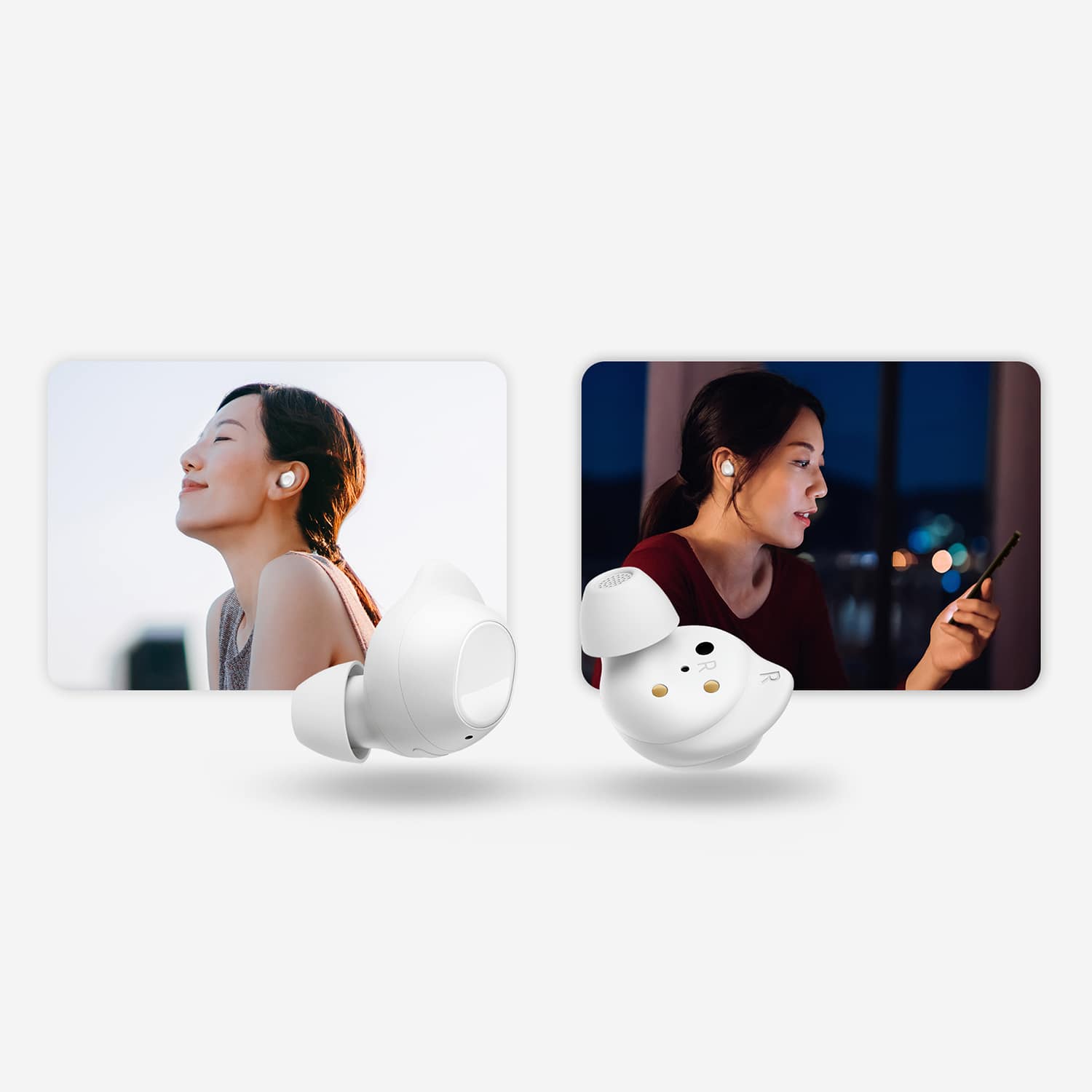
A:AnswerGreetings, thank you for finding the time out of your bustling day to ask us your question about the Samsung Galaxy Buds FE. That's a fantastic question! Yes! The Galaxy Buds FE features Ambient Sound. Ambient sound uses the external microphones on your earbuds to let you hear outside noises, so you can still hear important sounds and keep alert of your surroundings - while still enjoying that song or podcast. If you have any other questions for us, feel free to contact Samsung Support. Thank you for being a dedicated Samsung customer. - Debra
A:AnswerYes it works but the problem is it mutes the TV so my wife cannot listen to the TV while I ware my earbud. So I only use them to listnen my Samsung phone. Hope they can invent one without using an optical connection.
A:AnswerAloha Mcdu, thanks for taking the time to ask us your question about the Samsung Galaxy Buds FE. Yes, the Galaxy Buds FE can help quiet background noise during calls. They feature Active Noise Cancelling (ANC) which blocks out some external sounds, making calls clearer. Additionally, the Galaxy Wearable app allows you to adjust the ANC intensity level to suit your surroundings. If you have additional questions, please do not hesitate to reach out to Support. Thank you for being a staunch Samsung customer. - Debra
A:AnswerIt's great to hear from you, Pete. We always love getting the opportunity to assist you. To use Ambient mode on Samsung earbuds, you typically need to have both earbuds in your ears; however, you can usually enable a setting to use Ambient sound with just one earbud by going into your phone's settings and enabling "Noise controls with one earbud" within the accessibility options on the Galaxy Wearable app. Tap Earbuds settings, and then tap Accessibility. Tap the switch next to Noise controls with one earbud. For any other questions or concerns, please be sure to reach out to us at Support. -Kelvin
A:AnswerI have small ears and am not a fan of earbuds as a general rule. The smallest size is still a pretty snug fit, but not entirely uncomfortable. I'd say they're the most comfy I've ever tried for earbuds.
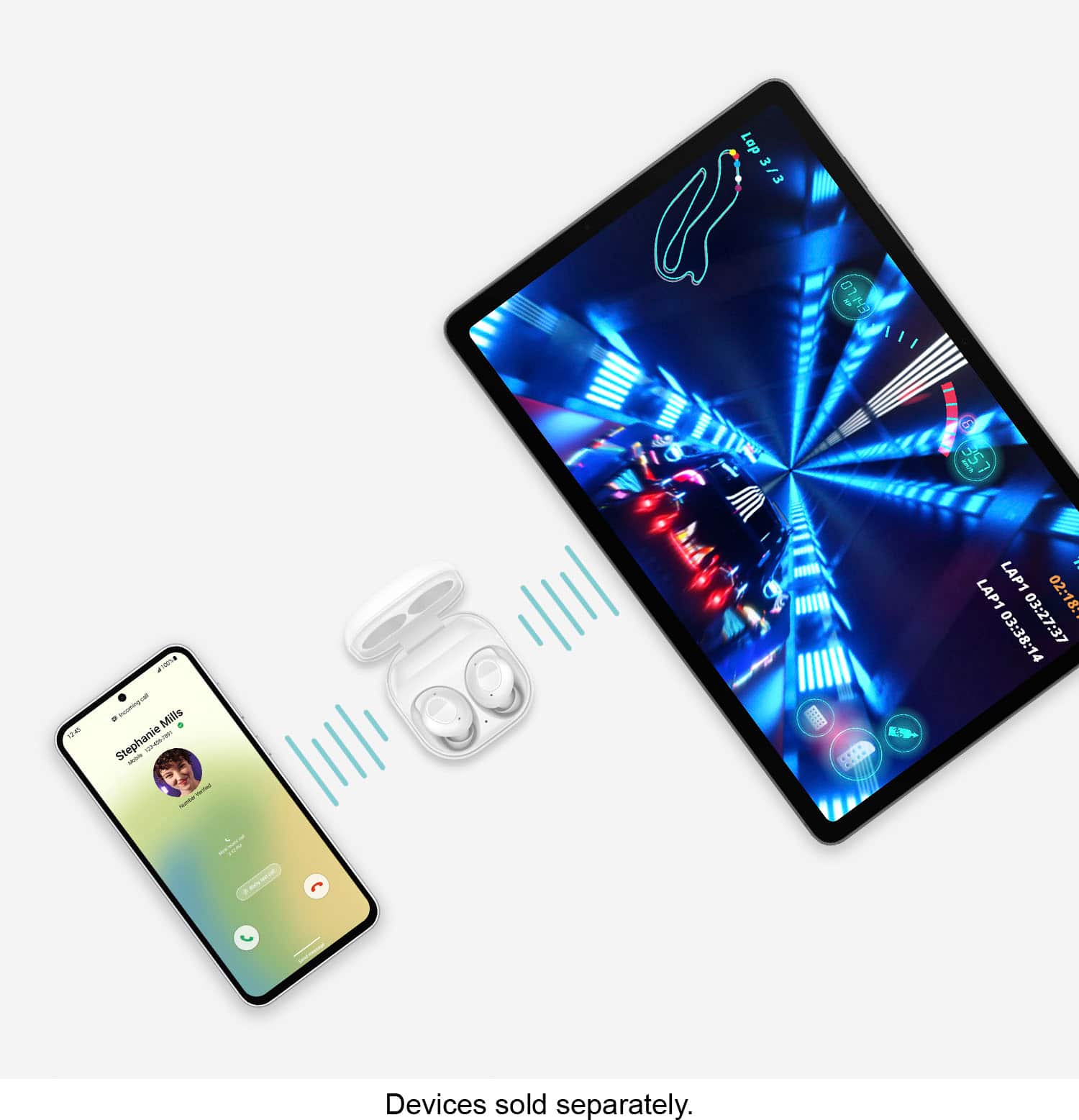
A:AnswerIt's great to hear from you, Stoney. We love getting the chance to assist our valued customers. We see that you are interested in the Galaxy Buds FE. Galaxy Buds/Buds+ cannot connect to multiple devices simultaneously but can quickly switch between devices. Once your devices are paired, they will connect automatically the next time they are used. There is no need to disconnect and reconnect with a second device. For any further questions or concerns, please reach out to us at Support. - Kelvin
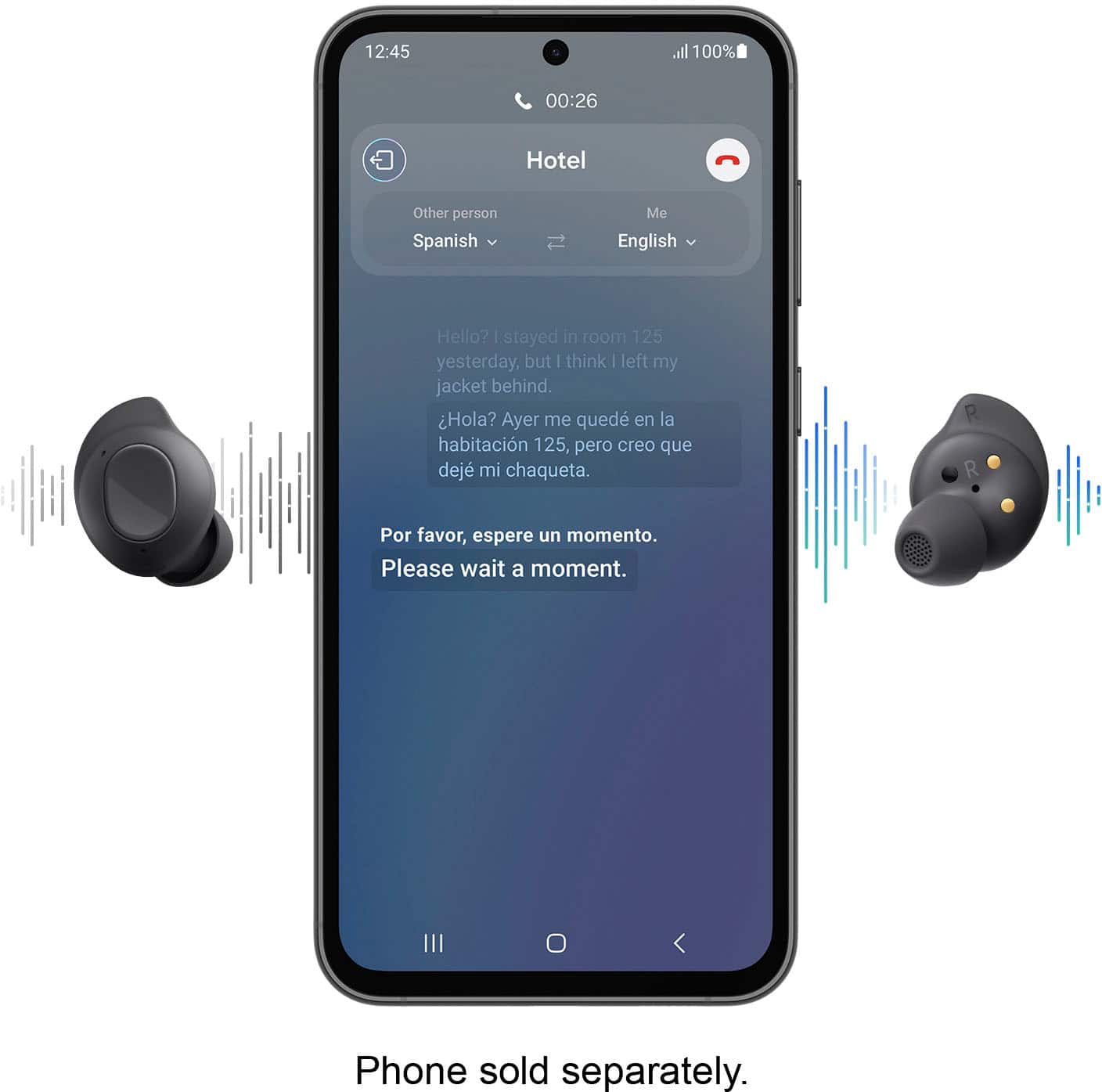
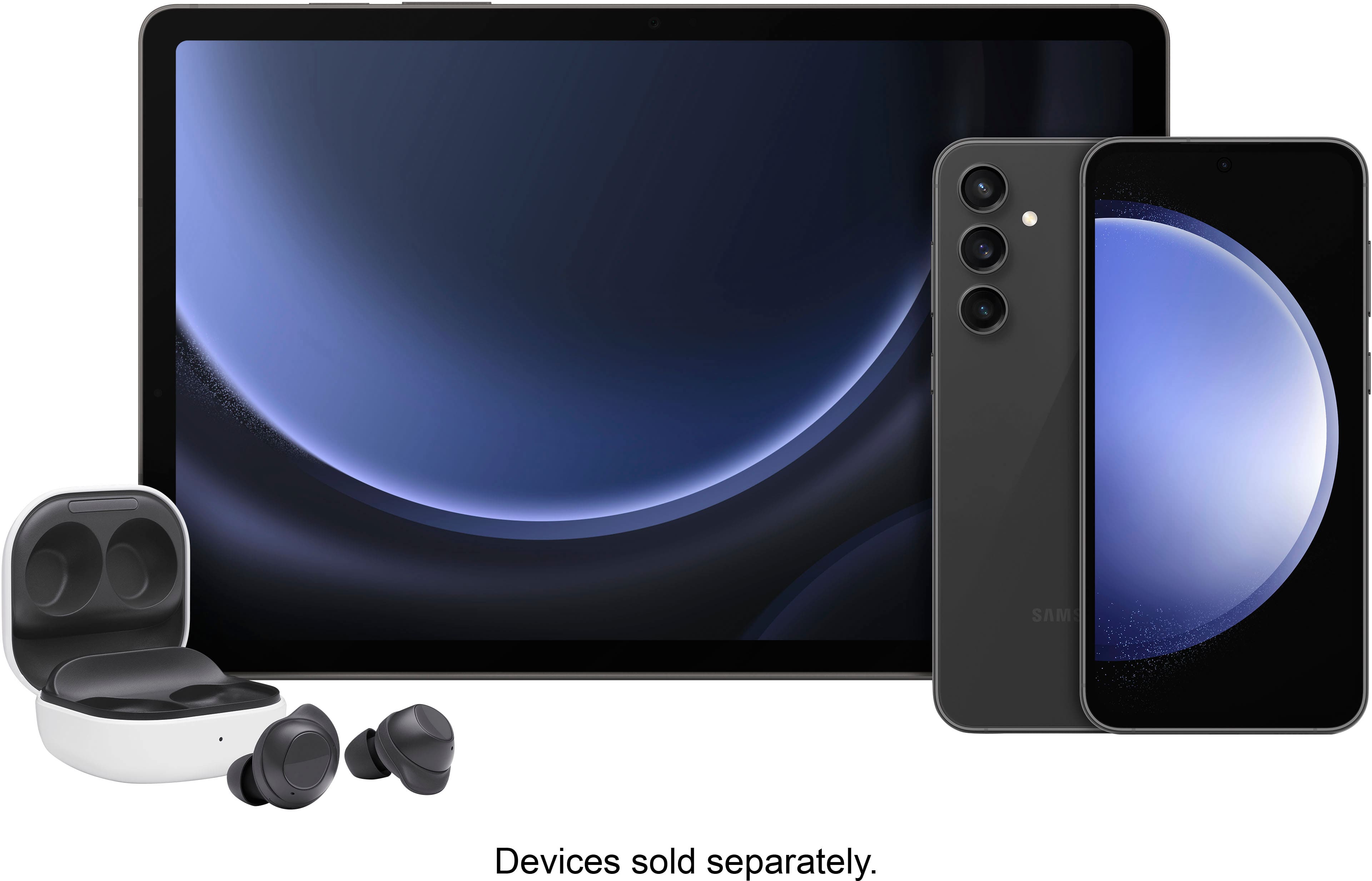
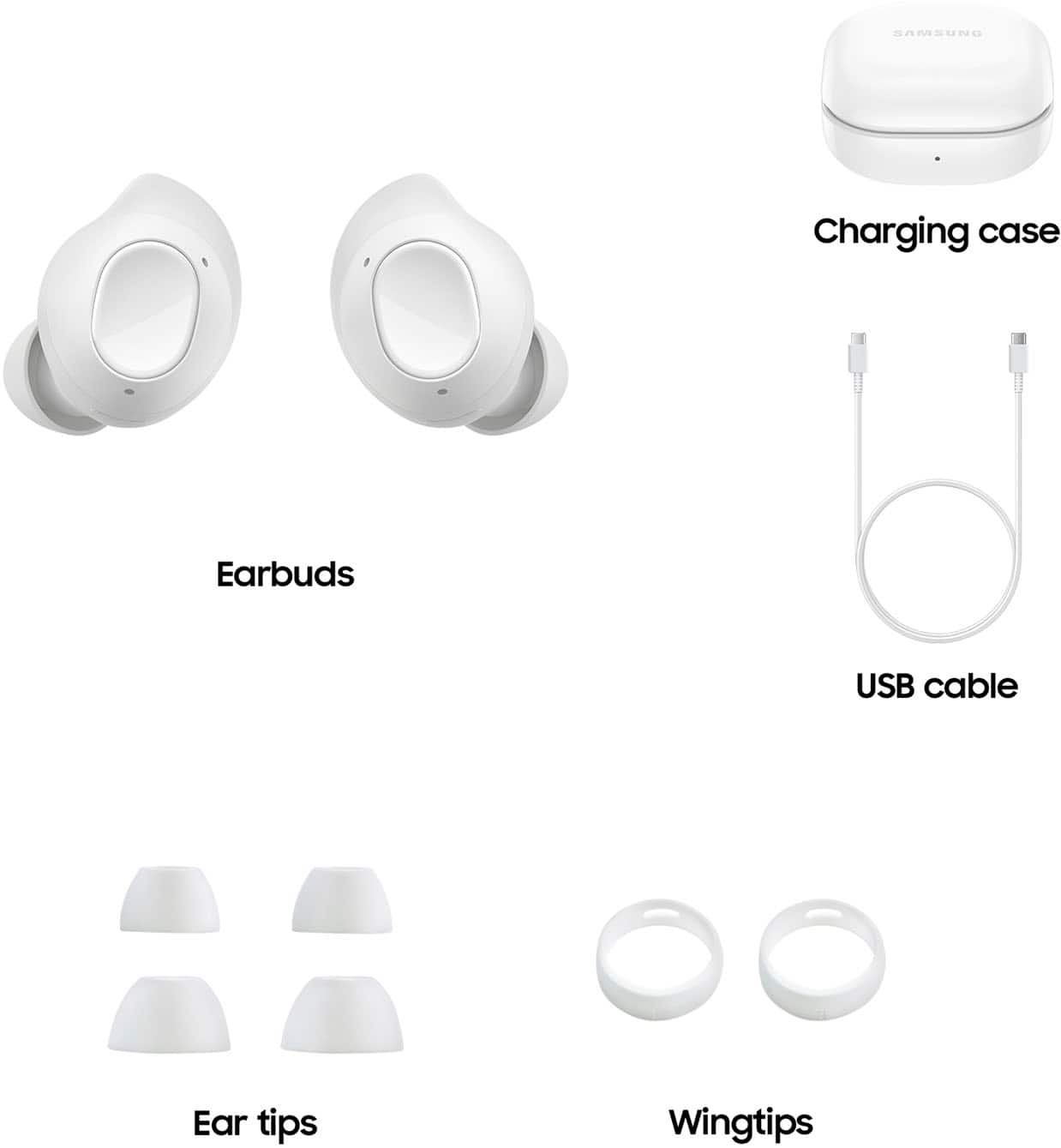
A:AnswerThank you for coming to us with your question. We see you're interested in the Buds FE. All of the Galaxy Buds are compatible with phones and tablets that run on Android OS 5.0 or higher and have at least 1.5 GB of RAM. The redesigned wingtip ensures that the Buds remain securely in place, allowing you to listen comfortably all day long. Additionally, did you know that these buds have a live translation feature? Whether you're making a call to a relative back home or trying to make reservations while traveling, the Galaxy Buds with Live Translate can help break down language barriers. By using the Samsung Phone app, you can hear real-time translations of your conversations clearly through your Buds. If you have any further questions, feel free to contact us at Support. - Kelvin
A:AnswerThank you for reaching out. We always appreciate the opportunity to help you. Do you want to receive call announcements on your Buds? Caller name reading is a feature on our smartphones that audibly announces the name of the person calling. This is useful for visually impaired users and for anyone who prefers not to look at their screen to decide whether to answer a call. It can also provide additional information such as the caller's number or organization. To enable this feature, follow these steps: Go to Dialer > Tap on the three dots near the search icon > Select Settings > Choose Answering and ending calls > Enable and then select the 'read caller names aloud' option > Under 'read caller names aloud,' select 'always.' If you have any further questions, feel free to let us know at Support.
A:AnswerIf the watch is Bluetooth compatible, yes, however, you won't be able to access all of the features from the earbuds unless you have a Samsung device.
A:AnswerHey there Charging, thank you for asking us your question about the Samsung Galaxy Buds FE. No, the Samsung Galaxy Buds FE do not support wireless charging. Please feel free to contact Support if you have additional questions for us. Thank you for being a staunch Samsung customer. - Debra
A:AnswerHey there Verifiedbuyer, thanks for asking us your question about the Samsung Galaxy Buds FE. No. the advertised Galaxy Buds FE can leverage your compatible phone's built-in Dolby Atmos for general enhancements and offer basic Spatial Audio for video on some devices, though it's not the full immersive 360 experience. If you have any other questions for us or if you would like any further assistance, please feel free to reach out to Support. Thank you for being a faithful Samsung customer. - Debra
A:AnswerGreetings, thank you for asking us your question about the Samsung Galaxy Buds FE. The Galaxy Buds FE provide up to 7 hours of play time per charge, which can be extended to up to 26 hours with a fully charged case. Check out, "The battery life of your Samsung earbuds" if you would like learn more. Let us know if you have additional questions for us by reaching out to Support. Thanks for being a loyal Samsung customer. - Debra