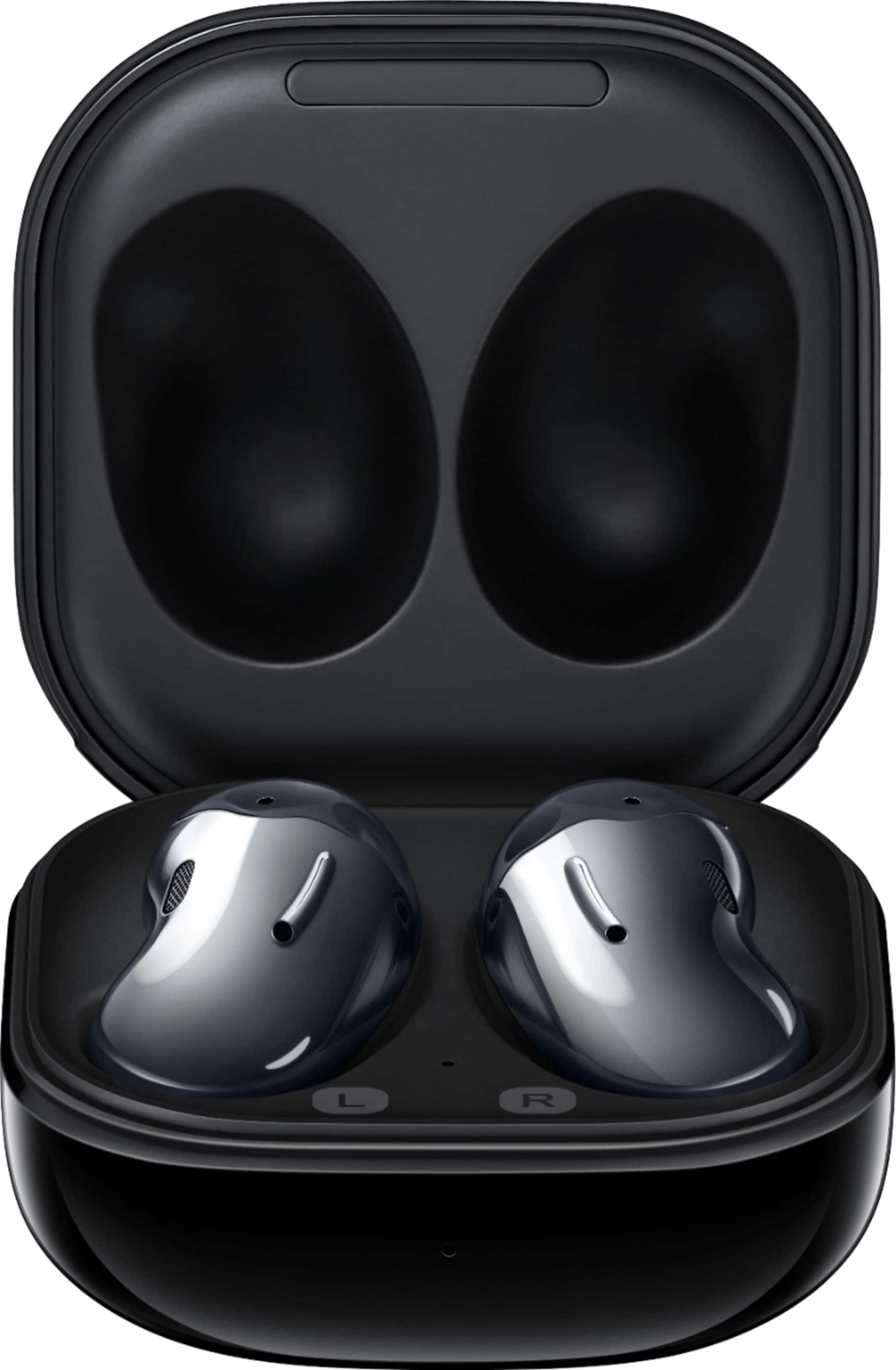
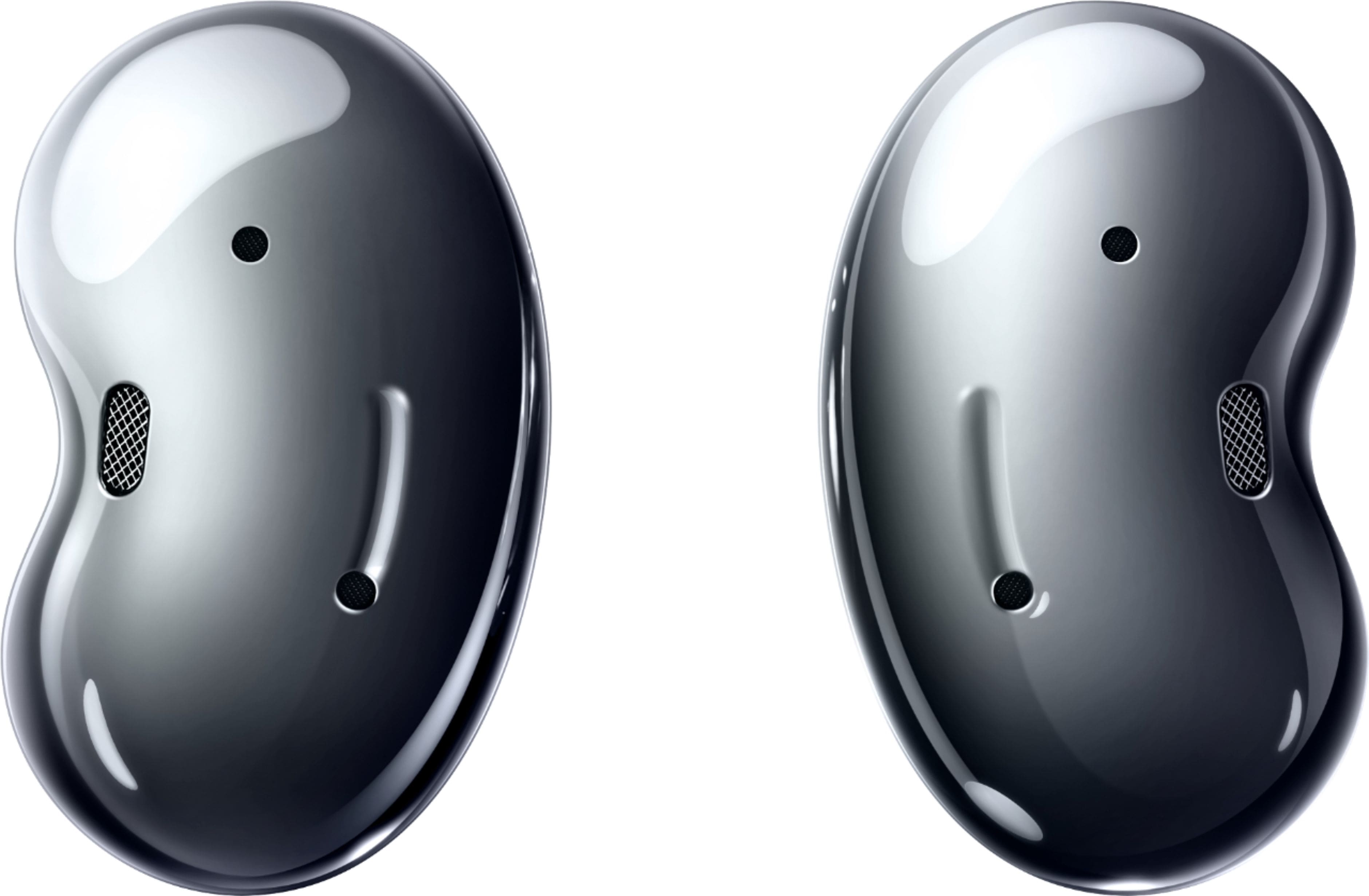
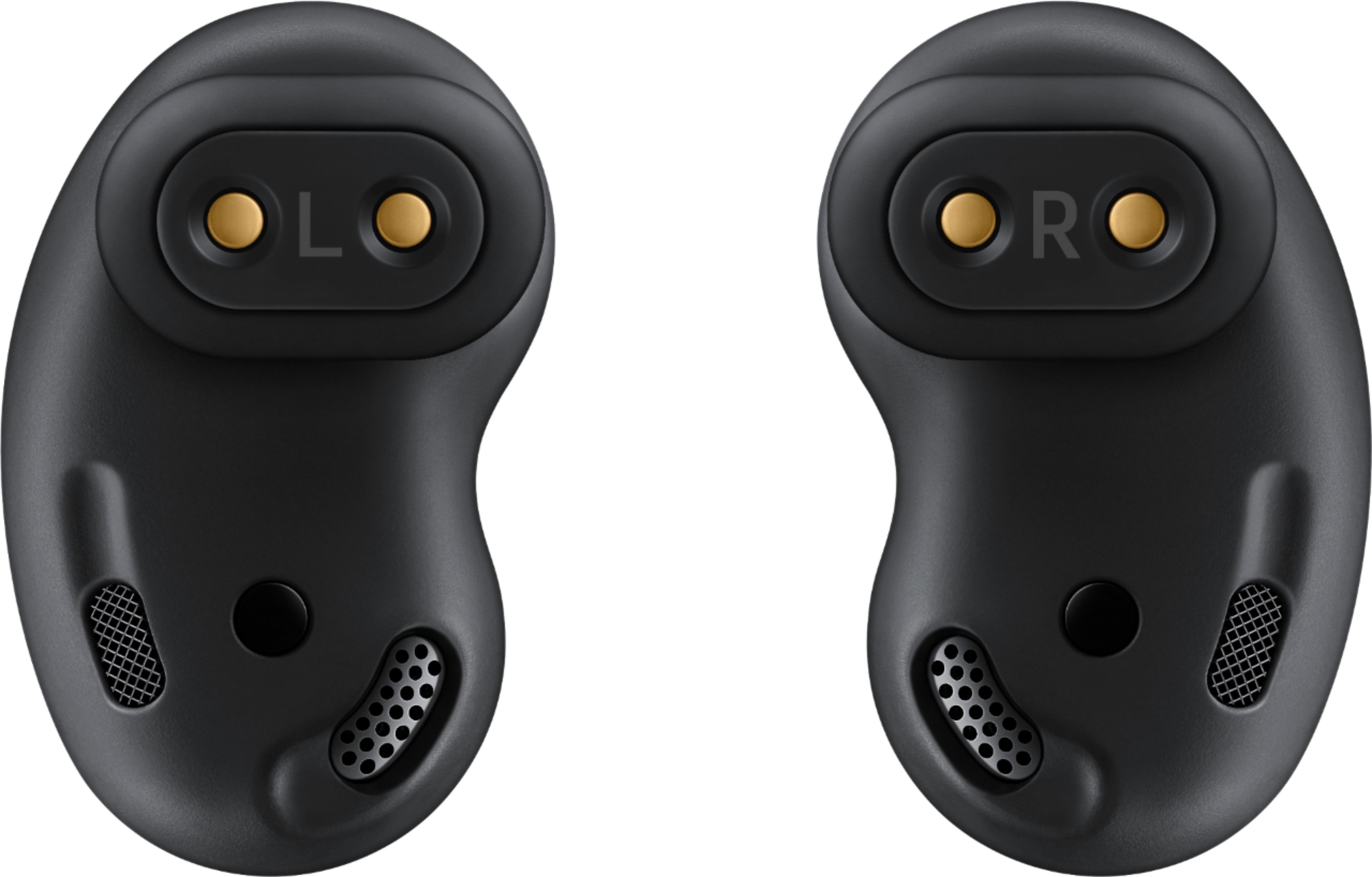
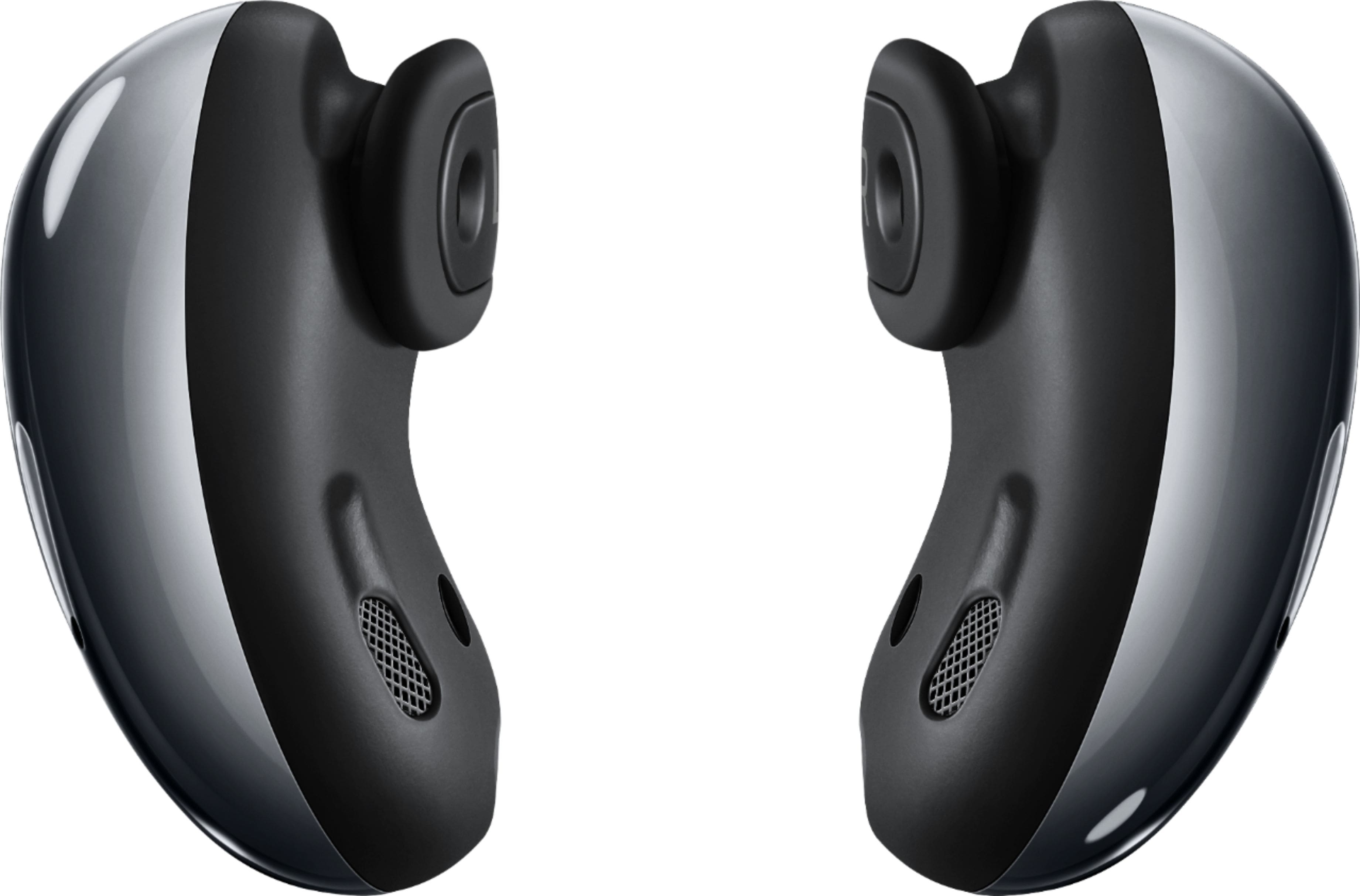
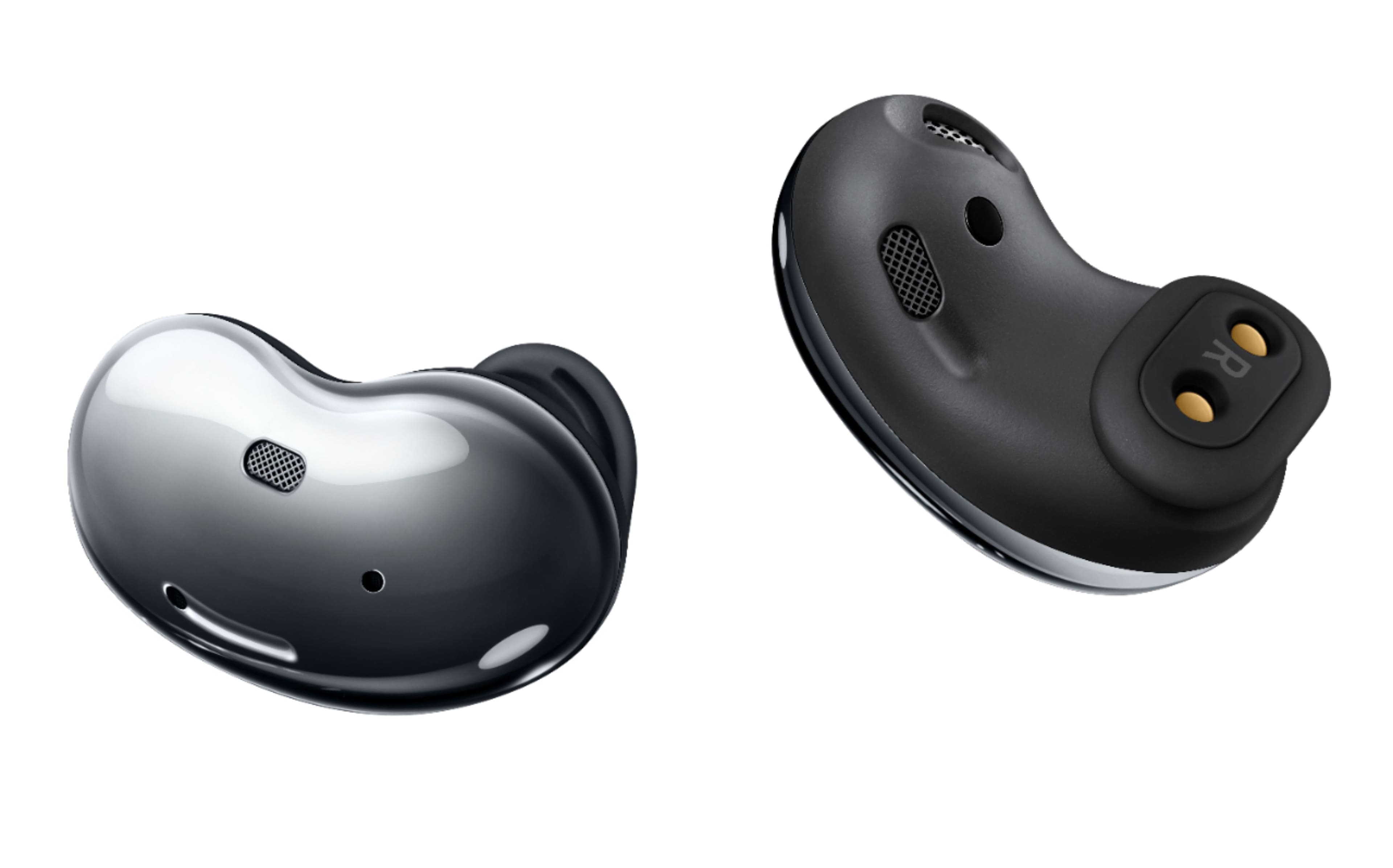
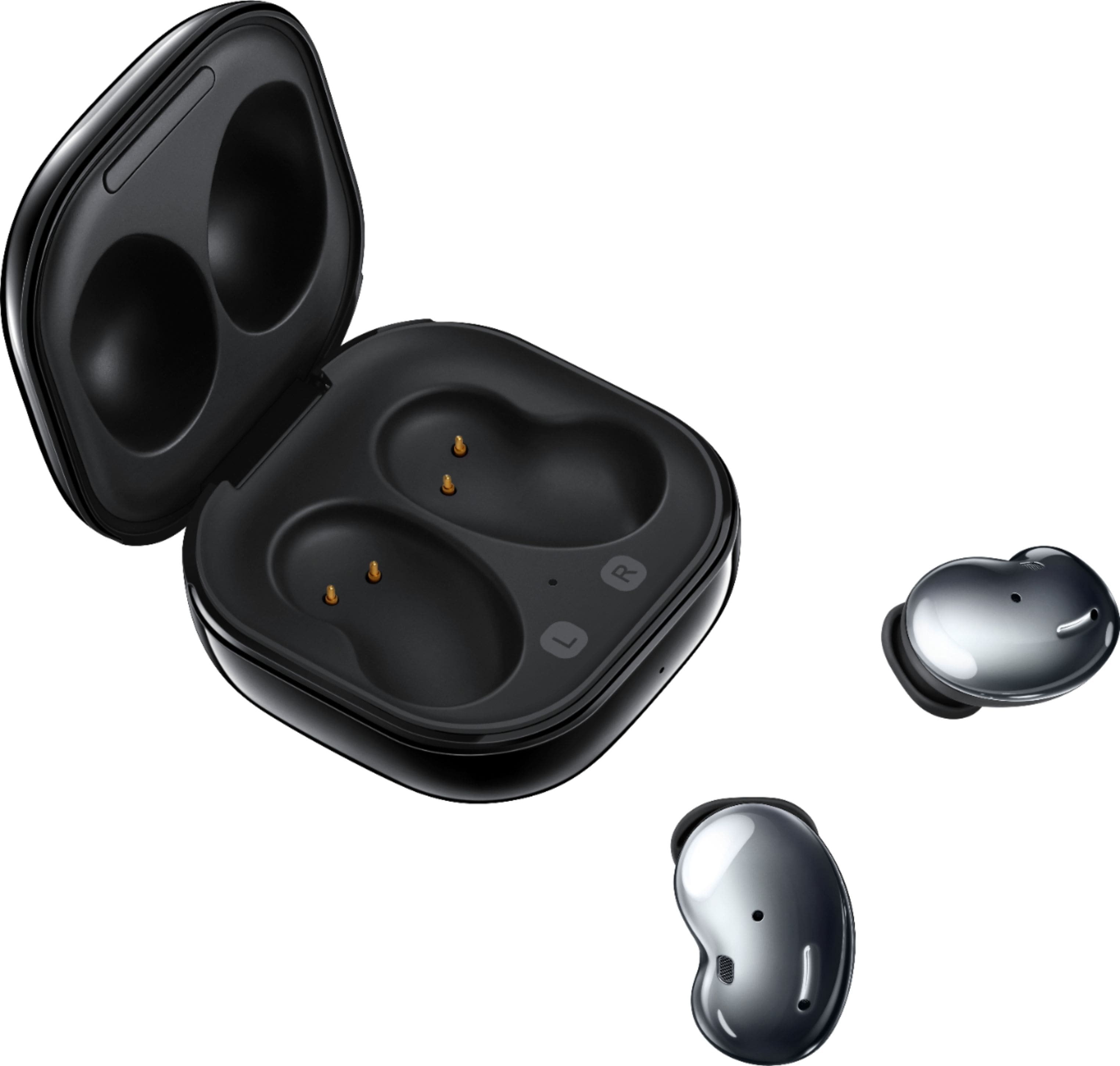
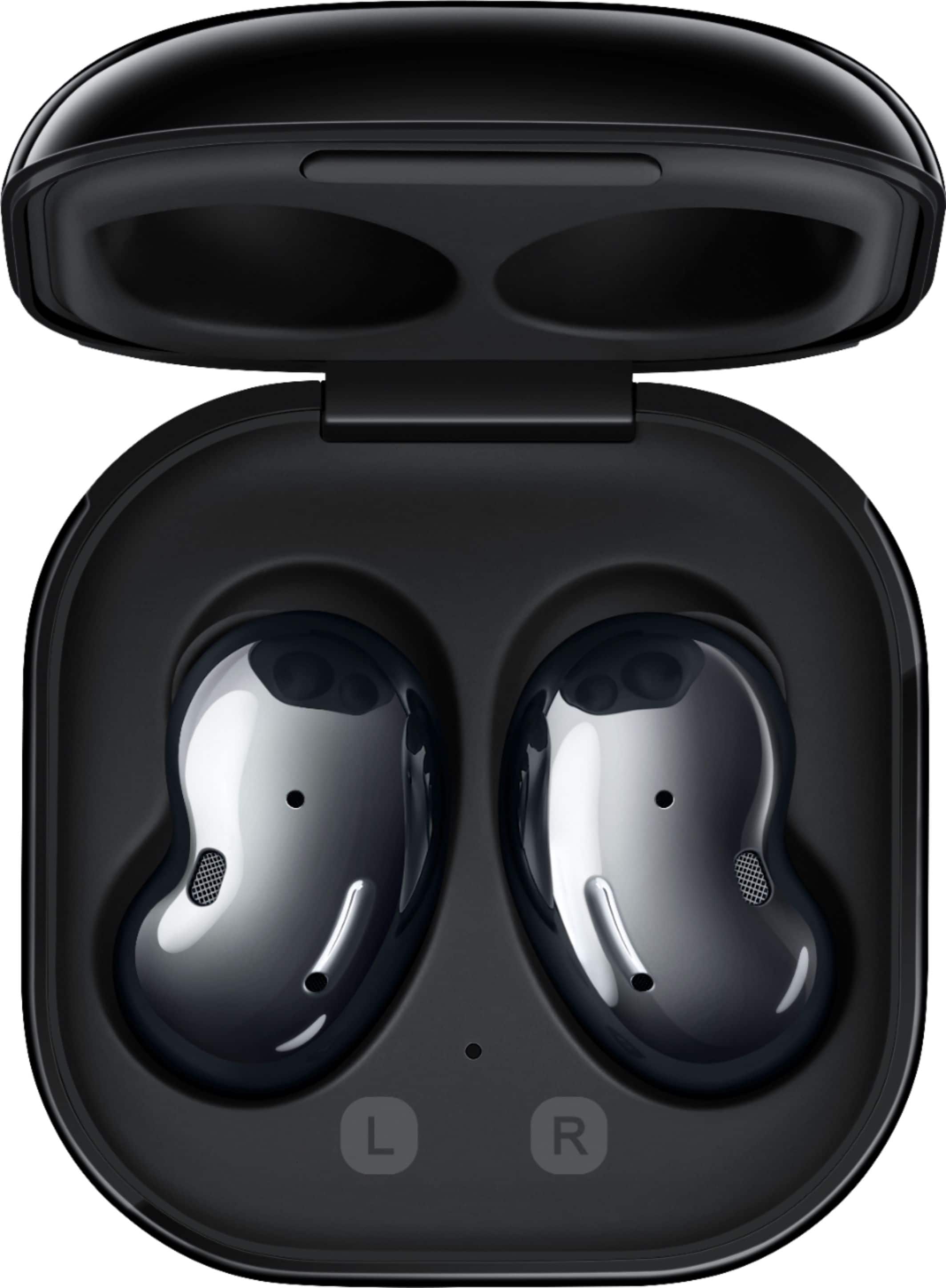
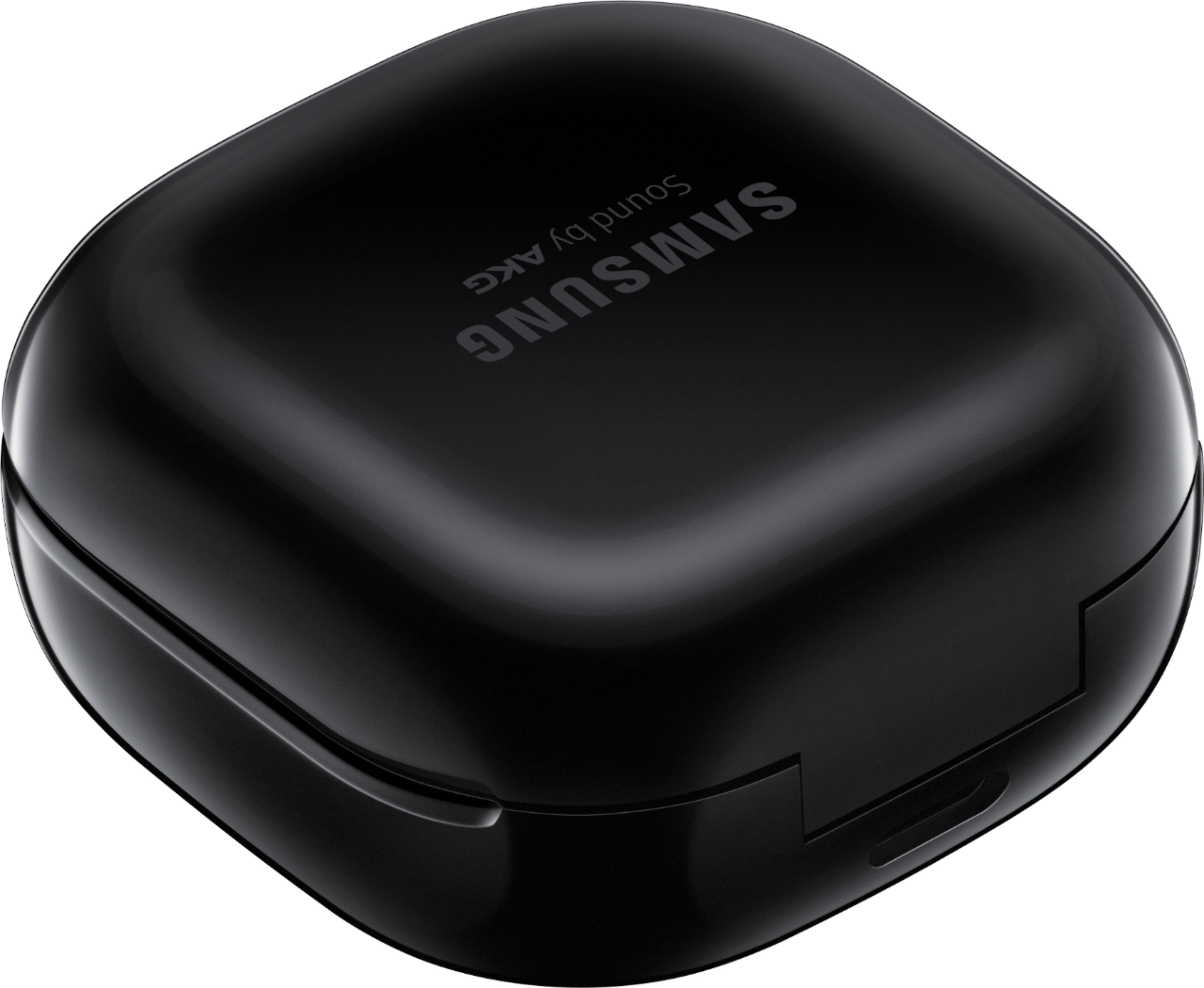
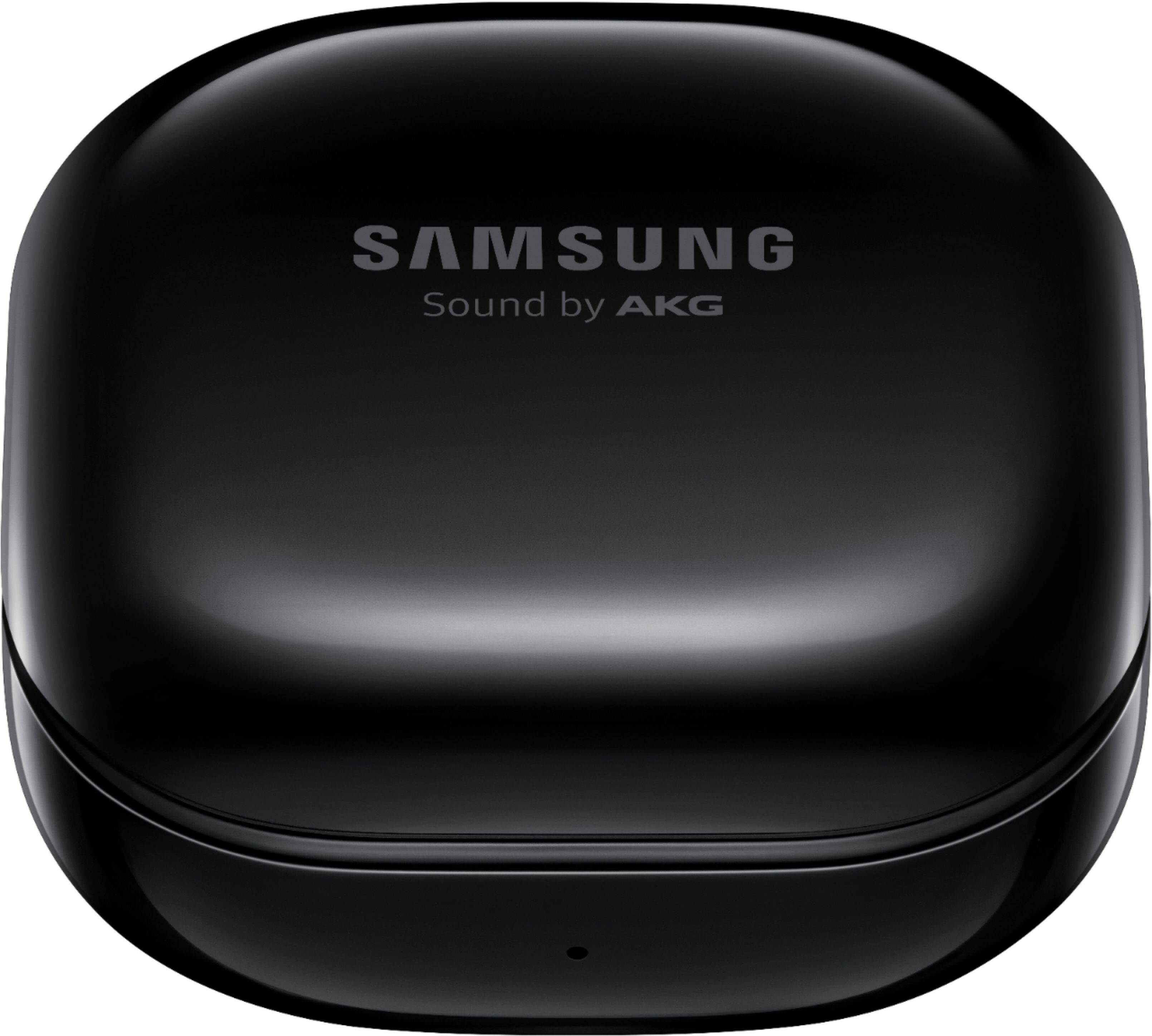
A:AnswerHey there. The Galaxy Buds Live are compatible with Samsung and non-Samsung devices that run on Android OS 5.0 and higher with at least 1.5GB RAM. Thank you for taking the time to ask this question. ^Kayla
A:AnswerUnfortunately My experience was really bad
,Samsung end up keeping the headphones
They were charging me $120.00
That was ridiculous they don’t even worth $50
They say was out of warranty even though I got then 8 mo ago
I should have paid more an get the airpods
At least you know for sure Apple stads behind their products
A:AnswerYes as long as your nano is one of the more recent models with bluetooth capability. Ive have been using them with my Ipod touch and Nano for over a year. There is no app for the nano tho. You will need to have a device that can run the galaxy wearable app for software updates, and for other controls.
Galaxy buds will connect via Bluetooth to the ipods and you can control the volume, pause and play right on the earbuds.
A:AnswerHi Tracy,
Thank you for reaching out to us. We appreciate your interest regarding if the Galaxy Buds Live is compatible with a TV. In line with this, yes, the device can be connected when watching the TV, so you can enjoy, listen and control the volume without interrupting anyone nearby. Navigate to the Bluetooth audio device list on your TV, and select the earbuds to pair with.
For more information, here is a link under "Pair your earbuds to your TV" for some steps:
https://www.samsung.com/us/support/answer/ANS00086702/
Should you need more assistance, you may reach us via the following for immediate support:
1. Samsung Community: https://us.community.samsung.com/t5/Samsung-Community/ct-p/us
2. Facebook Messenger: http://m.me/samsungsupport
3. Twitter: https://twitter.com/messages/compose?recepient_ id=18768513
Reference Number: 1144348622
Thank you for choosing Samsung. Have a great day!
^Chrystel
A:AnswerHi There!
Thank you so much for reaching out and taking an interest in the difference between the Galaxy Buds Live and the Galaxy Buds Pro.
Please visit this link below under the "Compare" section for more information:
https://www.samsung.com/us/mobile/audio/headphones/galaxy-buds-live-mystic-black-sm-r180nzkaxar/
Should you encounter the same issue, you may reach us via the following for immediate support:
1. Samsung Community: https://us.community.samsung.com/t5/Samsung-Community/ct-p/us
2. Facebook Messenger: http://m.me/samsungsupport
3. Twitter: https://twitter.com/messages/compose?recepient_ id=18768513
Reference Number: 1144264222
Thank you for choosing Samsung. Have a great day!
^Chrystel
A:AnswerHi ThomMel,
Thank you for reaching out. I appreciate your interest in knowing if the Galaxy Buds Live is heavy. In line with this, the buds are lightweight, which is 5.6g and 42.2g case weight.
You may visit our website under "Specs" for your reference:
https://www.samsung.com/us/mobile/audio/headphones/galaxy-buds-live-mystic-black-sm-r180nzkaxar/#specs
Should you need more assistance, you may reach us via the following for immediate support:
1. Samsung Community: https://us.community.samsung.com/t5/Samsung-Community/ct-p/us
2. Facebook Messenger: http://m.me/samsungsupport
3. Twitter: https://twitter.com/messages/compose?recepient_ id=18768513
Reference Number: 1144244107
Thank you for choosing Samsung. Have a great day!
^Chrystel
A:AnswerAs long as the case has been charged, you can charge your earbuds in the case without the case being plugged in. As a matter of fact, the case hold a charge for quit a long time.