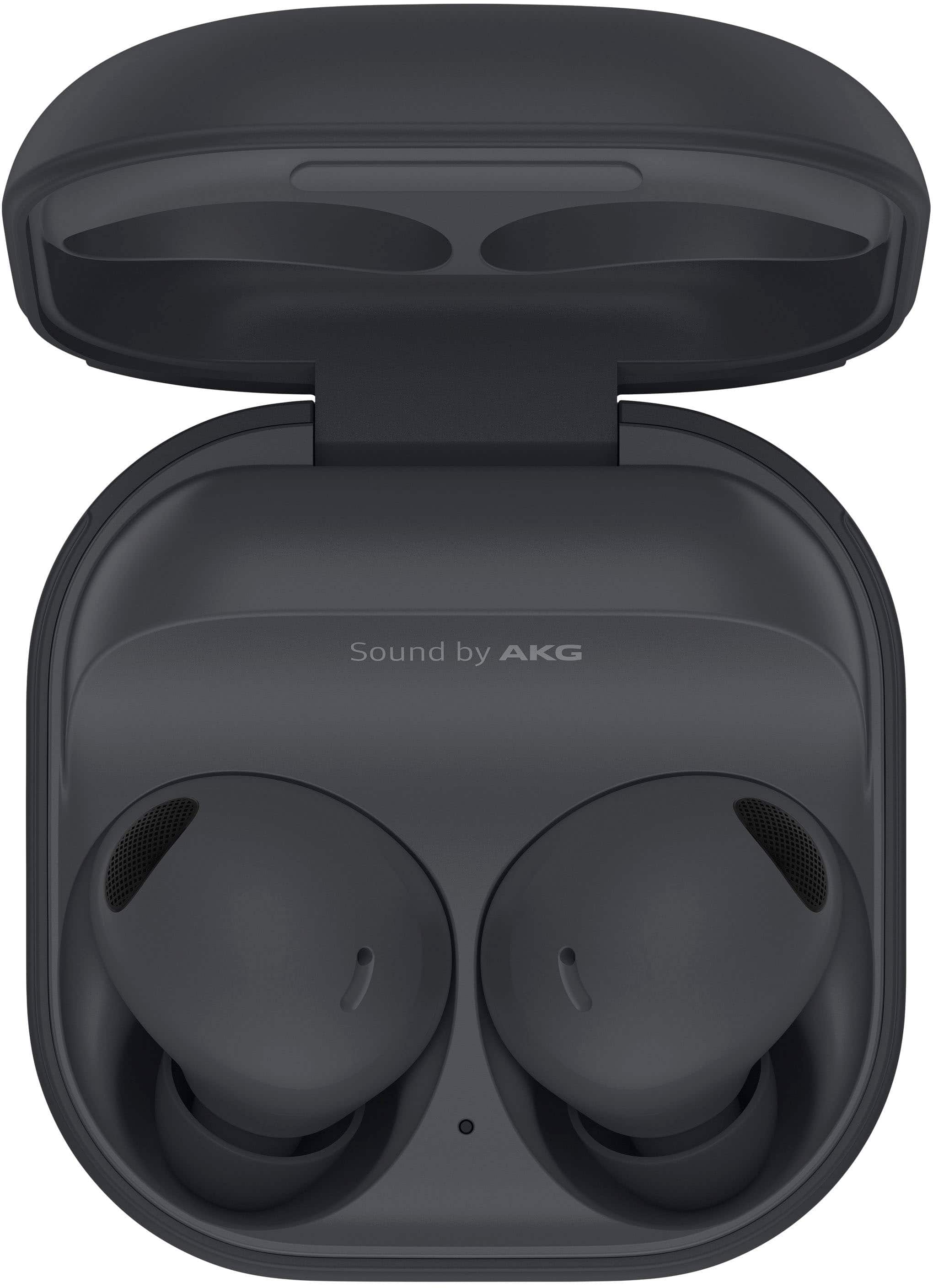
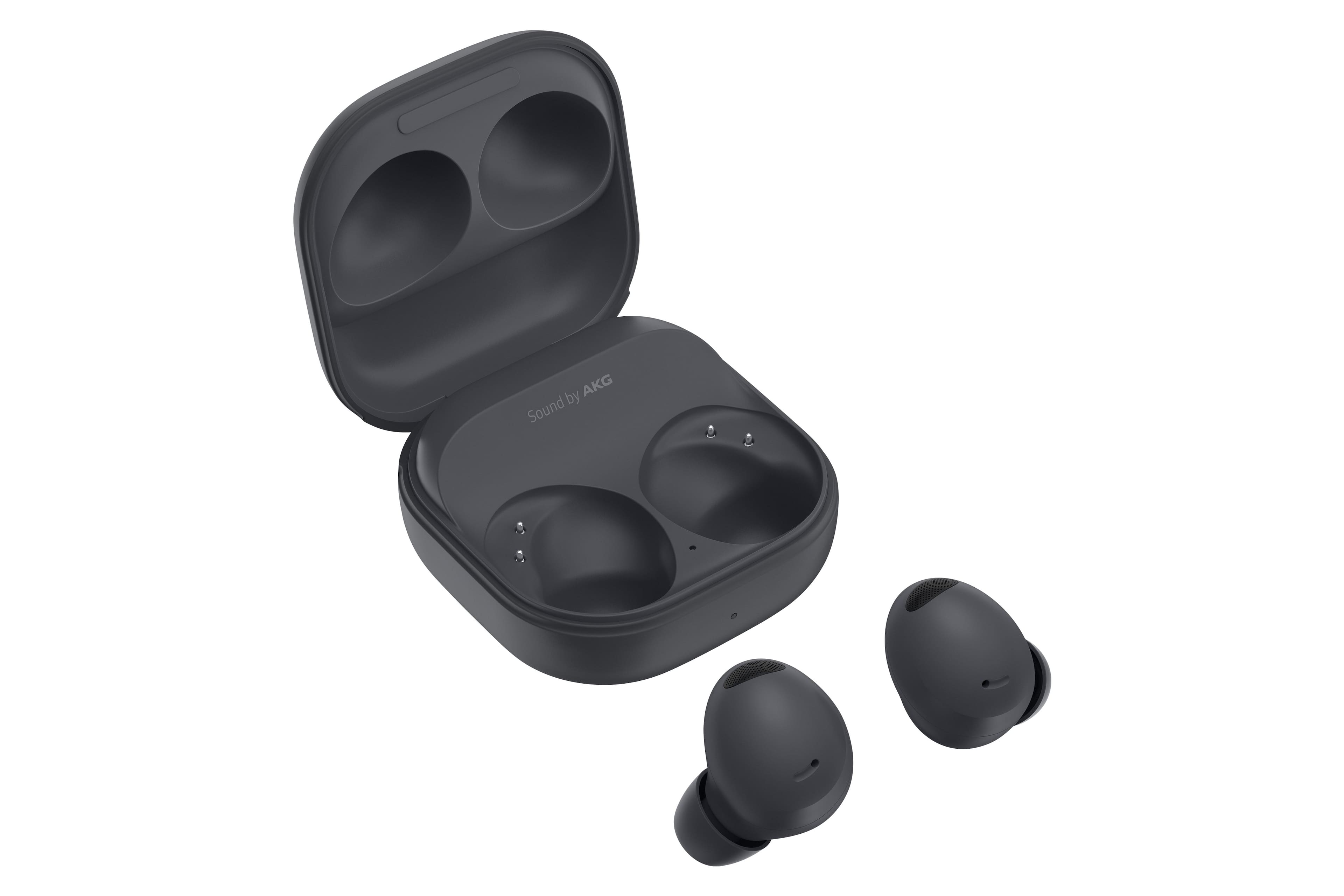
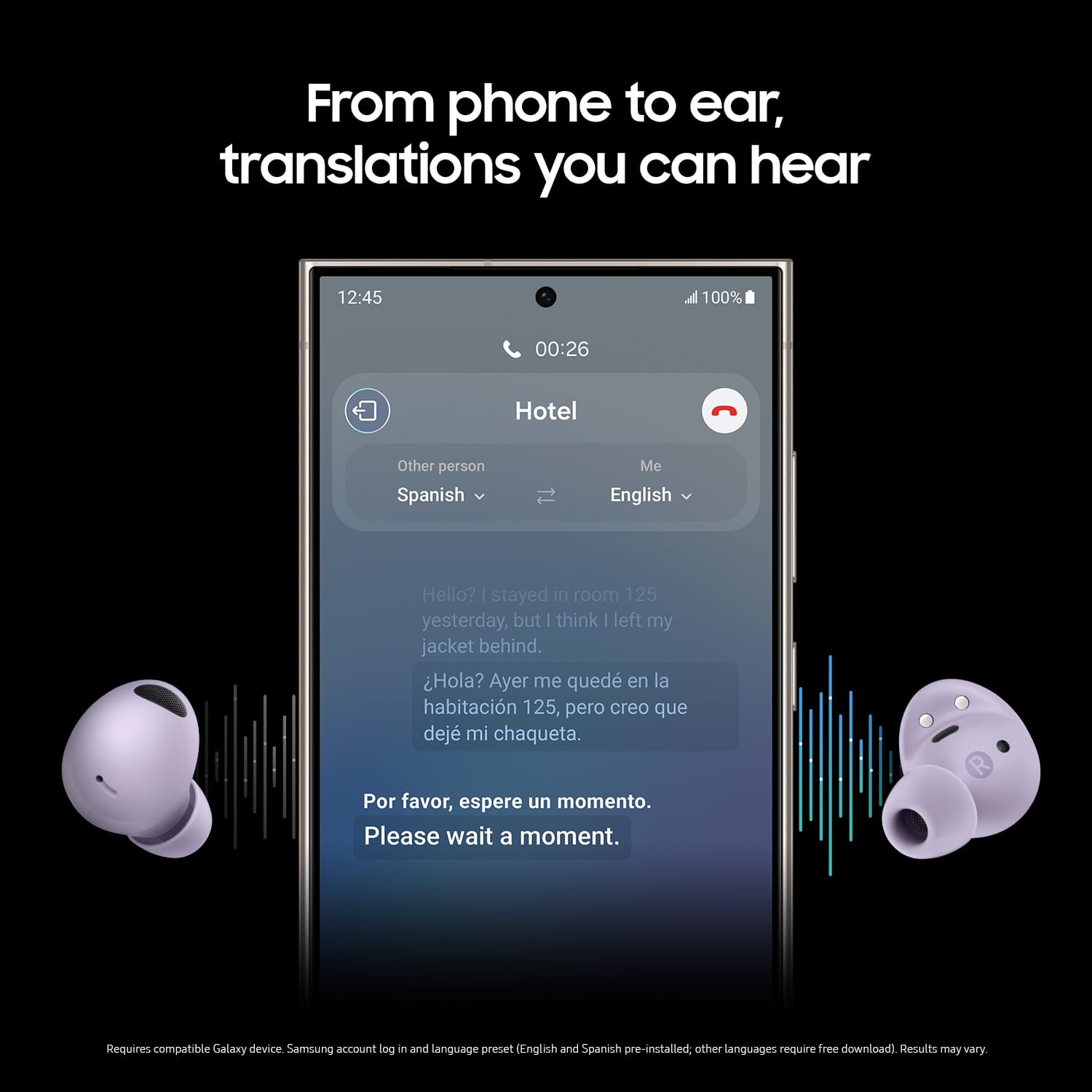
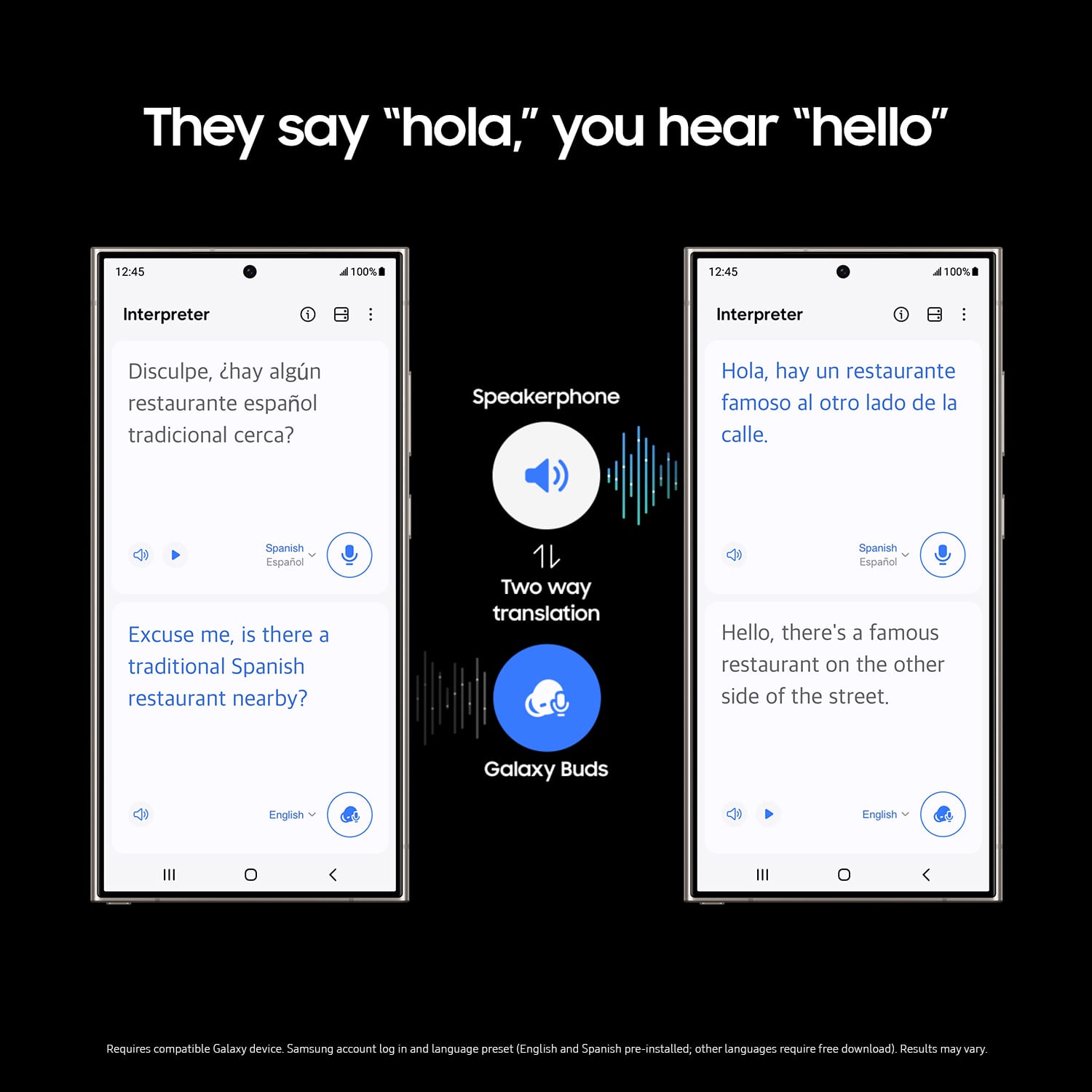
A:AnswerFirst, you'll need the Galaxy Wearable app if you don't already have it, this will allow you to customize your ambient and noise cancelling controls and what method you want to use to activate them. The app will need to connect via bluetooth to your earbuds in order to access this function, and the instructions for doing this come with the earbuds in their original packaging case.
Once you have your earbuds connected to the app, you'll have to have them turned on and in your ear in order to customize the ambient and noise cancelling options. From there, you'll want to access Touch Controls which will take you to a section that allows you to determine what you want each tap/hold/double tap/triple tap to activate on your earbuds.
If you'd prefer not to change those settings, you can also open the app any time that you want ambient or noise cancelling and select which one you want while you have the earbuds in.
Active noise cancelling only works when you have both earbuds in, so if you're trying to cancel noise with only one earbud in, it won't work.
A:AnswerYes. You have to go into earbud settings and notifications and then you can select show all apps and then under each each app you can have it read out a general message overview or detailed
A:AnswerYes, my phone and my vehicle, seamlessly, but not seamlessly with my laptop and phone. I have to turn the bluetooth off on my phone in order for my laptop to connect.
A:AnswerHi there Camp168, we appreciate you reaching out to us with your question about the Samsung Galaxy Buds2 Pro. You have a few options for usage if you are wanting to be aware of your surroundings and ensure your personal safety. You can absolutely use one earbud at a time, or you can use the Ambient Noise feature that will allow for you to hear what is going on around you while using both earbuds. Thank you for being a Samsung customer. -Elizabeth
A:AnswerHey there Mysteriousconflict, thank you for finding the available time out of your lively day to ask us your question about the Samsung Galaxy Buds2 Pro. The Galaxy Buds2 Pro is water resistant based on IPX7 rating, which means submersion in up to 1 meter of fresh water for up to 30 minutes based on international standard ISO 60529. They are not advised for beach or pool use. The charging case is not water resistant. If the earbuds are damaged, they are not guaranteed to be water resistant. If the earbuds or your hands are wet, they must be dried thoroughly prior to handling. The Galaxy Buds2 Pro give you up to 8 hours of play time per charge, which can be extended to up to 30 hours with a fully charged case. Hope this helps! Let us know if you have any additional questions by reaching out to Samsung Support. Thank you for being a steadfast Samsung customer. - Debra
A:AnswerYes...the NRR rating if these buds exceeds the minimum 26 NRR by about 4 to 6 at 30-36NRR.
They actually work well and I have used them at range about 20 times using various loads and calibers from .22 cal to 9mm and 45cal.
A:AnswerWe appreciate the outreach. We see you are asking about the possibility of replacing missing buds. Absolutely! We understand that unexpected things can happen. If you happen to lose one of your Galaxy Buds, you don't need to buy a whole new set. You can purchase just one earbud and pair it with the remaining one to use them together. To buy a replacement earbud, please call (1800 GALAXY S) to schedule an appointment before visiting one of our Service Centers. If you have any other questions, feel free to reach out to Support. - Kelvin
A:AnswerNot exactly, they do offer ambient sound and can make the sounds louder, but they arent exactly meant for that. Its designed for ease of use and to allow you to talk to people and hear them clearly with earbuds in so you dont need to fully interrupt your movie or music. Solid all the way through thought.
A:AnswerSound profile is very good, comparable to the great Apple Airpods Pro. Bass could be better and roomier but the good preset options in Galaxy Wearable helps bring out some bass. You can change equalizers in that app, including sound presets in the audio settings in your Samsung/android phone.
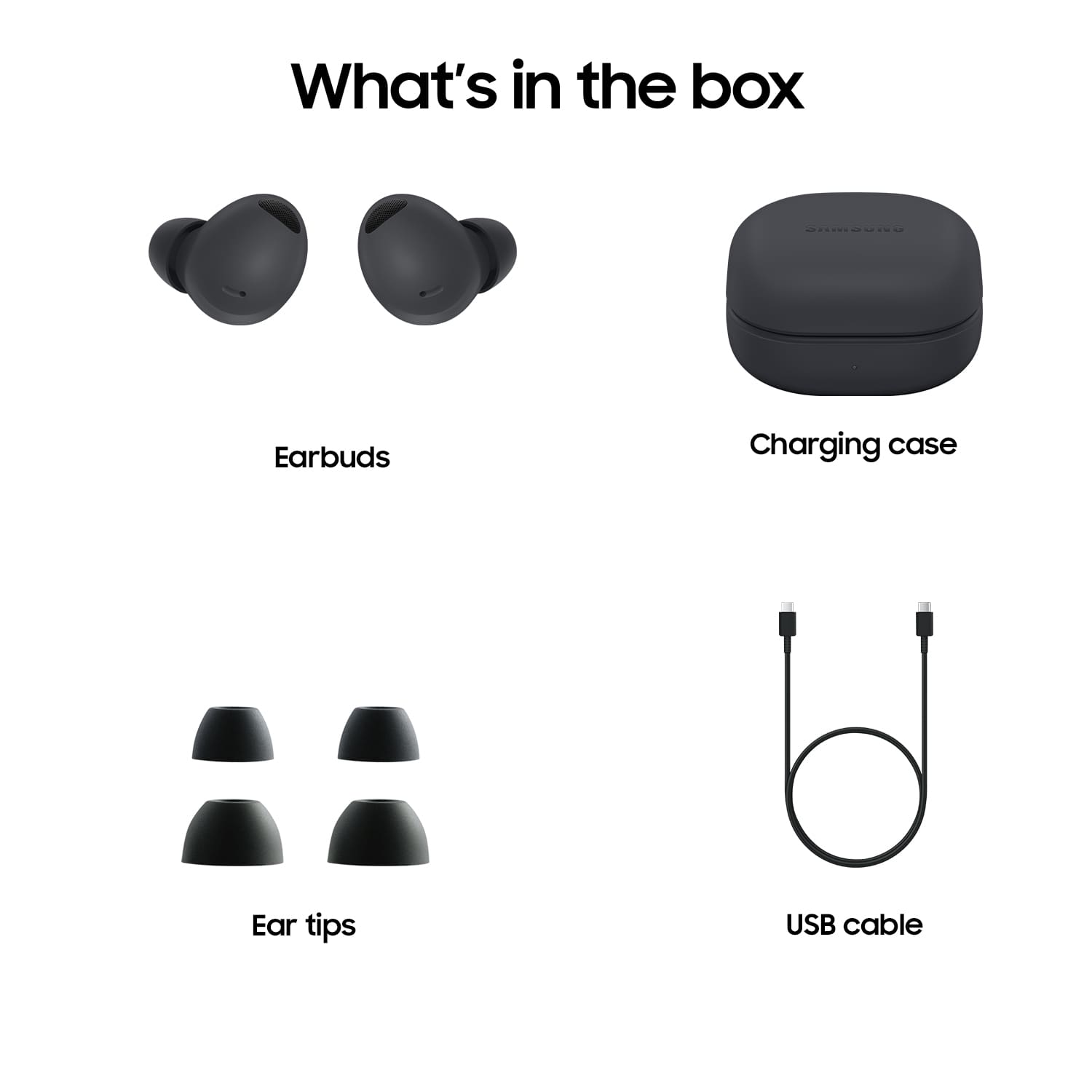
A:AnswerIf you buy the earbuds pictured be sure and do the earbud test listed in the ear app. I too have smaller inef ears so i tried the smallest ones first but because they feel out I used the med and have had great results. Give them a try you might be surprised. The sound is awsome and the army falling out....
A:AnswerI had lost my last remaining galaxy buds+ earbud like 3 weeks before these came out and I waited. It was a long wait, but so MF'in worth it. You probably read all the bickering about the last Pros, but it seems like they fixed all of it. They fit better than even my buds+, audio is much better by far, pass-through audio is actually useable send very clear, the ANC has come light-years since the old Galaxy buds. I was on the fence too reading all the previous reviews about their previous generation, but like I said they brought out the A-Team and made the best headphones they could. My girlfriend even prefers them over her Beats earbuds.