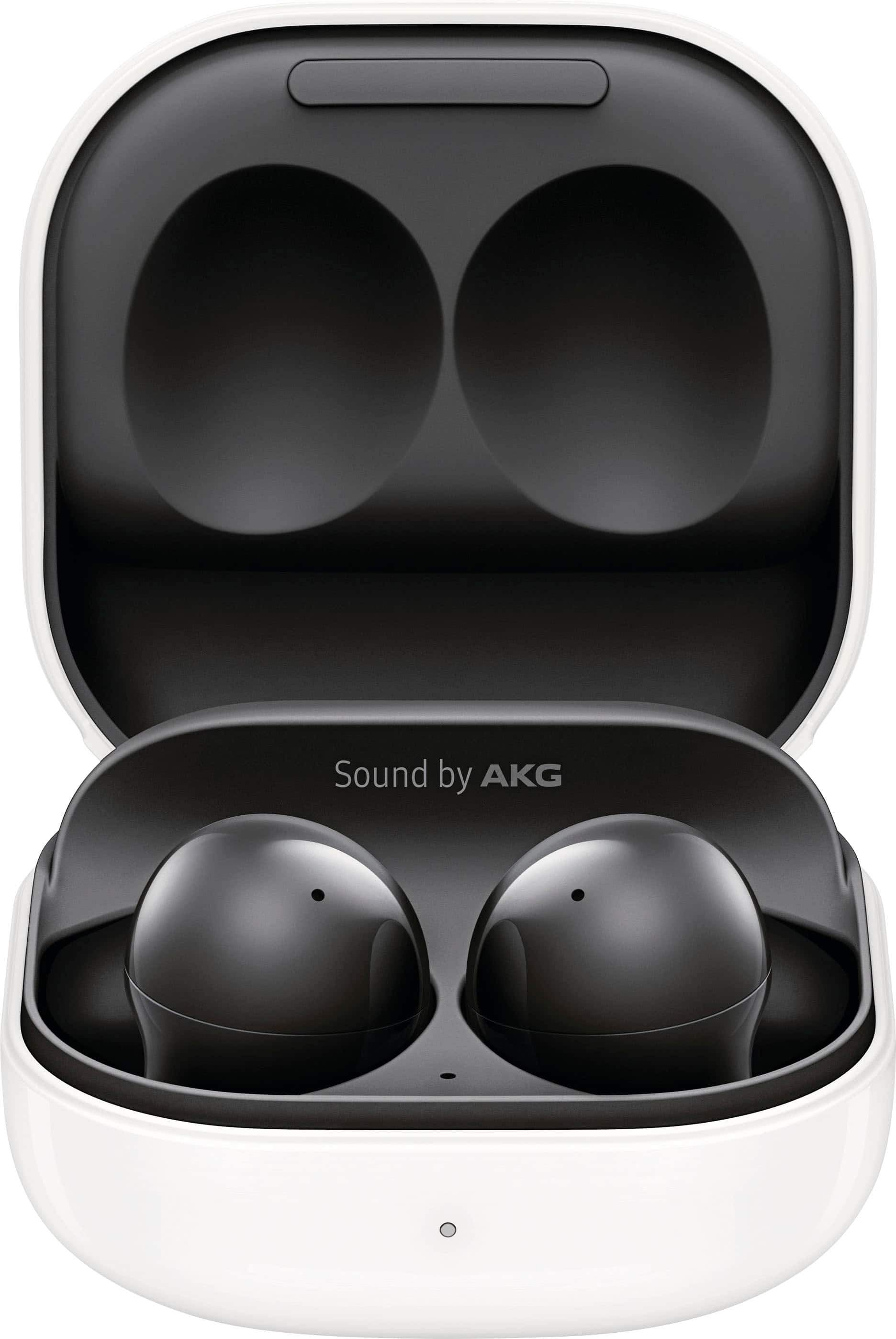
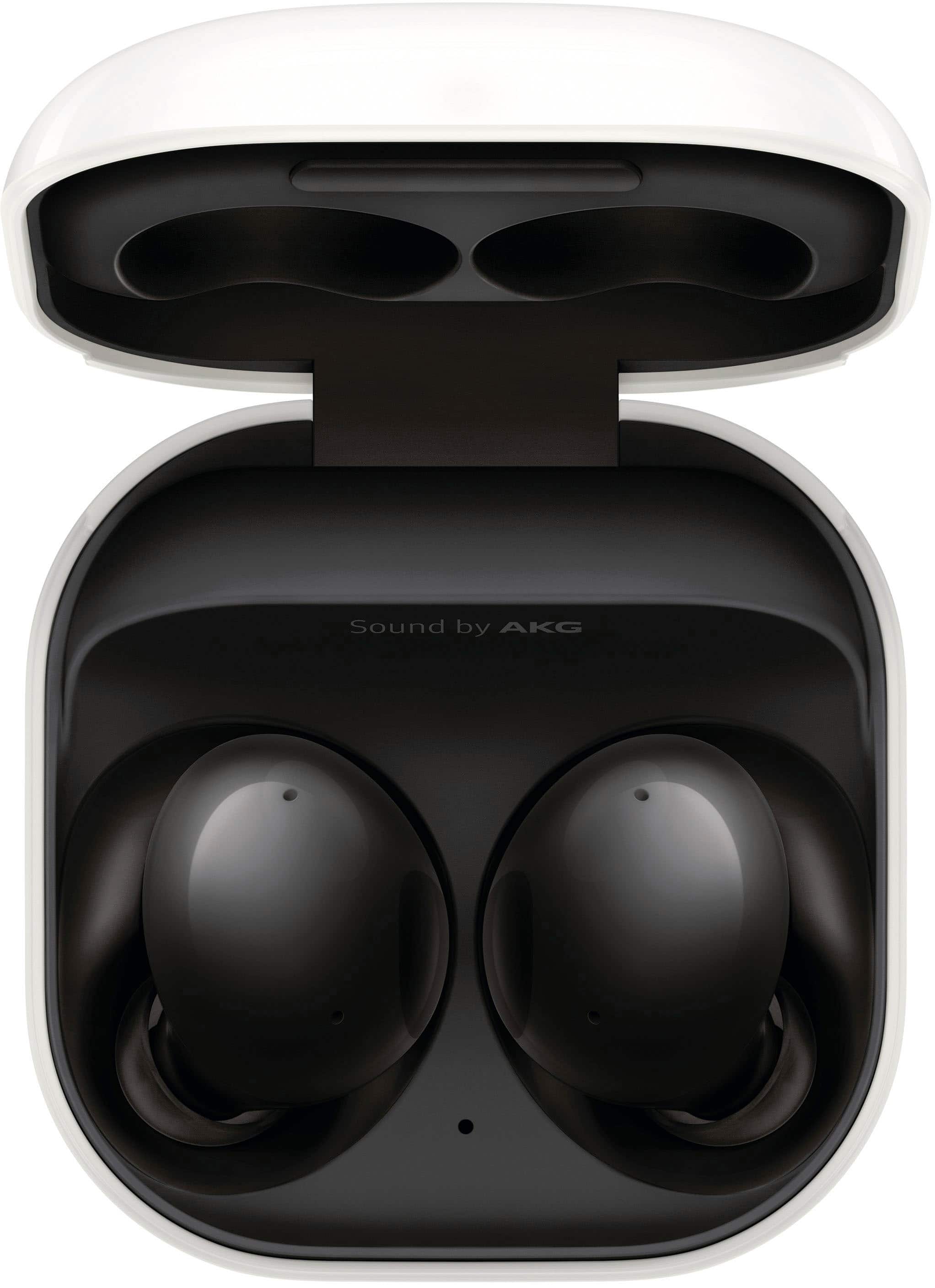
A:AnswerMy sister has that phone and they work. Samsung works with Samsung. I use my phone charger to charge these USB-C or I place them on a wireless charging mat.
A:AnswerTurn on wireless power sharing on Samsung phone in the drop-down menu and place earbuds on your phone to charge them. Or use and USB C charger including the one that can with your phone. You can also just plug them into you computer for a slow charge. I've even used my kindle charger to charge them. Wireless mats work too.
A:AnswerHi BW,
Thank you for reaching out and taking interest if the Galaxy Buds 2 can be charged wirelessly. To answer your question, yes, you're able to charge them wirelessly and through Powershare as well from your phone.
Please visit this link for some helpful tips:
https://www.samsung.com/us/support/answer/ANS00047798/
Use Wireless PowerShare on your Galaxy device:
https://www.samsung.com/us/support/answer/ANS00082564/
Please see its user manual under Page 5-8 for further instructions:
https://downloadcenter.samsung.com/content/UM/202108/20210817072111129/WEA_R177_EN_UM_UDJ_071521_FINAL_AC.pdf
Should you need more assistance, you may reach us via the following for immediate support:
1. Samsung Community: https://us.community.samsung.com/t5/Samsung-Community/ct-p/us
2. Facebook Messenger: http://m.me/samsungsupport
3. Twitter: https://twitter.com/messages/compose?recepient_ id=18768513
Reference Number: 1144243497
Thank you for choosing Samsung. Have a great day!
^Chrystel