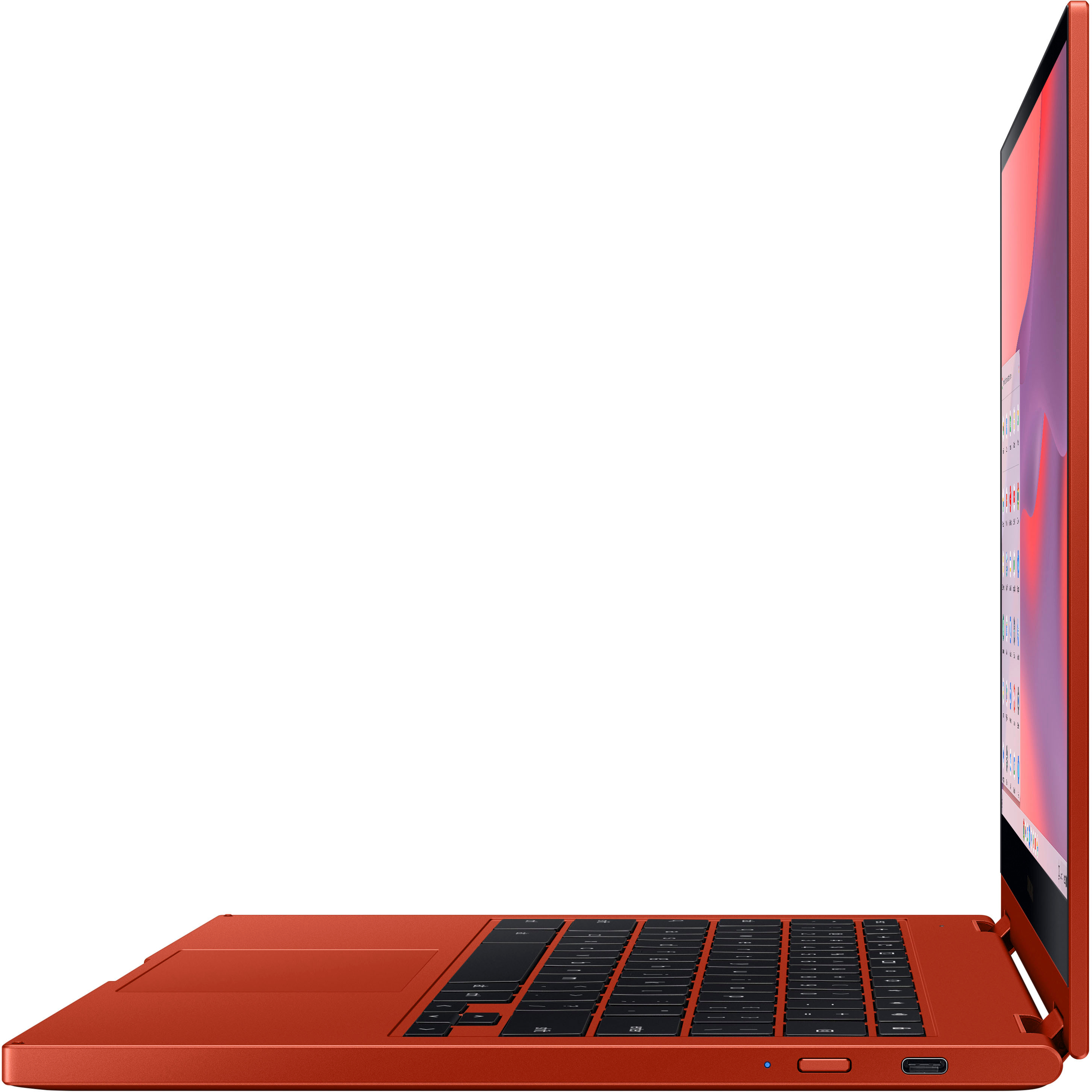
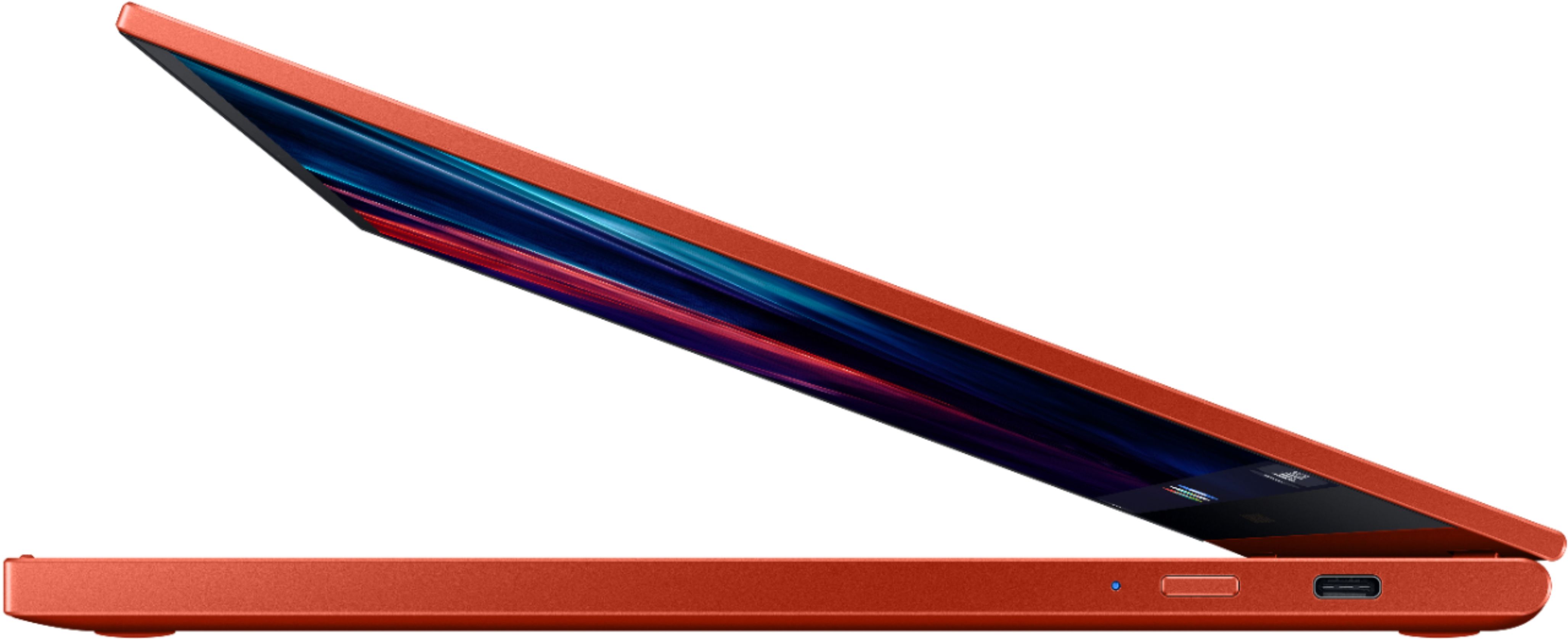
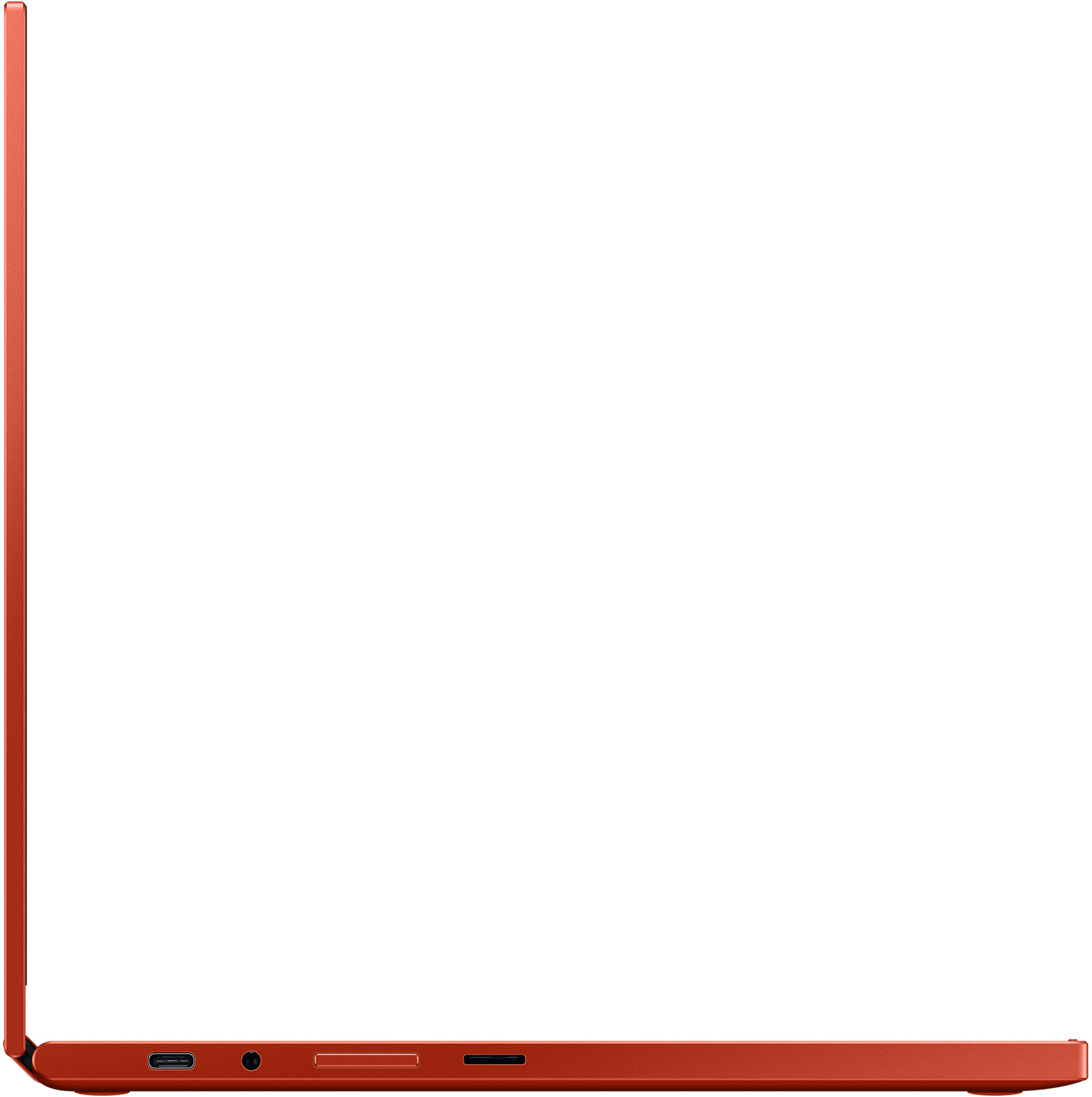
A:AnswerAny USB type C mouse will work. However, I recommend a bluetooth (wireless) mouse instead, so you can use the usb ports for charging or something else. Just be sure it can be connected wireless and not through a usb dongle/adapter.
A:AnswerHi there, thanks for taking the available time out of your day to ask us your question about the Samsung Galaxy Chromebook2. Yes, you can! Google Play Store is only available on 2017 models or later. Let us know if you have any other questions for us by contacting Samsung Support at your leisure. Thank you for being a faithful Samsung customer. - Debra
A:AnswerNo it does not. I purchased a USB-C hub which has an ethernet port for those rare cases that I need an ethernet port. Most times, I connect via WIFI and works fine.
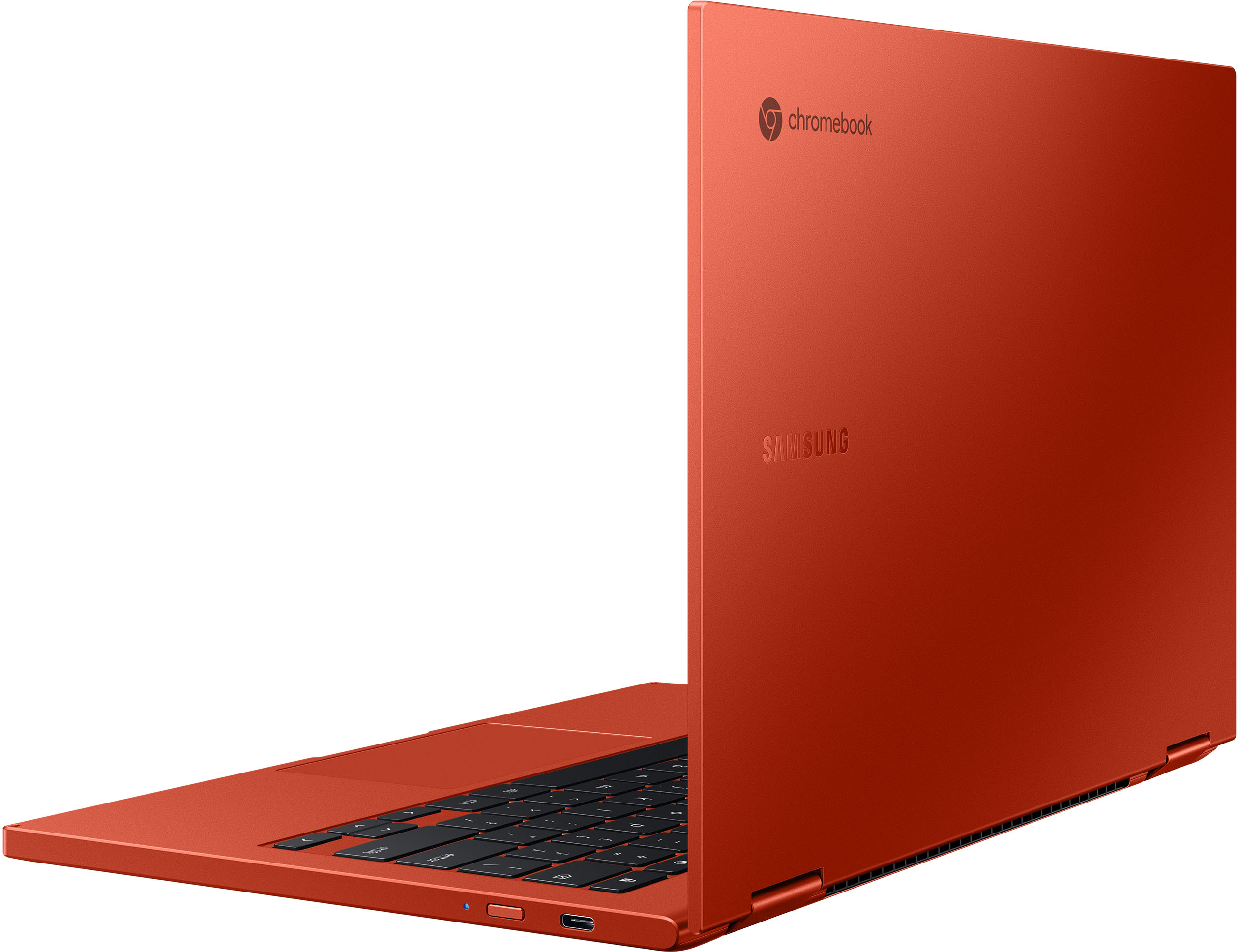
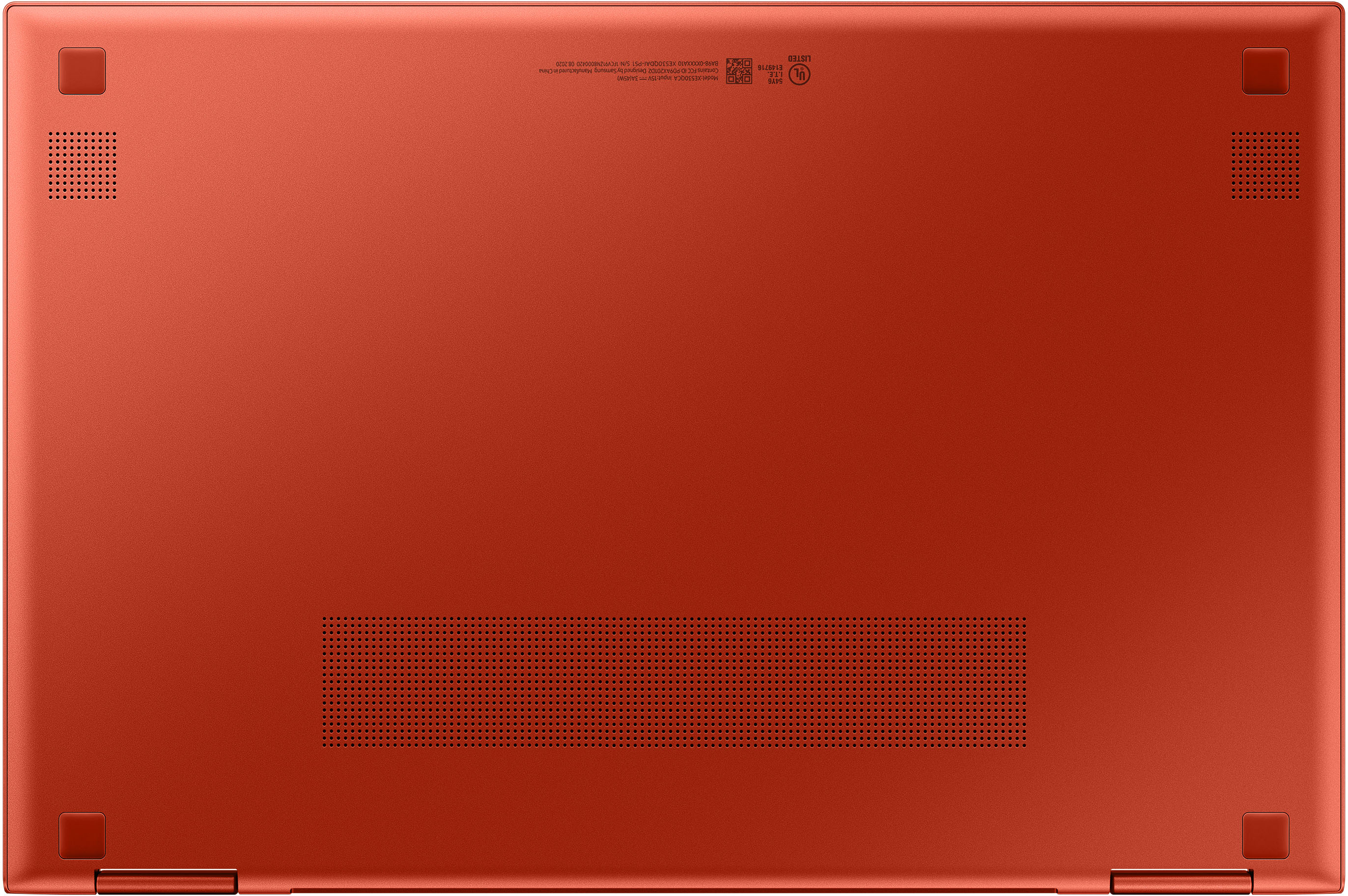
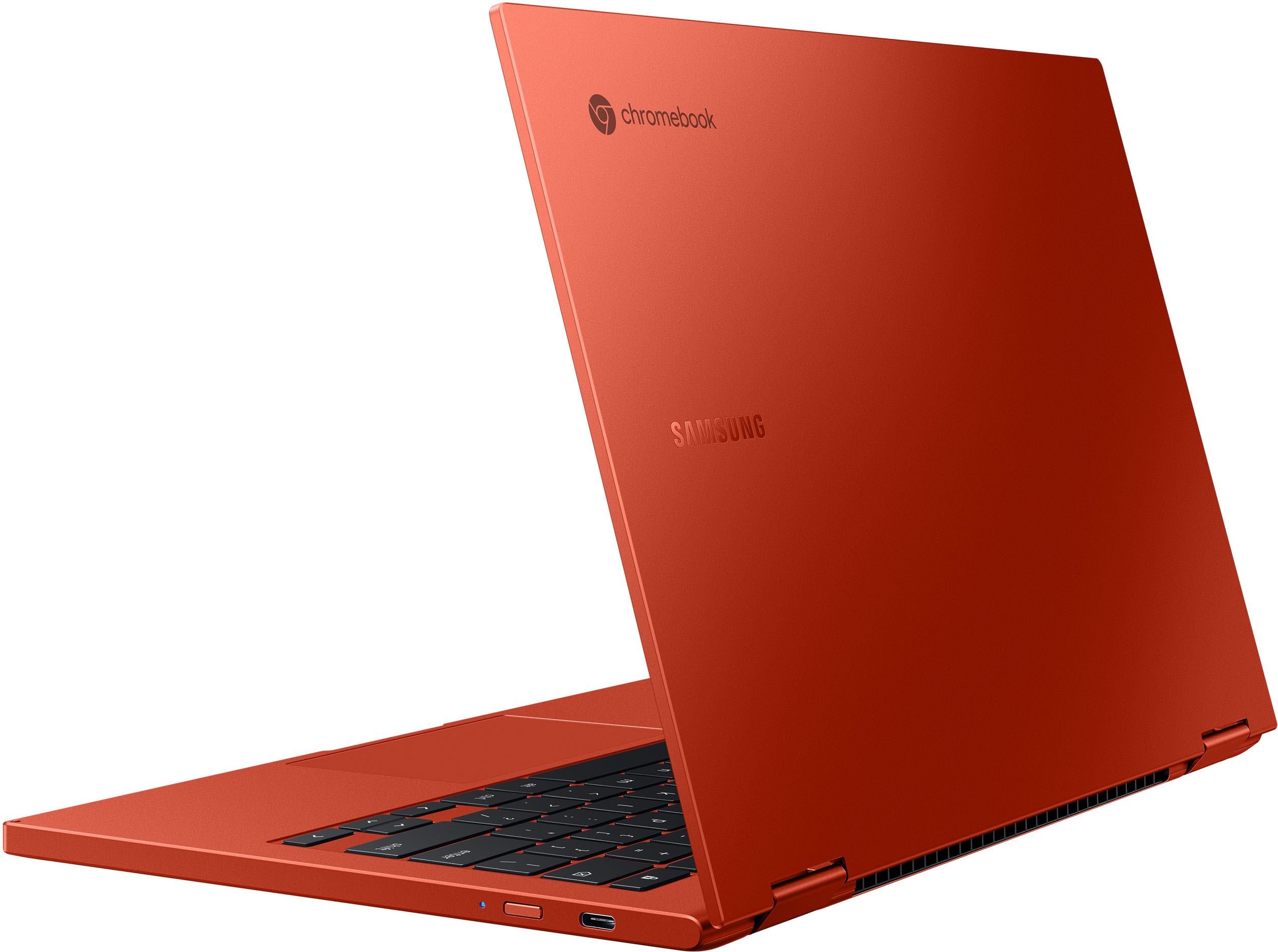
A:AnswerThe bottom is definitely plastic. It's painted the with the same paint as the top so looks like the same material as the top but if you tap both with your fingernail you'll notice they make different sounds. You can also notice by flexing the body whereas the top is rigid.
A:AnswerI personally use my backpack that has a separate laptop area. It protects it very nicely. I also have a sleeve for it if I don't take my backpack. Anything will work as long as it has a protective shell and padding will do a good job.
A:AnswerHi Jim, thanks for asking us your question about the Samsung Galaxy Chromebook 2. Samsung provides a 12-month warranty on our products for manufacturing defects in materials and workmanship. Feel free to contact Support if you have additional questions for us. Thanks for being a valued Samsung customer. - Debra