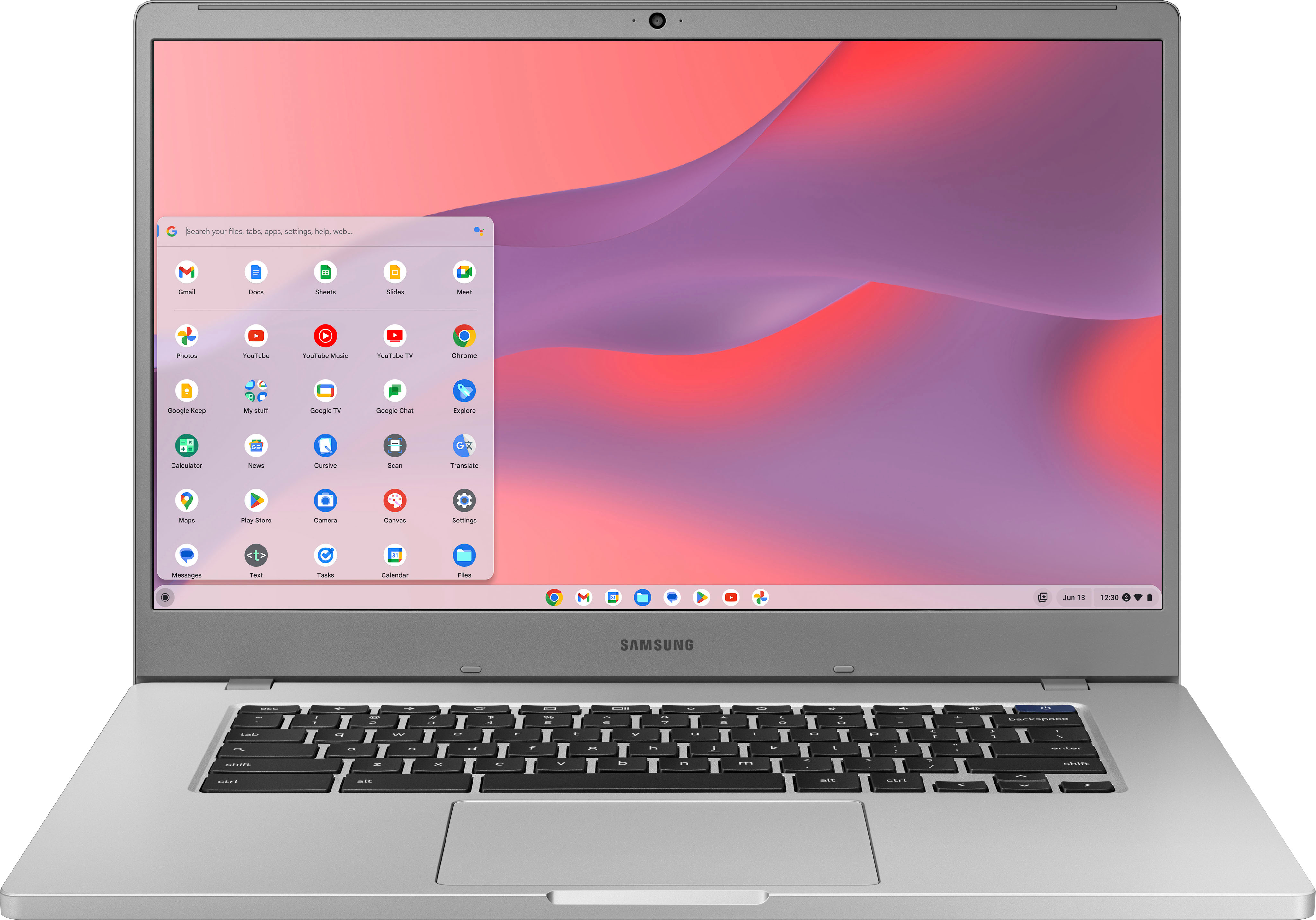
A:AnswerMy wife owns an IPad with the magic keyboard and one of my devices is a Chromebook. If you switched from an IPad to a Chromebook there's be a learning curve. The Chromebook is definitely different but some apps might be the same.
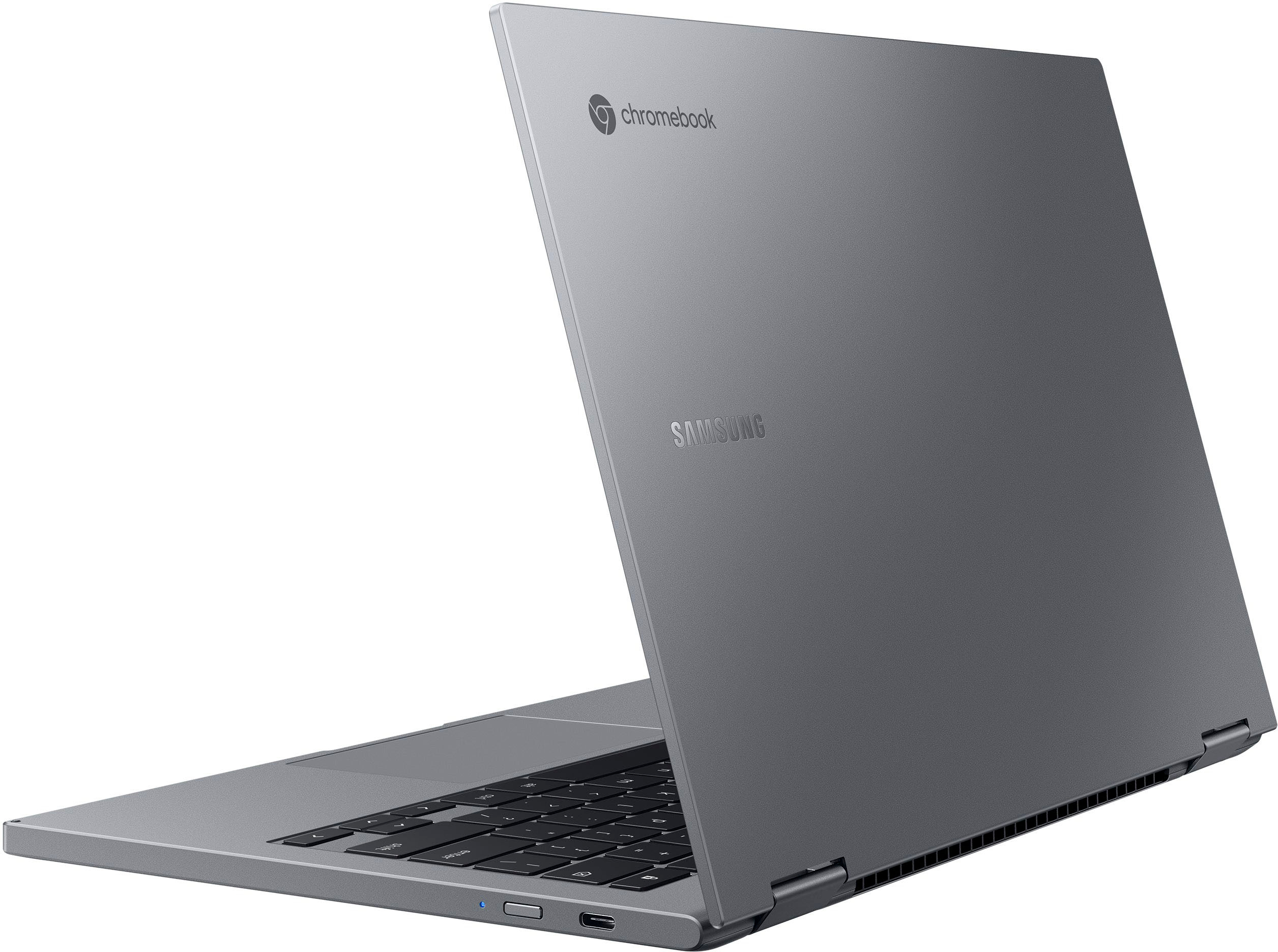
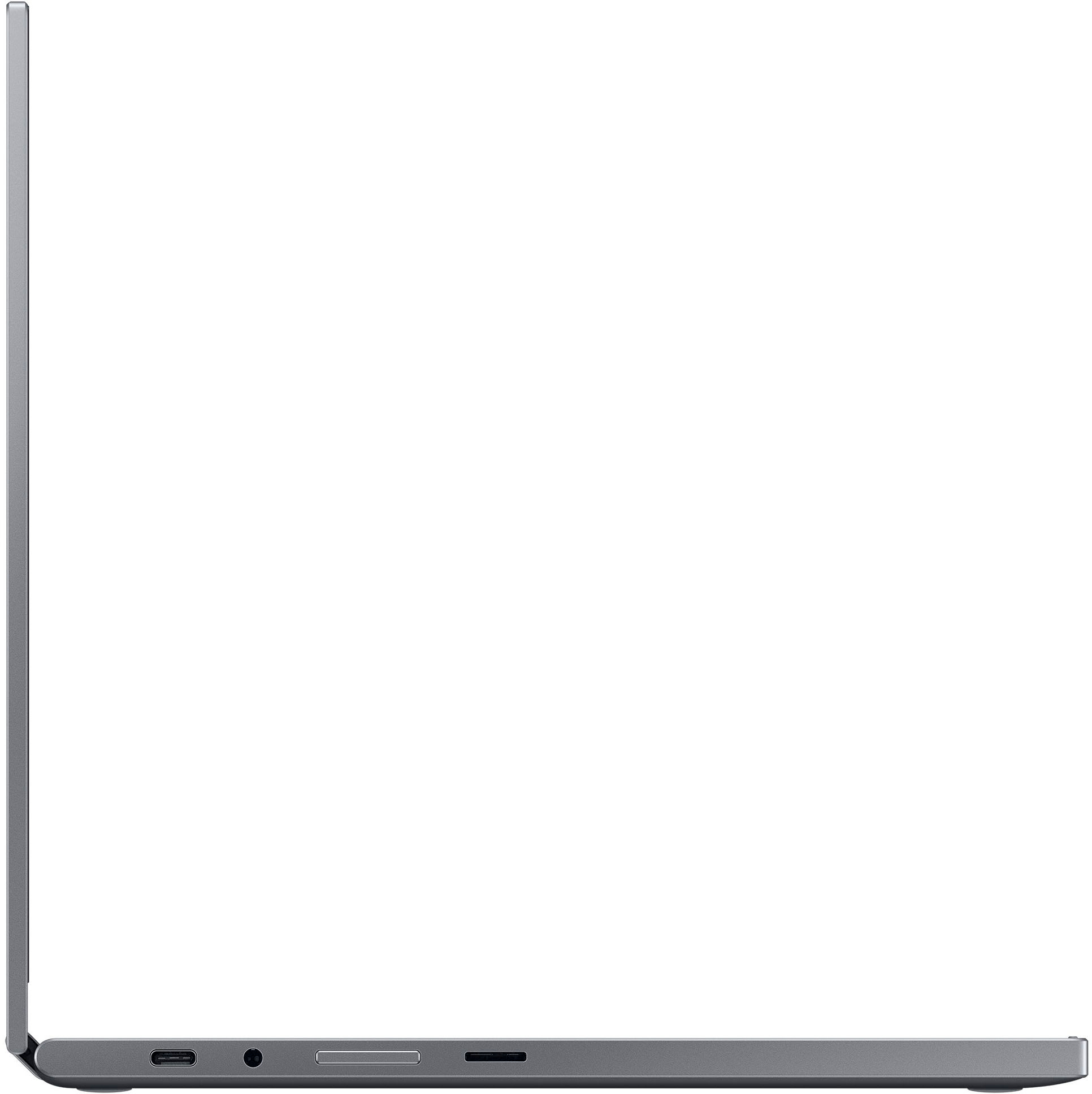
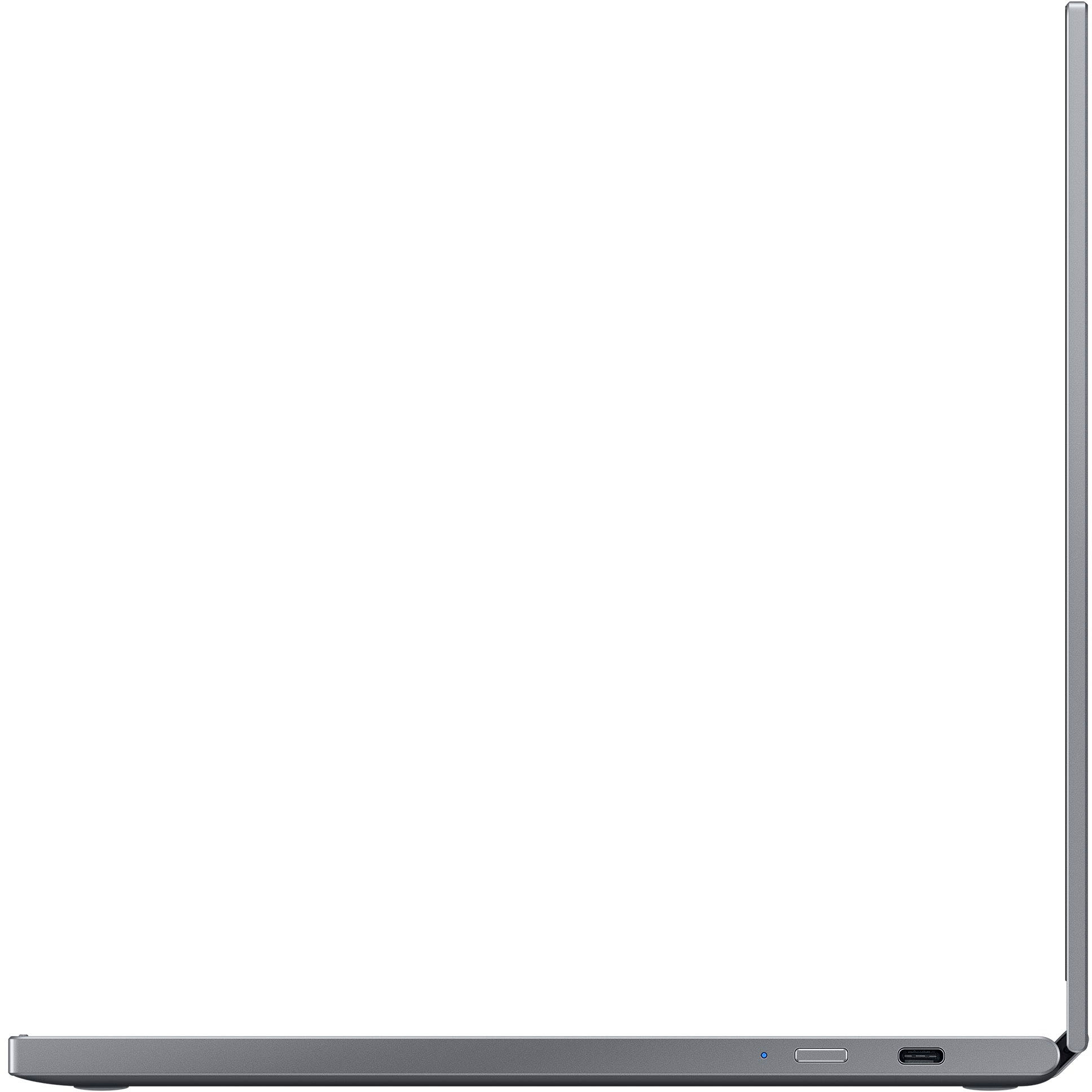
A:AnswerI think it should support DP over USB-C. However, when I plugged mine into my Dell USB-C Dock, it did not recognize my monitor attached to the dock. They keyboard and mouse did work, just not the monitor. I've not tried a direct USB-C to DP or HDMI converter with the chromebook.
A:AnswerI find it quite snappy. No real lags in opening windows or new apps. However, I do try and keep the number of open tabs down to 4-5 in the browser, but that’s my way of doing things
A:AnswerI'm not sure any. I haven't used Windows since 2003. I bought this Chromebook as a travel computer for its Chrome operating system, which has a reputation for being the fastest and most secure browser available.
If you do most of your work on the Web, you'll not miss Windows. But for text you'll have to get used to Google Documents, which have a learning curve. If you think you'll need Apps unique to Windows, you'll probably be better off buying a Windows machine.
A:AnswerMaybe good for games that you would play on your phone, but this is not a gaming rig.
Think of the chrimebook as a big android phone with a keyboard. It is good for docs, notes, surfing, media consumption, email, and low-demand phone or tablet games.