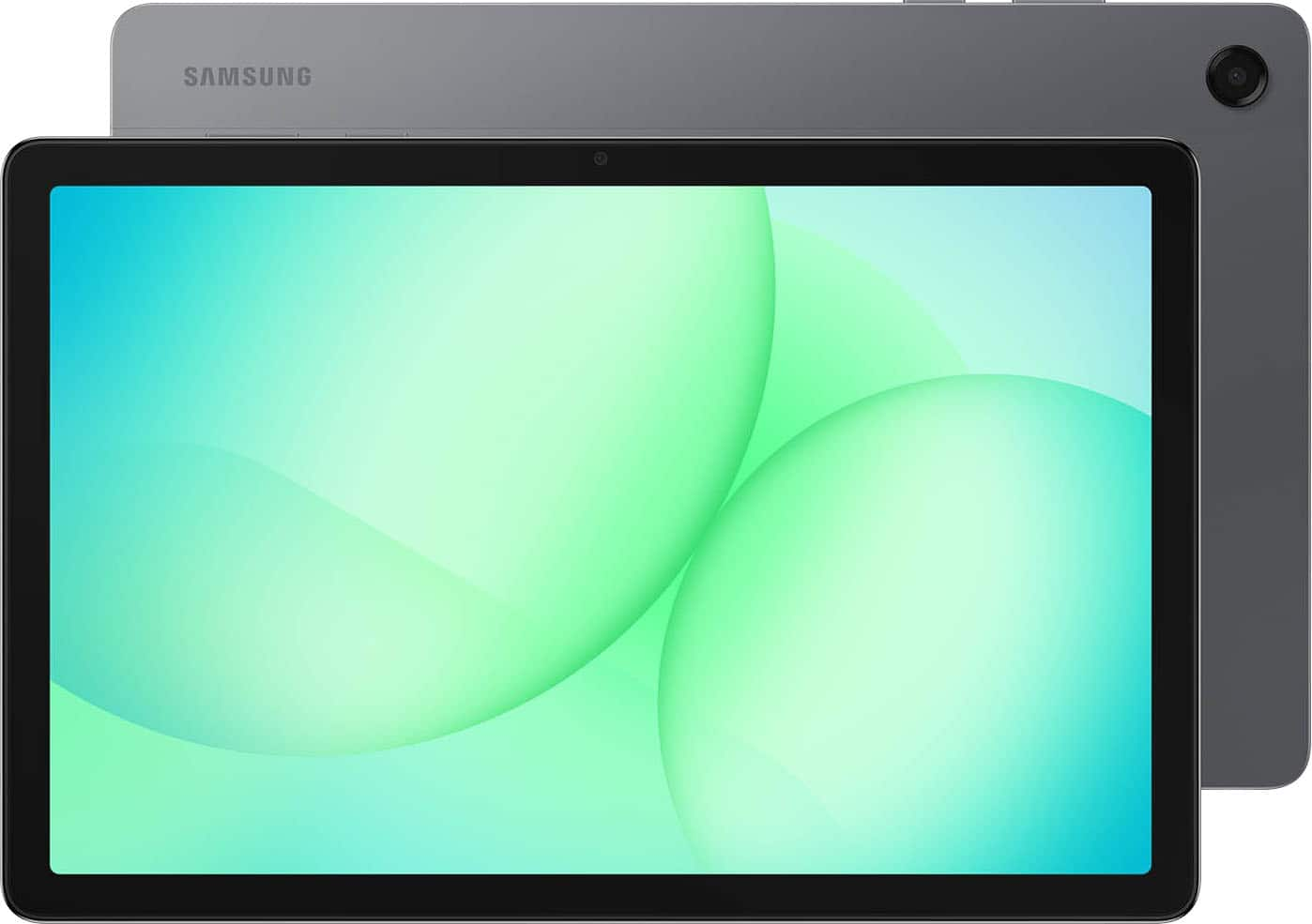
A:AnswerGood day Mari, thanks for asking us your question about the Samsung Galaxy Tab A11+. No, the advertised Galaxy Tab A11+ is the Wi-Fi/Bluetooth Only version of this tablet. It does not have cellular capabilities so it is unable to be added to your T-Mobile plan. If you have any other questions for us, please feel free to contact Support. Thank you for being a valued Samsung customer. - Debra
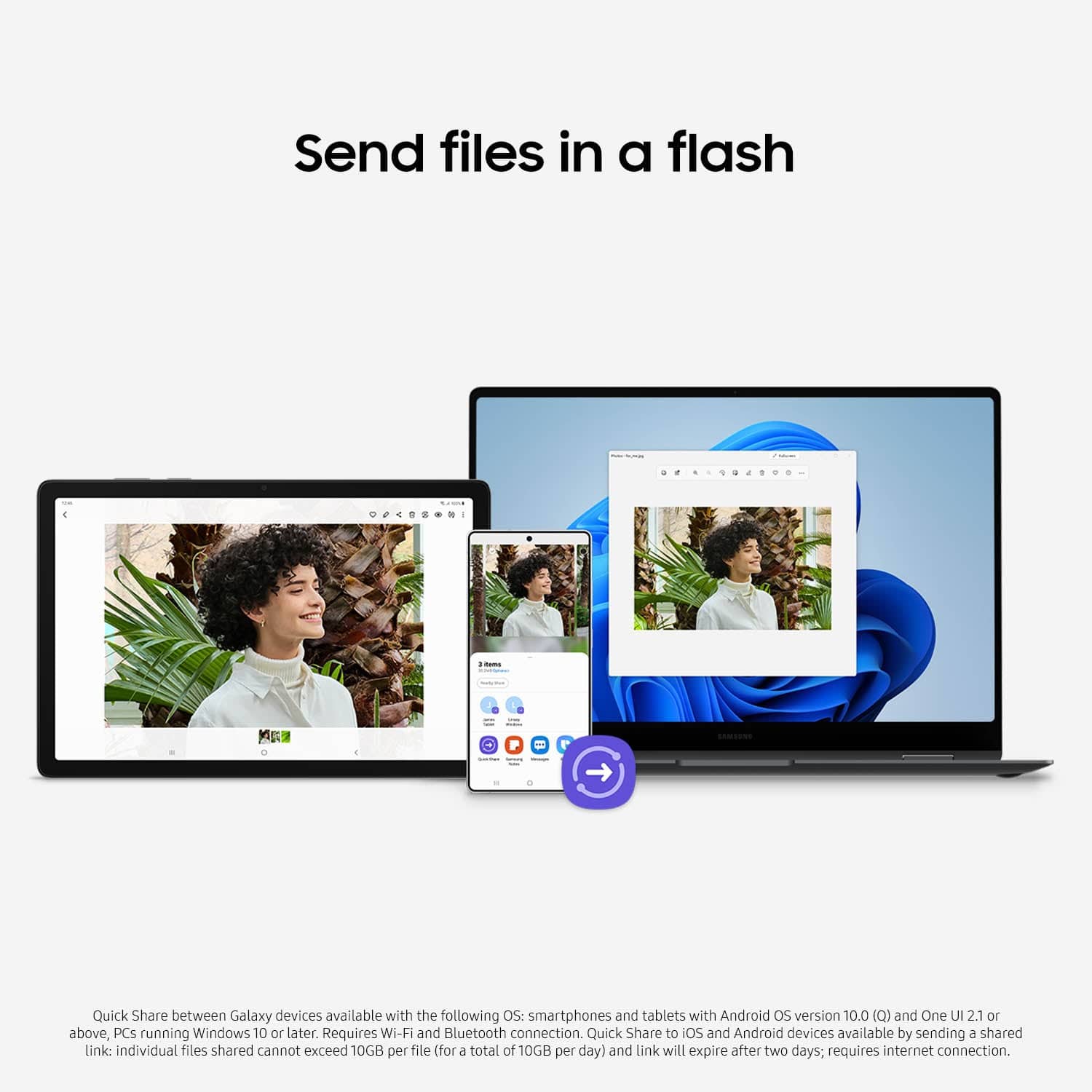
A:AnswerHowdy, thank you for taking the opportunity to ask us your question about the Samsung Galaxy Tab A11+. Yes, your information transfers easily between Galaxy tablets using Samsung Smart Switch, allowing you to move photos, contacts, apps, and settings wirelessly or via USB cable. The app provides a seamless transition by enabling you to select content on your old device and transfer it directly to the new one, often replicating your home screen layout. If you have any other questions or if you would like further assistance, please do not hesitate to reach out to Support. Thank you for being a cherished Samsung customer. - Debra
A:AnswerYes absolutely. I waited and bought the ear buds/phones that were compatible with the Galaxy tablet and phone because I knew the quality would be much better.
A:AnswerHowdy Curious, thank you for taking the time to ask us your question about the Samsung Galaxy Tab A11+. This device offers the following Location Technology - GPS, Glonass, Beidou, Galileo, and QZSS. Please let us know if you have additional questions for us by contacting Support. Thanks for choosing Samsung! - Debra
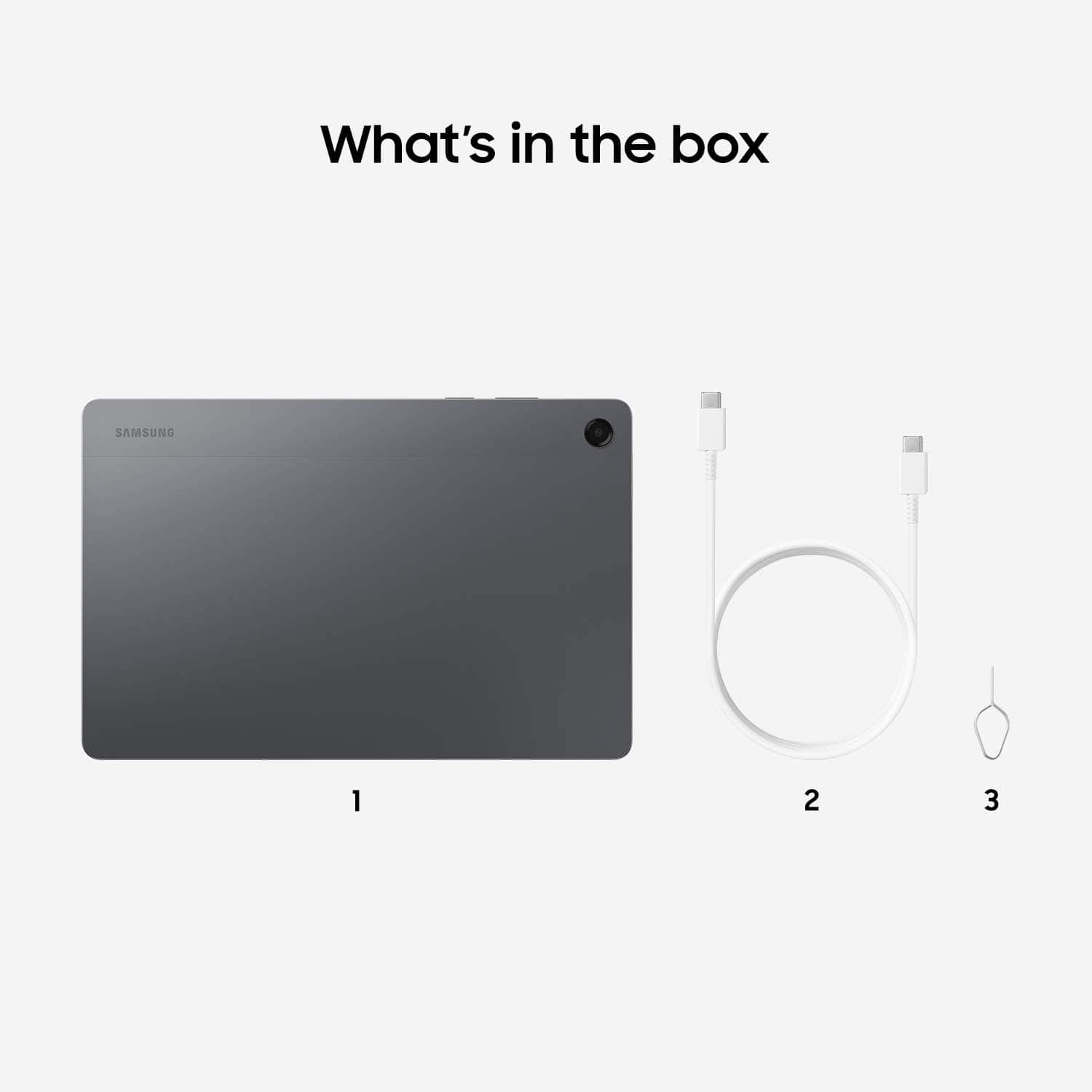
A:AnswerHowdy Walkerjrc, thanks for asking us your question about the Samsung Galaxy Tab A11+. Here's what's included in the box when you purchase this device: Tablet, Data Cable, Quick Start Guide, Ejection Pin. If you have any other questions, please do not hesitate to reach out to Support. Thank you for being a valued Samsung customer. - Debra
A:AnswerHi there Kyle, thank you for asking us your question about the Samsung Galaxy Tab A11+. Yes, you can easily transfer data from your Tab A9+ to a new Tab A11+ by using the pre-installed Samsung Smart Switch app. It allows for a fast, wireless, or wired transfer of apps, photos, contacts, and settings. Simply open Smart Switch on both devices, select "Send" on your Tab A9+ and "Receive" on your Tab A11+, and choose the data to migrate. If you have any other questions for us, please feel free to reach out to Support. Thank you for being an integral part of the Samsung community! - Debra
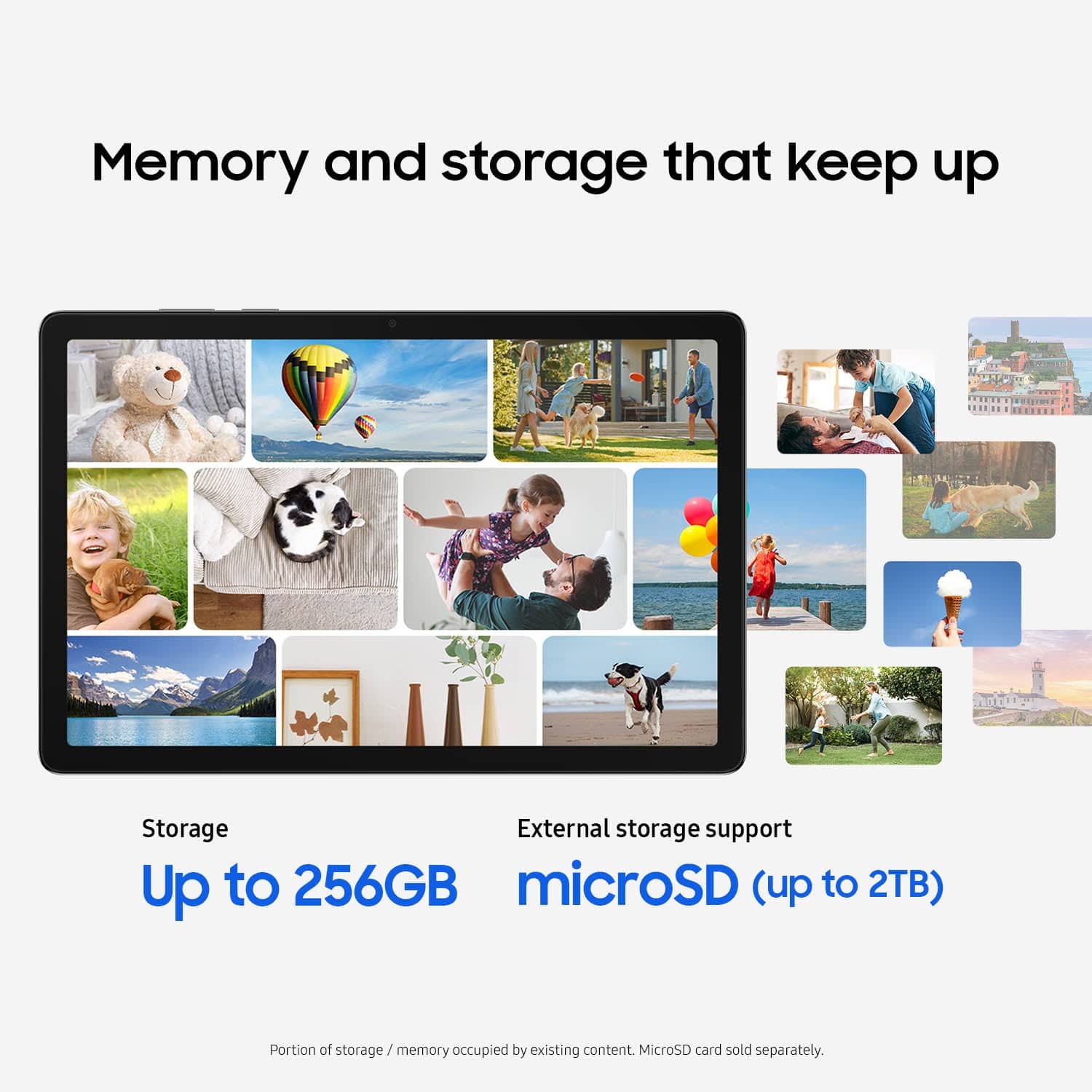
A:AnswerGreetings J5, thank you for taking the opportunity to ask us your question about the Samsung Galaxy Tab A11+. The advertised Galaxy Tab A11+ has 105GB of available storage and up to 2TB of external storage capabilities. If you have any other questions, please feel free to contact Support. Thank you for being a devoted Samsung customer. - Debra
A:AnswerHey there Treeskier, thank you for taking the opportunity to ask us your question about the Samsung Galaxy Tab A11+. Yes, the advertised Galaxy Tab A11+ features built-in GPS. It supports multiple global navigation satellite systems to ensure accurate and reliable location tracking, including: GPS, GLONASS, BeiDou, Galileo, and QZSS. If you have any other questions for us, please do not hesitate to contact Support. Thank you for being a treasured Samsung customer. - Debra
A:AnswerHello there Kc, thanks for taking the time to ask us your question about the Samsung Galaxy Tab A11+. Yes, the advertised Wi-Fi/Bluetooth-only version of the Samsung Galaxy Tab A11+ (Model SM-X230) has a dedicated, built-in GPS chip that works without a Wi-Fi connection. If you have any other questions, feel free to contact Support. Thank you for being a staunch Samsung customer. - Debra