A:AnswerHowdy Gigi, thank you for taking the time to ask us your questions about the Samsung Galaxy Tab A11+. Yes, you can add a a keyboard to this tablet, however, it is not compatible with the Galaxy S Pen. A passive/capacitive stylus may be compatible with this tablet. If you have any other questions for us, please feel free to reach out to Support. Thank you for being a devoted Samsung customer. - Debra
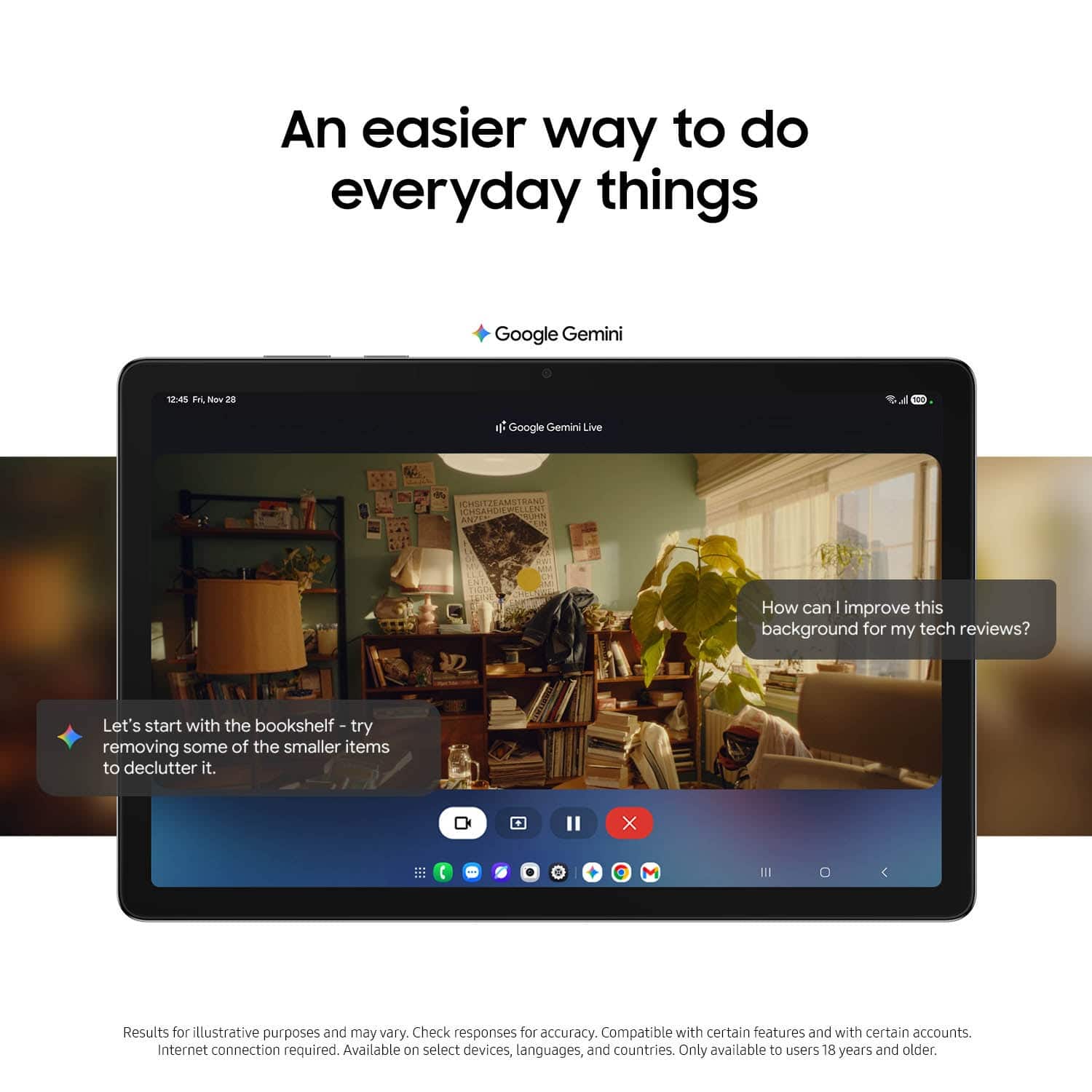
A:AnswerHowdy, thank you for taking the opportunity to ask us your question about the Samsung Galaxy Tab A11+. The advertised Galaxy Tab A11+ comes pre-installed with a mix of Samsung services, Google apps, and Microsoft tools. Some pre-installed apps may include Samsung Notes, Smart Switch, Samsung Health, Galaxy Shop, Gaming Hub, and Samsung Kids. It also includes Samsung Internet, and Google Gemini. If you have additional questions for us or if you would like further assistance, please feel free to reach out to Support. Thank you for being a valued Samsung customer. - Debra
A:AnswerGreetings Tom, thank you for asking us your question about the Samsung Galaxy Tab A11+. Yes, the advertised Galaxy Tab A11+ supports wireless screen mirroring to TVs and monitors using the built-in Smart View feature. It allows you to cast your tablet's screen directly to smart TVs, particularly Samsung models, via Wi-Fi. If you have additional questions for us, please let us know by contacting Support. Thank you for being a staunch Samsung customer. - Debra
A:AnswerHowdy Guin, thank you for taking the opportunity to ask us your questio0n about the Samsung Galaxy Tab A11+. The advertised Galaxy Tab A11+ is the Wi-Fi/Bluetooth Only version of this device so it will not be able to be added to your wireless carrier's network. If you have any other questions, please feel free to reach out to Support. Thank you for being a cherished Samsung customer. - Debra
A:AnswerSalutations Corito, thank you for reaching out with your question about the Samsung Galaxy Tab A11+. The advertised Galaxy Tab A11+ was released in the USA in January 2026. Please feel free to reach out to Support if you think of additional questions. Thank you for being a dedicated Samsung customer. - Debra
A:AnswerSalutations DWall, thanks for asking us your question about the Samsung Galaxy Tab A11+. Yes, you can download YouTube songs and videos on the Galaxy Tab A11+ for offline viewing/listening by subscribing to YouTube Premium. If you have additional questions for us or if you would like further assistance, please feel free to reach out to Support. Thank you for being a loyal Samsung customer. - Debra
A:AnswerSalutations Perry, thank you for taking the time to ask us your question about the Samsung Galaxy Tab A11+. No, the advertised Galaxy Tab A11+ is the Wi-Fi/Bluetooth Only version of this device. It does not have a SIM card tray available so it is not able to be added to a wireless carrier's network. LTE versions are able to be added to your carrier's data plan. Hope that helps! If you would like further assistance, please feel free to reach out to Support. Thanks for being a staunch Samsung customer. - Debra
A:AnswerSalutations Rosa, thank you for asking us your question about the Samsung Galaxy Tab A11+. No, the advertised Galaxy Tab A11+ is the Bluetooth/Wi-Fi Only version of this device which lacks a SIM card tray. If you have any other questions for us, please feel free to reach out to Support. Thank you for being a cherished Samsung customer. - Debra
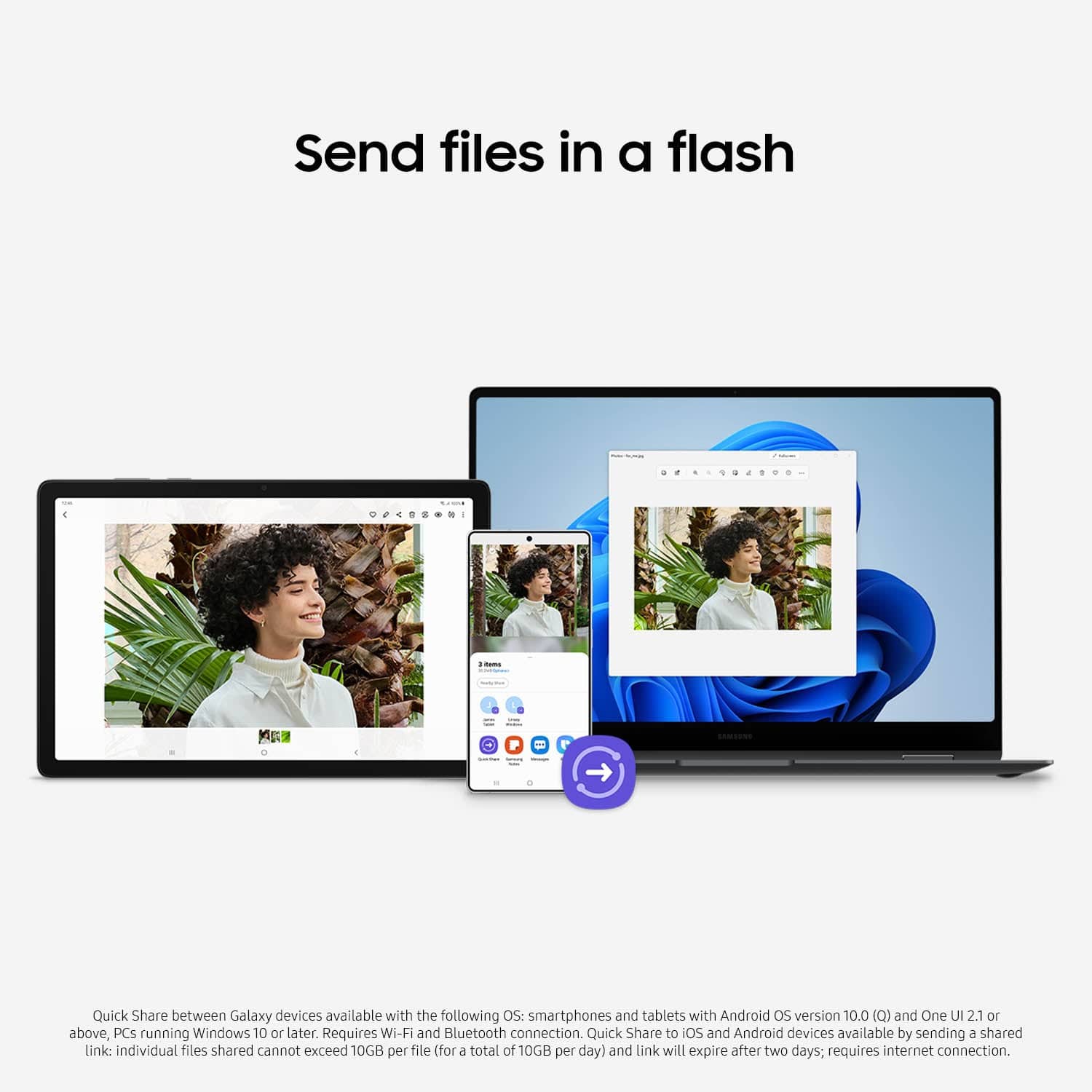
A:AnswerAloha Bob, thank you for taking the opportunity to ask us your question about the Samsung Galaxy Tab A11+. Transferring data via Samsung Smart Switch will not delete the data from your S22; it merely copies and adds the files to your new device. Your original data remains on the S22, allowing you to use both devices simultaneously during the transfer process. If you have any other questions for us, please feel free to reach out to Support. Thank you for being a faithful Samsung customer. - Debra
A:AnswerGood day JoliesMom, thank you for asking us your question about the Samsung Galaxy Tab A11+. Yes, Samsung Smart Switch can transfer data from an iPad Air 2 to a Galaxy Tablet like the advertised Galaxy Tab A11+. It supports transferring contacts, photos, videos, calendar events, and Wi-Fi settings, either via a Lightning-to-USB-C cable or wirelessly. If you have additional questions for us, please feel free to reach out to Support. Thank you for being a dedicated Samsung customer. - Debra
A:AnswerHello Grannydid, thank you for finding the time to ask us your question about the Samsung Galaxy Tab A11+. With the Call & text on other devices feature, you can make and receive calls on your tablet as long as it's signed into the same Samsung account as your phone. You can also send messages. However, the connected phone will need to have active service. Call & text on other devices currently does not work with Verizon and AT&T phones, and may not be available on all models from other carriers. Feel free to check out, "Make calls and send messages from your Galaxy tablet" if you would like to learn more about utilizing this feature. The advertised Galaxy Tab A11+ is the Wi-Fi/Bluetooth only version of this device so no SIM card can be added to this device. If you have any other questions for us, please feel free to reach out to Support if you would like any further assistance. Thank you for being a treasured Samsung customer. - Debra
A:AnswerGood day Jinz, thank you for asking us your question about the Samsung Galaxy Tab A11+ One version of the Galaxy Tab A11+ LTE version is Model: SM-X238UZAAATT. If you have additional questions, please feel free to reach out to Support. Thank you for choosing Samsung! - Debra