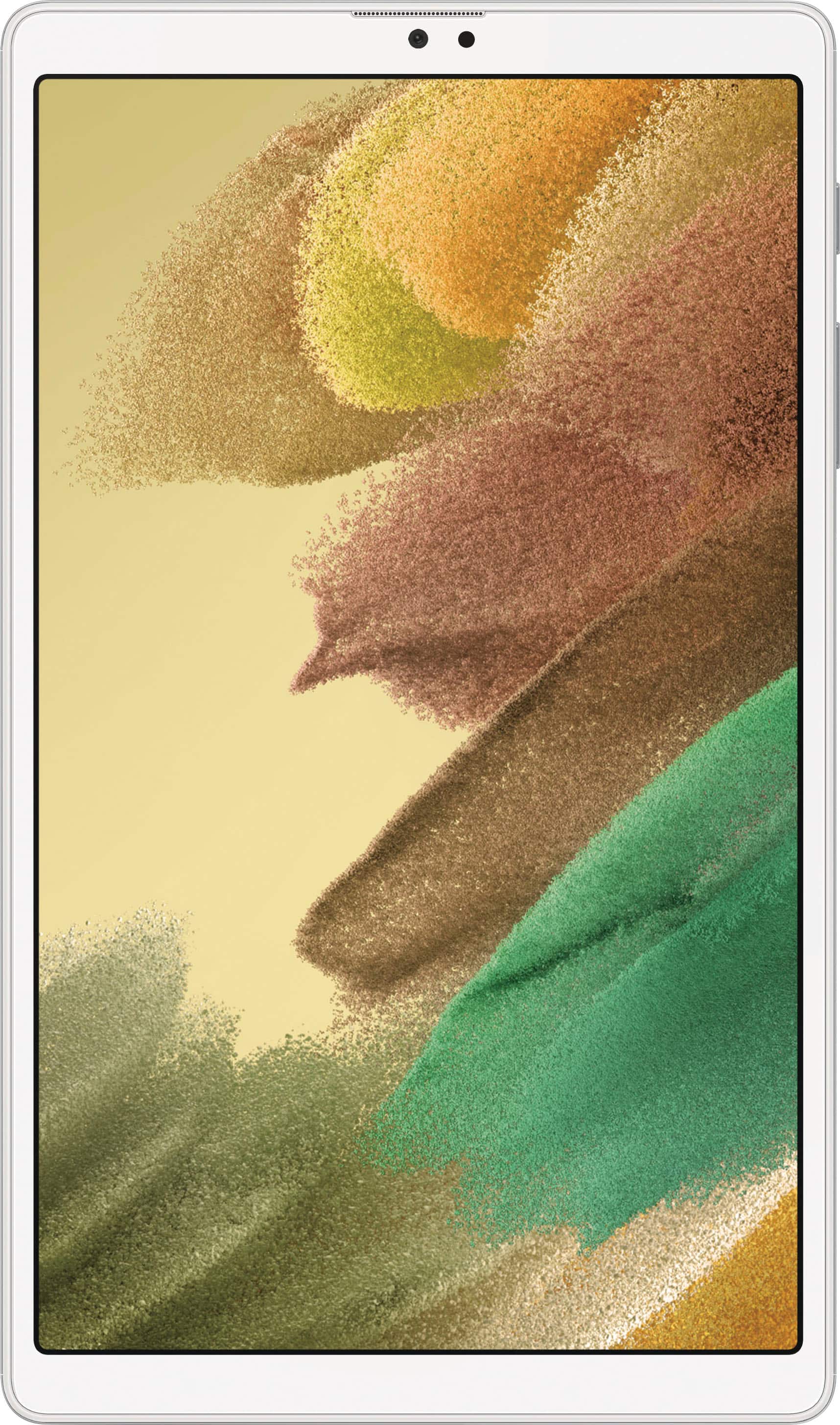
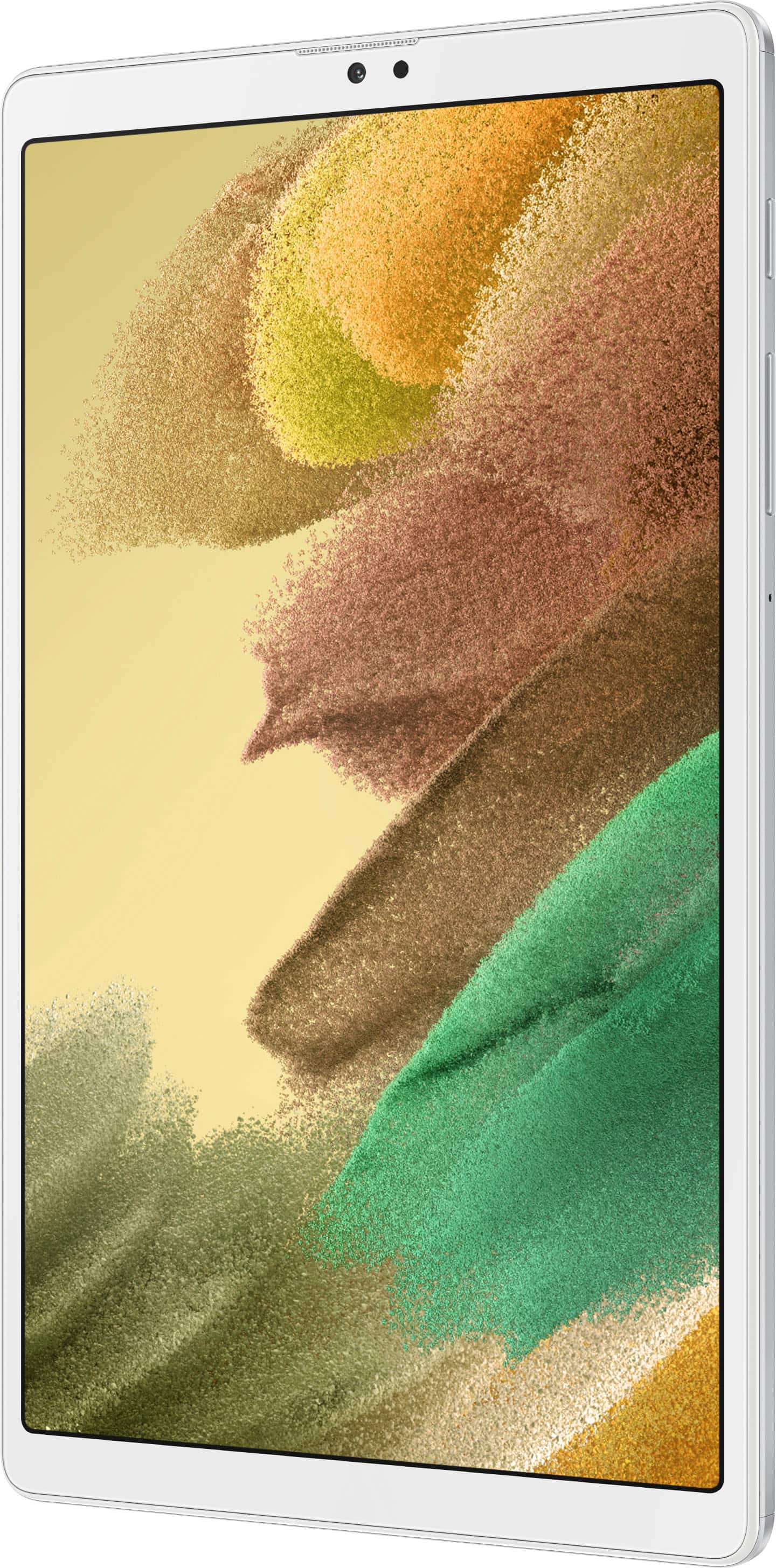
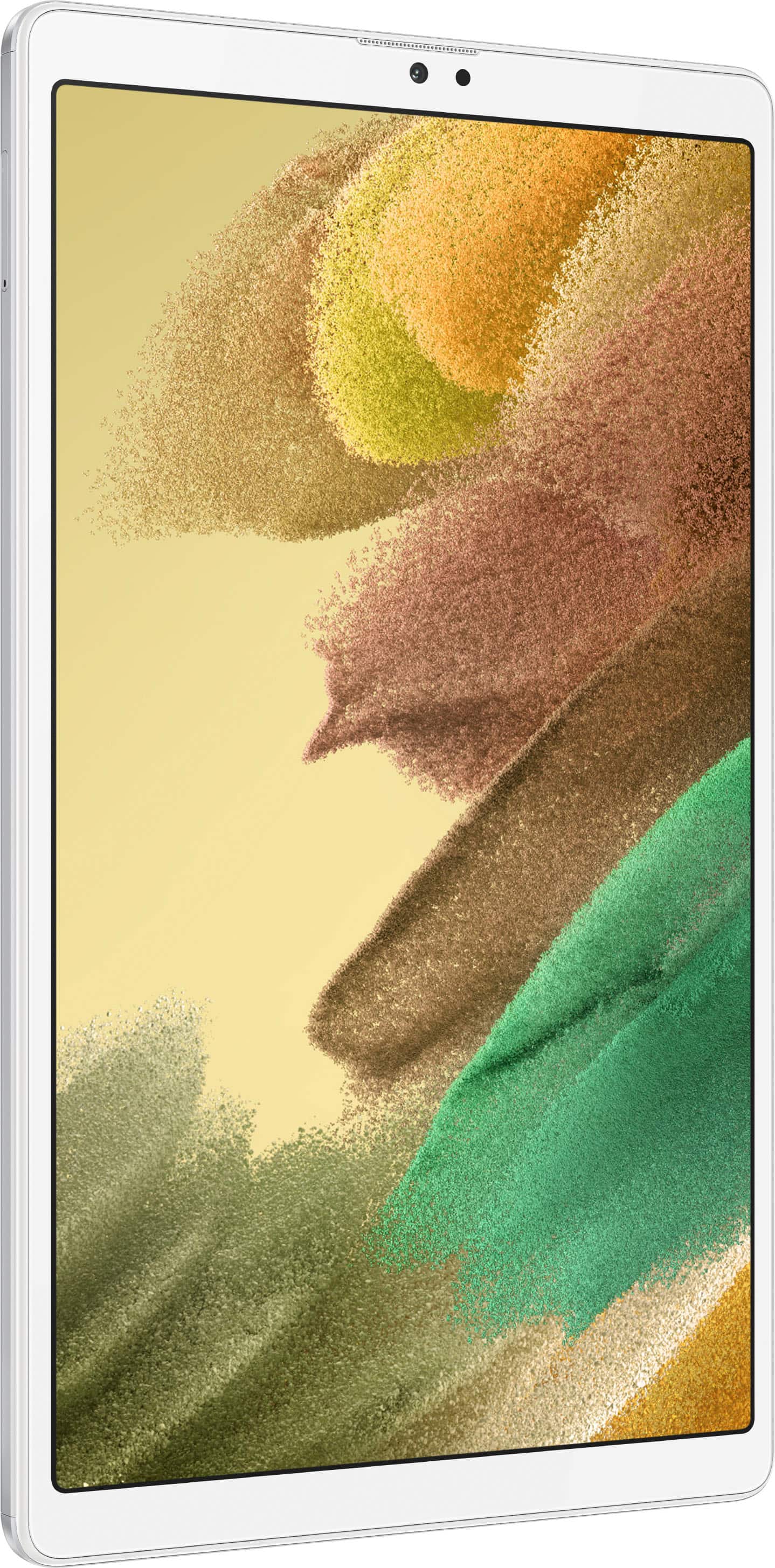
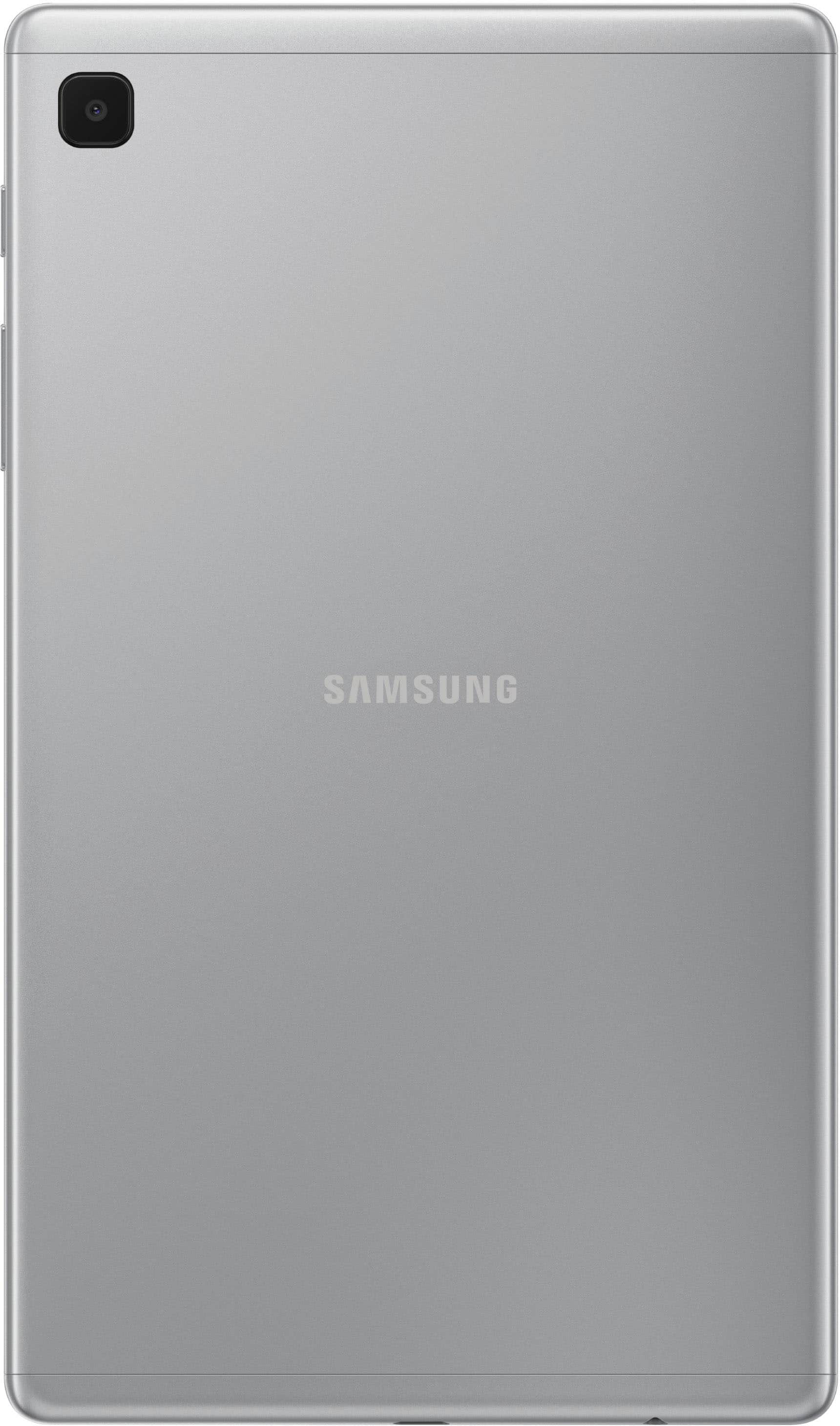
A:AnswerWhile connected to Wi-Fi you can make phones calls using apps like TextNow and Google Voice. I’m sure there are other apps that will work, too.
A:AnswerHi Webby,
Thank you for taking an interest to know the difference between our Galaxy Tab A7 Lite and the regular one. We understand how essential this is for you to get some information for future reference.
Please access this link to know more about the comparison between our tablets:
https://www.samsung.com/us/tablets/tab-a7/compare/?device-1=galaxy-tab-a7&device-2=galaxy-tab-a7-lite&device-3=undefined
Should you encounter some issues, you may reach us via the following for immediate support:
1. Samsung Community: https://us.community.samsung.com/t5/Samsung-Community/ct-p/us
2. Facebook Messenger: http://m.me/samsungsupport
3. Twitter: https://twitter.com/messages/compose?recipient_id=18768513
Reference Number: 1144155456
Thank you for choosing Samsung. Have a great day!
^Chrystel
A:AnswerNo, I do not believe so. I also have a Samsung Galaxy S4 with a stylus. That stylus does not function on my A7. The A7 Lite shows no instructions for a stylus..
A:AnswerVery easy. Open wifi settings and pick your phone on the available devices (you have to allow hot spot on your phone also) . When 2 devices establish connection type the password that comes on your phone screen and you’ll all set.
A:AnswerHi There,
Thank you for bringing this to our attention and taking an interest in whether the Galaxy Tab A7 Lite can be used as a hotspot. To answer your question, yes, you can, as it has a hotspot feature, and mobile hotspot uses your data plan to create a Wi-Fi network that multiple devices can use.
Please see the user manual on Page 88 - 89 for more information:
https://downloadcenter.samsung.com/content/UM/202106/20210623002343105/SAM_T220_T227_EN_UM_R11.0_060721_FINAL_AC.pdf
Should you need more assistance, you may reach us via the following for immediate support:
1. Samsung Community: https://us.community.samsung.com/t5/Samsung-Community/ct-p/us
2. Facebook Messenger: http://m.me/samsungsupport
3. Twitter: https://twitter.com/messages/compose?recepient_ id=18768513
Reference Number: 1144263577
Thank you for choosing Samsung. Have a great day!
^Chrystel
A:AnswerHi Maureen,
Thank you for reaching out. I appreciate your interest in knowing if the Microsoft Apps comes preloaded with the Galaxy tab A7 Lite. The Microsoft Apps, including Outlook, Office, and OneDrive, maybe preloaded on your device to answer your question. Apps can be downloaded from the Galaxy Store and the Google Play Store.
For your reference, you may visit the user manual on Pages 79 and 80:
https://downloadcenter.samsung.com/content/UM/202106/20210623002343105/SAM_T220_T227_EN_UM_R11.0_060721_FINAL_AC.pdf
Should you need more assistance, you may reach us via the following for immediate support:
1. Samsung Community: https://us.community.samsung.com/t5/Samsung-Community/ct-p/us
2. Facebook Messenger: http://m.me/samsungsupport
3. Twitter: https://twitter.com/messages/compose?recepient_ id=18768513
Reference Number: 1144280283
Thank you for choosing Samsung. Have a great day!
^Chrystel
A:AnswerHi Gram. Thank you for bringing this to our attention. I appreciate you taking the time to raise this inquiry regarding the Samsung - Galaxy Tab A7 Lite. Please go to Google Play Store and check if APP is still available since their developers are managing the app's updates and compatibility. ^Charles
A:AnswerHi Stantheman. Thank you for bringing this to our attention. I appreciate your taking the time to raise this inquiry regarding the Samsung - Galaxy Tab A7 Lite. Yes, you can download music from your computer and place it on a Micro SD(sold separately) and put that on the device. ^Charles