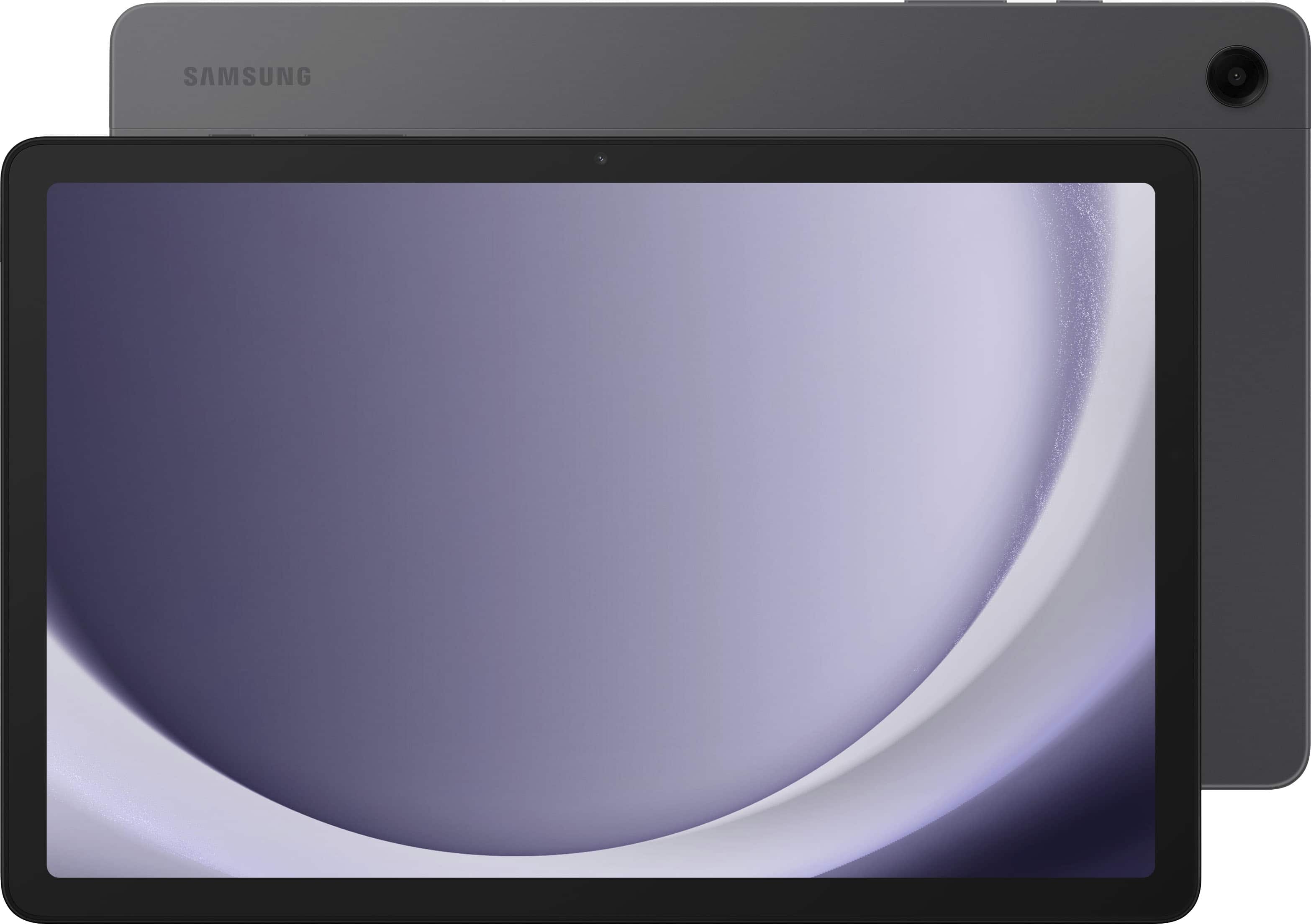
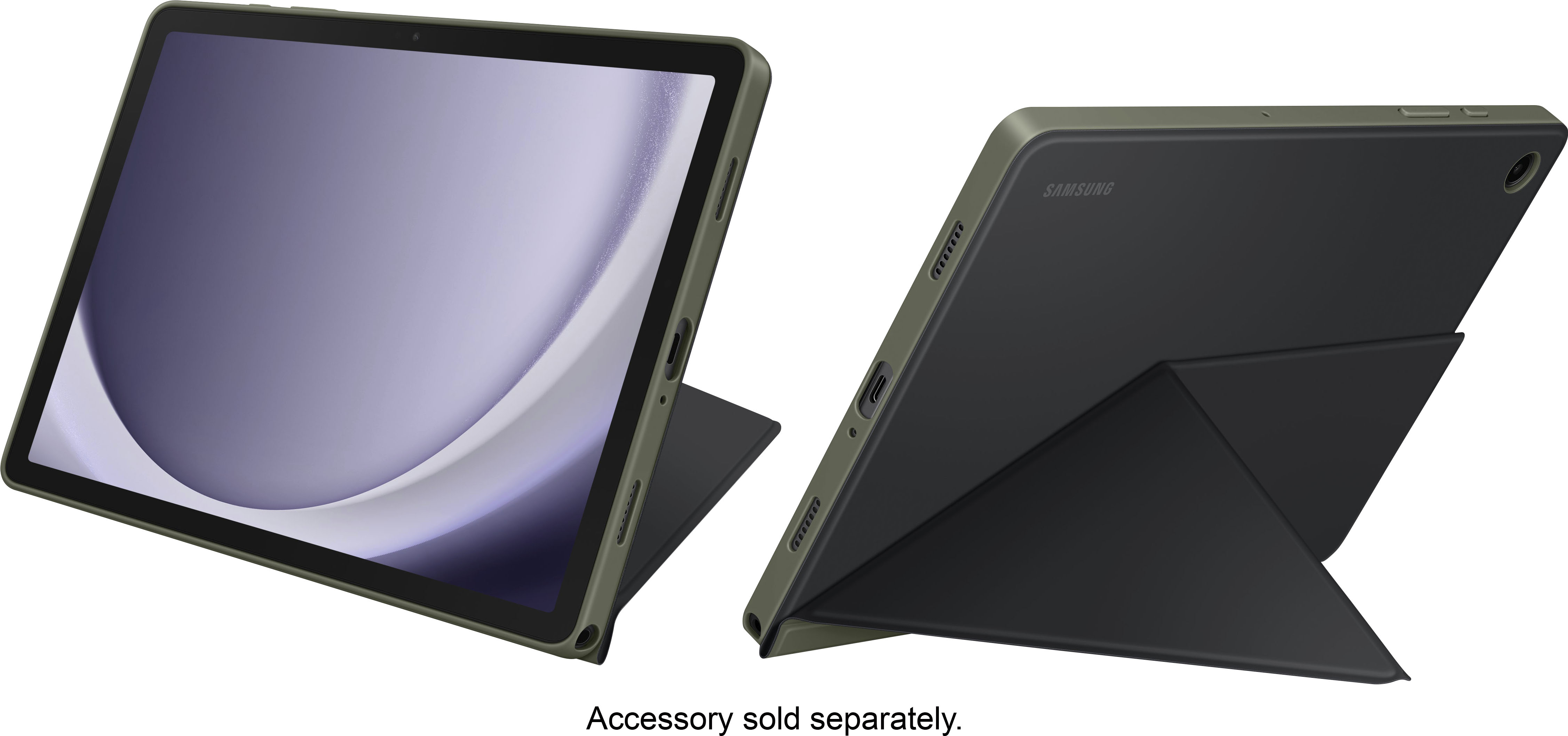
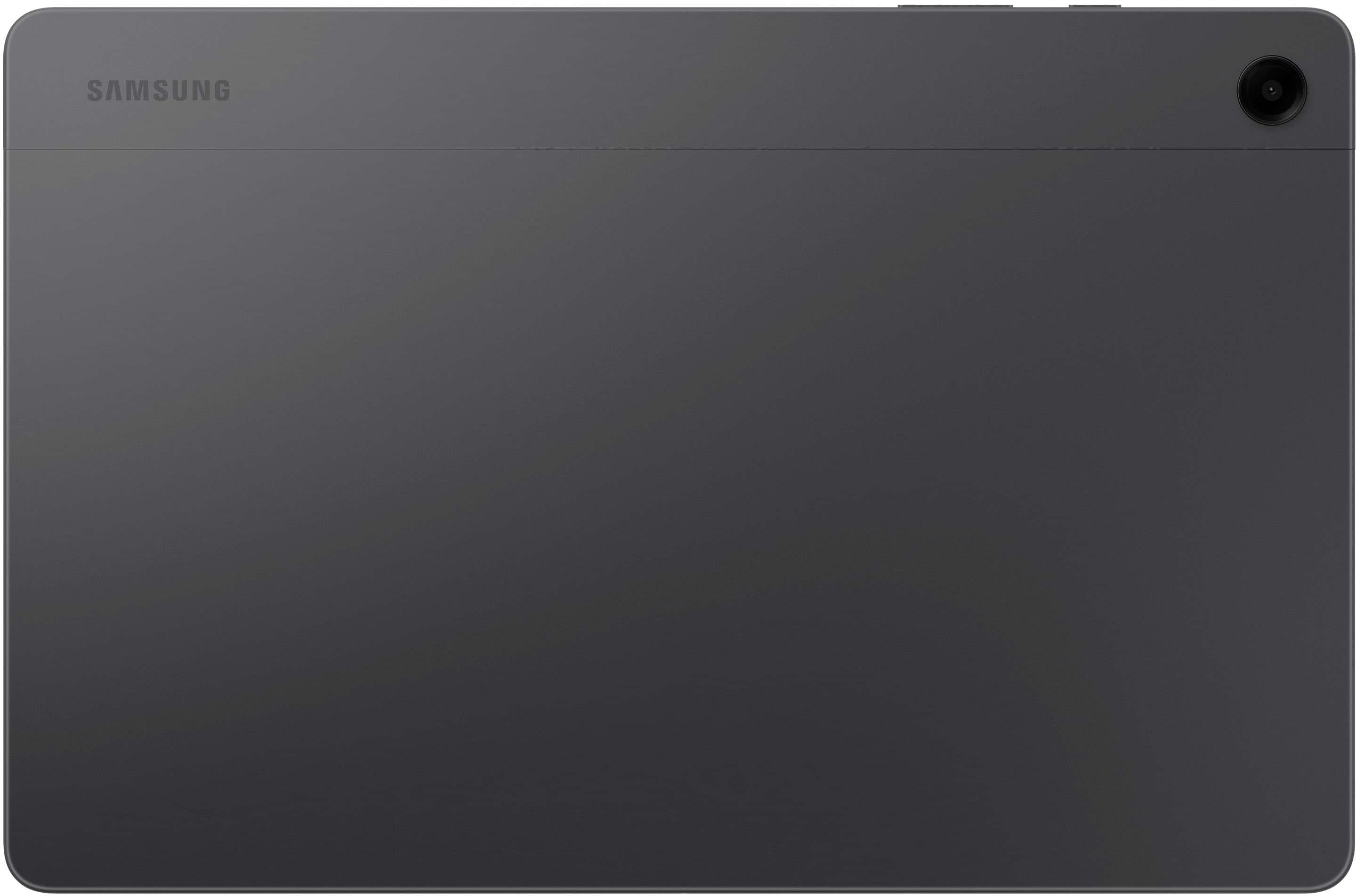
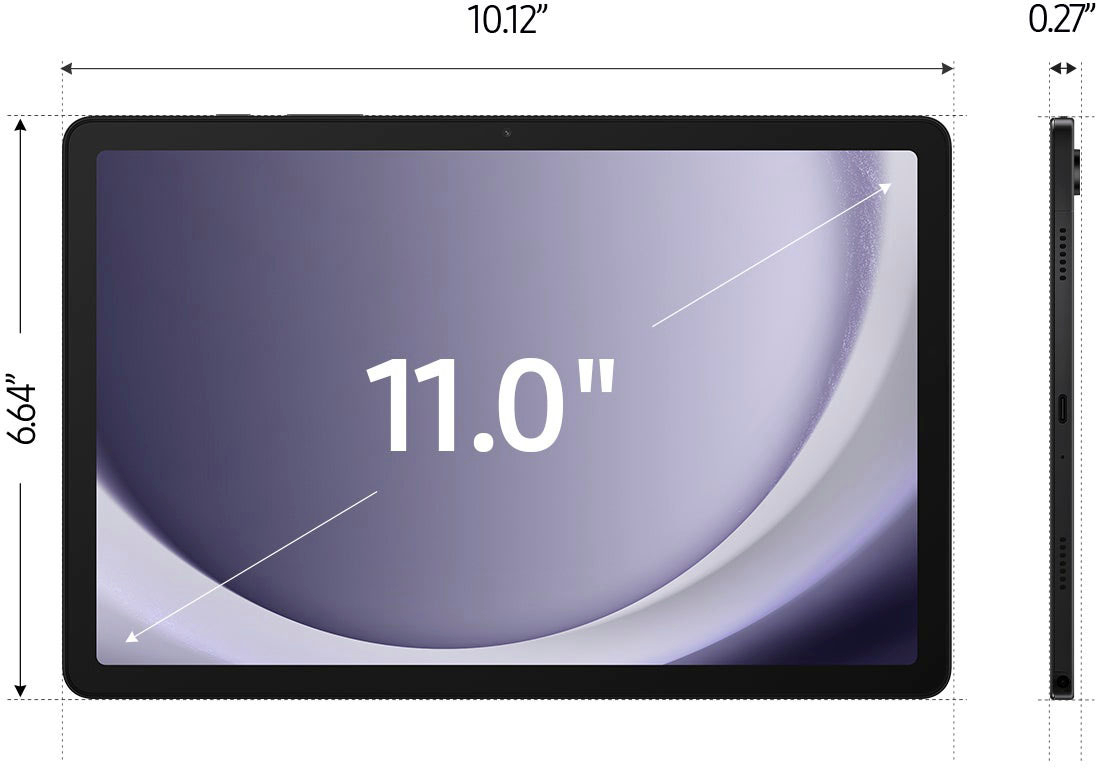
A:AnswerSalutations Pops, thanks for taking the opportunity to ask us your question about the Samsung Galaxy Tab A9+. Yes, you can! The Galaxy Tab A9+ allows you to enhance your pictures using the Gallery's editing tools and then you can save them when you finished. If you have any other questions for us, feel free to reach out to Samsung Support. Thank you for being a dedicated Samsung customer. - Debra
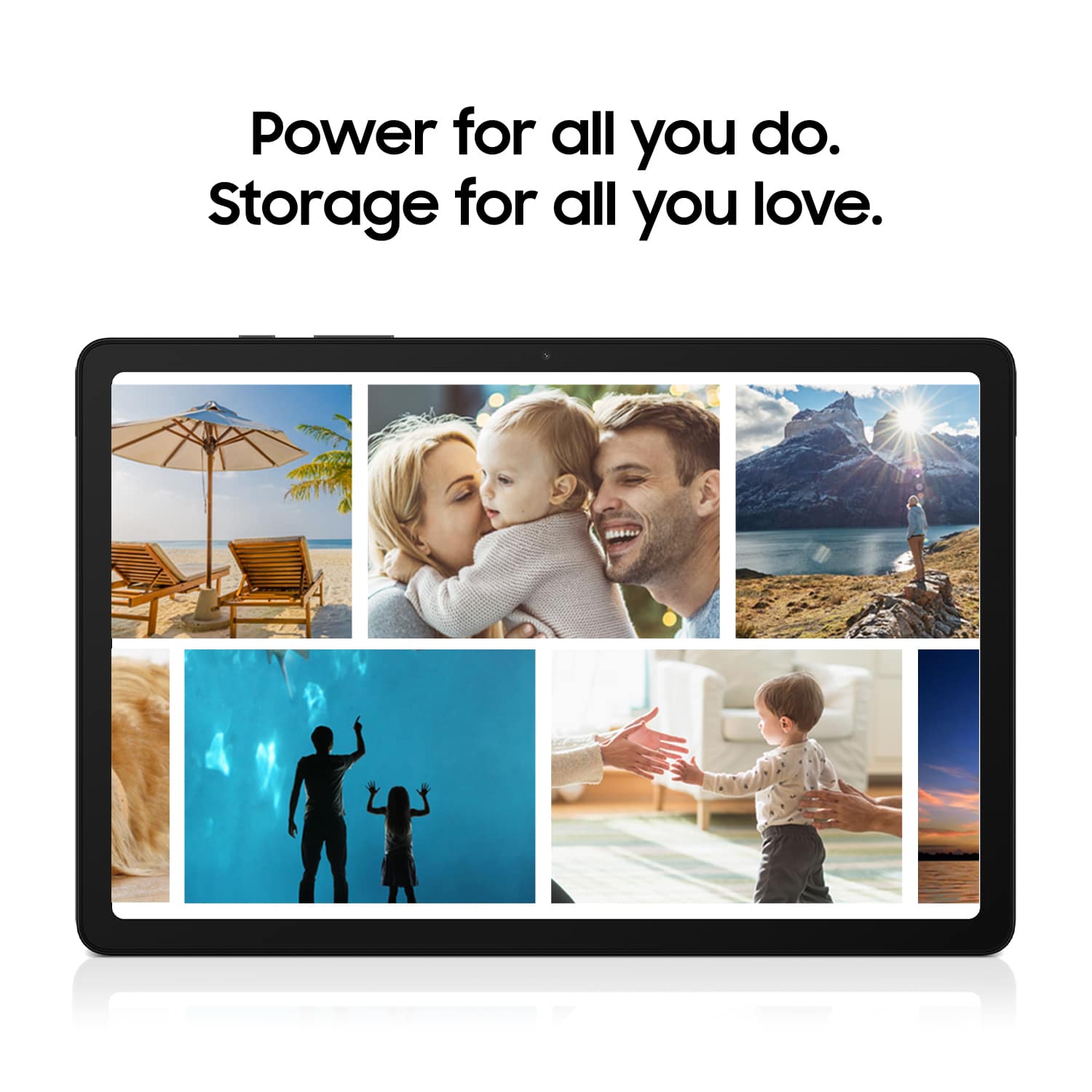
A:AnswerWe love hearing from you, Hersh. We noticed your interest in our Tab A9+. The Tab A9+ is perfect for your needs. You can keep family photos, videos, and files all together with up to 128GB of included storage, and add up to 1TB more when you insert a microSD card. Additionally, the A9+ has adaptive refresh rates of up to 90Hz, making every experience feel smooth, whether you're scrolling or gaming. For any other questions, be sure to reach out to us at Support. -Kelvin
A:AnswerThanks for reaching out to us, Barb. To be eligible for trade-in, your device must meet several requirements. First, it must power on and hold a charge without unexpectedly shutting off. The display should be fully functional, and free from any black spots or pixelation. Additionally, the device must be free of breaks, cracks, or defects beyond normal wear and tear, including multiple scratches, dents, or dings, as well as any signs of water damage. Finally, it should not have corroded contacts in the charging port, SIM slot, or battery terminals. Ensuring your device meets all these criteria will help you qualify for trade-in. Be sure to check out our Samsung.com Trade-In FAQs for additional information. If you have any other questions or concerns, we're here to assist at Support. -Kelvin
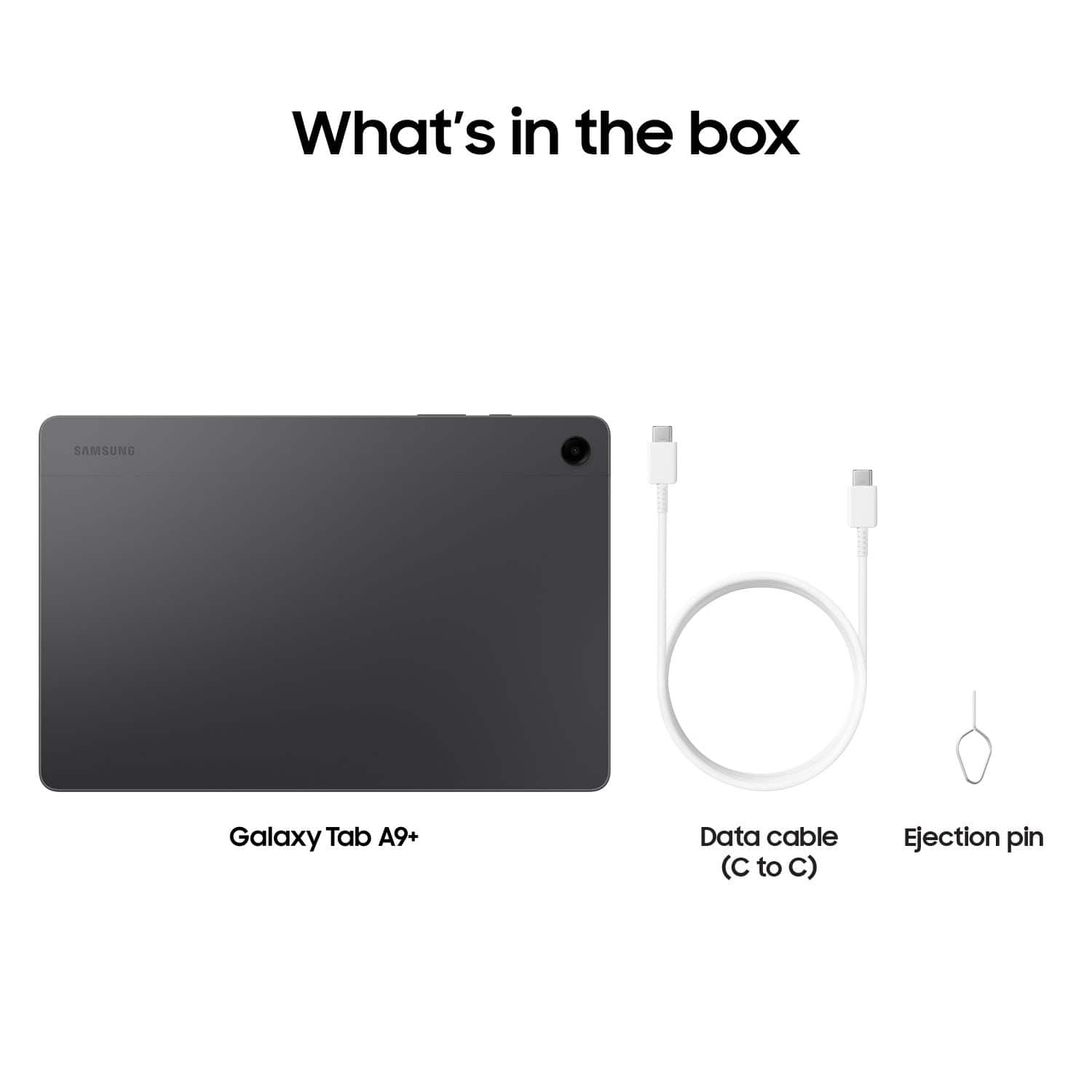
A:AnswerGreetings Golden23, thank you for finding the unobstructed time out of your bustling day to ask us your questions about the Samsung Galaxy Tab A9+. Yes, you are able to pair Bluetooth devices, like keyboards and speakers, to this tablet. The Tab A9+ does not support the S Pen so the box will not include one, however, the box will include a USB-C Data Cable for charging the tablet. Depending on your needs, the Tab A9+ may be a perfect tablet for a new user. We also have a plethora of resources available online for you, just in case you find yourself in need of them! Let us know if you have any other questions for us by reaching out to Samsung Support. Thanks for choosing Samsung Support. - Debra
A:AnswerThank you for reaching out with your question. We're more than happy to assist. In response to your question, we are more than happy to inform you that you can access your photos and more! With Samsung Cloud, you will get an easy and seamless backup, sync, restore, and upgrade experience across all your Galaxy devices. You will be able to sync your gallery photos with OneDrive. If you have any further questions, please let us know at Support. -Kelvin
A:AnswerHello there Karen, thank you for finding the available time out of your lively day to ask us your question about the Samsung Galaxy Tab A9+. Yes, you can! Both tablets utilize USB Type C data cables to charge the devices so there will be no issue if you decide to use your charging cable from either tablet to charge the other. If you have any other questions for us, let us know by contacting Samsung Support. Thanks for being a loyal Samsung customer. - Debra
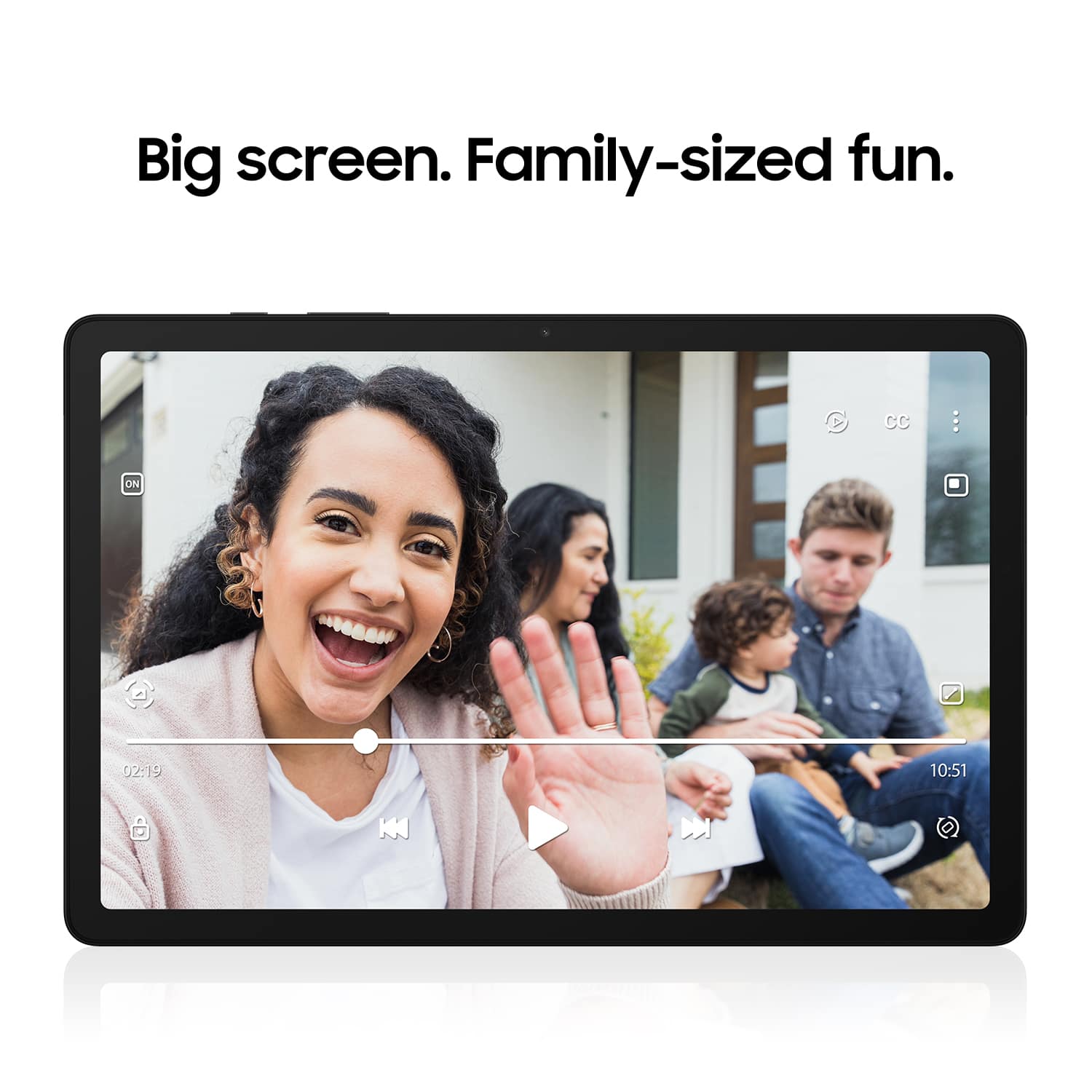
A:AnswerHello Evan, thank you for finding the available time out of your lively day to ask us your question about the Samsung Galaxy Tab A9+. The Galaxy Tab A9+ has a refresh rate of up to 90Hz that makes every experience feel smooth and it allows you to immerse yourself in a cinema-like audio experience with quad speakers powered by Dolby Atmos. If you have any other questions for us or if you would like any further assistance, let us know by contacting Samsung Support. Thank you for being a treasured Samsung customer. - Debra
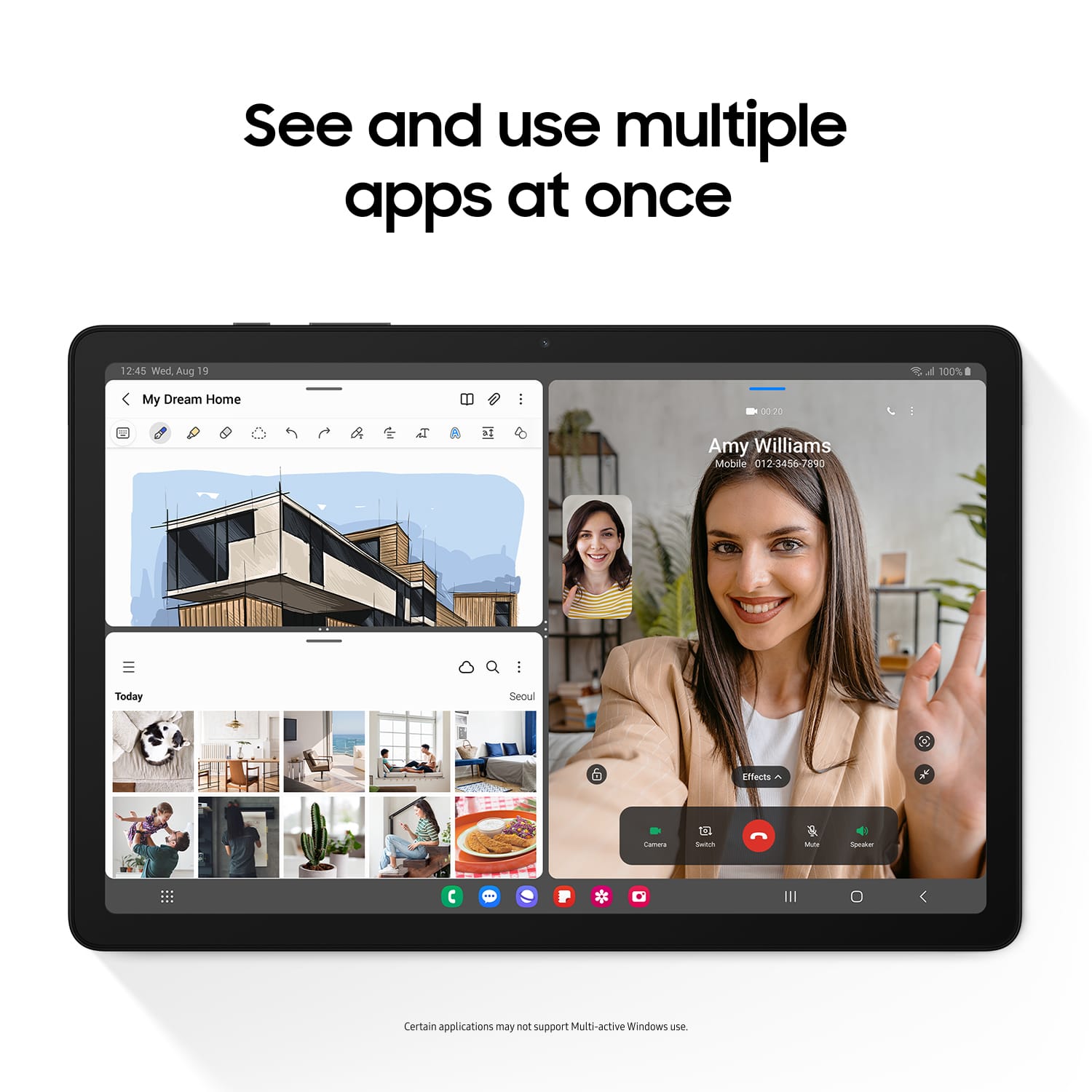
A:AnswerHowdy Dede, thanks for taking the time out of your day to ask us your question about the Samsug Galaxy Tab A9+. You can achieve mobile continuity between your device and other connected devices by using Samsung DeX to connect your device to a PC or TV for an enhanced multitasking experience or you can show your device's screen or play videos on a nearby TV using Smart View. If you think of any other questions for us or if you would like any further assistance, please do not hesitate to reach out to Samsung Support. Thank you for being a loyal Samsung customer. - Debra
A:AnswerSalutations Misha, thanks for taking the opportunity to ask us your question about the Samsung Galaxy Tab A9+. No, however, you can still connect your Galaxy Tab A9+ to a Samsung PC or TV for an enhanced multitasking experience via Samsung DeX and/or SmartView. If you have any other questions for us or if you would like any further assistance, feel free to reach out to Samsung Support at your earliest convenience. Thanks for being a loyal Samsung customer. - Debra
A:AnswerAloha Dapper, thanks for taking the available time out of your busy day to ask us your question about the Samsung Galaxy Tab A9+. The Galaxy Tab A9+ offers the Qualcomm Snapdragon 695 (SM6375) Processor with a 7,040 mAh battery. If you have any other questions for us or if you would like any further assistance, feel free to reach out to Samsung Support. Thank you for being a steadfast Samsung customer. - Debra
A:AnswerHey Transfer, thanks for taking the opportunity to ask us your question about the Samsung Galaxy Tab A9+. You can transfer many different types of files using Smart Switch. Data from synced accounts cannot be transferred with Smart Switch but will appear on the new device once you've logged in to the account. Here's what you can transfer using Smart Switch: Personal content: Contacts, S Planner, Calendar, Messages, Memo, Call logs, Clock, Samsung Pass, Secure Folder, and Internet. App data: Images, Music (DRM free content only), Videos (DRM free content only), Documents, Story Album, and Applications. Settings, etc: Email, Wallpaper, Lock screen, Radio, and Preferences. Let us know if you think of any other questions for us by contacting Samsung Support at your earliest convenience. Thanks for choosing Samsung! - Debra