A:AnswerAloha Nina73, thank you for taking the time to ask us your question about the Samsung Galaxy Tab S10 FE. Yes, you're able to use wired headphones with the Galaxy Tab S10 FE, however, it does not have a 3.5mm headphone jack. You must use USB-C wired headphones or a USB-C to 3.5mm adapter to connect traditional headphones to this tablet. Let us know if you have any other questions for us by reaching out to Support at your leisure. Thank you for choosing Samsung! - Debra
A:AnswerHey there Jmay, thank you for taking the time to ask us your question about the Samsung Galaxy Tab S10 FE. Yes, you can work with Word documents and edit transferred Word documents from your PC on your Samsung Galaxy Tab S10 FE. You can easily pair your tablet via Bluetooth to your printer for wireless printing. Feel free to contact Support if you think of additional questions for us. Thank you for being a devoted Samsung customer. - Debra
A:AnswerGood day Sheshe, thank you for taking the time to ask us your question about the Samsung Galaxy Tab S10 FE. The advertised Galaxy Tab S10 FE is capable of running QuickBooks Online for your business use. If you have any other questions or if you would like any further assistance, please do not hesitate to reach out to Support. Thank you for being a valued Samsung customer. - Debra
A:AnswerSalutations BobDSJCA, thanks for taking the time to ask us your questions about the Samsung Galaxy Tab S10 FE. The advertised Galaxy Tab S10 FE supports 45W Super Fast Charging 2.0 via a USB-C PD charger for optimal charging speeds. While it supports 45W, it is compatible with 25W chargers, which also provide fast charging, but it does not support Qi wireless charging. Please do not hesitate to contact Support with your additional questions. Thanks for choosing Samsung! - Debra
A:AnswerGood day Ellen, thank you for asking us your question about the Samsung Galaxy Tab S10 FE. No, the advertised Galaxy Tab S10 FE is not compatible with wireless charging. If you have any other questions for us or if you would like further assistance, please feel free to reach out to Support. Thank you for being a staunch Samsung customer. - Debra
A:AnswerHey Gege, thank you for taking the time to ask us your question about the Samsung Galaxy Tab S10 FE. The advertised Galaxy Tab S10 FE (Wi-Fi/Bluetooth) can share its connection via mobile hotspot to other devices. However, it cannot use cellular data directly as it lacks a SIM card slot for mobile network connectivity. It requires an internet connection via Wi-Fi to create a hotspot for other devices. If you have additional questions for us or if you would like any further assistance, please do not hesitate to contact Support. Thank you for being a valued Samsung customer. - Debra
A:AnswerAloha, thank you for asking us your question about the Samsung Galaxy Tab S10 FE. The advertised Galaxy Tab S10 FE offers external storage support via
microSD (Up to 2TB). If you have any other questions for us, please feel free to reach out to Support at your leisure. Thank you for being a valued Samsung customer. - Debra
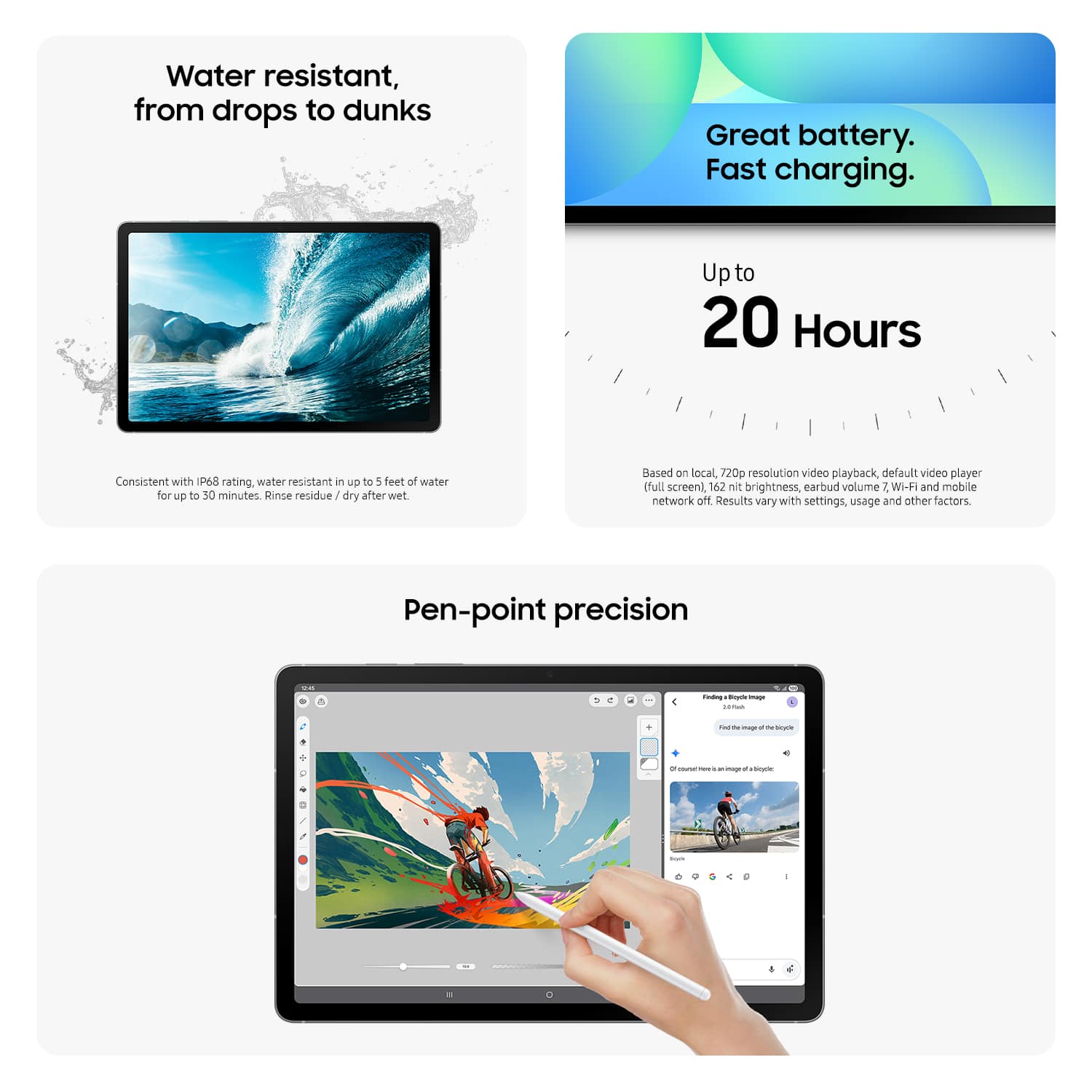
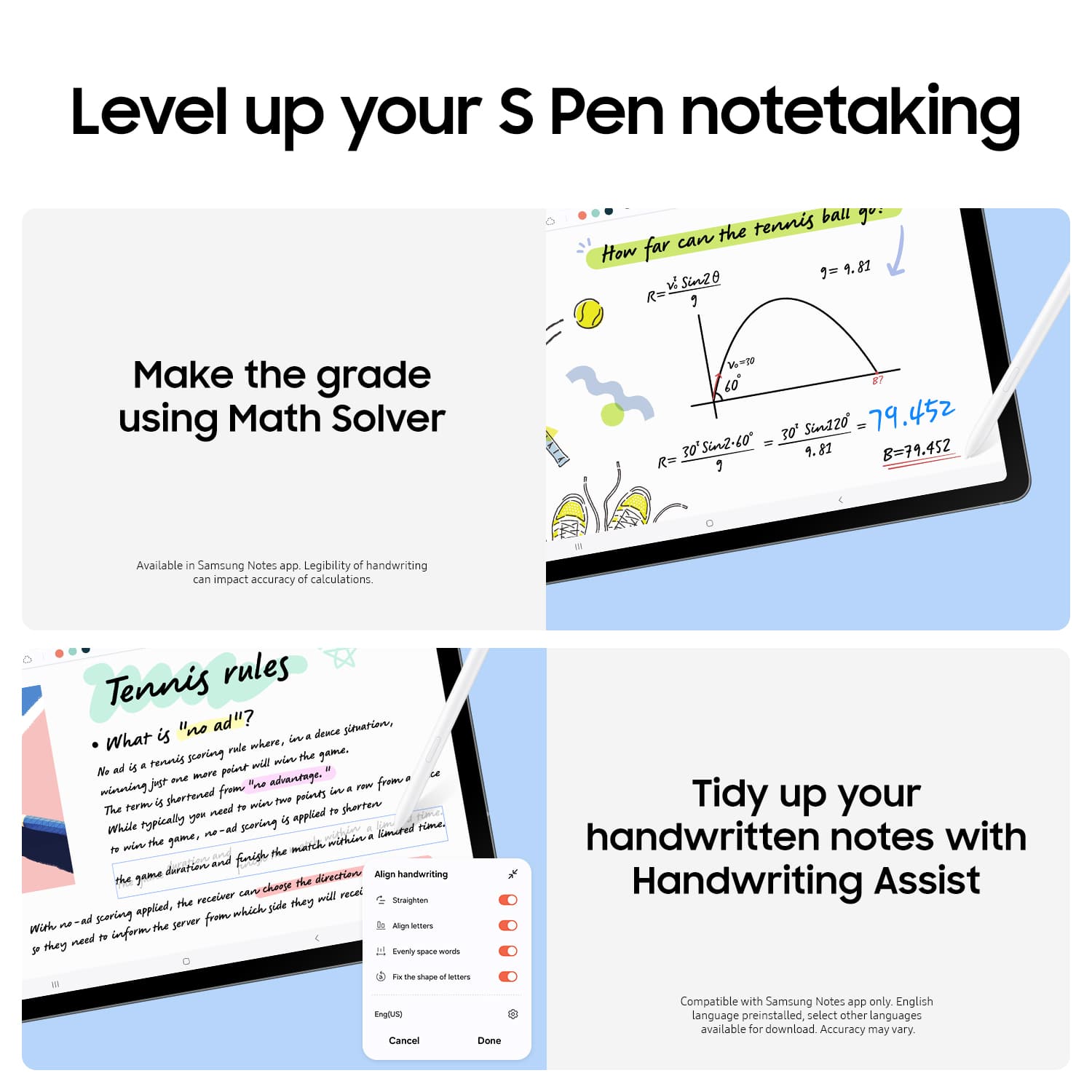
A:AnswerHey there Exia13, thank you for taking the time to ask us your questions about the Samsung Galaxy Tab S10 FE. Yes, the Galaxy Tab S10 FE is a phenomenal tablet for drawing. All compatible apps can be found by visiting the Google Play Store. If you have any other questions for us or if you would like further assistance, please feel free to reach out to Support. Thanks for being a valued Samsung customer. - Debra
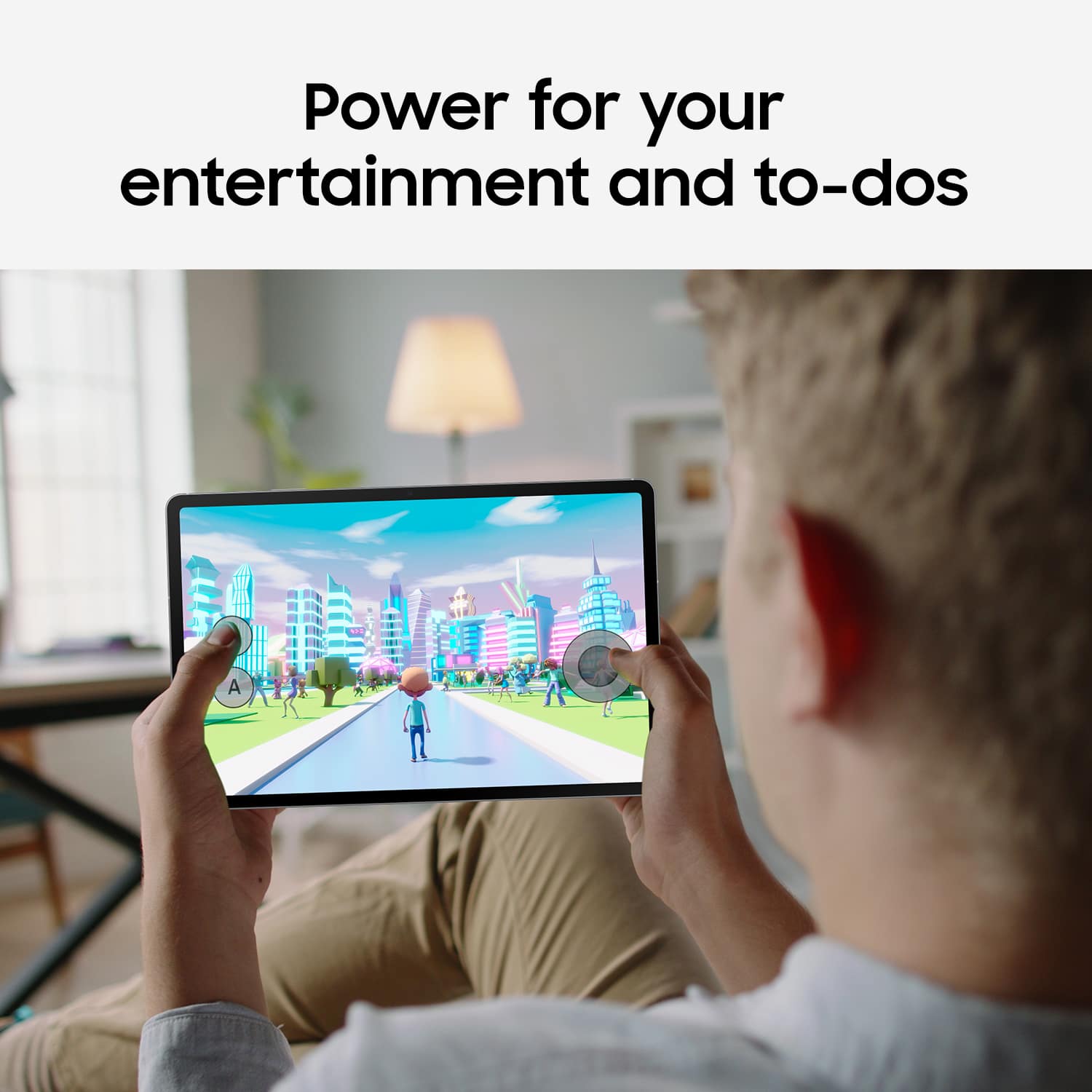
A:AnswerGreetings Nick, thank you for asking us your question about the Samsung Galaxy Tab S10 FE. Downloading movies to watch on an airplane with a Galaxy Tab S10 FE can be accomplished by using apps like Netflix or Google Play Movies & TV that have a download feature. This tablet also offers expandable storage capabilities when a microSD card is added. If you have any other questions for us, please feel free to reach out to Support. Thanks for being a loyal Samsung customer. - Debra
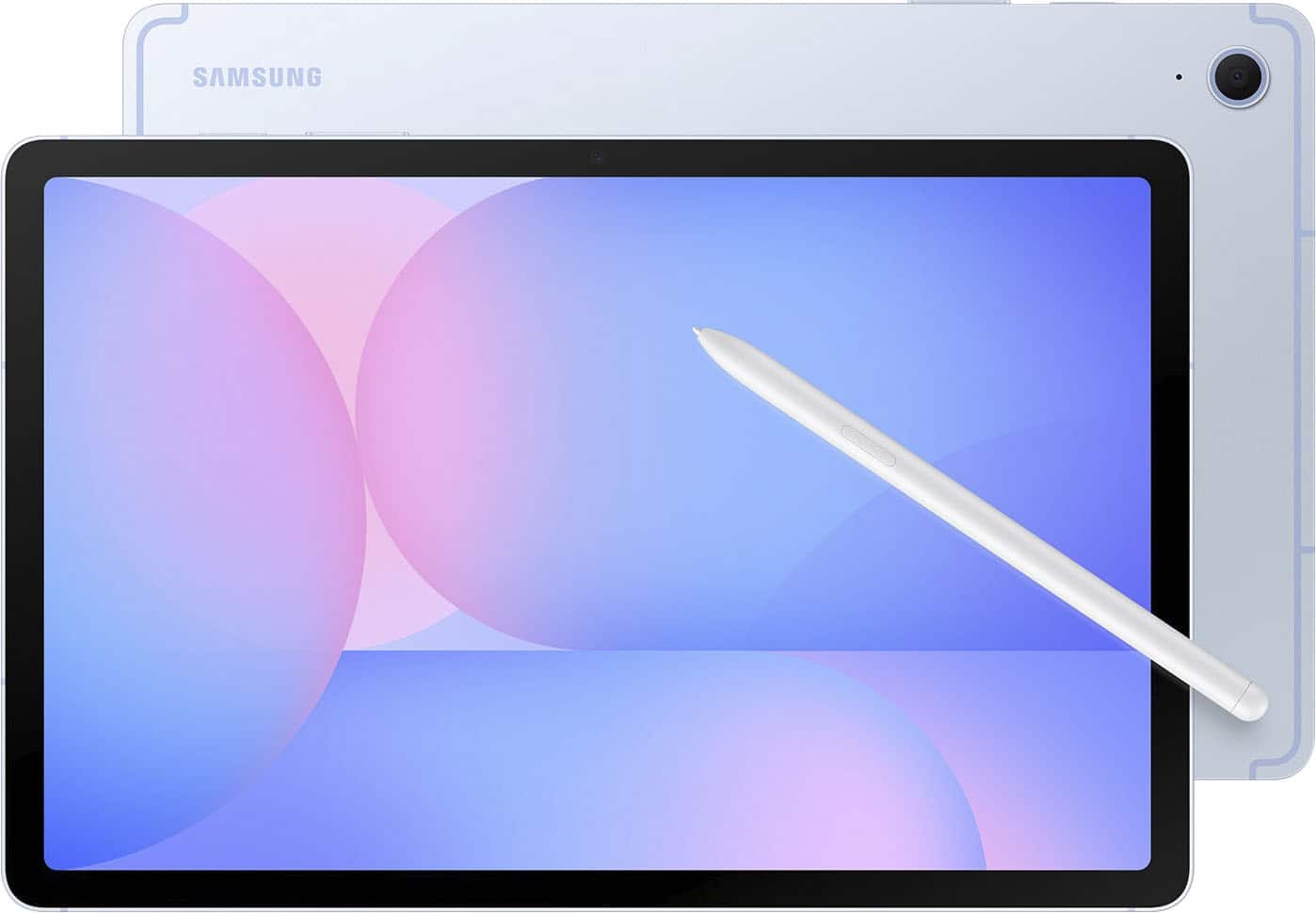
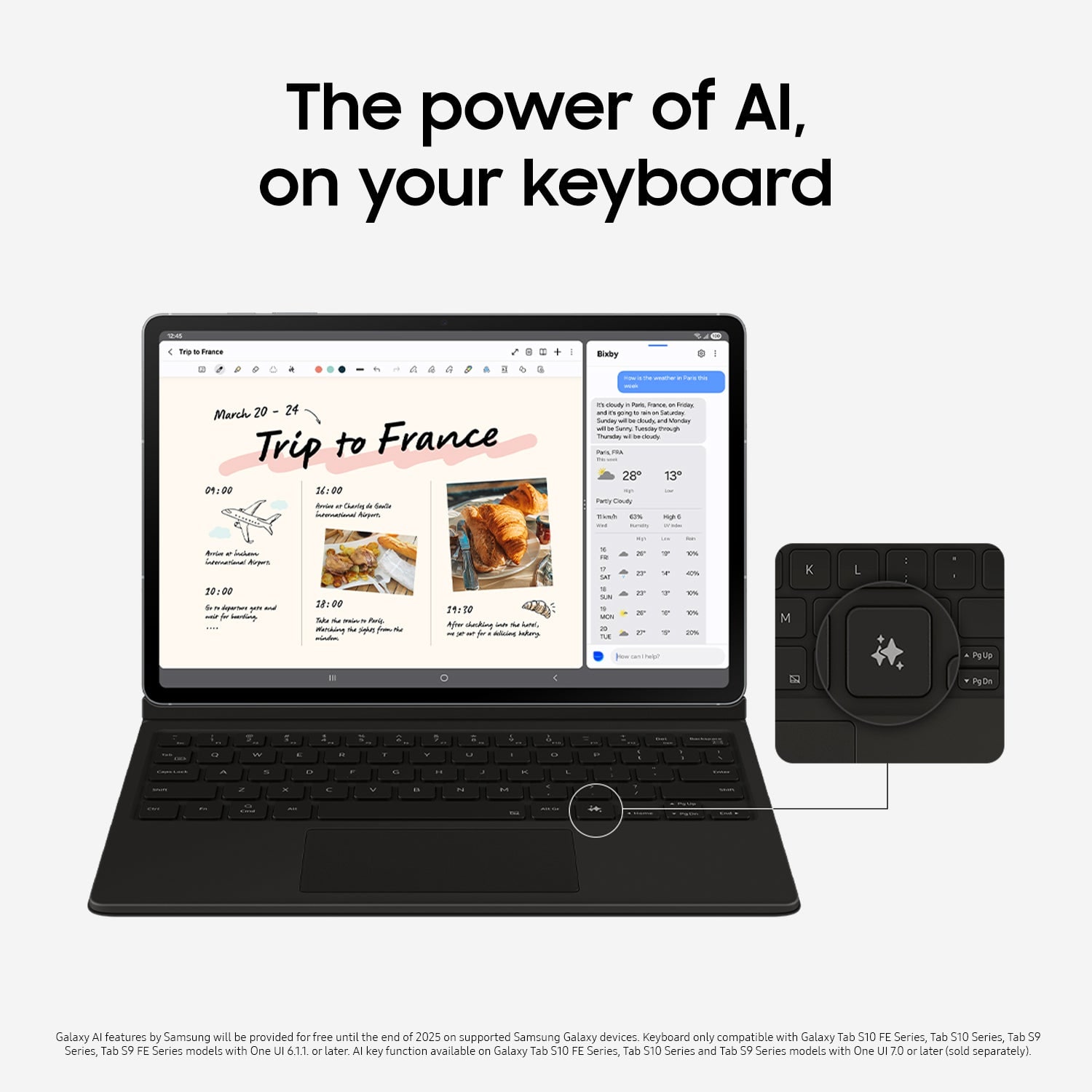
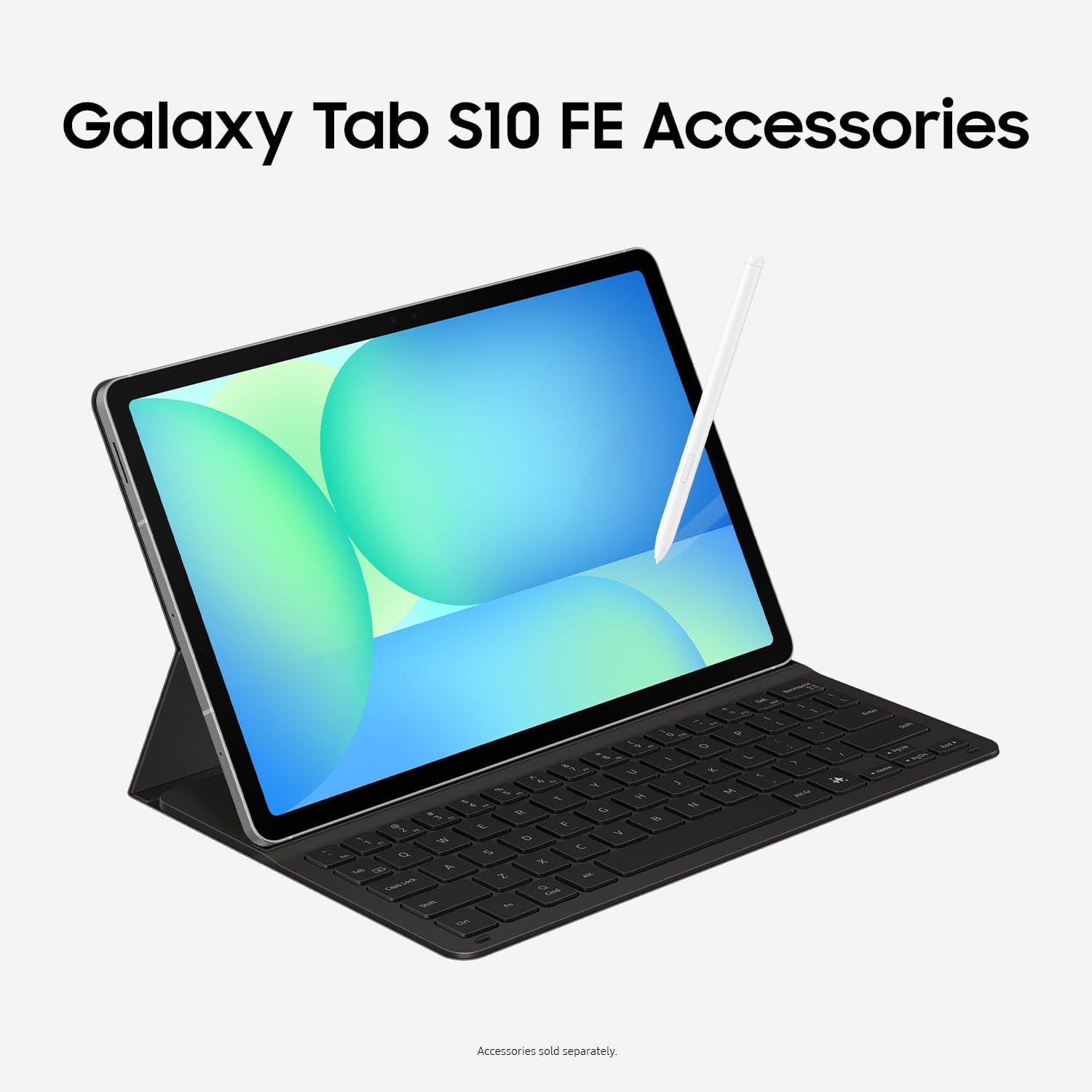
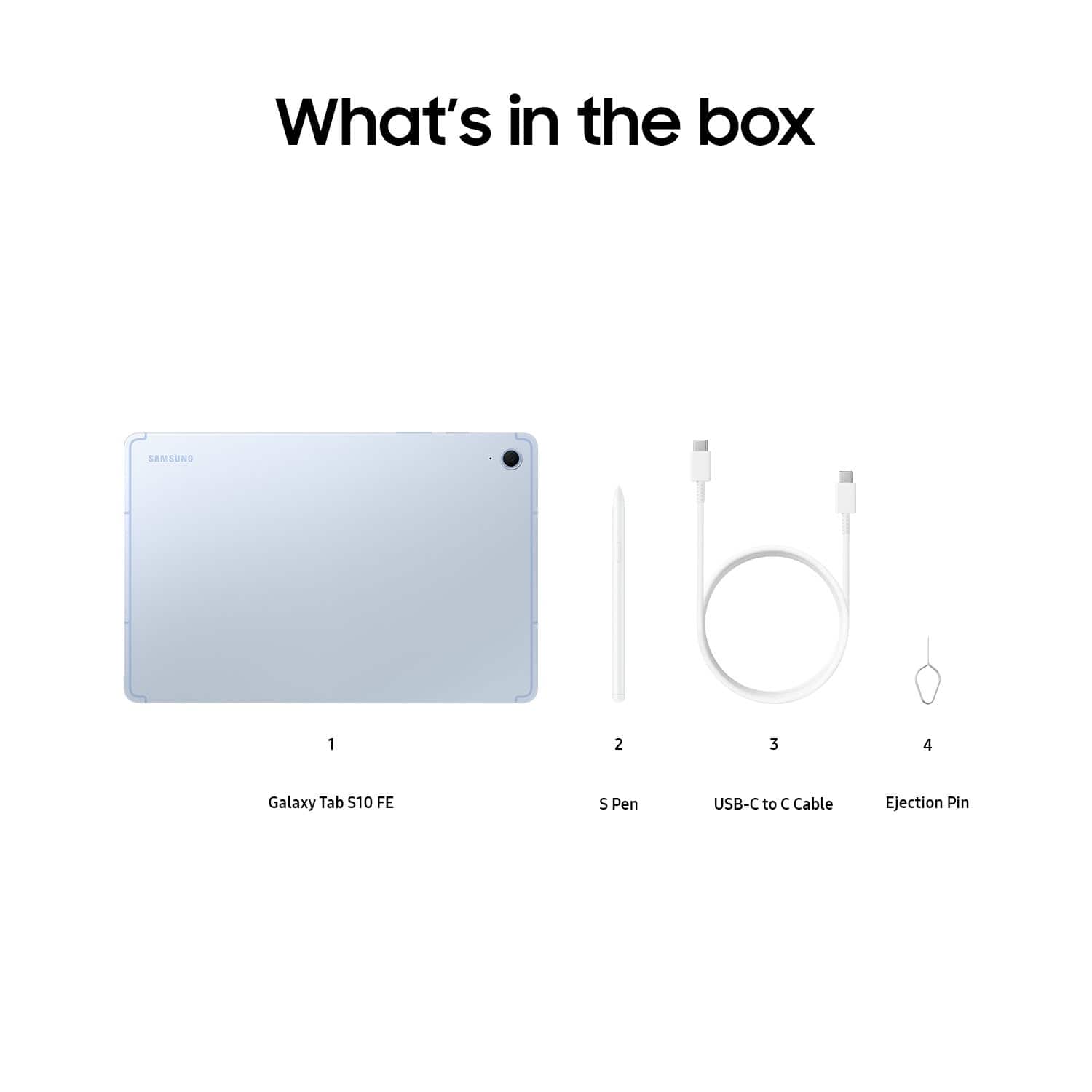
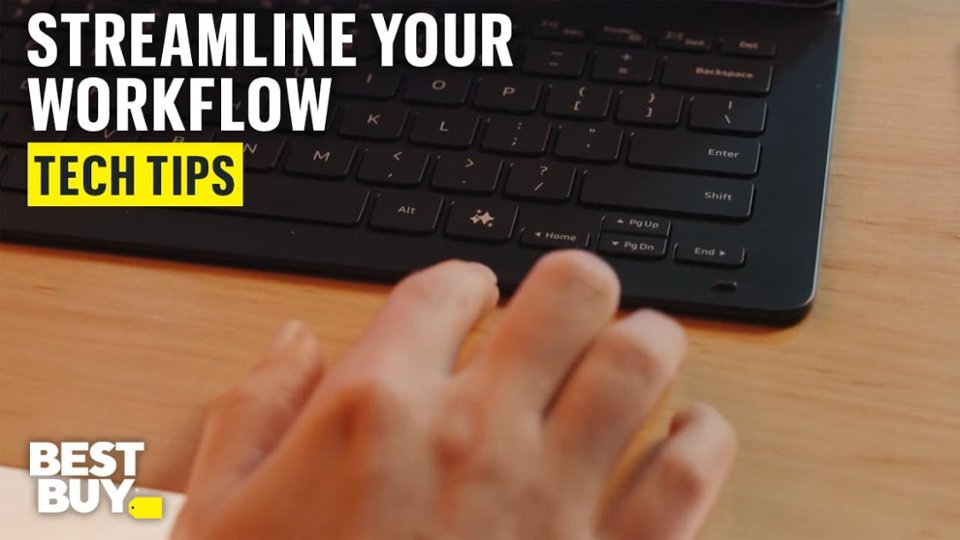
A:AnswerGood day Aiden, thank you for asking us your question about the Samsung Galaxy Tab S10 FE. Here's what's included in the box when you purchase this tablet: S-Pen, Data Cable, Ejection Pin, Quick Start Guide. You can absolutely add a keyboard to your order, if you choose. If you have any other questions for us, feel free to reach out to Support. Thanks for being a valued Samsung customer. - Debra
A:AnswerGreetings, thank you for asking us your question about the Samsung Galaxy Tab S10 FE. The advertised Galaxy Tab S10 FE is a Wi-Fi/Bluetooth capable device. It does not have cellular connectivity so no SIM card is necessary for this tablet to be fully functional. If you have additional questions, feel free to contact Support. Thank you for being a faithful Samsung customer. - Debra
A:AnswerHi there Ed, we appreciate you reaching out to us with your question about the Samsung Galaxy Tab S10 FE. This device comes with Android 15 on the tablet, and will push software updates as they become available. Please, reach out to us again any time you have additional questions. Thank you for being a Samsung customer. -Elizabeth
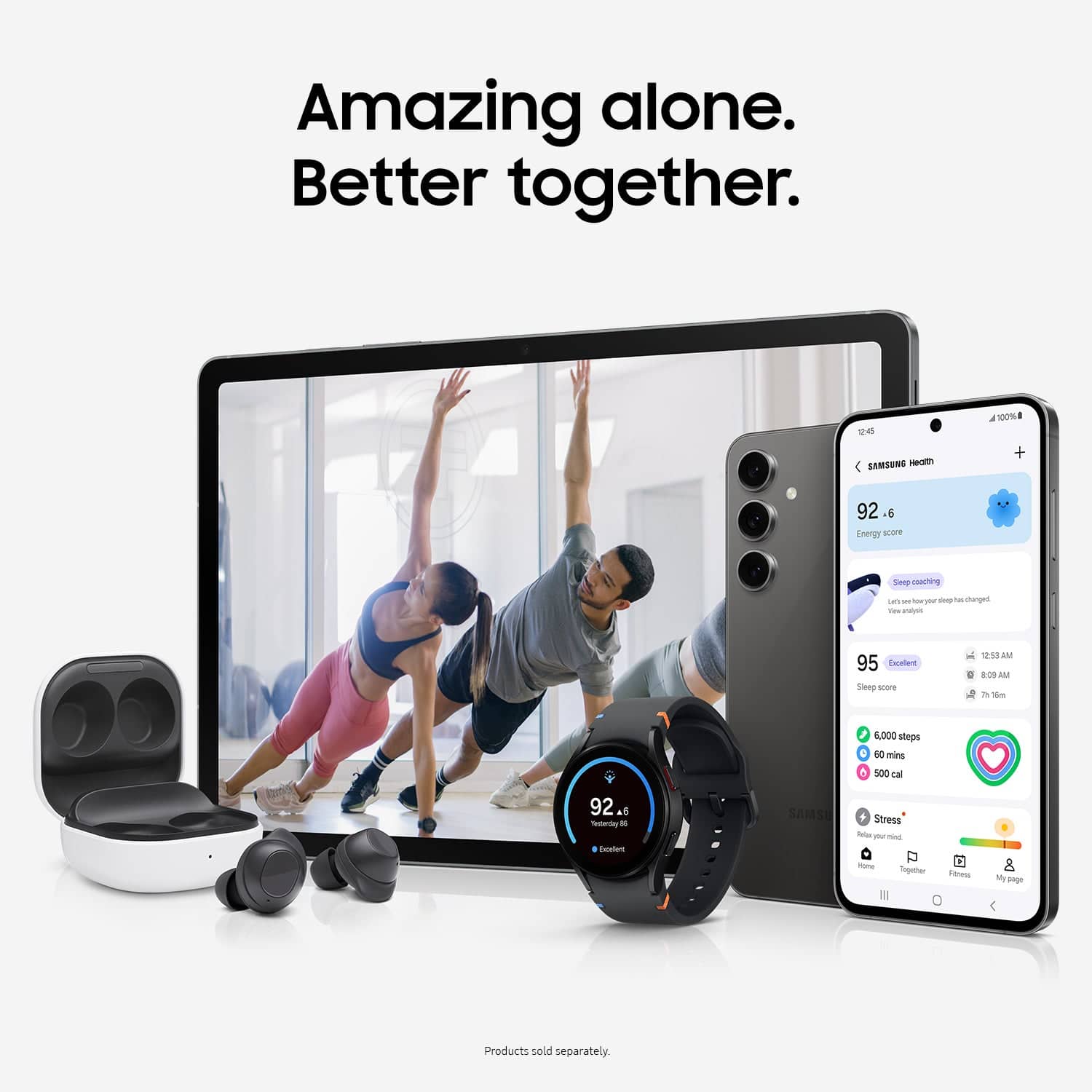
A:AnswerGreetings Bren, thanks for asking us your questions about the Samsung Galaxy Tab S10 FE. The Galaxy Tab S10 FE is unable to sync directly with the Galaxy Watch as these devices have been optimized to work with Galaxy phones. However, the Galaxy Tab S10 FE can sync with a Windows computer using the Samsung Flow app and the built-in Second Screen feature to transfer files, share clipboards, make calls and texts from the tablet, and use the tablet as a second display for your PC. Feel free to review, "How to connect, sync or link Galaxy Tablet to your phone" to learn more about this process. Feel free to contact Support afterward if you have additional questions. Thanks for being a staunch Samsung customer. - Debra
A:AnswerIf you have Total Tech Support, for free you can schedule an appointment online, take your tablets to the Best Buy where you have your appointment and this will be done for free. However, if you do not have Total Tech Support, you will have to pay a fee. I believe I was quoted $40 (I am in AZ) until they found out I have Total Tech Support.
A:AnswerAloha Trizah, thank you for finding the opportunity to ask us your question about the Samsung Galaxy Tab S10 FE. Yes, the Galaxy Tab S10 FE has hotspot capability. It can share its mobile data connection with up to 10 other devices. You can enable and manage the hotspot settings through the device's settings, specifically under Connections > Mobile Hotspot and Tethering. If you have any other questions, feel free to contact Support. Thank you for being a staunch Samsung customer. - Debra
A:AnswerHi there Gildz, thanks for taking the time to ask us your question about the Samsung Galaxy Tab S10 FE. No, the advertised Galaxy Tab S10 FE does not offer a SIM card slot. This device is fully functional while in the presence of a steady Wi-Fi signal. If you have any other questions, do not hesitate to reach out to Support. Thank you for being a valued Samsung customer. - Debra