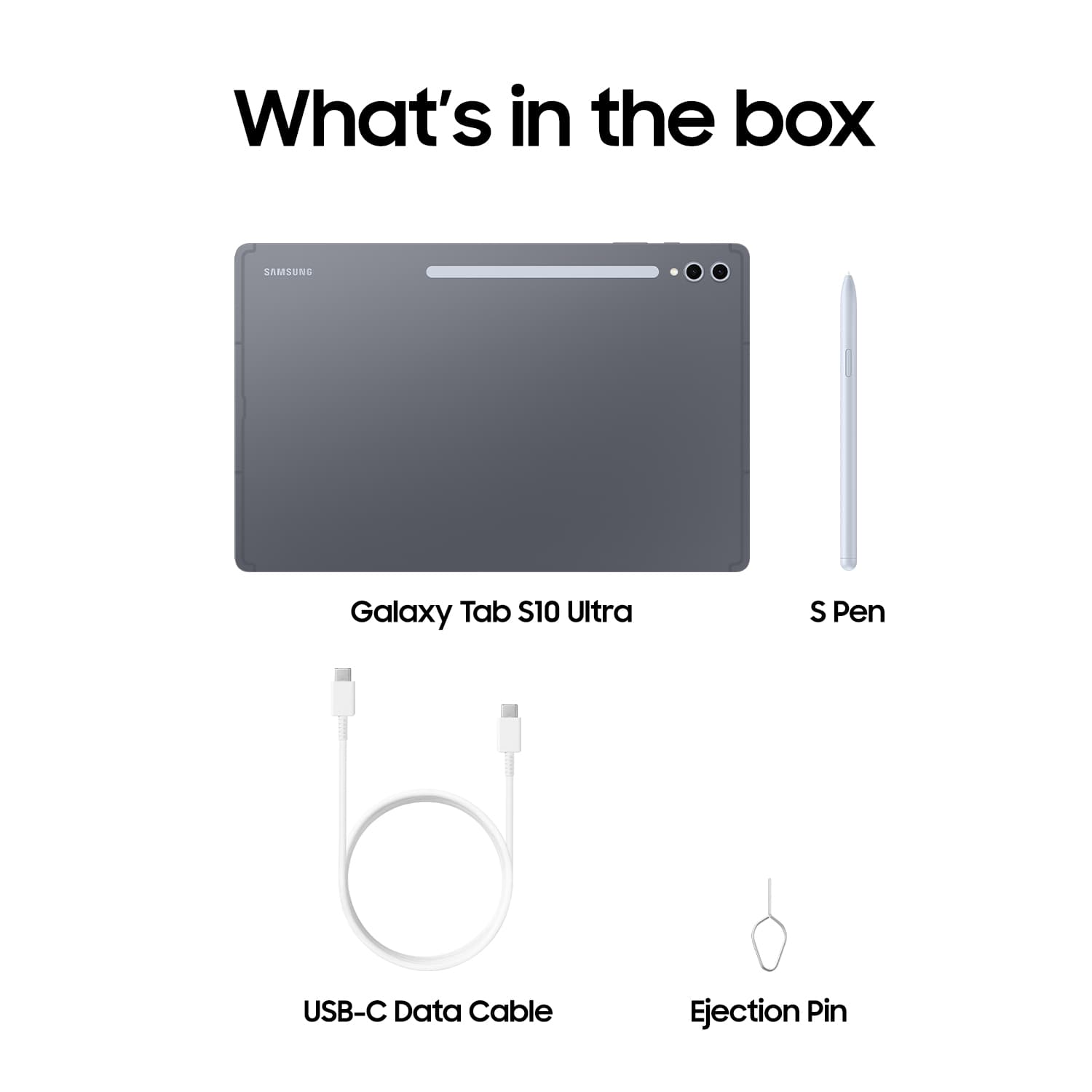
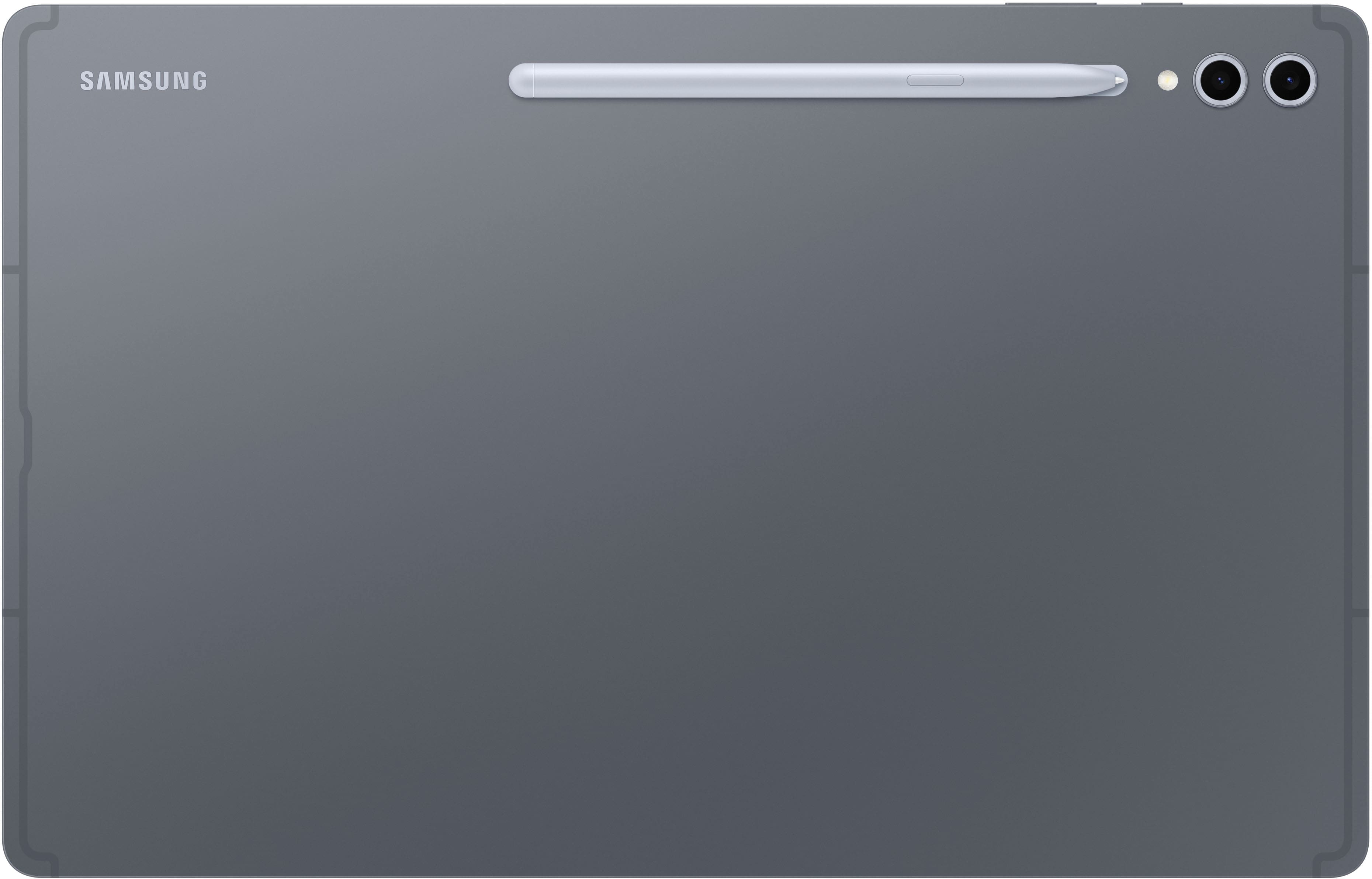
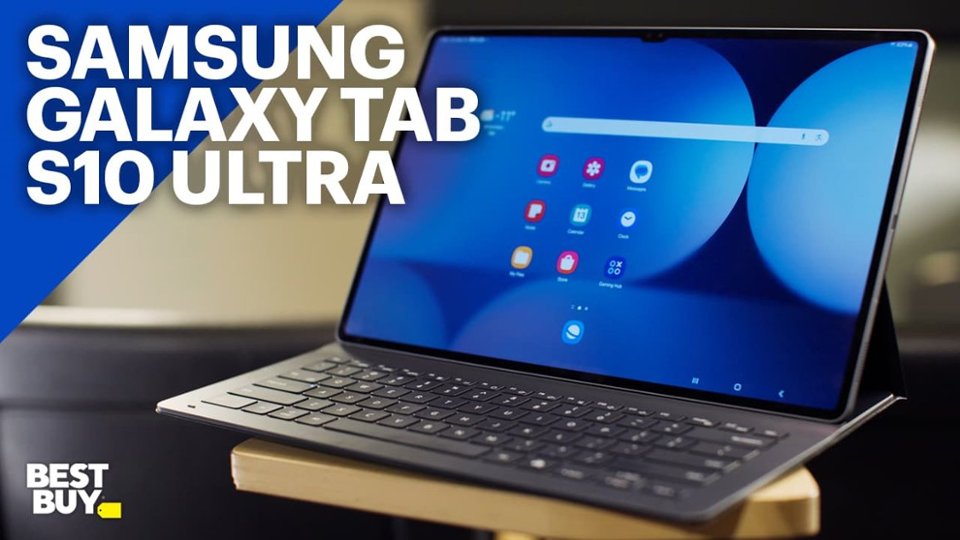
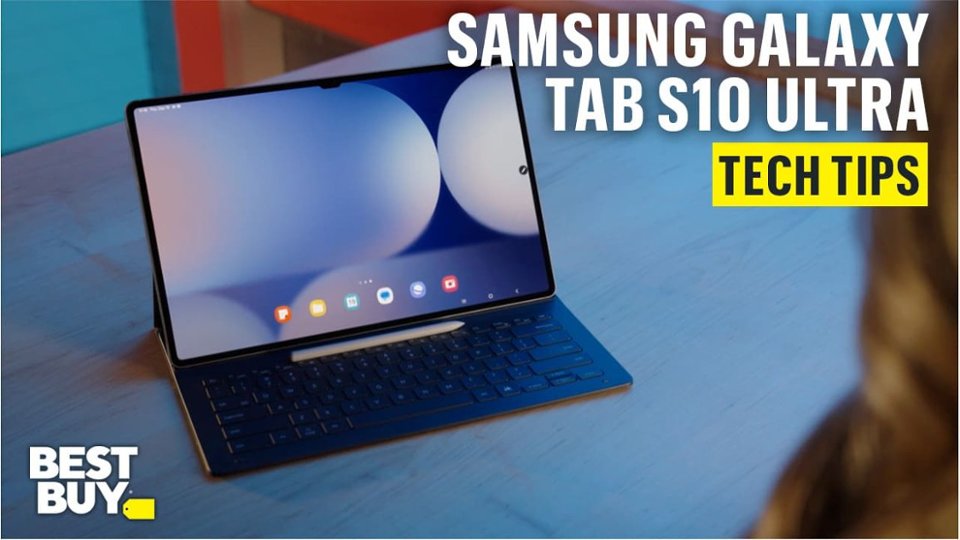
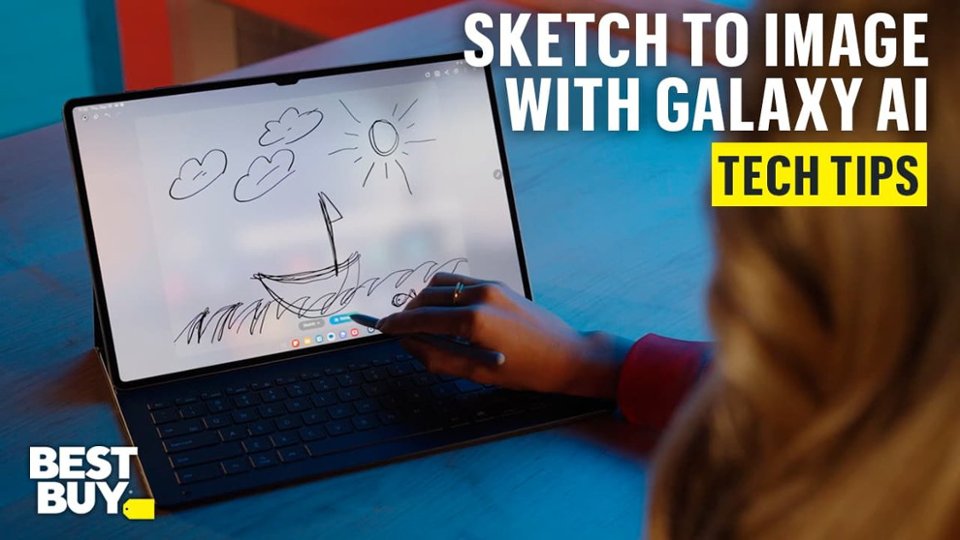
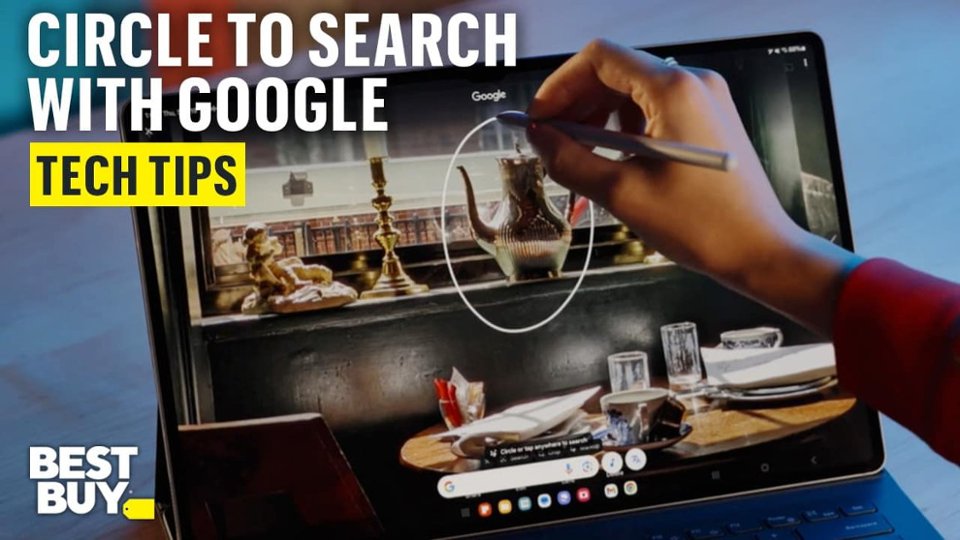
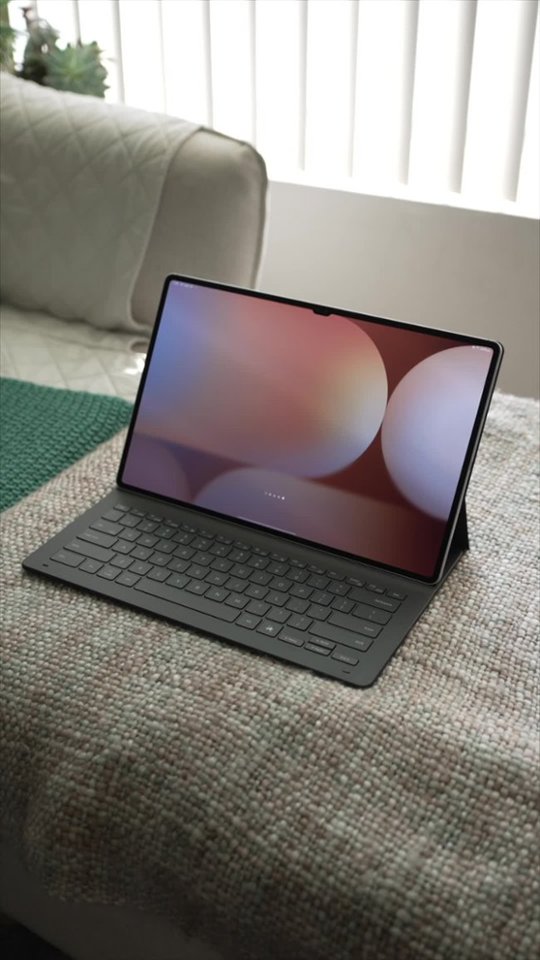
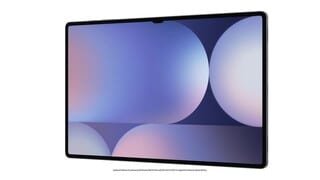
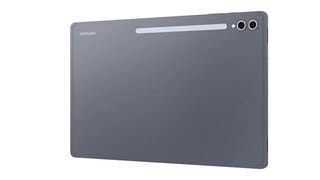
A:AnswerGood day, thank you for asking us your question about the Samsung Galaxy S10 Ultra. No, the advertised Galaxy Tab S10 Ultra does not offer a SIM card tray thus it is unable to be added to your wireless service provider. This Wi-Fi version is fully functional while in the presence of a steady Wi-Fi signal. An LTE version tablet is what you're looking for, if you would like to add it to your wireless carrier's network. If you have additional questions for us, please feel free to reach out to Support. Thanks for being a faithful Samsung customer. - Debra
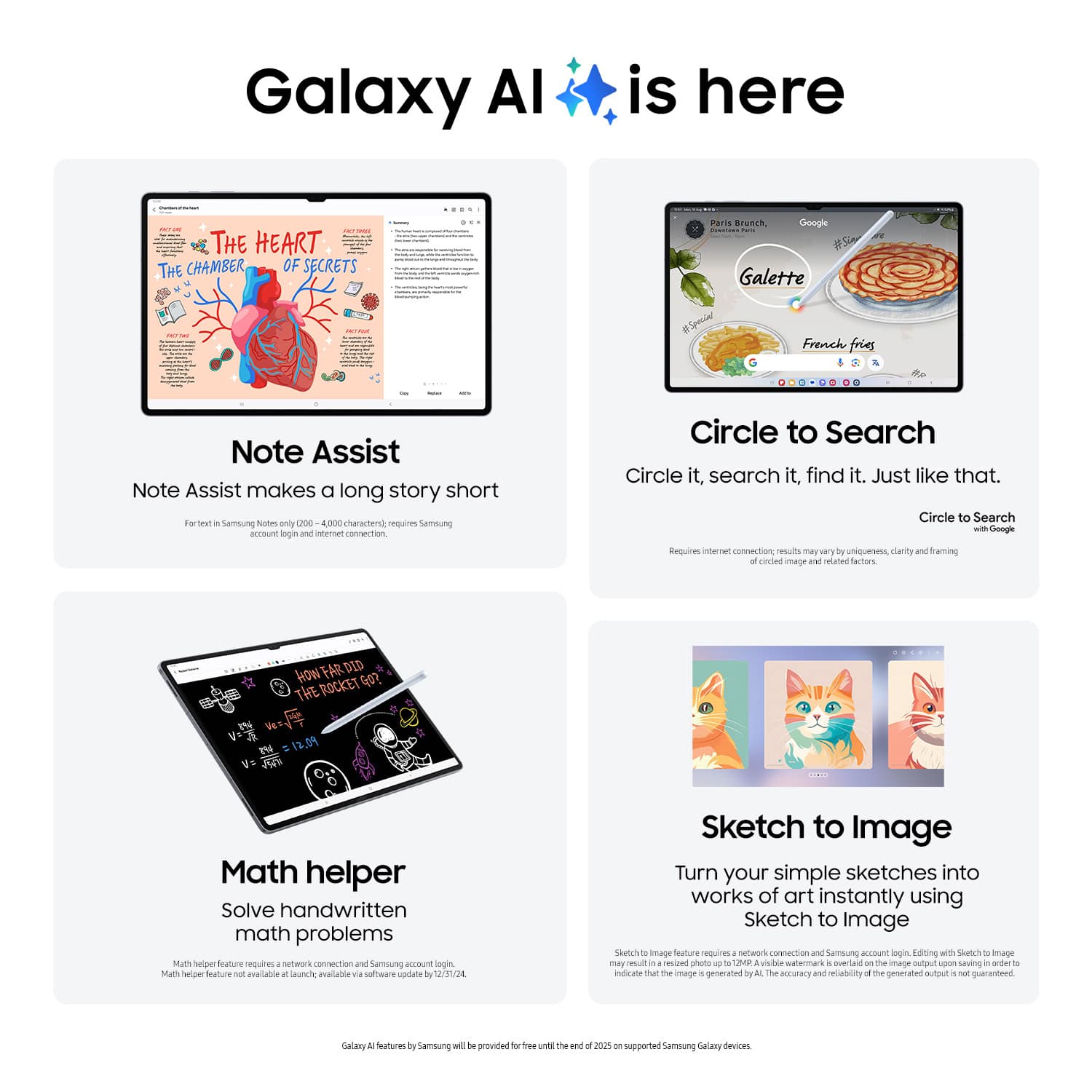
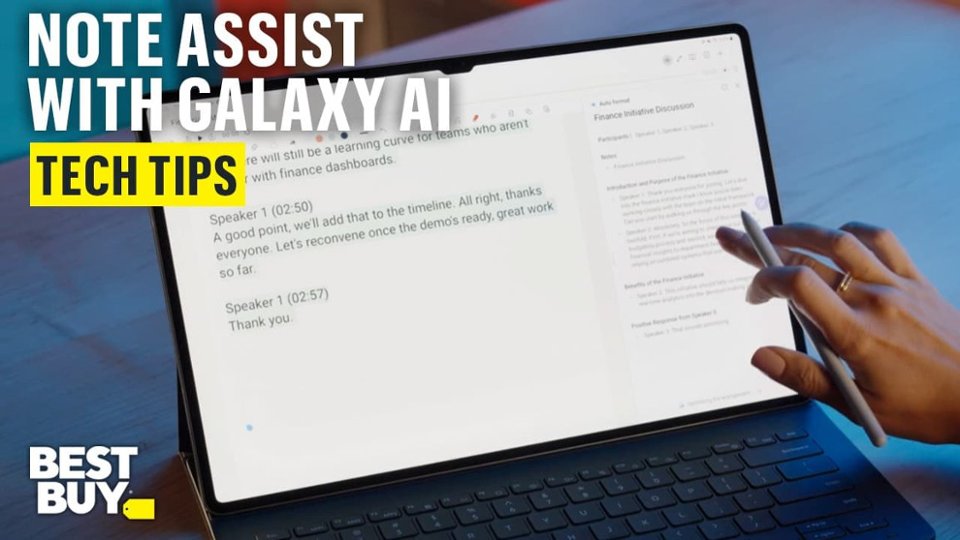
A:AnswerHey there JReader, thank you for asking us your question about the Samsung Galaxy Tab S10 Ultra. Yes, you are able to disable most Galaxy AI features on the Galaxy Tab S10 Ultra by navigating to Settings > Galaxy AI and toggling off individual services. While there is no single master switch to turn off all AI instantly, you can disable key features like Advanced Intelligence, Photo Editor, and Call Assist individually. Please feel free to contact Support if you think of additional questions for us. Thanks for being a treasured Samsung customer. - Debra
A:AnswerHello Cameras, thank you for finding the time out of your day to ask us your question about the Samsung Galaxy Tab S10 Ultra. Yes, the Galaxy Tab S10 Ultra does indeed offer Samsung DeX to accomplish you multi-tasking goals. Check out, "Set up and use Samsung DeX on your Galaxy phone or tablet" if you would like to learn more about using this feature. Feel free to contact Support afterward if you would like any further assistance. Thank you for being a treasured Samsung customer. - Debra
A:AnswerHey there Bman346, thank you for finding the free time out of your busy day to ask us your question about the Samsung Galaxy Tab S10 Ultra. The timing can vary depending on the type of charger you are using to charge you device. Please take a moment to review, "Wall chargers and charging your Galaxy phone or tablet" and "Galaxy phone or tablet will not charge" to help resolve what you may be experiencing with your tablet. If you have any other questions for us, feel free to reach out to Support. Thank you for being a valued Samsung customer. - Debra