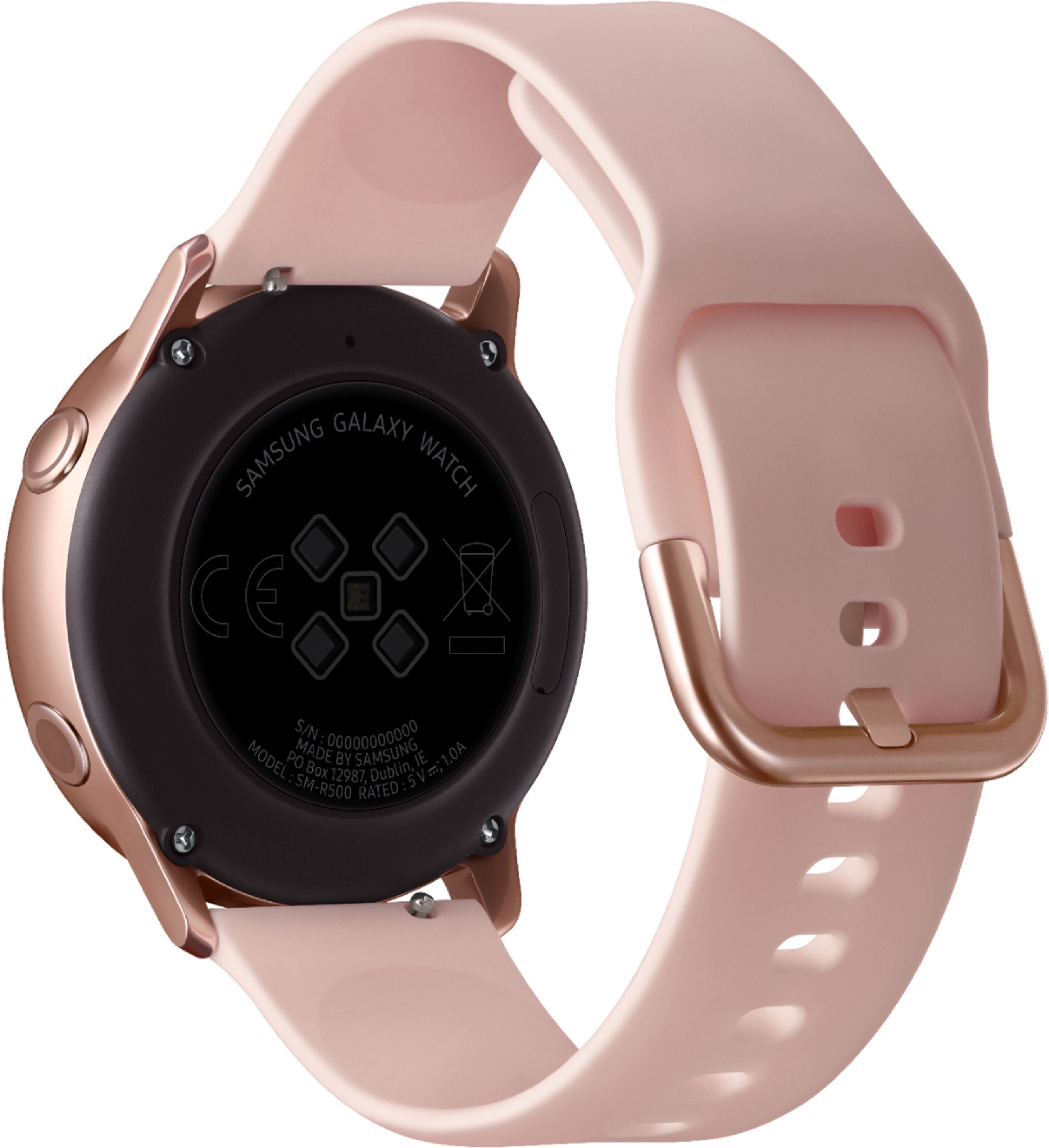
A:AnswerI've had a bunch of Smartwatches, including multiple Samsung's, and I've noticed that answering a call only works if you have a Samsung phone paired to it. Every other feature on the watch works great with every other phone brands.
A:AnswerFitbit challenges no. There is no native compatibility but you can work around this on Android. If you download "Health Sync" from the play store you can start syncing between Samsung Health, Fitbit, Google Fit, Polar and Garmin. It's free but does more automated actions for a few bucks one time.
A:AnswerIt works best with Galaxy phones I have found on iOS and other Android phones you have to install the app, plug ins, accessory services and S health to make it all work. Kind of annoying.
A:AnswerChristy,
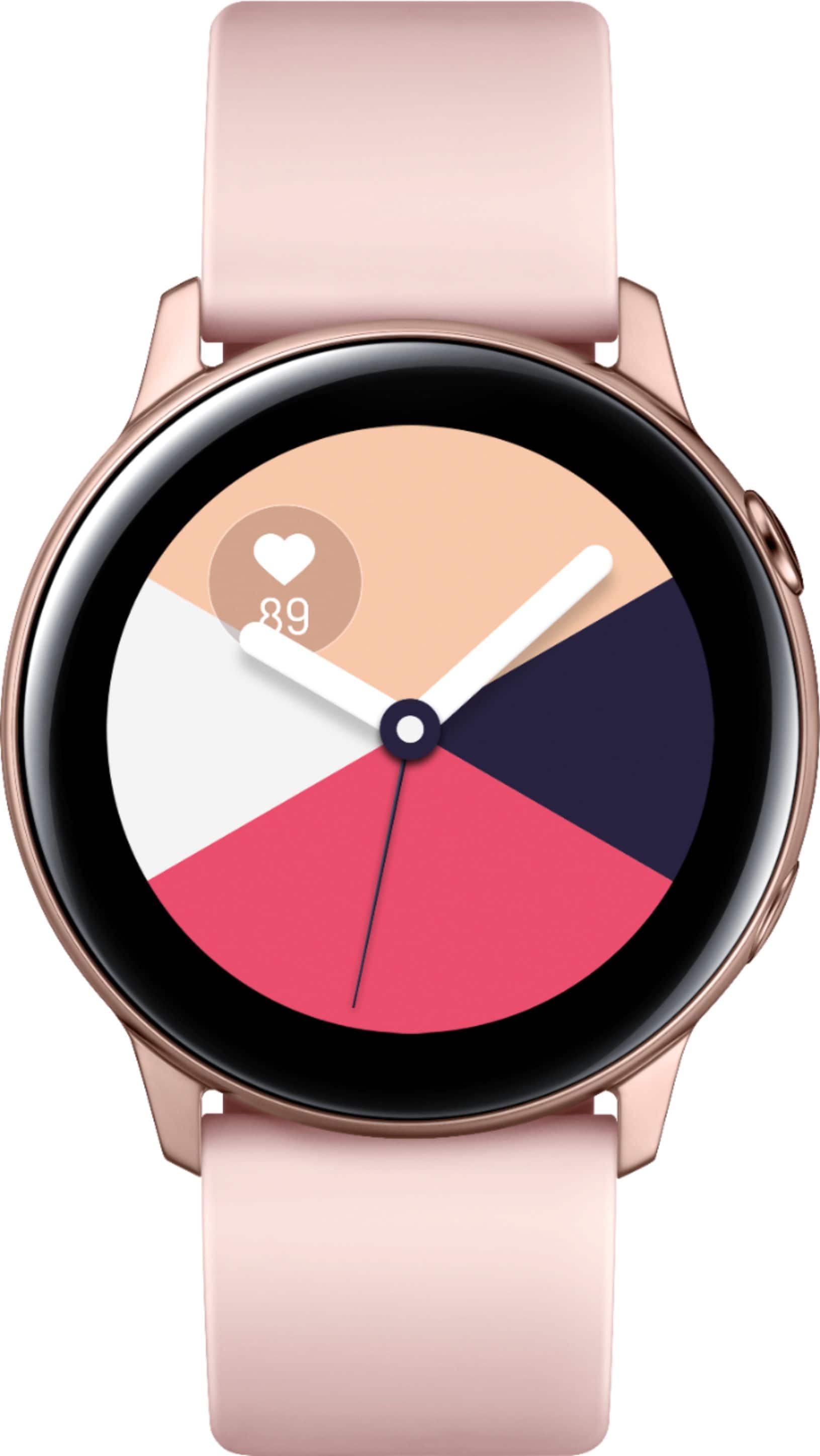
Yes, there is a watchface called "My Photo" on the watch that you can customize with photos you send to your watch through the Galaxy Watch App. Good luck! I think you'd love this watch!
A:AnswerI used my Samsung watches with the original Pixel XL, and now am using a Gear Sport with a Pixel 3 XL. They work seamless and without hiccup 99% of the time. Good luck!
A:AnswerHello Cupcake, the Galaxy Watch Active utilizes the built in mic for Bixby interaction only and is not able to take calls directly on the watch. ^Elizabeth
A:AnswerNorthern Burbs,
I would recommend using the watch charger that comes with it. The base is completely different and I believe the power output is different. However, that does not mean it won't work, I wouldn't recommend it as the Watch will probably tell you to use the original charger.