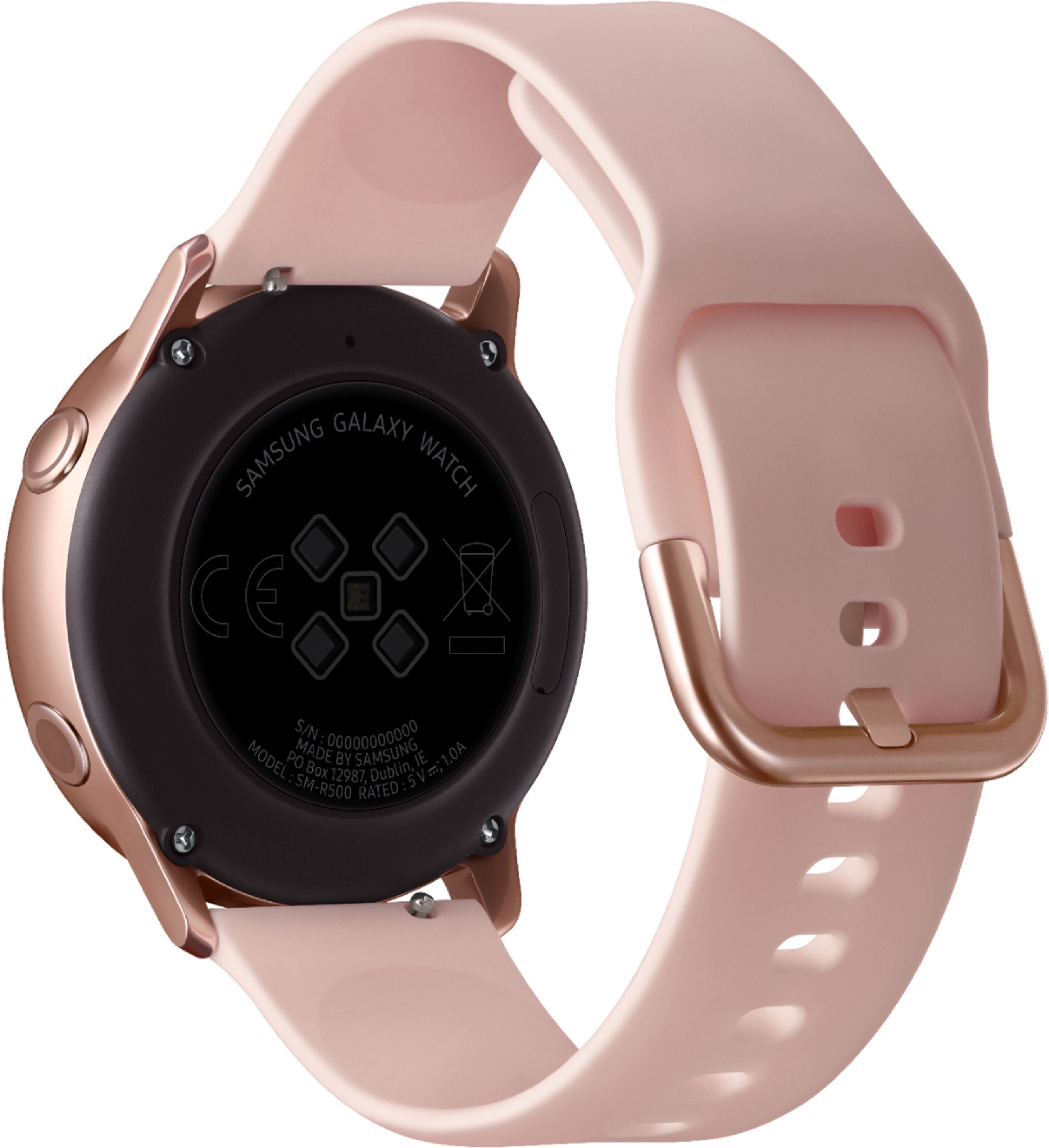
A:AnswerThis watch isn't water resistant at all. I don't swim or bath in tubs, my watch had never been submerged at all, yet when I sent it to Samsung because the screen died, they told me it was water damaged. The most I'd ever done with this watch on what wash my hands.
Oh and btw, water damage voids the warranty, so they'll insist that you essentially pay what amounts to the full cost of the watch to fix something that is clearly a manufacturing defect. Avoid avoid avoid at all costs.
A:AnswerYou can not make or receive phone calls on the watch. I'm not sure what the exact range is for the phone and watch to stay connected but it is a good distance.
A:AnswerThis watch isn't water resistant at all. I don't swim or bath in tubs, my watch had never been submerged at all, yet when I sent it to Samsung because the screen died, they told me it was water damaged. The most I'd ever done with this watch on what wash my hands.
Oh and btw, water damage voids the warranty, so they'll insist that you essentially pay what amounts to the full cost of the watch to fix something that is clearly a manufacturing defect. Avoid avoid avoid at all costs.
A:AnswerYou can receive and answer text messages. When you receive a call it will notify you but when you answer it on your watch it will initiate the call on your phone. You cannot talk on it. You can with the Galaxy Watch as well as the Gear S2 and S3.
A:AnswerUnfortunately, no. Pandora is not available on the watch. You can however download, Spotify or use Samsung Music. Also, the watch itself has no built in speaker, but can be connected to wireless earbuds/headphones using the watches built-in Bluetooth.
A:AnswerI really can't understand why people answer these questions not knowing the answer. The guy saying it doesn't have a speaker is wrong. It has both a speaker and a mic. Check out the Jibber Jab review on youtube if you actually want to see it for yourself.
A:AnswerI never did find a messaging app, however, if you go into your contacts and pull one up there is the ability to send messages there. Additionally, any new alerts and incoming messages are located when you swipe right from the main face of the watch. I returned the first watch thinking it did not come installed with the messaging app and found the same issue on the new one.