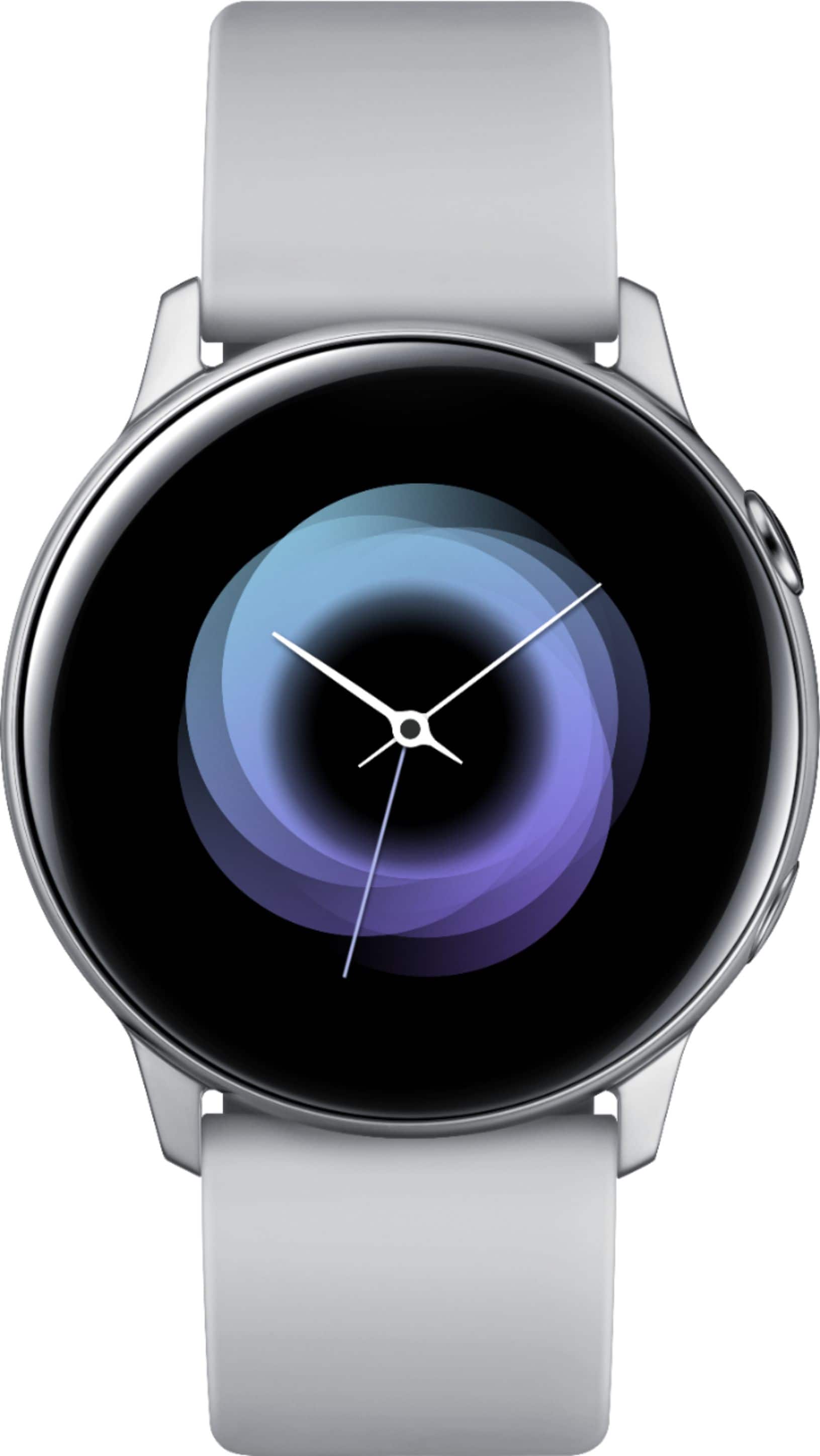
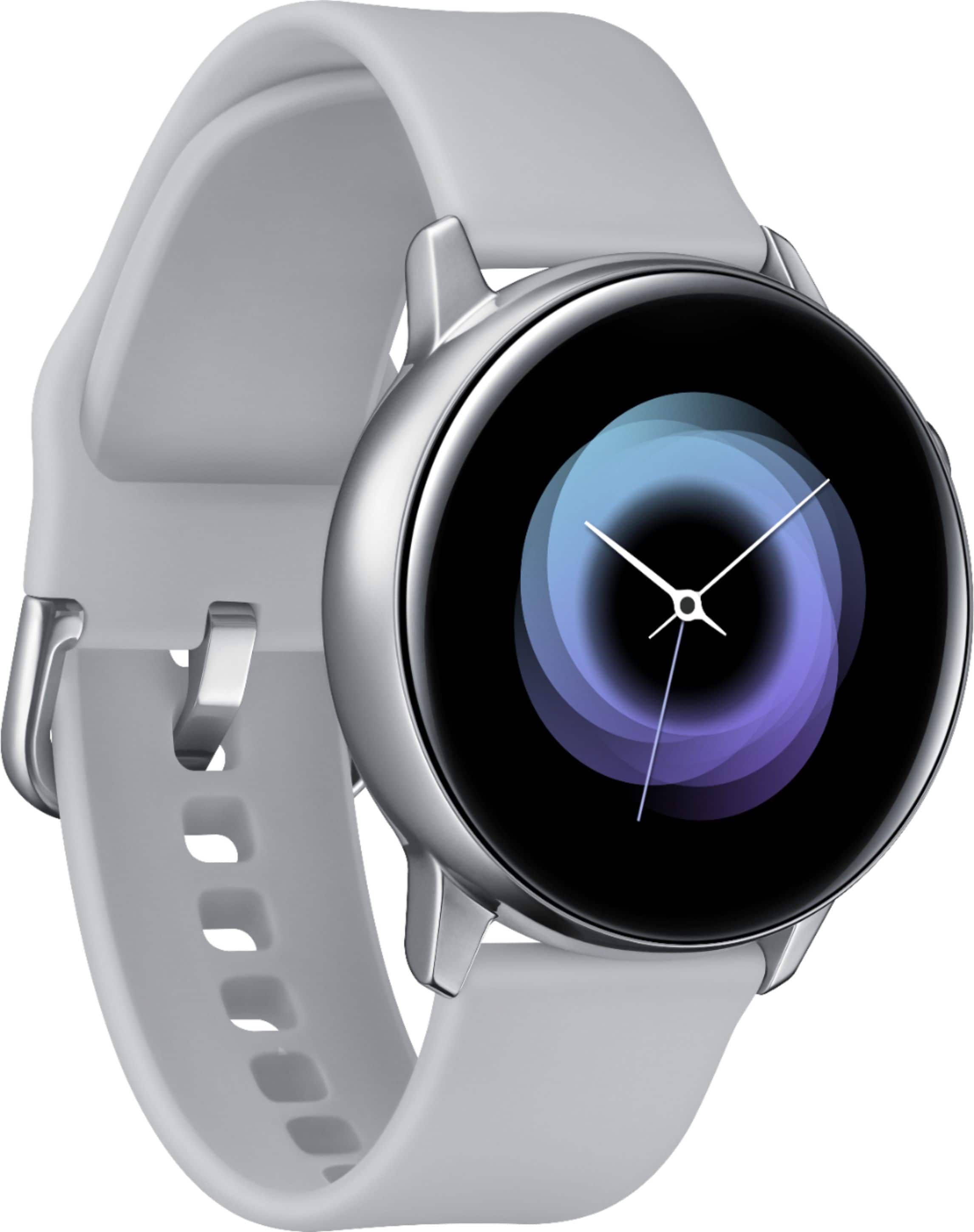
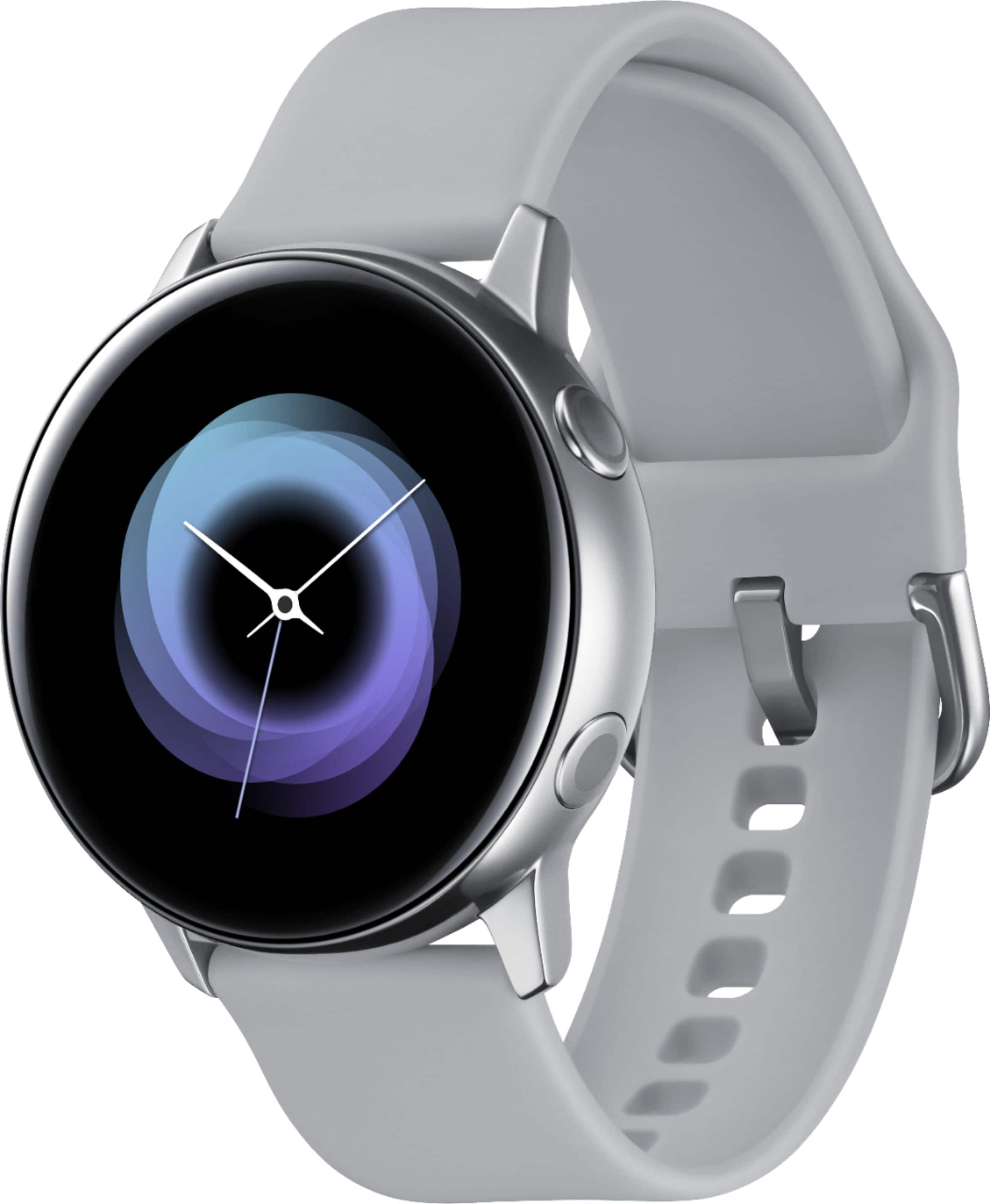
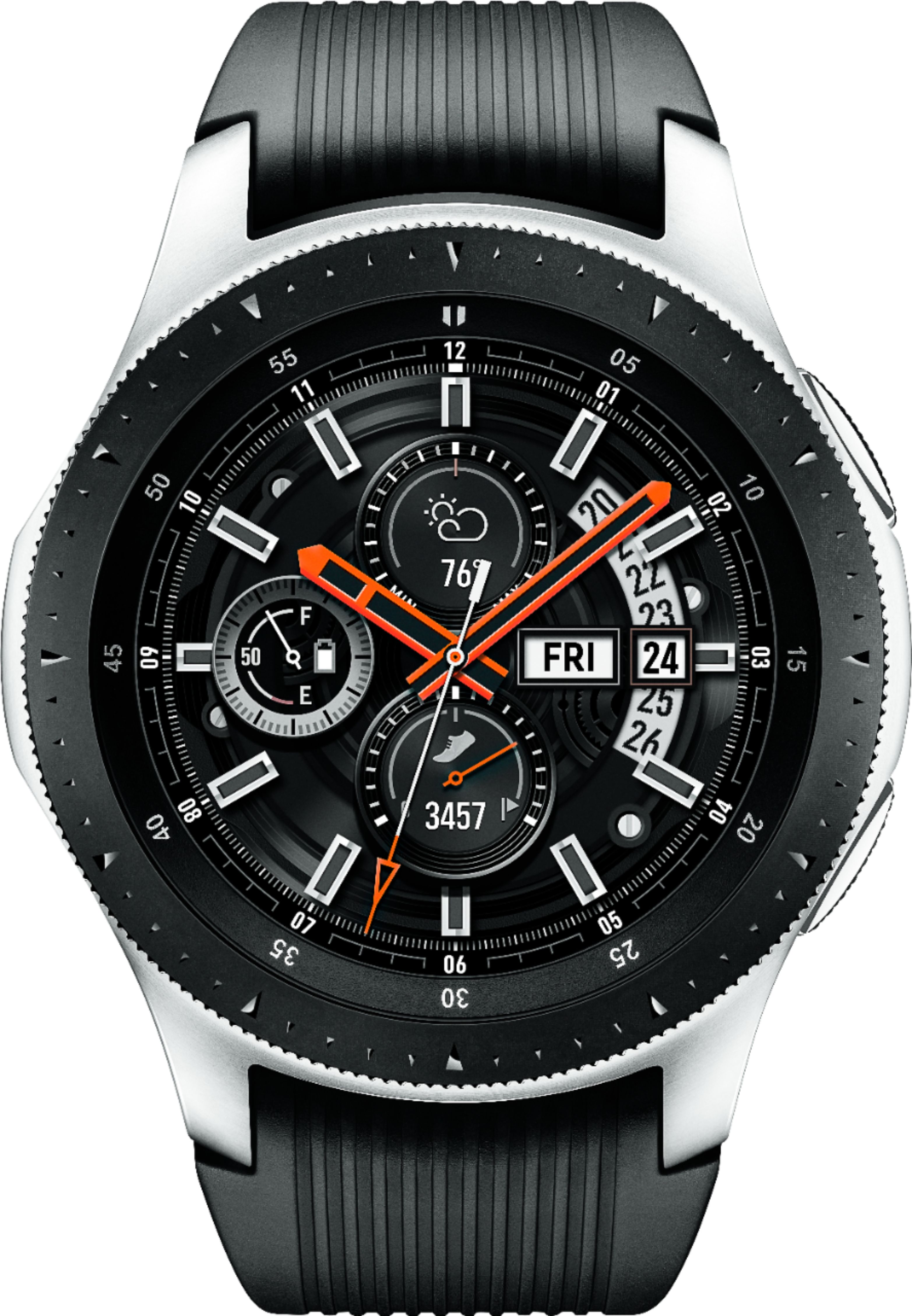
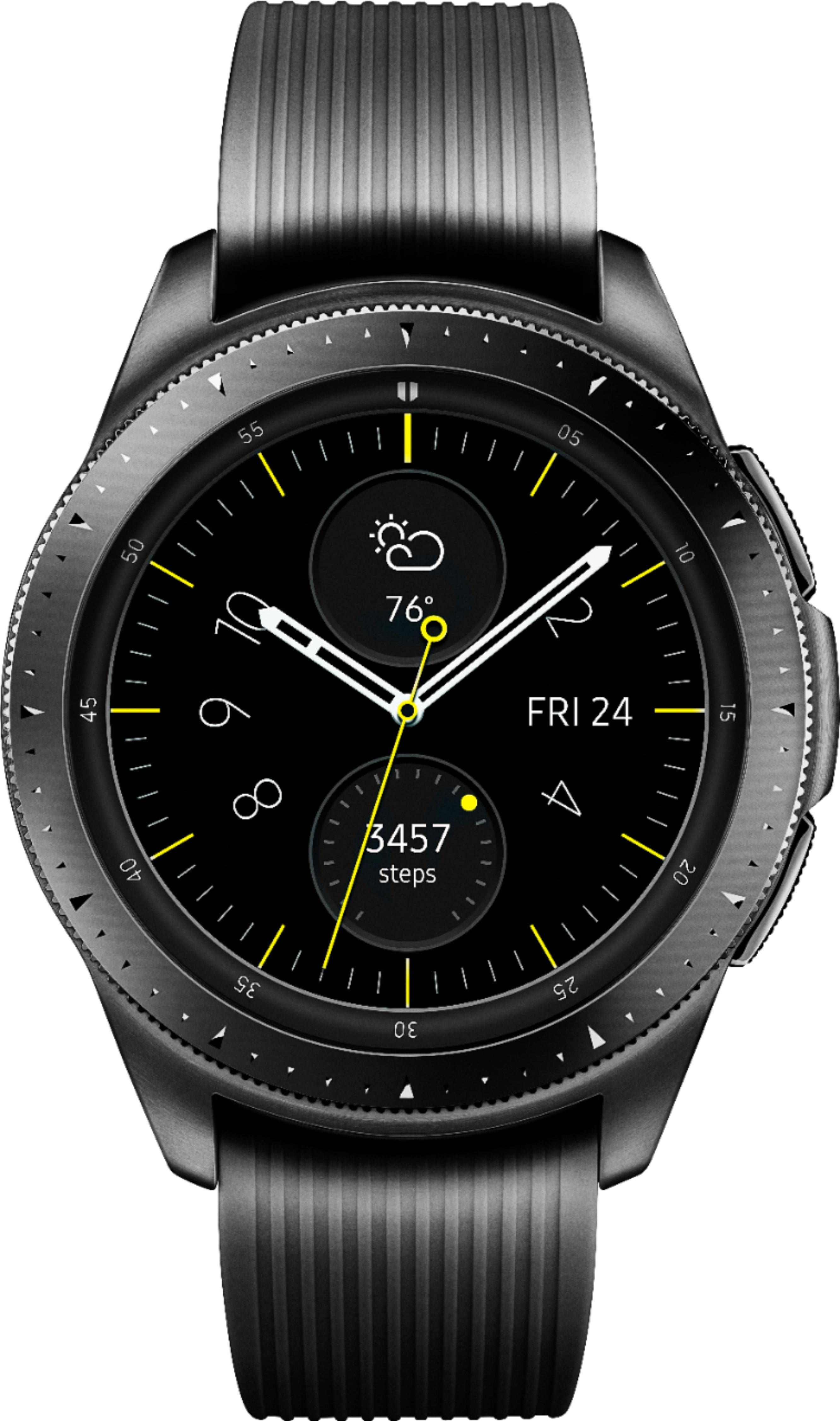
A:AnswerHello Tamster, thanks for asking! If you prefer streaming, you can do that with a Spotify premium account. If your smart watch has a built-in speaker, you can play music right from your watch. If it doesn't, don't worry! All you need to do is connect Bluetooth headphones. ^Elizabeth
A:AnswerYes it is interchangeable for the band. You can go online and look for the bands they have for it. It is a awesome watch. Just got to look it up online or look at ur instructions that came with it.
A:AnswerHello Aaron, thanks for asking! When Workout detection is turned on, your Samsung smart watch will automatically detect and record activities you perform like walking, running, and cycling after 10 minutes. However, if you're performing other actions or movements, like driving, the watch may think you're performing a dynamic workout. You can easily turn off this feature to avoid unnecessary movement being detected as a workout. ^Elizabeth
A:AnswerHello Nurse, thanks for reaching out! Please follow this link (https://www.samsung.com/us/support/answer/ANS00078023/) to an article that will help you learn more about customizing the display settings on this watch. ^Elizabeth
A:AnswerYes, but I definitely prefer the Galaxy Watch over the Active. You will find yourself very disappointed with the active after you've seen the features of the Standard Galaxy watch. The active seems a bit dummied down.