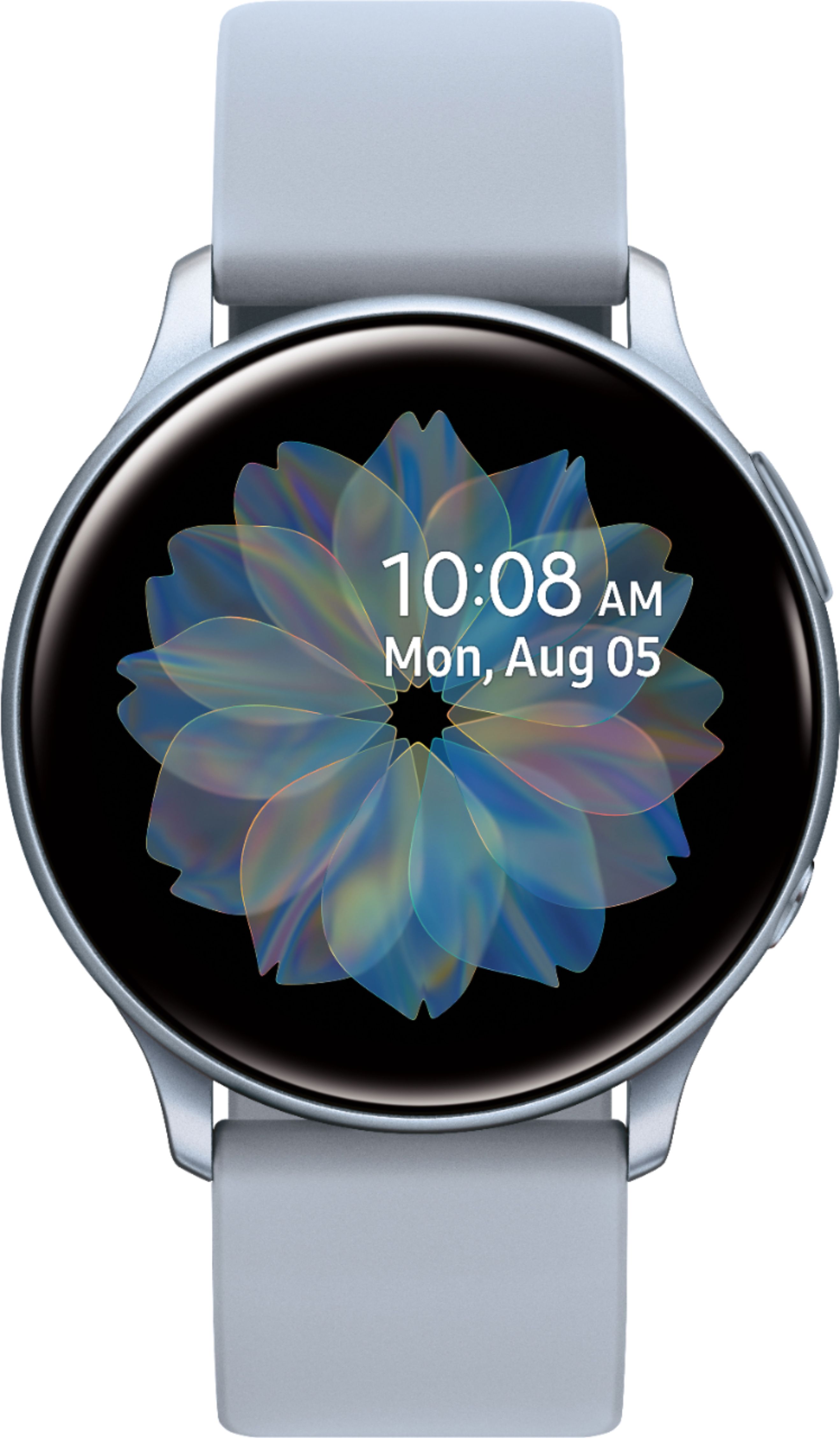
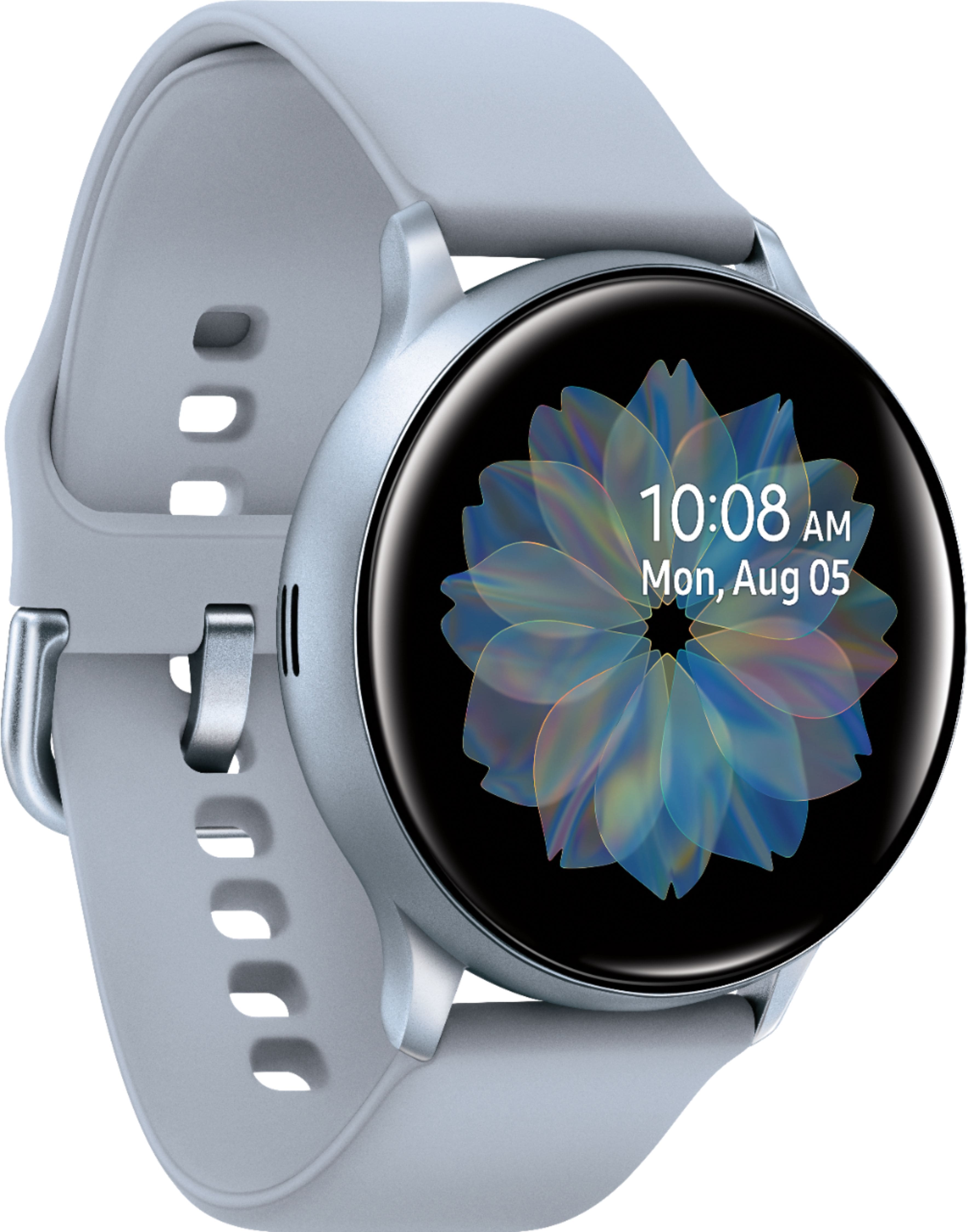
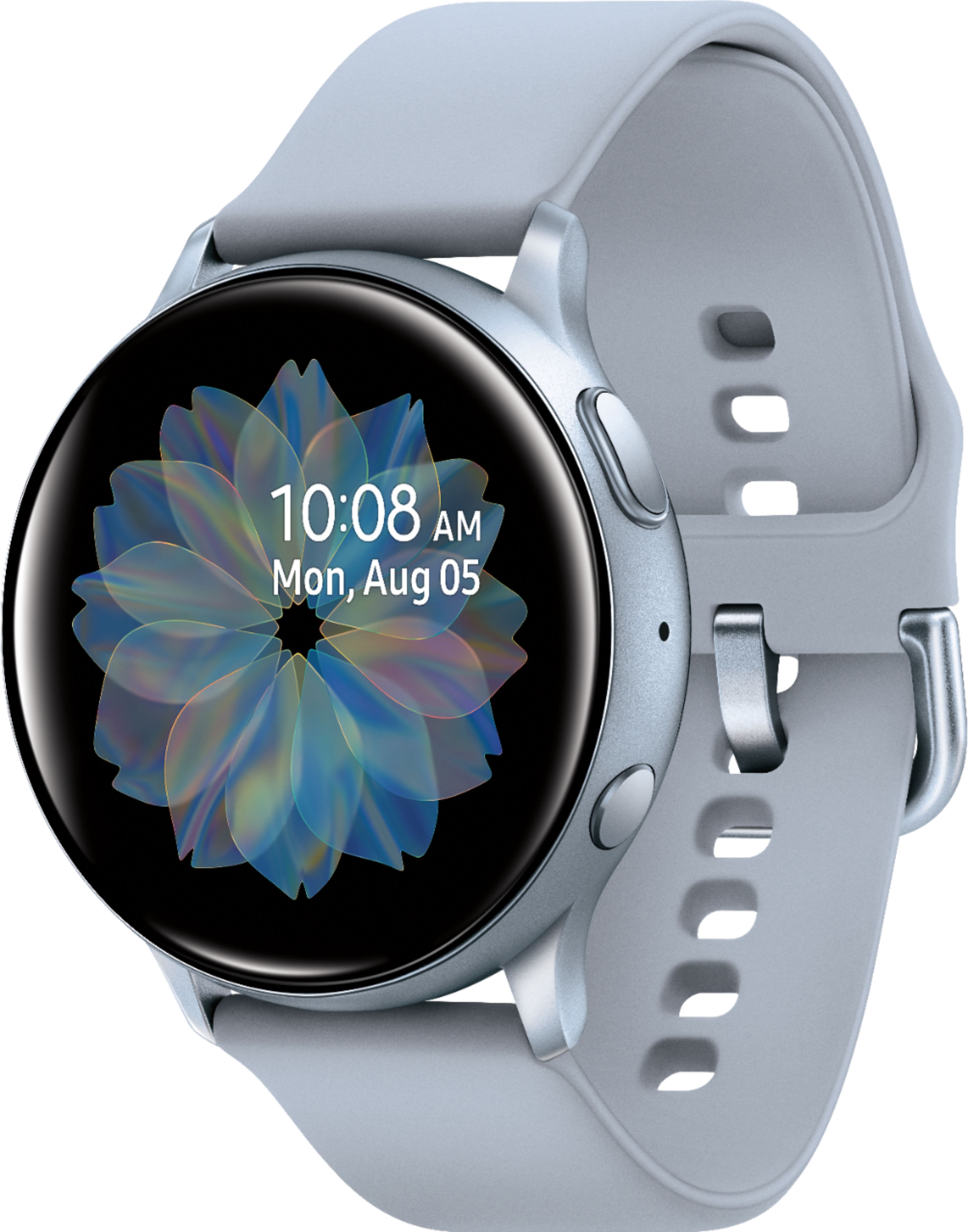
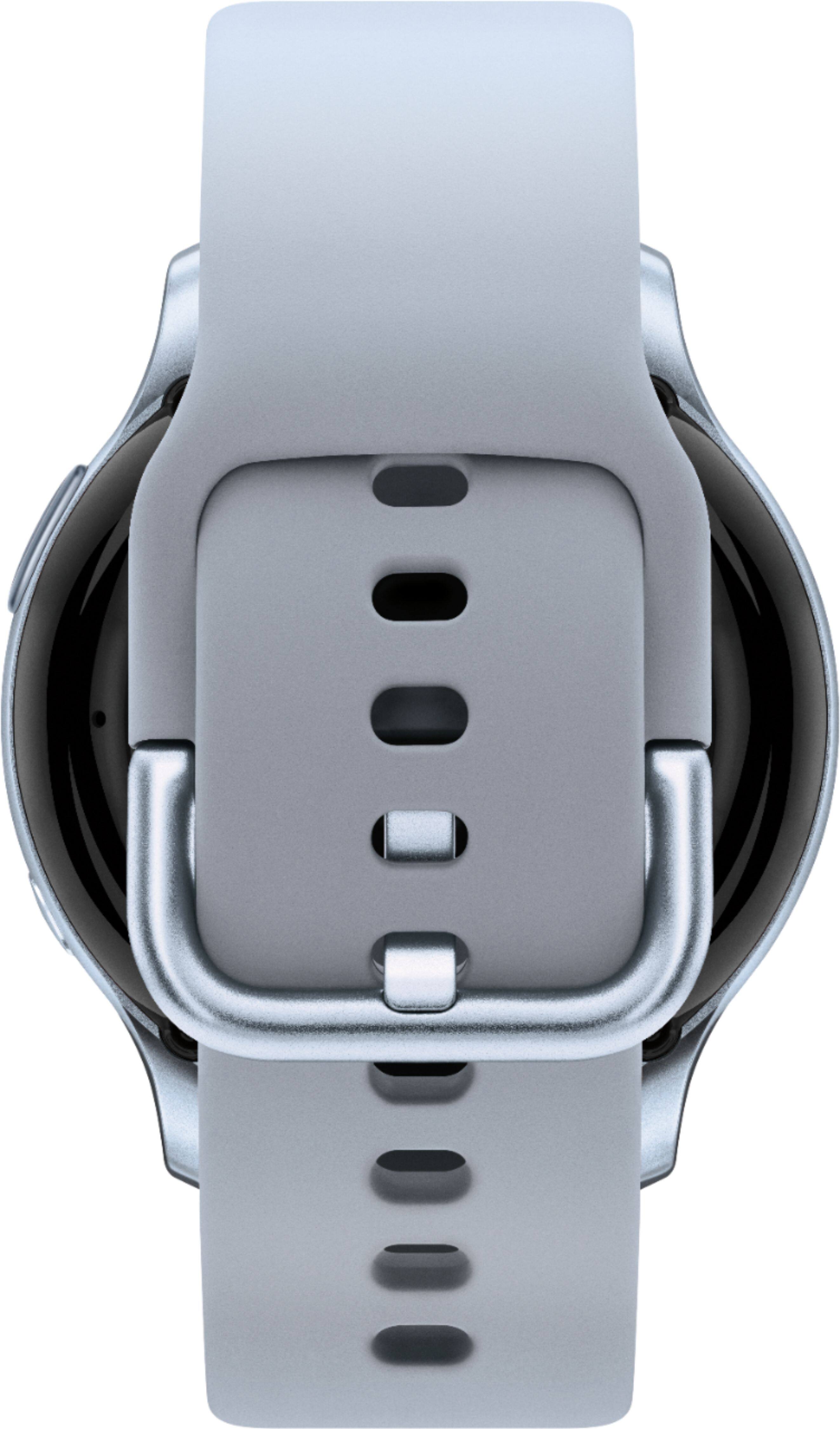
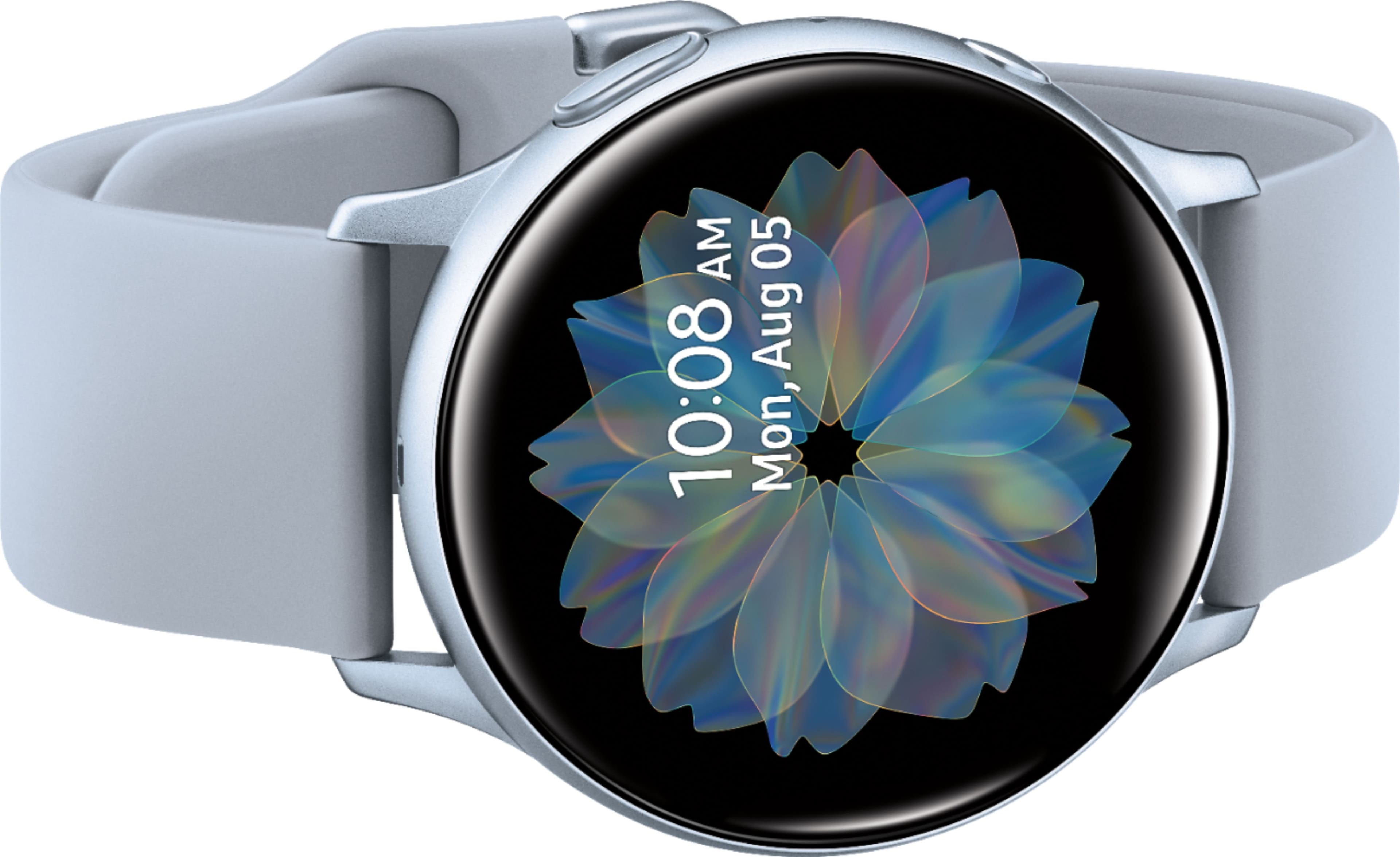
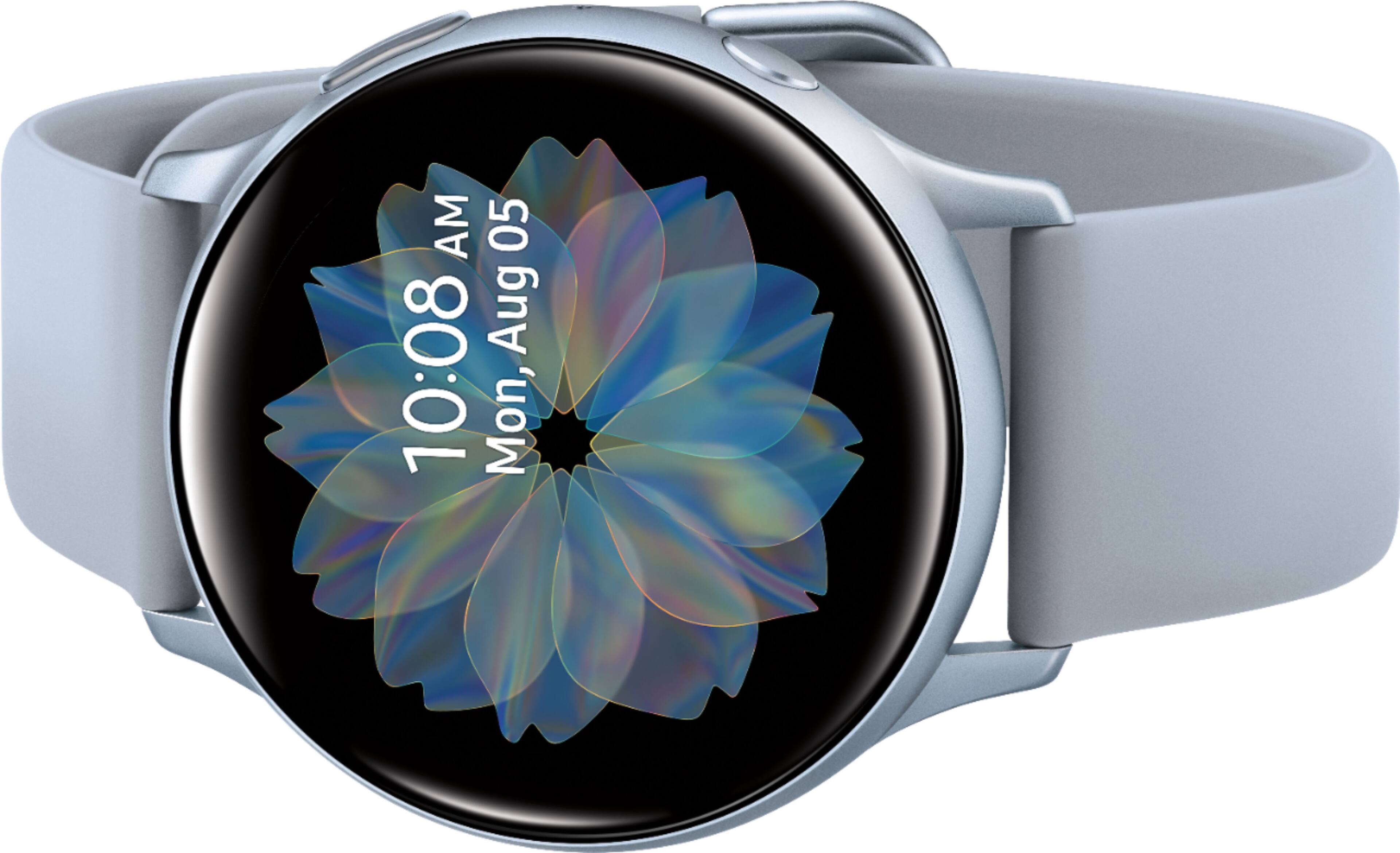
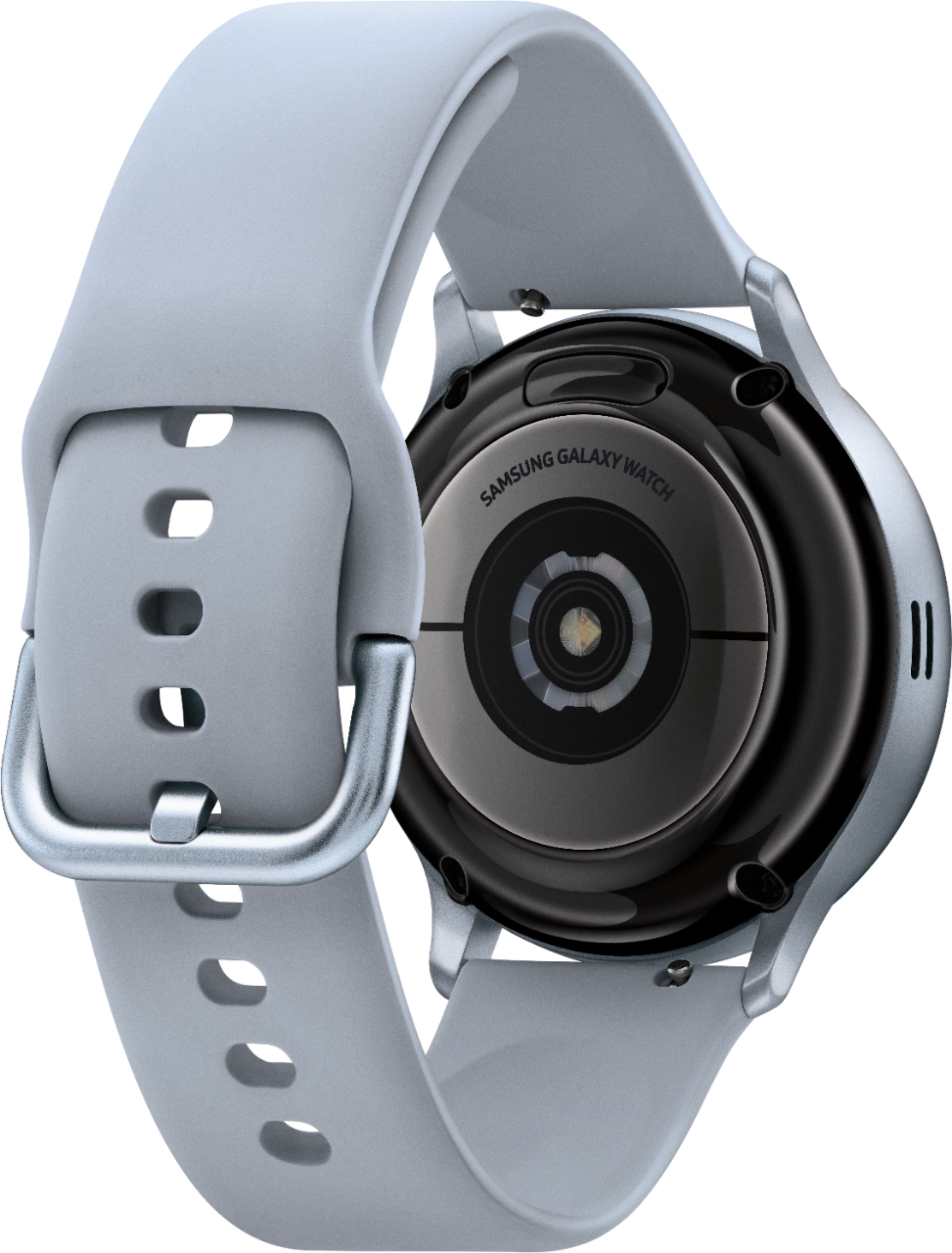
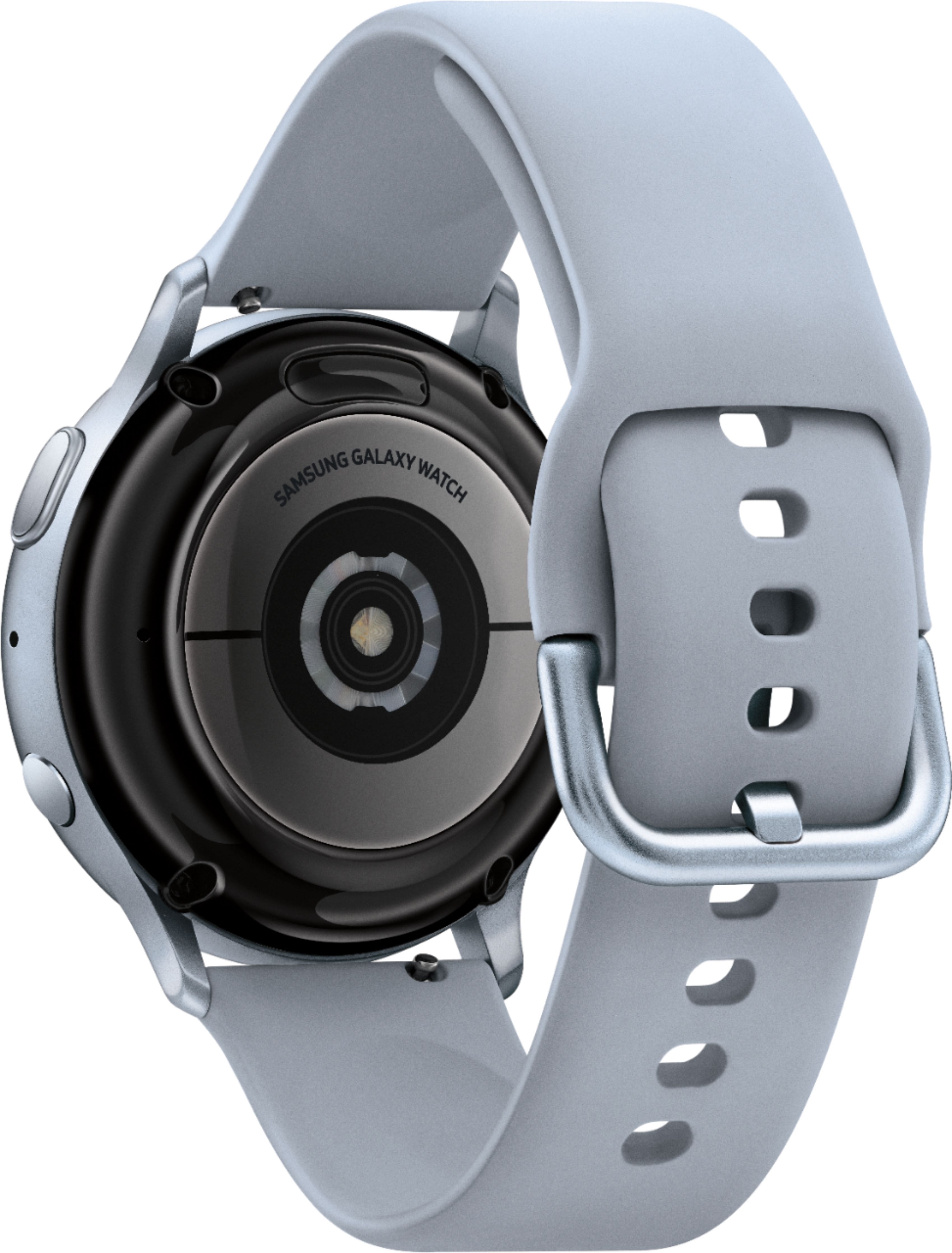
A:AnswerHello JAMES, thanks for asking! Samsung has Bluetooth and LTE smart watches. The LTE version can receive calls and messages without being connected to a phone. However, you'll first need to activate service for your watch through the same carrier as your mobile phone. This watch model is the Bluetooth version though. ^Elizabeth
A:AnswerHello Stormt25, thanks for asking! This watch is compatible with Samsung Smartphones, Non-Samsung Android Smartphones (Android OS 5.0 and above RAM 1.5GB and above), iOS 9.0 and above iPhone 5 and above. ^Elizabeth
A:AnswerHello BigL23, good question! This watch is compatible with Non-Samsung Android Smartphones (Android OS 5.0 and above RAM 1.5GB and above). ^Elizabeth
A:AnswerIt can operate your camera on your phone for you (basically just to take a photo or video at this point). If you set it up. I found it not very useful as you have to be within about 10 feet from the phone. (Unless you have the cellular version and linked to your phone).
A:AnswerYou need the LTE version, then you can activate another line on your account with Verizon to be able to use this without your phone being on you/ or close by.
A:AnswerNo it does not give any notifications for it. I recently had an issue and it did not alert at all. You have to manually go in and run the test, and it records the information on the app for you. But it will not notify you of it unless you manually go in and run it. It is fairly accurate.
A:AnswerHello OTS33, thanks for reaching out! Here is a link (http://www.samsung.com/us/support/troubleshooting/TSG01003100/) to an article that will help you troubleshoot the issue! ^Elizabeth
A:AnswerNo, I use the Android Message App and it sends it just like any other text message. Then again, it depends on the phone you have. I have a Google Pixel 3 and have had no problems sending texts from the watch.