A:AnswerAccording to reviewer hounddog on 11/12/2019, "YES, ALEXA!! I added the Alexa App, called "Talk to Alexa" In the companion "Galaxy Wearable" App. You can find it in the App section: Discover>Top Watch Apps>Categories>Lifestyle>Top Paid. I can ask Alexa to answer questions, things that I would typically Google on my phone, in addition to finding out the weather, set timers, and control my smart home, RIGHT FROM MY WRIST! I have tested various requests using my Active 2 vs asking Alexa in my home. The responses were identical. The first photo below is of Alexa ready to listen, and you can program her to launch when you double tap the Home button."
A:AnswerSamsung is working on a "best" firmware/software for this as it is currently not very accurate. There are some programs you can download that will work ok'ish. Most of them you have to pay for.
A:AnswerHello shadykatie, that's a really good question! With this watch you can send SOS messages to assigned contacts to let them know where you are and how to track you down. In the event where you need medical assistance, your medical information can be quickly accessed to help first responders. Please follow this link (https://www.samsung.com/us/support/answer/ANS00078032/) to learn more about using this watch in an emergency situation. ^Elizabeth
A:AnswerHello kim, thanks for reaching out! Here is a link (https://www.samsung.com/us/support/answer/ANS00051414/) to an article that will help you install and use Spotify. ^Elizabeth
A:AnswerHello Jleigh, that's a really good question! Maybe you like the display on your smart watch nice and bright when you go out for a run in the sun. You can adjust its display settings, like the brightness, as desired. ^Elizabeth
A:AnswerHello Jessy, thanks for asking! Please follow this link (https://www.samsung.com/us/mobile/phones/unlocked-by-samsung/) to learn more about Unlocked by Samsung. ^Elizabeth
A:AnswerHello Otto, thanks for asking! The Find My Mobile feature allows you to lock or unlock, locate, or if worst comes to worst, completely wipe your data. You can quickly view incoming messages and send replies without even taking out your phone. You can also send replies using Quick messages, or when you decline incoming calls. With this watch you can make and answer calls right from your wrist! You just need to make sure the watch is connected to your phone through Bluetooth or through a mobile network. With a LTE watch model like the Galaxy Watch Active2, you can even handle calls remotely. ^Elizabeth
A:AnswerNot directly. There is an android app called "Health Sync" where you can sync Samsung Health data with Google Fit and Fitbit, as well as a couple others. Even then the functionality is reduced (can't see steps, sleep hours or metrics, can't see heart rate). This is designed to work with Samsung Health, which is available for phones other than Samsung. Samsung Health has many good features and is similar to Fitbit but with the exception of the social aspect.
A:AnswerThe watch, when connected to bluetooth, gives you notifications that you get on your phone. You can choose which apps the watch can notify you with. When a notification shows up on your watch, it will give you the option to "display on phone" which opens up the app on yohr phone.
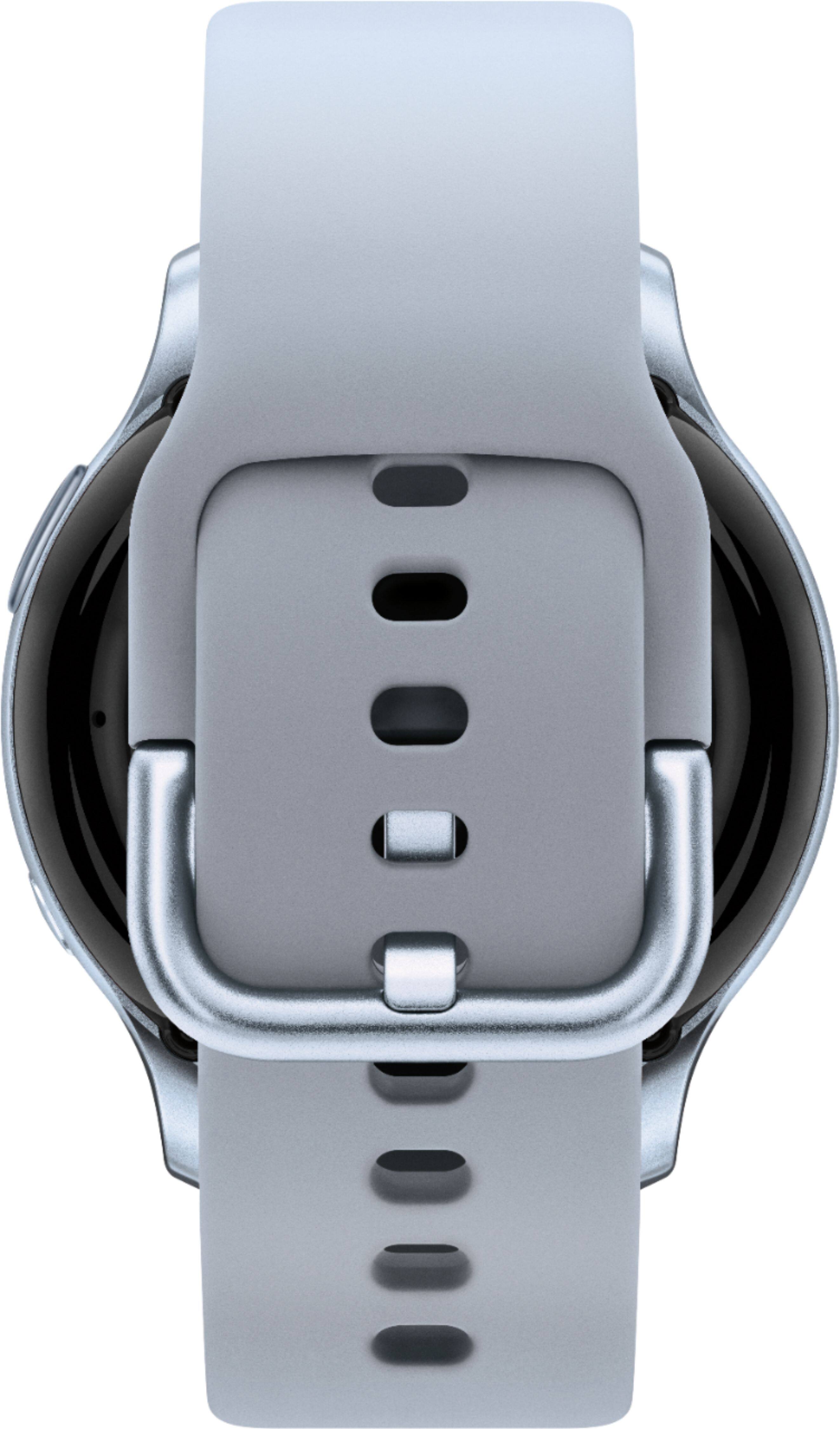
A:Answeryou can buy more bands that are compatible in different sizes. I use a large band, however there are XL bands available. You can buy them from Samsung or Amazon. They are not regular watch bands, however.