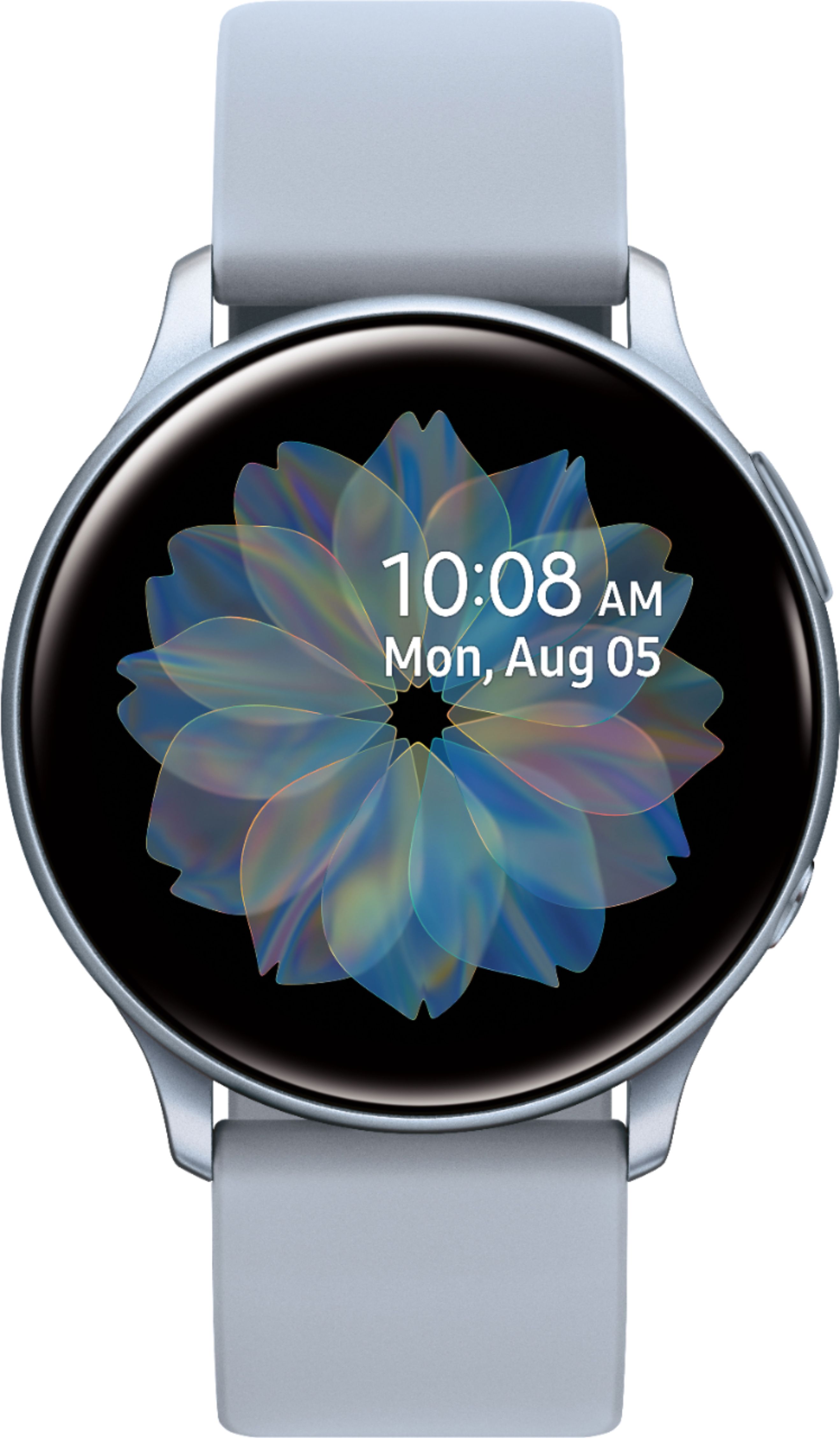
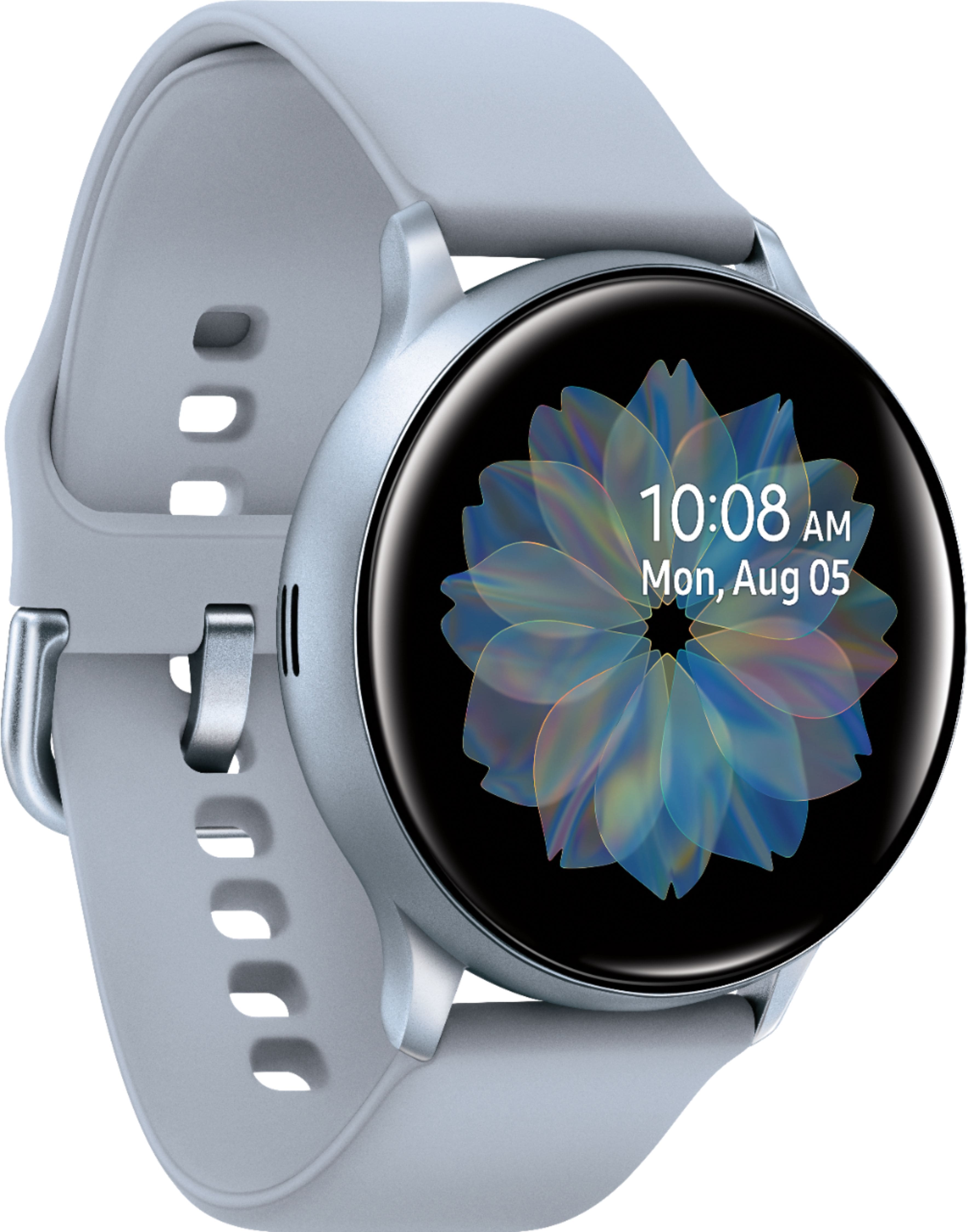
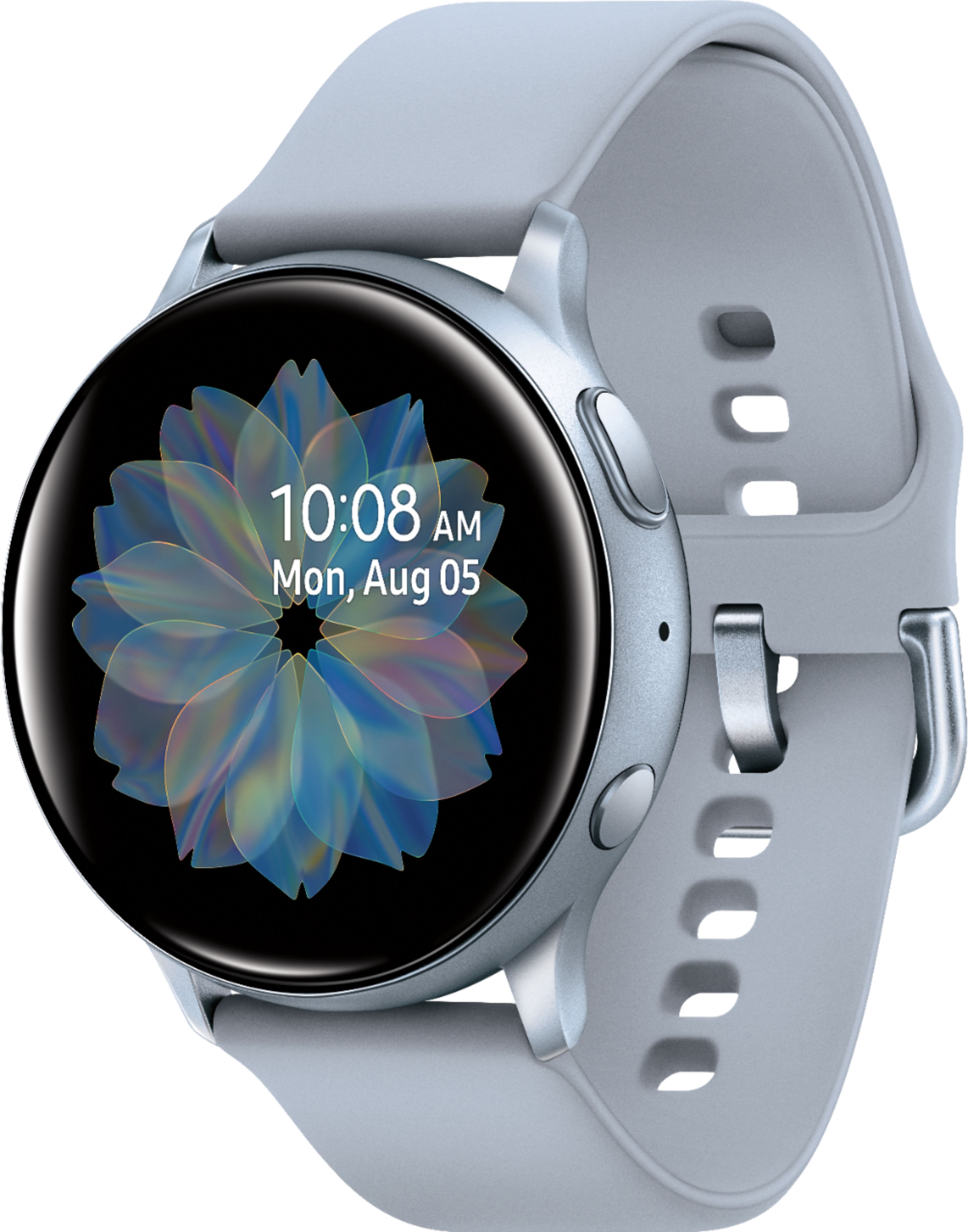
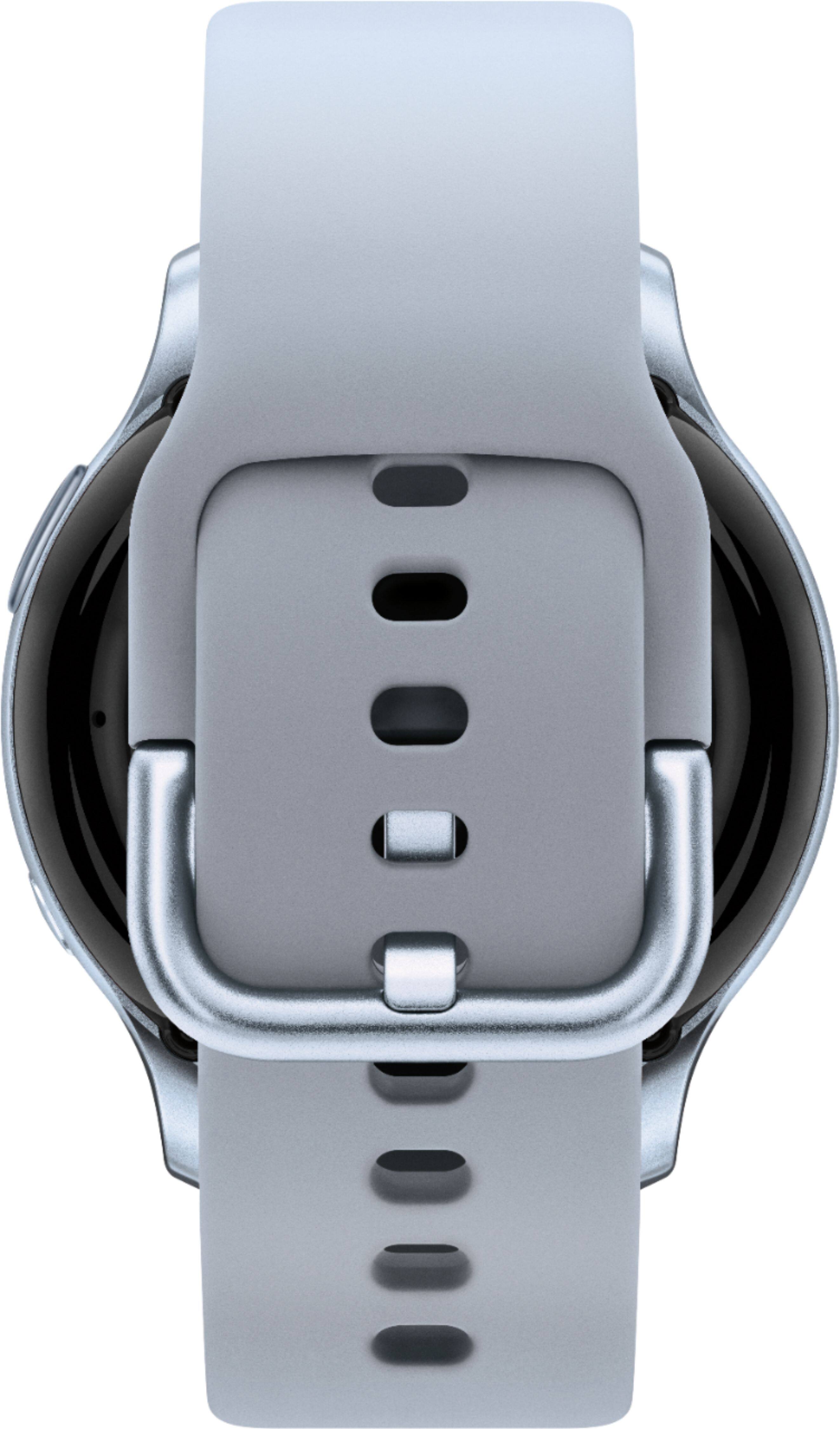
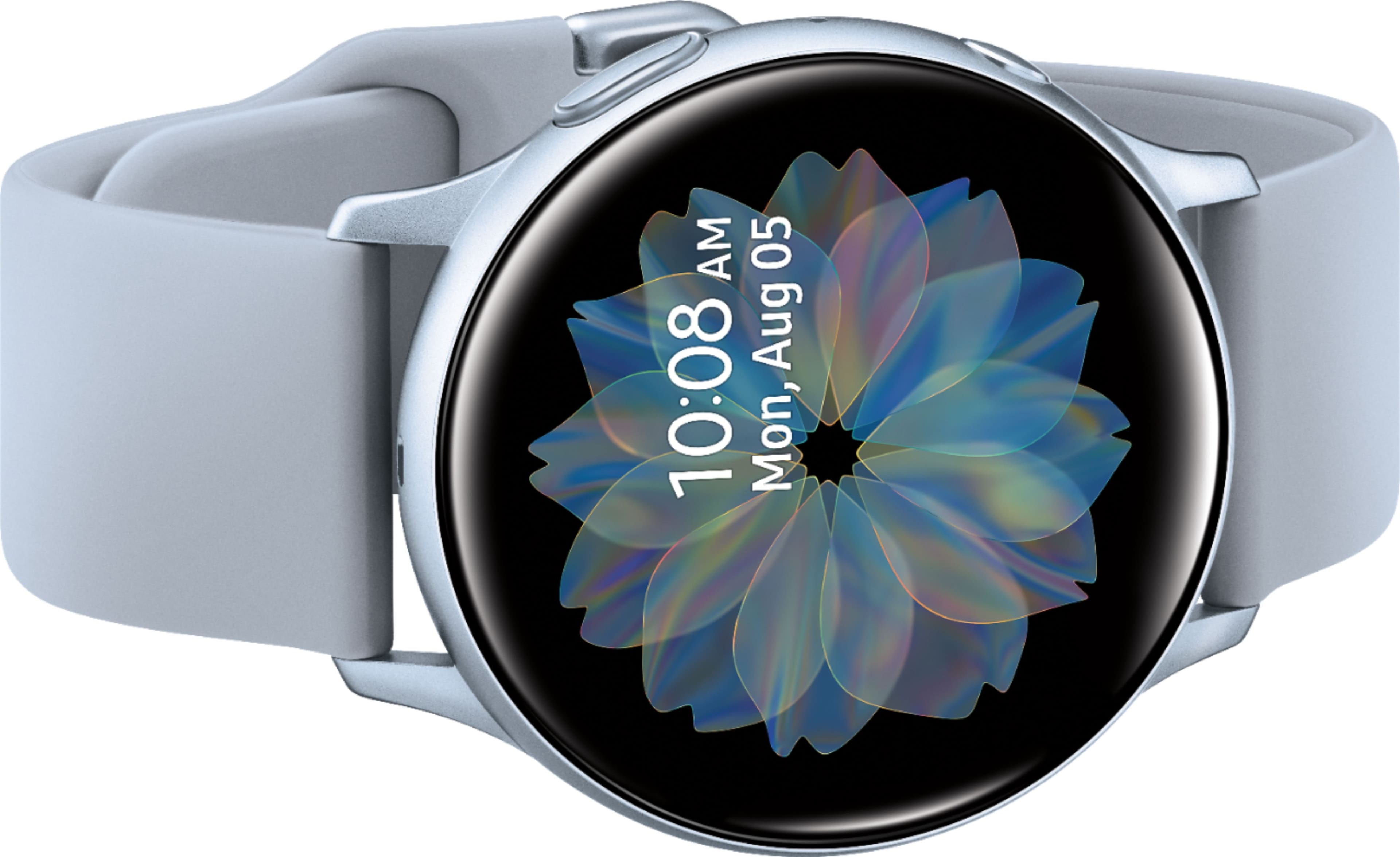
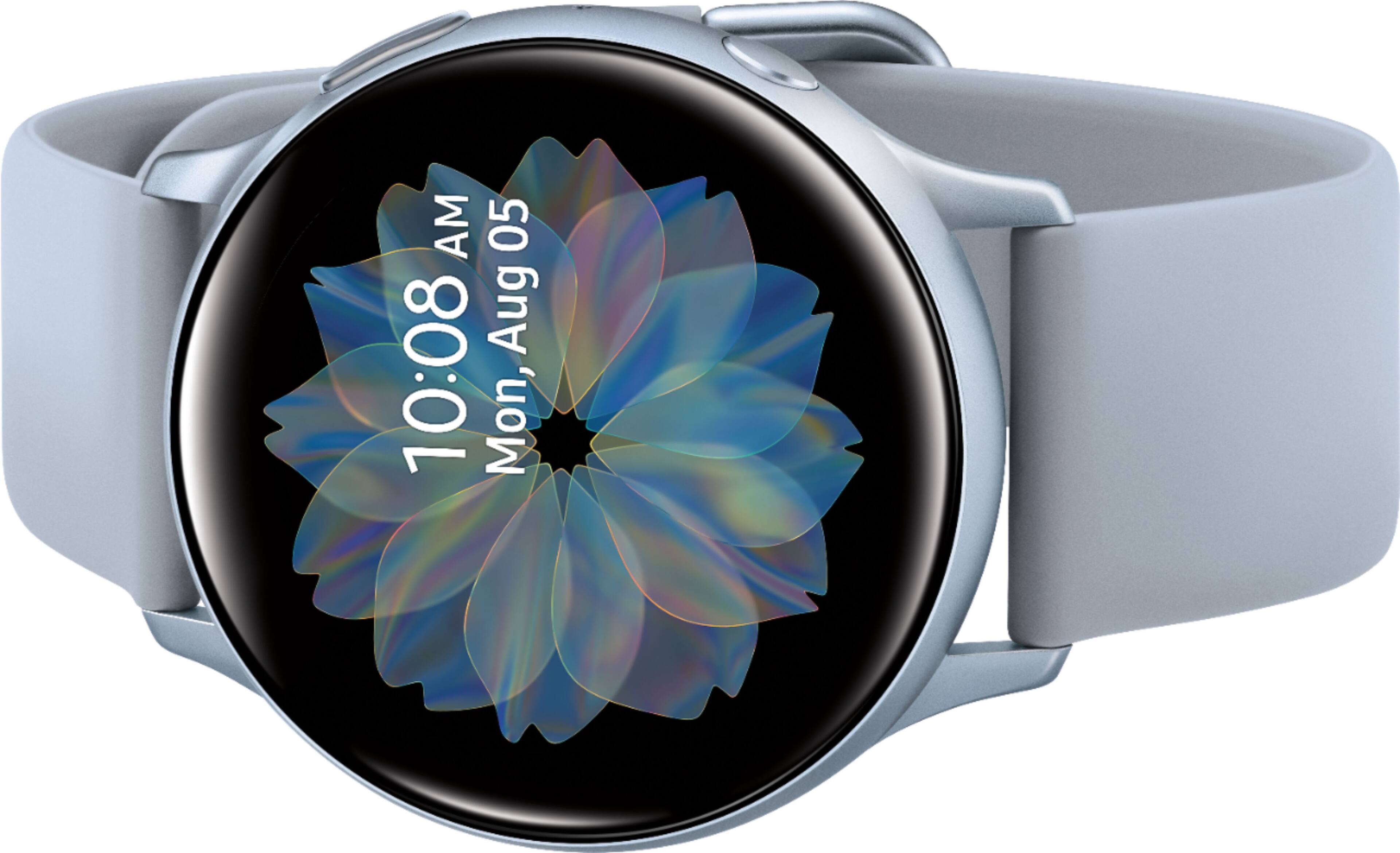
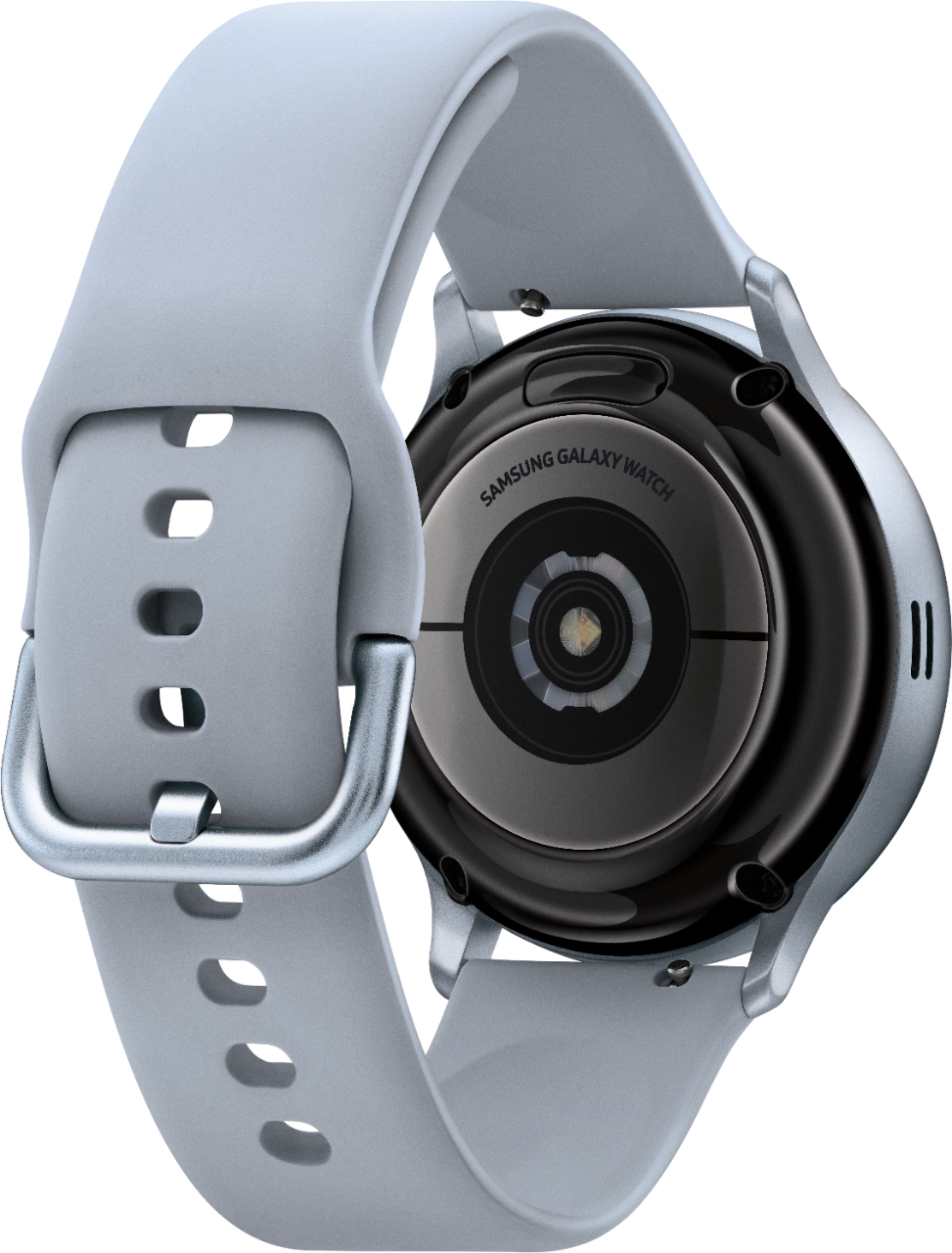
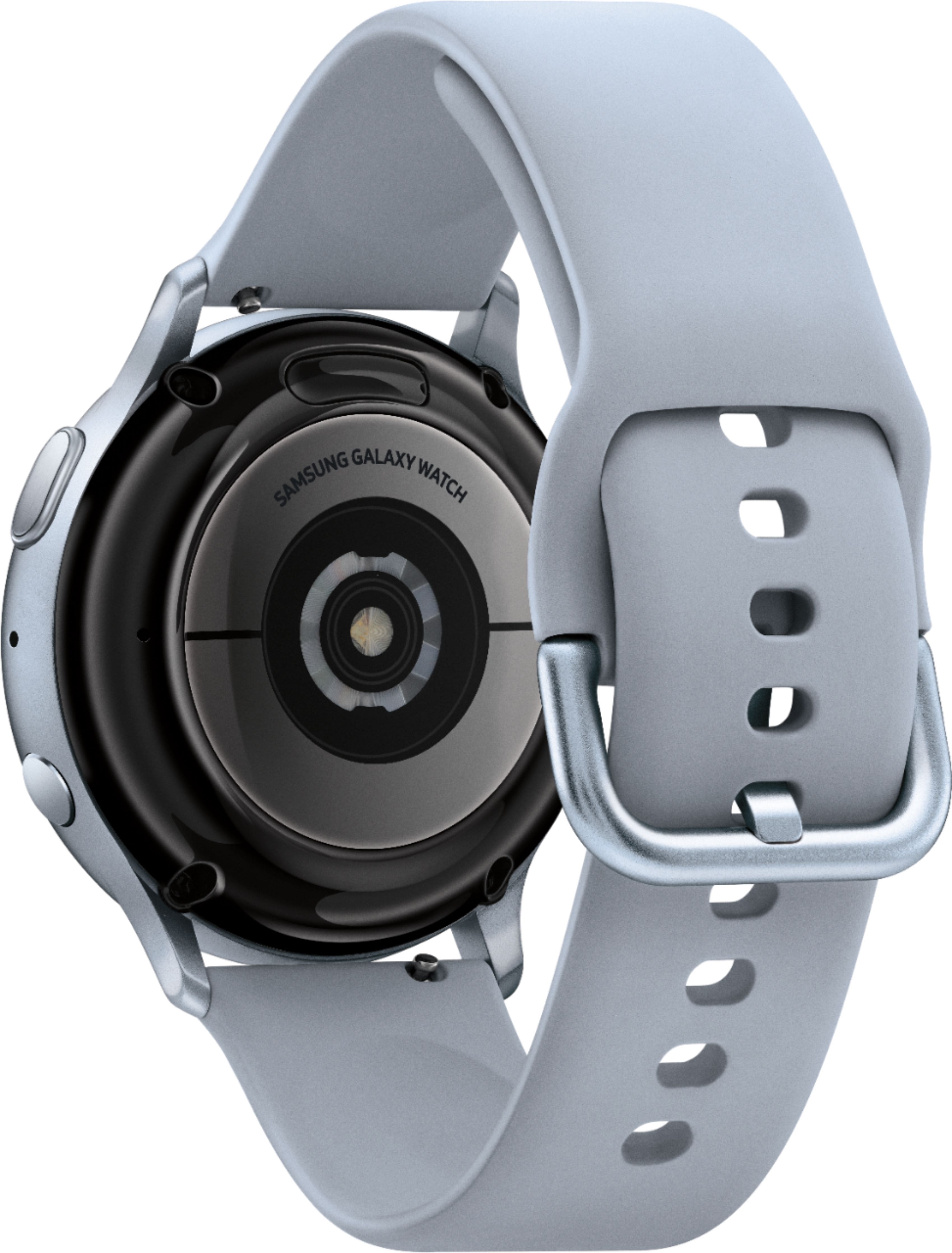
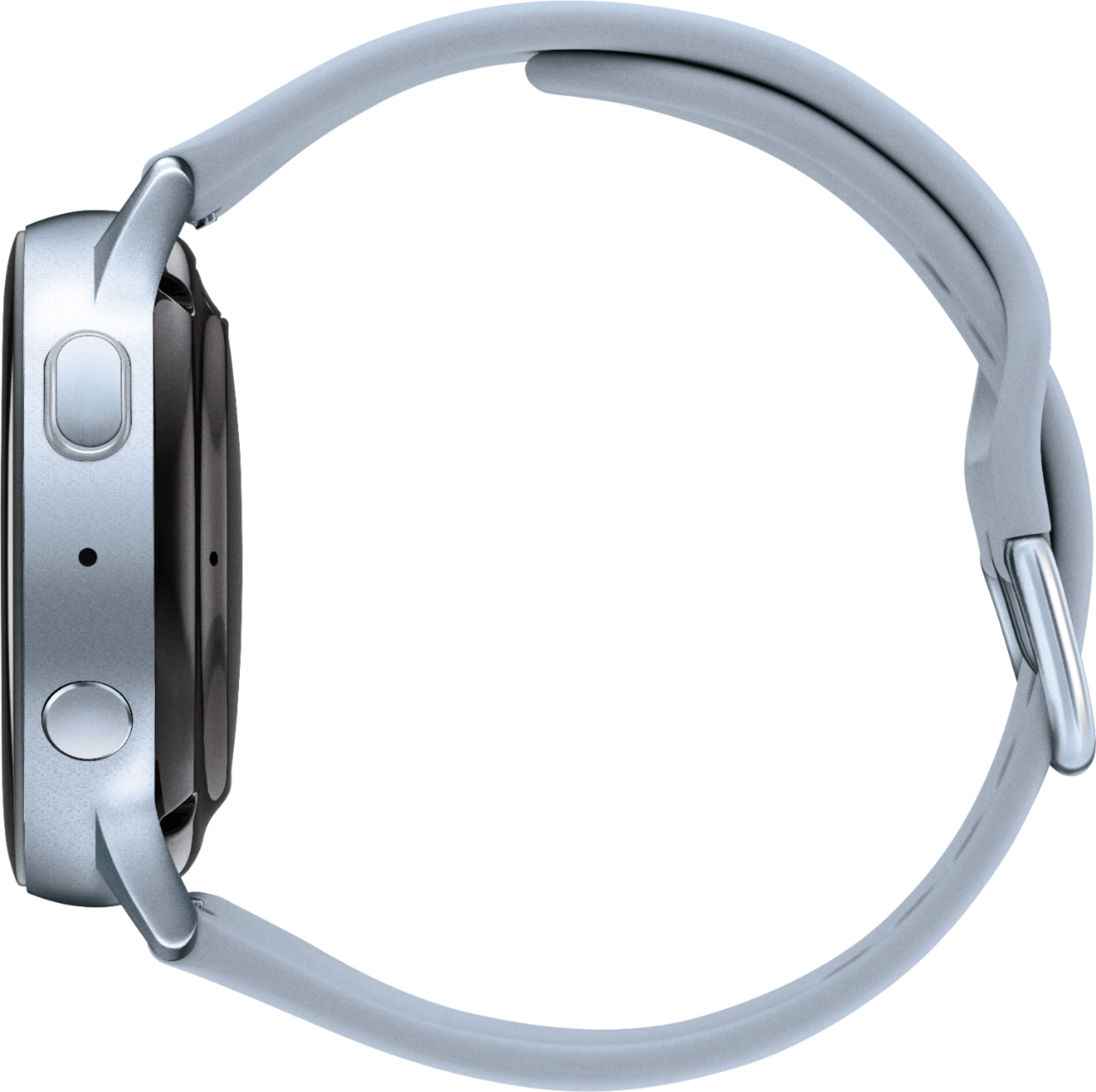
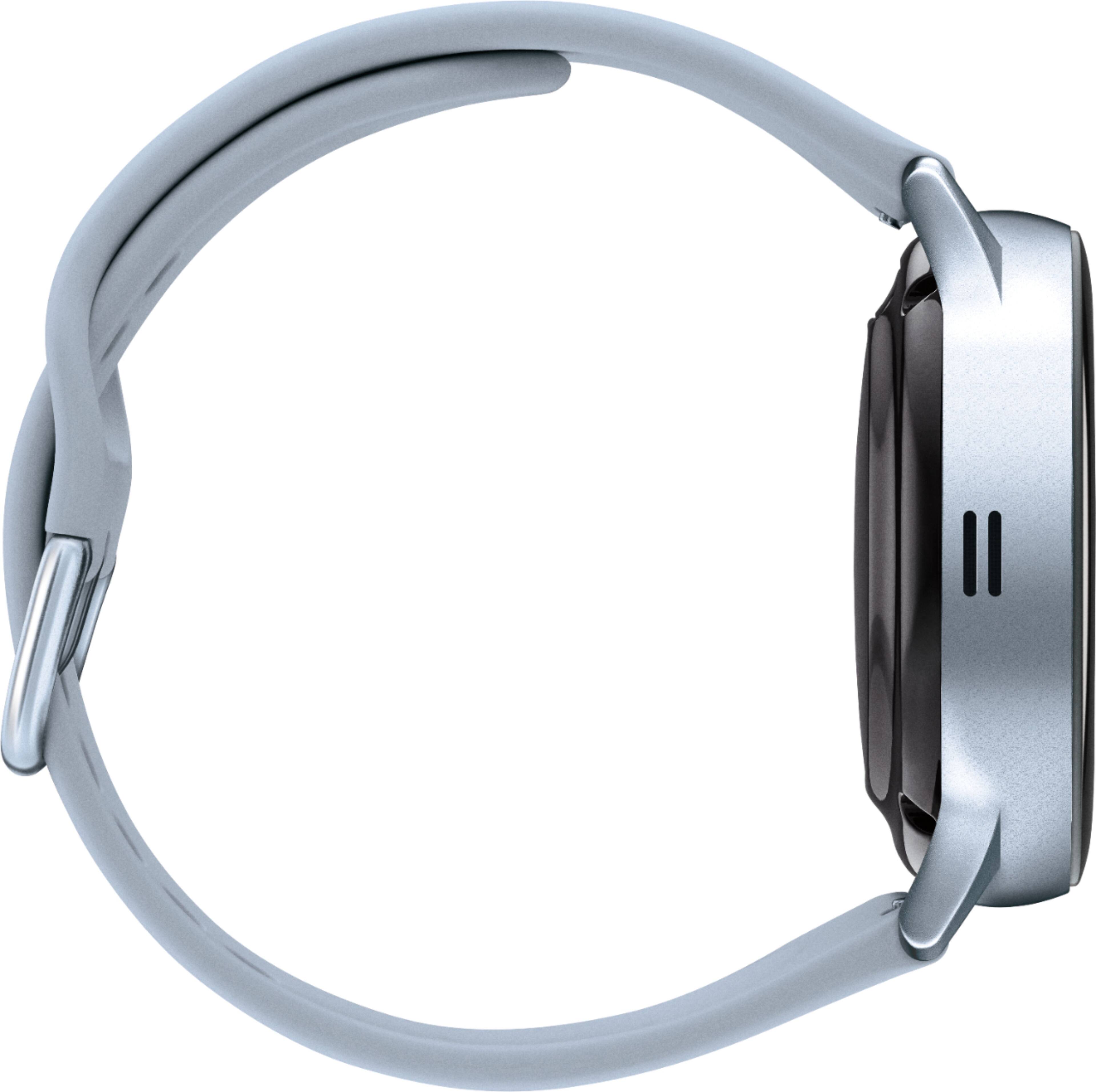
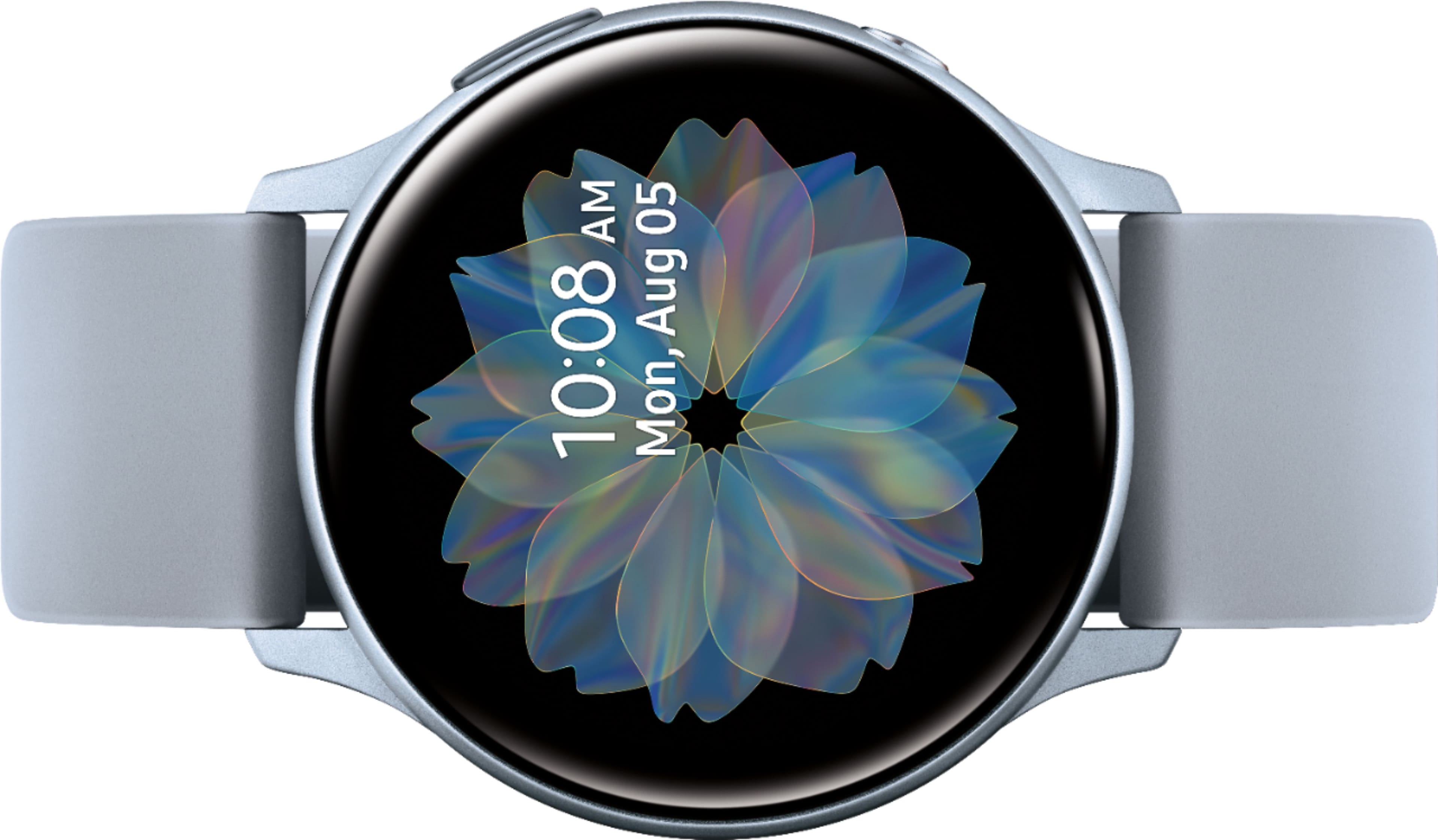
A:AnswerHello Charlee, thanks for asking! You can quickly view incoming messages and send replies without even taking out your phone. You can also make and answer calls right from your wrist! You just need to make sure the watch is connected to your phone through Bluetooth or through a mobile network. ^Elizabeth
A:AnswerHello Katy, thanks for reaching out! Please follow this link (https://www.samsung.com/us/mobile/wearables/smartwatches/galaxy-watch-active2-40mm-aqua-black-bluetooth-sm-r830nzkaxar/) to learn more about the Galaxy Watch Active2 specifications and this link (https://www.samsung.com/us/mobile/wearables/all-wearables/?product_types=Smartwatches,Smart+Fitness+Bands&flagship_series=Galaxy+Watch+Active) to learn more about the Galaxy Watch Active specifications. ^Elizabeth
A:AnswerHello Lu, thanks for asking! This watch is compatible with Non-Samsung Android Smartphones (Android OS 5.0 and above RAM 1.5GB and above). ^Elizabeth
A:AnswerHello May, thanks for asking! There are many methods to choose from. Please follow this link (https://www.samsung.com/us/support/answer/ANS00078022/) to learn more about messages on this watch. ^Elizabeth
A:AnswerHello Cesar, thanks for asking! Please follow this link (https://www.samsung.com/us/support/answer/ANS00078019/) to learn more about music and your smart watch! ^Elizabeth
A:AnswerHello Kendra, thanks for asking! This watch has a Quick Start Guide, User Manual, and a Wireless Charging Pad included in the box. To access all its fun and useful features, you'll want to connect your smart watch to your phone using the Galaxy Wearable app. If your phone isn't available you can also set up your watch without a phone and pair it with the Galaxy Wearable app later. Once everything is set up, your smart watch and phone will make a dynamic duo. You can even automatically sync data between the two of them. ^Elizabeth