A:AnswerHello Ink, that's a really good question! This watch is compatible with Non-Samsung Android Smartphones (Android OS 5.0 and above RAM 1.5GB and above). ^Elizabeth
A:AnswerHello Adam, thanks for reaching out! Here is a link (http://www.samsung.com/us/support/troubleshooting/TSG01003232/) to an article that will help you troubleshoot the reduced battery life. ^Elizabeth
A:AnswerHello Mac, thanks for asking! No. Your Samsung smart watch is water resistant. This means there are limitations of exposure; your device is able to resist the penetration of water to a certain degree, but not entirely. ^Elizabeth
A:AnswerHello Nissan01, thanks for asking! This watch is compatible with iOS 9.0 and later, and smartphones iPhone 5 and newer. You can make and answer calls right from your wrist! You just need to make sure the watch is connected to your phone through Bluetooth. You can also quickly view incoming messages and send replies without even taking out your phone. ^Elizabeth
A:AnswerHello PodPa, thanks for asking! Please follow this link (http://www.samsung.com/us/support/troubleshooting/TSG01003112/) to learn more about inaccurate steps on this watch. ^Elizabeth
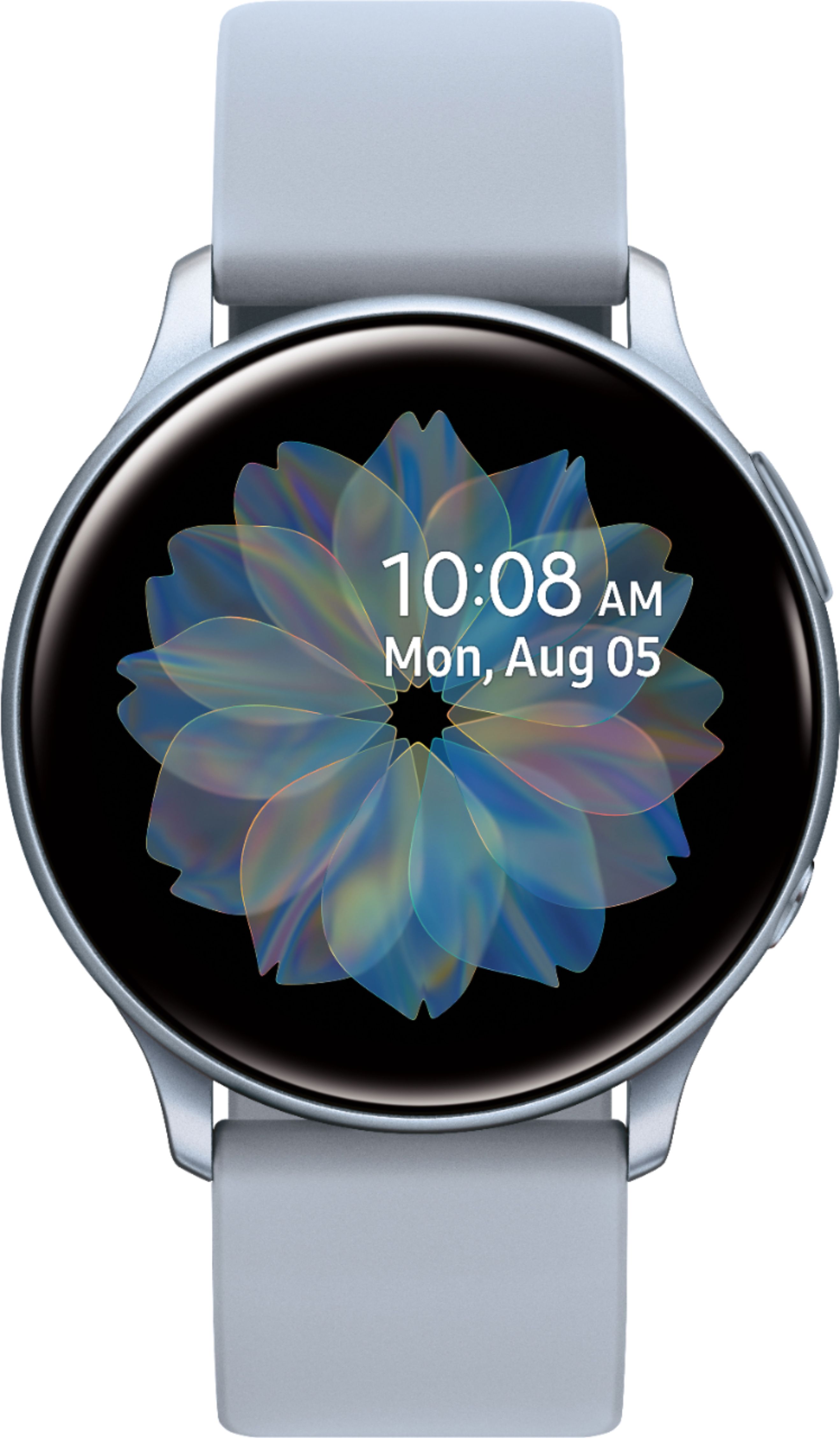
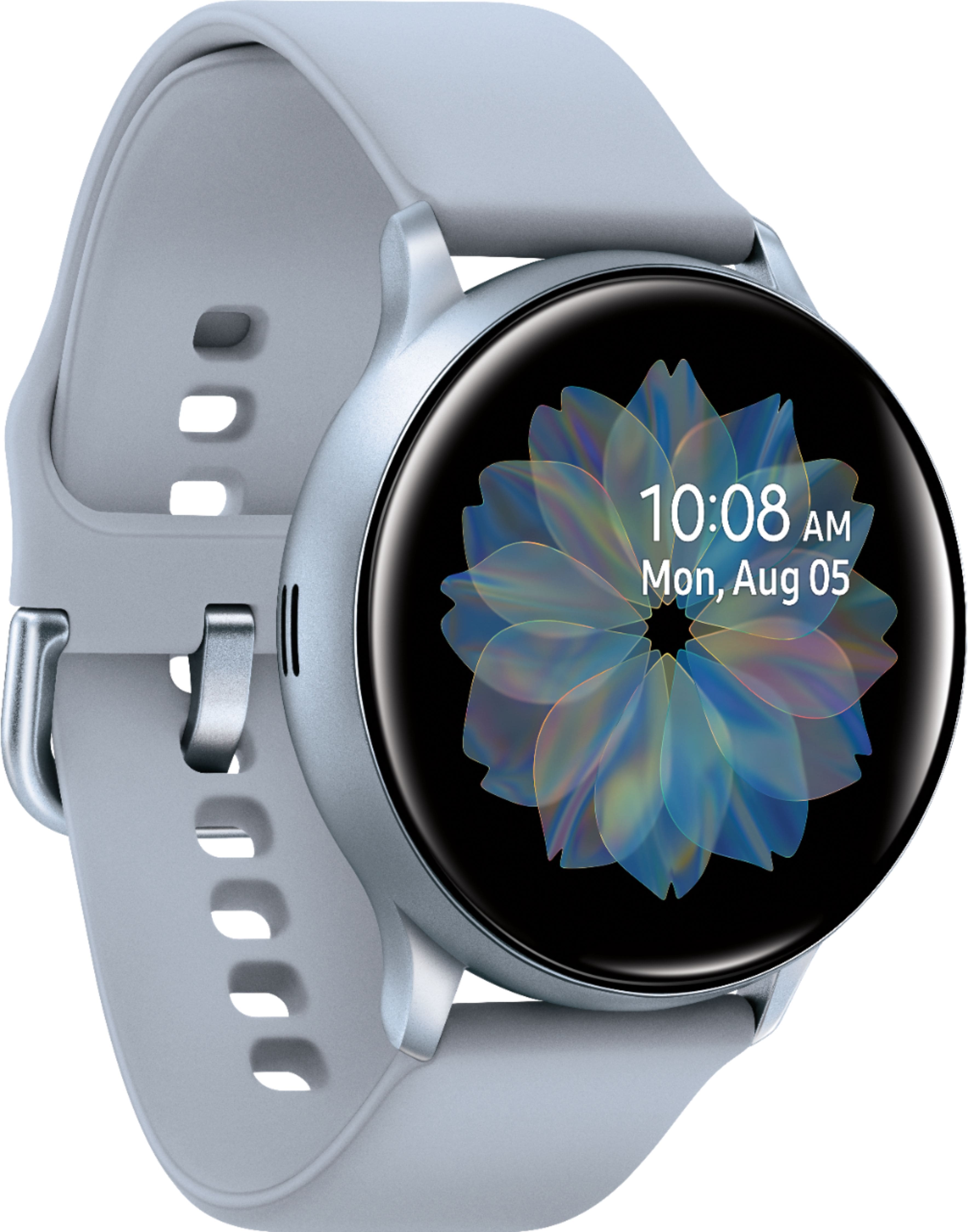
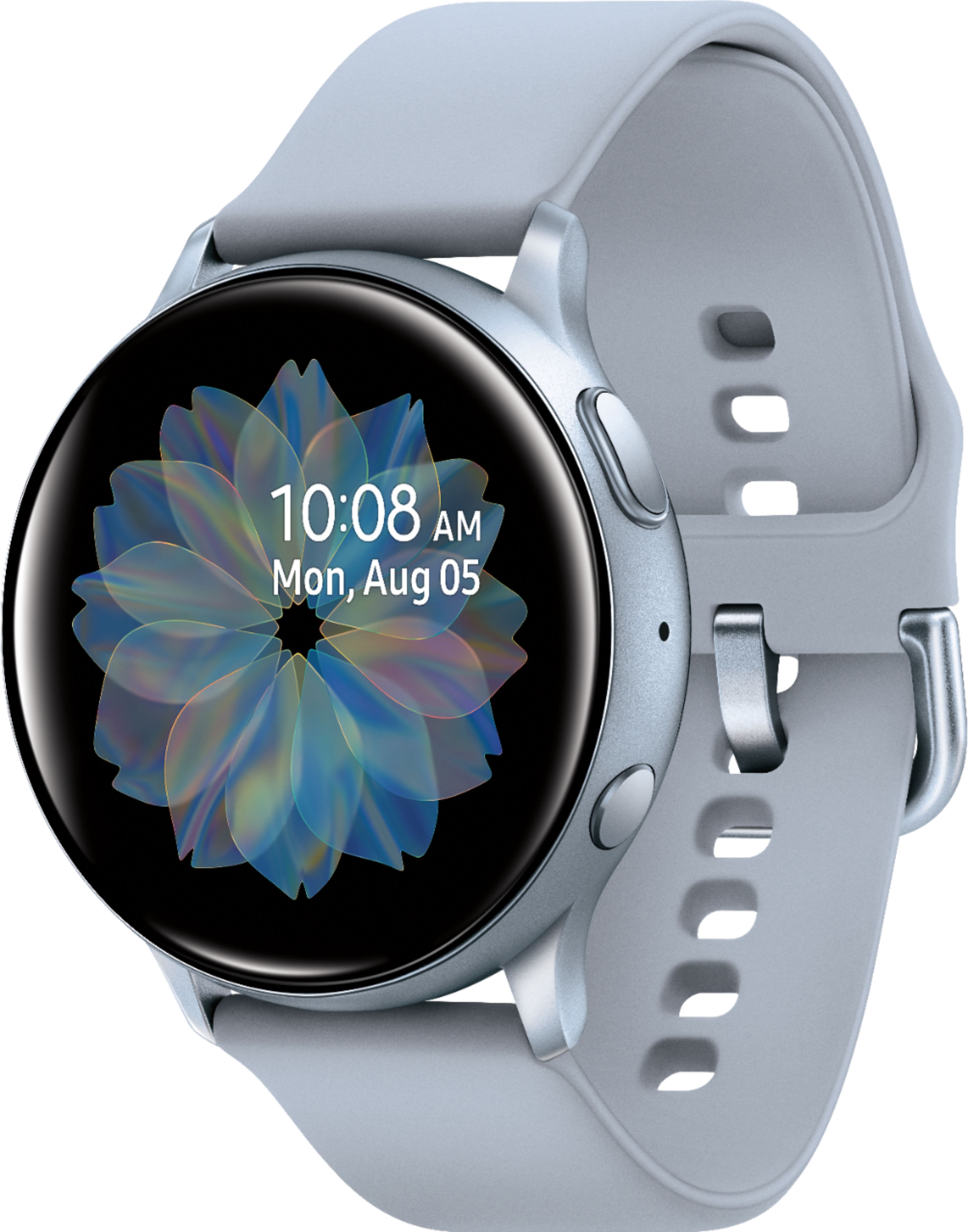
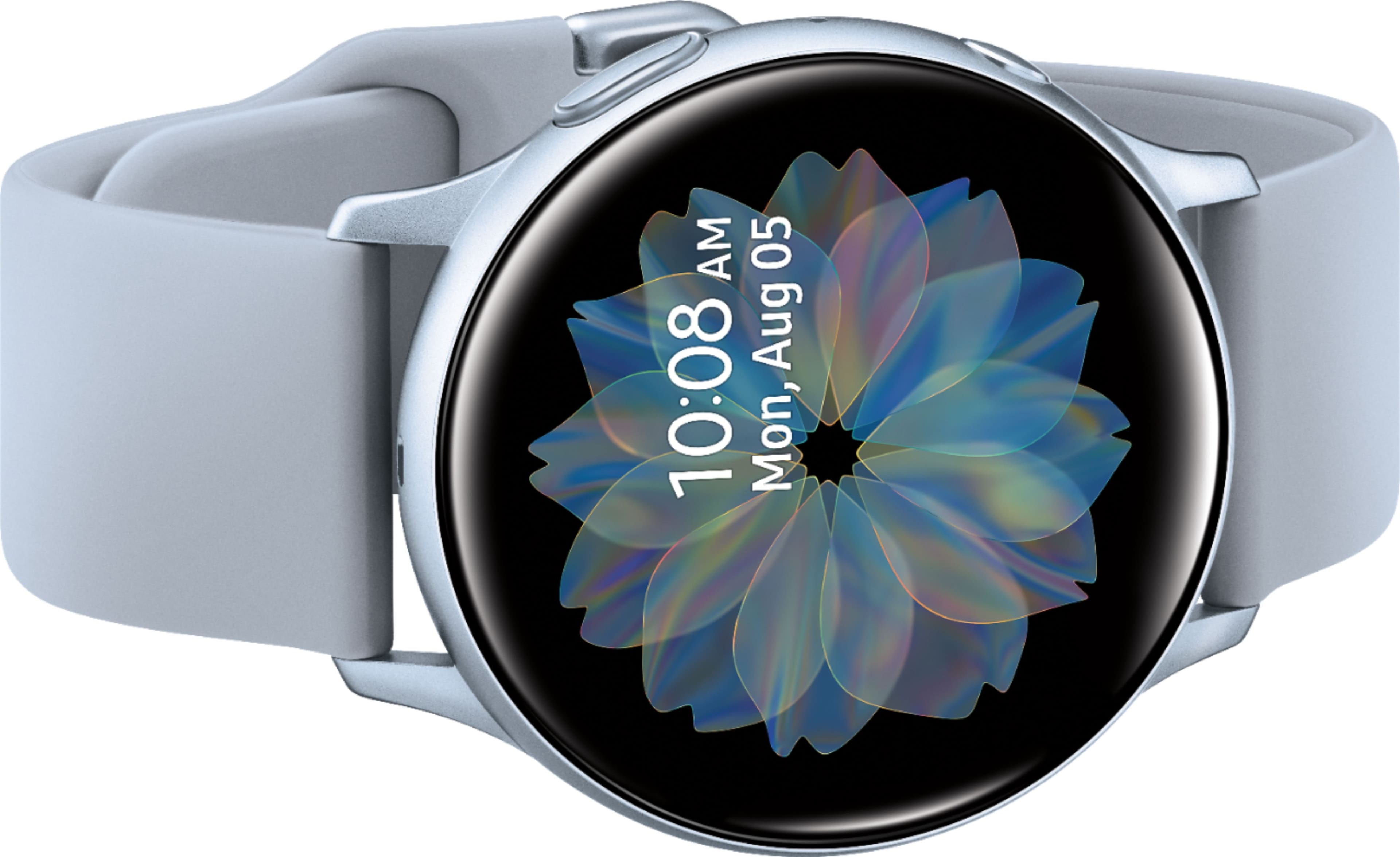
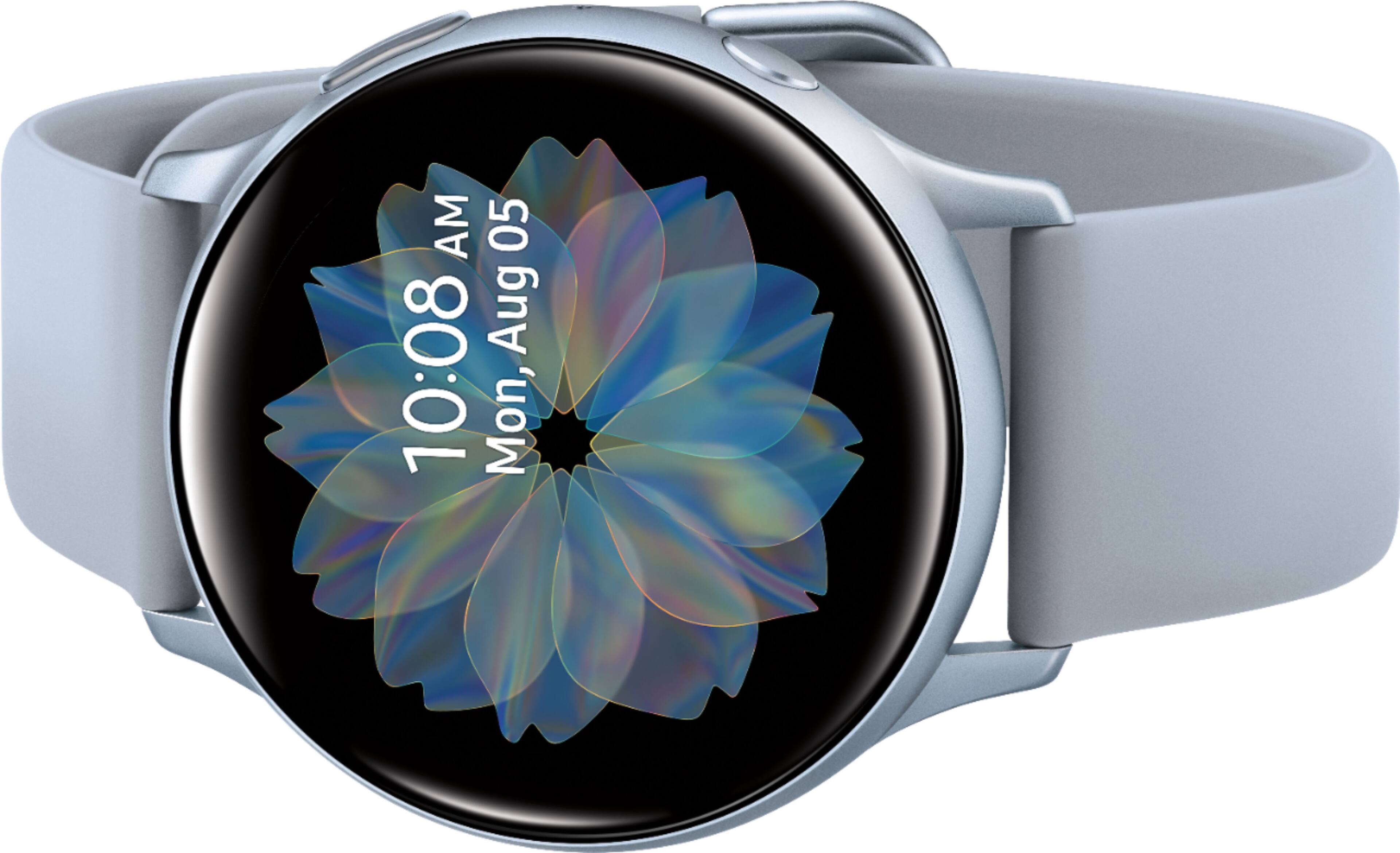
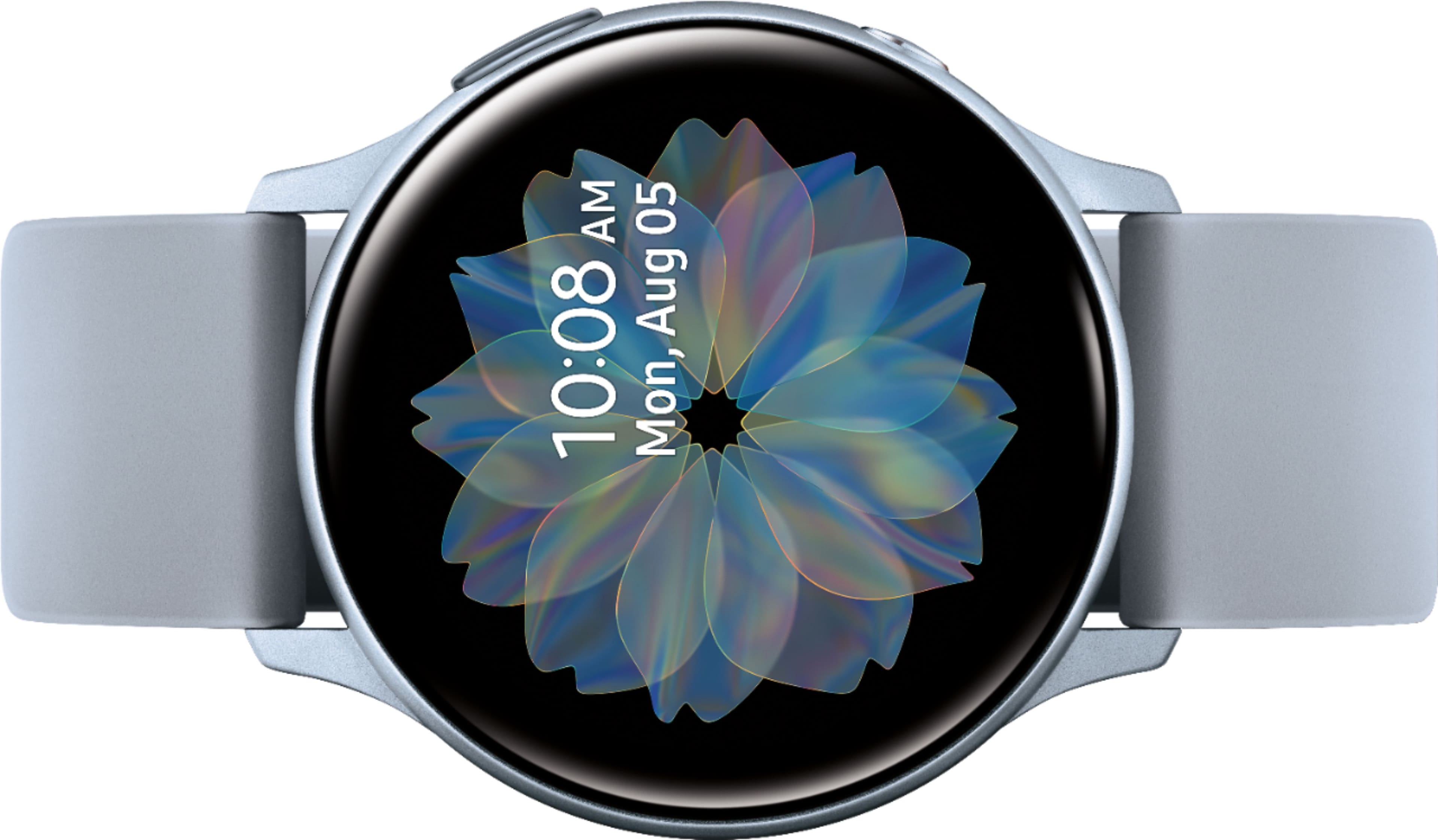
A:AnswerHello PodPa, great question! With this watch you can customize watch faces to suit your style directly from your wrist or with the Galaxy Wearable app. ^Elizabeth
A:AnswerHello Nick, great question! Please follow this link (https://www.samsung.com/us/support/answer/ANS00080305/) to learn more about managing app permissions. ^Elizabeth
A:AnswerHello Poohfairy, great question! This watch automatically tracks your most popular activities and lets you manually track other exercises. ^Elizabeth
A:AnswerHello Jos, thanks for asking! Samsung has Bluetooth and LTE smart watches. The LTE version can receive calls and messages without being connected to a phone. This watch model is the Bluetooth version and only has Bluetooth connectivity. ^Elizabeth
A:AnswerHello Blind1, that's a really great question! Having any kind of impairment won't stop you from enjoying this watch. It has built-in Accessibility features, including Vision and Hearing settings. Once you adjust these settings, you can get the most out of your watch. If the screen is too small, don't worry, the watch can read the text aloud. You can also zoom in and out on the screen. The voice assistant feature provides audio descriptions for each screen on the watch. Tap any item to hear it described. Double tap it to perform the described function. The vibration watch feature gives you the current time. Tap the watch face with two fingers to check the time. Single tap for the hour; double tap for the minute. To learn more about all the accessibility features this watch has to offer, please follow this link (https://www.samsung.com/us/support/answer/ANS00080311/). ^Elizabeth