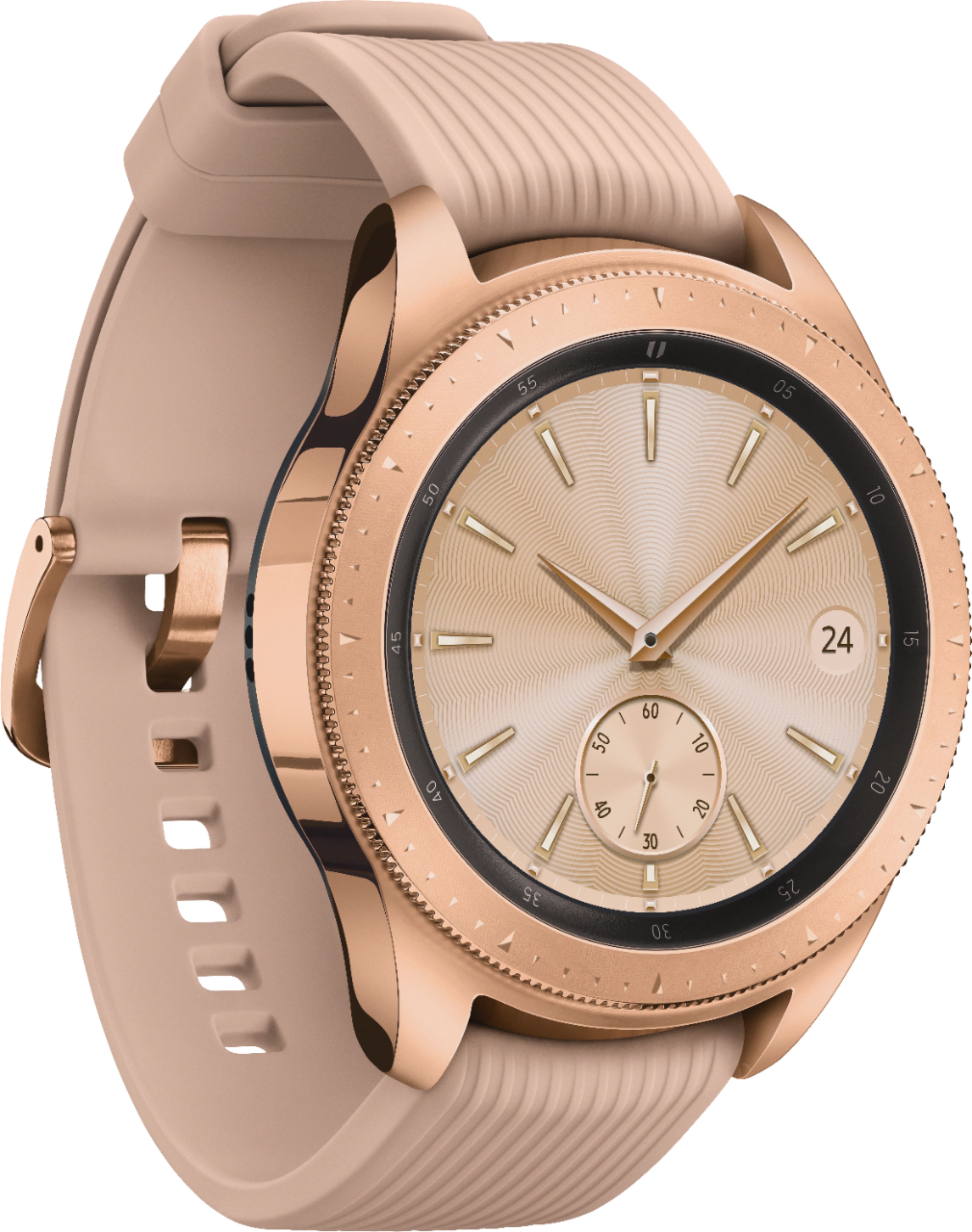
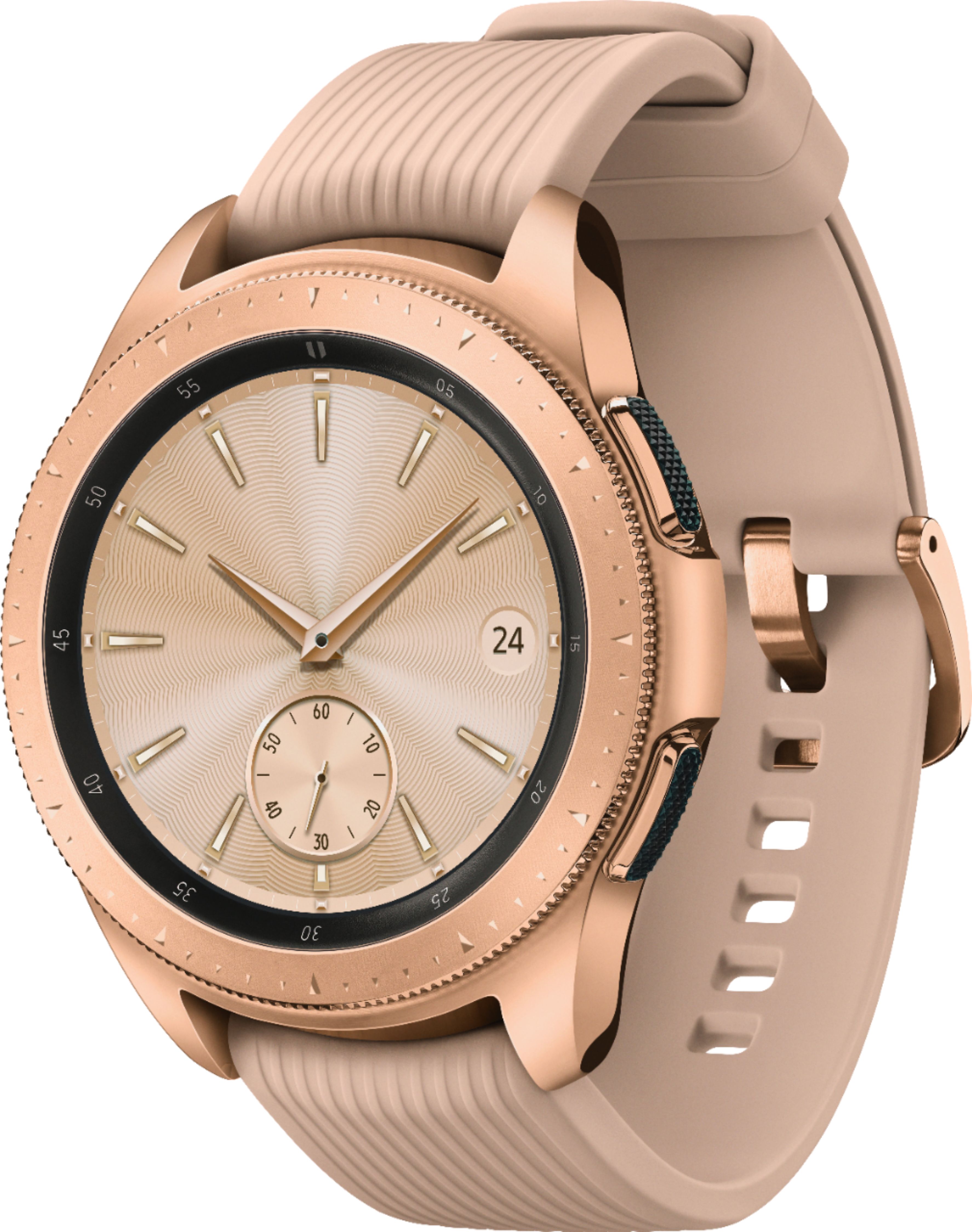
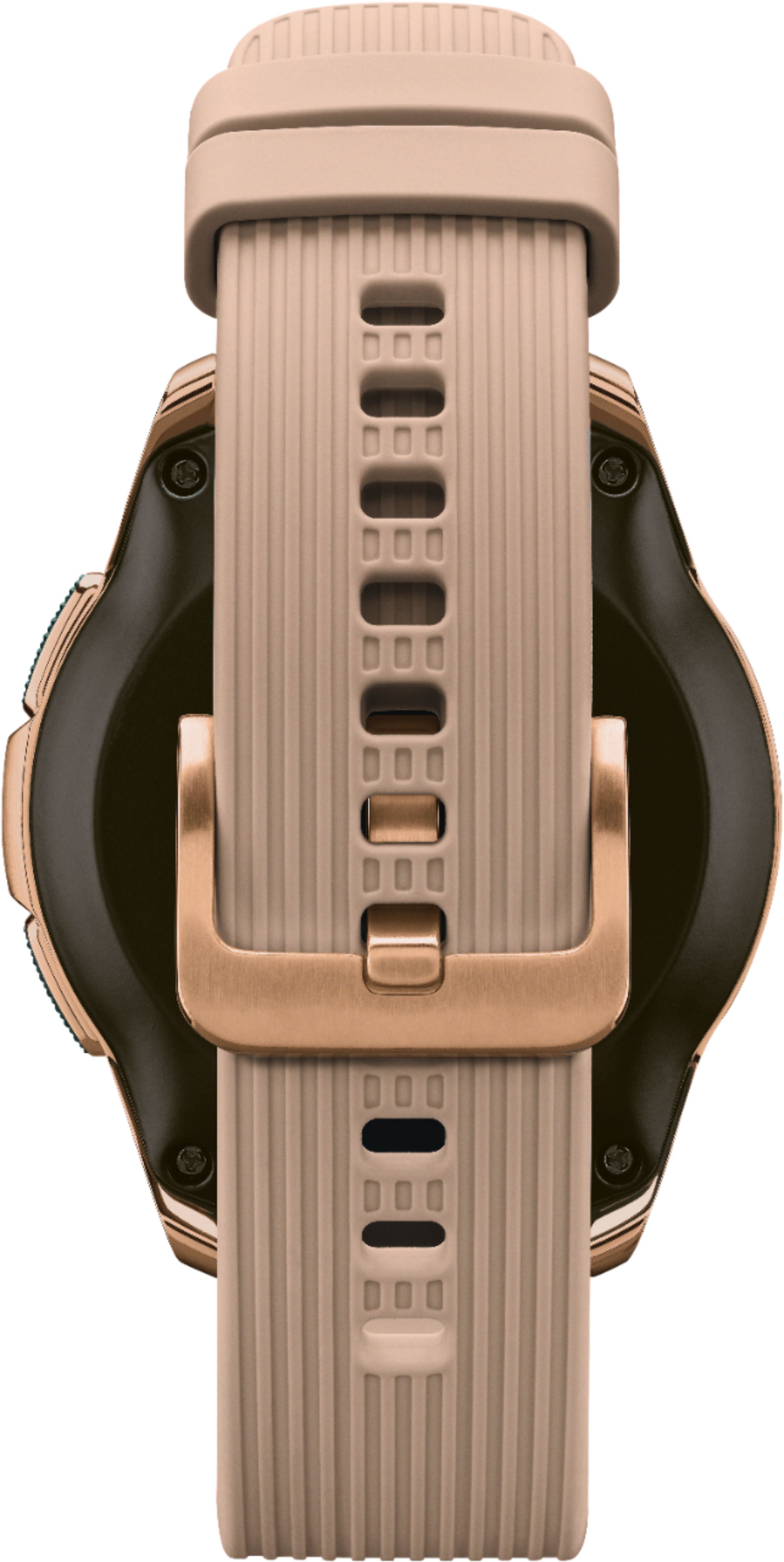
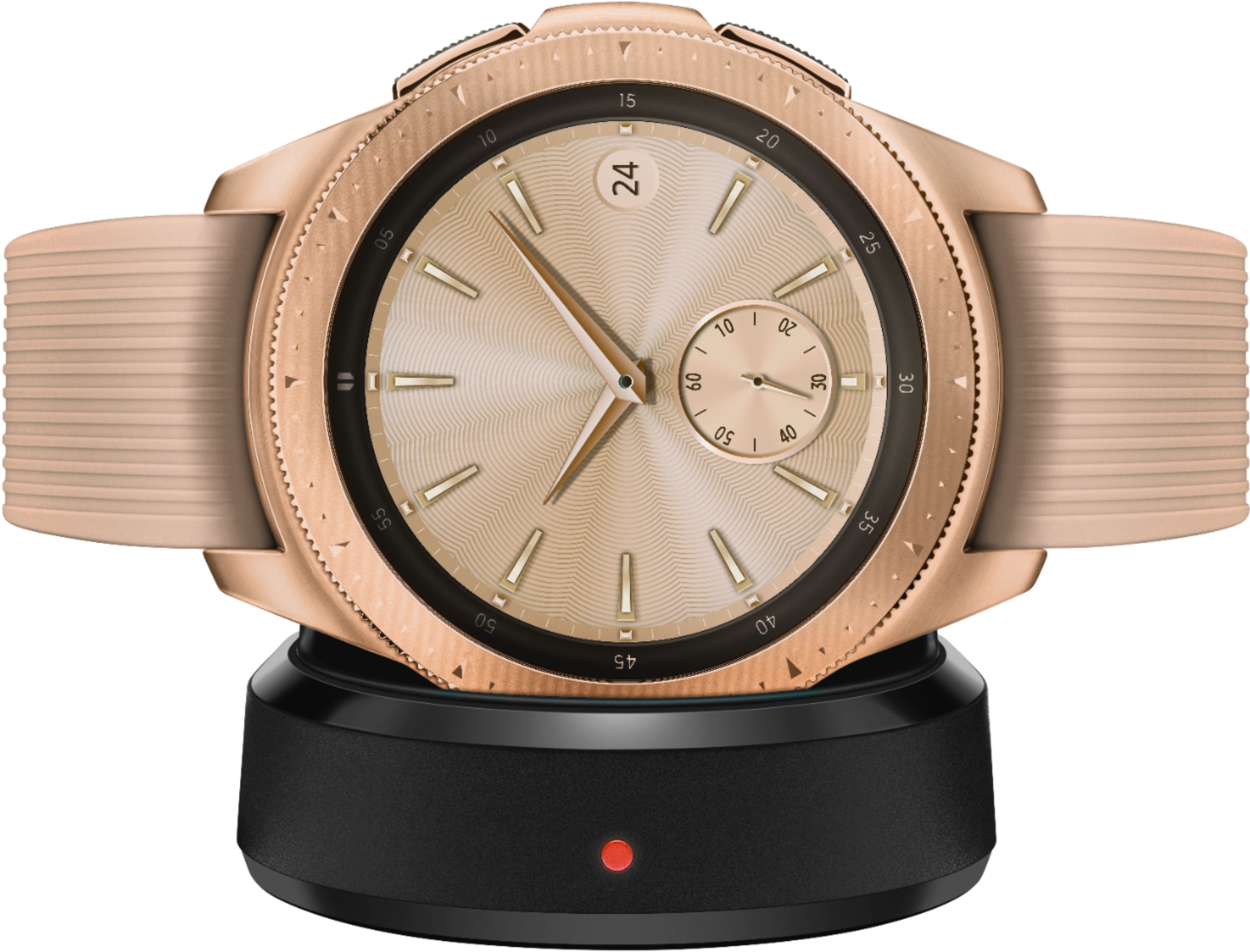
A:AnswerIt depends on what you mean by use: as a smart watch, yes; to make cell calls, no. This is not the LTE version (i.e. it does not directly communicate with cell towers) and will require a smartphone connected via bluetooth to make cell calls. Other functionality (e.g. using the internet), will work assuming you have access to wifi or are tethered to a smartphone. In other words, anything that you do using your cellular provider will not be possible without tethering it to a smartphone, but anything you do via wifi or as a standalone device will be possible.
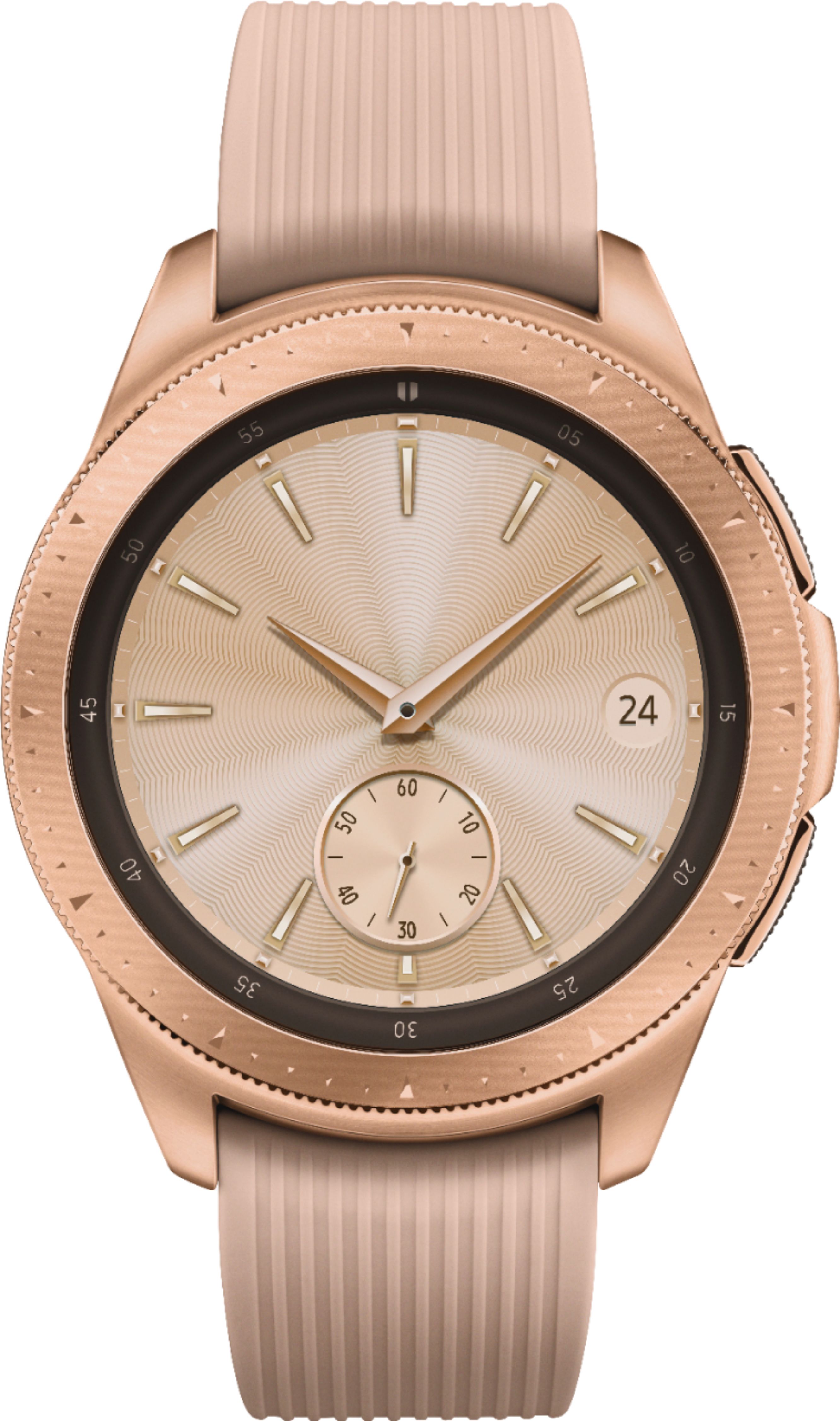
A:AnswerHello Betty, thanks for asking! If you connect your phone to a Galaxy Watch, you will be able to see the apps that support the specific watch model. ^Elizabeth
A:AnswerIn settings you set up what alerts you want. Make sure your text message alerts are on. Also if you show a watch icon at 12 o'clock your watch may have disconnected from your phone- ie left bluetooth range. Sometimes it automatically reconnects if not reconnect it in the samsung gear app on your phone
A:AnswerAs long as you have the watch on your wrist and you set up your watch to monitor your heart rate, yes, it'll keep monitoring your heart rate 24/7... even while you sleep. It'll even tell you how well you slept!
A:AnswerThe Samsung Galaxy Watch, LTE version should have been released (according to Samsung), the first week of September 2018. It will be offered by AT&T, Sprint, Verizon and T-Mobile.