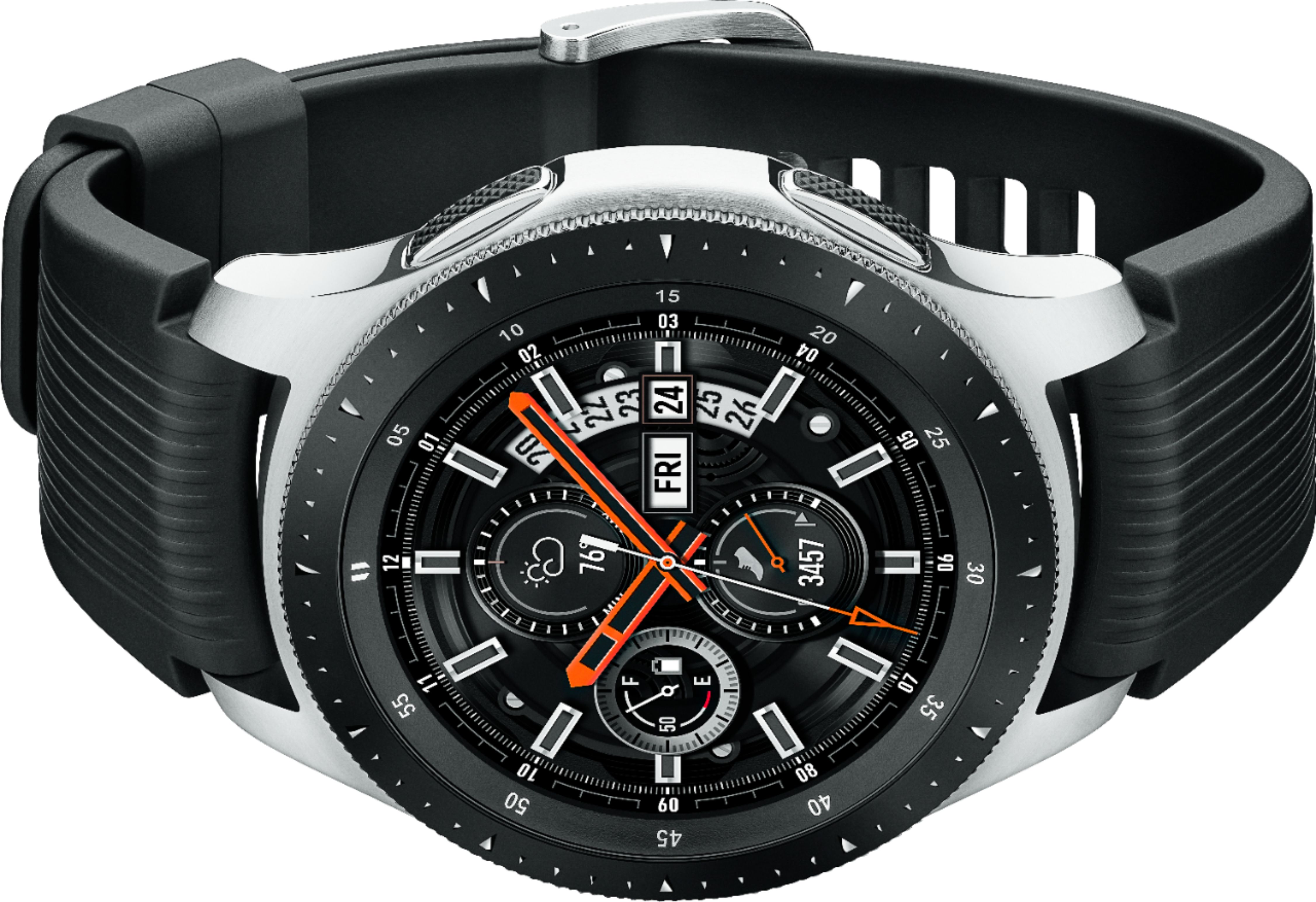
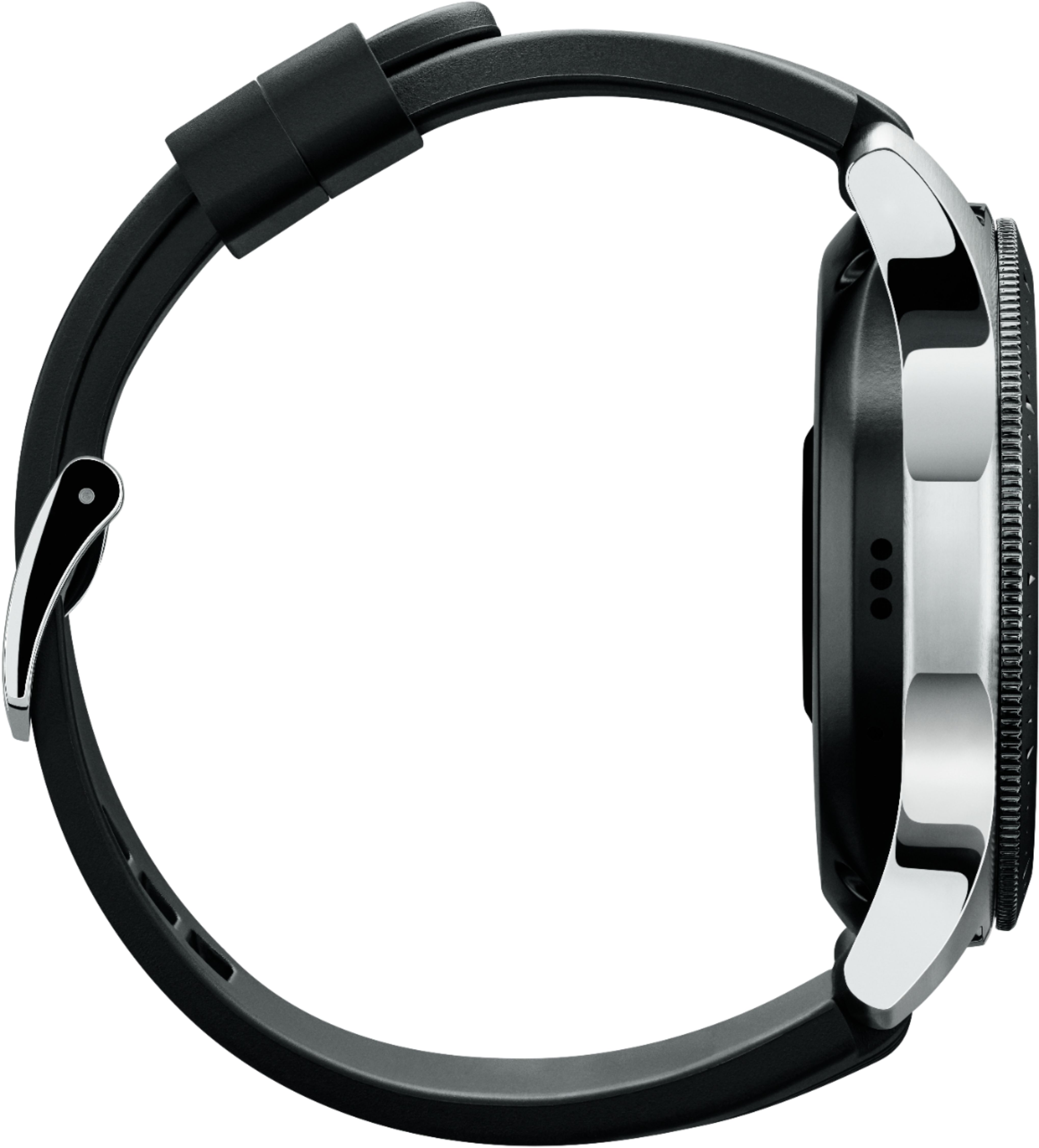
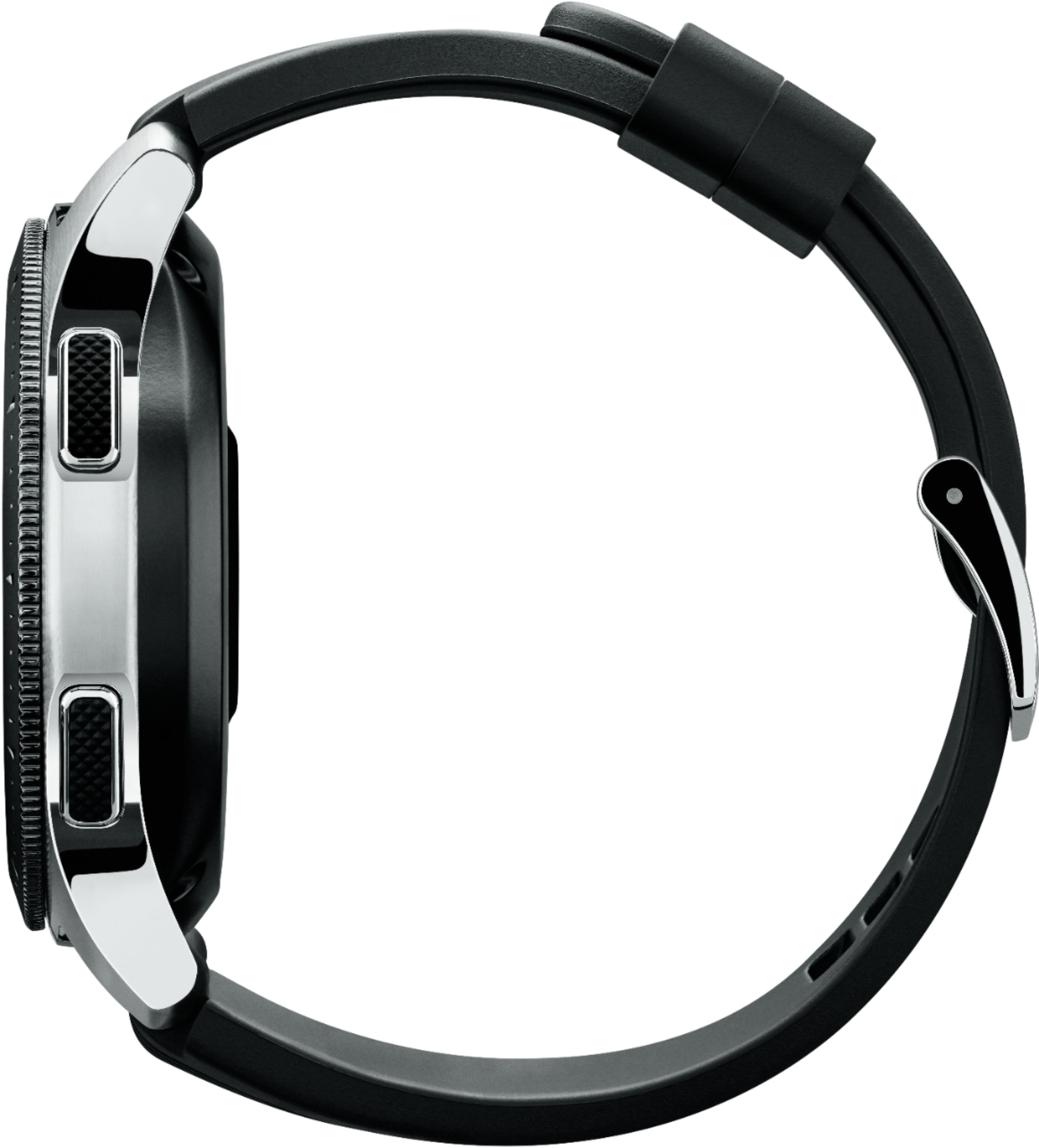
A:AnswerYes you can use it with a Galaxy s9
The difference is that one works with a sim card of your carrier and the other just work with the phone connection
A:AnswerHello Email, that's a really good question! With your watch, you can reply to, delete, or access emails anytime, even when you're away from your phone or computer. You can also edit your email account, so you can have the neatest inbox ever. ^Elizabeth
A:AnswerHello Sonny, thanks for asking! You can set this smart watch or fitness band to automatically measure your heart rate. Please follow this link (https://www.samsung.com/us/support/answer/ANS00083511/) to learn more about monitoring your heart rate with this watch! ^Elizabeth
A:AnswerI don’t have the LTE enabled watch. But while it was working with my iPhone I could answer calls and reject calls from it. Applications I could access were the ones that were on the watch.
A:AnswerHey there, great question! This watch is compatible with Samsung Smartphones, Non-Samsung Android Smartphones(Android OS 5.0 and above RAM 1.5GB and above ), iOS 9.0 and above iPhone 5 and above. ^Elizabeth
A:AnswerA Samsung email account is not required. Is it possible this comment refers to a version of the watch with a SIM card? I have the Samsung Galaxy watch (46mm) and it does not require Samsung email, it doesn't even require creation of an account on samsung.com (this can be skipped.) This watch has no direct communication capability, it all goes through your cell phone via bluetooth and optionally WiFi. It receives notifications from the cell phone and if a response is sent, it relays it back to the cell phone for sending. Emails and texts are handled identically, your response is relayed back to the cell phone for sending and it can be any email server.
A:AnswerHello Splashman35, thanks for asking! Supported features may vary by carrier and compatible device. For a list of compatible smartphones and features, please visit https://www.samsung.com/galaxywatch/device-compatibility. For best results, connect with compatible Samsung Galaxy smartphones. ^Elizabeth
A:AnswerHello Watch, great question! All you need to do is transfer music to your smart watch and then play it right from your wrist. You can also stream music from Spotify. Free yourself from your phone bouncing around in your pocket, and start enjoying your music on your smart watch. ^Elizabeth