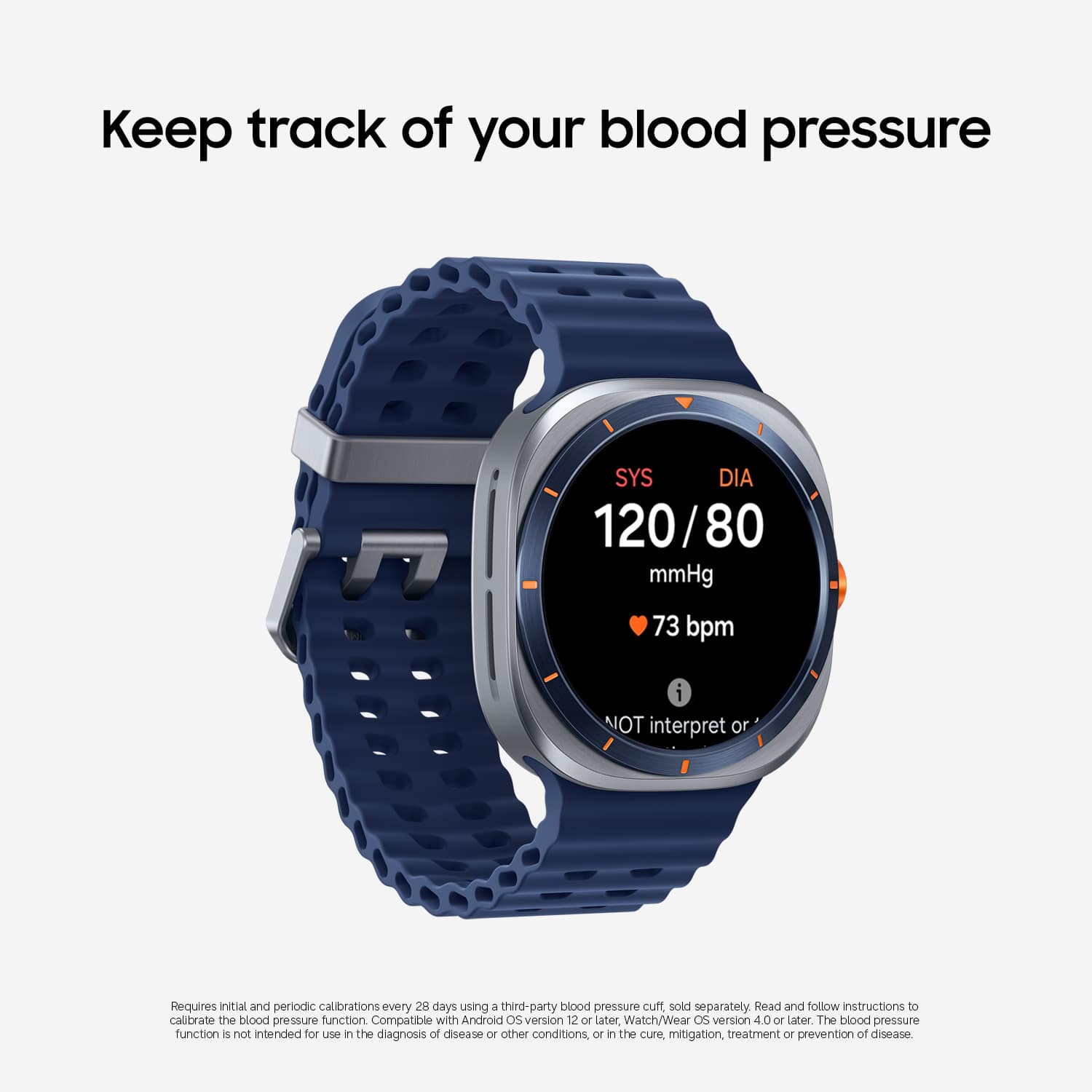
A:AnswerI didn't think this watch can perform this function, there's no metric on Samsung health on the watch. I use the Withings monitor to get this data into Samsung health.
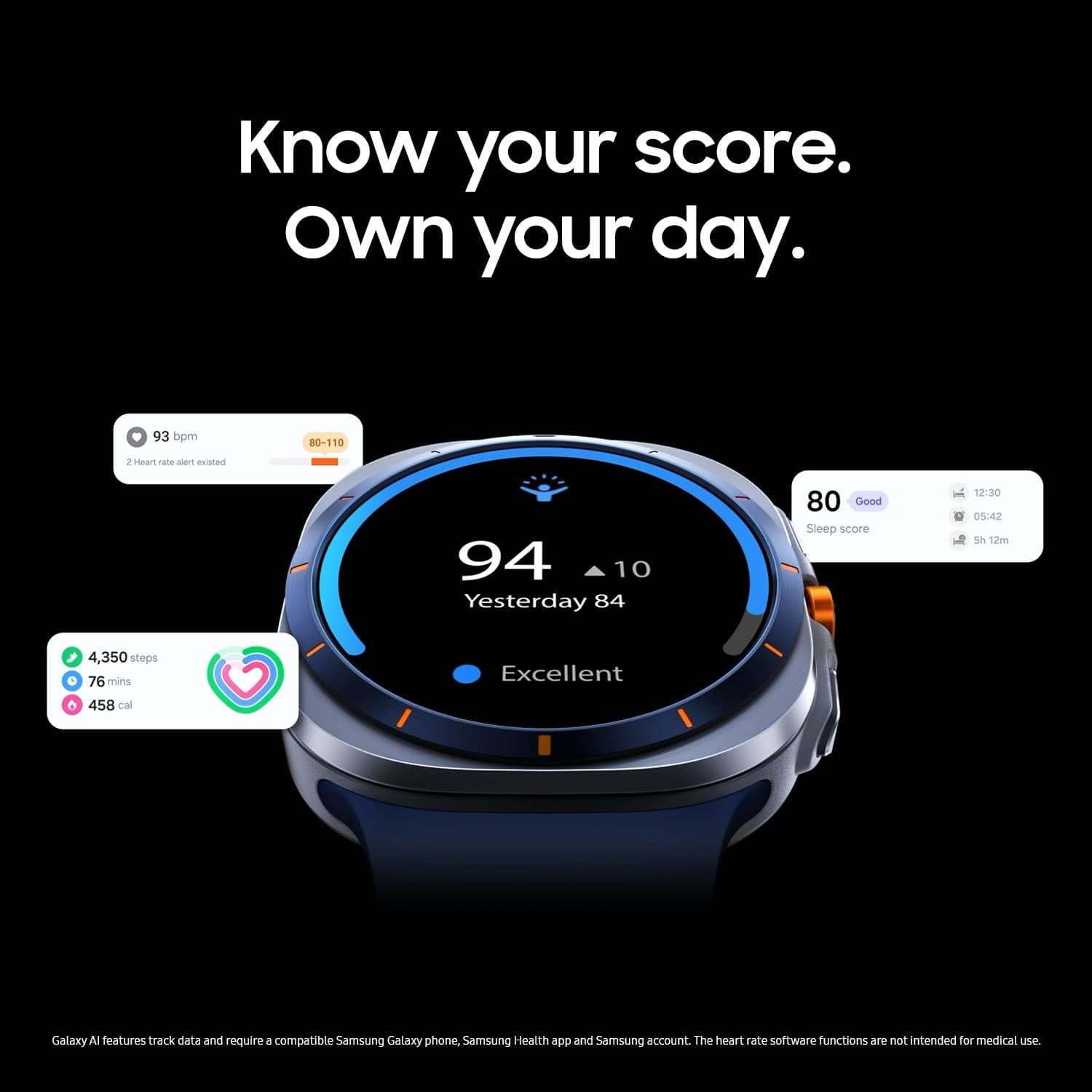
A:AnswerGreetings Athena, thank you for taking the time to ask us your question about the Samsung Galaxy Watch Ultra. Yes, the Galaxy Watch Ultra indeed features Blood Oxygen monitoring and an ECG function, which can be enabled and used via the Samsung Health Monitor app. This device also includes a "Hard Fall Detection" feature that can send an SOS message to your emergency contacts if it detects a hard fall, though you must ensure the feature is enabled on your watch and that the watch has a network connection to function. Please feel free to reach out to Support if you have additional questions or if you would like any further assistance. Thanks for being a devoted Samsung customer. - Debra
A:AnswerTo be safe than soory I would cancel a month before the experission date. If there is a credit card on file then it will be charged before the time is up or they will wait until that date to chzrge the card that is on file.
A:AnswerHowdy Csp, thank you for taking the opportunity to ask us your question about the Samsung Galaxy Watch Ultra. The promotion you're inquiring about the Free 2 years data and texting included, is through Google Fi on applicable devices. *Google Fi phone plan not required. No changes to your current phone number or plan required. 4G data speed is included with the offer up to 500 MB per month, after which usage, data will slow to 256 kbps. Data will be capped at 1 GB per month. Voice calling over LTE is not supported. Please update your new watch in the Galaxy Wearable app when update is available. Then once your device has been updated, please open the Galaxy Wearable app, navigate to your watch settings, then to mobile plans, and finally Setup mobile plans. You're good to go after that! Feel free to contact Support if you think of any other questions for us. Thank you for being a faithful Samsung customer. - Debra
A:AnswerYes. To use the watch as a stand alone phone, you add it to your current account just like adding on another phone. The watch works w/o this line using bluetooth when in range to do so.
A:AnswerNo it should automatically connect when setting up BUT Unfortunately on this launch and according to Google its not available yet! Which is kinda upsetting that they advertised it and the reason why I traded in my watch and got this one.
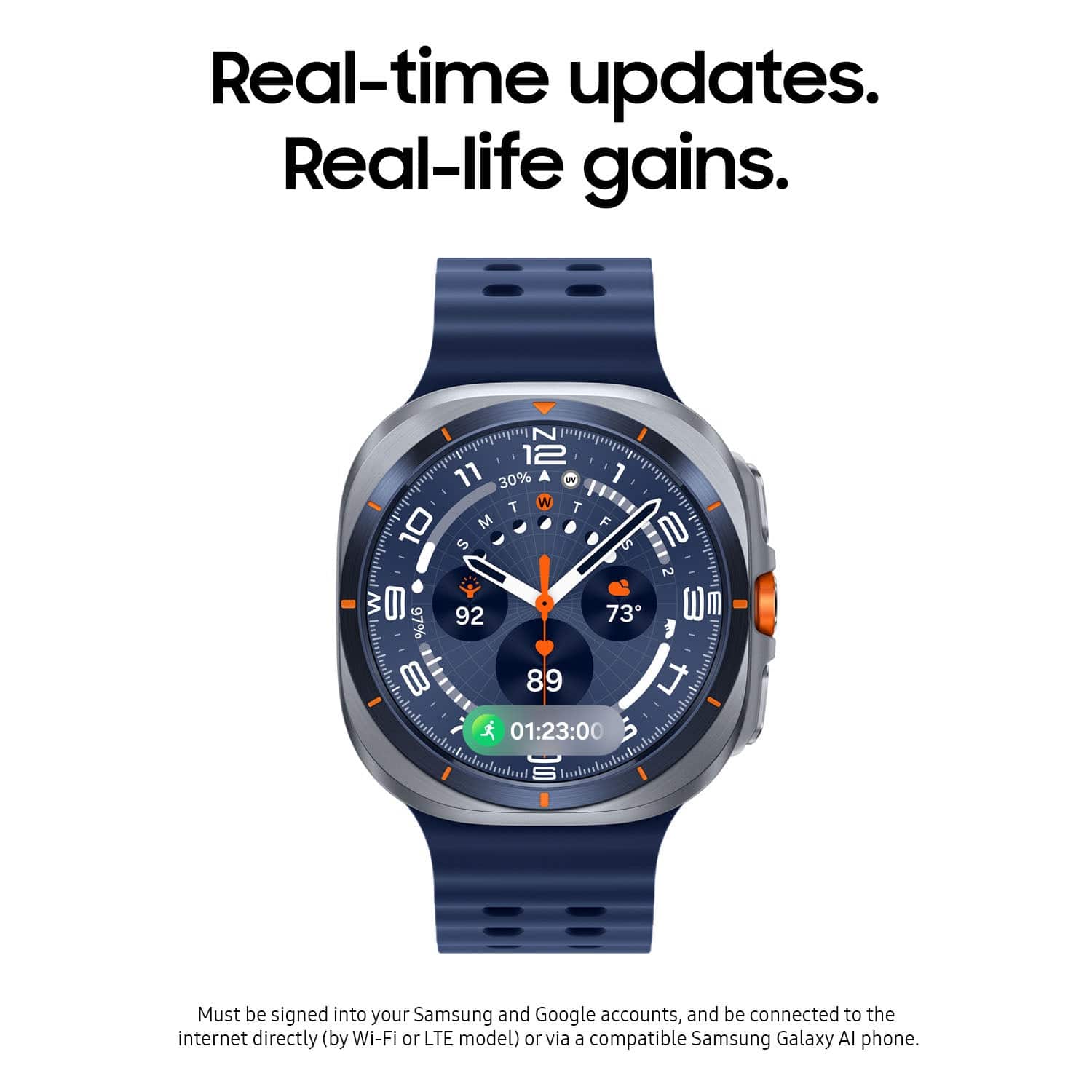
A:AnswerIn the wear app you have to download if your Fillmore with wirh like useing other samsung products ie ear buds or other smart watches they give you an option to switch your watch face they have some really nice ones for free but you can go to thd google play store and down load some more that might cost a few $ though all depends on your preference
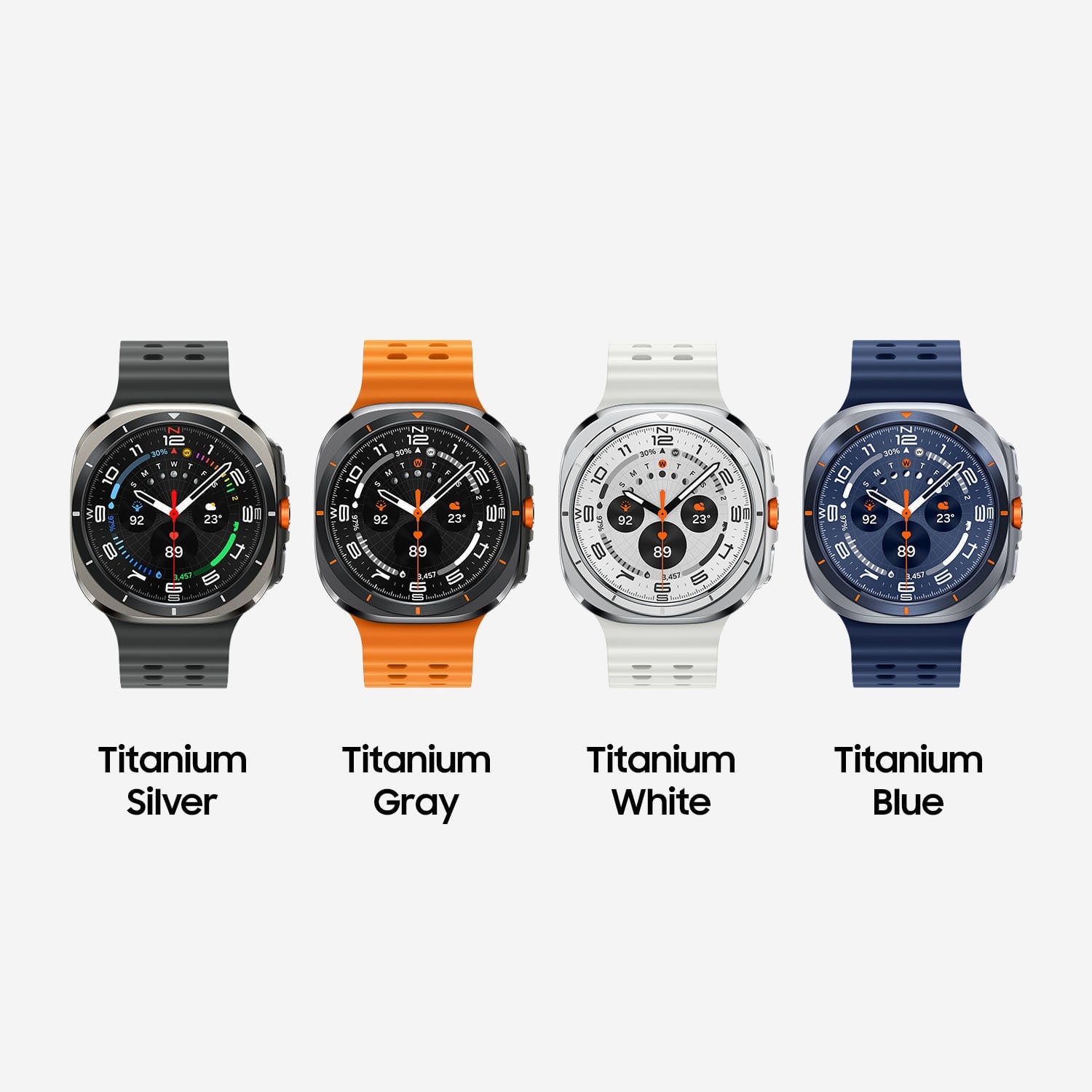
A:AnswerIt was gift, and the color combination was not to my liking so i exchanged it with the titanium silver color and been using it for the past 6-7 months
A:AnswerOne you pair the watch with your phone it will automatically pop up. If not you can watch settings on your phone go to mobile plans and click the three dots in the top right corner and click. Add mobile plan.
A:AnswerHi there Sue, thanks for taking the time to ask us your question about the Samsung Galaxy Watch Ultra. Yes, the Galaxy Watch Ultra can track elevation using its built-in Alti-Barometer app which utilizes a pressure sensor to measure altitude and atmospheric pressure. If you would like more information, feel free to check out, "The Alti-Barometer app on your Samsung smart watch." Reach back out if you think of any other questions for us. Thank you for being a loyal Samsung customer. - Debra