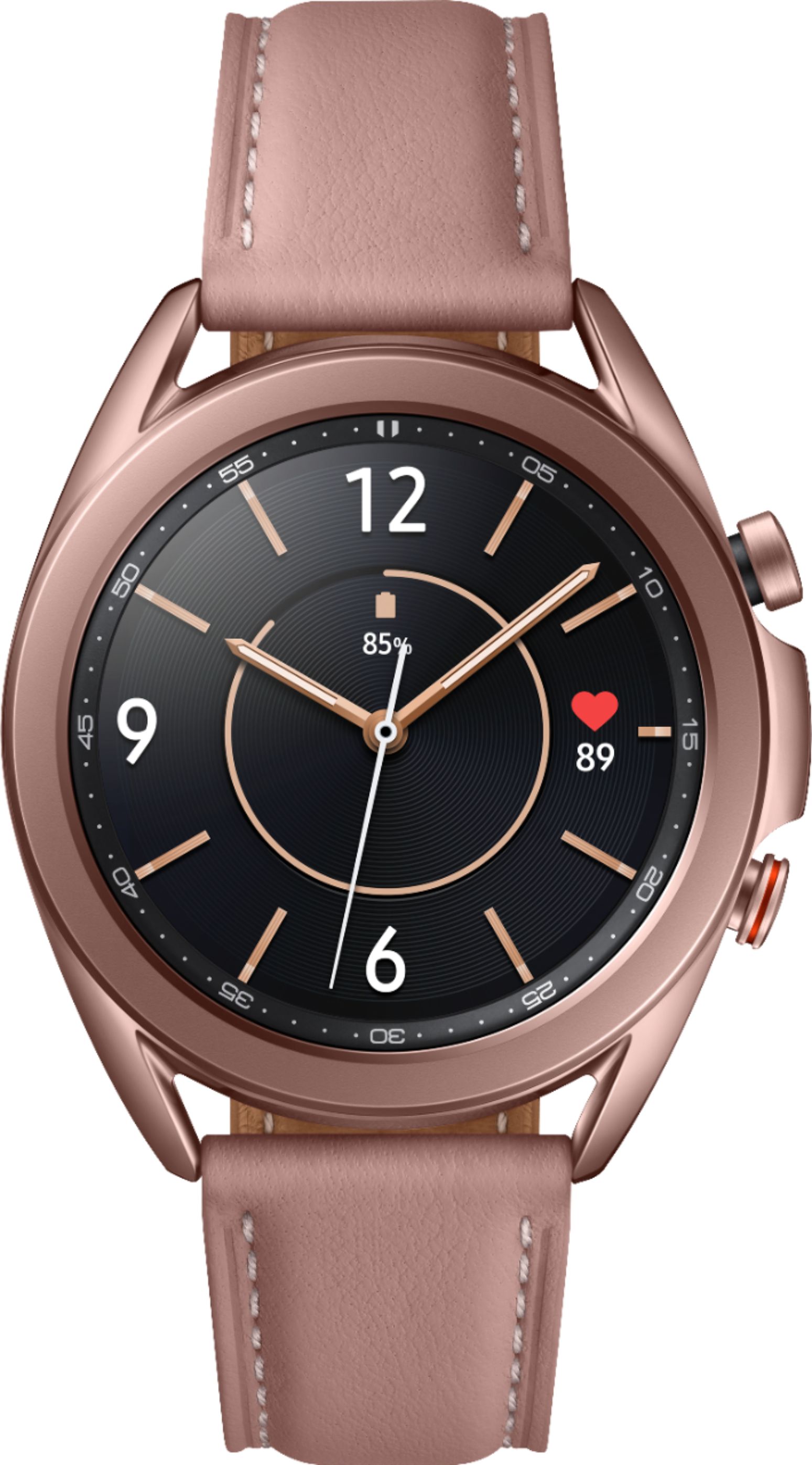
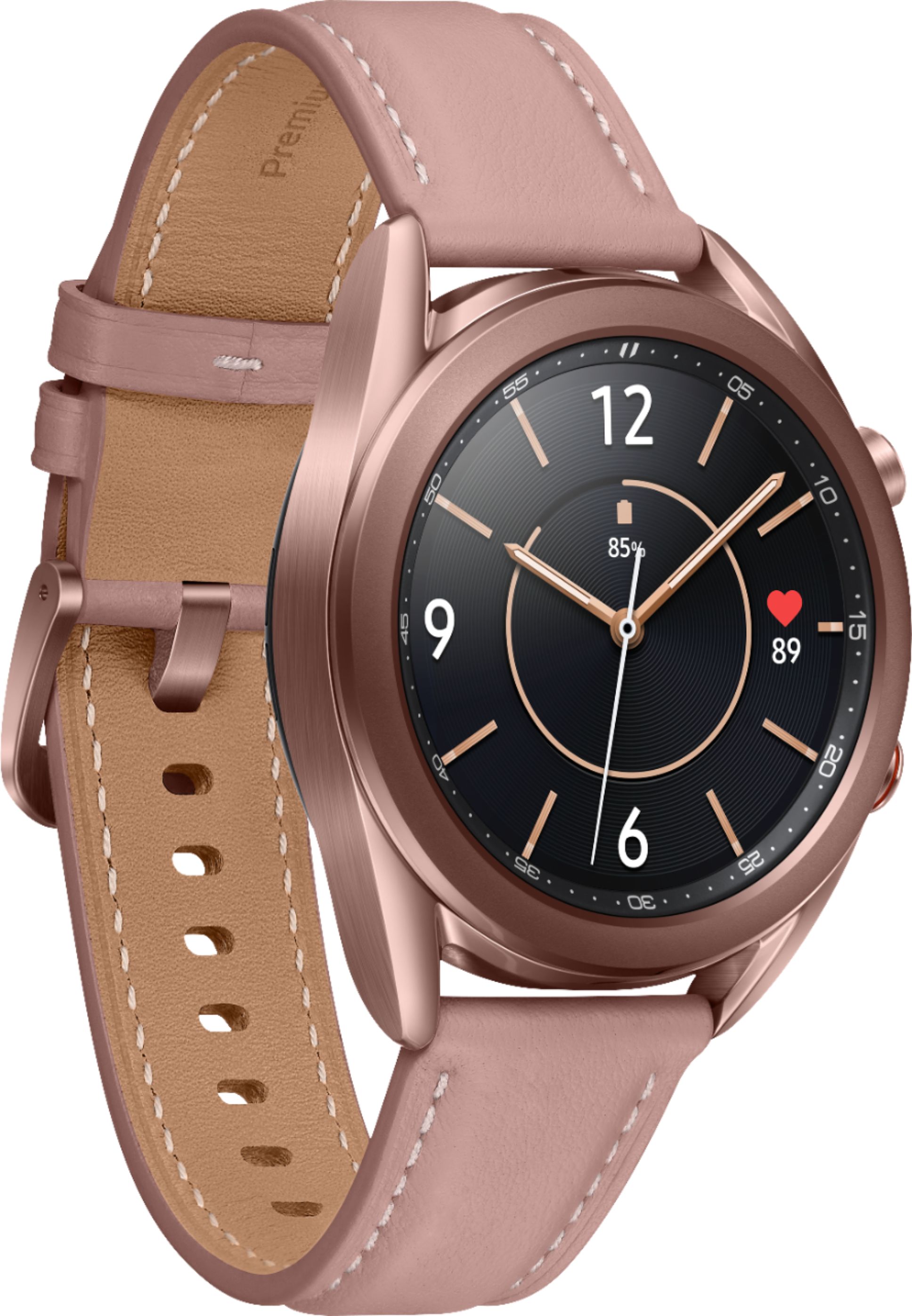
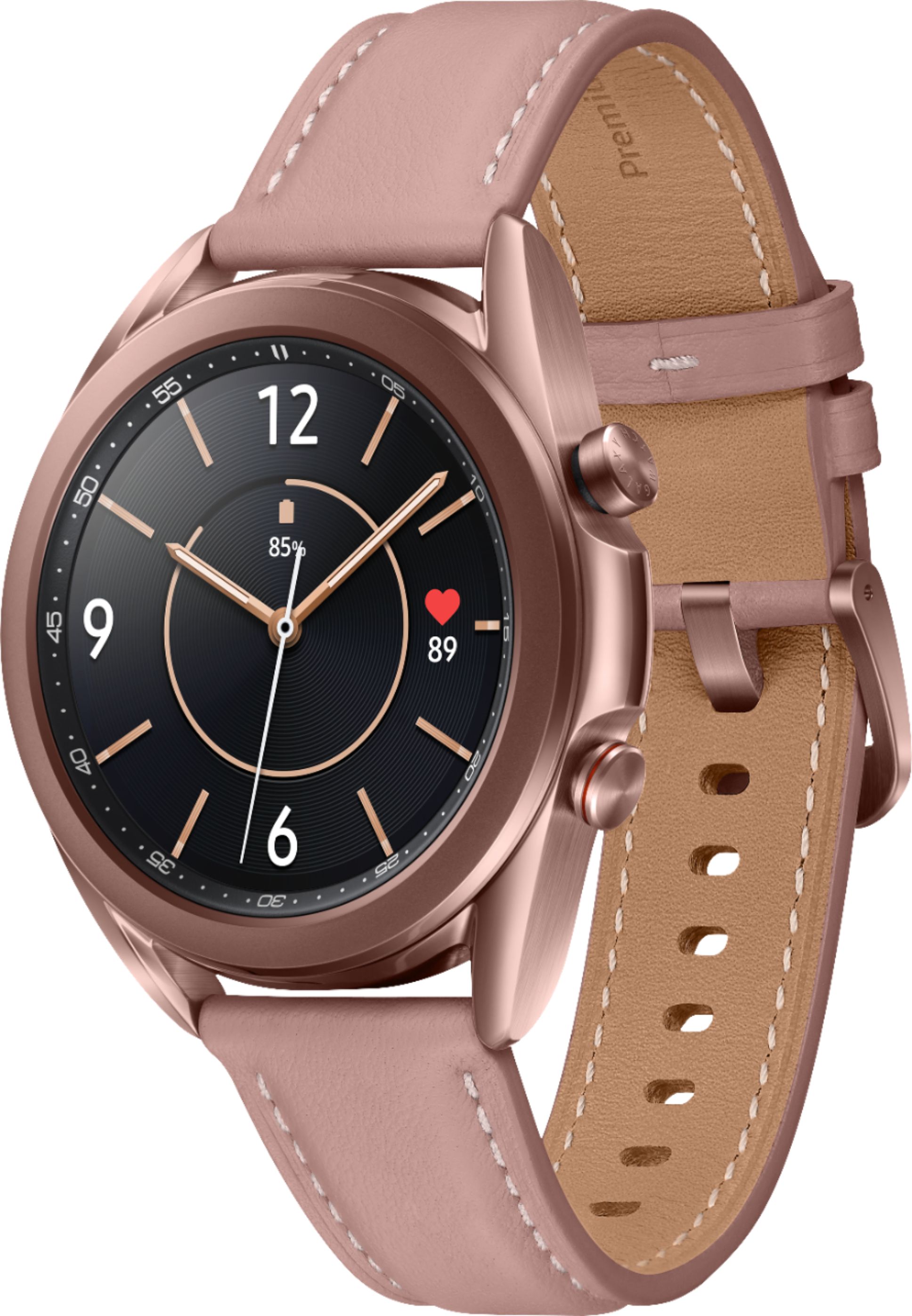
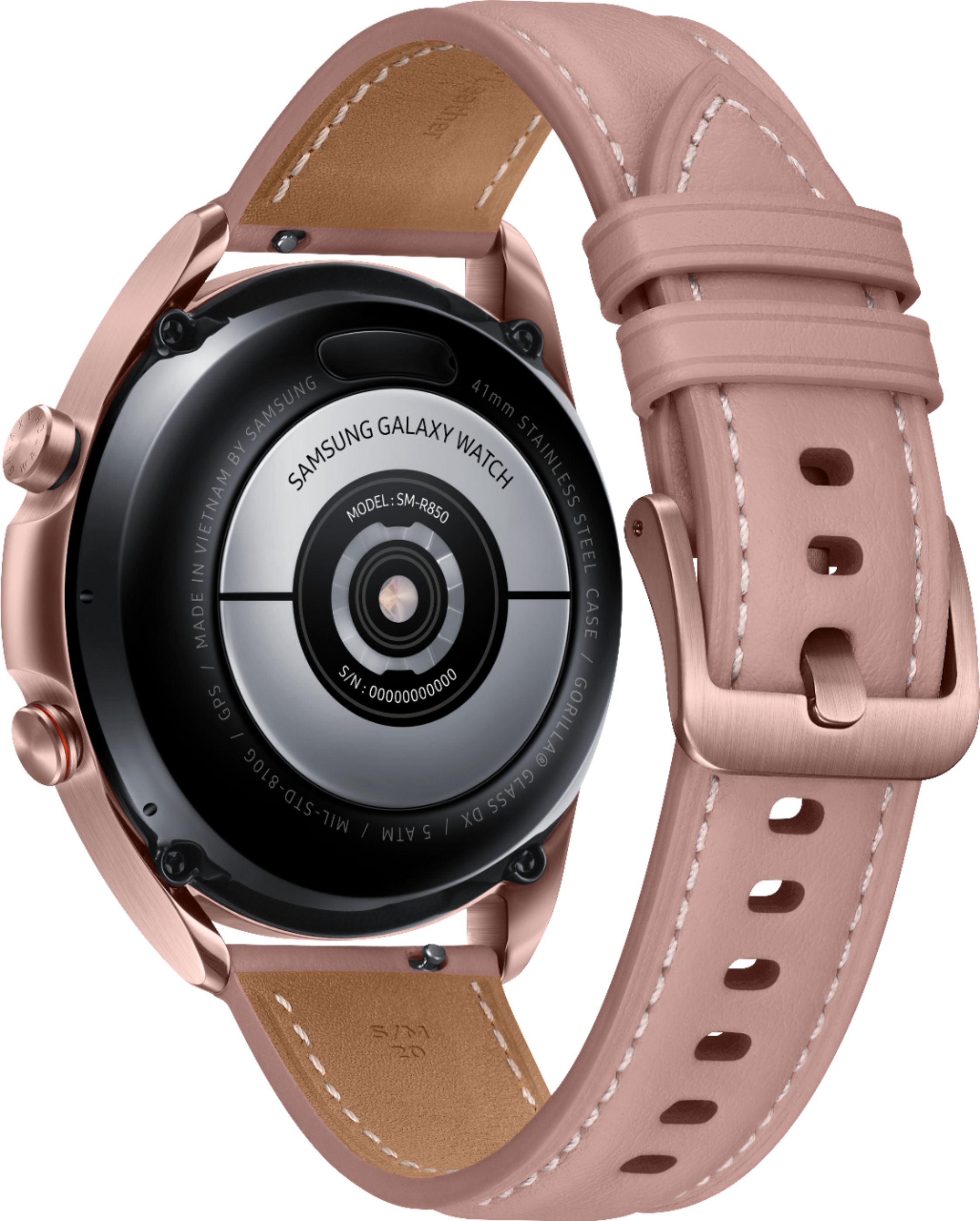
A:AnswerHi, Stephen. The LTE version of the Galaxy Watch3 is able to used without your phone with connected services. Thank you for asking this question. ^Kayla
A:AnswerHello. We would love to look into this further. Please reach out to us on Facebook at (http://m.me/samsungsupport) or Twitter at (https://twitter.com/messages/compose?recipient_id=18768513). We look forward to speaking with you. ^Kayla
A:AnswerSome of the apps let yow know how they check on your vitals and health topics, it may nkt be accurate on a 100% but they do check some of your vitals
A:AnswerHello, Diya. This is the LTE version of the Galaxy Watch3. You are able to connect it to your device without carrier services if it is running on Android 5.0 or higher, RAM 1.5GB and above, or iPhone5 and above on iOS 9.0 and above. We would suggest contacting the carrier to ensure their services can be added if you wish to do so. Thank you for asking this question. ^Kayla
A:AnswerYes, there is an SOS option. You must go into the SOS settings and opt to turn it on. There are two different options or you can select both. One is to detect "hard falls" and the other is an alert to family members for instances such as being lost or abducted, etc... if you want this watch to detect hard falls, I would purchase the silicone replacement watch bands from Amazon in order for your watch to fit as snugly as possible for detections. Hope this helps!
A:AnswerHello, Ra. Although this Galaxy Watch3 is unlocked, we would suggest contacting the carrier to ensure their services can be added. Thank you for asking this question. ^Kayla
A:AnswerIDK for compression sleeves, but it cannot read heart rate through my tattoo. I would say no it cannot read your health through the sleeve. It asks for direct contact with skin. I turn my watch, avoiding the tattoo. With the sleeve you may have to stretch it over the watch. Maybe it is the type of tattoo ink used, but that does not help you. I would suggest trying it out at the store, before purchase.
If you buy the LTE version, you can authorize a device line (wearable) at about $10 a month, then you will not have to worry about your phone being near during workout to place/receive calls/text or stream music (I have not verified streaming music, I do not know if you can connect Bluetooth headphones to the watch, I think so). I think you still need the phone and watch near each other and paired on Bluetooth to upload/download info between on the Samsung Galaxy Wearable app and Samsung Health app to get long term health stats. Samsung products seem to be in tune with each other and may grant certain uses before other makes (EKG use to only be available to Samsung phones).
A:AnswerIt does have Bluetooth capability. The added LTE gives you the ability to use it as a stand alone smart device when your phone isn’t in the vicinity.
A:AnswerIf you're buying the Bluetooth version of this watch, you do not need a separate line. It will connect to your phone via Bluetooth. However, once you're around 30 feet or more away from your phone, your watch automatically disconnects from the phone and can no longer receive notifications from said phone. If you purchase the data plan watch, you will need a separate line and it can function like a phone. If you forget your phone at home, the watch will still receive any calls/texts/etc no matter where you are.
As far as mobile service, you should call your mobile provider to get the most accurate answer.
A:AnswerHey, Eriii. The GPS models is the Bluetooth version of the Galaxy Watch. You would have to keep your phone with you to use all of the features the watch has to offer. The models listed as unlocked is the LTE version that can receive calls and messages without being connected to a phone. However, you'll first need to activate service for your watch through the same carrier as your mobile phone. Thank you for taking the time to ask this question. ^Kayla