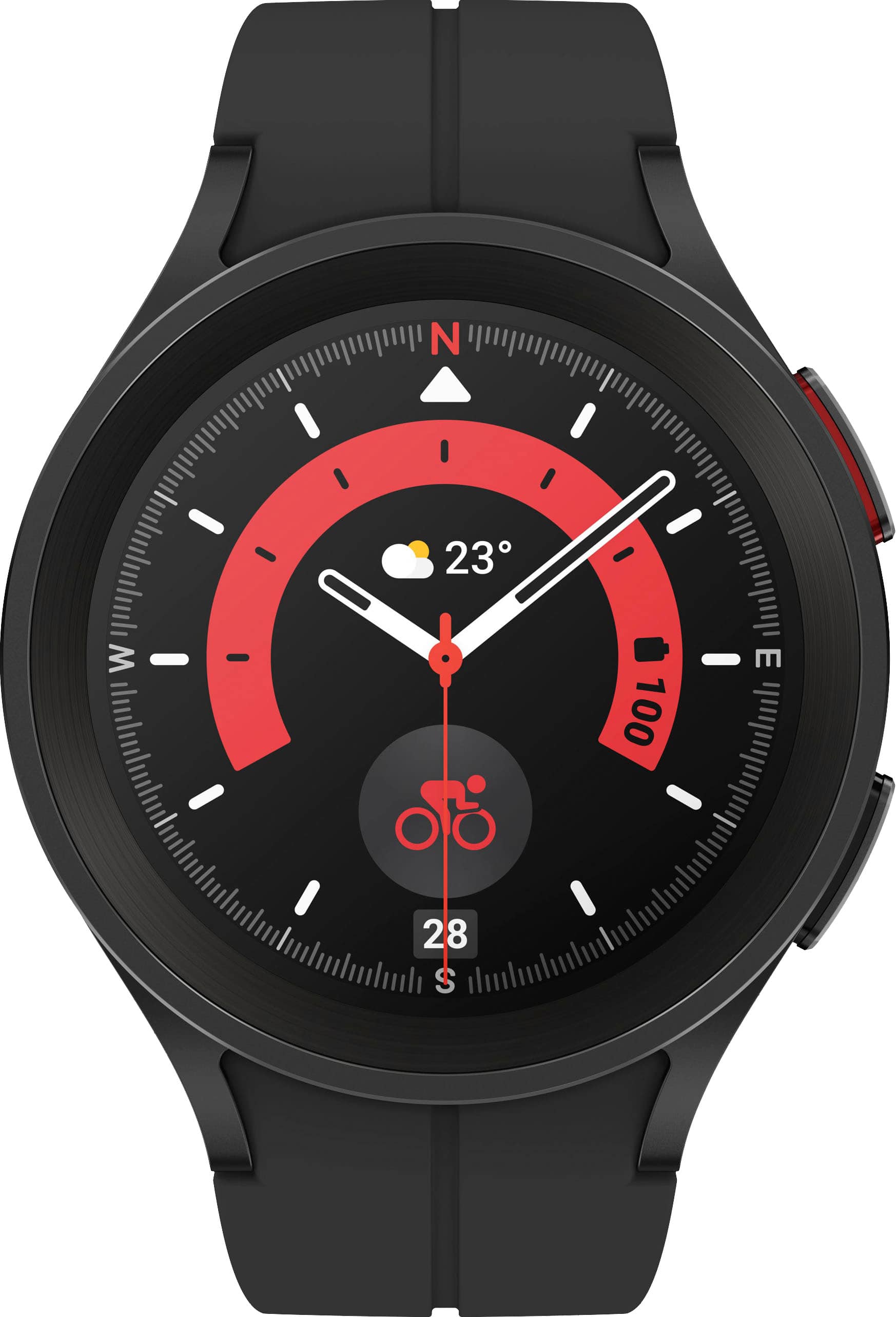
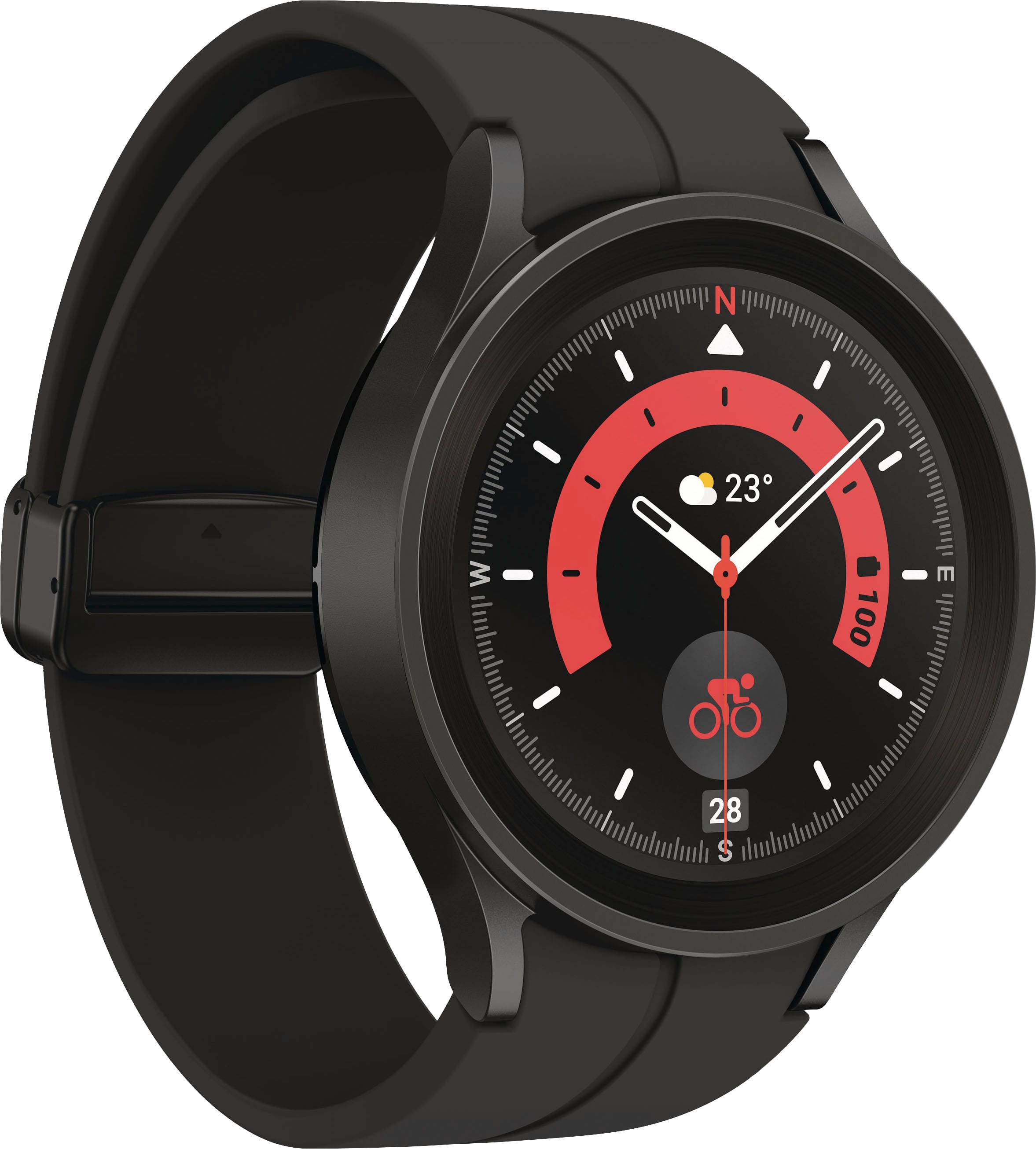
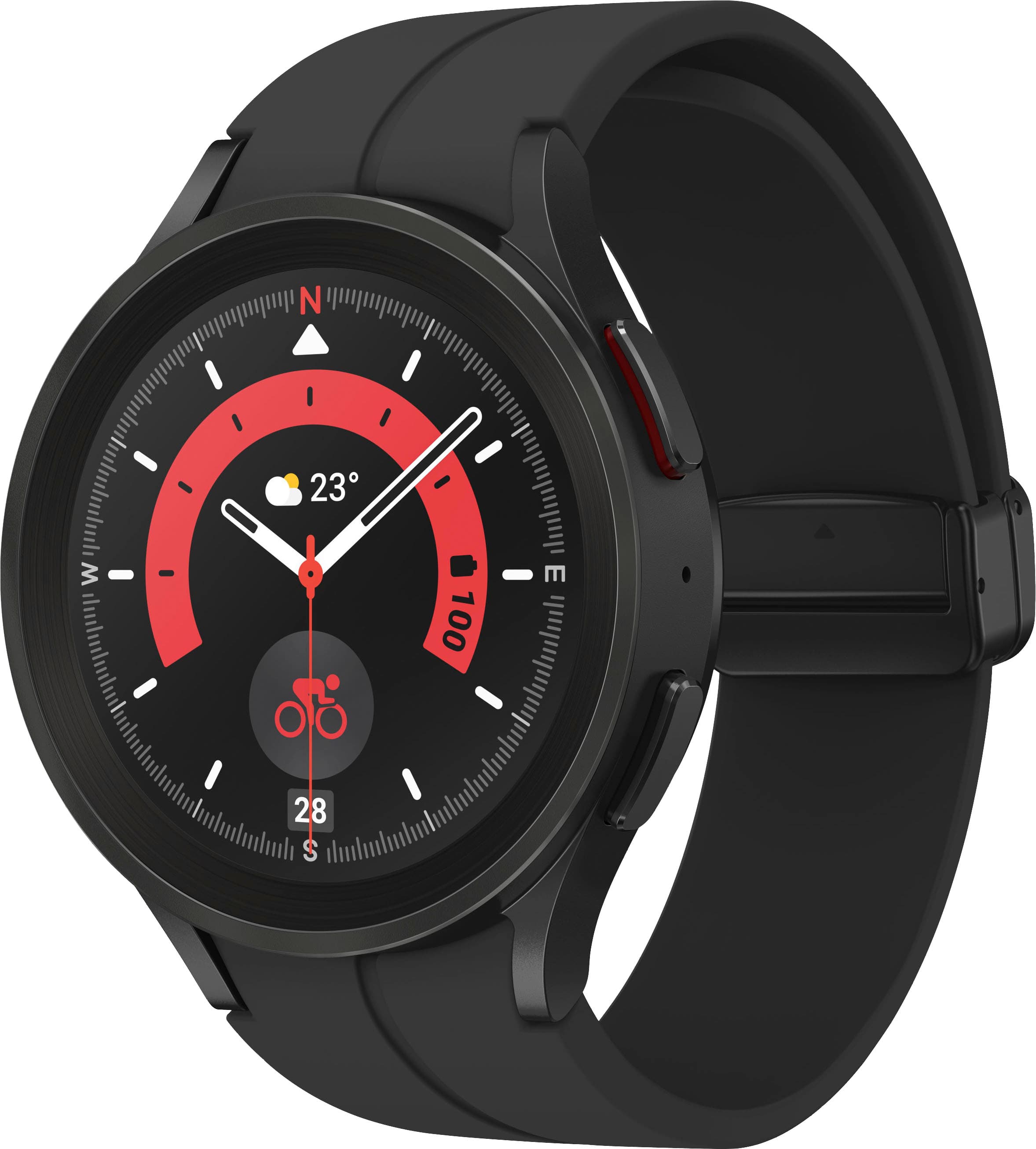
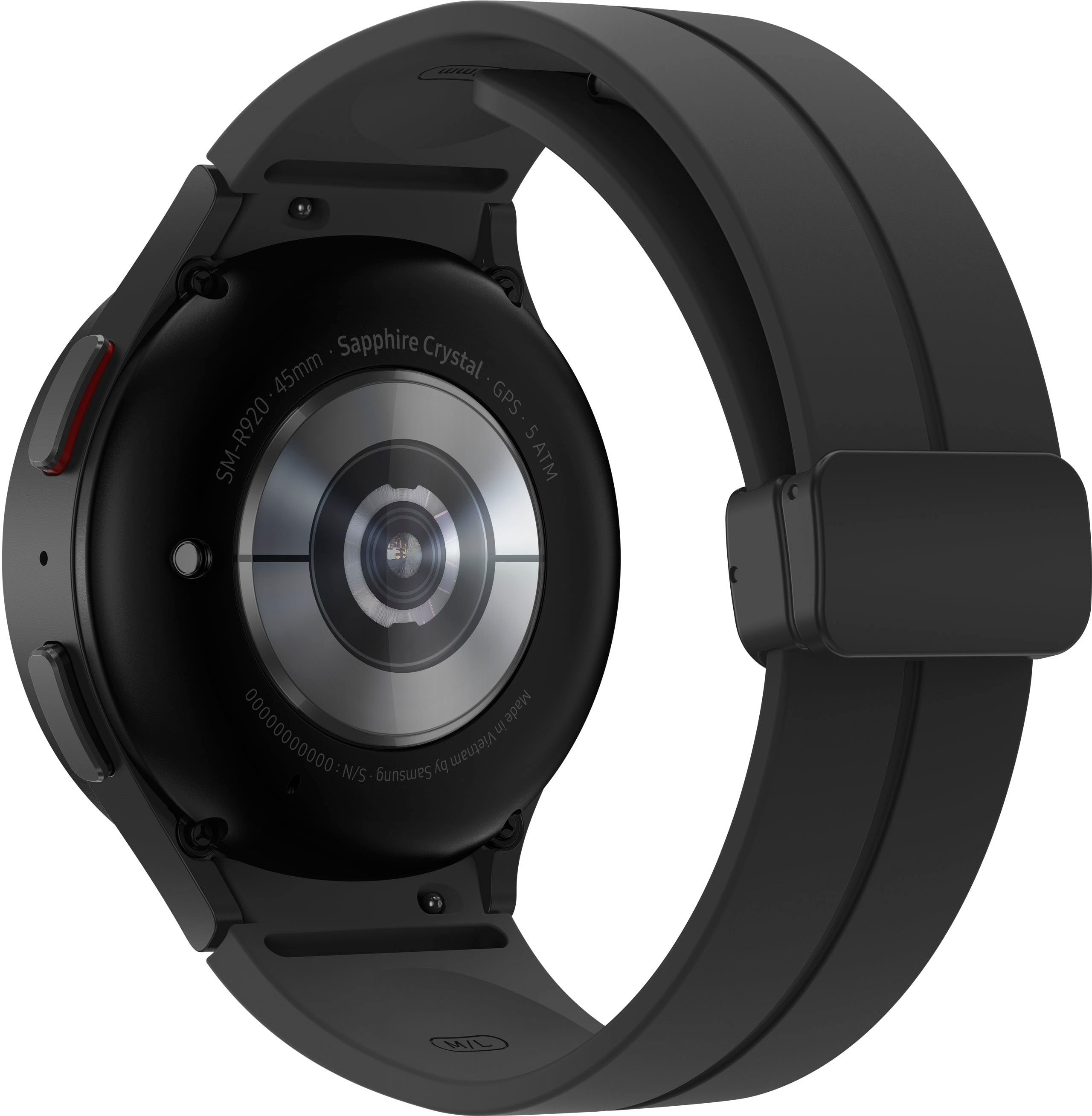
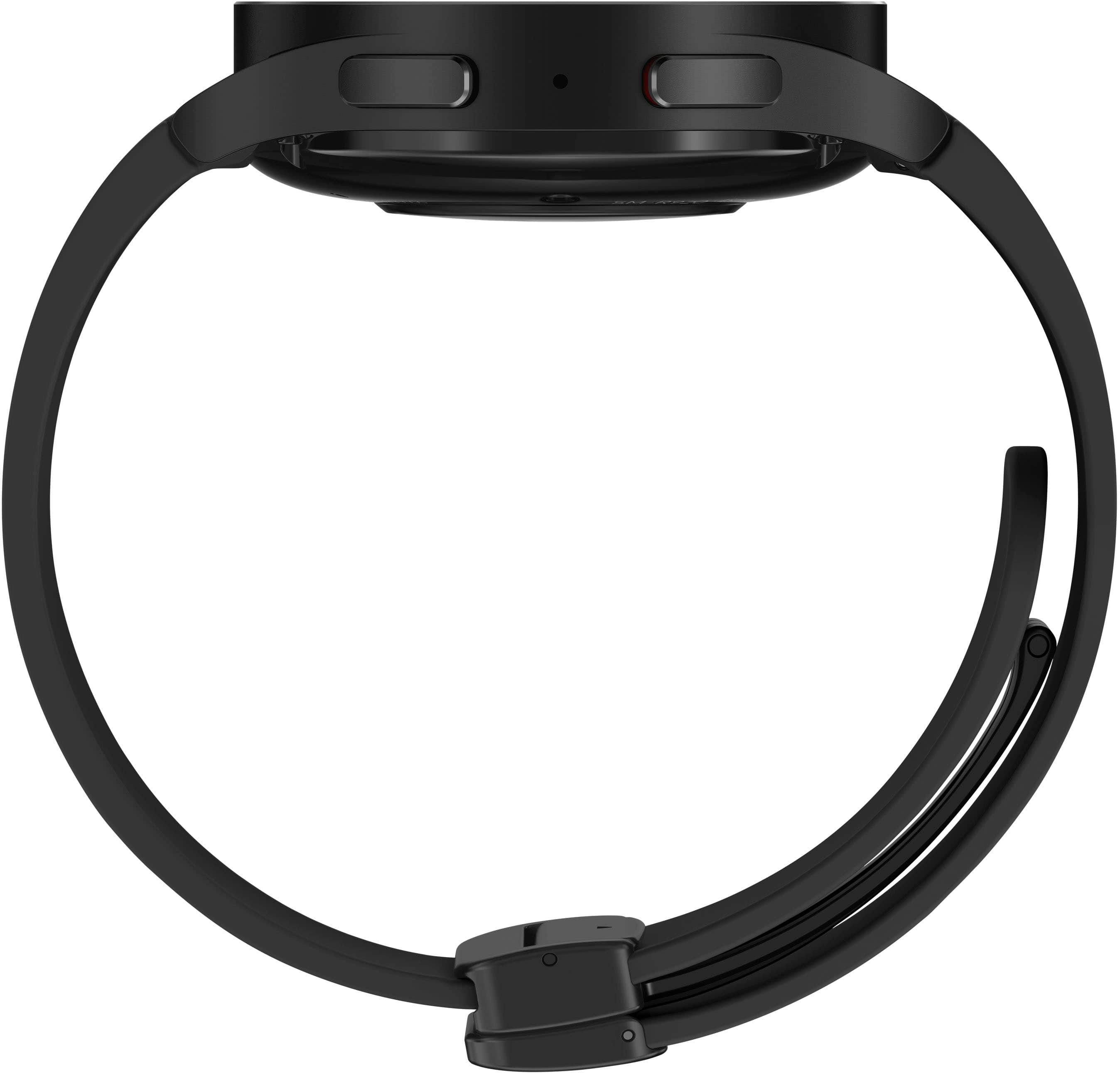
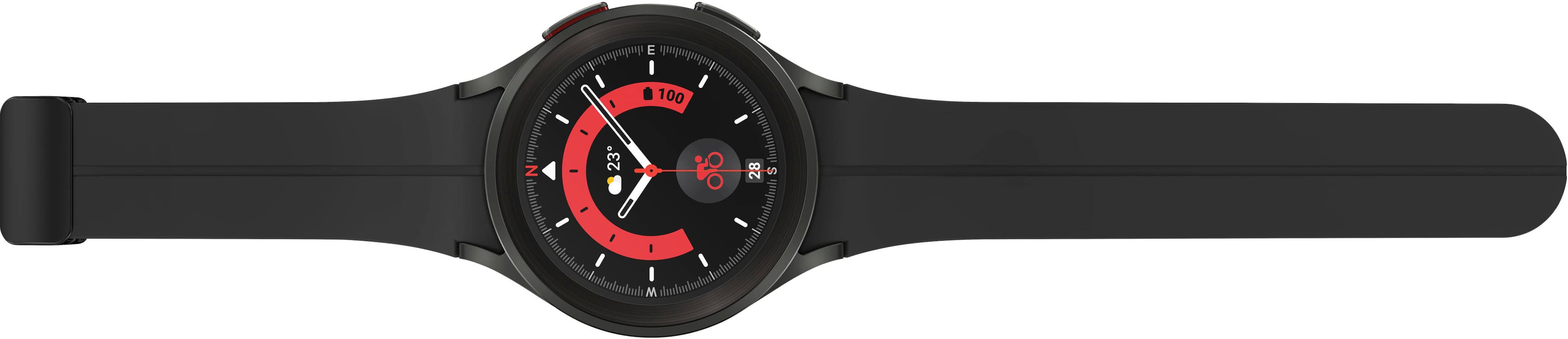
A:AnswerI have 6 inch circumference wrists and I was able to adjust the band down enough to make it work. There is about 2 inches or so of excess band after I adjusted it.
A:AnswerYes, you can. You can go into the Samsung Watch5 app settings on your phone and select which apps you would like to receive messages from. I just looked and my gmail is an option, I dont have mine enabled because I receive tons of emails daily.
A:AnswerThe Samsung Galaxy Watch5 does not yet have the ability to measure Glucose directly as a Dexcom or Freestyle CGM can. Currently, "Raman Spectroscopy" is not currently a feature on any watch. Apple, for instance, says that feature is not coming for another "three to seven years" according to most news outlets.
From what I understand, however, Dexcom users can install a widget onto their watch that will display their Glucose readings on the watch, but still ultimately requires an Android-compatible phone. For example, if you have your watch on and you go out, but leave your smart device at home, you will not receive any CGM updates.
A:AnswerYes.
Open the Google Wallet app .
Tap Get started.
Set up screen lock if you haven't already.
On your phone, follow the instructions to add a credit or debit card. Tip: This only adds a card to the Google Wallet app on your watch, not your phone.
Your card now shows up on your watch.
A:AnswerIt comes with several preloaddd ones but you can also go into the watch app and there is a huge selection of free or paid ones you can choose from. The paid ranges from $1 (and sometimes less) up. The most Ive paid for one was $3.50 because it had all of the information I wanted on the face.