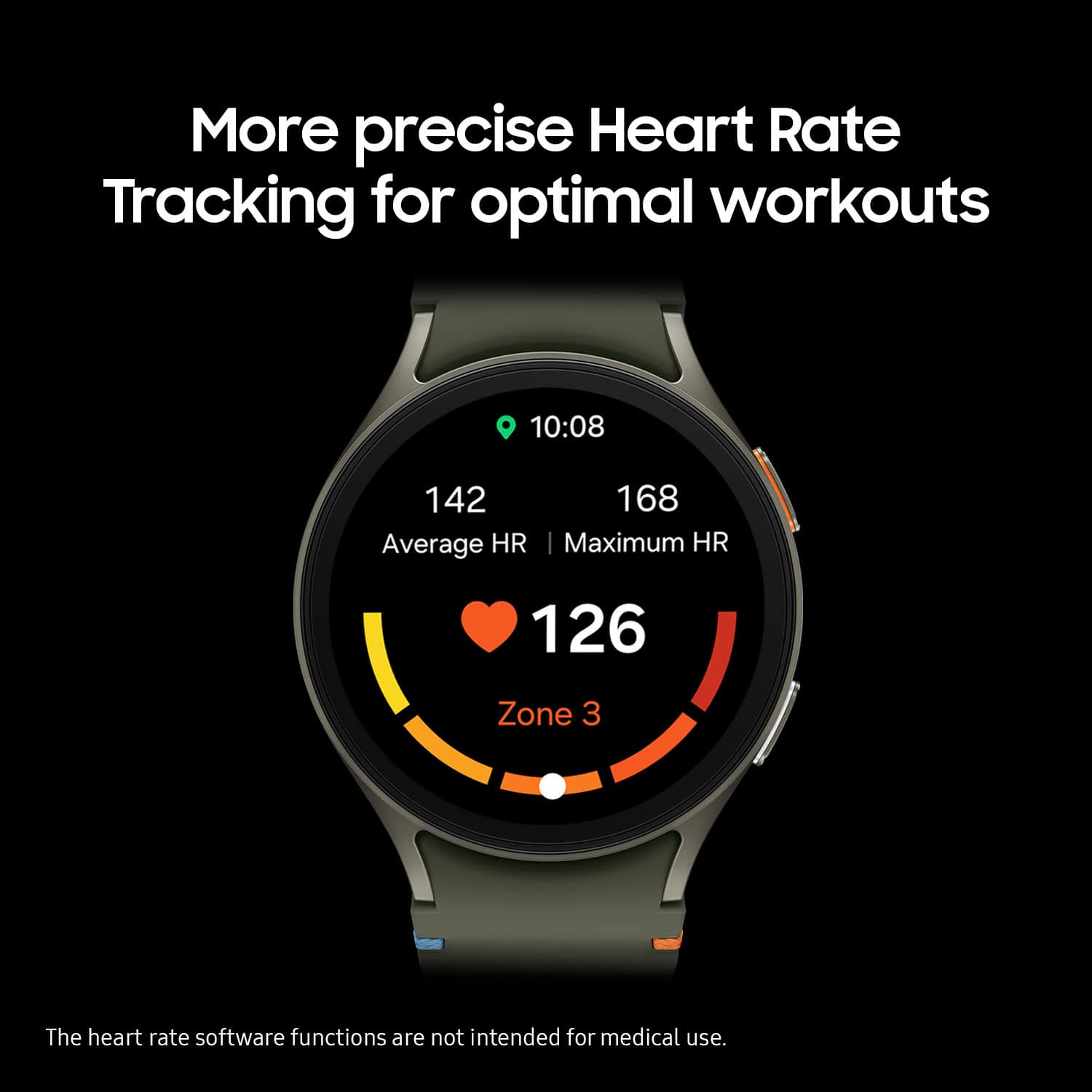
A:AnswerIt says it can but i would see the doc instead of a watch. Its not accurate on several of the health watching items. By accurate i mean its not even close.
A:AnswerAloha JMP1517, thank you for finding the opportunity to ask us your question about the Samsung Galaxy Watch7. Non-Samsung phones running Android can connect to the Galaxy Watch and Gear. For the best results, make sure your device has the latest software, and be sure to get the Galaxy Wearable app from the Play Store. Keep in mind that when connected with Non-Samsung mobile devices, some features created by each manufacturer may have limited support and some features, like Samsung Pay, are only available on Samsung smartphones. If you would like to learn more about compatibility, feel free to check out "Samsung smart watch and phone compatibility." Thank you for being a staunch Samsung customer. - Debra
A:AnswerGreetings Jenhen81, thank you for finding the unobstructed time out of your bustling day to ask us your question about the Samsung Galaxy Watch7. The Galaxy Watch7 is compatible with phones that are running Android 10.0 or higher and that are equipped with at least 2.0 GB of RAM. If you have any other questions for us, do not hesitate to contact Support. Thanks for choosing Samsung! - Debra
A:AnswerIf you purchased the extra warranty protection that has a charge every month, yes, it's supposed to cover all other items you purchase at best buy that come with the option for a warranty. I do not work at best buy and do not of there are exceptions, but this is how I was told the extra warranty works when I bought my laptop and the warranty package.
A:AnswerThank you for reaching out to us, Dmaeg. The Galaxy Watch7 is compatible with phones that run Android 10.0 or higher and have at least 2.0 GB of RAM. If your device meets this criteria, it will be compatible. If you have any further questions, please be sure to reach out to us at Support. -Kelvin
A:AnswerThanks for reaching out to us, Kate. With the Galaxy Watch7, you can challenge yourself on your next run or bike ride using tracking with Galaxy AI, which compares your current performance to your last. Improve your swimming technique with stroke analysis and SWOLF score. If you have any further questions, do not hesitate to reach out to us at Support. -Kelvin
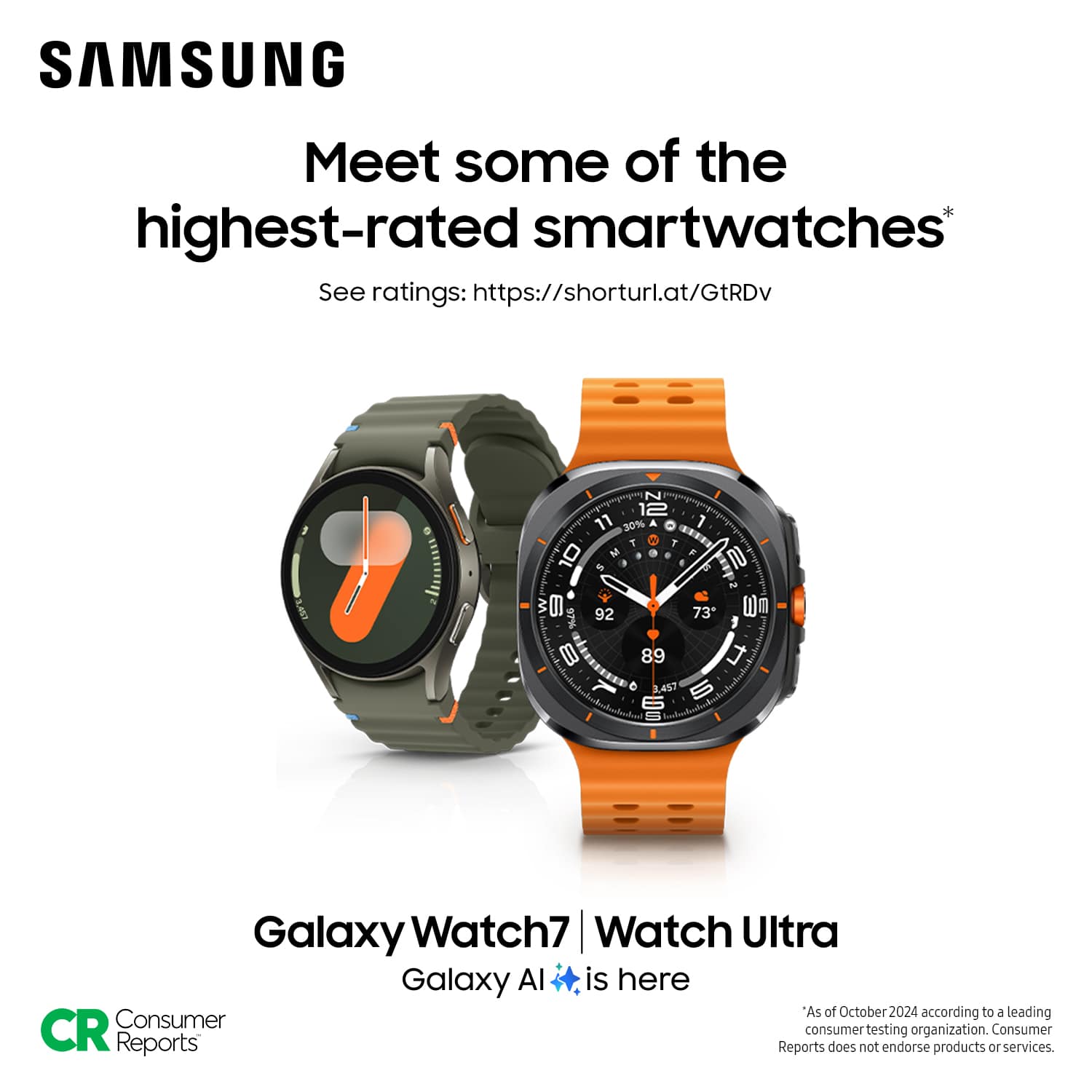
A:AnswerWe appreciate you reaching out with your question about the Galaxy Watch7, Barb. The Galaxy Watch 7 and Galaxy Watch Ultra must be paired with a Samsung Galaxy smartphone with Android 11. If your device meets these requirements, you should be able to pair your watch with your phone. For any further assistance, please reach out to us at Support. -Kelvin
A:AnswerHello Johnboy, thank you for finding the time out of your lively day to ask us your question about the Samsung Galaxy Watch7. Without having specs available on your current device, we recommend reaching out to the manufacturer of your Dexcom to inquire about compatible with this device. If you have any other questions for us, let us know by reaching out to Samsung Support at your leisure. Thank you for being a treasured Samsung customer. - Debra
A:AnswerIt's great to hear from you! We see that you reached out to inquire about the Galaxy Watch7. The Watch7 does come with period and ovulation tracking. You can take the guesswork out of your cycle with your own personal tracker, right on your wrist. Galaxy Watch7 senses slight changes in temperature while you sleep to help predict your next period and ovulation. This Watch should work with your Galaxy A21. If you have any further inquiries, please reach out to us at Support. -Kelvin
A:AnswerThank you for reaching out to inquire about the Galaxy Watch7, Dave. The Galaxy Watch offers more than just telling time and sending text messages; it can also control the camera of a Galaxy Phone and display what your phone is seeing! This feature is perfect for taking group photos, as it allows you to see the scene before you capture the shot. If you have any further questions, please don't hesitate to contact us at Support. -Kelvin
A:AnswerHey there, thank you for finding the free time out of your busy day to ask us your question about the Samsung Galaxy Watch7. Without having more information available regarding your sensors and without being able to ask you any follow up questions to probe further, I suggest reaching out to the manufacturer of your sensor to inquire about compatible devices with their products. Thank you for being a valued Samsung customer. - Debra
A:AnswerThanks for reaching out to ask about the Galaxy Watch7, Chiquad. The Galaxy Watch7 Bluetooth model does not support standalone streaming, meaning you would need to have your phone with you to use the app you mentioned. To check if the app you mentioned is compatible, you would need to check on the Galaxy Wearable app. If you have any further questions, please be sure to reach out to us at Support. -Kelvin
A:AnswerThanks for reaching out to us with your inquiry. We see that you are interested in the Galaxy Watch7. At the moment, the Watch7 is only compatible with phones with Android 10.0 and RAM 2.0 GB or higher are supported. If you have any further questions, please reach out to us at Support. -Kelvin
A:AnswerThe ECG and sleep apnea detection features are available exclusively through the Samsung Health Monitor app, which can only be accessed on Samsung Galaxy devices. Please note that when connected to non-Samsung mobile devices, some features may have limited support due to the different capabilities of each manufacturer. Additionally, certain features, such as Samsung Pay, are only available on Samsung smartphones. If you have any further questions, please be sure to reach out to us at Support. -Kelvin
A:AnswerHey there, thanks for taking the time to ask us your question about the Samsung Galaxy Watch7. The Galaxy Watch7 relies on Google Play services which is not supported on iOS. These devices are incompatible for this reason. Feel free to check out, "Samsung Galaxy smart watch and phone compatibility" to learn more about our compatibility options. If you think of additional questions for us or if you would like any further assistance, please contact Support at your leisure. Thanks for choosing Samsung! - Debra