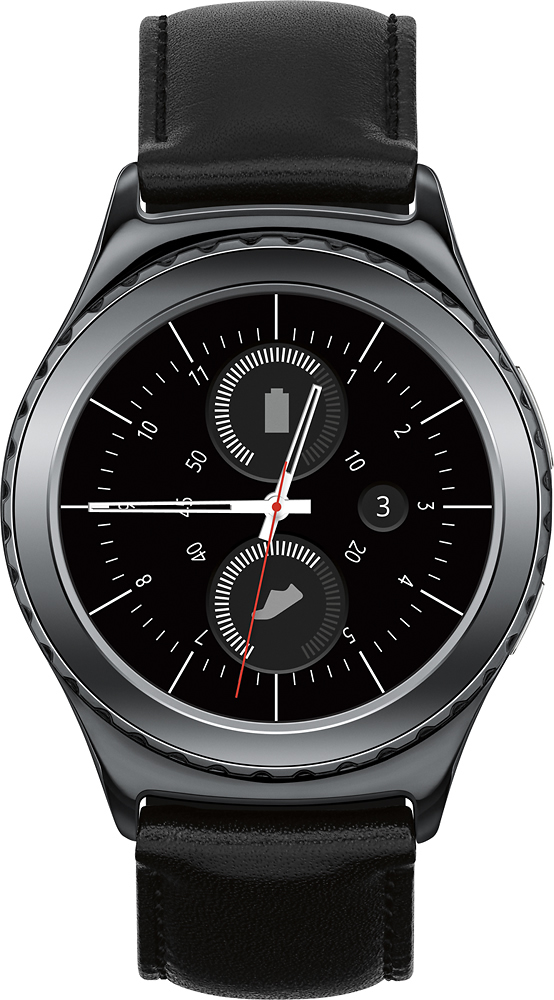
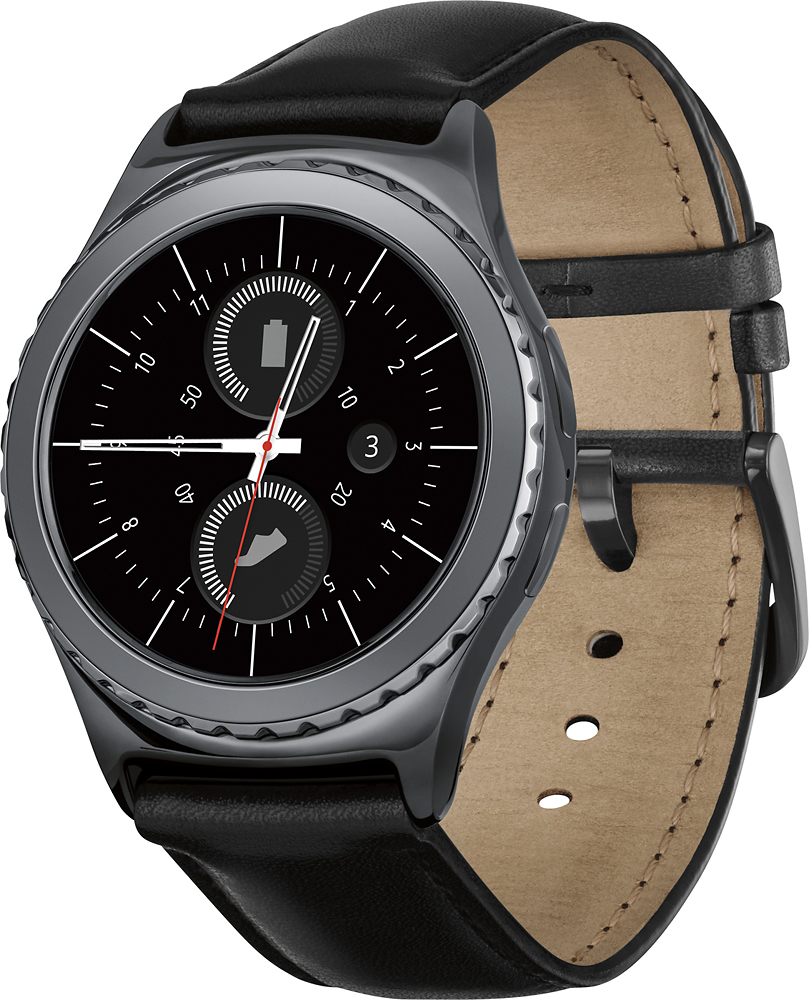
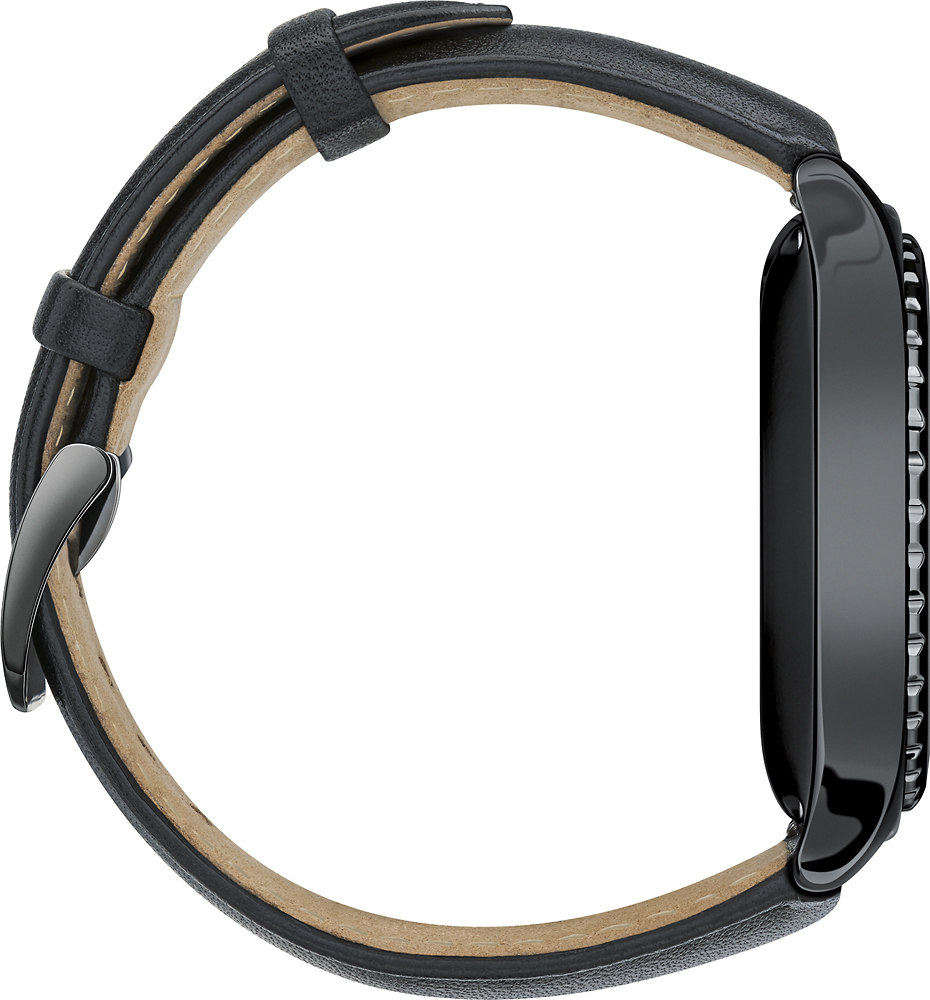
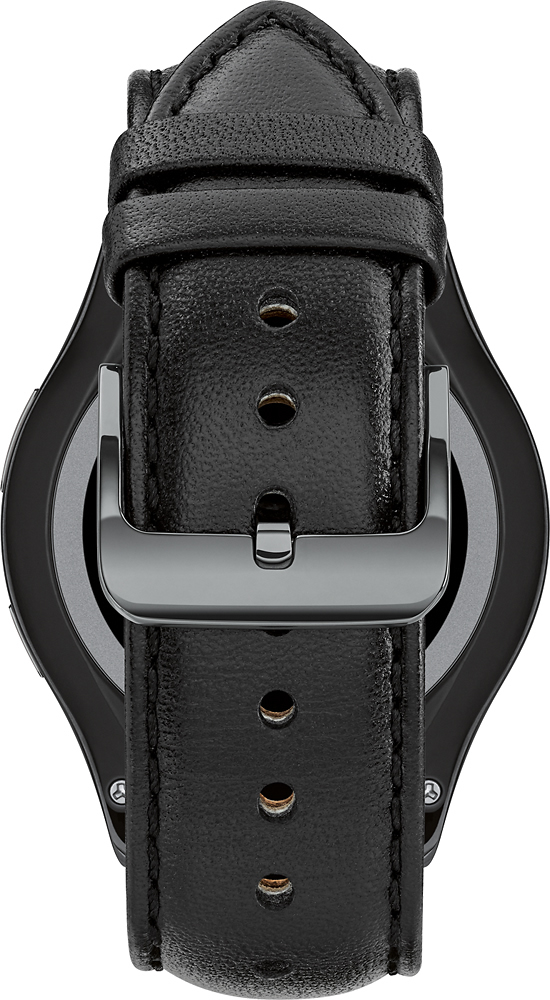
A:AnswerIt uses presets to track your activity and determine what is optimal heart rate in relation to the activity your doing. Currently these are the presets available on the watch- running, walking, cycling, hiking, treadmill, eleptical, step climber, and exercise bike. If you have a samsung moblie device with s health it will link up and keep track of your progress. The watch also knows when your being lazy and will definitely remind you to get up and move. It almost makes you feel guilty about it.
A:AnswerHey WatchWatcher, good question! There isn't a way to disable notifications automatically when the timer is running, but there are a number of other ways to manage them in the "Notifications" section of the Samsung Gear app. Based on your description of the behavior you're looking for, you'd want to turn off the "Turn On Screen" and "Auto Show Details" settings, and turn on the "Smart Relay" setting. I hope that helps! ^Matthew
A:AnswerYes there is a sleep tracking function and it is awesome. It call tell when you are resting and doing a lot of movement. It also tells you how long you were sleeping.