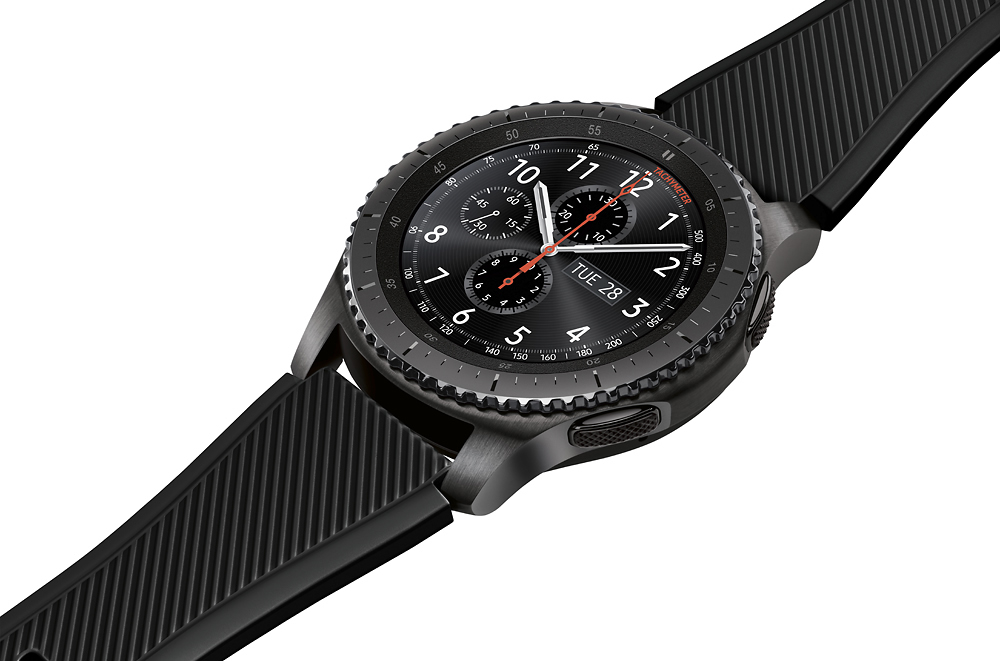
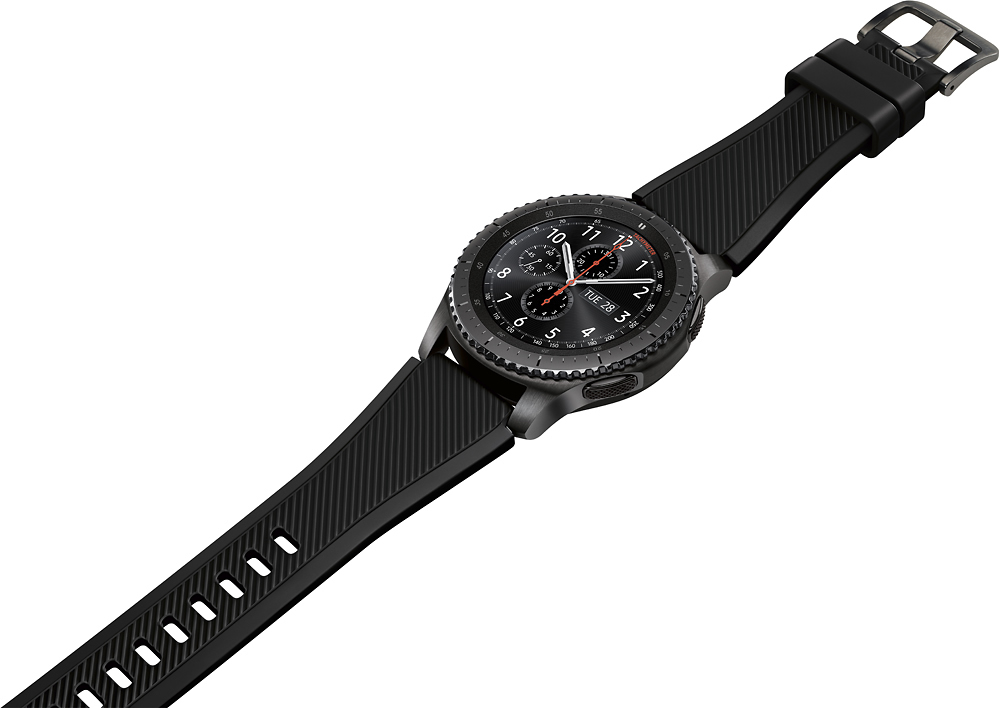
A:AnswerYou just have to pair your phone to your Gear S3 in order to receive calls or text , LTE version won' t be needed.
https://youtu.be/bnID6V3ovKE
A:AnswerIf i am correct after i wiped my s8+ and decided to use it again it told me i would have to go online to my samsung account to unlock the watch before i could use it again. So theory is, if you switch devices and forget to unlock the watch to be able to use for a new device you can go to your account to unlock. hope this helps.
A:AnswerI don't know. It uses Samsung S Health. To use other apps other than a native app for something like fitness apps I would think it would need a companion app to understand the Strava app and there is no listing of any Strava app in the Galaxy App store
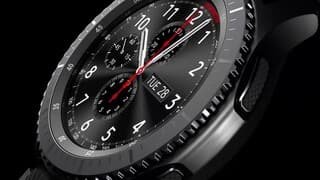
A:AnswerIt will work if you connect it to WiFi to update and format your watch. The watch also has NFC for wireless store payment. The watch is made to work inconjuction with a phone, best WTH a Samsung phone that's running minimum 4.4 operating system. The watch is nice it's made of quality parts has a nice feel and weight to it. Overall satisfied with the product.
A:AnswerYes! I have Verizon and i worked well as far as calls and notifications of messages. Honestly, i believe it can be used with any carrier. It is the device that matters. S3 Frontier works at optimum with SAMSUNG phones in general, but can have great functionality with ANDROID users, am not sure about the IOS (APPLE) as I do not own an iPhone, but i guess it may work the same. SO to answer, YES- carrier VERIZON works.
A:AnswerI have an iPhone 8 Plus and it works great with any notification I have on the phone. In the Samsung galaxy watch app under notifications you can have the most on your phone/text notification per app on the iPhone 7. Good Luck