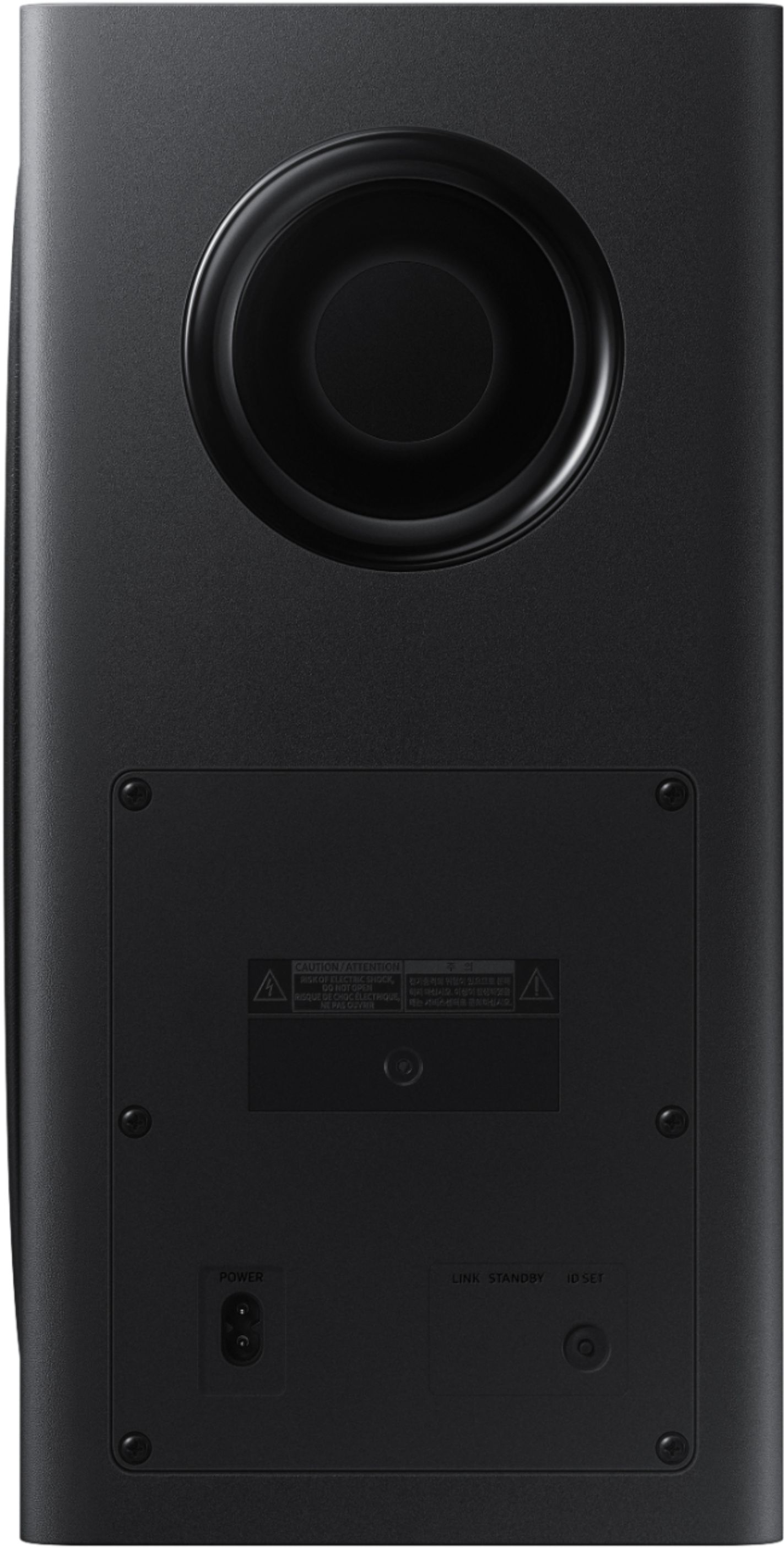
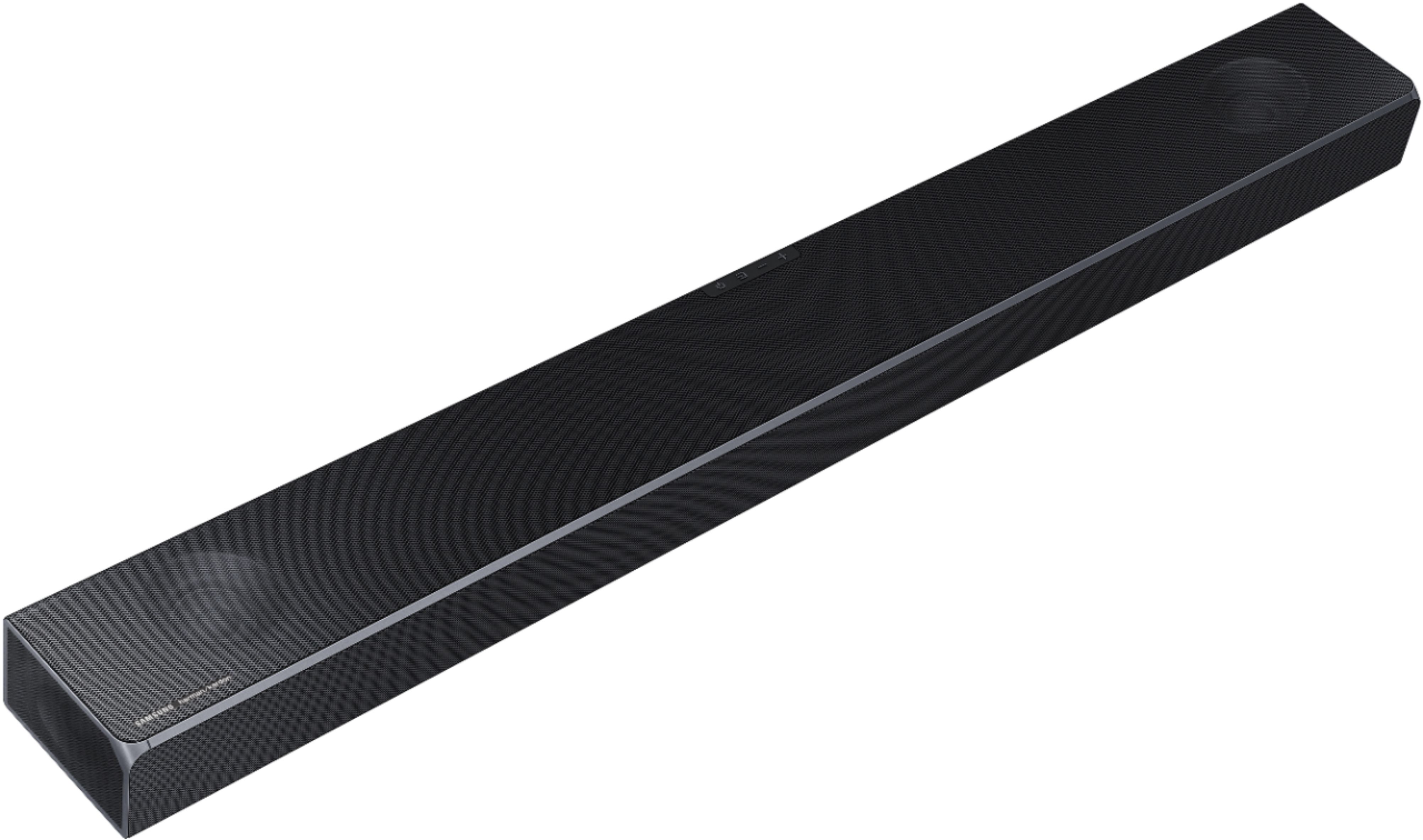
A:Answeryou can add the Samsung sw9000 wireless speakers, not sure about the subwoofer maybe if you got the same subwoofer that comes with it, it may work
A:AnswerA couple items you will need to get this working: Having the SmartThings app is key and make sure the app recognizes your soundbar. In your Alexa app, you should enable the skill for Samsung wireless audio and the SmartThings app. This will assist in your device scan for your Samsung aTV and Soundbar. I am using Alexa to control the Q80 TV and soundbar.
A:AnswerThe sound bar is heavy. It comes with almost invisible mounts. I put a shelf in because I wanted to hide Joey box and power station. I used the huge wall mount that pivots with Q80 and is good. I would like the left to right leveling to be more secure. However it’s not going anywhere.
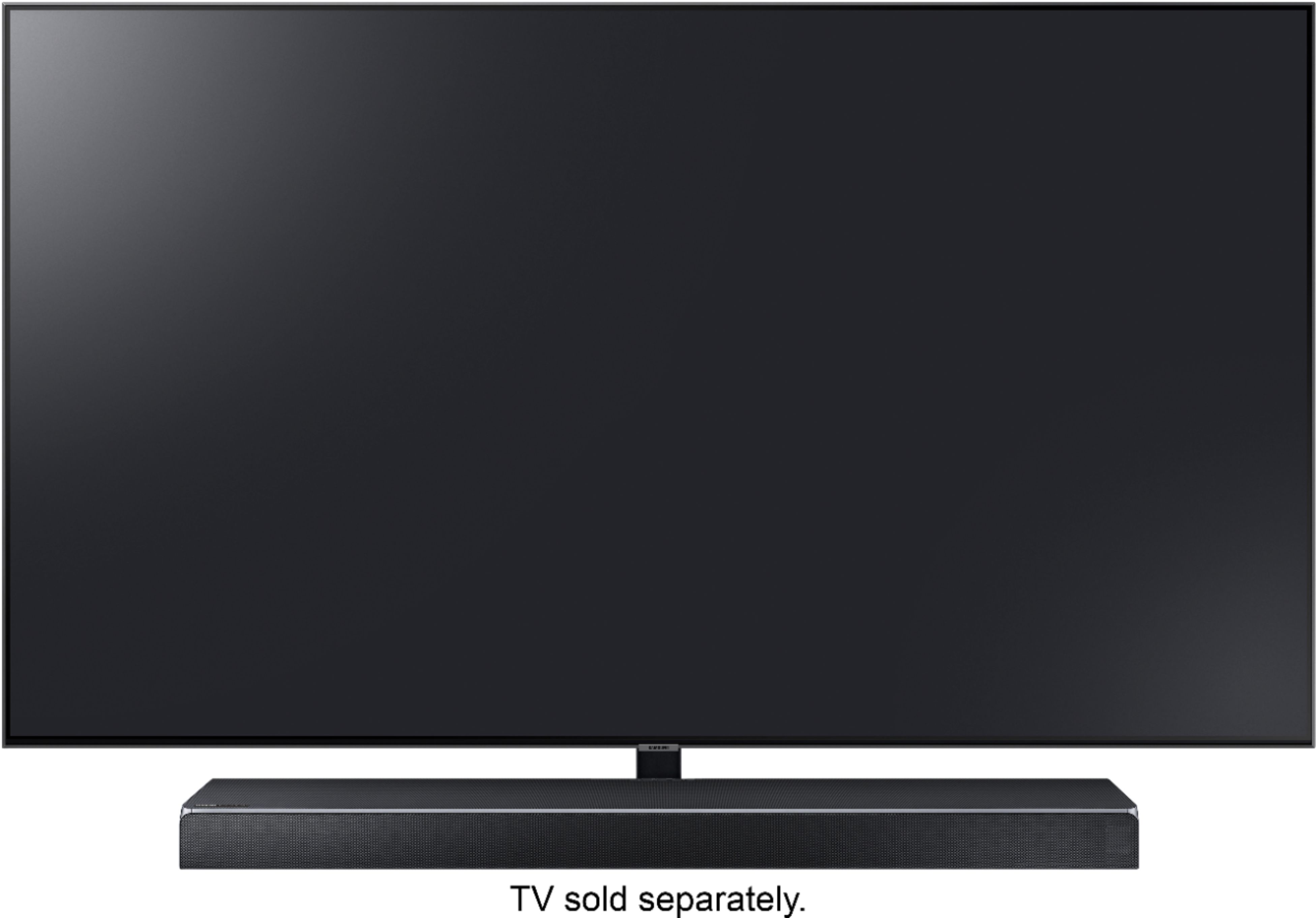
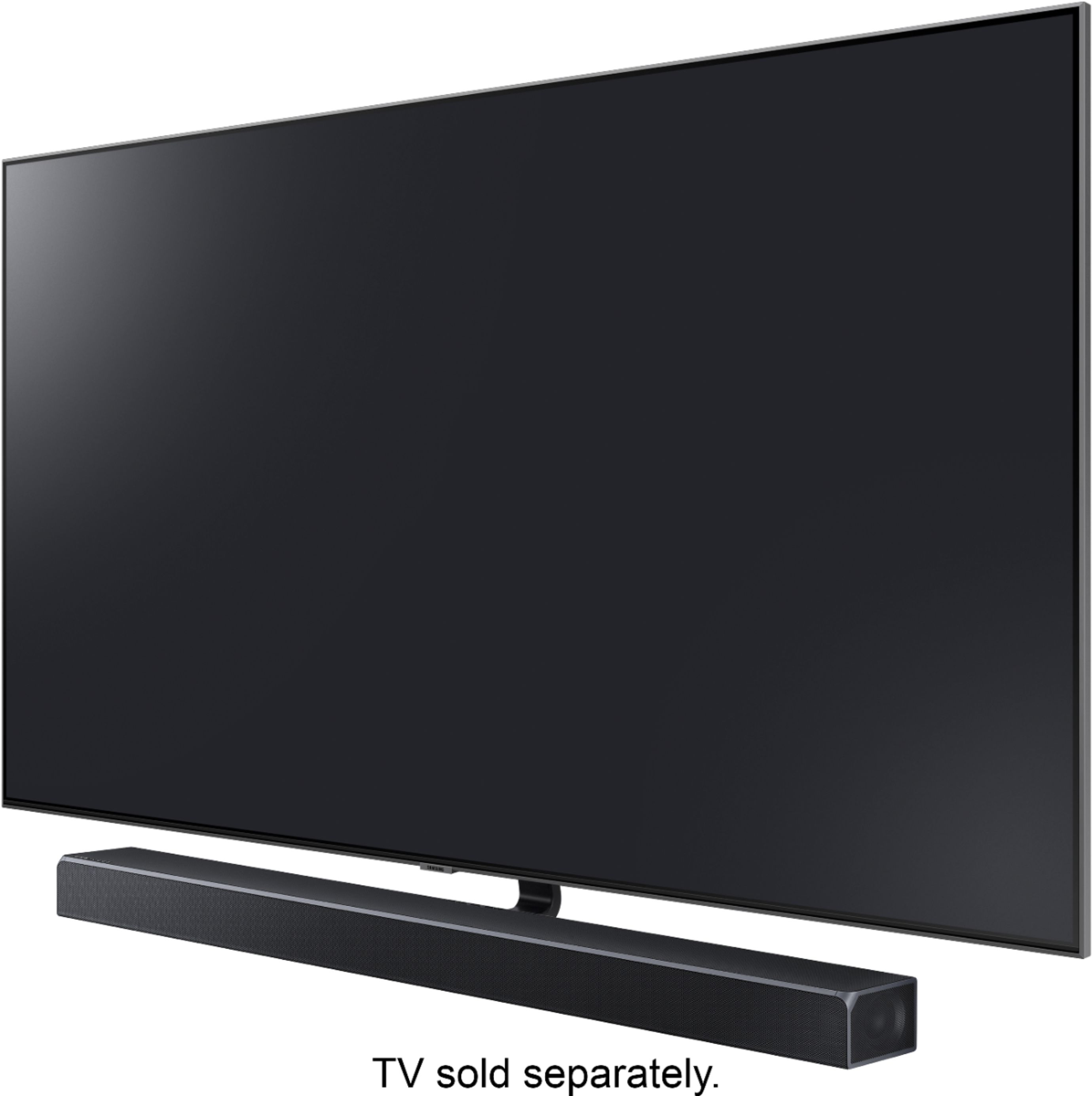
A:AnswerHi. If the sound bar is blocking the tv sensor, I have seen people set up the bar above the tv. The sound bar can be mounted on the wall. Connecting with an optic cable yes, the sub woofer still works because it is wireless.
A:AnswerI don't think so. You may be able to plug the wires from this rear system into different speakers but they will need to be 3ohm like the Samsung rears are.
A:AnswerThere a number of ways but the best way to get all the features working is to plug a high speed HDMI cable(good cheap ones are as good as the $60 ones) into your ARC port on the bar to the ARC port on your TV. Then plug another HDMI cable from your blu ray player or game console into HDMI port one of the sound bar. The sound bar will 4K pass through the audio and video to your TV. If you have more stuff to plug in you may want to go direct to TV for that as too many things can confuse the system as it did mine. Hope this helps. It's super easy!
A:AnswerThe soundbar has both bluetooth and wifi capabilities, so if your TV can connect by bluetooth, or be on the same network as your wifi (even if a wired network connection), then it can connect. From some things I've read, I believe the Atmos function of the soundbar only works over an HDMI connection. Also, to connect the soundbar to the TV over wifi, you need to run the smartthings app on your mobile phone while it is connected to your wifi. The app sets up the connection.
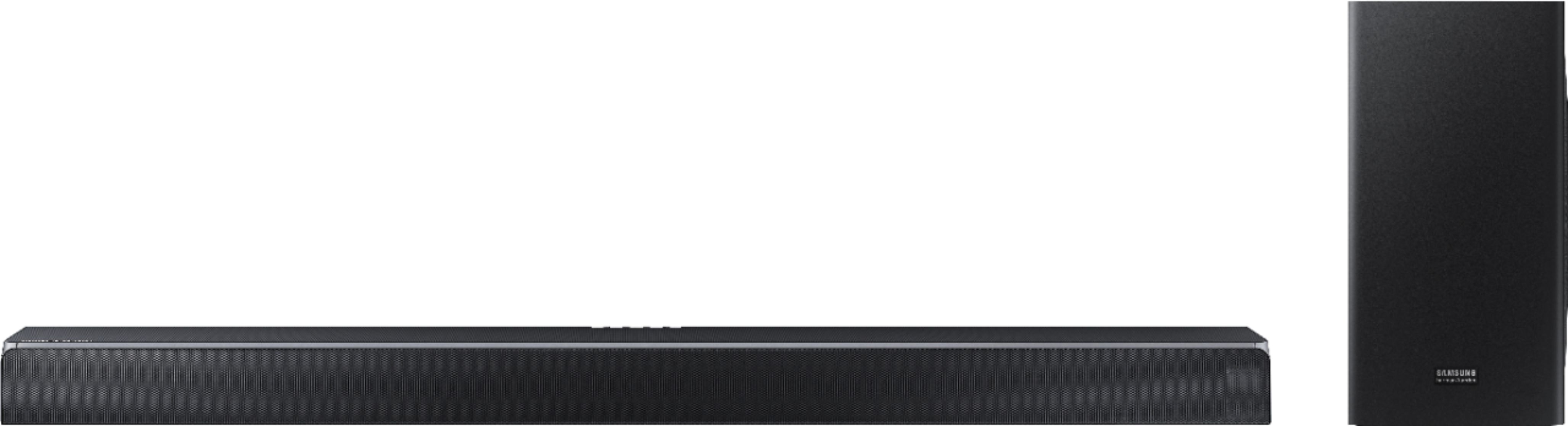
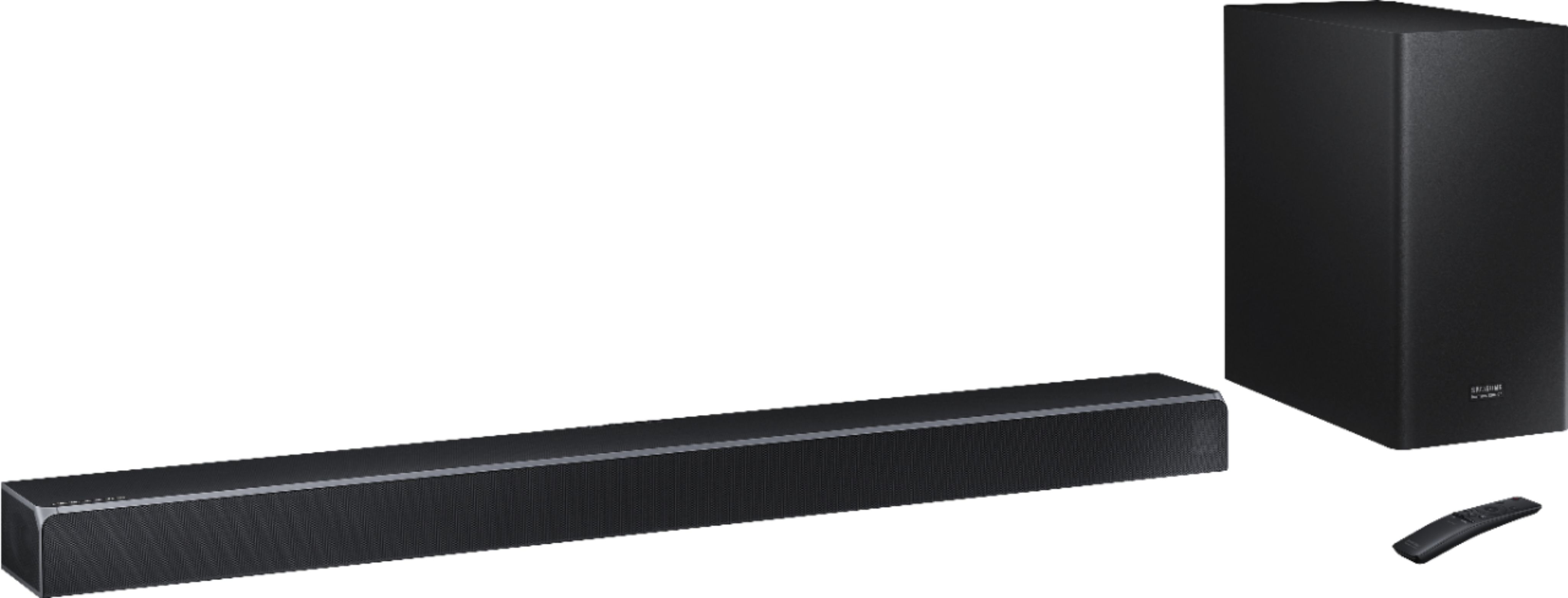
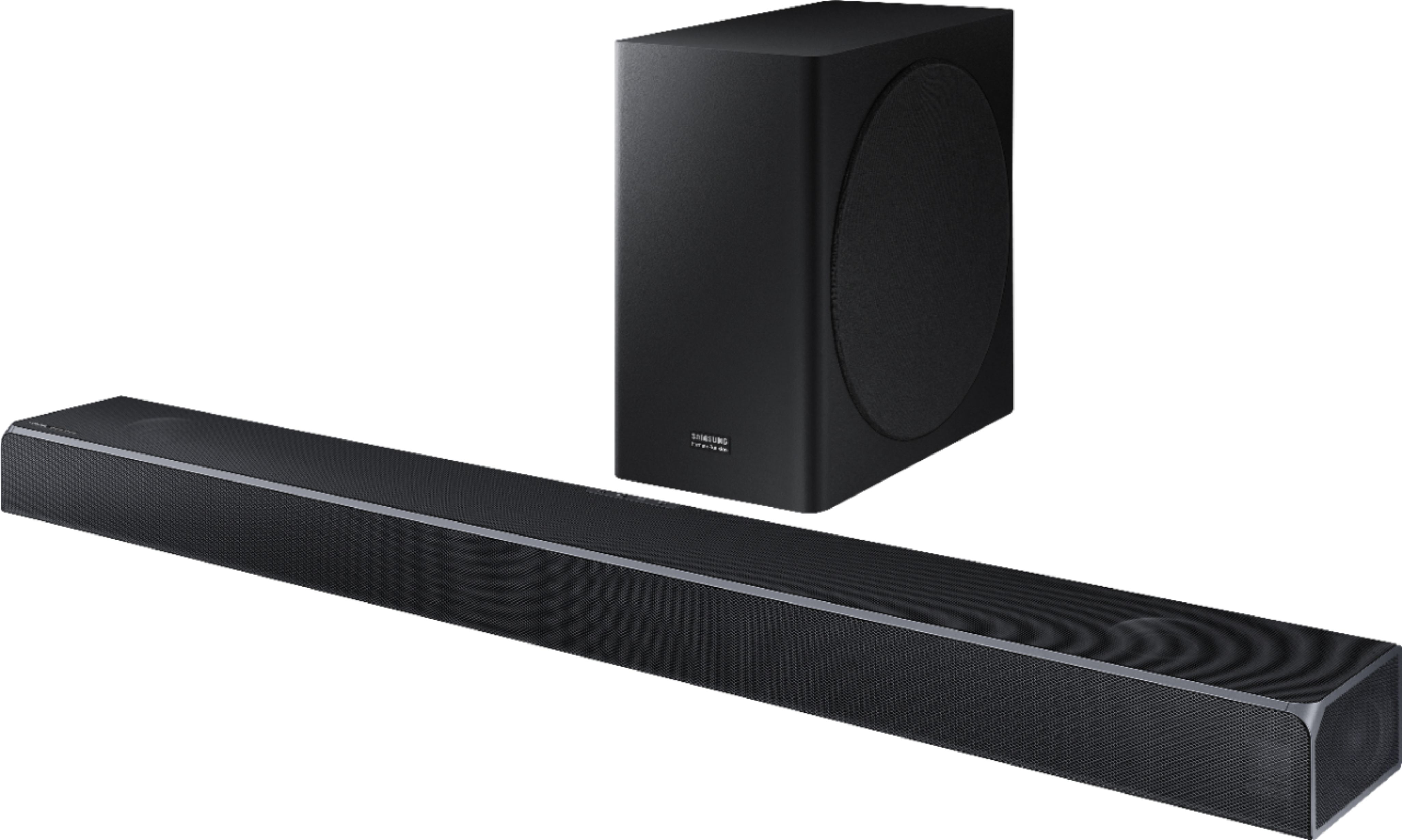
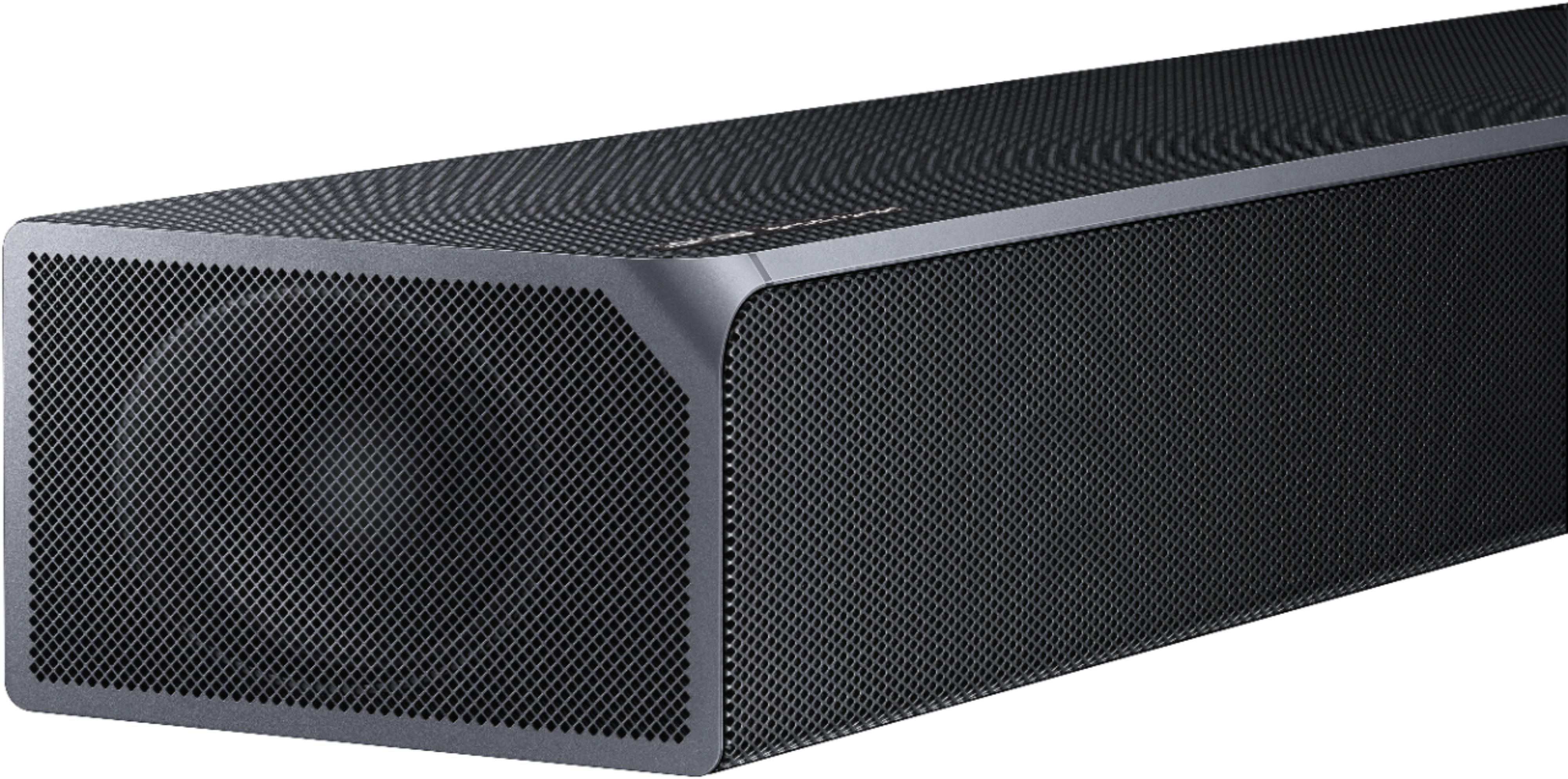
A:AnswerThe bar has speakers on front, sides, and top. You can see them through the grills. The top speakers point both up and forward. Whether they'd be blocked or not depends on how far your TV sticks out over the soundbar, and how closely you mount the top of soundbar to the bottom of the TV. My TV is wall mounted and soundbar sits on furniture under it, so I can't help on your question about the brackets.