A:AnswerThe sound is amazing. It’s easy to hear and I feel like I’m in a theater. It is so way better than not having a sound bar. It is just I’ve never had one before and it’s amazing. Even the guy that brought my TV said you’re gonna love it. It’s what a difference it is.
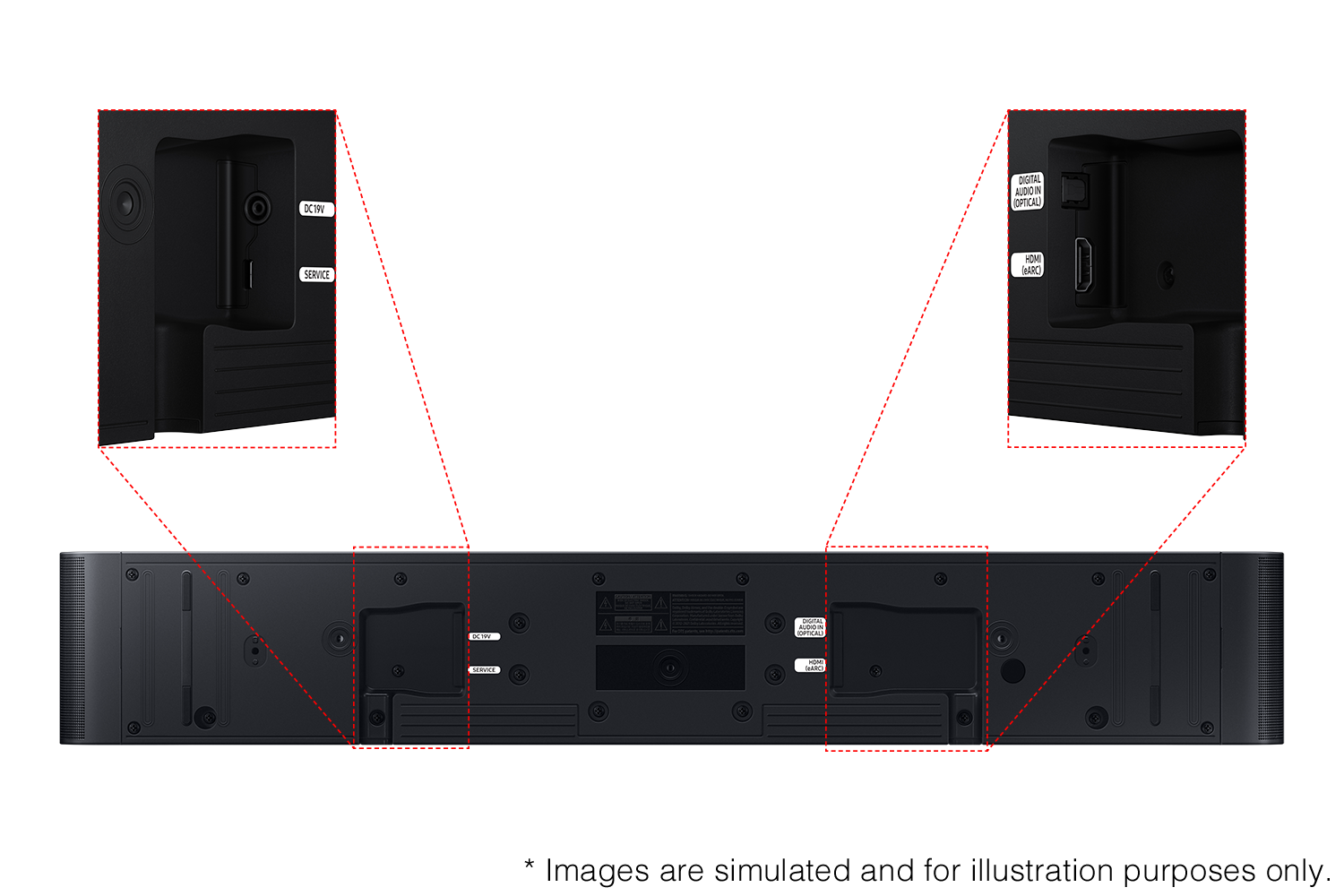
A:AnswerIt’s connected in the back my two guys that came and delivered the TV they did all of it so I don’t know exactly where you hook it into but it’s hooked into the back of your TV and you can always call the geek squad. I’m sure they’ll help you.
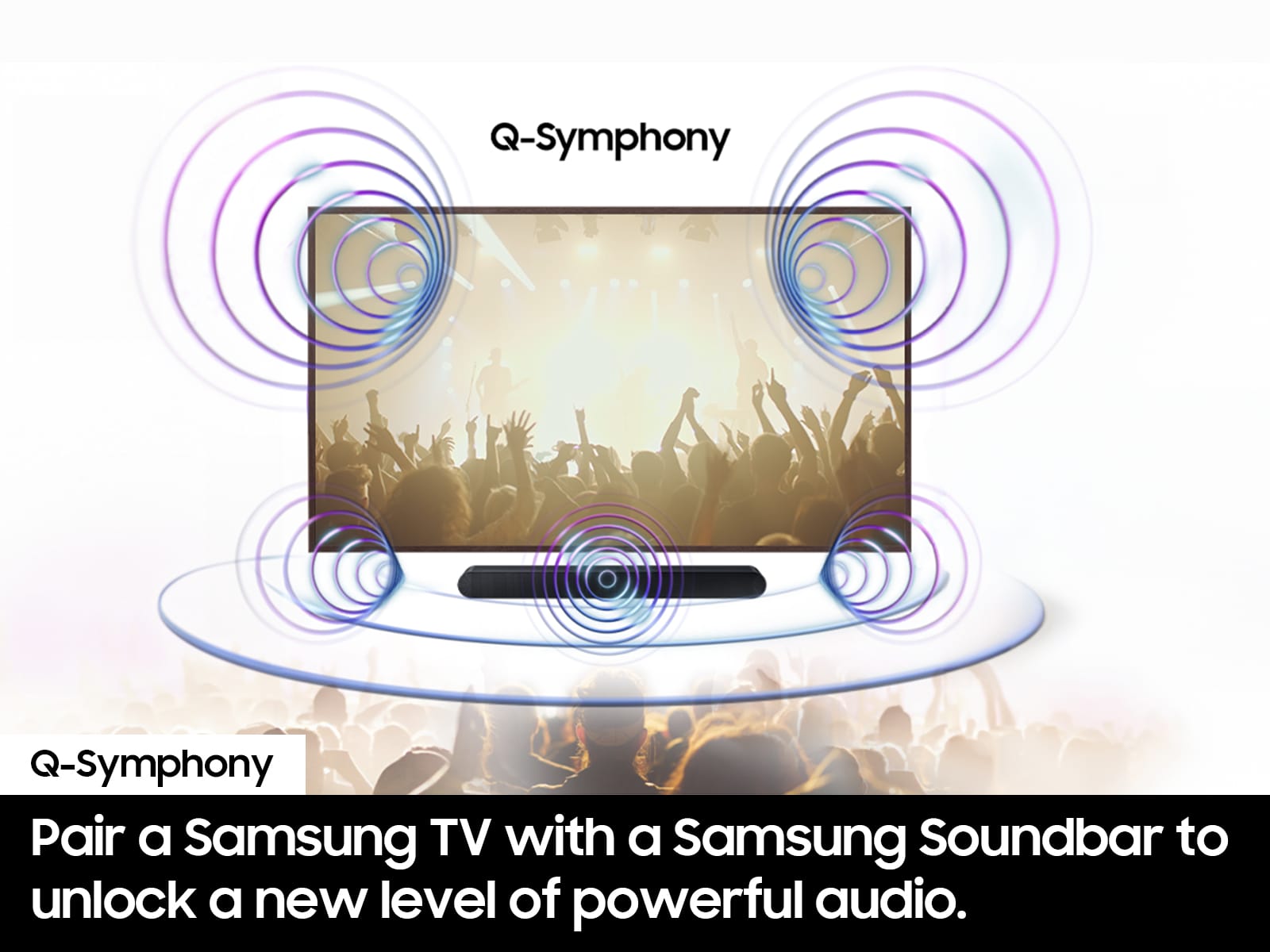
A:AnswerYes, it will work & pair with Sony TV as a conventional soundbar but you need a 2021 or newer Samsung TV to exploit its unique Q Symphony & other unique features.
A:AnswerHello there! No, the ports in the HW-S60D Soundbar are intended to receive signals and not broadcast. If you need more help to connect your hearing aids to your Samsung TV, Samsung is here for you. Please call us at 1-800-SAMSUNG, 8AM - 12AM EST , 7 days a week. Our Live Chat agents are also available by clicking on the ‘Support’ link on our website.
~ Samsung Solutions