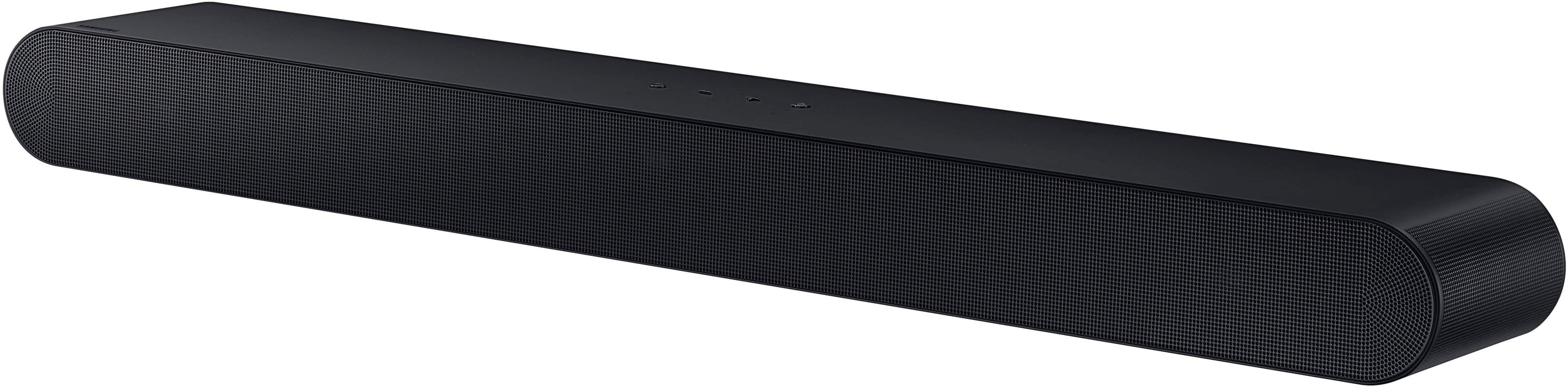
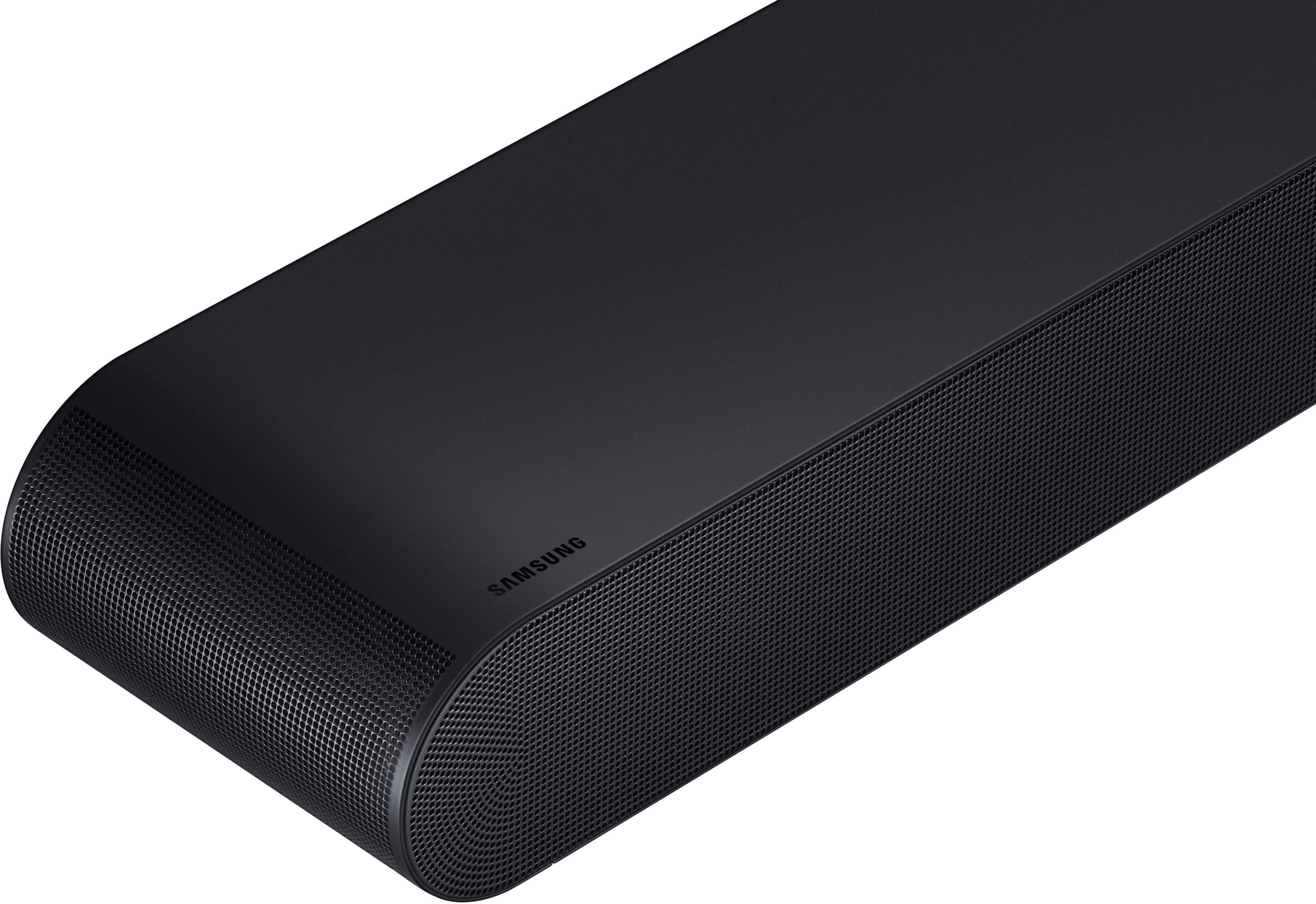
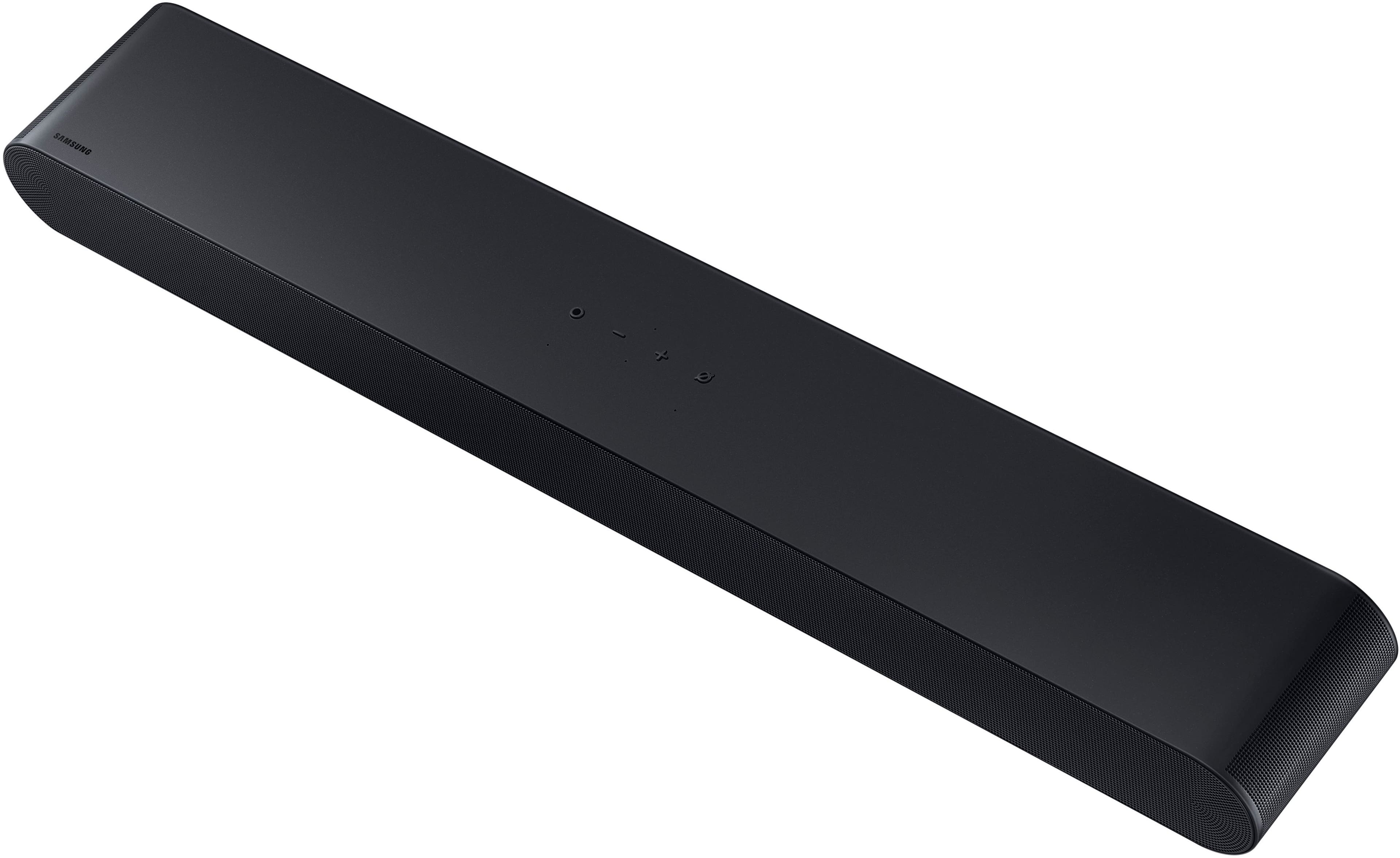
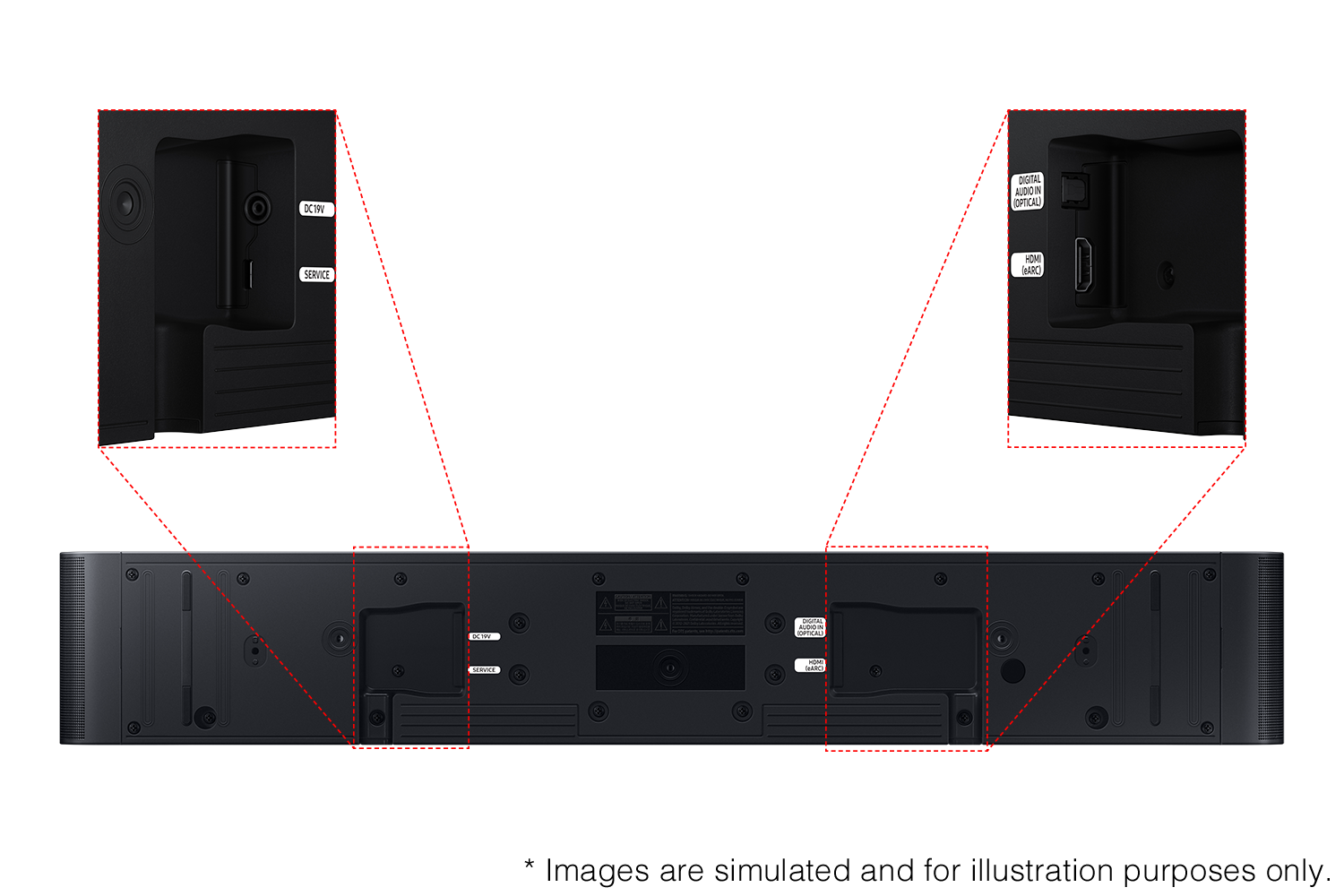
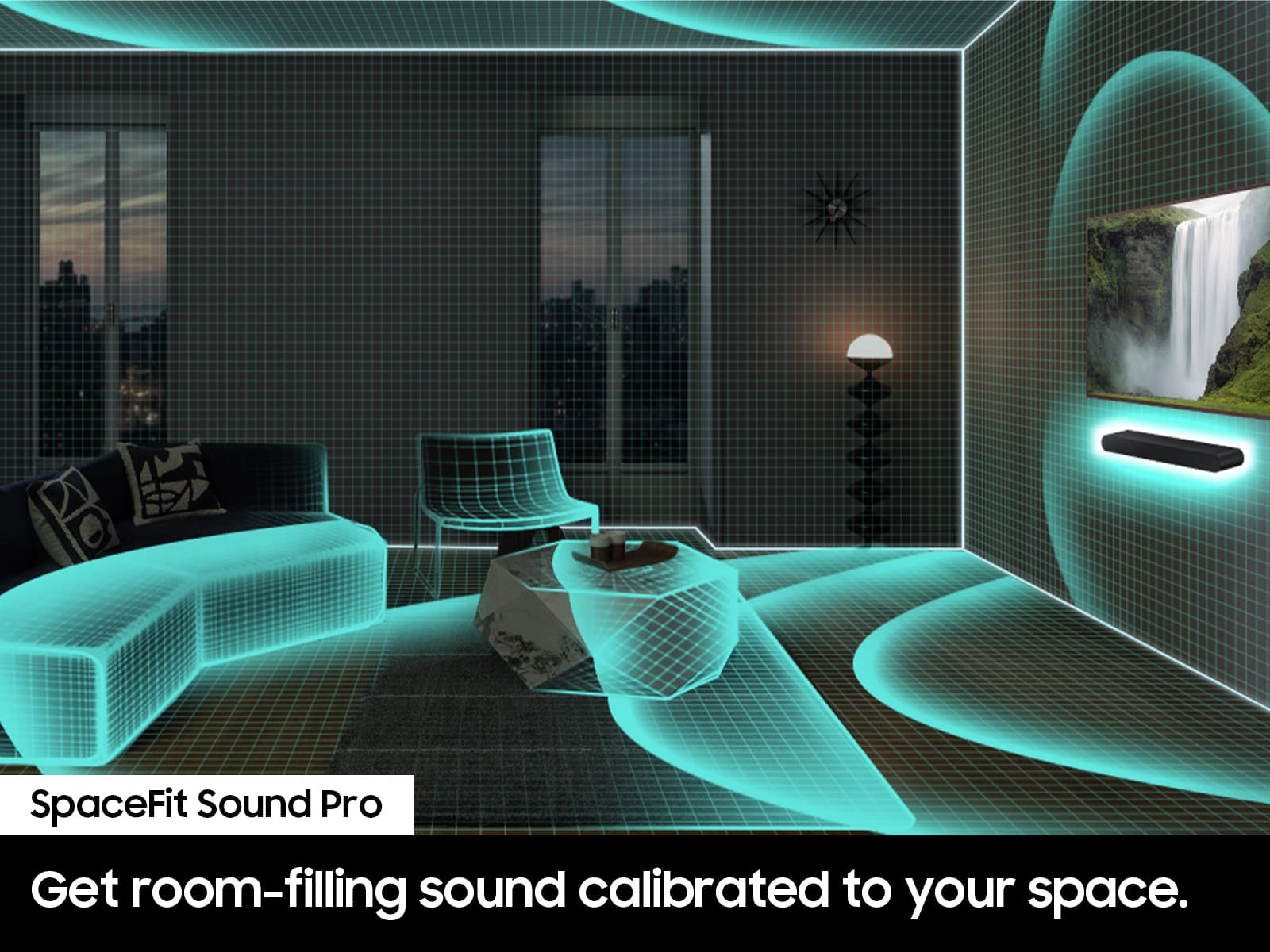
A:AnswerHello JLS! The HW-S60D features four ways to connect to an external device: Wi-Fi (with compatible Samsung TV), HDMI (eARC), digital optical audio, and Bluetooth wireless audio technology. If your TV is compatible with one of these four audio connections, you should have no issue connecting the soundbar to your TV. ~Samsung Solutions
A:AnswerHello Sound! Yes, the HW-S60D Soundbar can be used with the QN80H TV with either of the following connections: Wi-Fi, HDMI (eARC), digital optical audio, and Bluetooth wireless audio technology.
~ Samsung Solutions
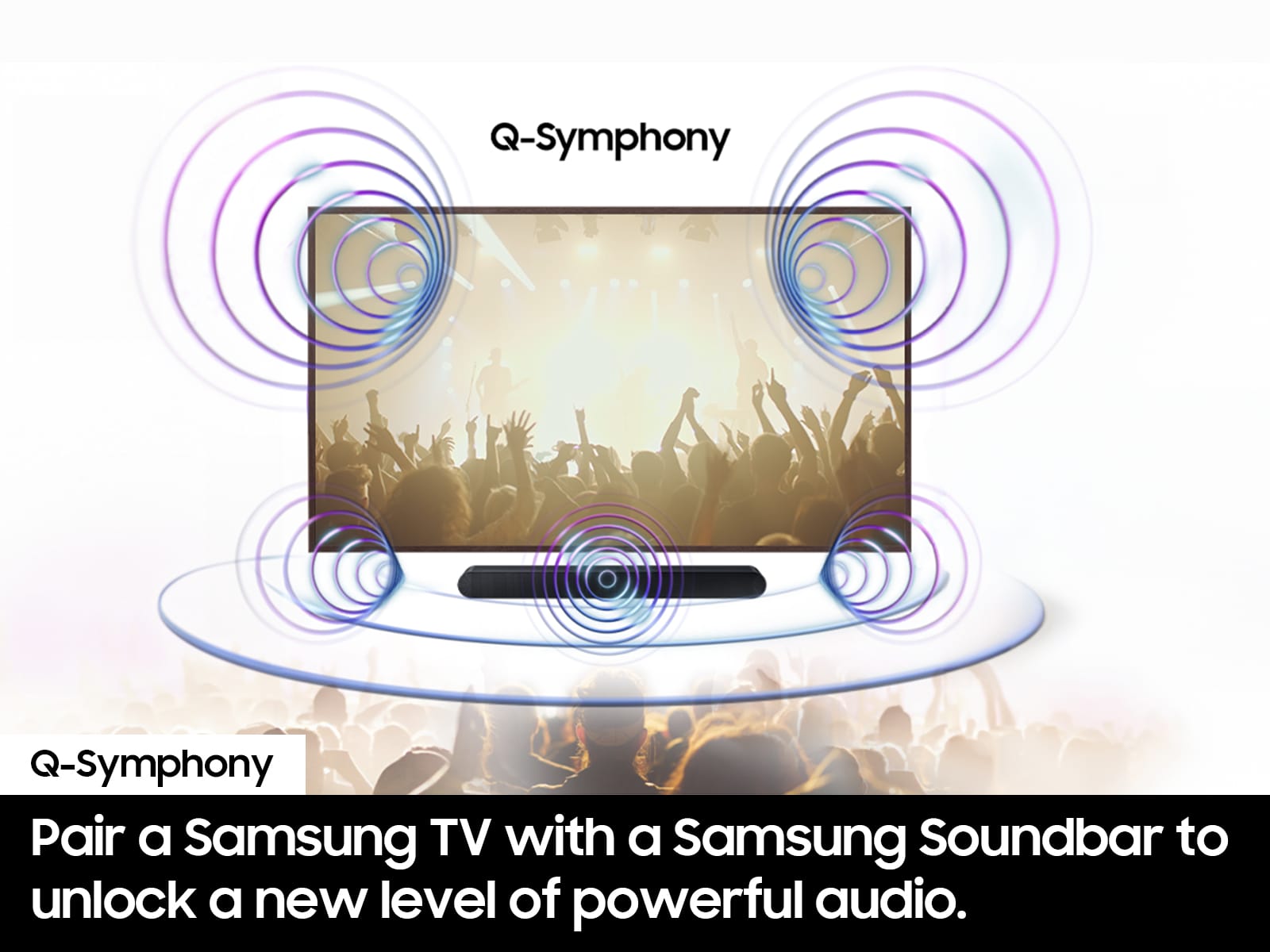
A:AnswerHello Simon! If you’re using a compatible Samsung TV, it may work with the soundbar through Q-Symphony, depending on the TV model. It can also be connected via SmartThings for multi-room or grouped playback, allowing both devices to play audio in sync and be controlled together on the same network. ~ Samsung Solutions
A:AnswerHi Joe! You can turn on Active Voice Amplifier (AVA) for your Samsung HW-S60D soundbar directly through the SmartThings app.
First, open the SmartThings app on your phone and select your HW-S60D soundbar from your list of devices. Tap on Sound Mode / Sound Settings, then look for Active Voice Amplifier (AVA) and toggle it ON.
Please note that AVA requires the soundbar’s microphone to be turned on.
~ Samsung Solutions
A:AnswerHi doctom! Yes, the HW-S60D is compatible with the QN50Q80B, you can connect this soundbar to it using either Wi-Fi, HDMI (eARC), digital optical audio, and Bluetooth wireless audio technology. ~Samsung Solutions
A:AnswerHi doctom! The HW-S60D features four ways to connect to your QN50Q80B: Wi-Fi, HDMI (eARC), digital optical audio, and Bluetooth wireless audio technology. You should have no issue connecting the soundbar to your TV. ~Samsung Solutions
A:AnswerHi Joey, Yes, you will simply need to change the source on your soundbar. If your soundbar is currently connected to the TV via HDMI eARC/ARC, just switch the source to Bluetooth on the soundbar to connect wirelessly. ~ Samsung Solutions
A:AnswerHi GregH! What you’re hearing is a built-in voice prompt from your Samsung HW-S60D Soundbar letting you know it has lost its Wi-Fi connection. This typically happens if the soundbar was previously set up on Wi-Fi (via SmartThings) and is now having trouble reconnecting.
To stop the message, you can either reconnect the soundbar to your current Wi-Fi network through the SmartThings app, or remove it from SmartThings entirely if you’re not using Wi-Fi features. This will prevent it from continuing to search for a network and announcing the disconnection.
~ Samsung Solutions
A:AnswerHello Clueless, Yes, you can connect the HW-S60D Soundbar to an LG TV using one of three ways: HDMI (ARC), digital optical audio, and Bluetooth wireless audio technology. If your TV is compatible with one of these three audio connections, you should have no issue connecting the soundbar to your TV. ~ Samsung Solutions
A:AnswerHi Caleb!
The Samsung HW-S60D can connect to your LG TV in three different ways: HDMI (ARC), digital optical audio, or Bluetooth wireless audio. If your TV supports any of these connection types, you should have no trouble connecting the soundbar.
~Samsung Solutions
A:AnswerI can't say for sure if there's a 2026 upgrade coming, but honestly I wouldn't wait. I picked one up recently and it's been great — the Q-Symphony integration with my Samsung TV is really impressive for the price. If you have a Samsung TV, this thing just works beautifully together.
A:AnswerHello bush! The HW-Q60D features four ways to connect to an external device: Wi-Fi, HDMI (eARC), digital optical audio, and Bluetooth wireless audio technology. If your TV is compatible with one of these four audio connections, you should have no issue connecting the soundbar to your TV. ~Samsung Solutions
A:AnswerIMHO, any size Samsung TV panel can fit this soundbar as long as it has Bluetooth or an HDMI port. Including a relatively obsolete dinky & diminutive 19" 720p model.