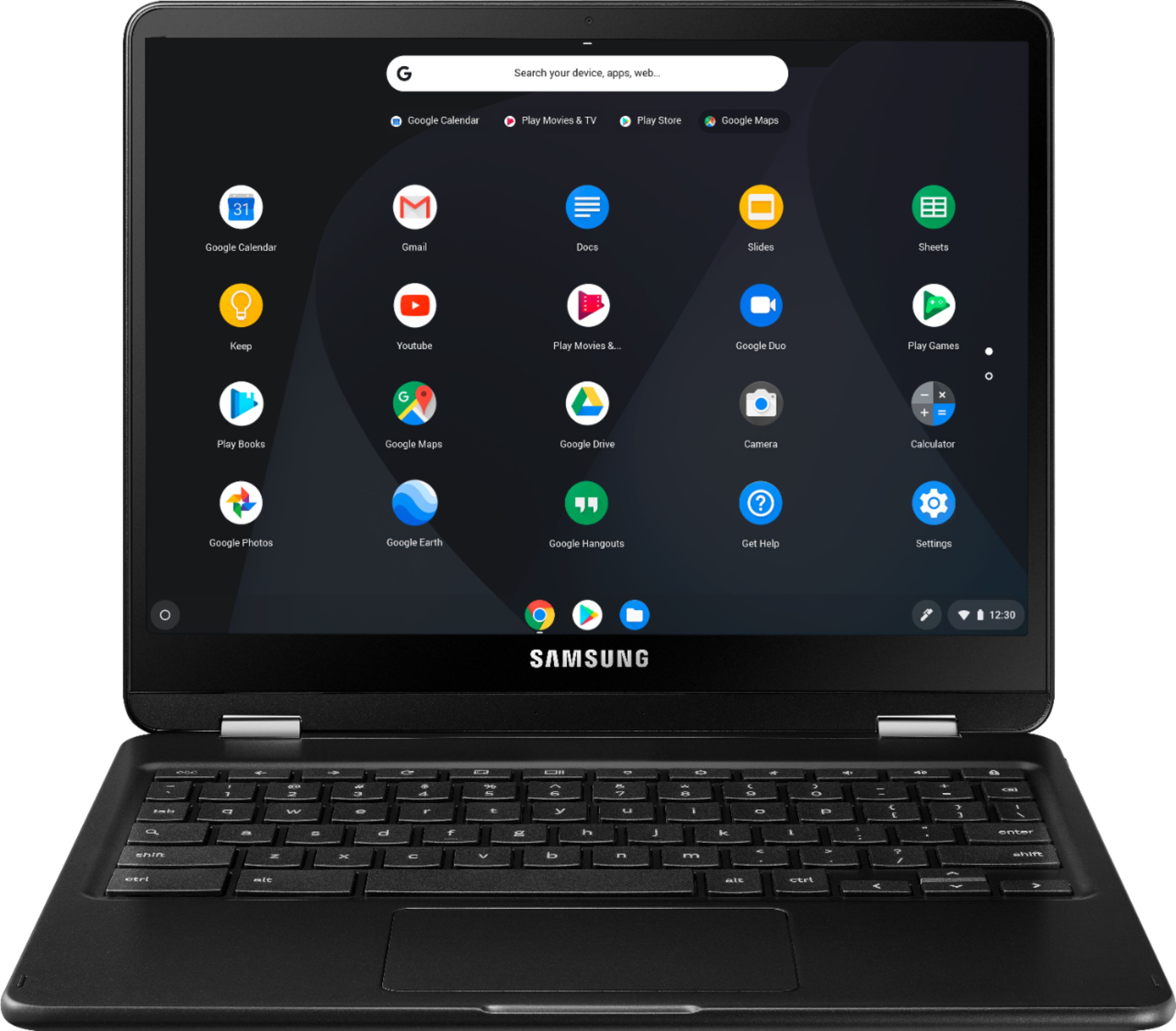
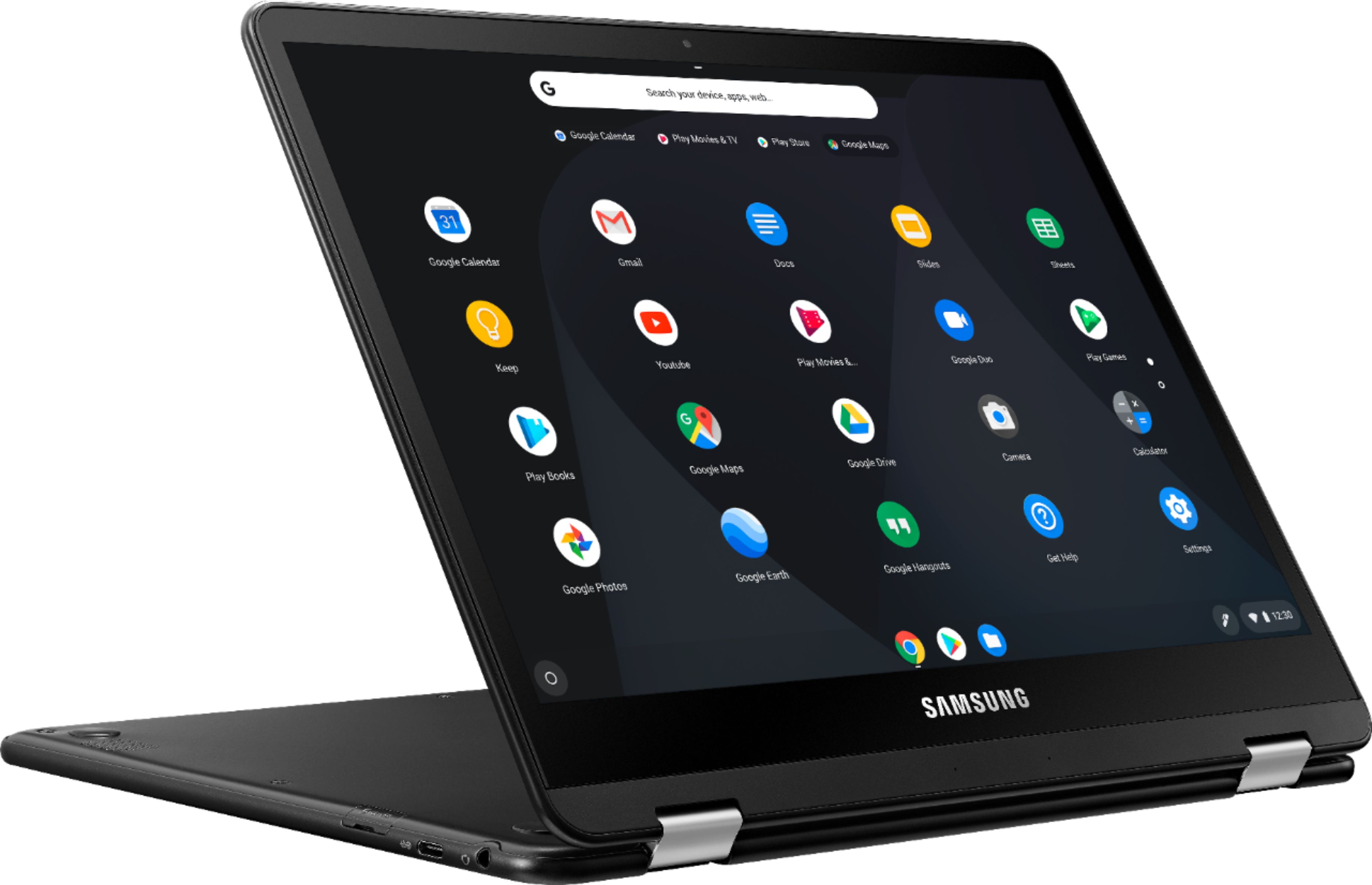
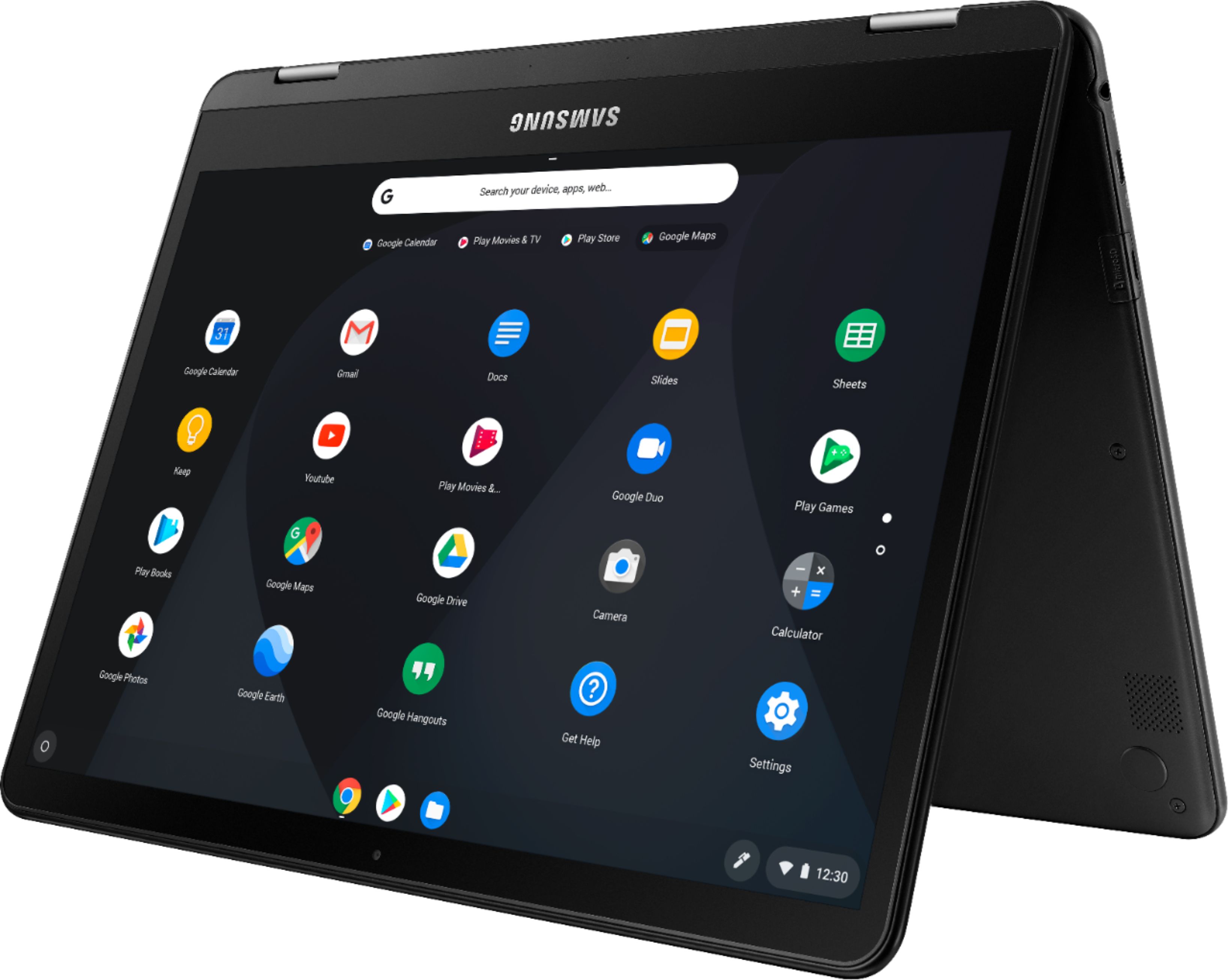
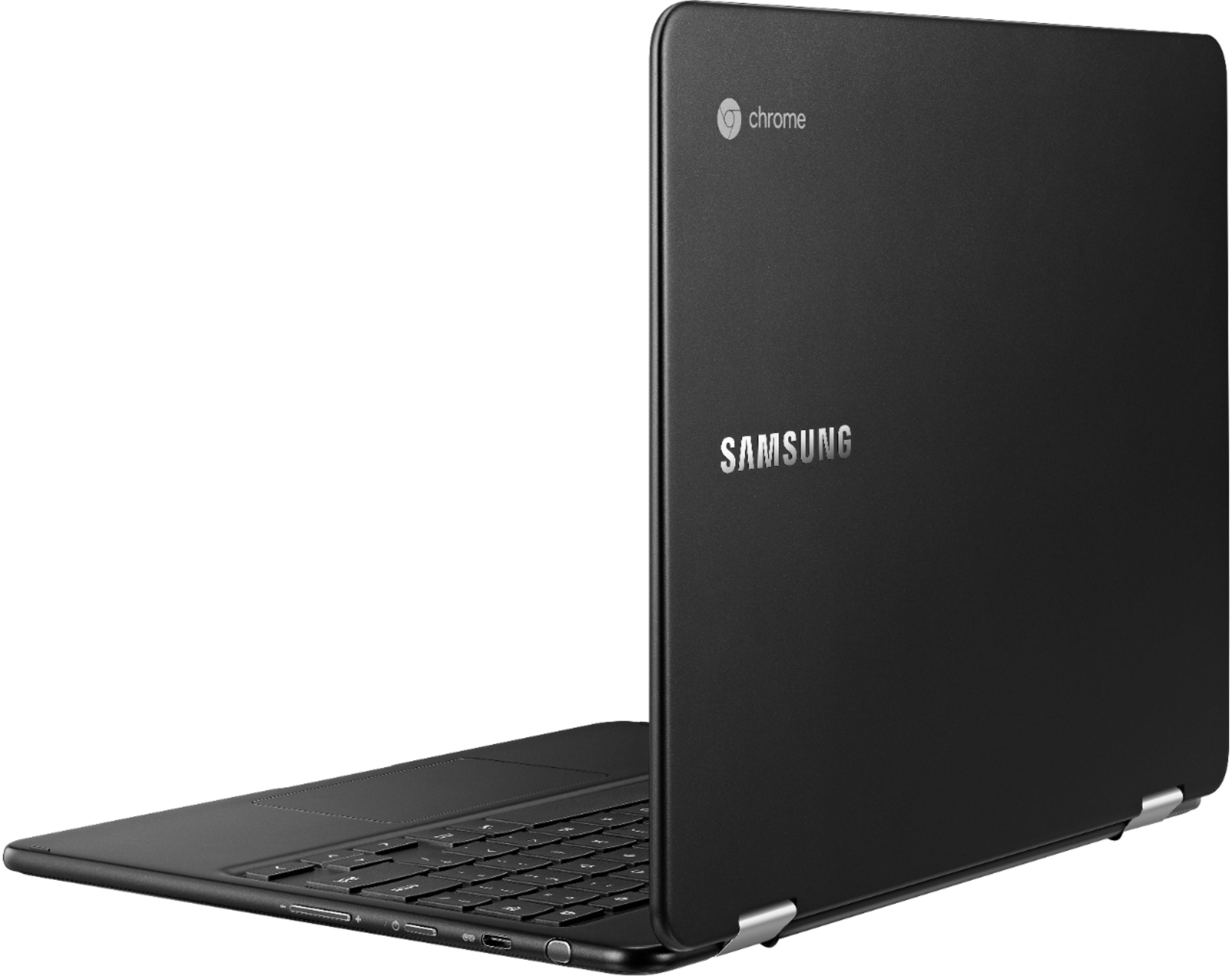
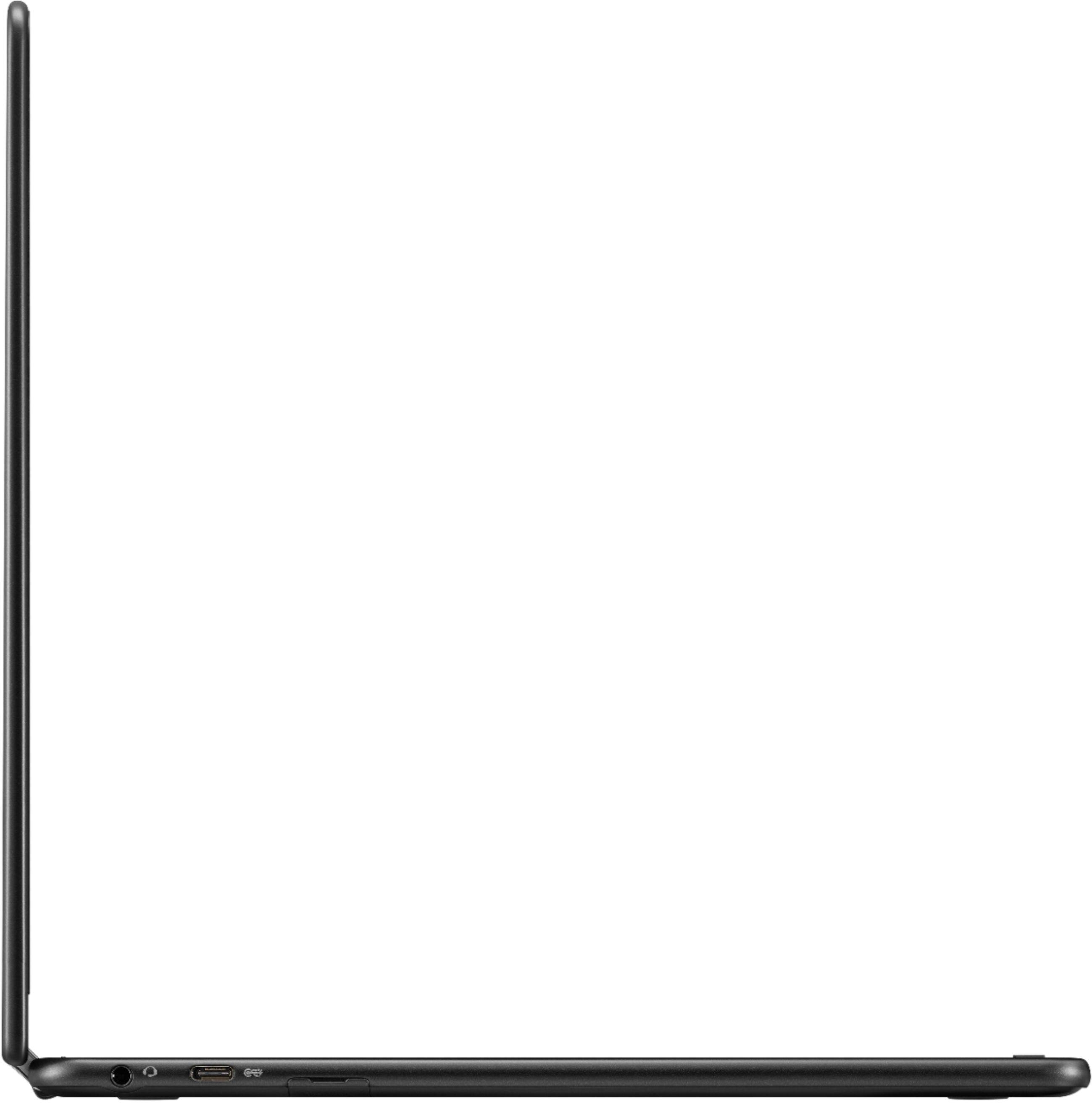
A:AnswerBased on the information I have been able to find the ram and eMMC are soldered to the system on the inside. I have not opened mine to see if that is truly the case but I do not doubt it. Samsung usually puts a note in the tech specs on their web site if you can add ram or storage. You have the option to add an SSD card and you can also connect USB-c drives to expand storage capabilities.
I can solder, but I usually don't try with things like this, one good mess up and you can brick the whole thing. Hope this helps.
BTW......you can get Chromebooks now, in this general price range with differing specs on storage and ram, so look around for what fits what you believe you need.
I have not been able to bog mine down yet with the hardware it has and I have used it for a month now doing everything you can think of on a Chromebook. Worst thing I have experienced is Android apps misbehaving.
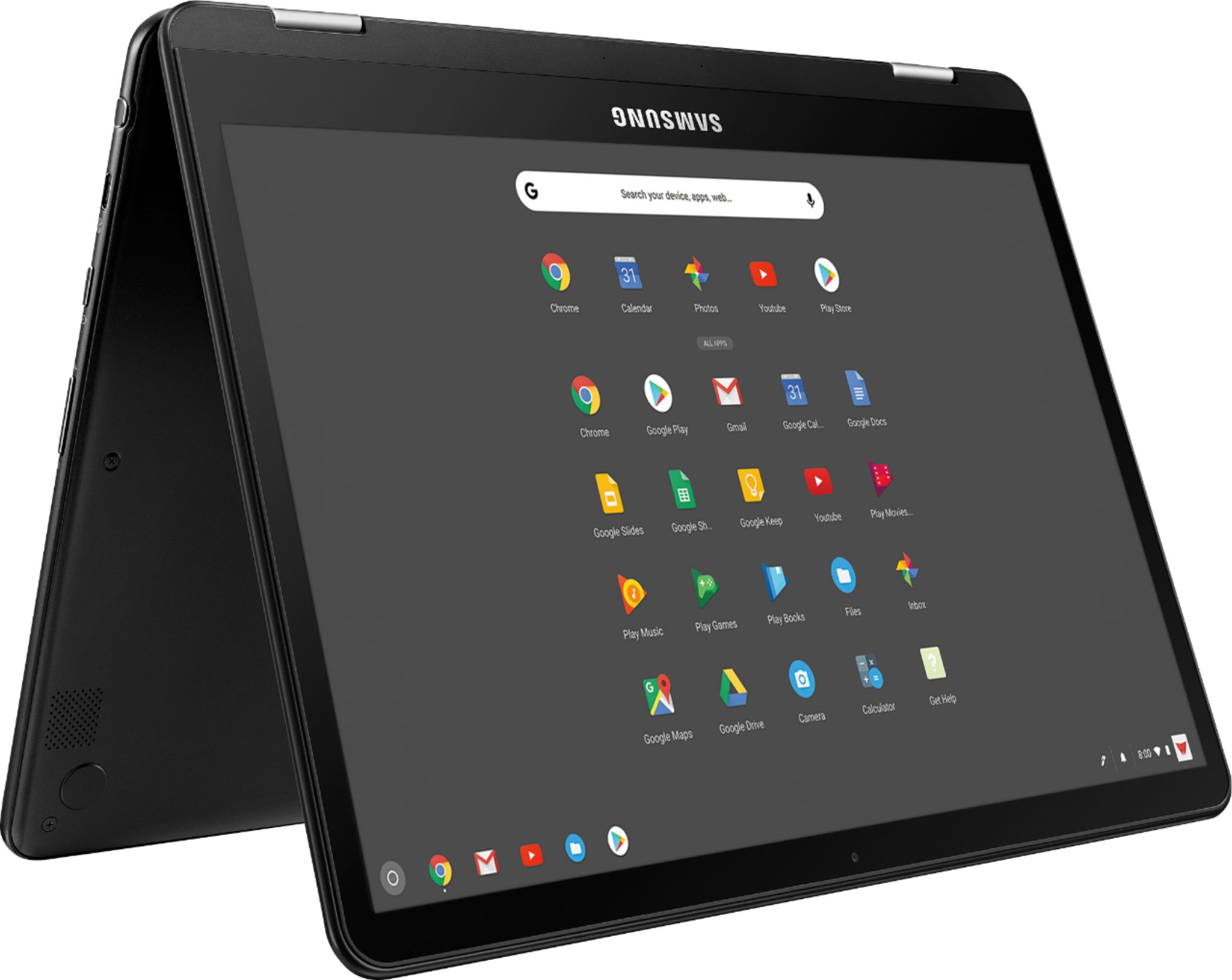
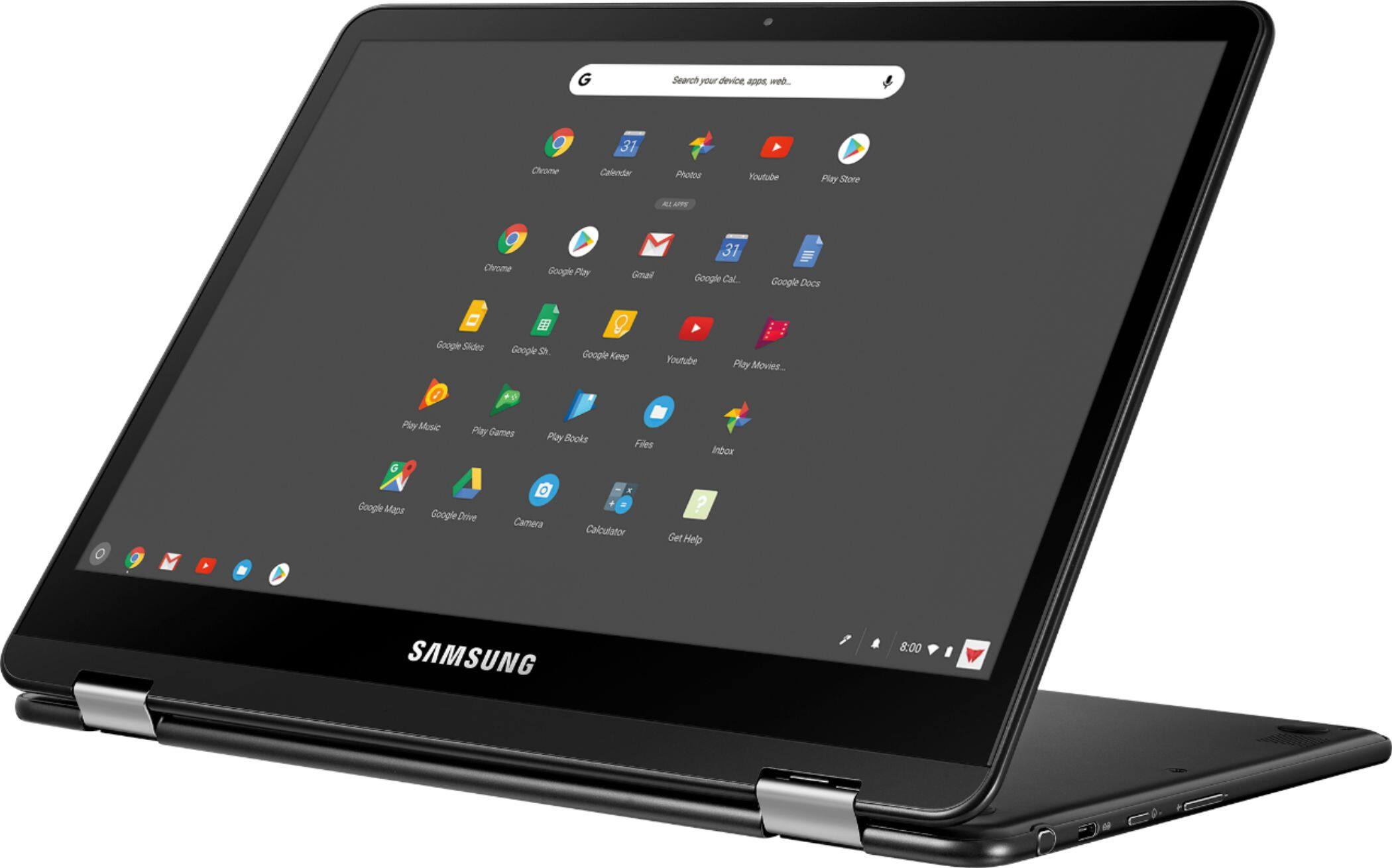
A:AnswerHey NorOak ! This product is compatiable with the Google Play Store. You can download applications from there. For more information you can follow this link (https://bit.ly/2Lv1jEE). ^Ash
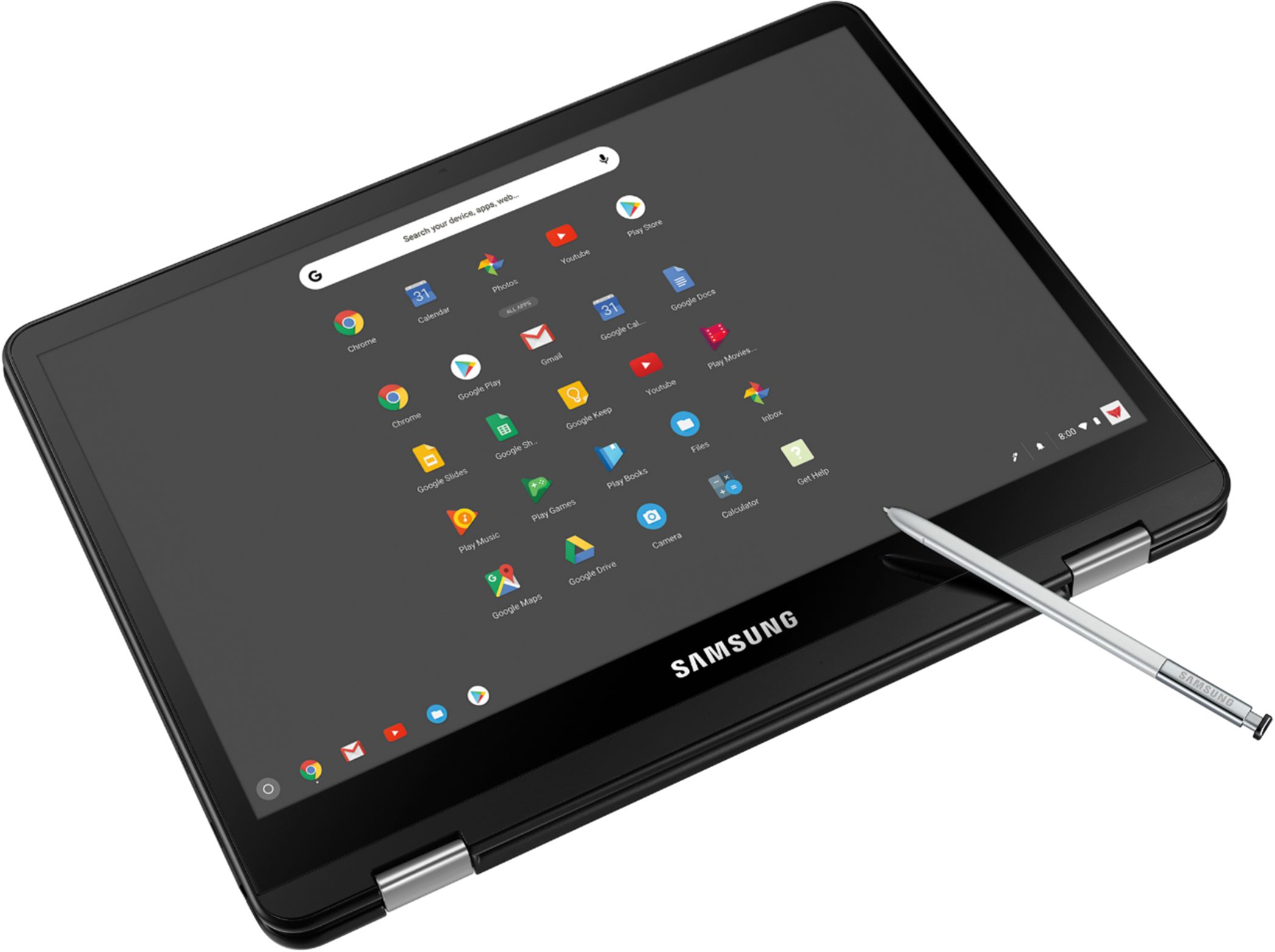
A:AnswerNo, I bout the Chromebook and it does not come with it. So you have to get the right size it's tricky because everything doesn't fit with the Chromebook.
A:AnswerSome Apps will sync between your phone and your Chrome book. However I did not have a lot of luck with my phone apps especially photo apps did not work.
A:AnswerCant use MS apps or any other Windows app. But, Google Docs will open and work with any Office document. Its quite nice. They run in a tab from Chrome so less draw on your system resources, and you can use them offline too.