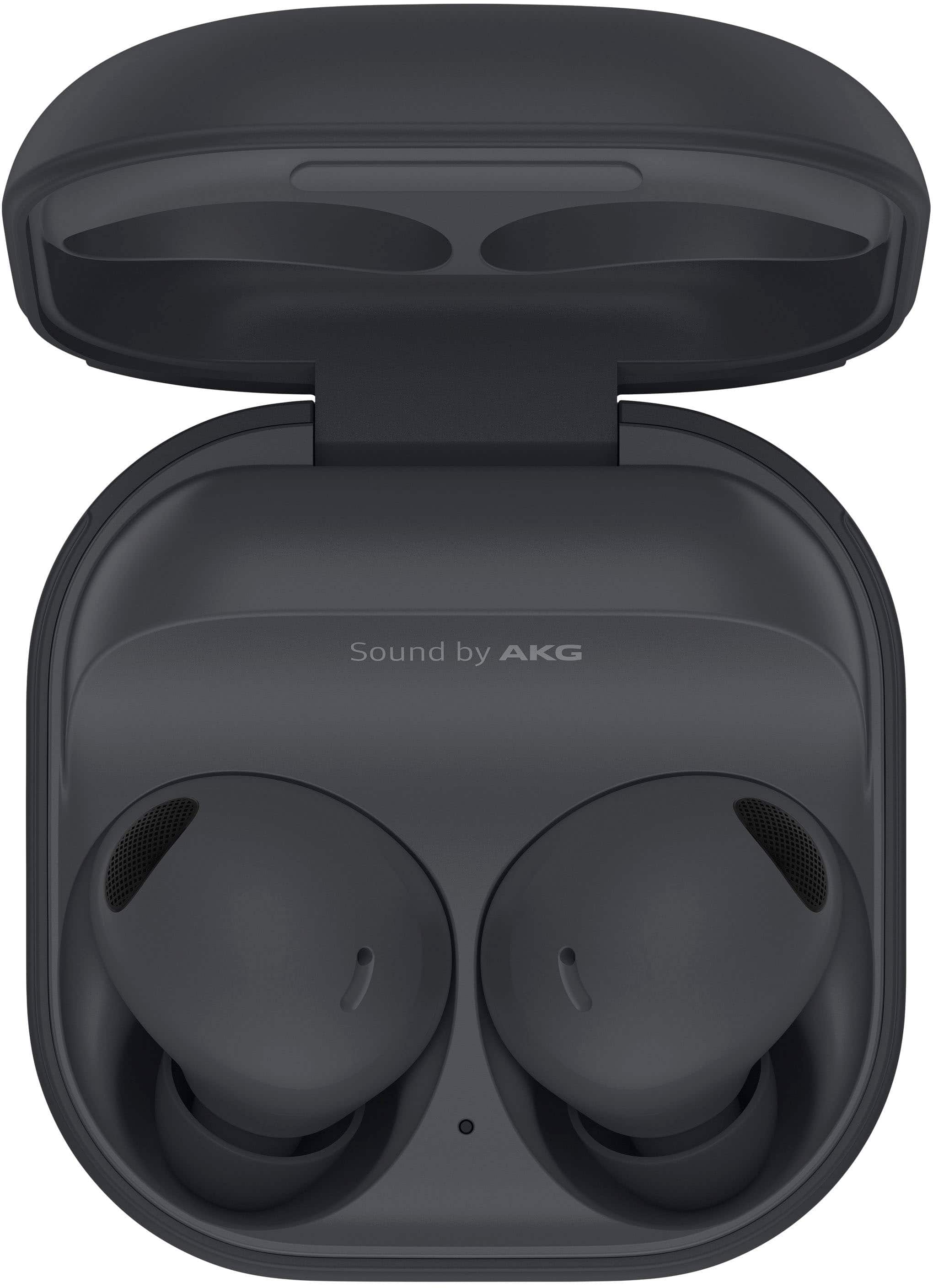
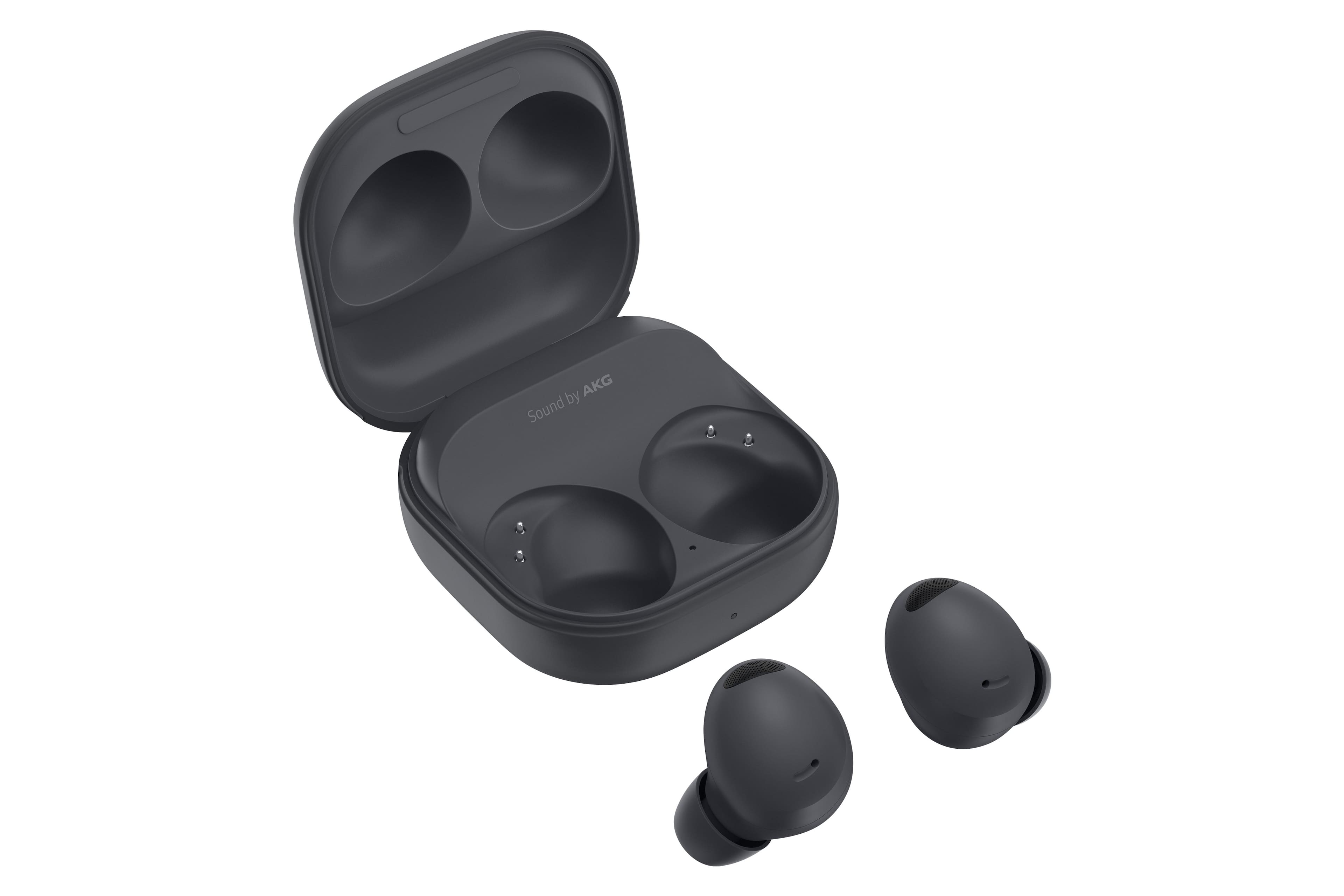
A:AnswerThe earbuds works with bluetooth. On your phone turn on the bluetooth and scan for devices. Open the earbud case and when your phone recognizes the device then press connect. It's best to use with Samsung Wearables app to control the ear buds' features. iPhones also recognizes Samsung buds. You can also connect without the case by pressing both earbuds at the same time until you hear a continuous tone until it connects.
A:AnswerYes to both. Turn Dolby Atmos on in pulldown bar on your galaxy phone. And in the Samsung wearables app you can turn off and on 360 audio and head tracking.
A:AnswerIf you have a helmet on, fantastic. Noise cancelling helps a lot on engine and wind noises. But without helmet, you would hear a lot of wind noises that would peak the audio pass-through on the buds. You would need to turn off the option for either ANC or ambient listening to limit that. Keep in mind that sweat makes the buds slippery.