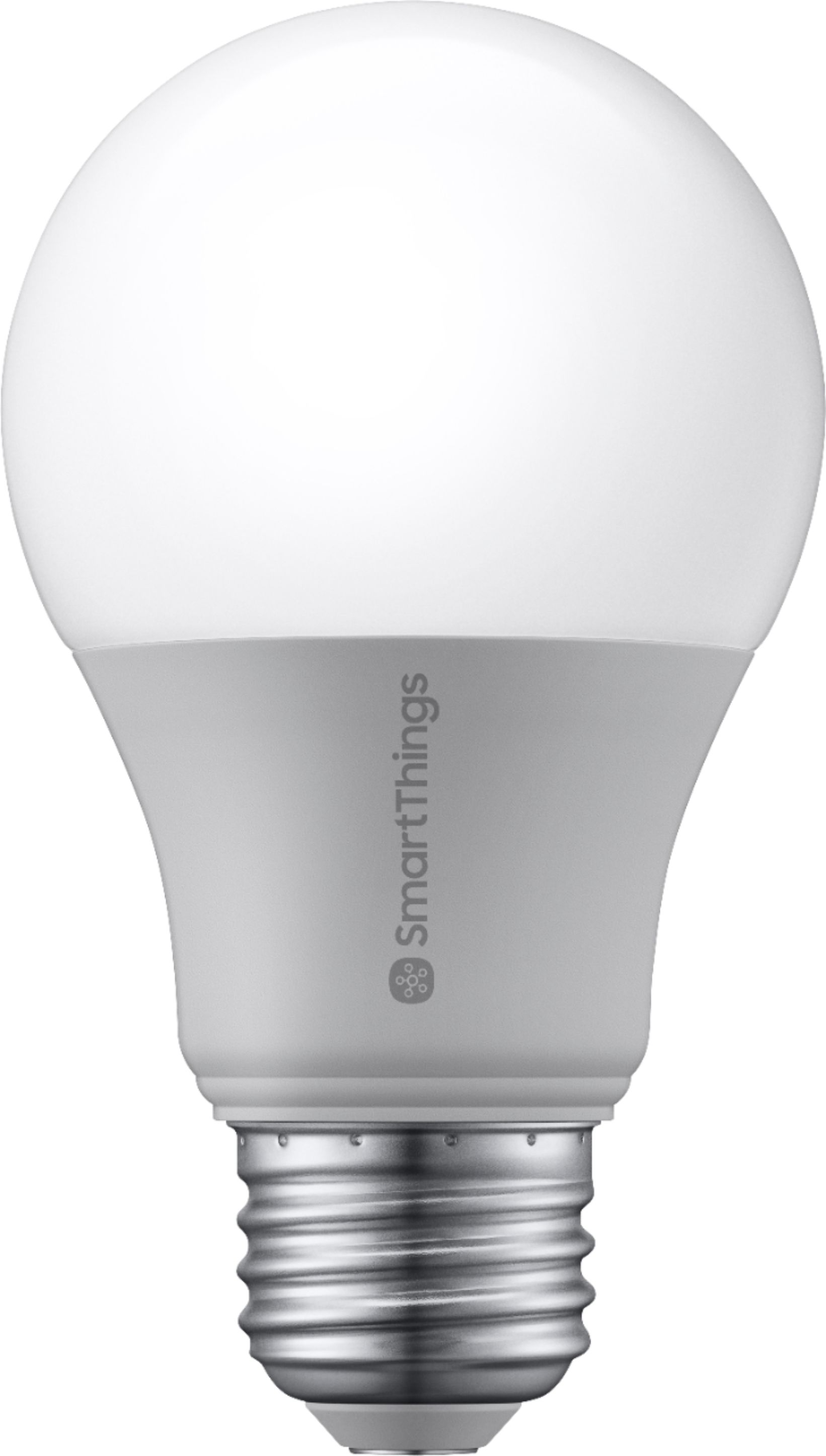
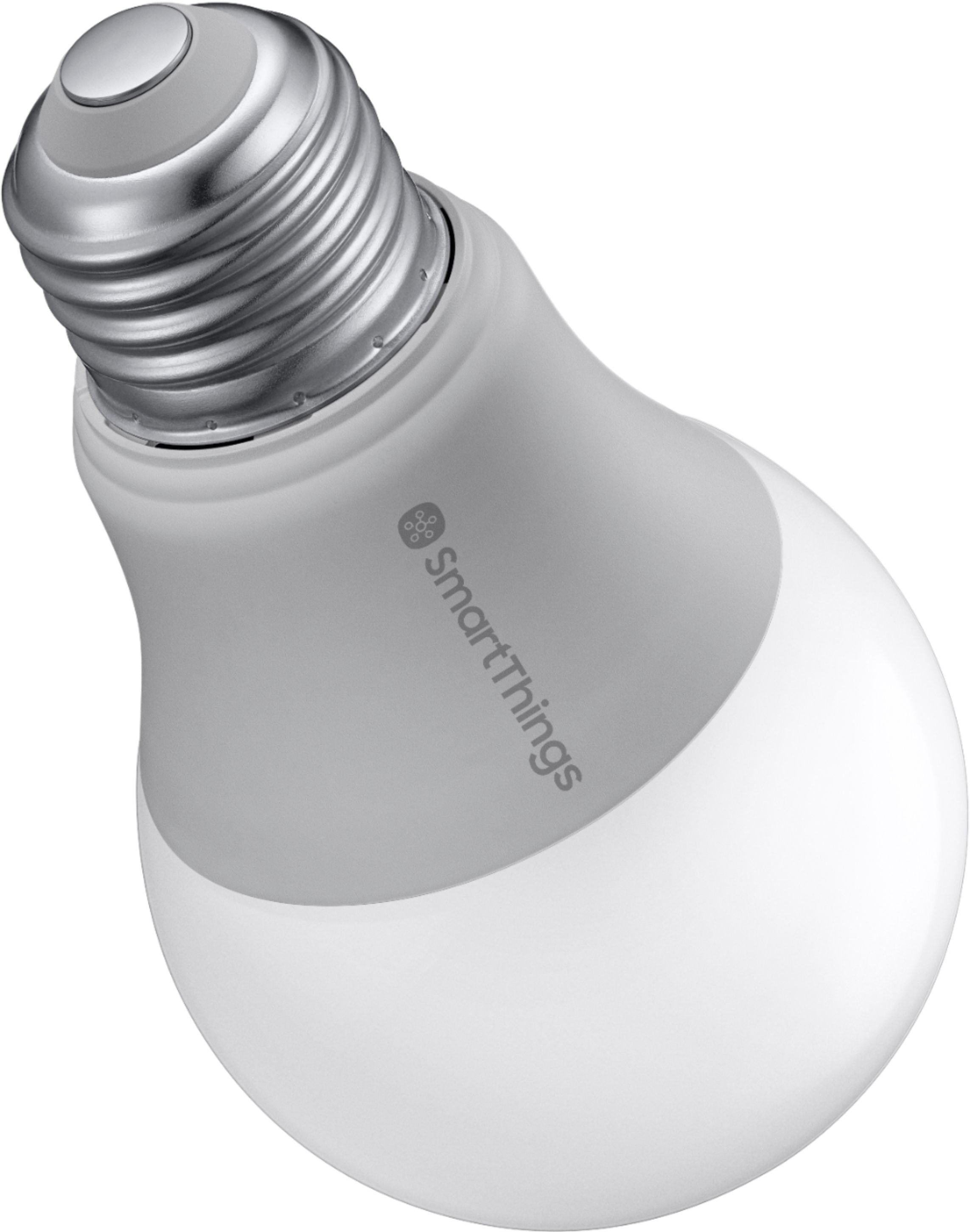
A:AnswerThis bulb is 2700K color which means it is more on the soft yellow-ish color scale. Looks good for closets and other places where you don't need a harsh white 6000K light.
A:AnswerYou don't need a smart switch. Once you connect it to the system, you can control it right from your app. No additional smart switch is needed.
A:AnswerIt can be used in a protected enclosure so it doesn't get wet. Additionally your zigbee hub (smarthings, amazon echo plus or whatever) must be within range of the outdoor porch light. I bought a repeater to get it to work well.
A:AnswerThe bulb has no motion sensor. If you buy a samsung smartthings motion sensor and use it with the smartthings hub, you can setup an automation with any time frame you want. I'm using 10 minutes here.
A:AnswerGreat question, Susie! The SmartThings Smart Bulb can be controlled using Alexa. In order to do so, the Smart Bulb needs to be connected to the SmartThings Hub within the SmartThings App. After connecting the SmartThings Hub, you can then enable the SmartThings Skill for Alexa within the Alexa app. You can learn more about how to connect SmartThings with Alexa on our Support page here -- https://support.smartthings.com/hc/en-us/articles/205275404-How-to-connect-Amazon-Alexa-with-SmartThings. Thank you! ~Samsung Brand Ambassador
A:AnswerIf you have a smartthings hub, you can integrate that with alexa and it will see the bulbs. It may also work with amazon echo plus as it has a zigbee hub built in although I haven't tried this.
I regularly use them with both echo and google home devices without issues.