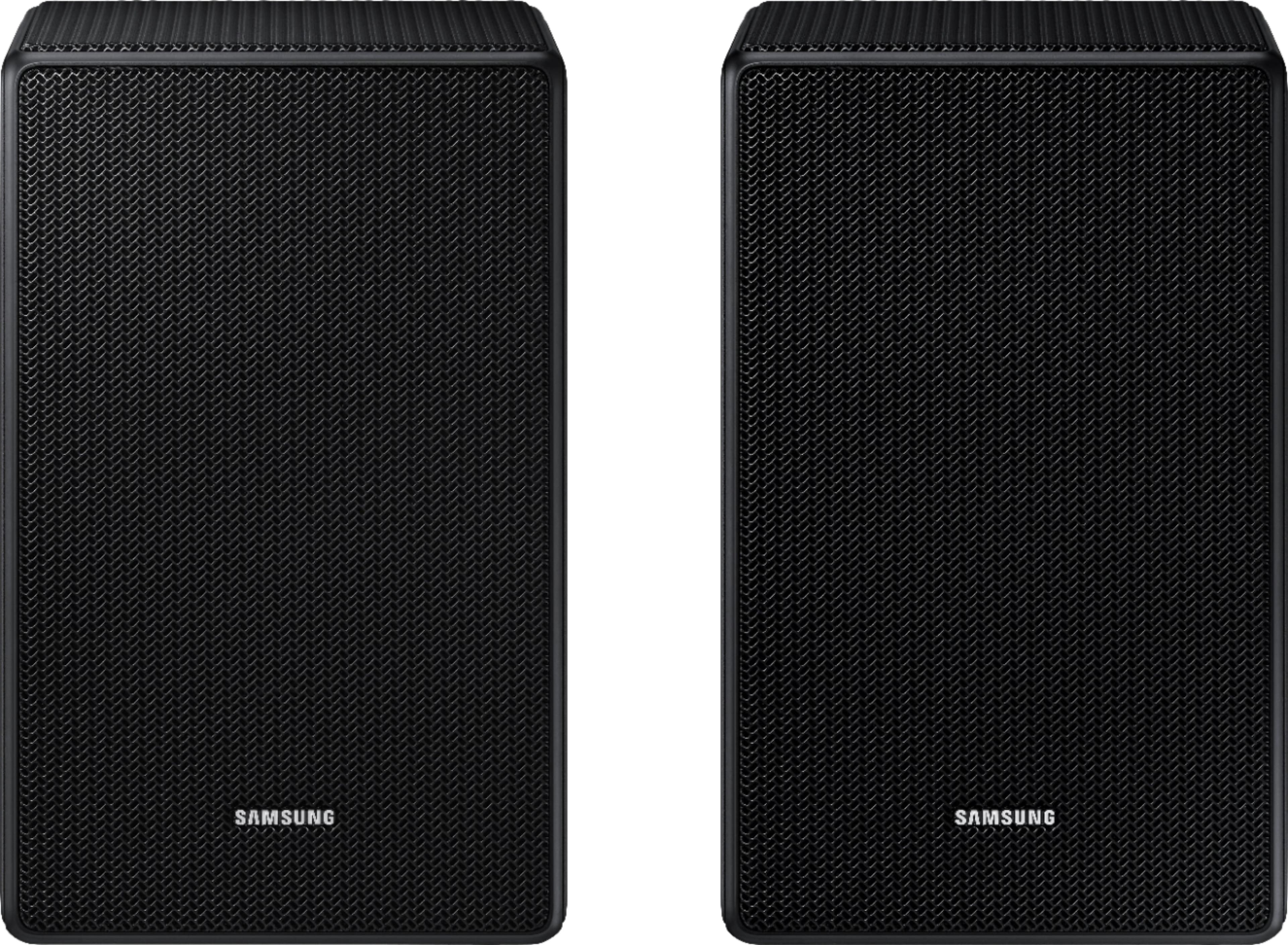
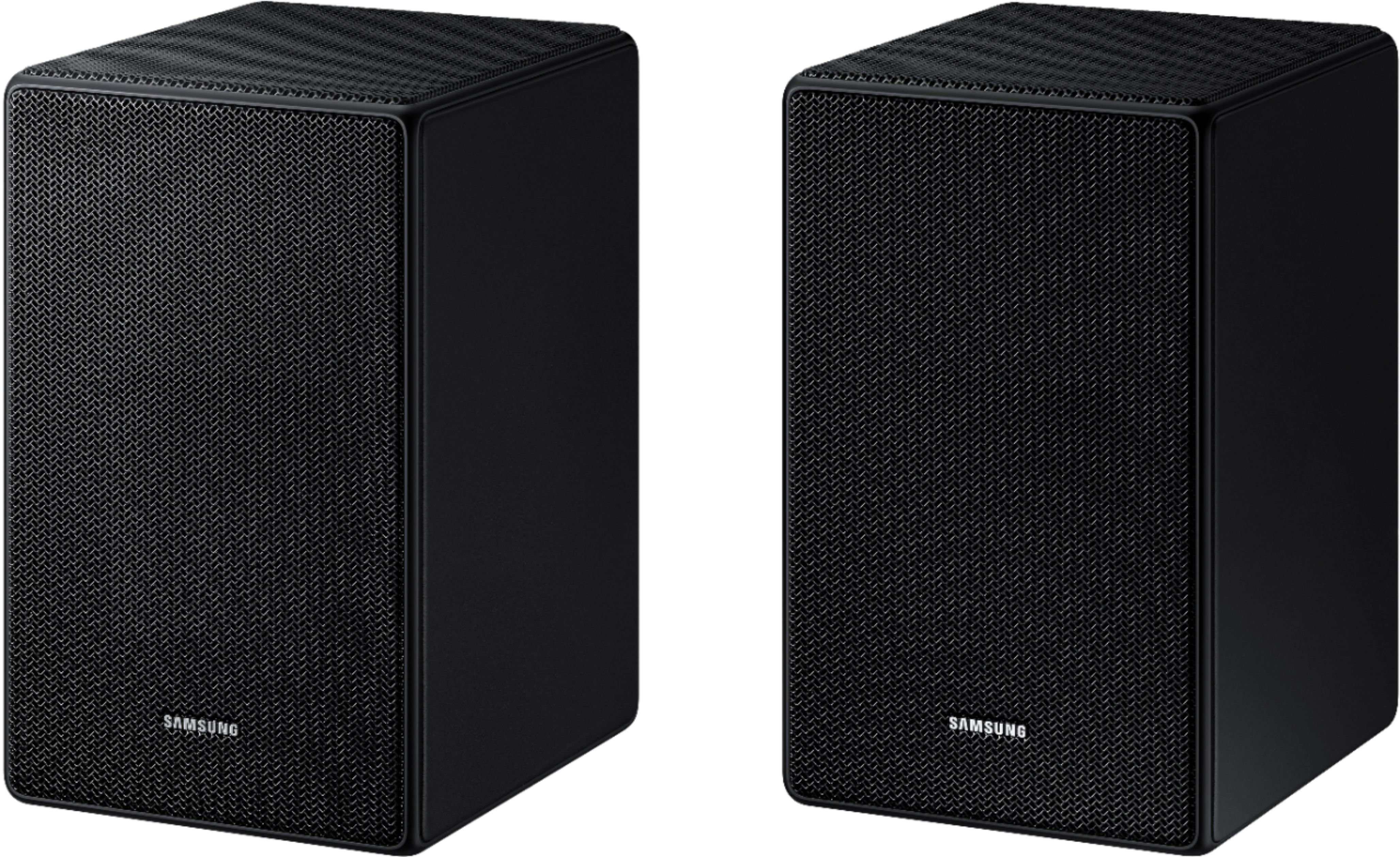
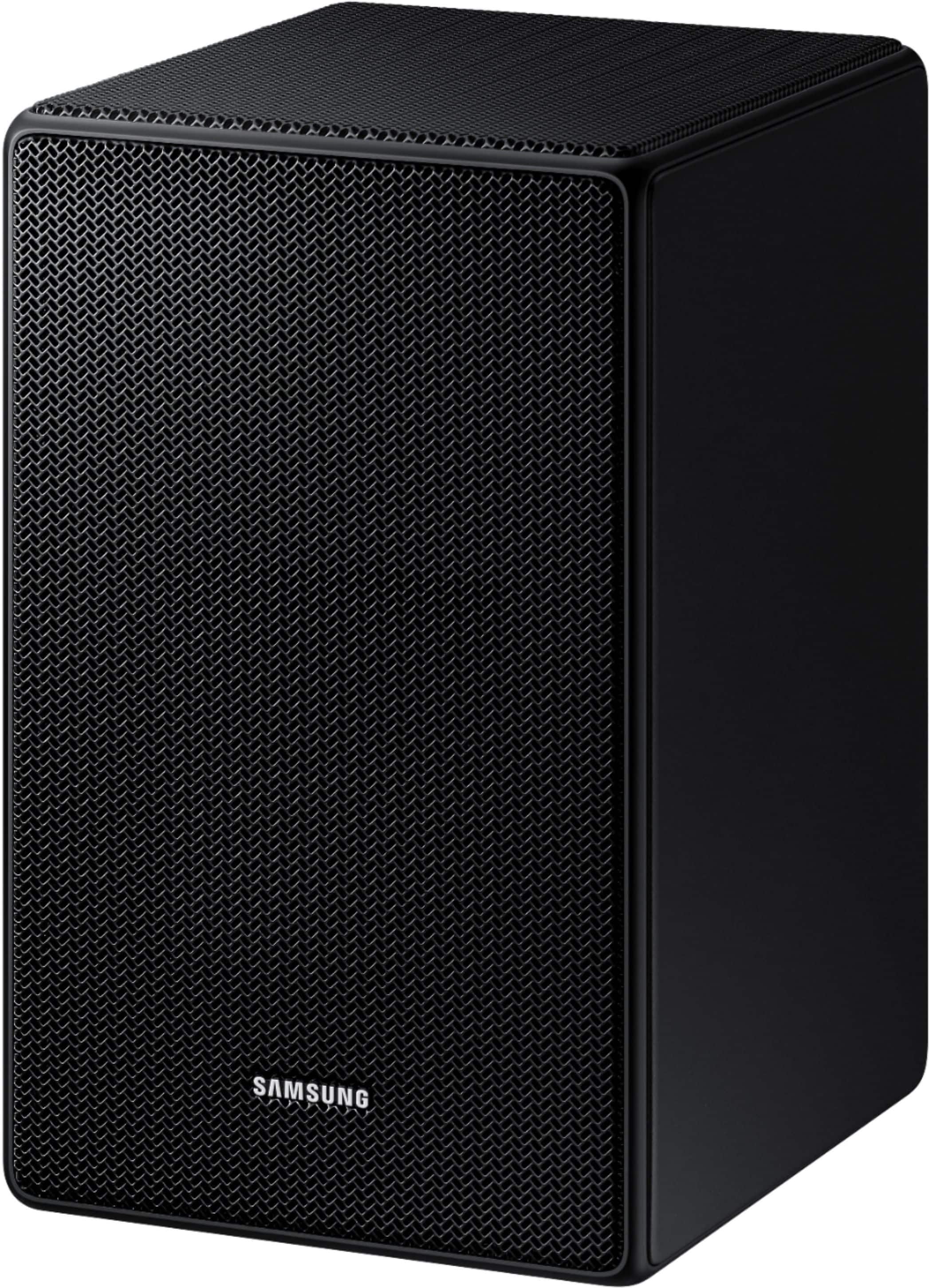
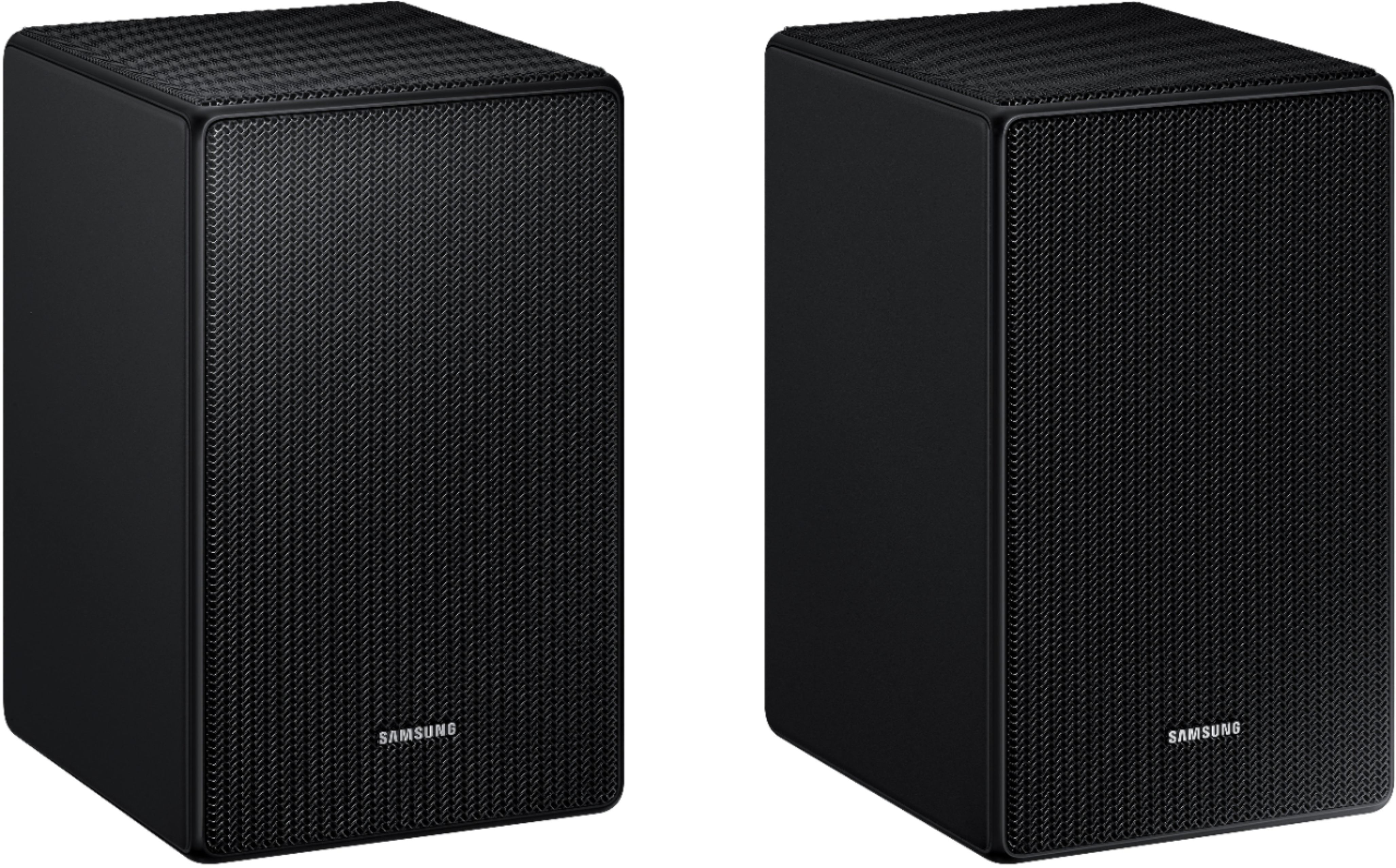
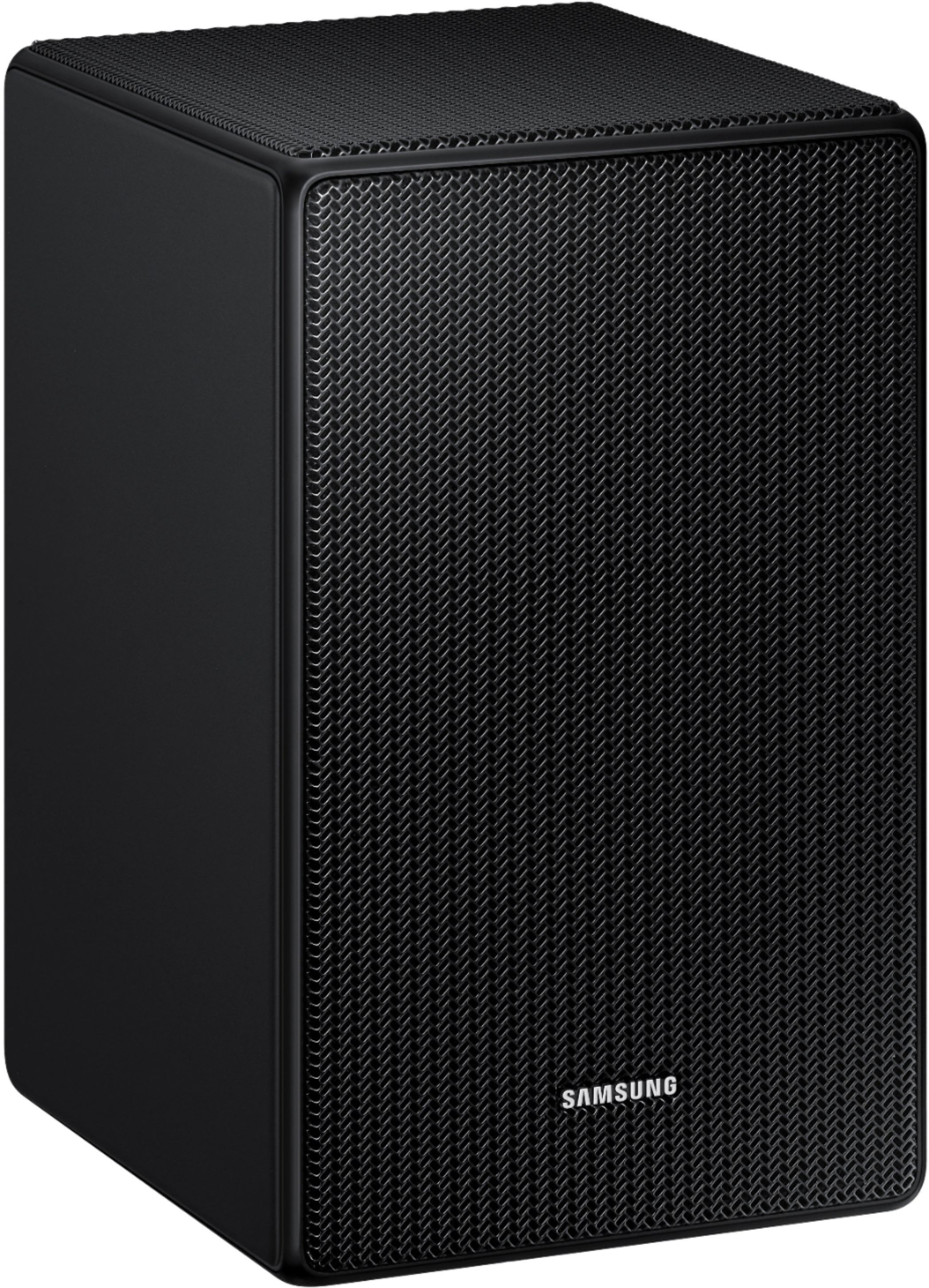
A:AnswerHi there, HWB650! The Samsung SWA-9500S is compatible with the following Samsung Q-Series soundbars: HW-Q900F, HW-Q800F, HW-QS700F, HW-Q800D, HW-QS730D, HW-Q900C, HW-Q800C, HW-Q700C, HW-Q800B, HW-Q700B, HW-Q900A, HW-Q800A, and HW-Q700A. It is also compatible with select S-Series models including HW-S800D/S801D and HW-S800B/S801B.
If you own the Samsung HW-B650, it is compatible with the Samsung SWA-9200S. If you have the Samsung HW-B650F, it is compatible with the Samsung SWA-9250S.
~ Samsung Solutions
A:AnswerHello JV06089! You can try performing a hard reset on your soundbar. Once the reset is complete, do not pair the rear speakers that originally came with the HW-Q850D. Instead, pair the SWA-9500S speakers. Please note that only one pair of rear speakers can be paired to the soundbar at a time.
Reset using the soundbar controls:
With the soundbar ON, press and hold the Volume + and Volume − buttons on the soundbar at the same time for at least 5 seconds until “INIT OK” appears on the display, then release.
If that doesn’t work, reset using the remote:
With the soundbar ON, press and hold the SOUND CONTROL (gear icon) button on the remote for about 10 seconds. You will see “150Hz” appear on the display. Continue holding the button until “INIT” appears, then release.
~ Samsung Solutions
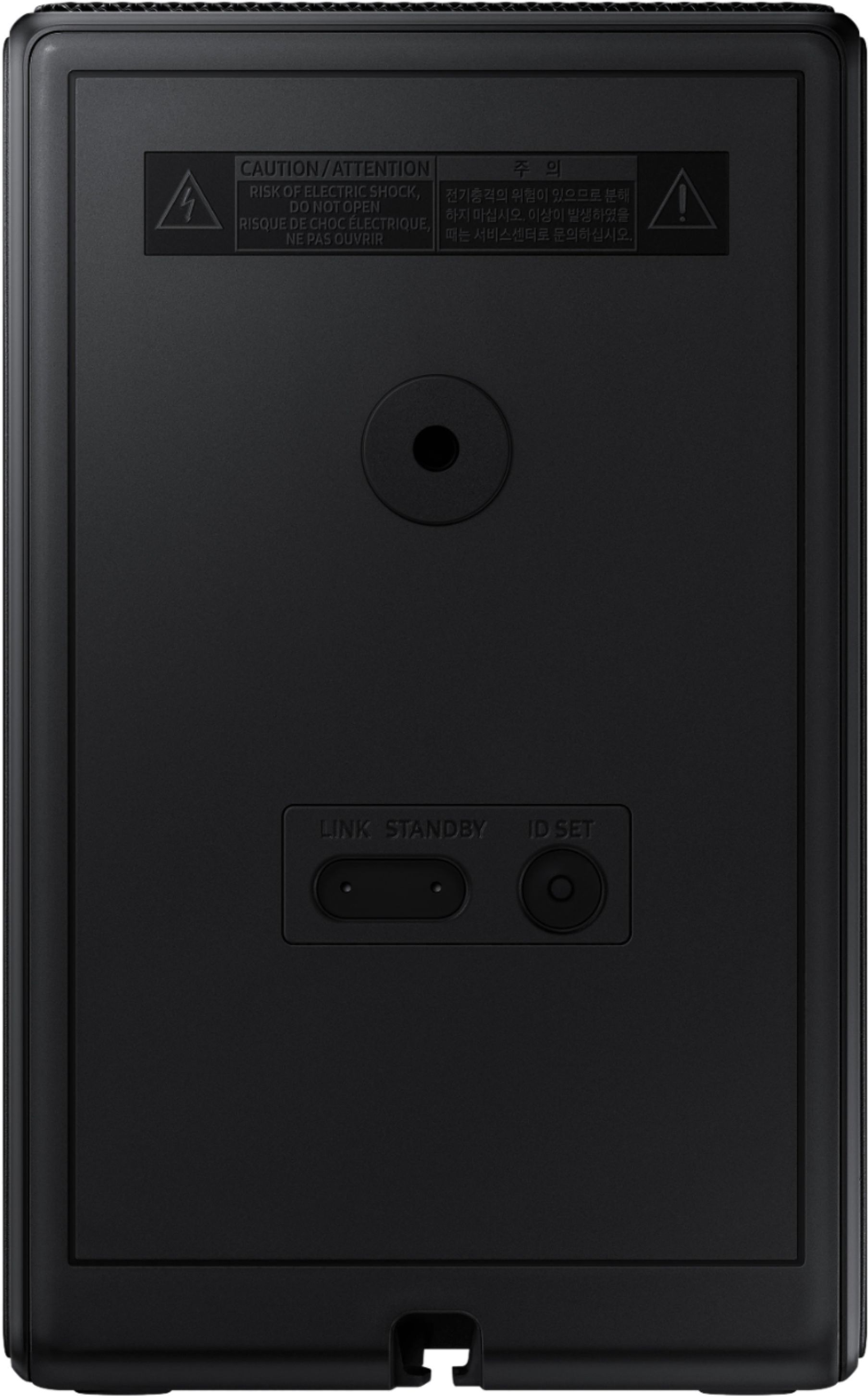
A:AnswerHello Rudy! To wall-mount the SWA-9500S rear speakers, you’ll just need a bracket that supports the correct screw size and weight. Each speaker uses a standard 1/4-20 mounting screw (same as camera mounts), and the screw should be about 18 mm (¾ inch) long.
Weight-wise, the speakers are light (about 4 lbs each), so any bracket that supports each speaker is more than enough. Just ensure the mount stays upright and that you install it into a stud or a solid wall for support.
With those specs, most universal satellite or bookshelf speaker mounts will work perfectly.
~ Samsung Solutions