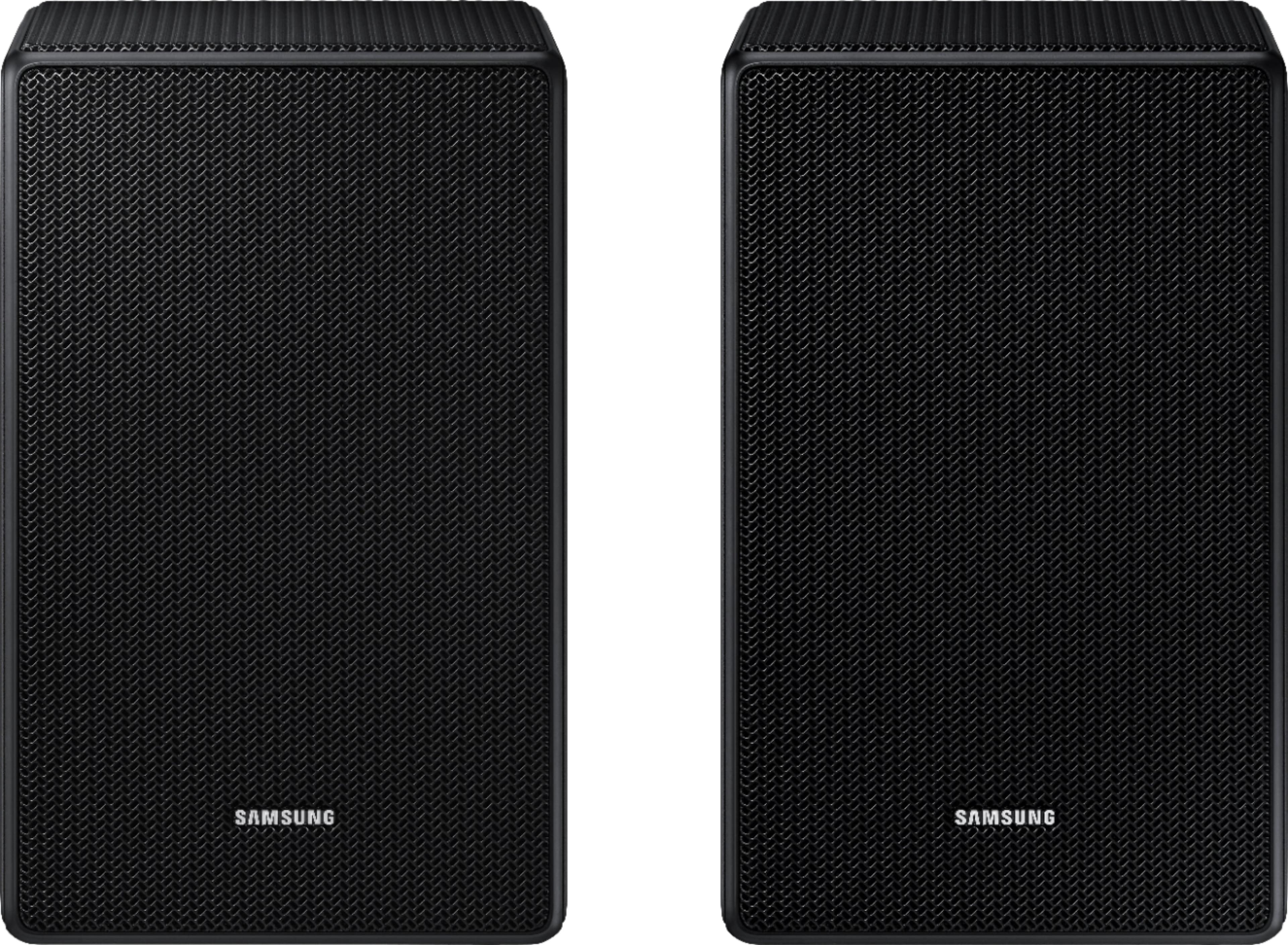
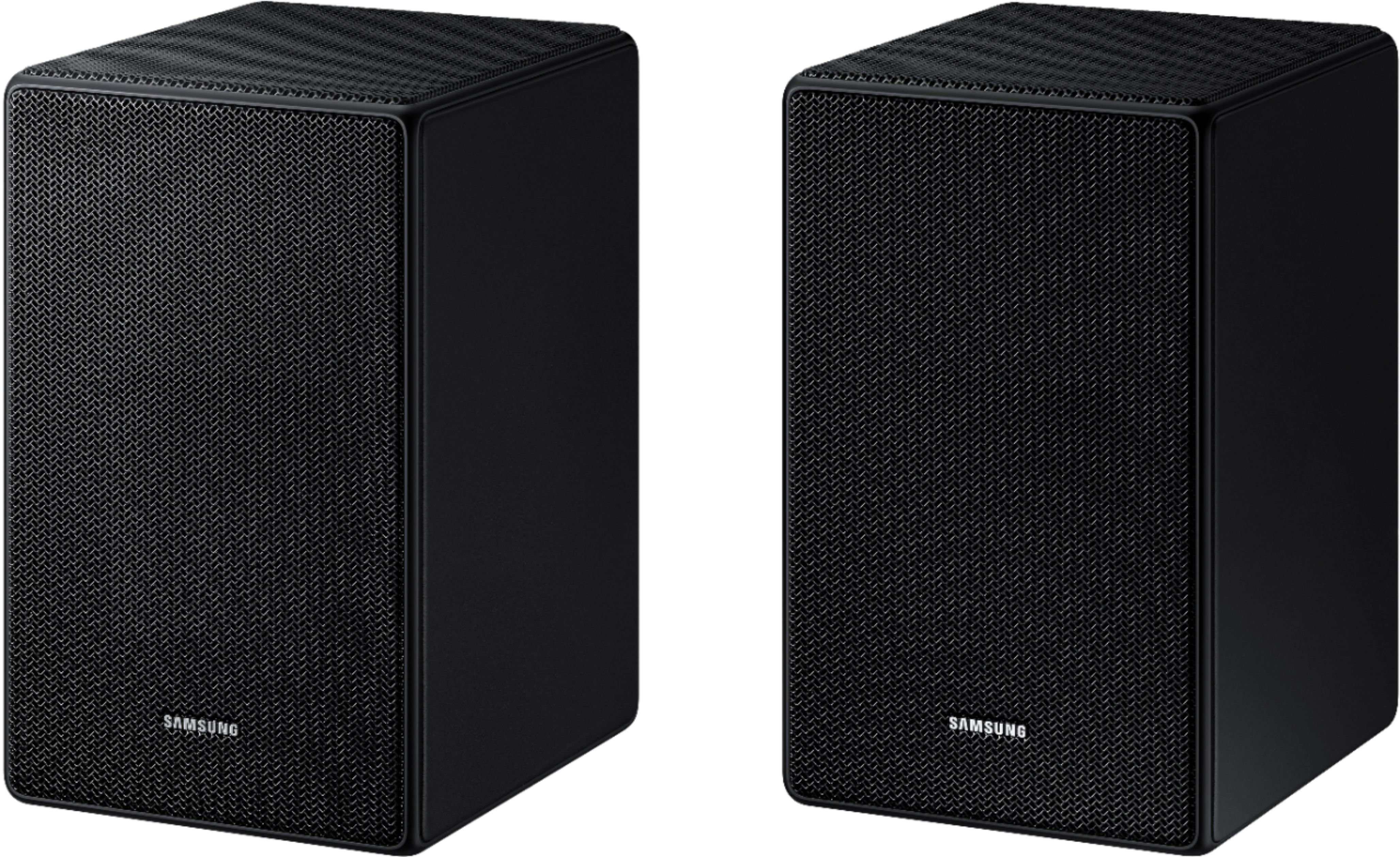
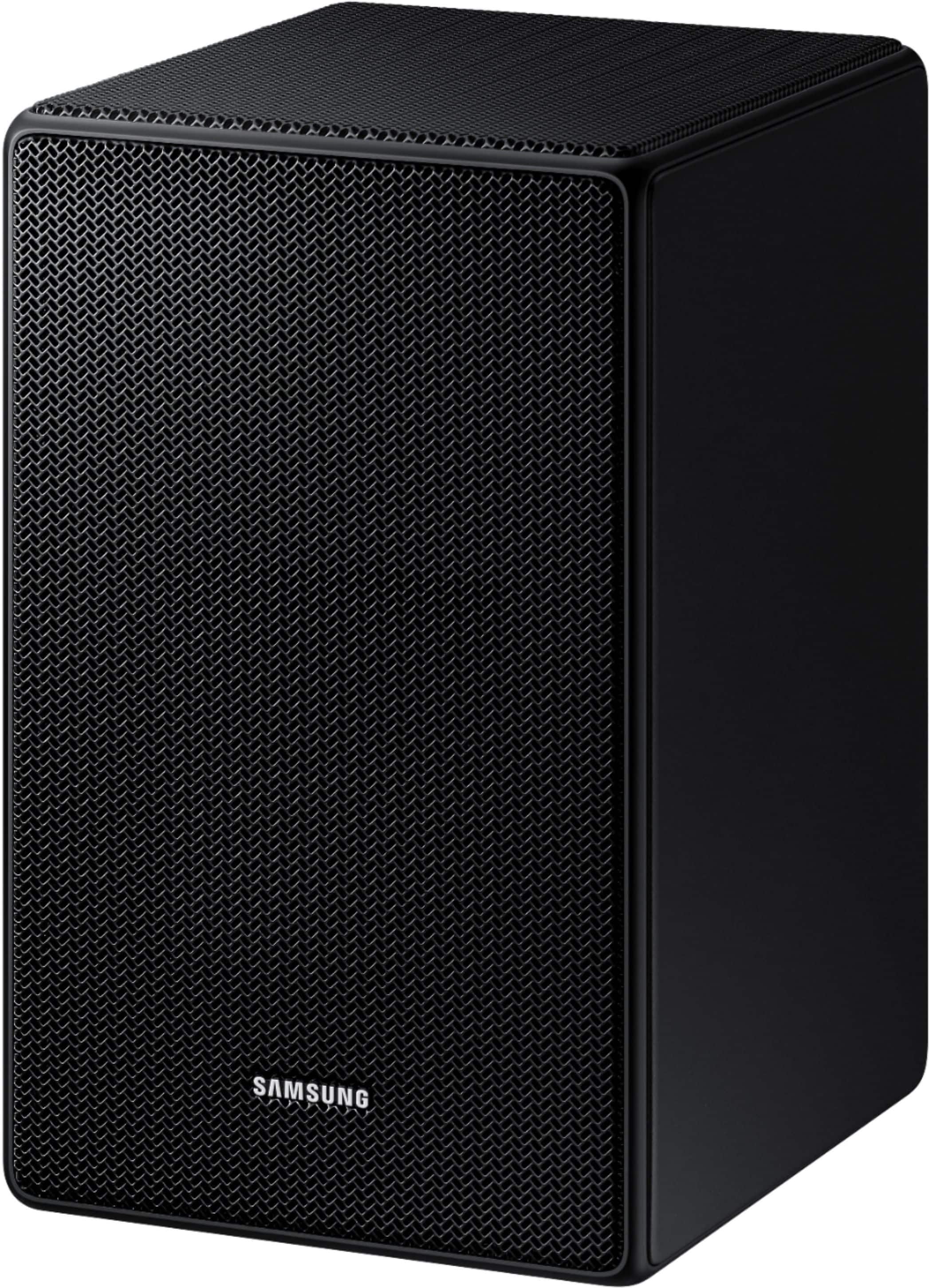
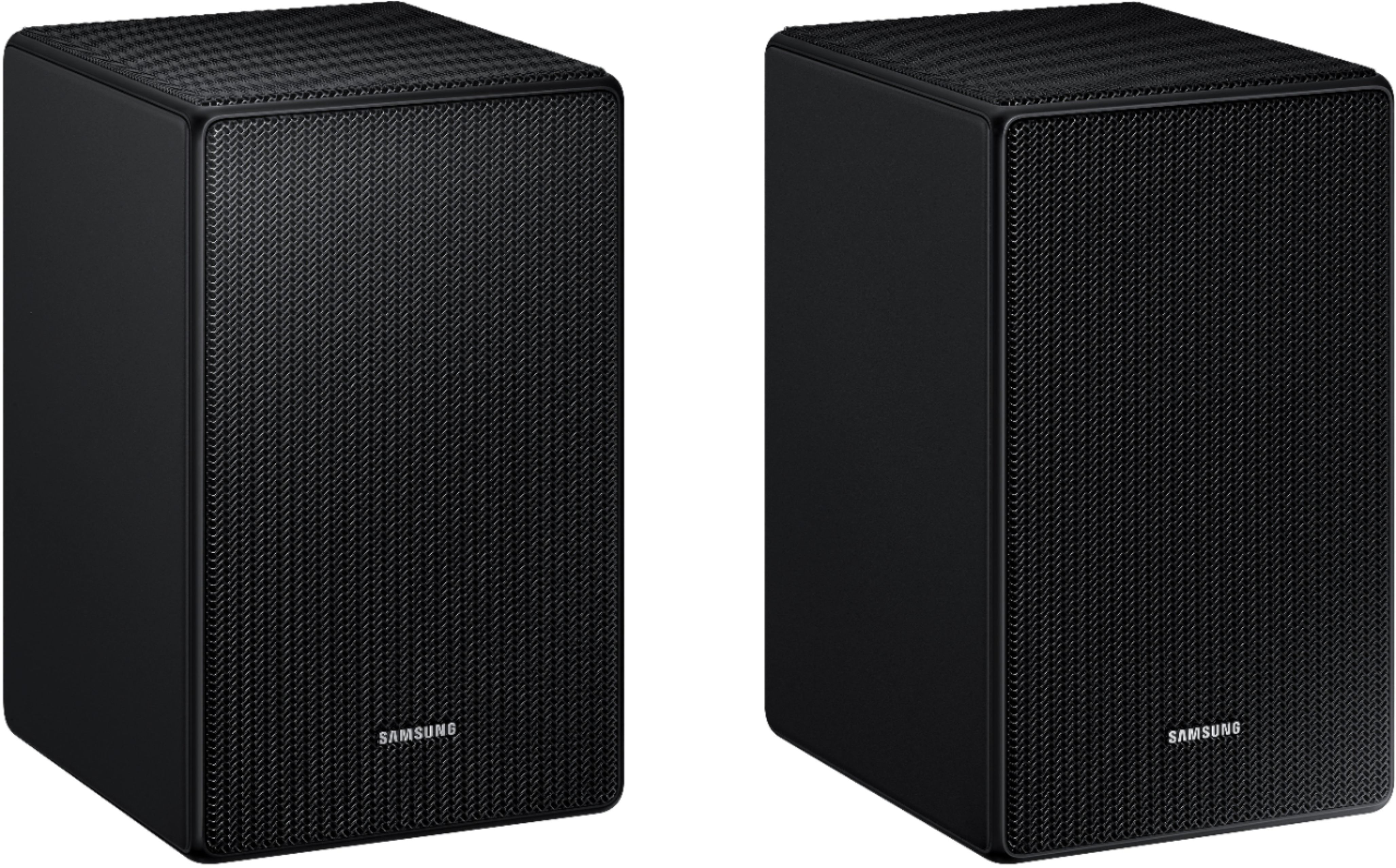
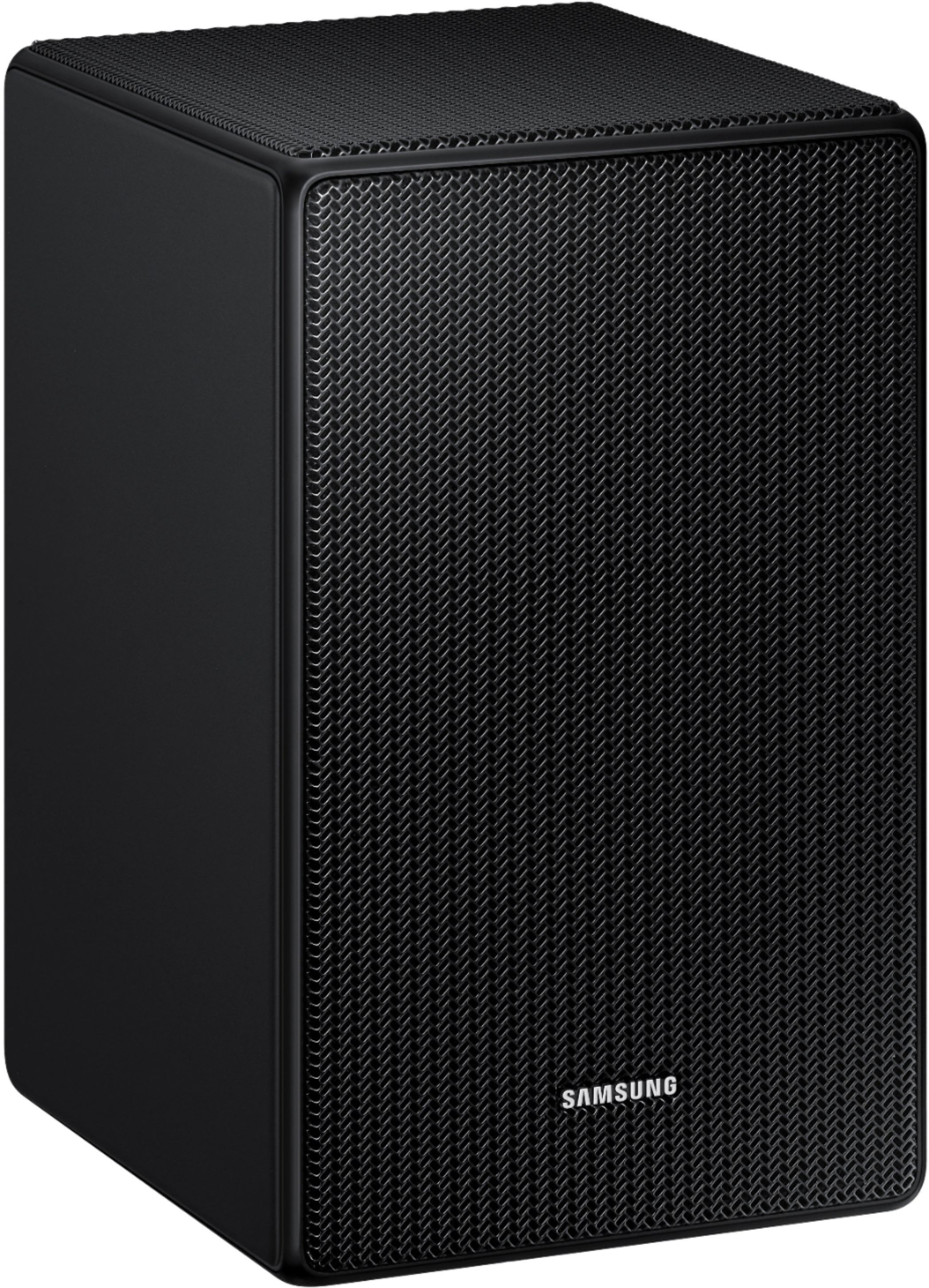
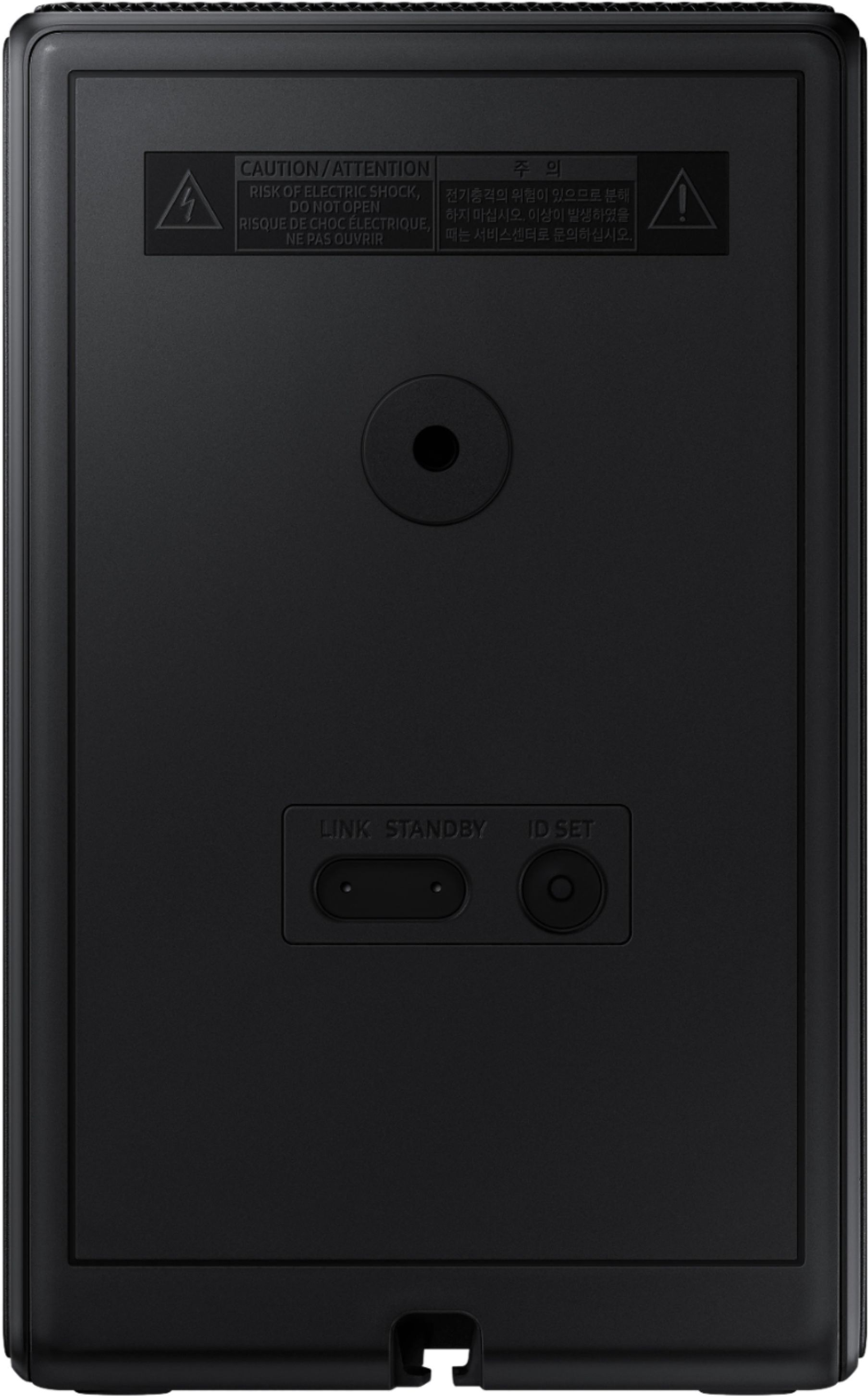
A:AnswerHi Tony, To connect these rear speakers to your soundbar plug the SWA-9500S power cord into an outlet and into the speakers to turn them on. Turn off your soundbar and press the Up button on the remote for 5 seconds. The ID SET message will appear on the soundbar for a short time and then disappear. After the ID SET process, the soundbar power is automatically turned on. The LINK LED indicator stops blinking and glows a solid blue when a connection is established between the soundbar and the rear speakers. ~ Samsung Solutions
A:AnswerHello KKB13, The SWA-9500S is compatible with Samsung Q Series Soundbar HW-Q800D, HW-QS730D, HW-Q900C, HW-Q800C, HW-Q700C, HW-Q800B, HW-Q700B, HW-Q900A, HW-Q800A, HW-Q700A models, and S-Series models HW-S800D/S801D, HW-S800B/S801B. The HW-R550 Soundbar is compatible with the SWA-8500S Wireless Rear Speaker Kit. ~ Samsung Solutions
A:AnswerHello Soundman, The SWA-9500S Wireless Rear Speaker Kit is not a standalone product and needs to be connected to one of the following compatible with Samsung Q Series Soundbar HW-Q800D, HW-QS730D, HW-Q900C, HW-Q800C, HW-Q700C, HW-Q800B, HW-Q700B, HW-Q900A, HW-Q800A, HW-Q700A models, and S-Series models HW-S800D/S801D, HW-S800B/S801B. All of the listed soundbars are compatible with SmartThings. ~ Samsung Solutions
A:AnswerHello Jeff, The SWA-9500S is compatible with Samsung Q Series Soundbar HW-Q800D, HW-QS730D, HW-Q900C, HW-Q800C, HW-Q700C, HW-Q800B, HW-Q700B, HW-Q900A, HW-Q800A, HW-Q700A models, and S-Series models HW-S800D/S801D, HW-S800B/S801B. The HW-A650 Soundbar is compatible with the SWA-9100S Rear Speaker Kit. ~ Samsung Solutions
A:Answermonkey, The SWA-9500S Wireless Rear Speaker Kit can not be connected to a TV. They will need to be connected to a compatible Samsung Soundbar like our HW-Q800D and HW-S800D. ~ Samsung Solutions