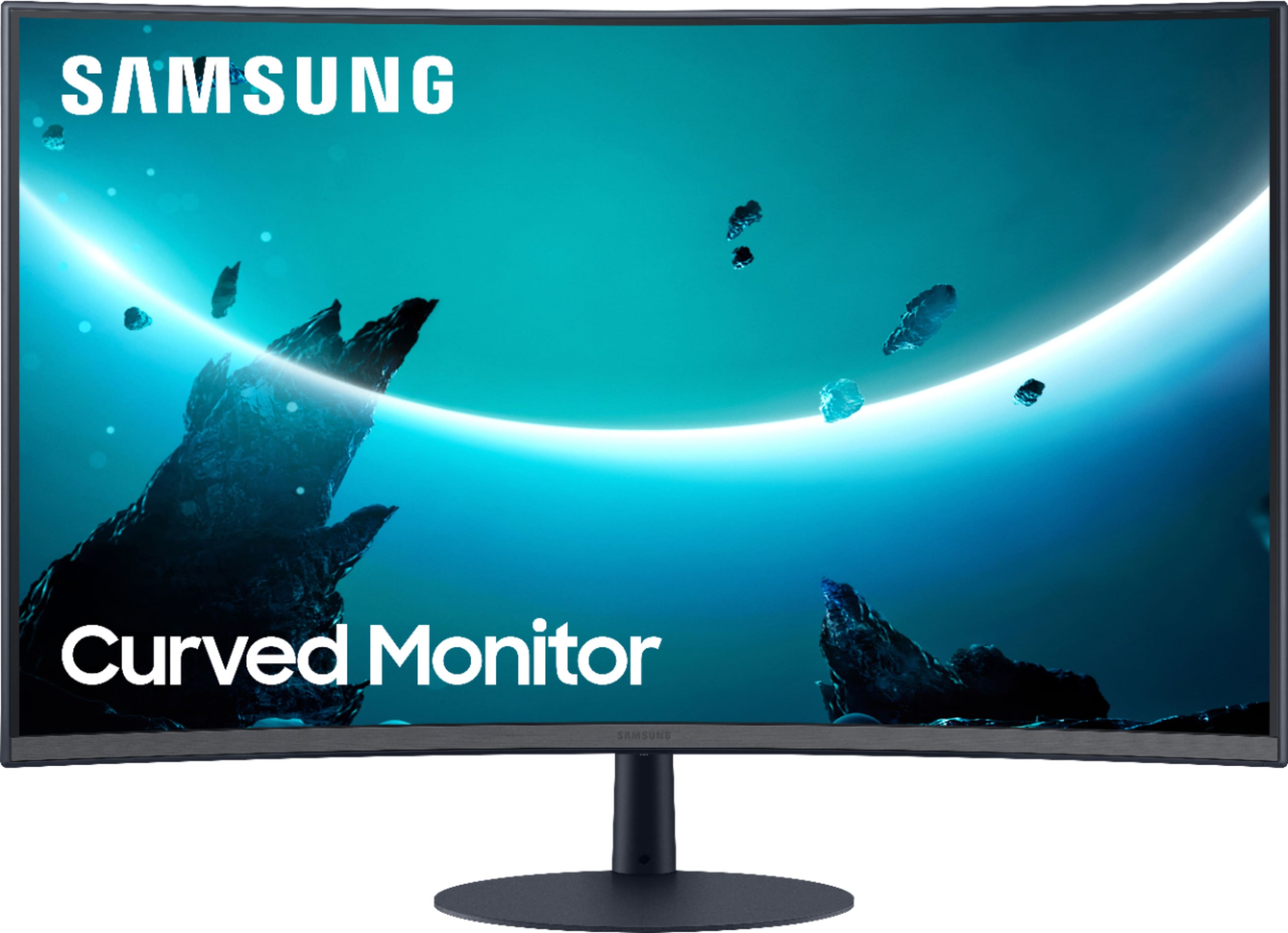
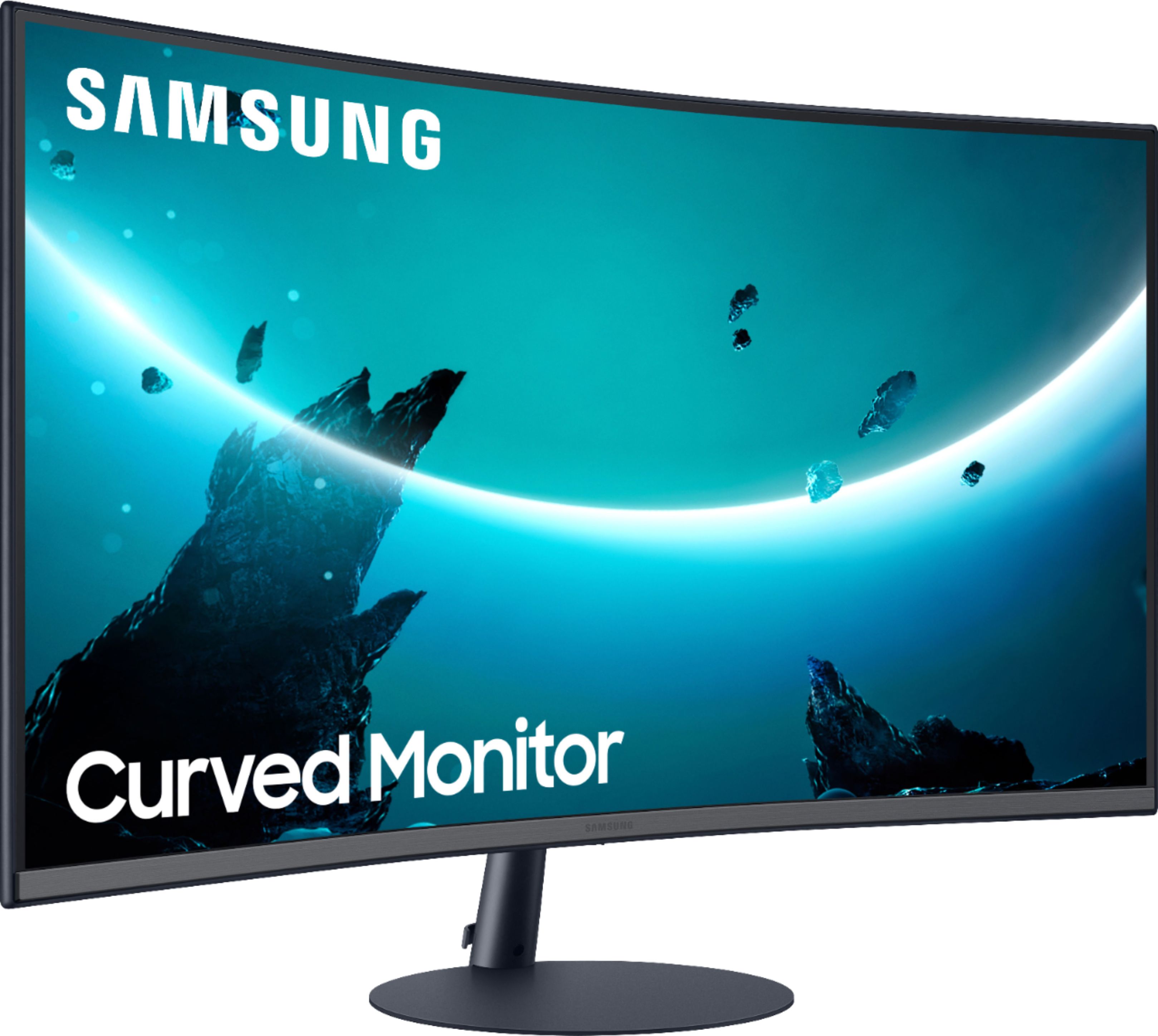
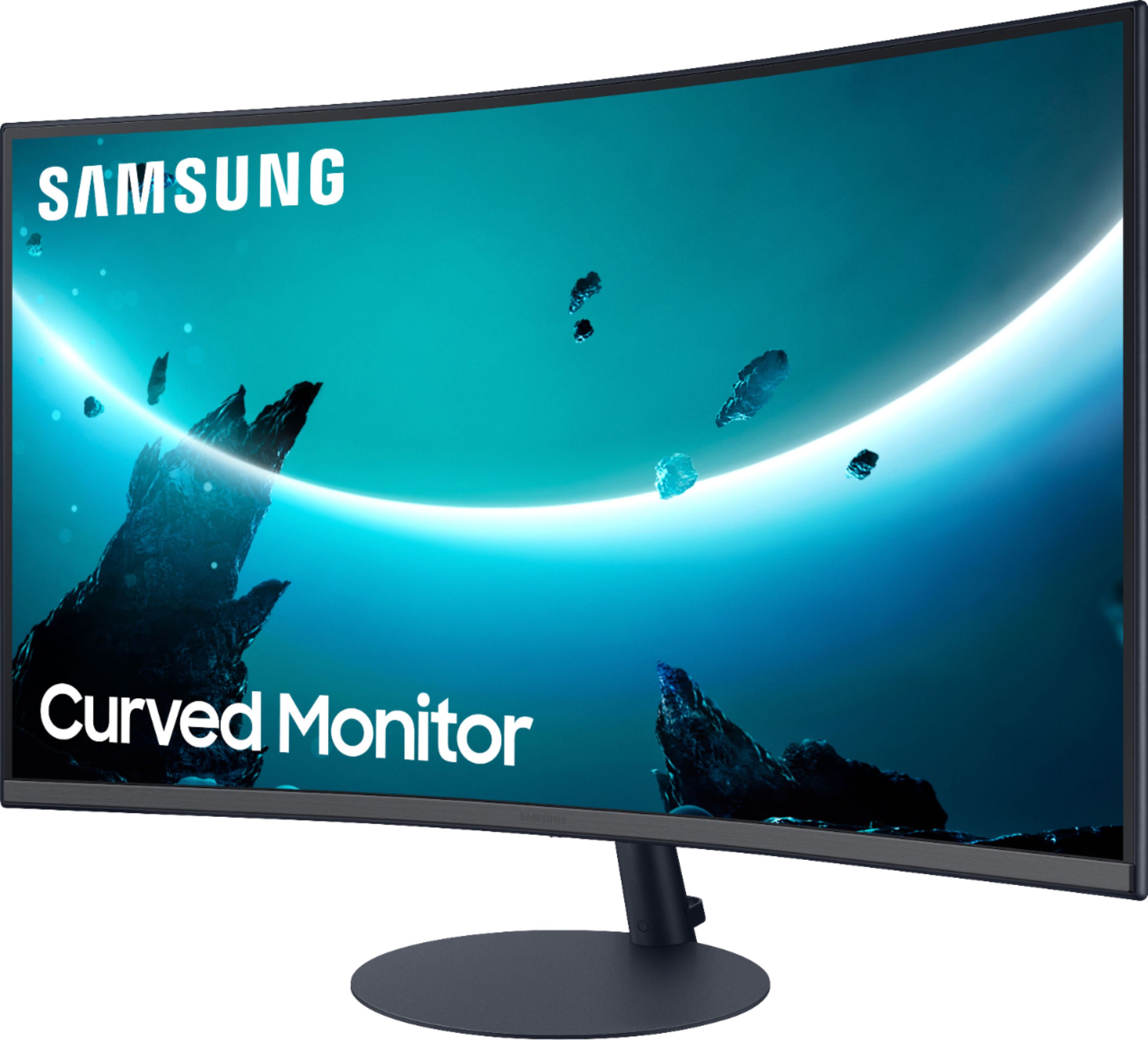
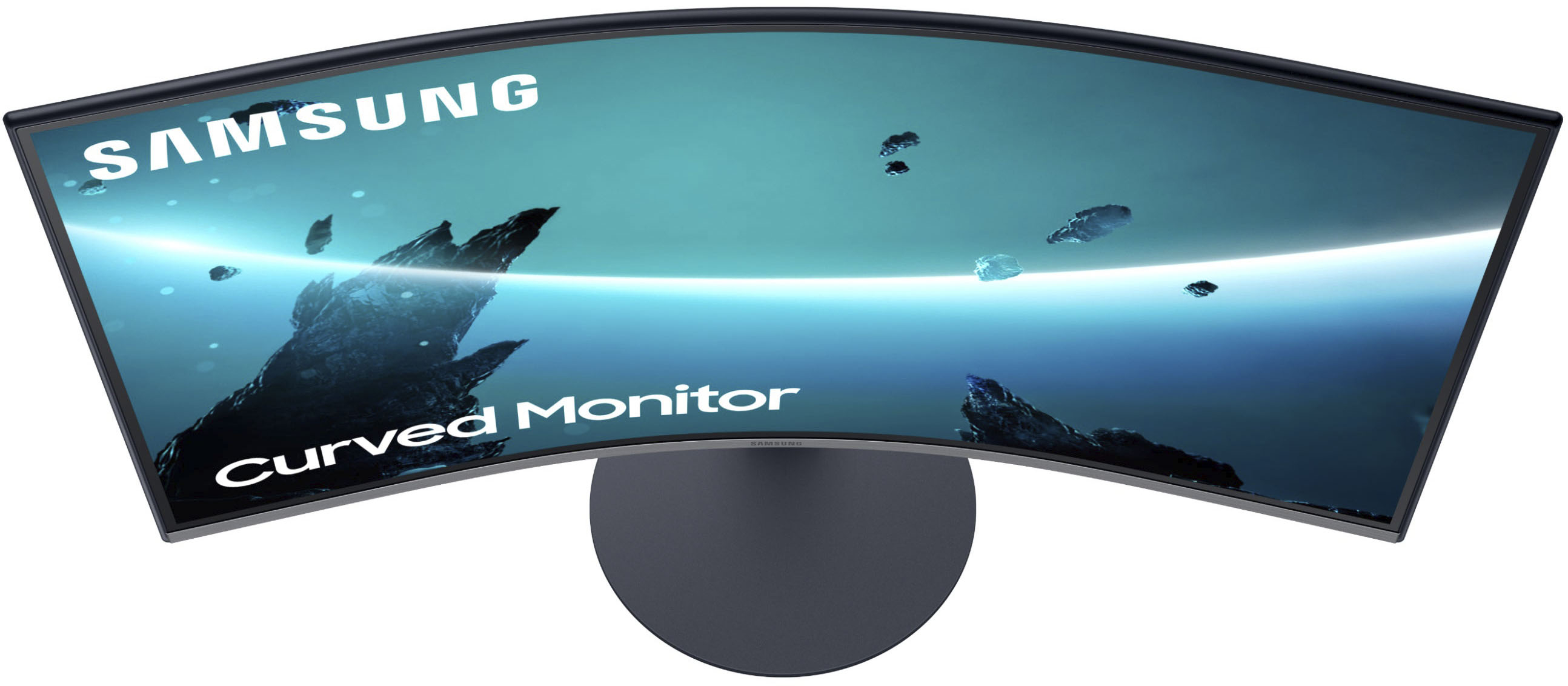
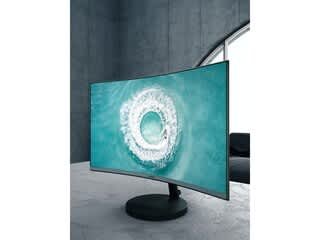
A:AnswerA C27T55 27" FDN Curved Monitor is now available.
Several days ago, I posted the question here as to whether there is any difference between this BestBuy model listed and the model Samsung shows on its website? The Samsung website has “FHD” in its model sequence, and this BestBuy has “FDN” instead. I’ve ordered and just received the monitor from BestBuy, but no one from BestBuy has stepped up to answer the question, so I have no idea as to whether I have the “full-version” model Samsung has had us waiting for the last few months, or some other lesser version without a feature or two that’s made especially for BestBuy?
Really wish BestBuy would answer what seems to me as a very basic consumer question.
A:AnswerIt’s out, I’ve ordered and just received it, but still don’t have the answers on the item # difference listed in my question above. Would like BestBuy to address this!
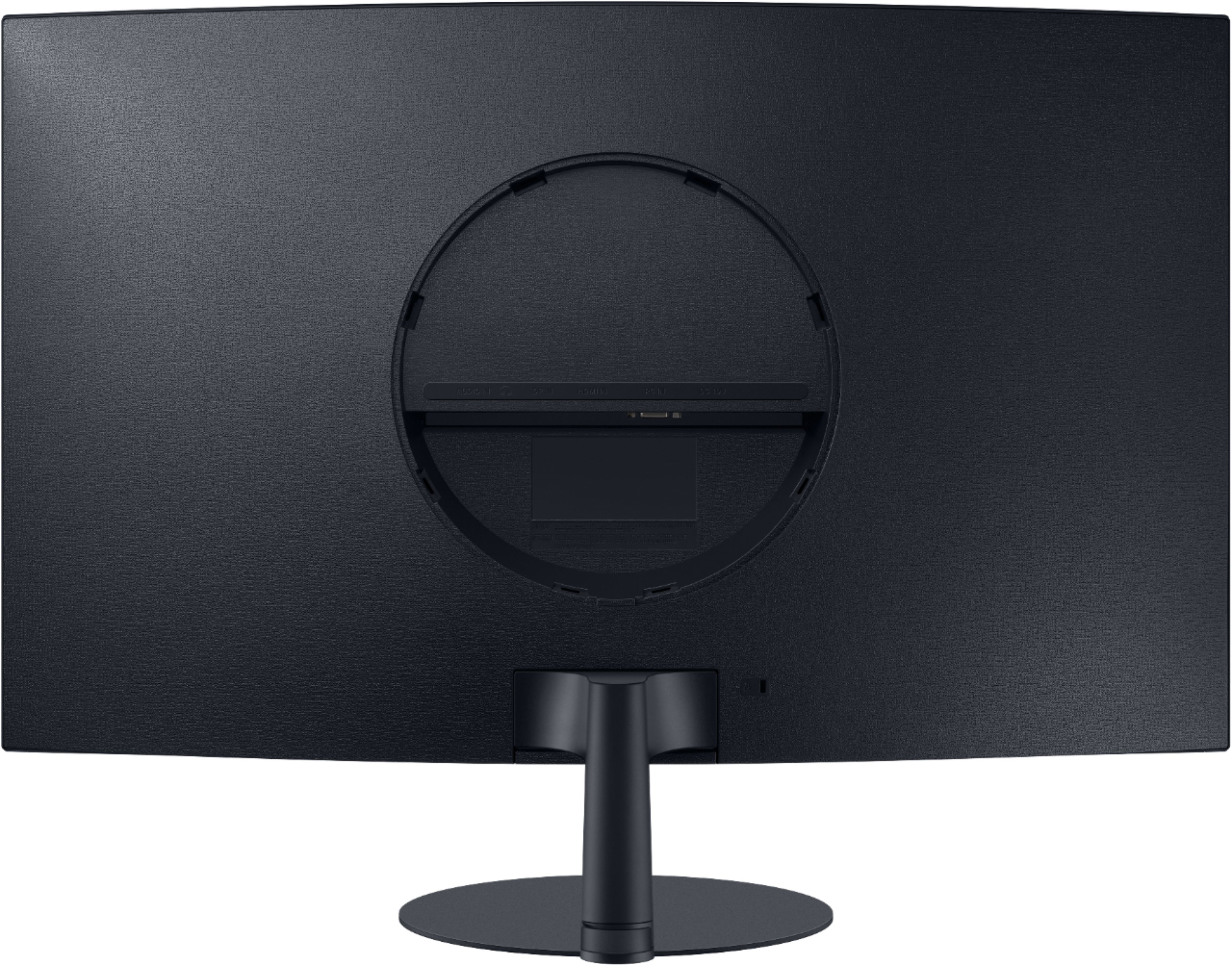
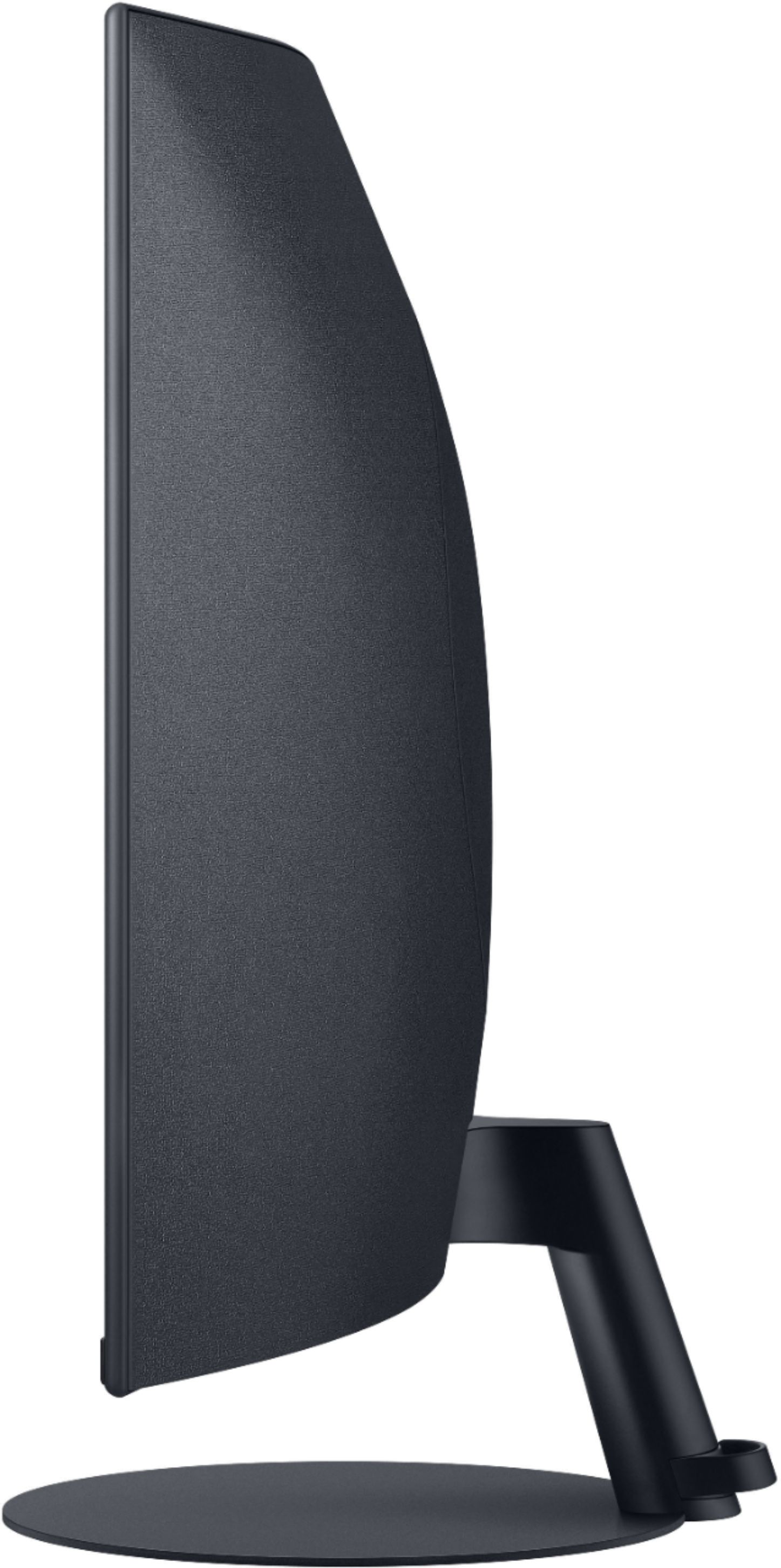
A:AnswerThe monitor from edge to edge is 14.5" tall. With the base attached the height is 18". The screen height inside the frame/bezel (not sure what it's called) is 13.5". I know you didnt ask, but know that this monitor does not have mounting brackets. Most monitors have the VESA brackets (holes) in 75x75 or 100x100 on the back for using a universal mount system. Not this one. The VIVO mounting adapters do not work well at all! Havent tried Gorilla Joe but the metal one looks too bulky (same problem as the VIVO one), and the other one they make is plastic. No thanks. If you want to mount, choose a different monitor or get the mounting brackets that wrap around the entire screen like claws (ugly).
A:Answerno, I returned mine. The screen malfunctioned and began displaying a line of dead pixels across the entire top of the screen. Maybe my model was just defective. Choose a different one!!
A:AnswerThe blue lights will continue to blink until you turn them off. I noticed it too when I bought mine. Only after I turned them off I noticed the blinking stopped.
A:AnswerHow are you connecting to the monitor. HDMI, Display Port or VGA? You select the type by little button on bottom front and center to select mode. Then relax and enjoy.
A:AnswerChange to the default sound card/interface if you're using Windows 10. Right click on the volume icon from the task bar, go to sound settings and change from the drop-down menu.