A:AnswerHello,
For information about price matching, we recommend reaching out directly to your local Best Buy. For product information, please know we're here to help! You can reach us at:
1-800-SAMSUNG (ask for Memory)
Available 9AM – 12AM EST (Mon-Fri)
~Samsung Pro
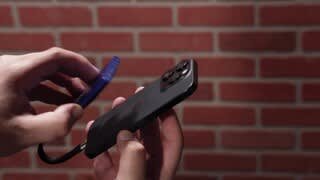
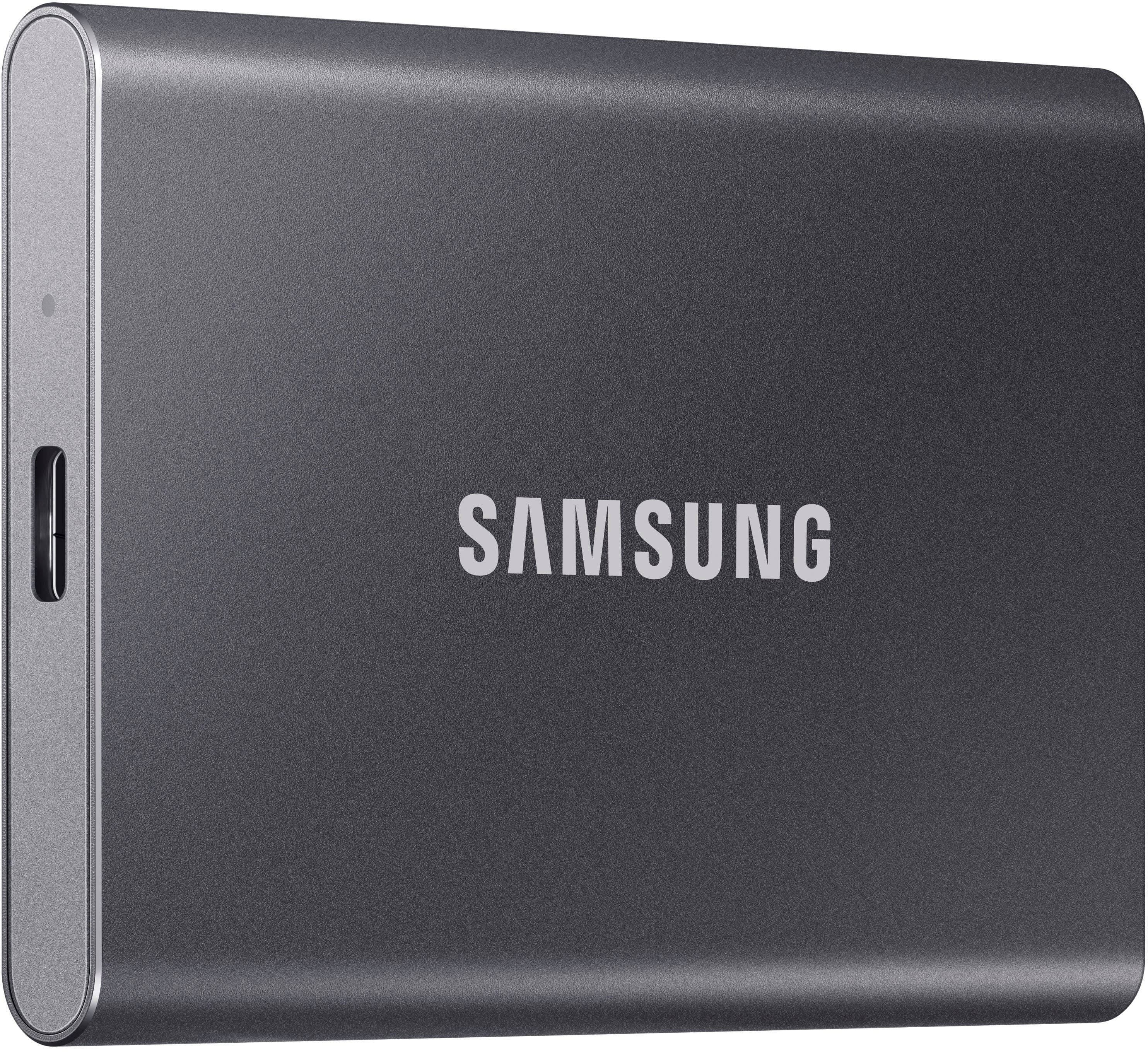
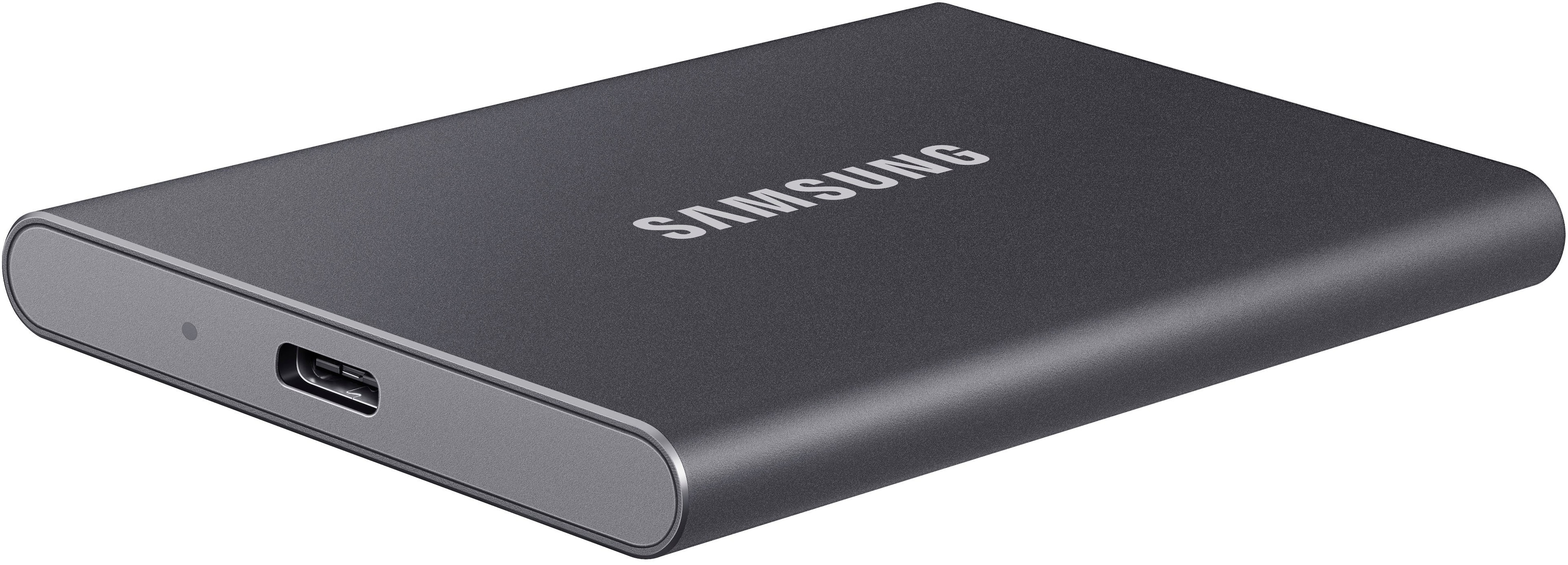
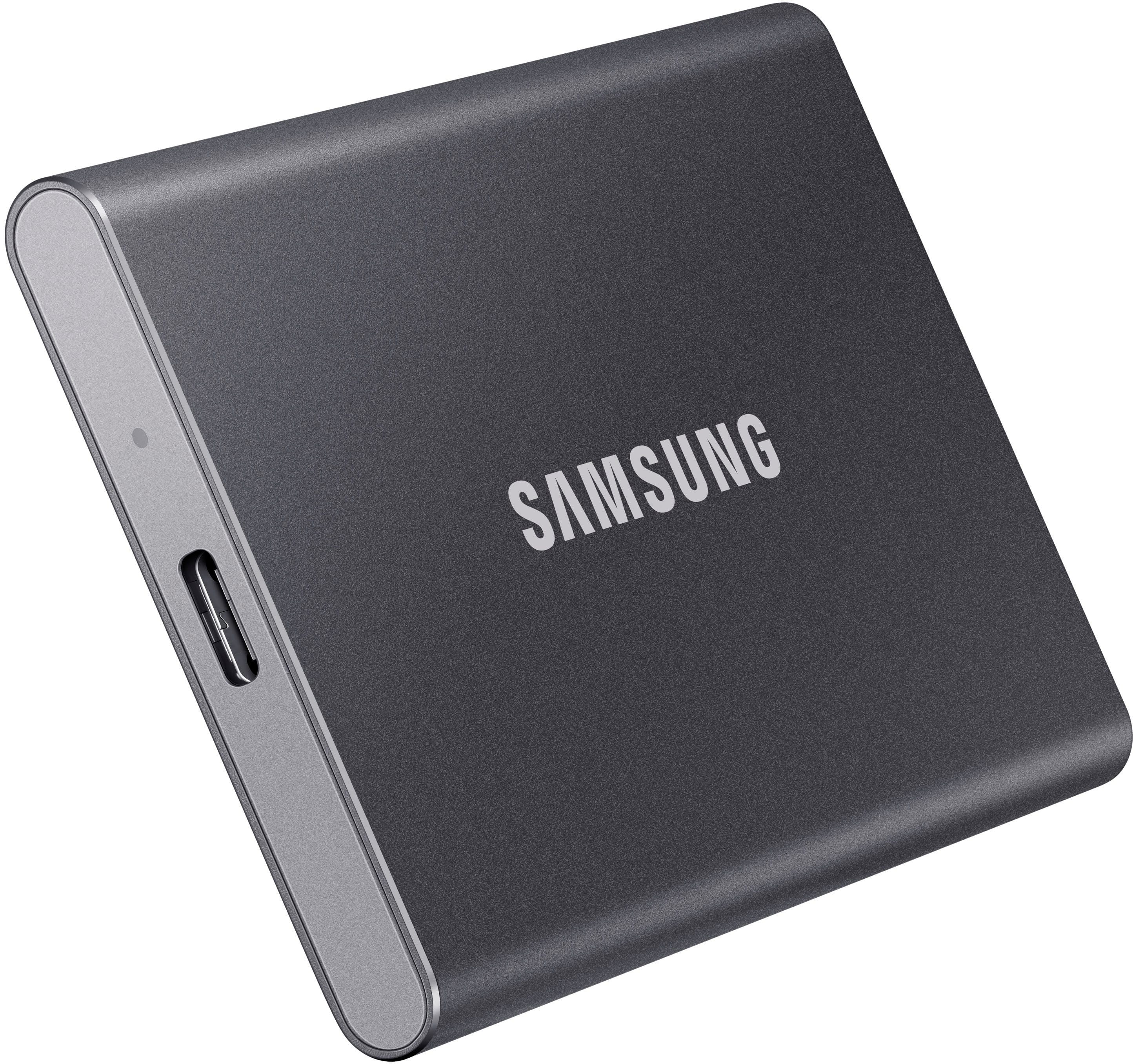
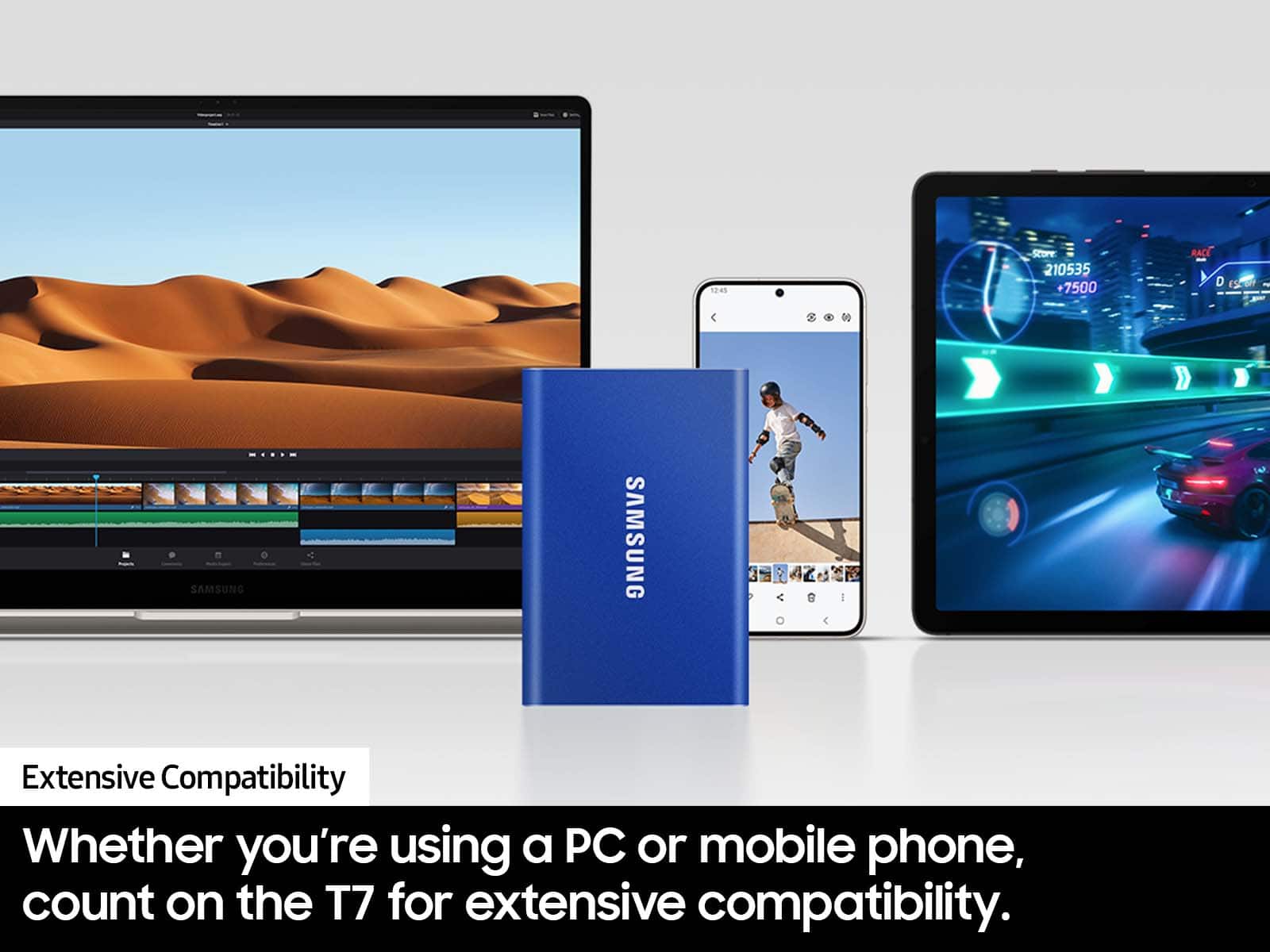
A:AnswerI dont think u can plug that in to the thunderbolt. U could plug it in to the USB A input. The SSD should have came with a USB A to USB C cord.
A:AnswerStormy:
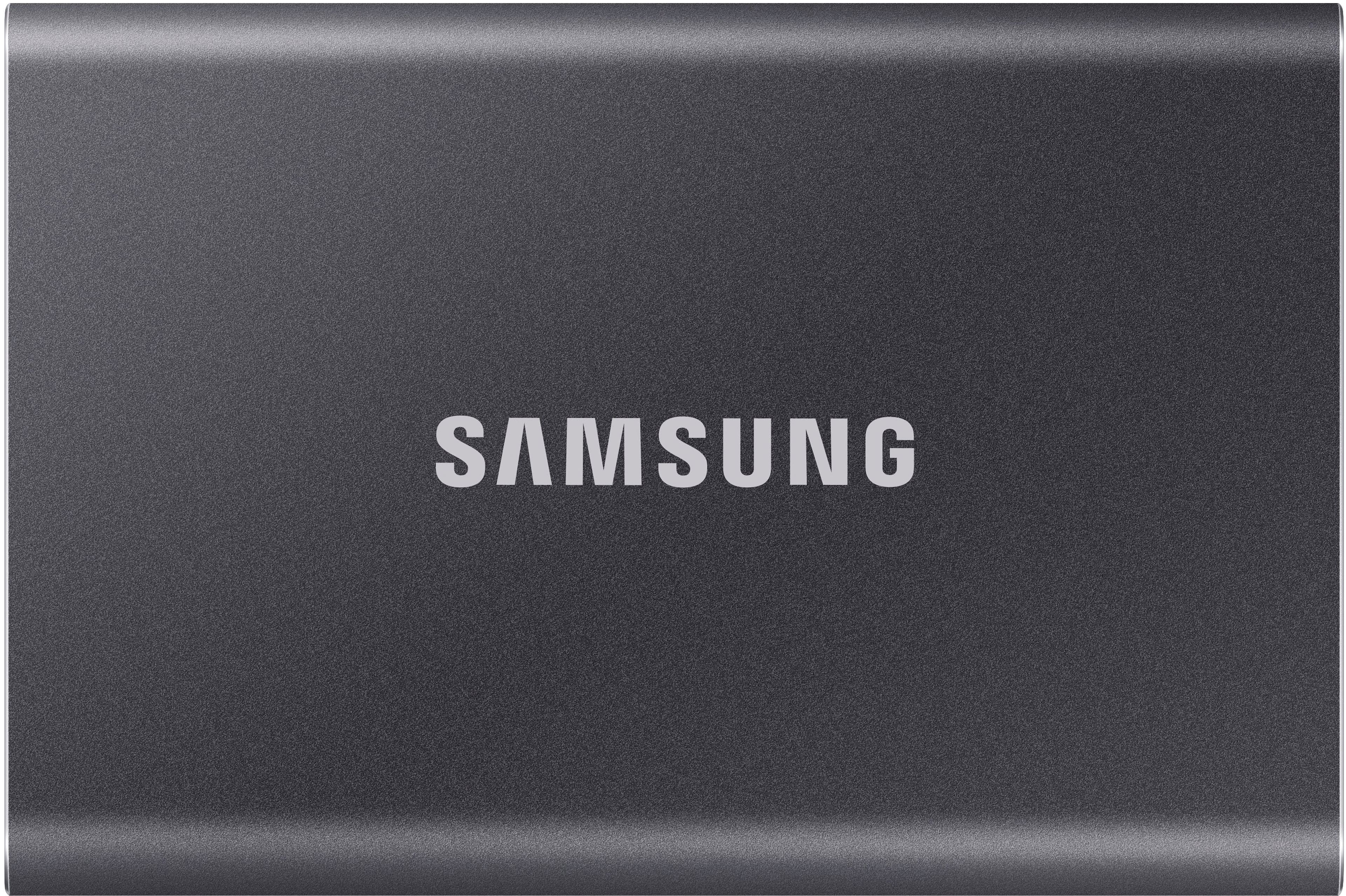
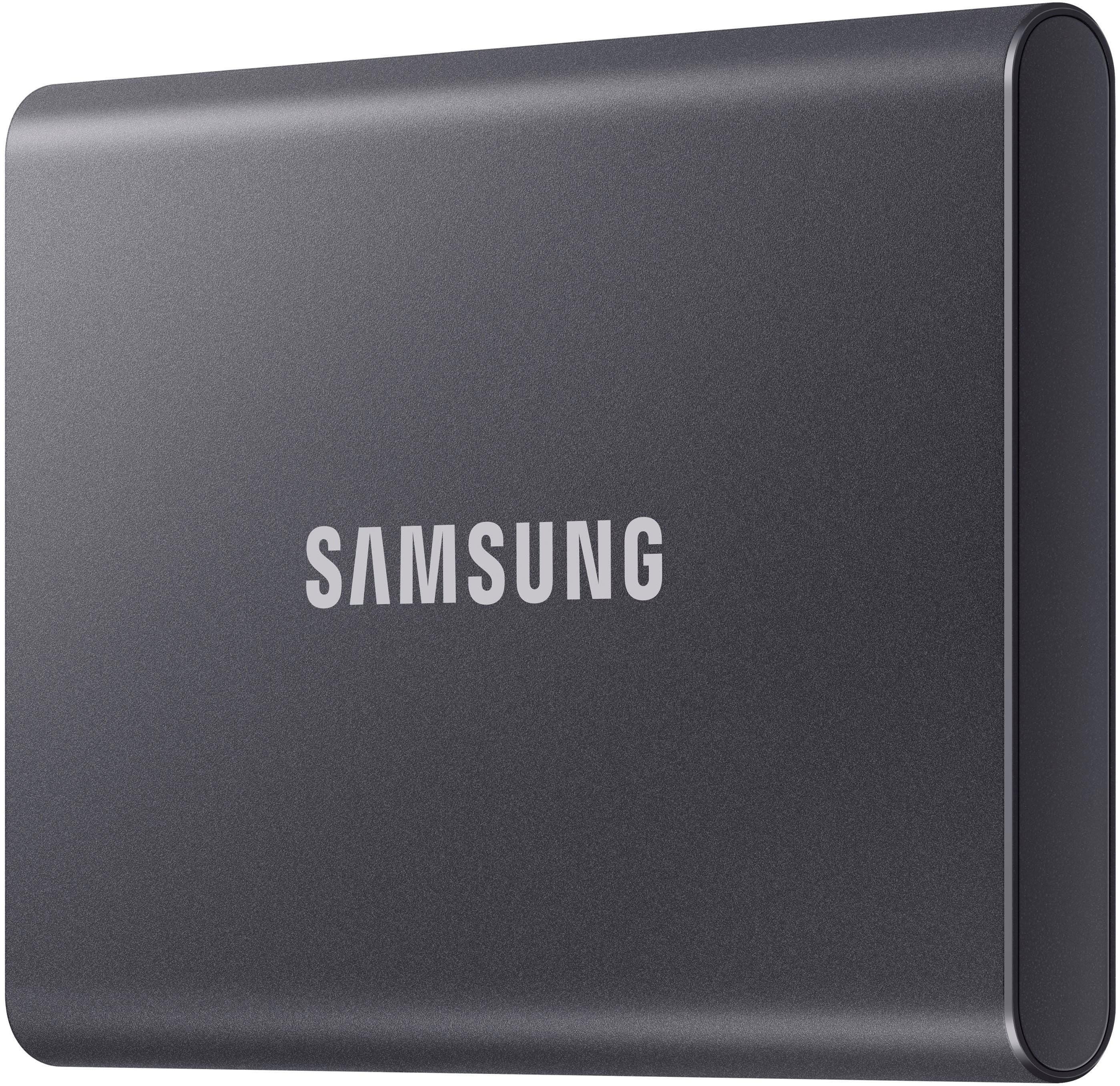
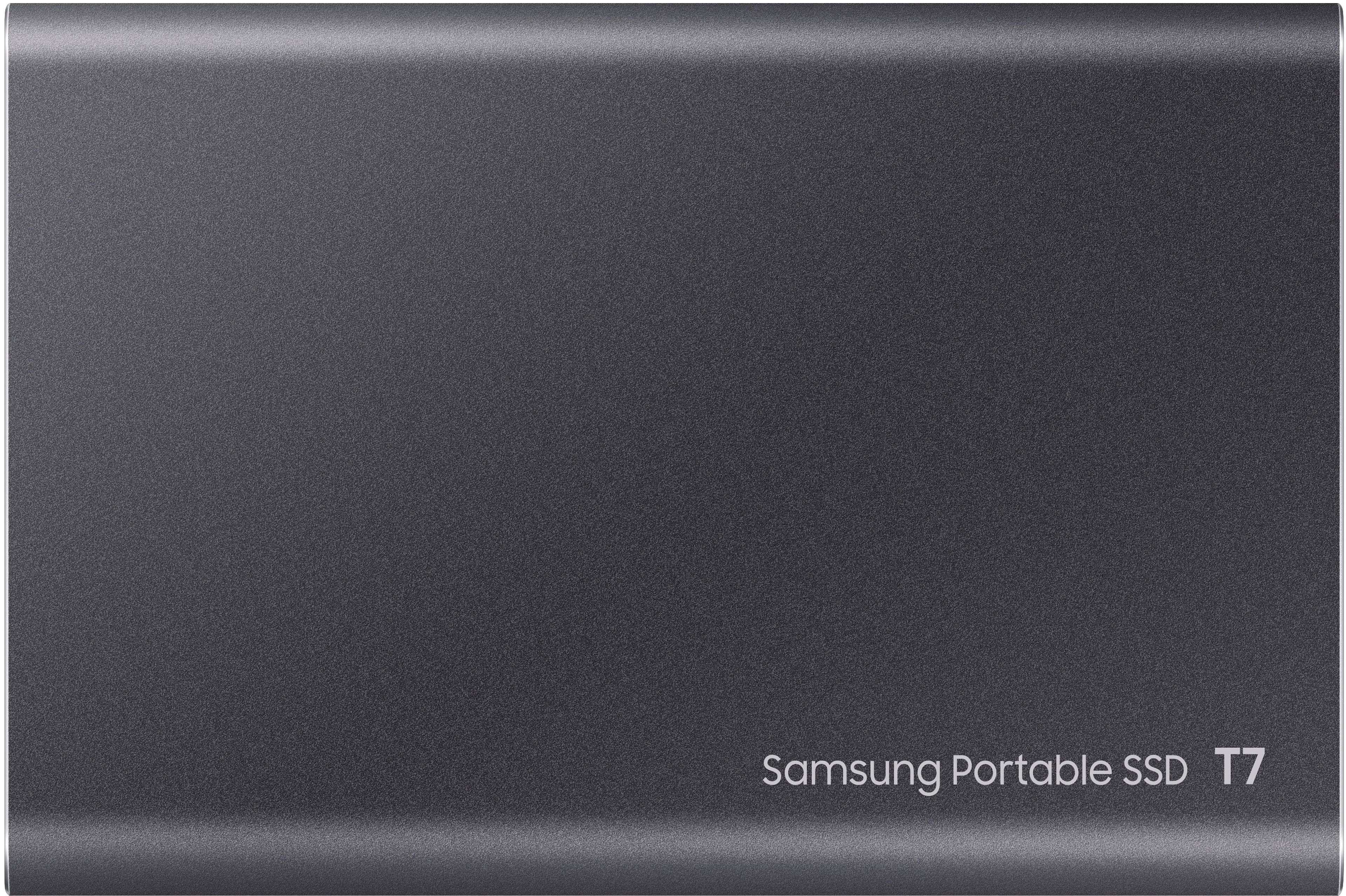
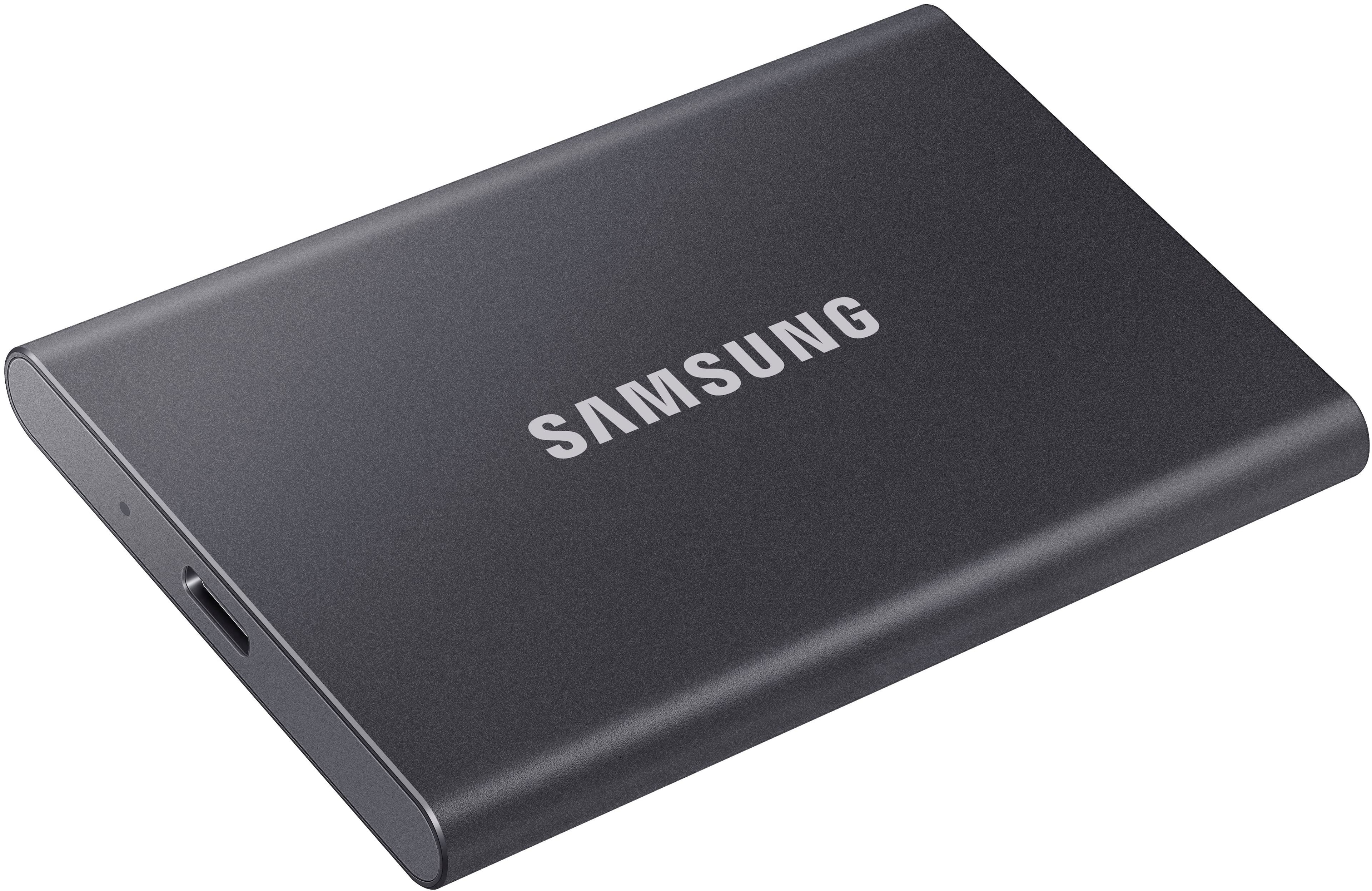
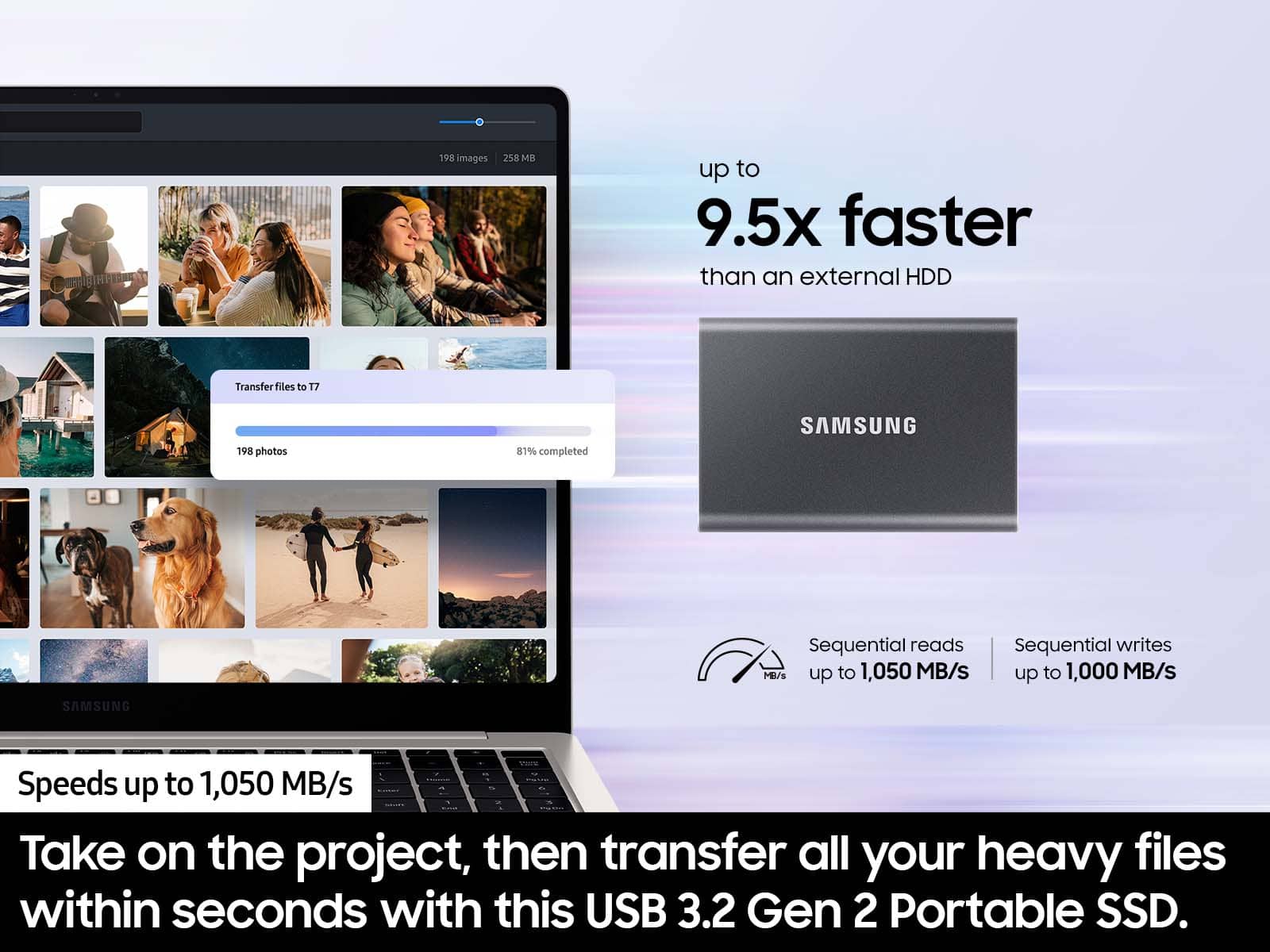
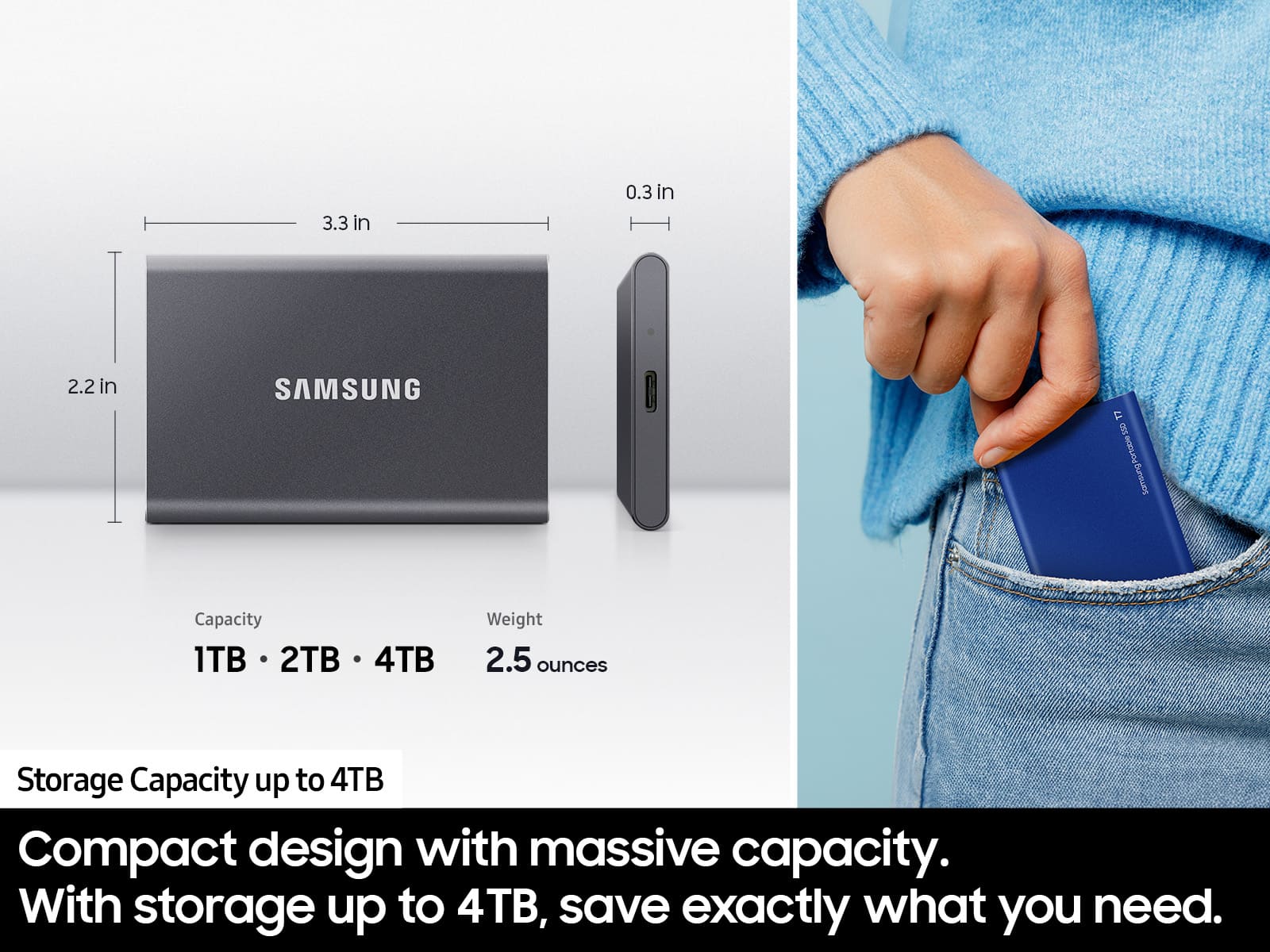
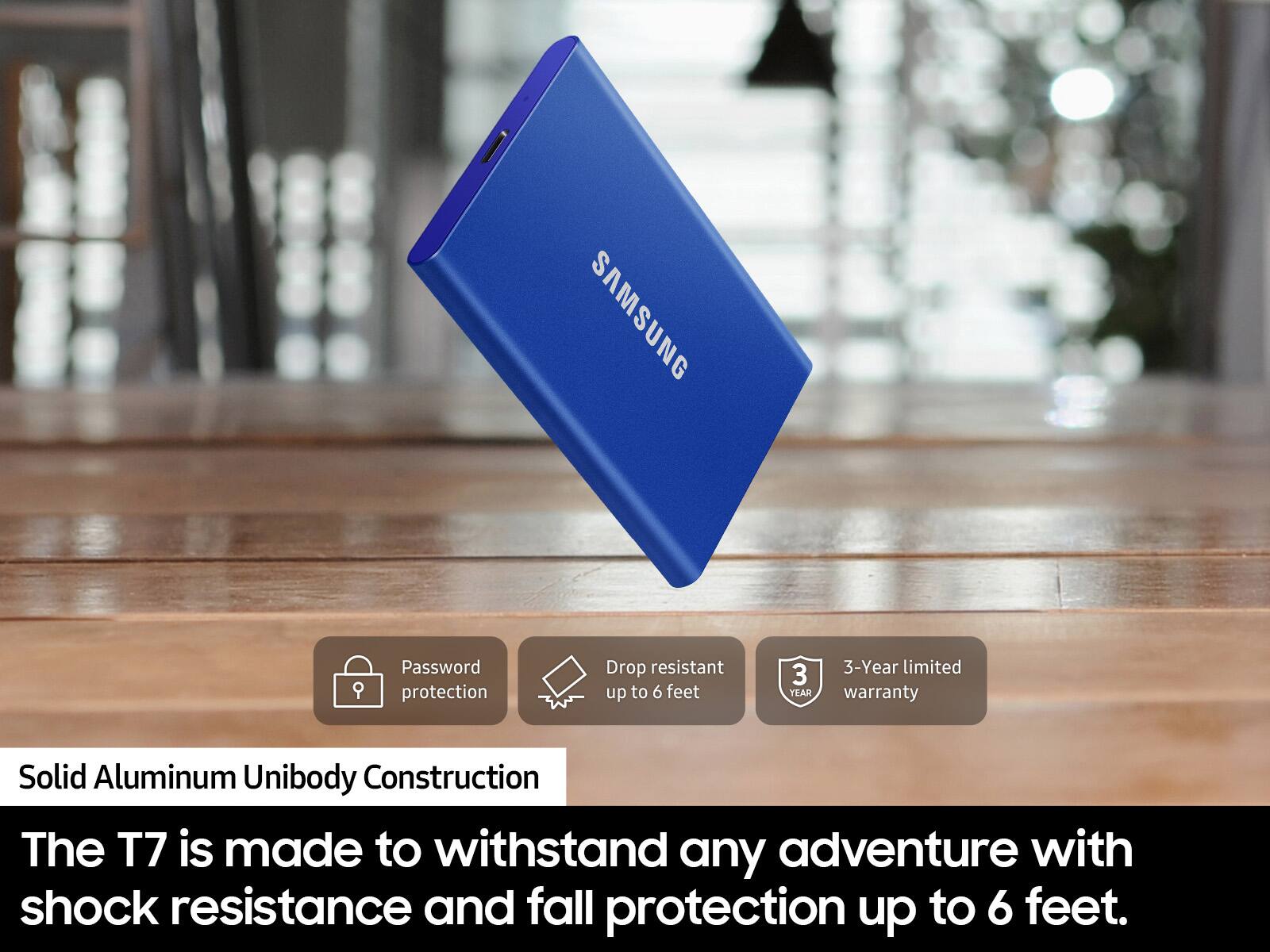
Yes, the Samsung T7 SSD is an excellent choice for storing your Sims 4 games to free up space and actually improve load times. Whether you're storing critical business documents, games, or movies, the T7 gives you speed and durability in a palm-sized package.
- Samsung Memory
A:AnswerAlso, you may have to reformat the SSD for iPhone compatibility. You will need a laptop for that. See
https://support.apple.com/guide/iphone/external-storage-devices-iph95baac91f/14.0/ios/14.0
Check before you buy.
A:AnswerMediocre:
Yes, the Samsung T7 Portable SSD is compatible with the PS5 Pro, but only as an external storage drive for PS4 games and media files.
- Samsung Memory
A:AnswerYou most certainly can, and with ease, i create multiple folders to do that very thing, so i can cross modify and set temporary holds to know what and when I've transferred and edited.
". The box is open, revealing the product inside.](https://pisces.bbystatic.com/image2/BestBuy_US/images/products/6576/6576883cv18d.jpg)