A:AnswerThis can be done but it’s always risky considering the cord can pull out at any point.
Google to find the steps to take
If you do it always take care that the drive stays plugged in
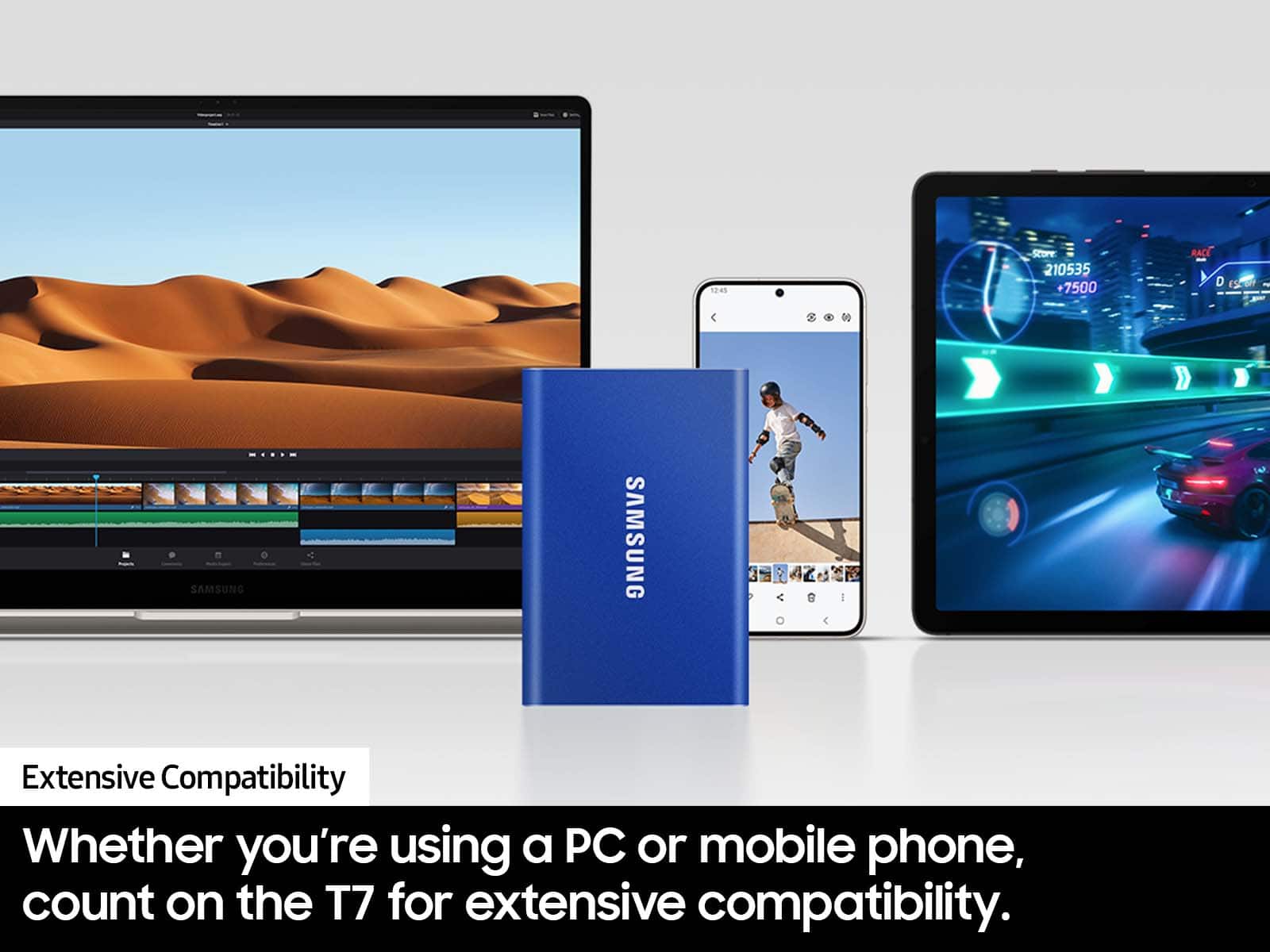
A:AnswerHi harrbor, The recommended user’s system specifications is Windows 7 or higher. If you need assistance or have questions please call 1-800-SAMSUNG (ask for Memory or press #, then 6 for Memory products) Available 9AM – 12AM EST (Mon-Fri) ^Cindy
A:AnswerFotogeorge: T7 is pre-formatted in using exFAT file system which is supported by Windows OS,
Mac OS, and Android operating system,. however, can be formatted to NTFS. ^Cindy
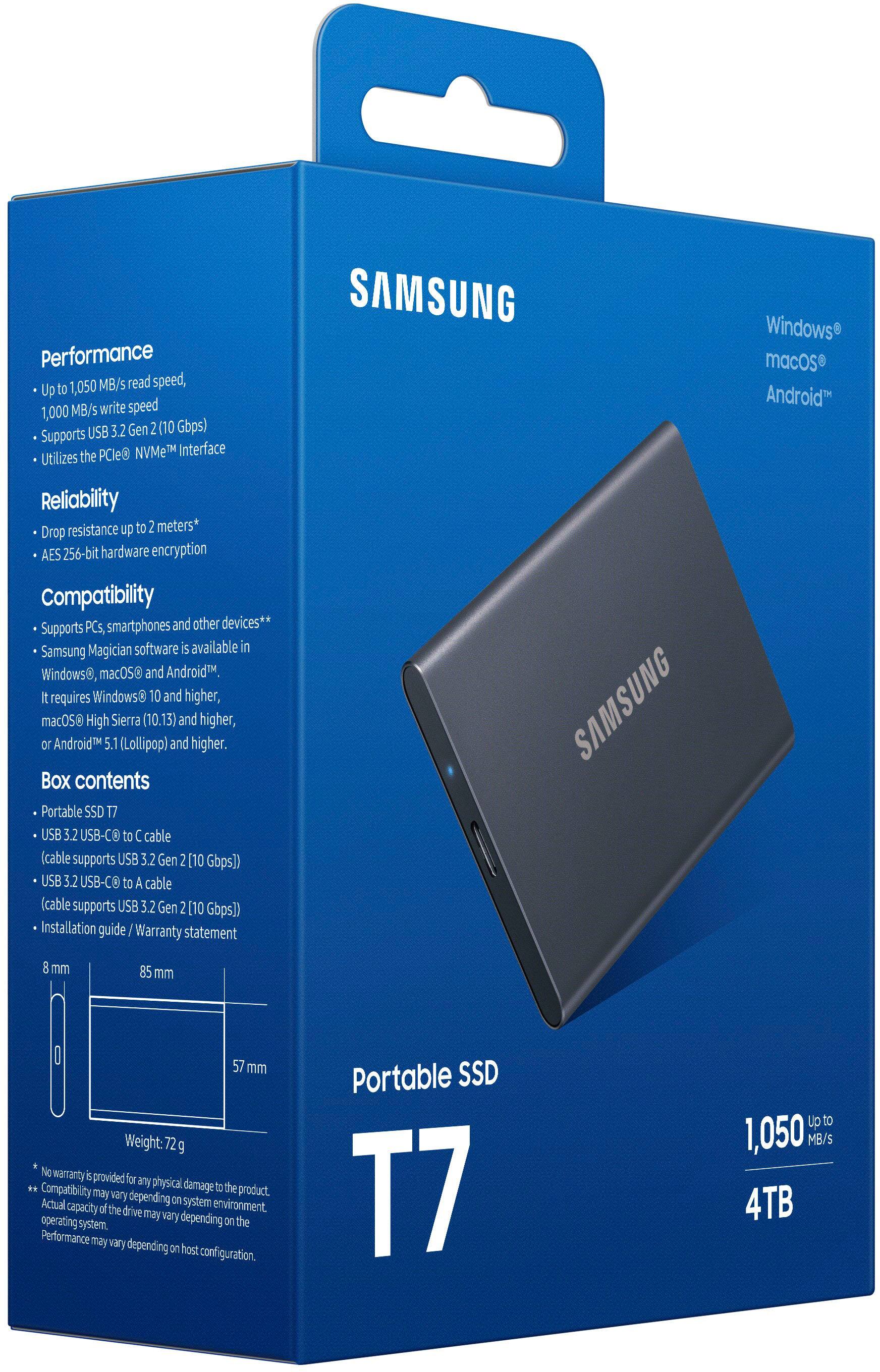
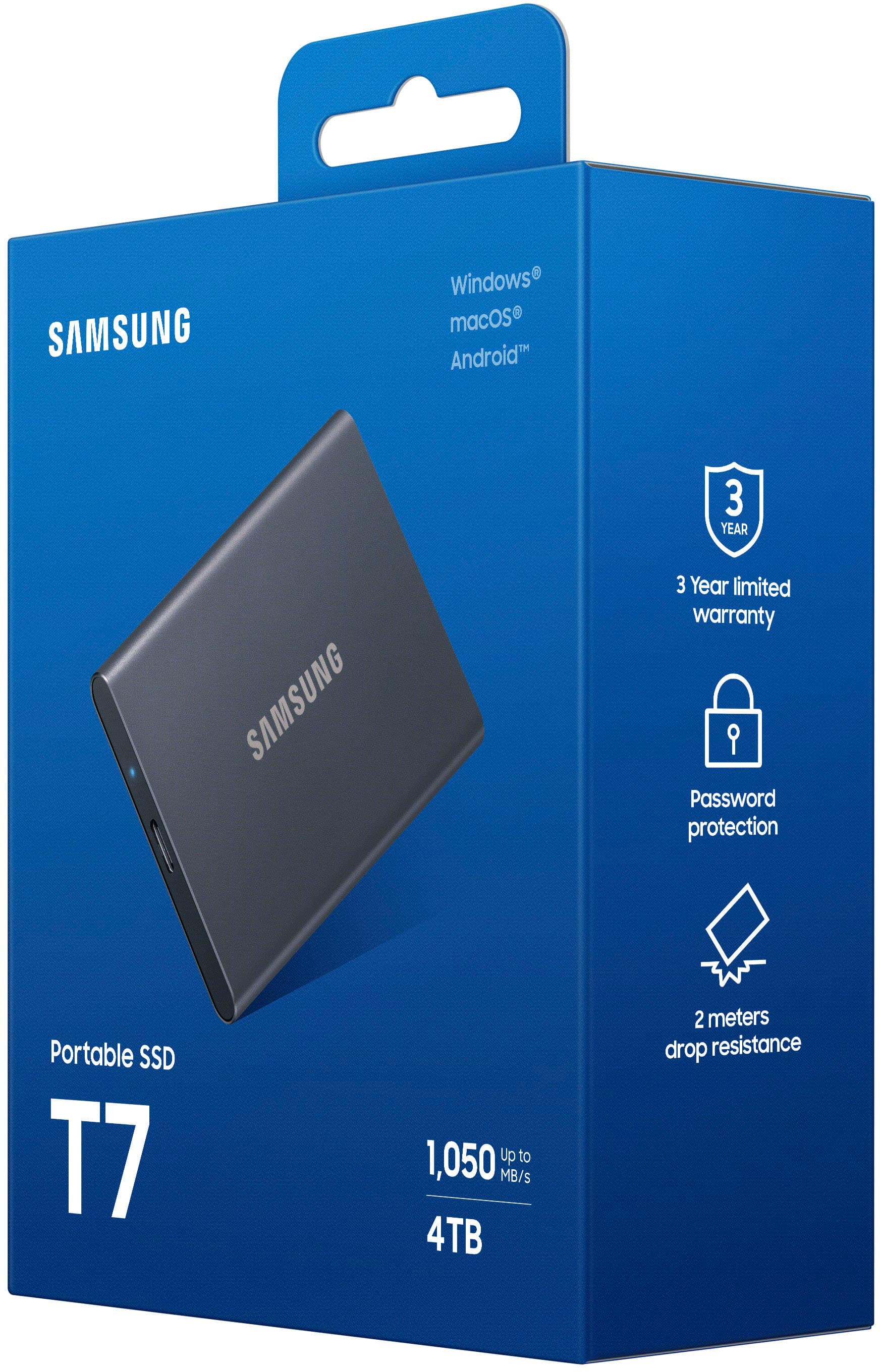
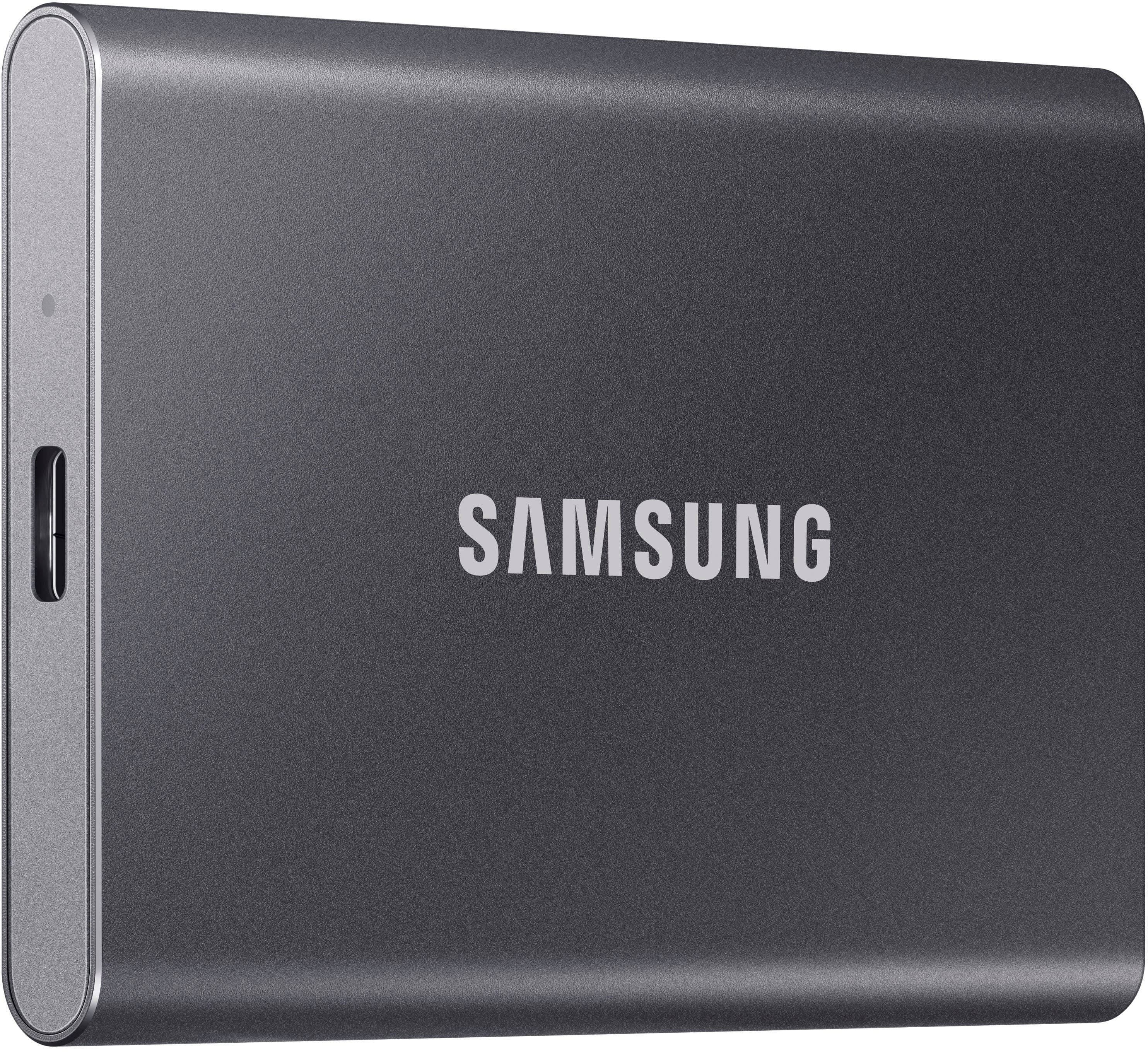
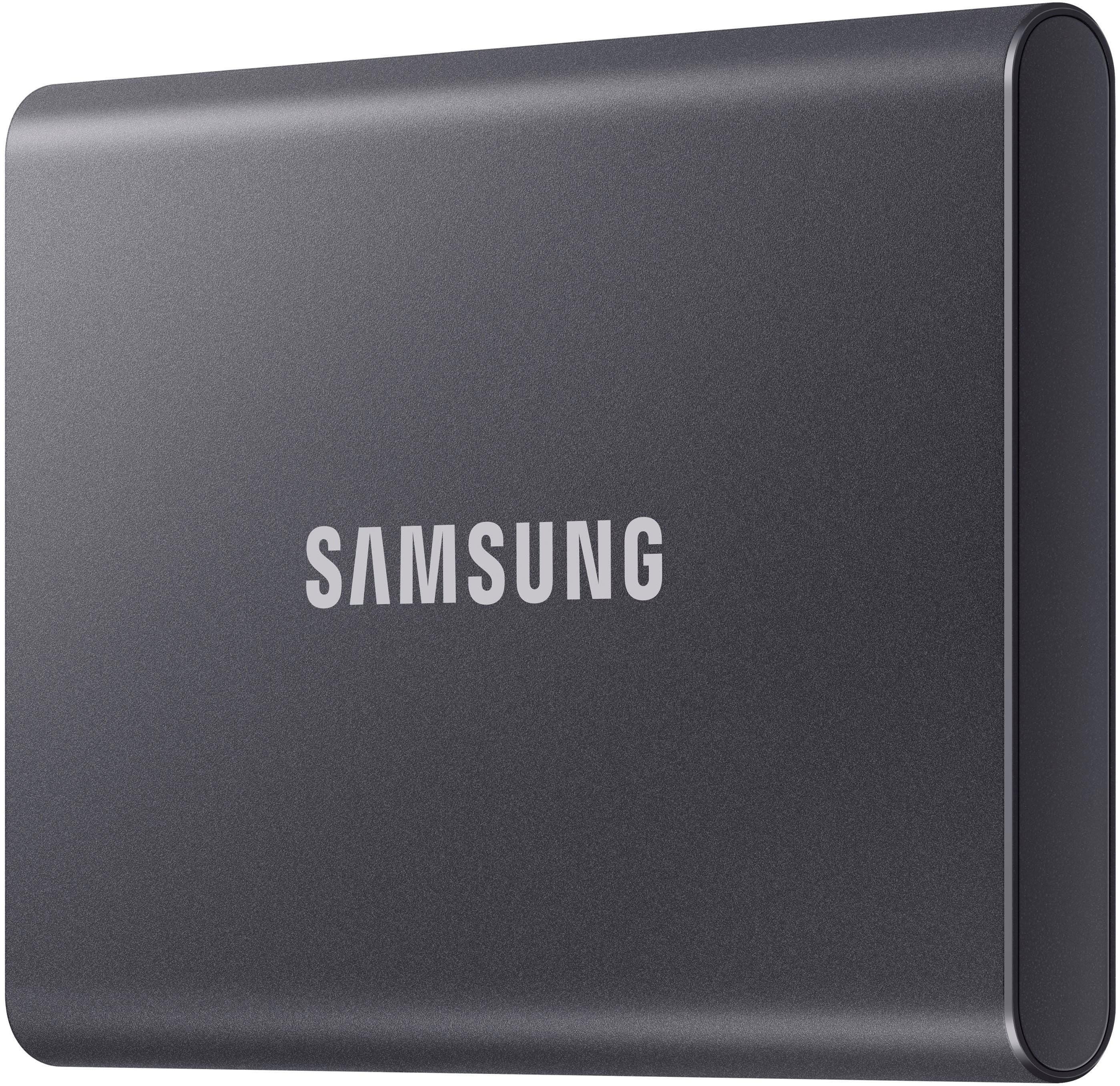
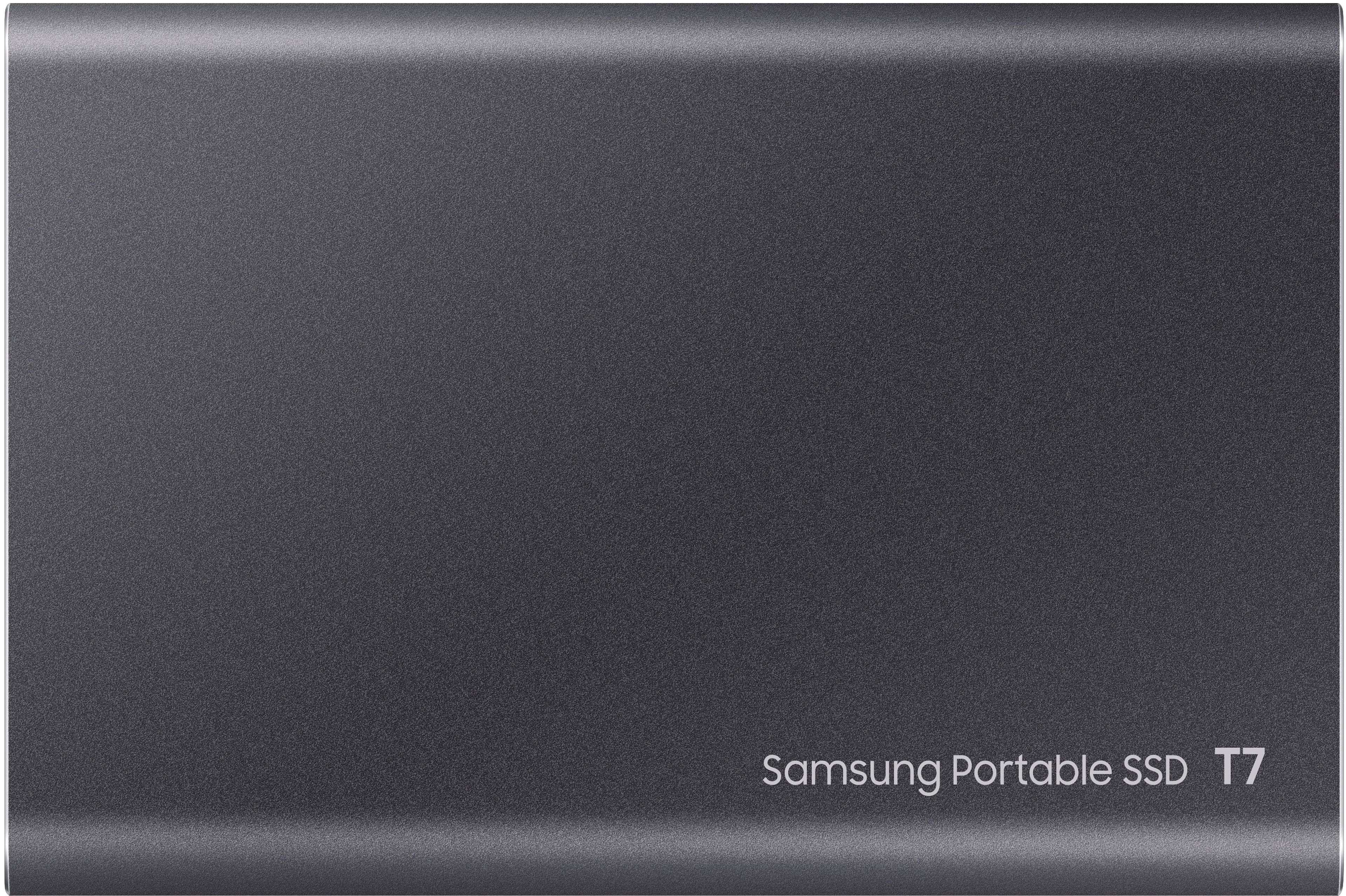
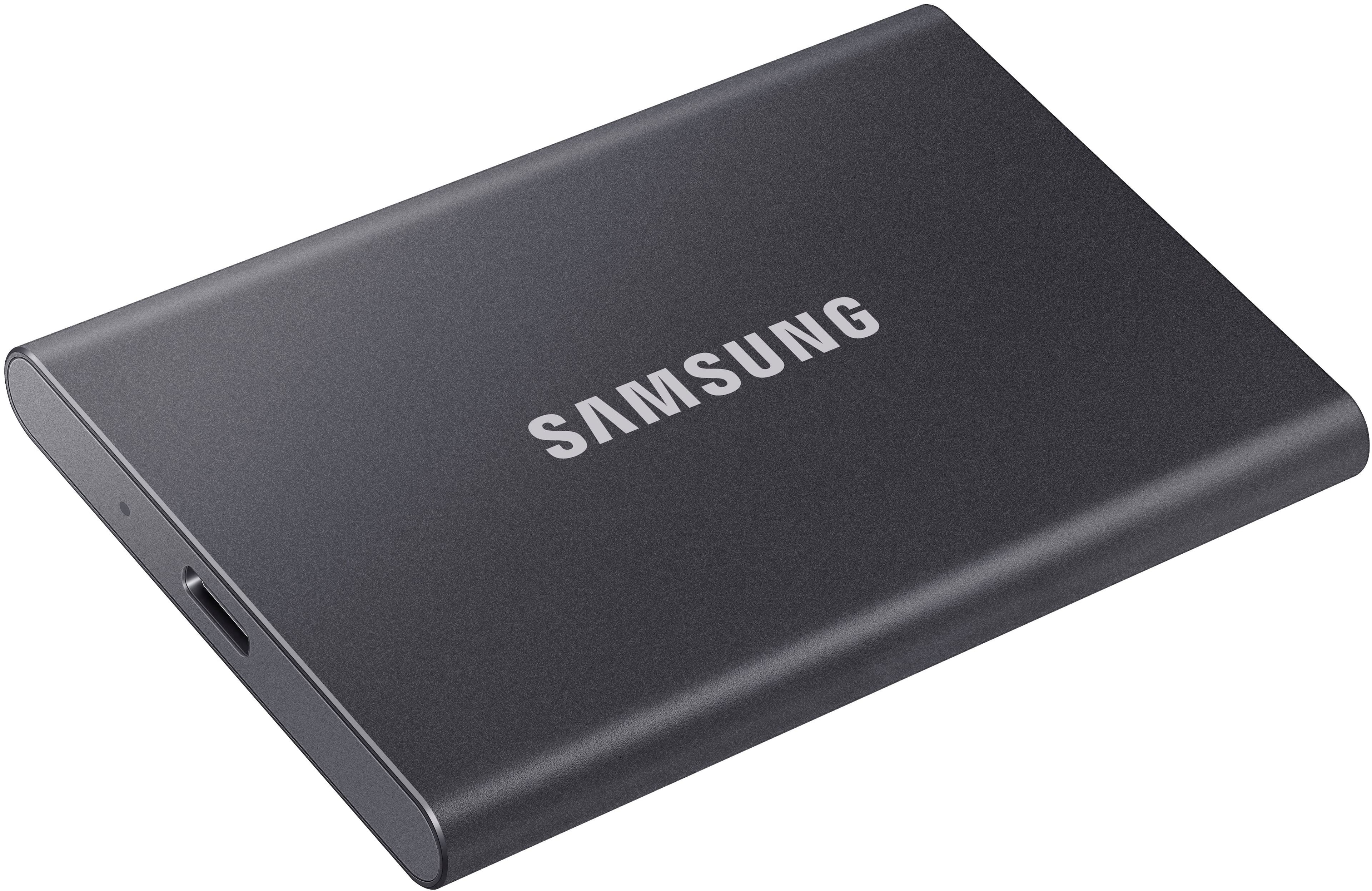
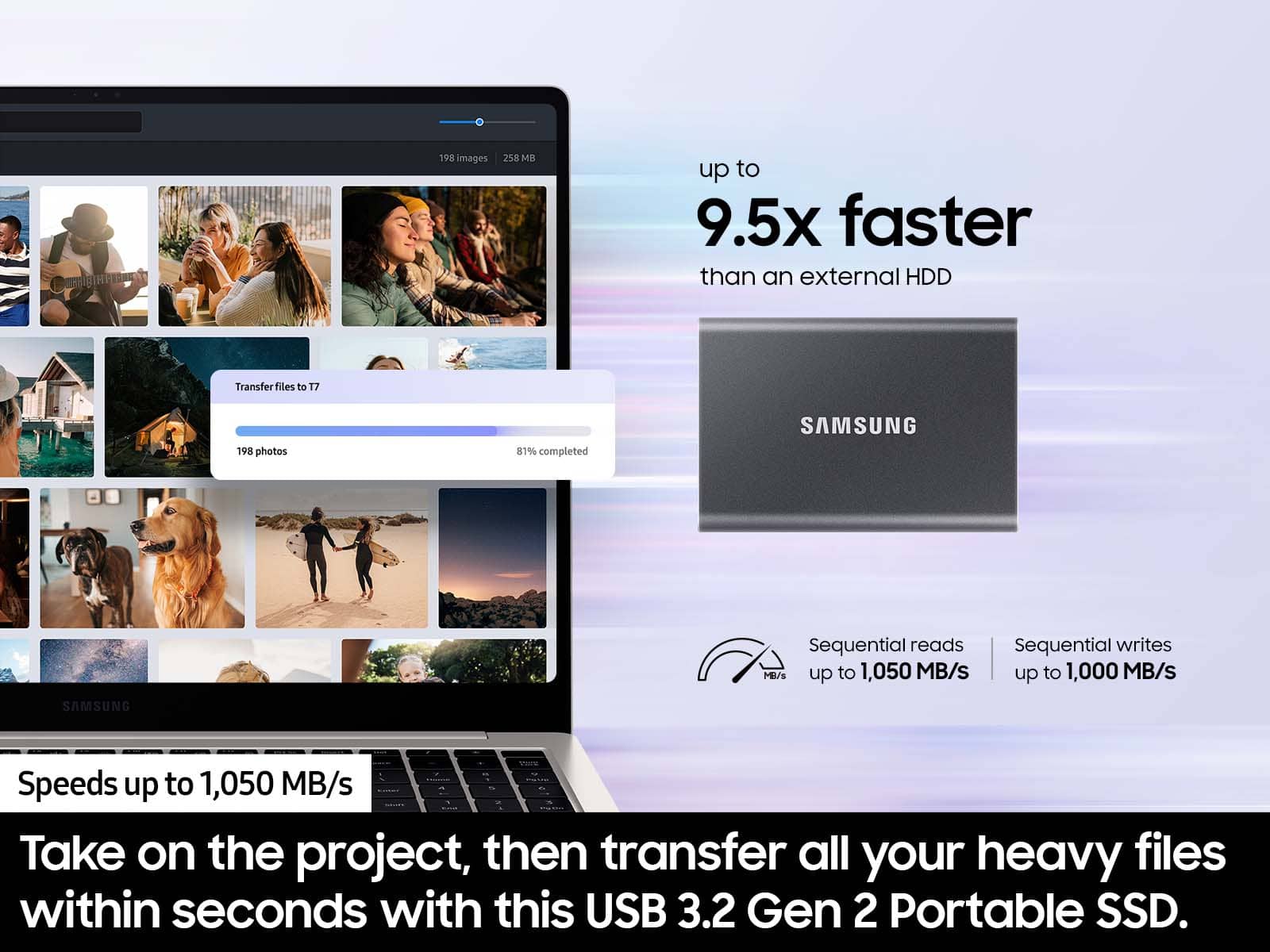
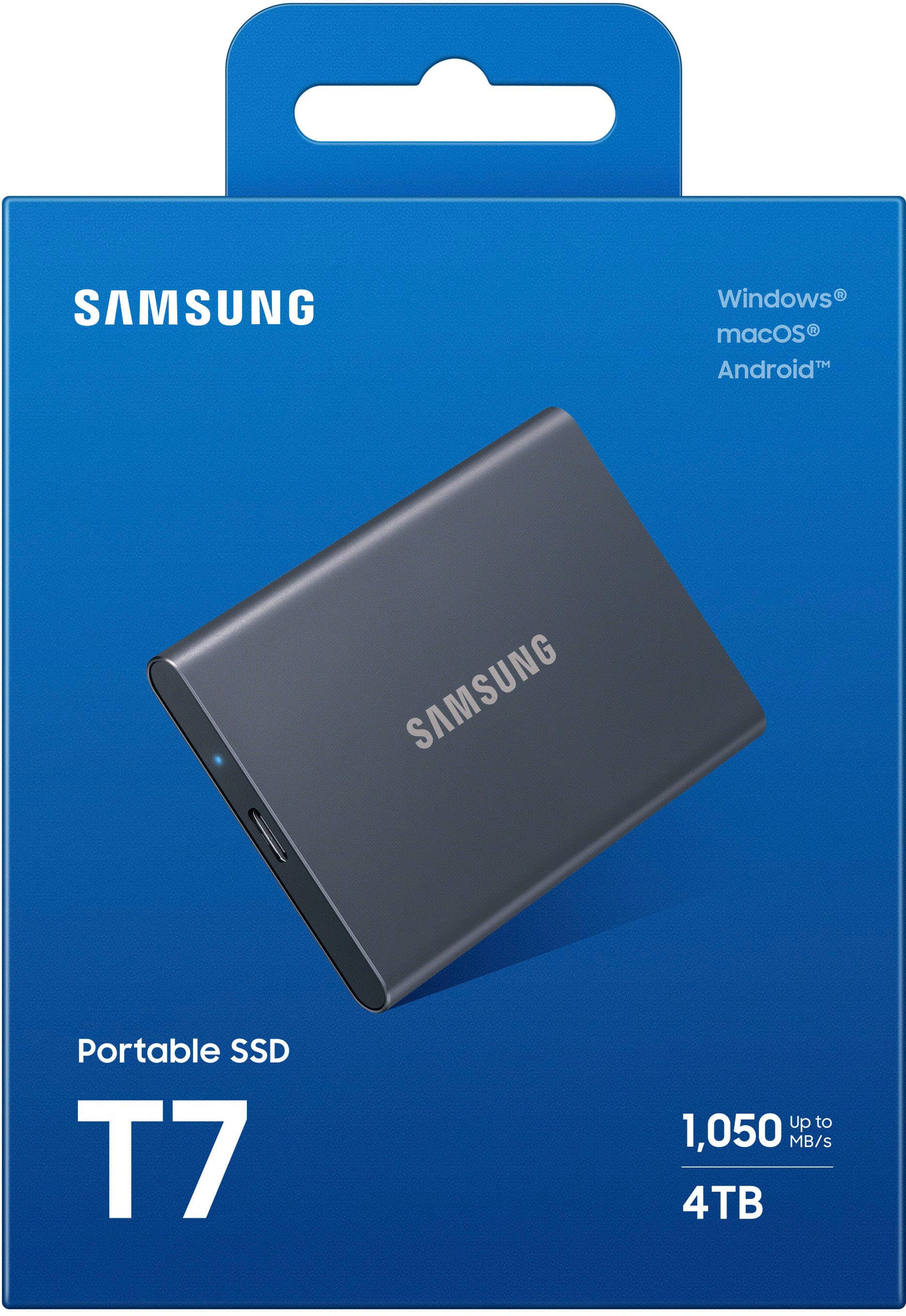
A:AnswerDifference, This SSD allows you to transfer massive files within seconds with the incredible speed of USB 3.2 Gen 2 on the T7. The embedded PCIe NVMe technology delivers blazing fast sequential read/write speeds of up to 1,050/1,000 MB/s, respectively, making the T7 almost twice as fast as the previous T5 model. ^Samsung Memory
". The box is open, revealing the product inside.](https://pisces.bbystatic.com/image2/BestBuy_US/images/products/6576/6576883cv18d.jpg)