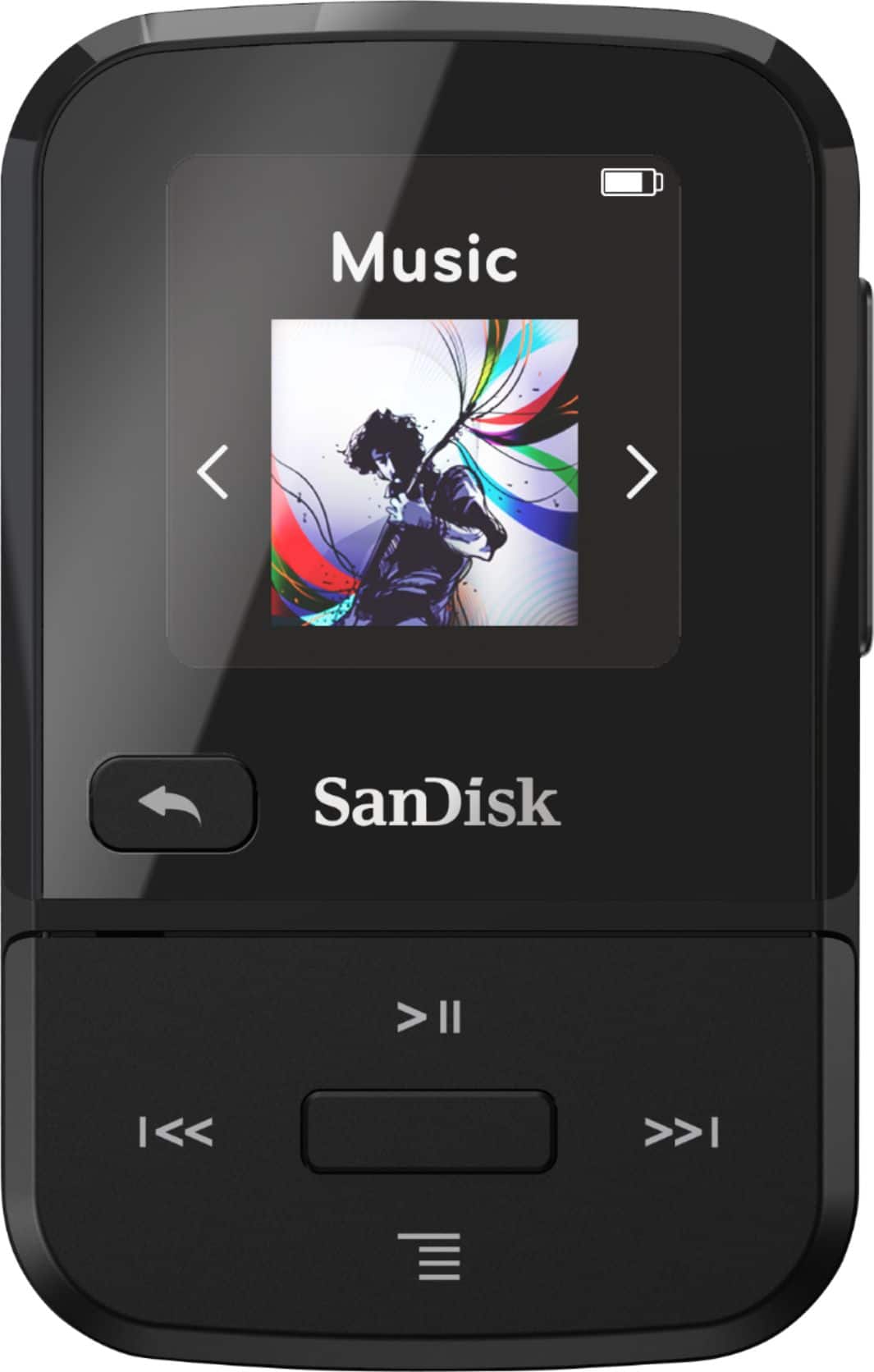
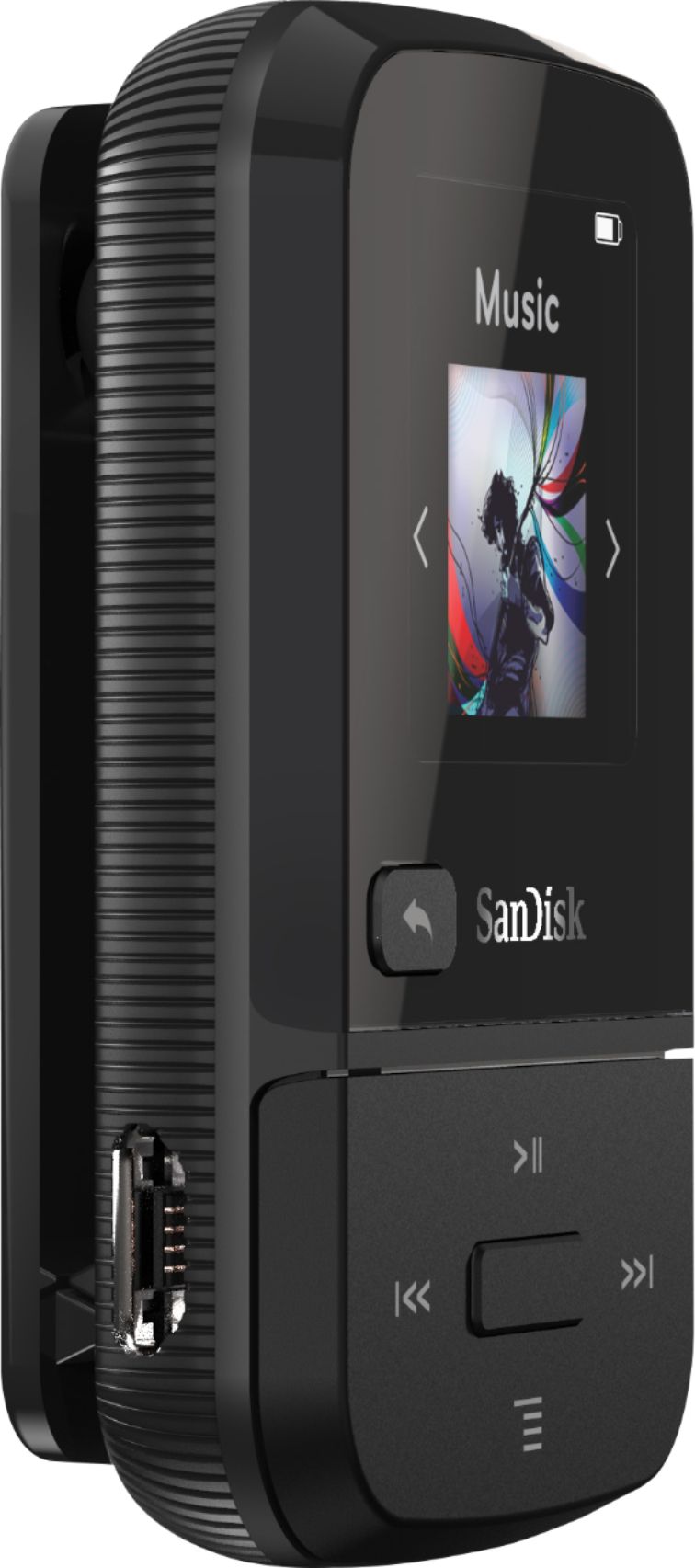
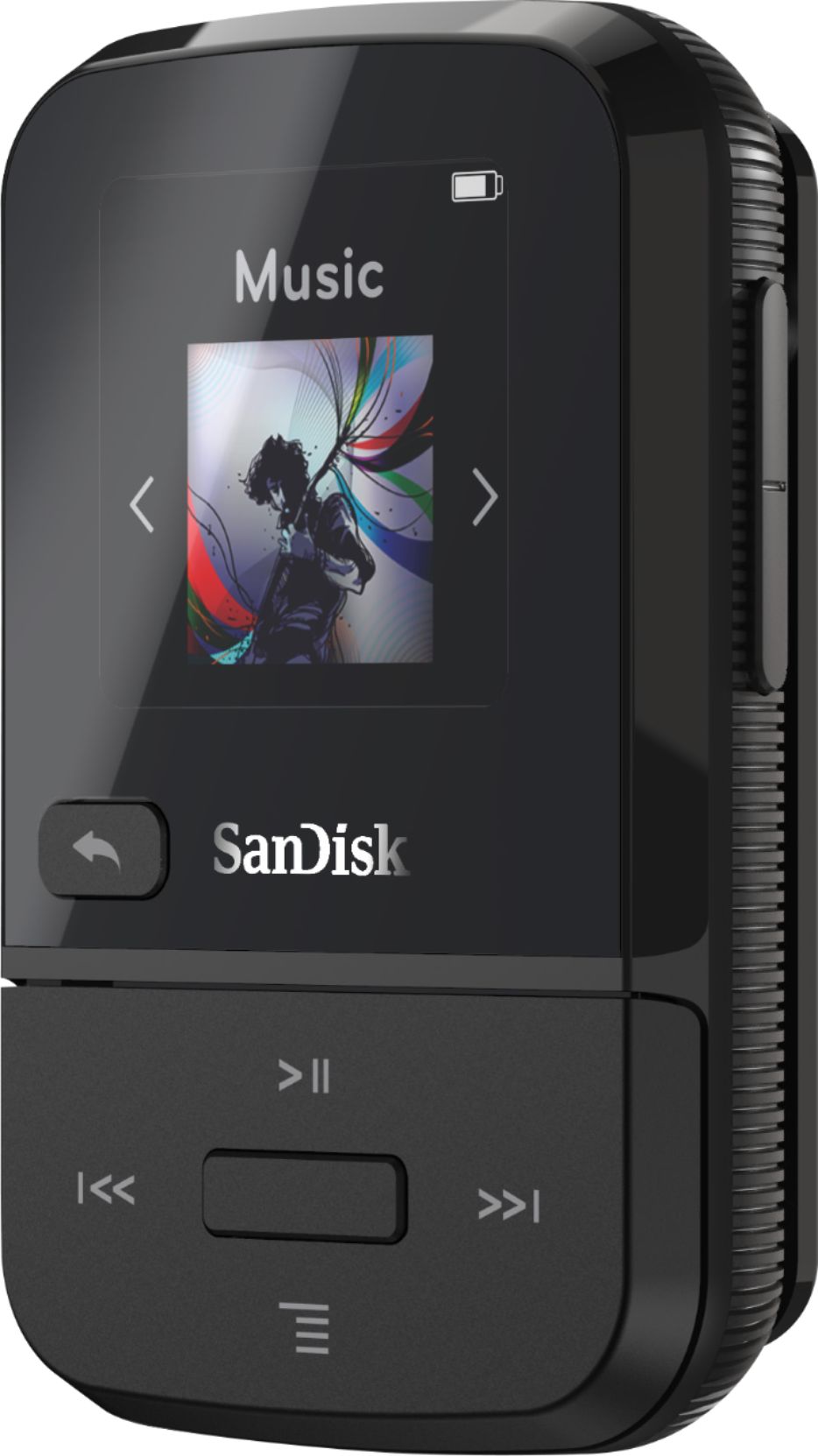
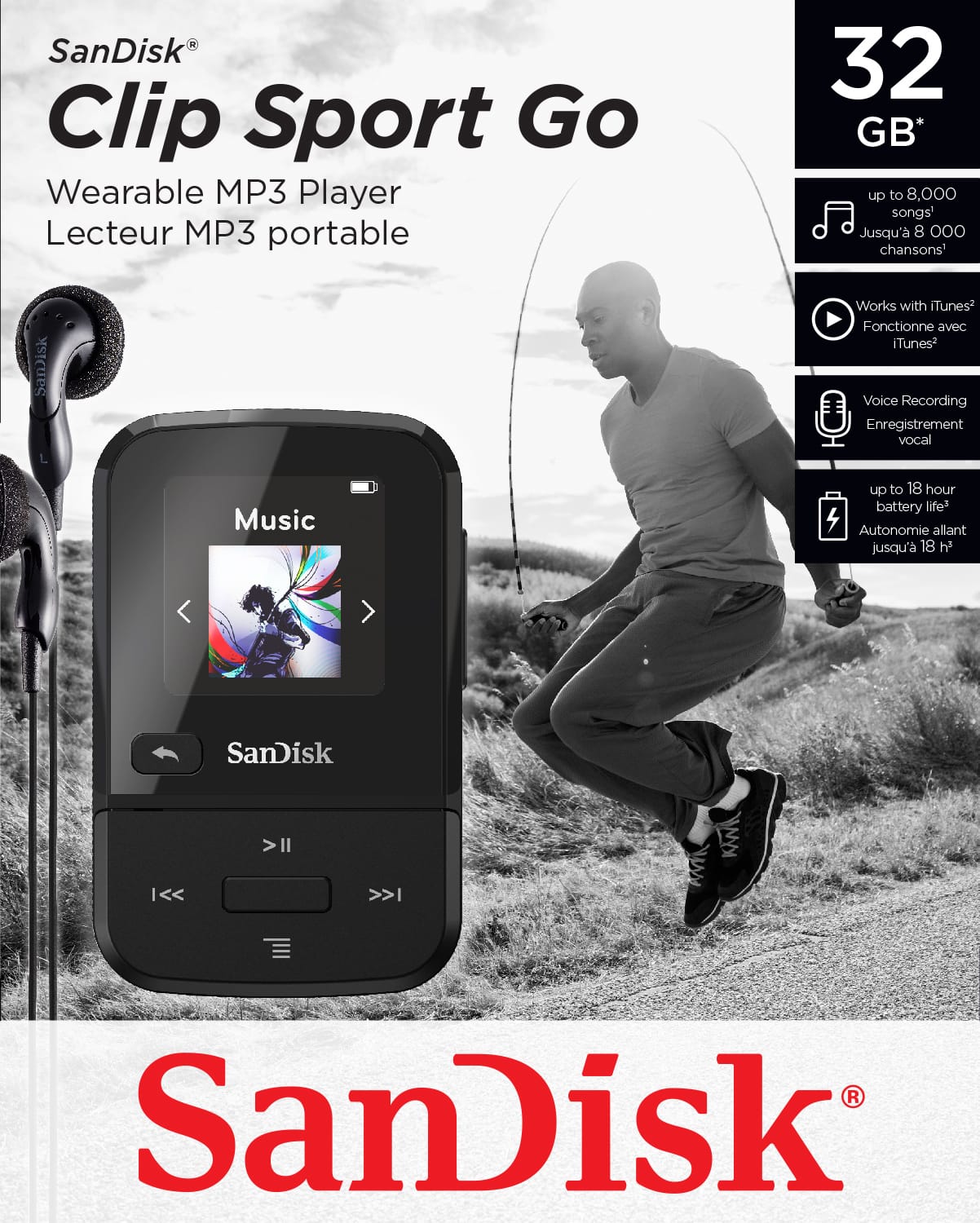
A:AnswerHold the power button in the center and the back button until it turns on. 30 to 40 seconds maybe longer. You may notice a slight flash of light and then nothing. Do it a couple more times if need be and it should turn on eventually. I have a blue and a red. Don't seem to have this problem with the red. Can't imagine there should be a difference but we had a blue and a black one of a previous version and the blue one seemed to have more problems than the black.
A:AnswerGo to http://downloads.sandisk.com/downloads/um/clipsportgo-um.pdf English. Straightforward.
Pretty easy. I have 3 players, a SONY, my iphone and this. I got this because I do not want to run the juice down on the phone. Anyway, I pretty much treat the clip player as I do with itunes. It is just a different cable to my PC. The difference is I simply drag and drop music directly to the clip player (since the PC sees the clip play like a thumb drive). In fact this was much easier to load than using itunes or the SONY software.
A:AnswerNo, the SanDisk® Clip Sport Go 32GB MP3 Player does not supports any third-party software/ application. However, you can transfer files on this MP3 Player using a computer.
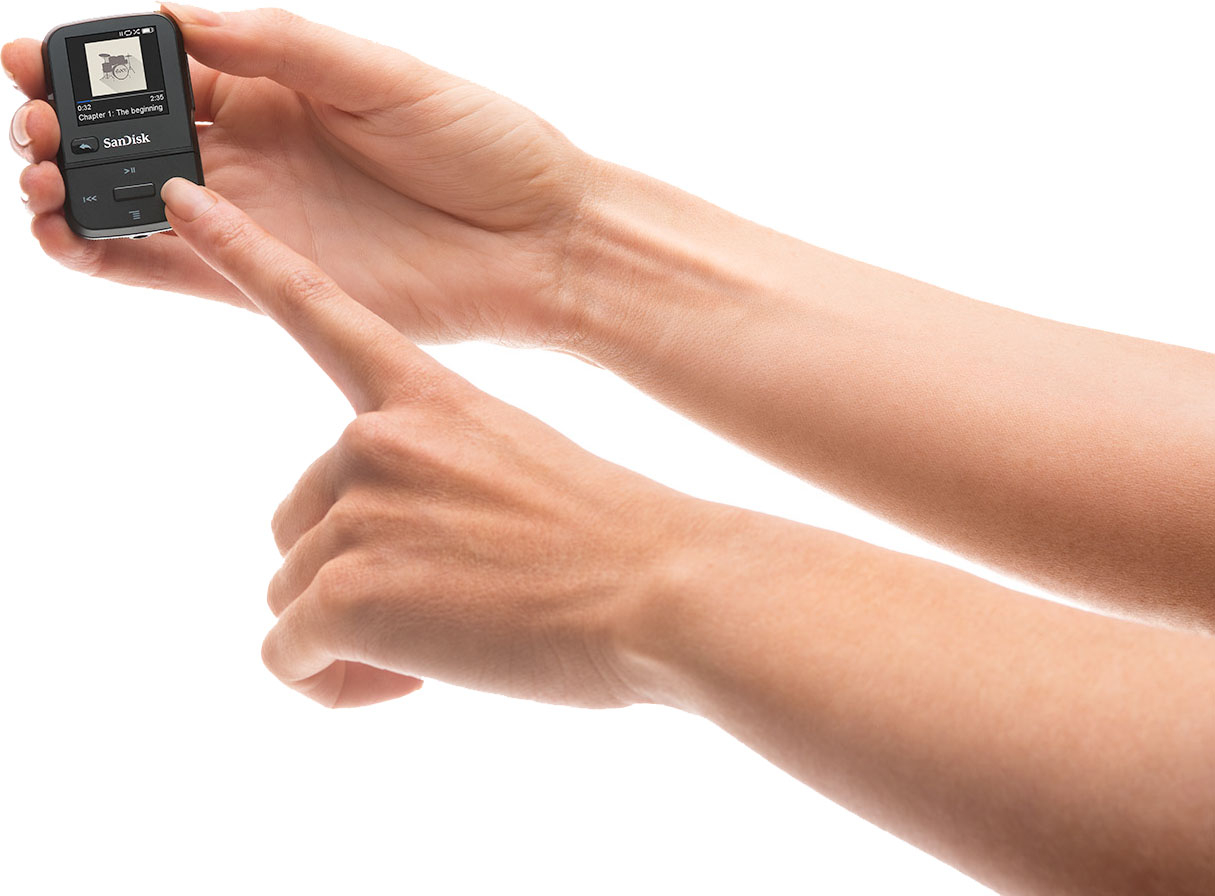
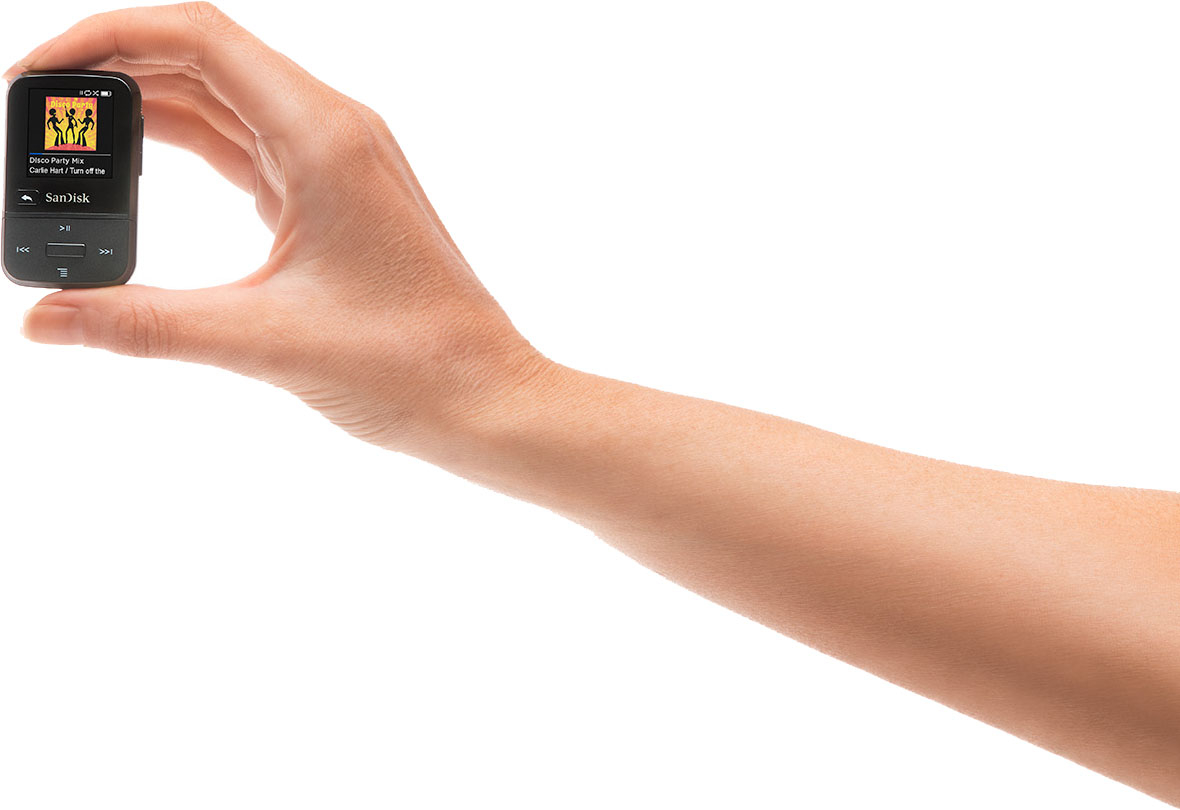
A:AnswerHello, I appreciate your interest in SanDisk® products. The dimensions of the SanDisk® Clip Sport Go 32GB MP3 player is (L X W X H) 0.6" x 1.4" x 2.23" .
A:AnswerYou can transfer music to the SanDisk® MP3 Player's using a computer. If you can download music files from Google Play to your computer then you can transfer them to the MP3 Player using a computer.
A:AnswerPlease allow me to inform you that you can transfer files on SanDisk® MP3 player using a computer only. However, you need to transfer the songs from the CD (Compact Disk) to your computer first.
A:AnswerYes, you can play any song on the SanDisk® Clip Sport Go MP3 Player. However, you have to transfer the music files on this MP3 Player using a computer.
A:AnswerYes, you can transfer songs form iTunes to the SanDisk® Clip Sport Go MP3 Player. However, I would suggest you to contact Apple Customer Support to know how to transfer songs from iTunes to MP3 player.
A:AnswerPlease allow me to inform you that you cannot transfer music files directly from SoundCloud to this MP3 Player. However, you can download music files from SoundCloud to your computer and then you can transfer it to the MP3 Player.
A:AnswerIf you have an android, just know where your downloaded music files are and hook both your phone & the mp3 device to your PC. you can drag & drop or copy & paste anything you want. if you have an Iphone.........i can't help. Apple has there on technology on music & you need a certain program to transfer their music files.
my kids had apple ipods & i hated transferring music for them. mp3's are so easy on androids!
A:AnswerYes, you can transfer the MP3s to the player through Windows Media Player or by using the drag and drop method with either Windows or MAC. For More Information, download the Sandisk Clip Go Sport User Manual at the following link: http://downloads.sandisk.com/downloads/um/clipsportgo-um.pdf